Best Fitness Tracker App in 2026: 8 Apps Compared

How we put this together: we compare official feature and pricing pages, app store listings, privacy policies and public user reviews. Prices change, so check the provider's site before you pay.
Key takeaways
- Strava is the best choice for runners and cyclists who want routes, segments, and a social training community.
- Fitbit and Garmin Connect suit users who already own a Fitbit or Garmin device, because the app and device work as a pair.
- Nike Run Club is the best free running app for guided runs and training plans, while MyFitnessPal suits food and activity tracking together.
- Samsung Health and Apple Fitness suit users who want tracking built into their phone or watch, without a separate device.
- This article is general information only, not medical advice. Activity and sleep data from apps are estimates, so talk to a clinician about health concerns.
Quick comparison
| Name | Who it suits | Starting price | Free option | |
|---|---|---|---|---|
 Strava | Running and cycling community | See website | Yes | Visit |
 Fitbit | Fitbit device owners | See website | Yes | Visit |
 Garmin Connect | Garmin device owners | See website | Yes | Visit |
 Nike Run Club | Free guided running | Free | Yes | Visit |
 MyFitnessPal | Food and activity tracking | See website | Yes | Visit |
 Samsung Health | Samsung phone and watch users | Free | Yes | Visit |
 Apple Fitness | Apple Watch users | See website | Free trial | Visit |
 Polar Flow | Polar device owners | See website | Yes | Visit |
The best fitness tracker app
A fitness tracker app should do three things well: record activity accurately enough to be useful, show progress clearly, and keep you coming back. Some apps need a watch or tracker to shine, while others work with a phone alone. The eight apps below cover running, cycling, general activity, food tracking, and device-led tracking, so you can pick the one that fits your device and your training style.
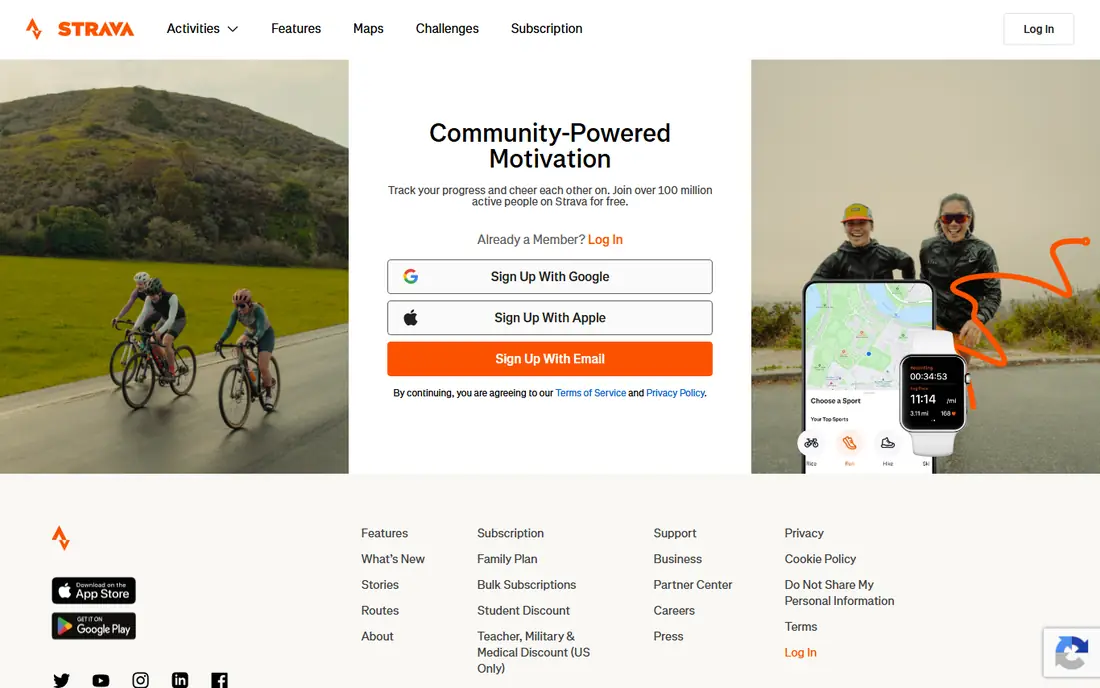
Strava is the app runners and cyclists open first, and the reason is community as much as tracking. Routes, segments, and leaderboards turn a solo run into a shared effort, and the feed shows what friends and clubs are training for. It pairs with most major watches, so you can record on a device and review in the app.
Strava is less useful if your main training is in the gym, because its strength is outdoor endurance activity. The free plan covers core tracking and social features, while paid analysis adds deeper training views. For runners and cyclists who want motivation from a community, Strava is the clear pick.
- Strong route, segment, and activity tracking for runners and cyclists
- Large social community for motivation
- Works with many watches and devices
- Advanced training analysis sits behind a paid plan
- Less suited to gym or food tracking alone
Fitbit is the natural app for anyone who owns a Fitbit tracker or watch. Steps, distance, active minutes, sleep stages, and heart rate appear in one dashboard, with goals and challenges that make daily activity easy to follow. The app is simple, which suits users who want a clear daily picture rather than deep training data.
The catch is device lock-in. Without a Fitbit device, the app offers far less, and some detailed sleep and readiness insights need a paid plan. If you already wear a Fitbit, or you want a simple tracker with a clear app, Fitbit is a strong choice. If you run or cycle seriously, pair it with Strava for routes and segments.
- Clear daily activity, sleep, and heart rate views for Fitbit devices
- Simple goals and challenges
- Long battery life on many Fitbit devices
- Best experience needs a Fitbit device
- Some detailed insights sit behind a paid plan
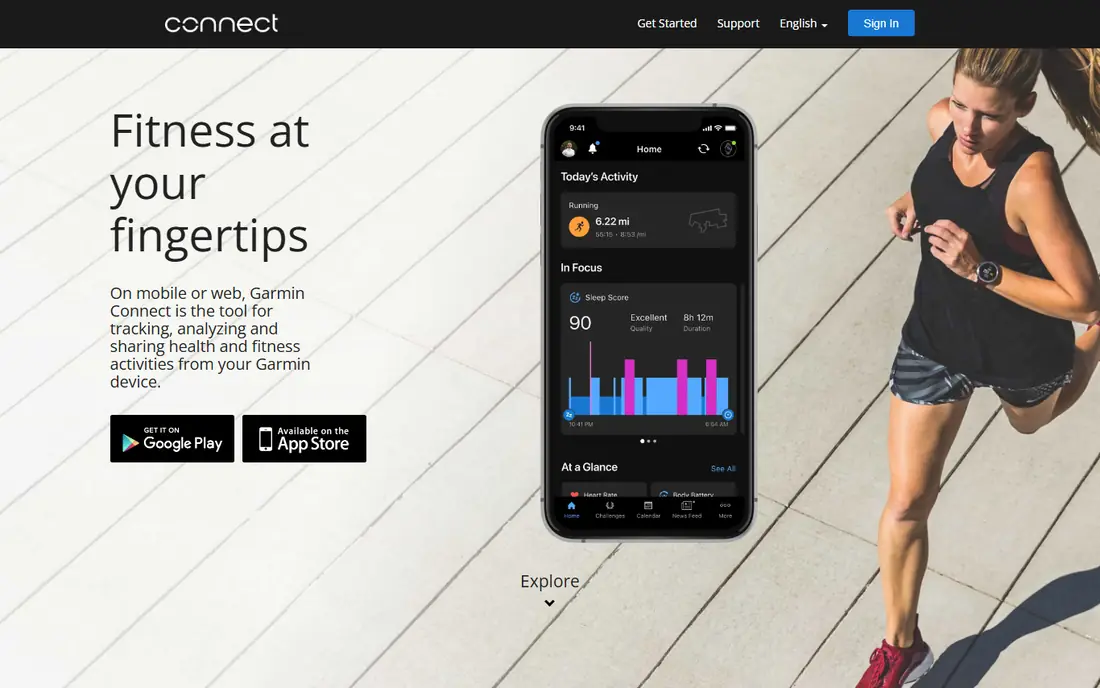
Garmin Connect is the app for serious athletes who already own a Garmin watch. It shows training load, recovery time, sleep, heart rate, and detailed activity maps, with far more depth than a general phone app. Multisport athletes, trail runners, and cyclists who train by data will find the most useful views here.
Casual users may find the interface dense, because Garmin Connect exposes many metrics at once. That depth is the point for athletes, but it can overwhelm someone who only wants steps and sleep. If you own a Garmin device and you train with structure, Garmin Connect is the best app in this list for you.
- Deep training, recovery, and health data for Garmin devices
- Strong for runners, cyclists, and multisport athletes
- No subscription needed for core features
- Interface is dense for casual users
- Best experience needs a Garmin device
Nike Run Club is the best free running app in this guide, because its guided runs and training plans cost nothing. Audio coaching talks you through intervals, long runs, and recovery runs, which helps beginners who are unsure how to structure training. Run tracking, pace, and distance are clear, and achievements add a light sense of progress.
Nike Run Club is a running app first, so it does not replace a general fitness tracker for gym work, sleep, or food. It also has fewer community features than Strava. For runners who want a free, guided way to start or improve, Nike Run Club is hard to beat, and it pairs well with a general tracker app.
- Free guided runs and training plans
- Clear run tracking and pace views
- Motivational audio coaching during runs
- Focused on running, not general fitness or food tracking
- Fewer social features than Strava
MyFitnessPal is the pick when food matters as much as activity. Its food database covers many packaged and restaurant foods, barcode scanning speeds up logging, and activity from a tracker or phone can sit alongside food in one daily view. That combination helps users who want to understand the balance between eating and moving.
Food logging takes effort, and accuracy depends on portion sizes and honest entries. Some detailed views sit behind a paid plan, but the free plan covers core food and activity tracking. MyFitnessPal is general information for tracking, not a diet plan, and users with health conditions should talk to a clinician before changing eating habits based on app data.
- Large food database for calorie and nutrient tracking
- Activity tracking alongside food
- Barcode scanning for packaged foods
- Detailed nutrient views and some features sit behind a paid plan
- Food logging needs daily effort to stay useful
Samsung Health suits users who want tracking without buying a separate app or device. It is built into many Samsung phones, and it pairs with Samsung watches for heart rate, sleep, and workout tracking. Steps, active minutes, and sleep appear in a clear daily view, with challenges and goals for motivation.
Samsung Health is less deep than Garmin Connect for structured training, and its social features are lighter than Strava. For Samsung users who want a free, simple tracker that is already on their phone, it is the easiest choice. Add Strava or Nike Run Club if running becomes a serious focus.
- Built into many Samsung phones and watches
- Tracks steps, workouts, sleep, and heart rate
- Simple daily dashboard
- Best experience needs a Samsung device
- Social and training features are lighter than Strava or Garmin Connect
Apple Fitness is built around the Apple Watch activity rings: move, exercise, and stand. That simple visual system motivates many users to close their rings each day, and workout views for running, cycling, swimming, and strength training are clear. Fitness Plus adds guided workouts, with trainers and music, for users who want structured sessions.
The catch is ecosystem lock-in. Without an Apple Watch, Apple Fitness offers far less, and Fitness Plus needs a subscription after any trial. For Apple Watch owners who want a clean, motivating daily view, Apple Fitness is the natural pick. For Android users, Samsung Health or Fitbit are better fits.
- Clear activity rings and workout views for Apple Watch users
- Guided workouts in Fitness Plus
- Tight link to Apple Health data
- Best experience needs an Apple Watch
- Fitness Plus is a paid subscription in many cases
Polar Flow is the app for Polar watch and heart rate sensor owners. It shows training load, recovery, sleep, and heart rate zones in a clear way, and it suits runners and endurance athletes who train by heart rate. Polar heart rate sensors are widely respected, and Flow makes that data easy to review after each session.
Polar Flow has a smaller community than Strava, so it is less suited to social motivation. Without a Polar device, it offers little. For Polar owners who want training and recovery data without a subscription for core features, Polar Flow is a strong, focused choice.
- Clear training and recovery views for Polar devices
- Strong heart rate tracking
- Useful for runners and endurance athletes
- Best experience needs a Polar device
- Smaller community than Strava
How we picked these
We shortlisted apps with a clear fitness tracking model, a public app store listing, and current availability in October 2026. We checked each official homepage to confirm the app still exists and fits fitness tracking, and we read official feature pages and app store listings to compare tracking, device support, social features, and free plans. We left out apps that only count steps with no workout or health views, and apps that had closed. Health data in these apps are estimates, so we made no medical claims and added a general health note.
How to choose a fitness tracker app
Start from your device
If you own a Fitbit, Garmin, Polar, Samsung, or Apple device, start with its own app, because that pairing gives the fullest data. If you use only a phone, start with Strava for outdoor training, Nike Run Club for running, or MyFitnessPal for food plus activity. Switching apps later is easy, but switching devices is not.
Pick one main metric to follow
Steps, distance, active minutes, sleep, or training load: pick one metric that matches your goal, and follow it for a month. Apps offer many numbers, but progress comes from watching one trend consistently, not from checking every chart each day.
Check privacy and data sharing
Fitness apps hold location, heart rate, and sleep data, so read the privacy policy before you share routes publicly. Strava and similar apps allow private activities and hidden start points, which is worth setting up if you run from home. Review connected apps and sharing settings each month.
Frequently asked questions
What is the best fitness tracker app?
The best fitness tracker app depends on your device and training. Strava suits runners and cyclists, Fitbit suits Fitbit owners, Garmin Connect suits Garmin owners, and Nike Run Club suits free guided running. For general phone-only tracking, Samsung Health on Samsung phones is a strong free choice.
What are the best apps for fitness trackers?
The best apps for fitness trackers are the apps made for each device: Fitbit for Fitbit, Garmin Connect for Garmin, Polar Flow for Polar, Samsung Health for Samsung, and Apple Fitness for Apple Watch. Strava and Nike Run Club work across many devices and add community and guided training.
What is the best fitness tracker app for running?
Strava and Nike Run Club are the best fitness tracker apps for running in this guide. Strava suits runners who want routes, segments, and community, while Nike Run Club suits runners who want free guided runs and training plans. Garmin Connect and Polar Flow suit runners who train by heart rate and recovery data.
Is a free fitness tracker app enough?
Yes, for many users. Strava, Nike Run Club, Samsung Health, and the device apps all offer free plans that cover core tracking. Paid plans add deeper analysis, guided workouts, or detailed sleep insights, which matter more for serious athletes than for casual users. Start free, and pay only when a paid feature solves a real need.
Do fitness apps need a watch or tracker?
No. Phone apps can track runs, walks, and workouts using GPS and motion sensors, and MyFitnessPal tracks food without any device. A watch or tracker adds continuous heart rate, sleep, and all-day activity data, which makes the app more useful, but it is not required to start.
Are fitness tracker apps accurate?
Fitness apps give useful estimates for distance, pace, steps, and sleep, but they are not medical devices. GPS, wrist sensors, and sleep algorithms all have limits, especially in built-up areas or during unusual movements. Use trends over weeks, not single readings, and talk to a clinician about health decisions rather than relying on app data alone.
Sources we checked (8)

Online Jobs is an independent blog about careers, online work, learning new skills and the tools that help people earn. More about us.
Keep reading
All posts
Best workout apps for women
Compare the best workout apps for women in 2026, from free guided classes to structured strength plans, with current prices, free plans and honest trade-offs.
Best Yoga App
Find the best yoga app for home practice in 2026, with verified prices, free options, class styles, trials and honest limits for 10 yoga apps compared.
Best Workout Tracker App
We compared the best workout tracker app options for gym, home, and running training, checking prices, free plans, and logging tools in detail. See inside.