Best Fitness Apps in 2026: 9 Apps Compared

How we put this together: we compare official feature and pricing pages, app store listings, privacy policies and public user reviews. Prices change, so check the provider's site before you pay.
Key takeaways
- Nike Training Club is free with a Nike account, making it the best starting point for guided workouts at no cost.
- Apple Fitness+ costs 9.99 dollars per month and shares with up to six family members, while Peloton App One costs 12.99 dollars per month.
- Fitbod costs 15.99 dollars per month and builds strength workouts around your equipment, recovery, and progress.
- Strava costs 11.99 dollars per month for its subscription tier and remains the social home for runners and cyclists.
- Strong PRO costs 4.99 dollars per month and suits lifters who want fast logging without programs or guidance.
Quick comparison
| Name | Who it suits | Starting price | Free option | |
|---|---|---|---|---|
 Nike Training Club Nike Training Club | Free guided workouts | Free | Yes | Visit |
 FitOn FitOn | Free classes plus plans | See website | Yes | Visit |
 Peloton App Peloton App | Studio-style classes | $12.99 per month | Yes | Visit |
 Apple Fitness+ Apple Fitness+ | Apple Watch owners | $9.99 per month | Free trial | Visit |
 Fitbod Fitbod | Personalized strength plans | $15.99 per month | Free trial | Visit |
 Strava Strava | Running and cycling social | $11.99 per month | Yes | Visit |
 Strong Strong | Fast workout logging | Free | Yes | Visit |
 Hevy Hevy | Social lifting tracker | Free | Yes | Visit |
 JEFIT JEFIT | Detailed strength tracking | See website | Yes | Visit |
The best fitness apps
Fitness apps split into guided classes, strength planners, and trackers, and the right one depends on how you like to train. We compared official pricing pages, feature lists, and app store listings to sort free options from paid ones and class-based apps from logging tools.
Nike Training Club is our pick for anyone starting out, because it costs nothing. With a free Nike account you get guided workouts across strength, cardio, yoga, and mobility, for beginners through advanced athletes, with programs that run several weeks. There is no subscription tier to upsell you into, which keeps the experience simple.
The trade-off is personalization. Plans do not adapt to your equipment or progress the way Fitbod does, and there are no live classes. For a free library of well-produced workouts that you can start today, Nike Training Club is unmatched.
- Completely free with a Nike account
- Workouts for all levels
- Strength, cardio, yoga, and mobility
- No personalized adaptive programming
- No live classes
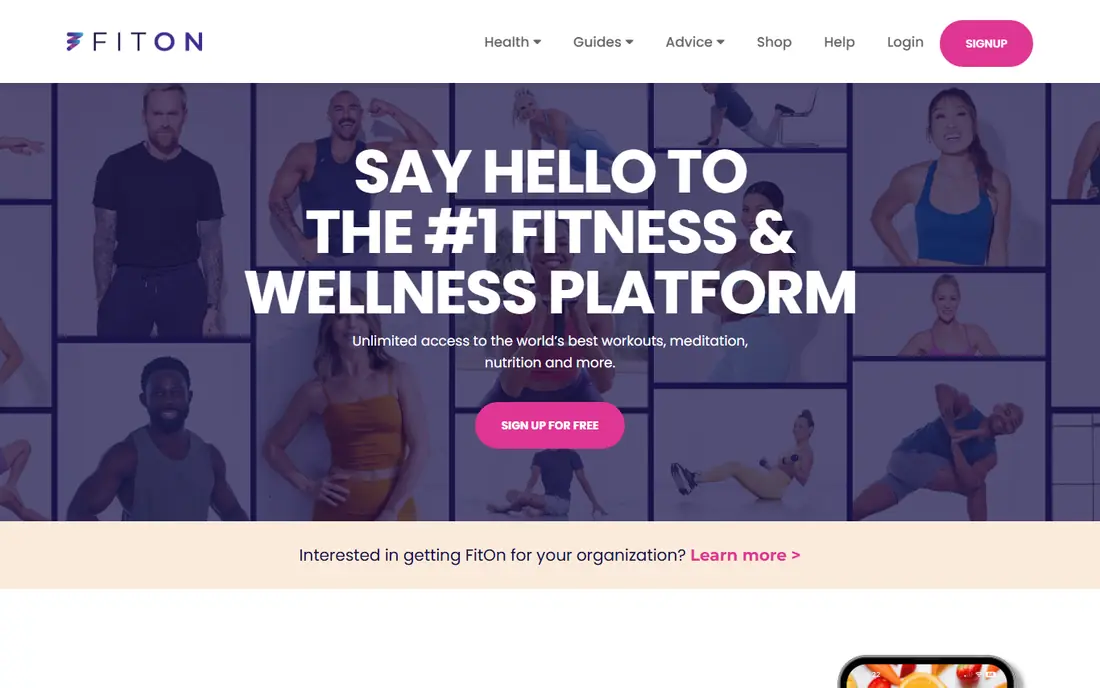
FitOn offers a large library of workout classes free, including cardio, strength, yoga, and Pilates, plus meal plans and challenges. Celebrity trainers lead many sessions, and the social features let friends join challenges together. A paid Pro tier adds deeper plans and features, with pricing listed on the vendor's site.
The free library is the draw, but the best plans sit behind Pro, and class quality varies more than in Peloton or Apple Fitness+. For a free class-based app with variety and social features, FitOn is a strong second option after Nike Training Club.
- Large free class library
- Celebrity trainer workouts
- Meal plans and challenges
- Premium features behind a paid tier
- Class quality varies
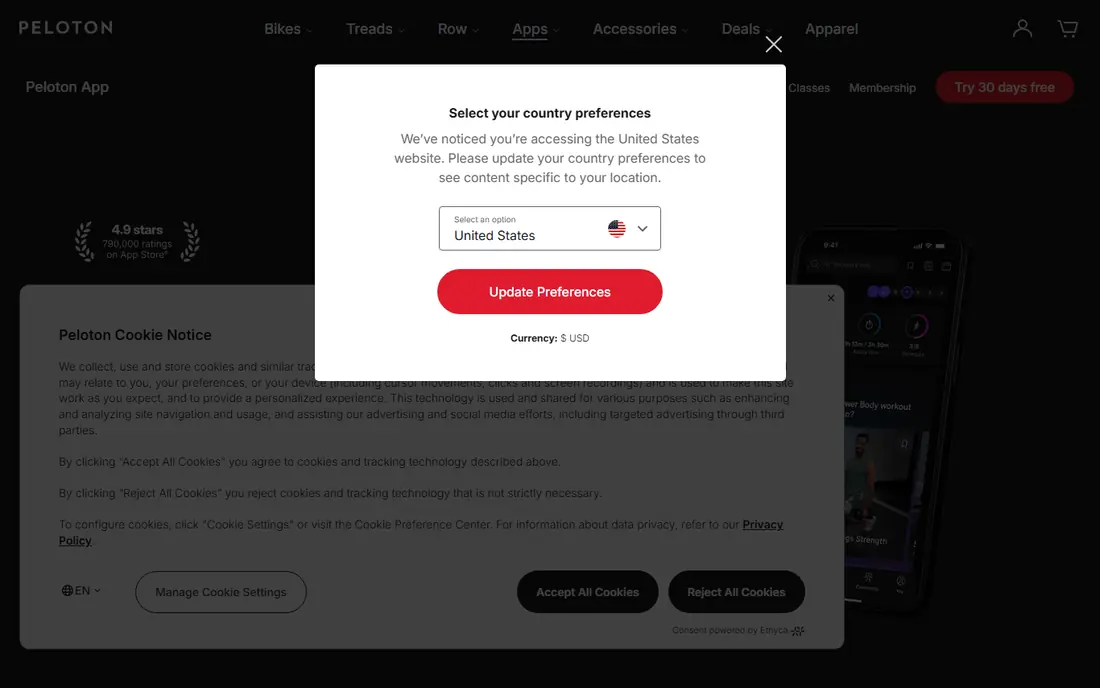
Peloton App One costs 12.99 dollars per month, with a free tier offering a sampler of classes, and App+ costs more for equipment-based classes. The library covers strength, yoga, Pilates, barre, cycling, running, and meditation, with instructors many members follow for years. No Peloton bike is needed for the app, and classes run on phones, TVs, and the web.
Peloton is class-based, so it does not log sets or build custom routines the way a tracker does. For someone motivated by instructors, music, and live class energy, it is the most polished option here. For a lifter who wants programming, Fitbod or Strong fits better.
- Excellent instructors and production
- Huge class library
- Free sampler of classes
- Full library needs App One
- No set logging or custom routines
Apple Fitness+ costs 9.99 dollars per month or 79.99 dollars per year, with a free trial of one month, or three months with a new device. Workouts span strength, HIIT, yoga, dance, and meditation, with real-time Apple Watch metrics like heart rate and rings shown on screen. One subscription shares with up to six family members at no extra cost.
The limit is the ecosystem. Apple Fitness+ runs on Apple devices, with no Android version, and an Apple Watch adds the most value, though it is not strictly required. For an Apple household, the family sharing alone makes it one of the best values in fitness apps.
- Studio-quality workouts
- Shares with up to six family members
- Apple Watch metrics on screen
- Needs Apple devices
- No Android version
Fitbod costs 15.99 dollars per month or 95.99 dollars per year, with a 7-day trial. It builds each strength workout from your available equipment, muscle recovery, and training history, so sessions change as you progress. The exercise library includes video guidance, and it syncs with Apple Watch and other wearables.
The price is steep next to Strong or Hevy, and cardio tracking is secondary to strength. For a lifter who wants a plan written for them each session without hiring a coach, Fitbod's adaptive programming justifies the cost.
- Workouts adapt to your equipment, recovery, and progress
- Good exercise library
- Apple Watch support
- Highest price among strength apps here
- Cardio features are secondary
Strava's subscription costs 11.99 dollars per month or 79.99 dollars per year, with a 30-day trial, while the free tier covers activity tracking and the social feed. Runners and cyclists log workouts, compete on segments, plan routes, and follow friends, with support for Garmin, Apple Watch, and most wearables.
The subscription gates deeper training analysis, route planning features, and beacon safety sharing. For an athlete who trains alone but likes community motivation, Strava's feed and segments are genuinely motivating. For pure workout logging, a simpler tracker costs less.
- Largest athlete community
- Segments and route planning
- Strong wearable support
- Subscription needed for full training analysis
- Social feed can distract
Strong is for the lifter who knows their program and wants the fastest way to record it. The free tier logs unlimited workouts with 3 custom routines and a standalone Apple Watch app, while PRO costs 4.99 dollars per month or 29.99 dollars per year for unlimited routines and extra features. Logging a set takes seconds, and history charts show progress clearly.
There are no programs, no coaching, and no nutrition features, so beginners get no guidance on what to lift. For an experienced lifter who wants a notebook rather than a coach, Strong is the cleanest tool on this list.
- Fastest set logging
- Unlimited workouts free
- Standalone Apple Watch app
- Only 3 custom routines on free
- No programs or guidance
Hevy combines workout logging with a social feed, letting lifters share routines, follow friends, and comment on sessions. The free tier covers logging and routines, with subscriptions from 4.99 dollars per month adding advanced statistics and features. Its design feels modern next to older trackers, and routine sharing makes it easy to try a friend's program.
Advanced statistics sit behind the paid tier, and the community is smaller than Strava's. For a lifter who wants logging plus social motivation in one app, Hevy strikes a good balance between Strong's minimalism and Fitbod's coaching.
- Modern tracker with social features
- Free tier is generous
- Routine sharing with friends
- Paid tier needed for advanced stats
- Smaller community than Strava
JEFIT offers one of the largest exercise databases among strength trackers, with detailed logging for sets, reps, and rest times, plus body stat tracking and community-shared programs. A free tier covers core tracking, with a paid Elite tier adding advanced features and removing ads.
The interface feels dated next to Hevy and Strong, and some features need the paid tier. For a lifter who wants the deepest exercise library and detailed records, JEFIT's database is a real advantage.
- Huge exercise database
- Detailed tracking with body stats
- Community programs
- Interface feels dated
- Premium features behind a subscription
How we picked these
We compared official pricing pages, feature lists, and app store listings for fitness apps that work today in the US. Prices are the standard published rates from each vendor's own site, and where pricing varies by store or region we say so rather than guessing. We favored apps with a real free tier or trial, since fitness apps are easy to abandon, and we included class-based, planning, and tracking apps rather than only one style.
What to check before you choose
Start with how you train. Class lovers need Peloton or Apple Fitness+, strength planners need Fitbod, and experienced lifters need Strong or Hevy. The wrong style will sit unused no matter how good the app is.
Try the free tier for two full weeks
A single workout does not show whether an app fits your routine. Use the free tier or trial for two weeks, including your normal training days, before paying. Check whether you actually open it on busy days, since consistency matters more than features.
Check equipment and device support
Apple Fitness+ favors Apple devices, Strava favors GPS watches, and Fitbod adapts to your equipment list. Confirm your watch, phone, and gym setup work with the app before subscribing, and check whether family sharing covers your household.
Watch the renewal terms
Monthly plans cost more per month but let you quit easily, while annual plans save money only if you stick with the app. Set a reminder before renewal, and cancel through the store where you bought the subscription if you purchased in-app.
Frequently asked questions
What is the best fitness app?
Nike Training Club is our pick for free guided workouts, Apple Fitness+ for Apple households, and Fitbod for personalized strength training. Peloton leads on class quality, while Strava leads for runners and cyclists. The best app is the one matching how you train and that you will open consistently.
What is the best free fitness app?
Nike Training Club is the best fully free option, with guided workouts at no cost beyond a Nike account. FitOn and Strava also offer strong free tiers, and Strong logs unlimited workouts free. If you want classes without paying, start with Nike Training Club.
What is the best fitness app for weight loss?
No app alone causes weight loss, but apps that combine training with nutrition tracking help most. Pair a workout app like Nike Training Club or Fitbod with a food tracker, and pick an app you will use daily. Consistency and a sustainable routine matter more than any single app's features.
What is the best app for tracking workouts?
Strong is the fastest logger for lifters, Hevy adds social features to logging, and JEFIT offers the deepest exercise database. Strava is best for running and cycling tracking. Pick based on whether you lift, run, or do both, and whether you want social features.
What is the best free workout app for weight loss?
Nike Training Club offers free guided workouts that support a weight loss routine, and Strava free tracks runs and rides. Combine either with a free food tracking app for the nutrition side. Free apps work well here, since the routine matters more than premium features.
Do fitness apps need equipment?
Most apps on this list work without equipment, including Nike Training Club, FitOn, Peloton App, and Apple Fitness+, which all offer bodyweight workouts. Fitbod adapts to whatever equipment you have, from none to a full gym. Check the app's filters for bodyweight or no-equipment options before subscribing.
Sources we checked (9)

Online Jobs is an independent blog about careers, online work, learning new skills and the tools that help people earn. More about us.
Keep reading
All posts
Best workout apps for women
Compare the best workout apps for women in 2026, from free guided classes to structured strength plans, with current prices, free plans and honest trade-offs.
Best Yoga App
Find the best yoga app for home practice in 2026, with verified prices, free options, class styles, trials and honest limits for 10 yoga apps compared.
Best Workout Tracker App
We compared the best workout tracker app options for gym, home, and running training, checking prices, free plans, and logging tools in detail. See inside.