Best Firewall Software for Homelabs in 2026: 8 Tools Compared

How we put this together: we compare official feature and pricing pages, app store listings, privacy policies and public user reviews. Prices change, so check the provider's site before you pay.
Key takeaways
- OPNsense is the best starting point for most new homelabs, thanks to its modern interface, frequent updates and fully free core.
- pfSense remains a strong choice for users with existing experience, a large tutorial base, or a preference for its package set.
- Lightweight options such as OpenWrt and IPFire suit older hardware, small boxes and low-power setups.
- Budget for a small x86 box with two network ports, and always back up the firewall configuration before an upgrade.
Quick comparison
| Name | Who it suits | Starting price | Free option | |
|---|---|---|---|---|
 OPNsense OPNsense | Most new homelabs | Free | Yes | Visit |
 pfSense pfSense | Experienced users and large tutorial base | Free | Yes | Visit |
 OpenWrt OpenWrt | Low-power and repurposed hardware | Free | Yes | Visit |
 IPFire IPFire | Simple, secure small networks | Free | Yes | Visit |
 Sophos Firewall Home Sophos Firewall Home | Enterprise-style features at home | Free | Yes | Visit |
 NG Firewall NG Firewall | App-aware filtering for families | Free | Yes | Visit |
 VyOS VyOS | Routing-first homelabs and learning | Free | Yes | Visit |
 Firewalla Firewalla | Plug-and-play appliance software | See website | No | Visit |
The best firewall software for homelabs
We compared official feature pages, documentation, pricing pages and community guides for firewall software that runs in a home lab in October 2026. The list covers full firewall distributions, lightweight router software and one appliance route, so you can match the tool to your hardware and patience for setup.
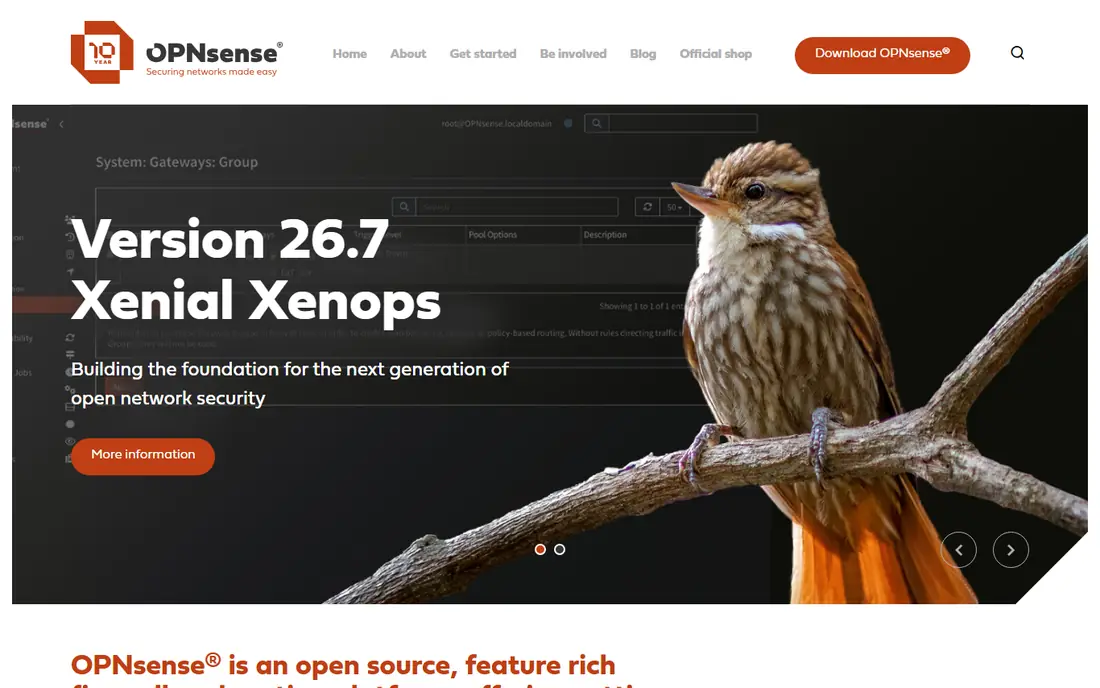
OPNsense is our first recommendation for a fresh homelab build. It is a free, open source firewall and routing platform based on FreeBSD, and its interface groups firewall rules, VPN settings, DNS and intrusion detection in a way that feels logical after a short learning period. You can run it on a small x86 mini PC, in a virtual machine, or on supported appliance hardware, and the core software carries no licence fee.
The practical strengths are update frequency and breadth. WireGuard and OpenVPN support, VLANs, traffic shaping and Suricata-based intrusion detection are part of the package, and plugins add DNS filtering and extra services without a separate purchase. The honest catch is that moving an existing setup across is manual work, and a complex multi-VLAN network still needs planning. Back up the configuration, test a restore, and read release notes before upgrading.
- Modern web interface
- Frequent updates
- Built-in intrusion detection, VPN and plugin system
- Migration from another firewall needs manual rule rebuilding
- Some advanced features take time to learn
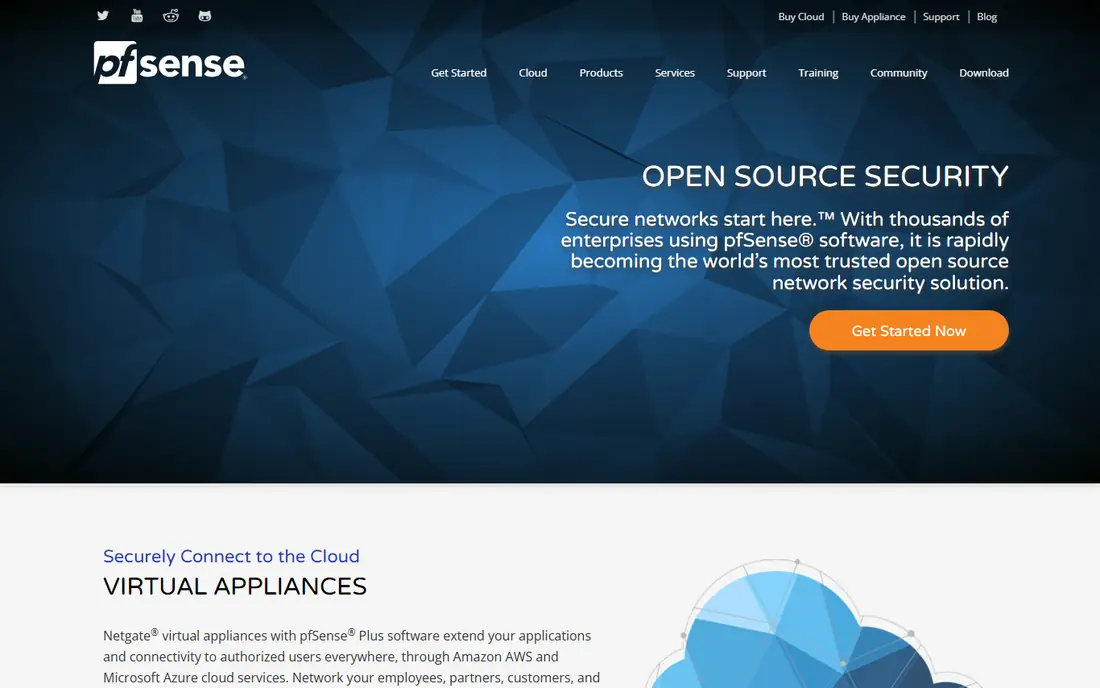
pfSense has been the default homelab firewall for many years, and that history still counts. If you search for a problem, you will usually find a guide, a forum thread or a video that matches your setup. The package system is a real draw too, with tools for DNS-based ad blocking, VPN clients and traffic monitoring that extend the base firewall in useful ways.
New users should understand the licensing picture before they start. pfSense Community Edition is free, while pfSense Plus is the paid version tied to Netgate hardware and support. That split does not make Community Edition unusable, but it does mean you should check which features and update paths apply to the version you install. If you already know pfSense, staying put is sensible. If you are starting fresh, compare it side by side with OPNsense before committing your main network to either one.
- Long track record
- Huge library of guides and forum posts
- Strong package ecosystem including pfBlockerNG
- Interface feels older than OPNsense
- Licensing split between Community Edition and paid Plus can confuse new users
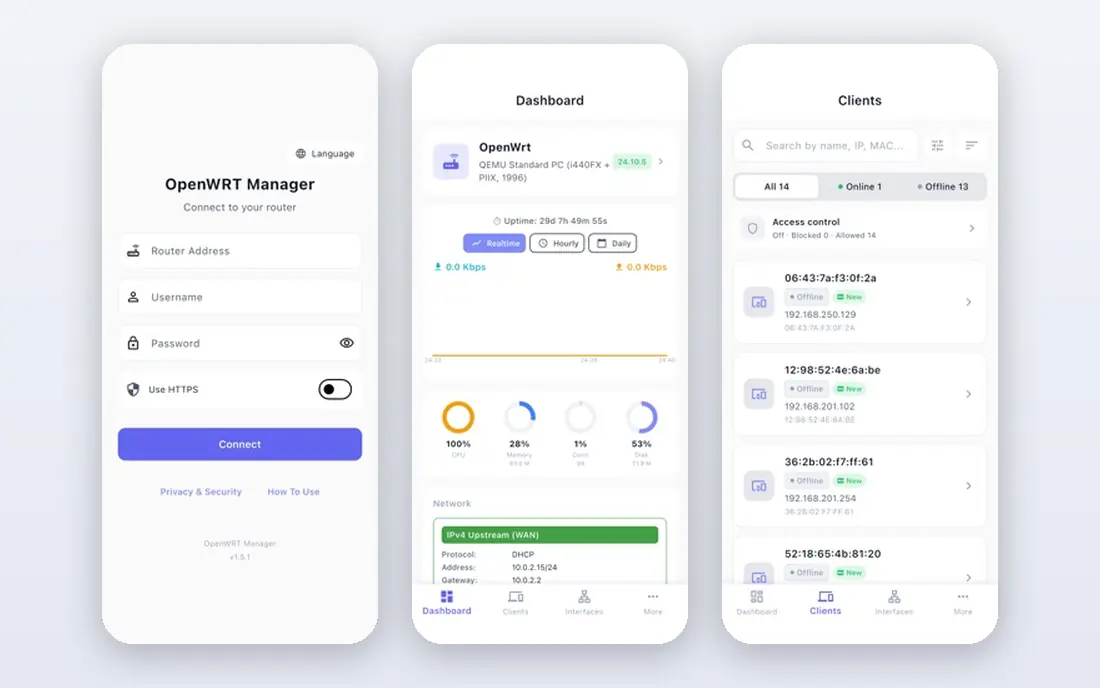
OpenWrt began life for routers, and that origin shows in its efficiency. It runs happily on modest hardware, including old routers and small mini PCs, and it gives you a full Linux system with a package manager underneath. For a homelab on a tight budget or a spare box, that efficiency is hard to beat, and you can add VPN, DNS filtering and traffic controls as packages.
The trade-off is guidance. OpenWrt expects more comfort with networking concepts than a dedicated firewall distribution, and the web interface, while capable, does not walk you through a multi-VLAN design in the same way. It is a great second firewall for a lab segment, a travel router, or a low-power edge box. For a first firewall on your main home network, allow extra time for testing and keep your old router nearby until the new setup proves stable.
- Very light on resources
- Huge device support
- Flexible package system and strong community
- Firewall setup is less guided than OPNsense or pfSense
- X86 setup needs more manual network work
IPFire suits a homelab owner who wants a secure, understandable firewall without a long feature list to sort through. Its zone model separates trusted, untrusted, DMZ and wireless networks by colour, which makes the basic design easy to picture. Intrusion detection, VPN support and web proxy filtering are included, so a small network gets solid protection without hunting for add-ons.
The limit is breadth. You will find fewer third-party packages and fewer glossy guides than for the two big FreeBSD options, and some users will miss a particular tool they relied on elsewhere. That is not a flaw for a focused setup, but it matters if your lab plan depends on a specific package. IPFire is best for smaller networks, older boxes and users who value a clean, security-first default over maximum extensibility.
- Clear colour-coded zone model
- Intrusion detection included
- Runs well on older hardware
- Smaller package ecosystem than pfSense or OPNsense
- Interface and add-on range feel narrower
Sophos Firewall Home Edition brings commercial firewall thinking into a home lab at no licence cost for home use. You install it on a spare x86 PC, and you get web filtering, application control, VPN and intrusion prevention features that many home users would otherwise need several tools to assemble. The interface is polished, and the reporting gives a clear view of what is crossing your network.
Limits apply, as with any free home edition, so check the current hardware requirements and licence terms on the Sophos site before you build around it. It is also a heavier, more commercial product than a community firewall, so the learning curve and update process feel different. Choose it if you want to learn a commercial platform, or if web filtering and application awareness matter more to you than community plugins.
- Free home edition of a commercial firewall
- Strong web filtering and application controls
- Polished interface
- Home edition has hardware and feature limits
- Learning the commercial interface takes time
NG Firewall, formerly Untangle, is the most visual option on this list. It presents traffic by application, which helps when the question is not just which port is open but which app or service is using the connection. For a family network with children, guests and smart home devices, that view can make policy decisions easier to explain and adjust.
The free core covers firewall, routing and basic filtering, while many of the deeper content and threat tools sit in paid apps. That model is fair, but it means the total cost depends on which apps you add. It is also less covered in homelab tutorials, so expect to rely more on official documentation. Pick NG Firewall if application visibility and a gentler interface matter more than the largest community or the deepest free package set.
- Visual, app-aware interface
- Free core with paid apps for extra filtering
- Good for shared family networks
- Full feature set needs paid apps
- Less common in homelab guides than OPNsense or pfSense
VyOS is a different kind of pick. It is an open source network operating system built for routing, firewalling and VPN work, and it appeals to homelab users who want to learn how networks actually work. You can build complex routing, policy-based VPNs and segmented lab networks, and the configuration model is consistent and scriptable, which suits automation and lab rebuilds.
The honest catch is approachability. VyOS leans on the command line and structured configuration, so it is not the fastest route to a working family firewall. It shines as a lab router, a second firewall for a segmented network, or a learning platform for routing and firewall rules. If your main goal is a quick, click-driven home firewall, start with OPNsense. If you want to understand routing deeply, VyOS earns its place.
- Strong routing, firewall and VPN in one command-line-driven system
- Good for learning network engineering
- Runs as a VM or on hardware
- Less beginner-friendly web interface
- Firewall setup leans on configuration rather than guided clicks
Firewalla is the answer for homelab users who want firewall protection without building a PC or learning a full firewall interface. You buy a small Firewalla box, plug it into your network, and manage rules, VPN, ad blocking and device controls from a phone app. That simplicity makes it a good fit for households where several people need basic controls and the main user does not want a weekend project.
Flexibility is the trade-off. You cannot match the package depth or custom routing of OPNsense or pfSense, and the total cost includes hardware rather than just spare parts. For a pure homelab, that may feel limiting, but for a mixed home and lab network where ease and uptime matter, Firewalla removes a lot of friction. Check the current hardware models and prices on the vendor site, since the range changes over time.
- Simple app-based management
- Built-in VPN, ad blocking and parental controls
- No need to build a firewall PC
- Requires Firewalla hardware, so cost is higher than free software
- Less flexible than a full firewall distribution
How we picked these
We compared official feature pages, documentation, pricing pages and community guides for software that is still maintained and usable in a home lab in October 2026. We looked for a working firewall and routing core, VPN support, update activity, and a realistic hardware path, whether that is a mini PC, a virtual machine, or an appliance. We did not test every product hands-on for this guide, and licence terms and hardware limits change, so confirm the current terms on each vendor site before installing.
Choosing the right firewall for your homelab
Start with hardware, then pick software
A small x86 box with at least two network ports, one for the internet and one for your local network, covers most homelab firewalls. Low-power, quiet boxes suit a device that runs all day. Check CPU, RAM and port speed against your internet plan, and keep a spare cable and your old router handy during the first cutover.
Plan zones before you add rules
Sketch your networks first: trusted devices, guests, smart home gear, servers and a lab segment. A clear zone plan makes firewall rules easier to write and easier to audit later. Start with a default deny mindset for traffic between zones, then open only what a service actually needs.
Test backups and updates on a schedule
Export the configuration after every major change and store a copy away from the firewall itself. Test a restore in a virtual machine if you can. Read release notes before an upgrade, and avoid upgrading the main firewall on the same day you need the network for work or study.
Frequently asked questions
What is the best firewall software for homelabs for beginners?
OPNsense is the best starting point for most beginners, because it combines a modern interface, frequent updates and a full free core. pfSense is a close second if you prefer its tutorial base, while Firewalla suits users who want an appliance with app management.
Is pfSense or OPNsense better for a homelab in 2026?
Both are capable FreeBSD-based firewalls with VPN, VLAN and intrusion detection support. OPNsense tends to suit new builds thanks to its interface and update cadence, while pfSense suits users with existing experience or a specific package need. Performance on the same hardware is usually close, so choose on interface, licensing and package fit.
Can I run firewall software in a virtual machine?
Yes, many homelab users run OPNsense, pfSense, VyOS or OpenWrt as a virtual machine. Pass through separate network interfaces where possible, keep the host network simple, and remember that a host reboot will take the firewall down with it.
Do I need a dedicated PC for a homelab firewall?
A dedicated mini PC is the most reliable route for a main home firewall, because it stays up independently and has real network ports. A virtual machine is fine for learning and for lab segments, but think carefully before making your only internet connection depend on a shared host.
Is free firewall software safe for home use?
Free, maintained firewall software can be safe when it is updated, configured with sensible rules and backed up. Safety comes from the setup and upkeep, not the price tag, so keep updates current, use strong admin credentials and review rules after changes.
What hardware do I need for gigabit internet?
Check the vendor guidance for your chosen software, but a modern low-power x86 CPU with two gigabit or faster ports is a common starting point. Intrusion detection and VPN use add load, so leave headroom if you plan to run those features at full speed.
Sources we checked (8)

Online Jobs is an independent blog about careers, online work, learning new skills and the tools that help people earn. More about us.
Keep reading
All posts
Surfshark Alternatives
Looking for Surfshark alternatives? We compare 8 VPN services on price, privacy, streaming, and device limits to help you find a VPN that fits your needs.

NordPass Alternatives
We compared NordPass alternatives for families, solo users and teams, checking pricing, free plans, passkeys and sharing, so you can switch safely today.
Best VPN Service
We compared the best VPN service options for privacy, streaming and value, checking official pricing, free plans and honest limits before ranking them.