Best Fasting App in 2026: 9 Apps Compared

How we put this together: we compare official feature and pricing pages, app store listings, privacy policies and public user reviews. Prices change, so check the provider's site before you pay.
Key takeaways
- Zero is the best starting point for most people, with a clean timer and a useful free tier.
- Simple suits people who want coaching, food logging and structure beside the timer.
- Fastic and BodyFast suit beginners who want guidance, challenges and weekly plans.
- FastHabit, Window and Easy Fast suit people who want a simple timer without a heavy subscription push.
- This article is general information, not medical advice. Talk to a clinician before starting a fasting plan, especially if you have a medical condition, take medication, are pregnant, or have a history of disordered eating.
Quick comparison
| Name | Who it suits | Starting price | Free option | |
|---|---|---|---|---|
 Zero Zero | Most people starting out | Free | Yes | Visit |
 Simple Simple | Coaching and food logging | Free | Yes | Visit |
 Fastic Fastic | Beginners and challenges | Free | Yes | Visit |
 BodyFast BodyFast | Guided weekly plans | Free | Yes | Visit |
 Life Fasting Tracker Life Fasting Tracker | Community fasting | Free | Yes | Visit |
 FastHabit FastHabit | Simple no-fuss tracking | Free | Yes | Visit |
 DoFasting DoFasting | Structured programs | See website | No | Visit |
 Window Window | Minimal iPhone tracking | Free | Yes | Visit |
 Easy Fast Easy Fast | Privacy-first tracking | Free | Yes | Visit |
The best fasting apps
A fasting app should help you stick to a window you have already chosen with care, not push you toward a longer fast than is safe for you. We compared timers, plans, coaching, food logging and privacy, and we favoured apps with a useful free tier so you can test the habit before paying.
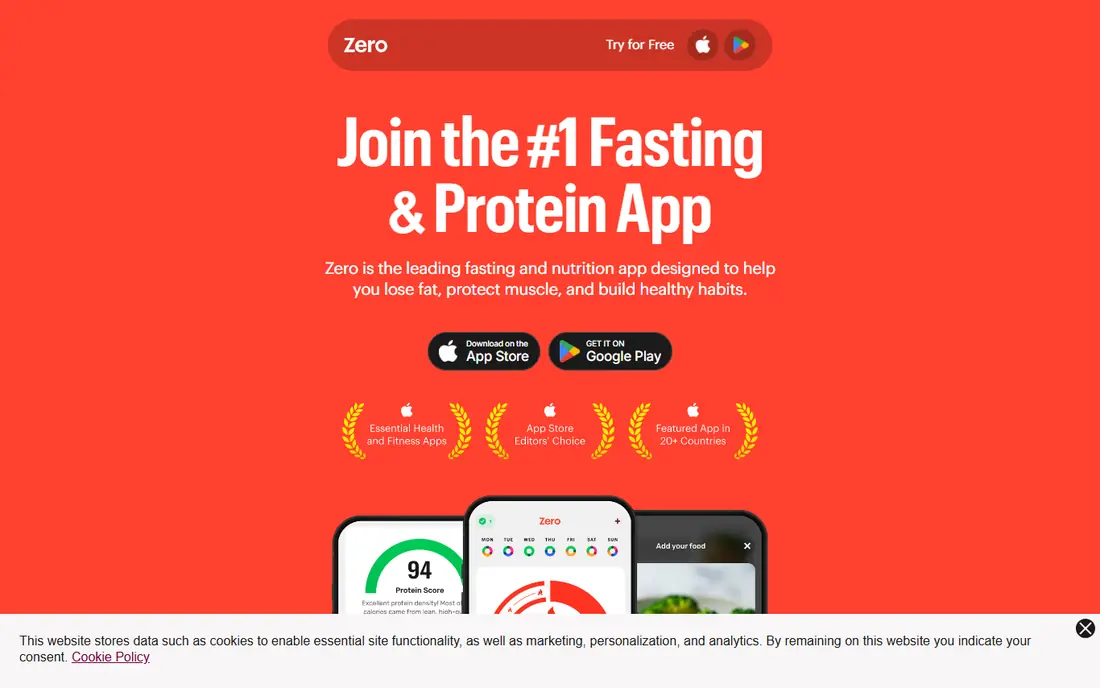
Zero is the sensible default for intermittent fasting. The timer is clear, presets cover common patterns such as 16:8 and 18:6, and you can start or stop a fast with one tap. History and journal entries help you see patterns over weeks, which matters more than any single day.
The free tier covers the basics most beginners need. Paid Zero Plus adds coaching, deeper statistics and more content, so check whether you actually miss those features after a few weeks. If you only need a reliable timer and a record, the free version is enough, and that restraint is part of its appeal.
- Clean timer with common presets
- Fasting history and journal
- Educational content and reminders
- Deeper coaching and analytics need a paid plan
- Food tracking has grown more central in recent versions
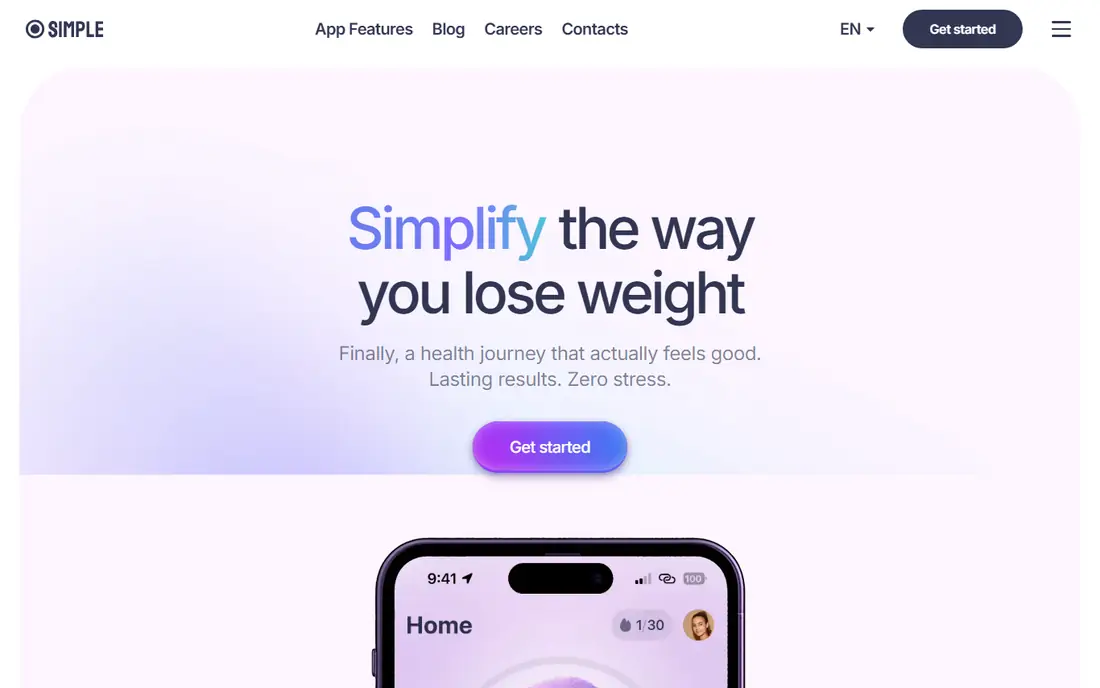
Simple suits people who want structure around fasting, not just a countdown. After onboarding, it can suggest a plan based on your goals and track food, water and activity beside your fasting window. That wider view helps if you also want to understand eating patterns, rather than only start and stop times.
The trade-off is complexity and cost. The app asks many questions at setup, and deeper coaching sits behind a paid plan. If you want a minimal timer, Simple will feel like too much. If you want guidance, meal ideas and habit support in one place, it is the strongest all-round option in this list.
- Personalised plan based on goals
- Food, water and activity logging
- Coaching and educational content
- Best features need a subscription
- App can feel busy for timer-only users
- Onboarding asks many questions
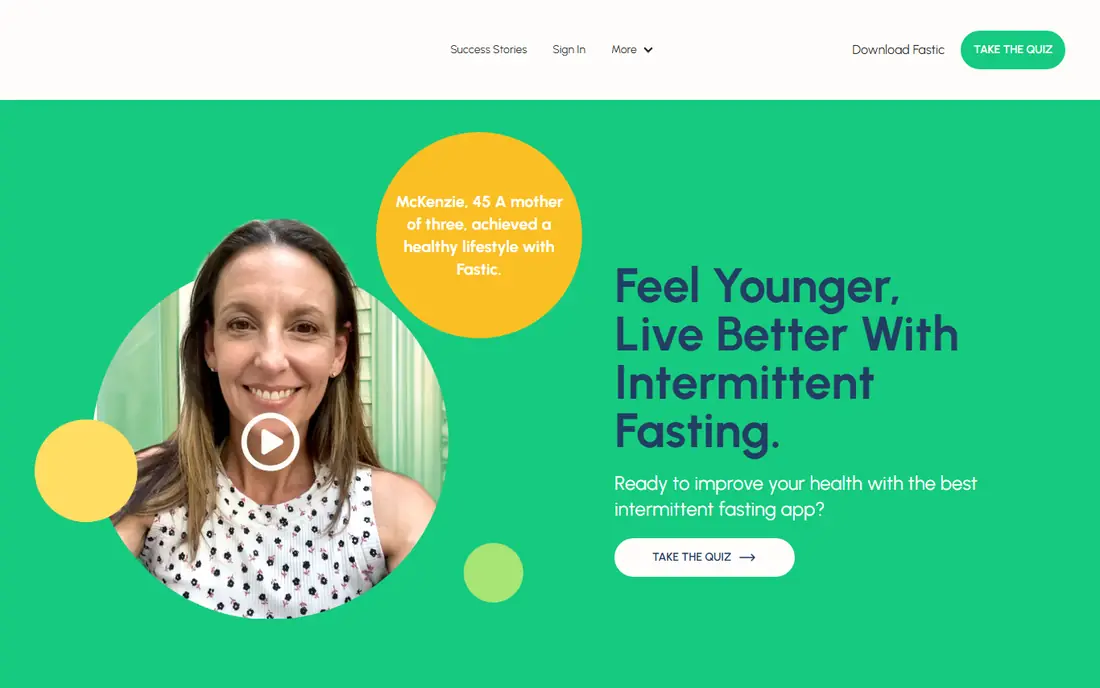
Fastic is a good pick for beginners who need encouragement to stay consistent. The timer is easy to follow, water tracking sits beside fasting, and challenges give a short-term goal beyond the daily window. For people who drop off after week one, that social and challenge layer can help.
The interface carries more than a plain timer, so minimalists may find it crowded. Paid features add fuller statistics and content, while the free version remains usable for daily tracking. Use Fastic if community and challenges keep you going, and use a simpler app if you prefer a quiet timer.
- Friendly timer for beginners
- Water tracking and statistics
- Challenges and community features
- Interface can feel busy
- Full features need a subscription
- Some content is motivational rather than clinical
BodyFast focuses on planning the week, not just timing one fast. You can set a weekly schedule, see upcoming fasting and eating windows, and follow tips that explain the plan in plain terms. That weekly view helps people who want a routine they can repeat, rather than deciding fresh each morning.
The coach and deeper personalisation need a paid plan, and the free tier is narrower than some rivals. If weekly planning is your main need, BodyFast still earns its place. If you only need a timer, a free-first app such as Zero or FastHabit will feel simpler.
- Weekly fasting schedule planning
- Tips and guidance for beginners
- Timer and progress views
- Coach features need a subscription
- Free tier is more limited than Zero
- Design varies by platform
Life Fasting Tracker, often called LIFE, is the community pick. You can join group fasts, see friends in a feed, and track a fast with others at the same time. For people who find solo fasting hard to sustain, that shared accountability can matter more than advanced analytics.
The app is lighter on charts and coaching than Simple or Zero Plus. If you want detailed insights, you may outgrow it. If you want a free, social timer that keeps you connected to other fasters, it is a strong and low-cost choice. As with all fasting apps, use community encouragement with care and stop if a fast feels wrong for you.
- Free timer with community feed
- Group fasts and social support
- Simple tracking for common patterns
- Graphing and insights are limited
- Community content varies in quality
- Fewer coaching features than Simple
FastHabit is for people who want a timer and nothing else. You can start a fast, track streaks, and use alternating schedules without wading through meal plans, challenges or coaching prompts. That simplicity is why many long-term fasters keep it on their phone after trying larger apps.
The limit is depth. There is little food logging, no structured coaching programme, and no large community feed. If you already know your pattern and only need to record it, FastHabit is ideal. If you are new and want guidance, start with Zero, Fastic or Simple instead.
- Simple timer and streak tracking
- Supports alternating schedules
- Low-cost Pro option on some platforms
- Fewer coaching and food features
- Design is plain
- Community features are limited
DoFasting suits people who want a full programme, not just a timer. It combines fasting schedules with workout suggestions, meal ideas and progress tracking, aimed at users whose main goal is weight management. That structure can help if you want each day mapped out in advance.
The cost and scope are the drawbacks. DoFasting is mainly subscription-based, so it is not a free-first test, and the extra features can feel like overload for a simple 16:8 routine. Try a free timer first to confirm fasting fits your life, then consider DoFasting only if you want a guided programme and will use the workouts and meal content.
- Structured fasting programmes with workouts and meal ideas
- Guided plans for weight-focused users
- Progress tracking
- Mostly subscription-based
- Feature load can feel heavy
- Cost is higher than timer-first apps
Window is the minimalist iPhone option. It shows your fasting and eating windows clearly, tracks history, and avoids the busy dashboards found in larger apps. For iPhone users who want a calm timer that does not push coaching every day, Window feels well judged.
Android users should check availability carefully, since Window has been iPhone-focused. Coaching, food logging and community features are also limited. If minimal design is your priority and you use an iPhone, Window is an excellent free-first pick. If you need cross-platform use, Zero or Fastic will serve you better.
- Minimal design for iPhone users
- Generous free tier for basic tracking
- Simple eating window view
- IPhone focus limits Android users
- Fewer coaching features
- Premium features vary by platform
Easy Fast stands out on privacy. Reviewers describe it as usable without an account and without ads, which is rare among free fasting apps. If you are wary of health data collection, account creation and tracking, that approach is a genuine advantage, not just a marketing line.
The trade-off is that a no-account app cannot sync as easily across devices or offer cloud backup in the same way as larger apps. Coaching and community features are also minimal. For a private, simple timer on one phone, Easy Fast is the best pick here. For multi-device sync, choose Zero or Fastic and review their privacy settings first.
- No account required in the version we reviewed
- No ads in the free experience described by reviewers
- Simple timer
- Fewer cloud sync and coaching features
- Smaller app with less support content
- Social features are minimal
How we picked these
We compared official feature pages, pricing pages, app store listings, privacy policies and public reviews for fasting apps. We favoured apps with a useful free tier, clear timer and schedule options, and honest limits on coaching and medical claims. Where a price could not be confirmed from the vendor or store listing, we used See website rather than repeating a third-party estimate.
We did not claim hands-on testing that did not happen, and we did not treat any app as medical advice. Our judgement rests on vendor documentation, store listings and reviewer reports about daily use, free tier limits and privacy practices. Fasting is not suitable for everyone, so we gave extra weight to apps that keep tracking simple and do not push extreme schedules.
How to choose a fasting app safely
Start with your clinician, not an app store chart, if you have any medical condition, take medication, or have concerns about eating patterns. Choose a window that fits sleep, work and family meals, rather than the longest window an app offers. A sustainable 14:10 or 16:8 routine you can keep is better than an ambitious plan you abandon in a week.
Check privacy before you log health data
Read the privacy policy for account requirements, data sharing and deletion options. Prefer apps that let you use a timer without creating a detailed health profile, and turn off location or contact access that the timer does not need. If an app asks for more health data than you are comfortable sharing, a simpler app such as Easy Fast or FastHabit may fit better.
Use the free tier first
Test the timer, reminders and history for at least two weeks before paying. Note whether reminders arrive on time, whether editing a fast is easy, and whether the app pushes upgrades at moments when you are hungry or tired. Pay only for a feature you have actually missed, such as coaching, food logging or deeper statistics.
Know when to stop and seek advice
Stop fasting and seek medical advice if you feel faint, dizzy, unwell, or unable to eat normally in your eating window. Fasting apps track time, they do not diagnose health problems. If fasting triggers distress around food, or if you are trying to manage weight after a medical diagnosis, talk to a clinician or a qualified dietitian before continuing.
Frequently asked questions
What is the best fasting app free?
Zero is the best free fasting app for most people, with a clean timer and useful free history. Life Fasting Tracker and FastHabit are also strong free options, and Easy Fast is the best free privacy-first timer. Try the free tier for two weeks before paying for coaching or analytics.
What is the best intermittent fasting app?
Zero and Simple lead for intermittent fasting, for different reasons. Zero leads on a simple timer and free tracking, while Simple leads on coaching and food logging. Fastic is a strong beginner alternative, and BodyFast suits people who want weekly plan guidance.
What is the best free intermittent fasting app for weight loss?
No app alone causes weight loss, and results depend on overall eating, activity, sleep and health factors. For free tracking, Zero, Life Fasting Tracker and FastHabit cover the timer well. If you want structured weight-focused guidance, Simple or DoFasting add meal and programme content, but check costs and talk to a clinician first.
What is the best fasting app for weight loss with coaching?
Simple is the strongest coaching-led option here, with personalised plans and food logging beside the timer. DoFasting also offers structured programmes with workouts and meal ideas. Both need paid plans for full coaching, so test the free tier and confirm the coaching style suits you before subscribing.
What are the best fasting apps for beginners?
Zero, Fastic and BodyFast are the best beginner apps in this list. Zero keeps the timer simple, Fastic adds challenges and community support, and BodyFast adds weekly planning and tips. Start with a modest window, use reminders, and seek medical advice if you have any health concerns.
Is intermittent fasting safe for everyone?
No. Intermittent fasting is not suitable for everyone, including some people with medical conditions, people taking certain medications, pregnant people, and people with a history of disordered eating. This article is general information, not medical advice. Talk to a clinician before starting a fasting plan, and stop if you feel unwell.
Sources we checked (9)

Online Jobs is an independent blog about careers, online work, learning new skills and the tools that help people earn. More about us.
Keep reading
All posts
Best Workout Tracker App
We compared the best workout tracker app options for gym, home, and running training, checking prices, free plans, and logging tools in detail. See inside.
Best Workout Apps
Looking for the best workout apps? We compared 9 fitness apps for gym, home, running and classes on free plans, pricing and training style in 2026 now.
Best Running App
Best running app compared for 2026, with GPS tracking, training plans, route mapping, and free options for beginners and regular runners across the US.