Best Family Tracking App Free in 2026: 8 Apps Compared

How we put this together: we compare official feature and pricing pages, app store listings, privacy policies and public user reviews. Prices change, so check the provider's site before you pay.
Key takeaways
- The best family tracking app for most households is Life360 free tier, because it combines real-time sharing, place alerts and driving summaries in one app.
- Built-in tools are often the best free family locator app: Find My suits Apple households, while Google Maps sharing suits mixed iPhone and Android homes.
- Google Family Link is best for parents managing a child Android device, because location sits alongside screen time and app controls.
- Location sharing should always be mutual, agreed and easy to stop. Avoid any app that promises hidden tracking of another person.
Quick comparison
| Name | Who it suits | Starting price | Free option | |
|---|---|---|---|---|
 Life360 Life360 | Best free family tracking app overall | Free | Yes | Visit |
 Apple Find My Apple Find My | iPhone and Apple households | Free | Yes | Visit |
 Google Maps Location Sharing Google Maps Location Sharing | Cross-platform free sharing | Free | Yes | Visit |
 Google Family Link Google Family Link | Parents managing child Android devices | Free | Yes | Visit |
 Glympse Glympse | Temporary sharing with anyone | Free | Yes | Visit |
 iSharing iSharing | Simple cross-platform family locator | Free | Yes | Visit |
 FamiSafe FamiSafe | Location plus parental controls | See website | Free trial | Visit |
 Qustodio Qustodio | Screen time plus location | See website | Yes | Visit |
The best family tracking app free
We compared official feature pages, pricing pages, app store listings and privacy information for family tracking apps that are still available in October 2026. We favoured consent-based sharing, clear stop-sharing controls, and free tiers that actually include real-time location, not just a trial. Safety note: use these tools only with the knowledge and agreement of the people being located, and talk to children and teens about why sharing is on, when it pauses, and how to turn it off.
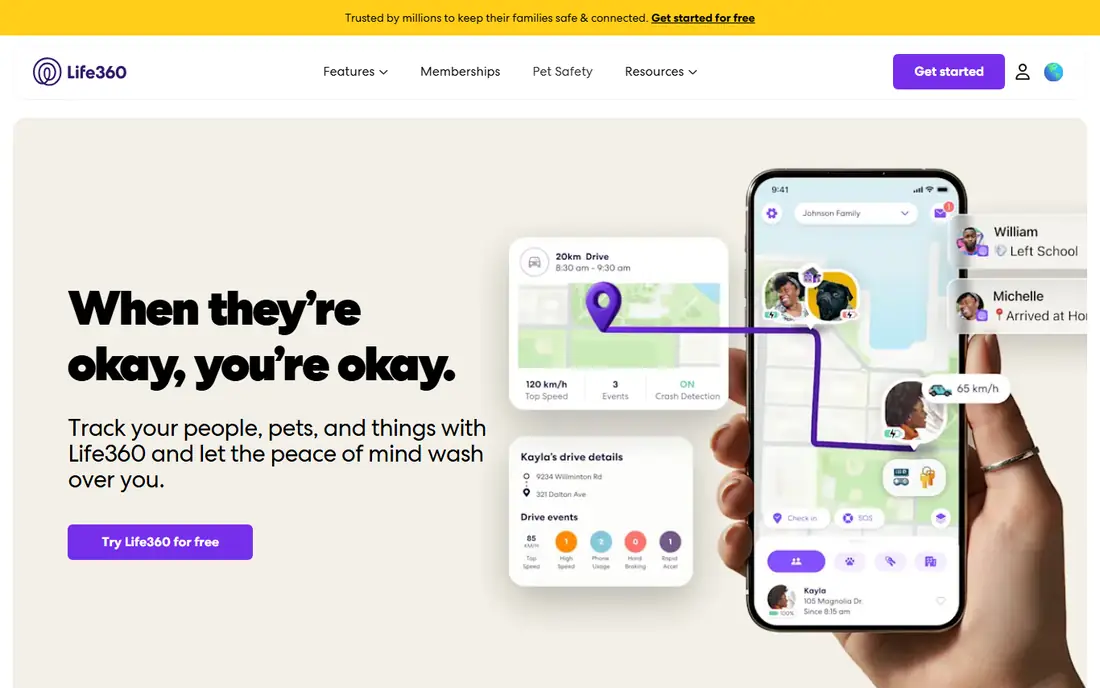
Life360 is the best family tracking app free choice for mixed-device households that want one shared map. Everyone in a circle appears on the same map, place alerts notify you when someone arrives or leaves a set location, and the free tier includes a family driving summary. That combination is why it leads this list ahead of built-in tools, which are often tied to one platform.
The free limits are real. History is short and place alerts are limited, so families who want longer history or unlimited alerts will need a paid plan. Battery use is also a common complaint with always-on location apps. Start with the free tier, agree on which places matter most, and check privacy settings together so every member knows what is shared and can pause sharing when appropriate.
- Real-time location sharing for the whole circle
- Place alerts for home, school and work
- Driving summaries on the free tier
- Free tier limits place alerts to two places and history to two days
- Location tracking can drain battery
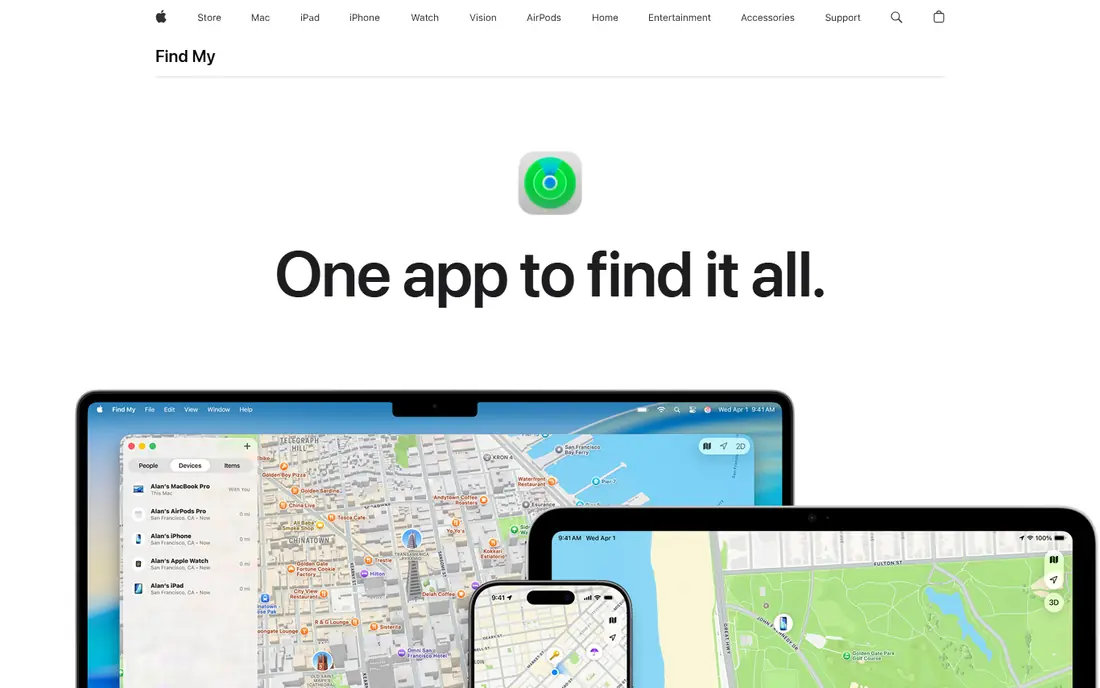
Apple Find My is the best free family locator app for households that all use Apple devices. Location sharing sits inside Family Sharing, so there is no separate app to manage, and you can set alerts for arrival, departure and even for not being at a location during a schedule. It is stable, private by design, and free with the devices you already own.
The limit is platform. Mixed iPhone and Android households will need Google Maps sharing or Life360 instead, and Find My does not offer driving reports or long location history in the same way. For Apple-only families who want simple, reliable sharing without a subscription, Find My is the cleanest starting point, and it pairs well with Screen Time controls for younger children.
- Built into iPhone, iPad and Mac at no extra cost
- Arrival and leave alerts through Family Sharing
- No third-party account needed
- Apple devices only
- Fewer driving and history features than Life360
Google Maps Location Sharing
Who it suits: Cross-platform free sharing
Google Maps Location Sharing is the best tracking app for family use when devices are mixed and cost must be zero. Anyone with a Google account can share real-time location with chosen people, see battery and charging status, and receive arrival and departure notifications. There is no separate subscription, and most people already have Maps installed.
It is a sharing feature, not a full family safety app. You will not get driving reports, crash detection or long history in the same package as Life360, and sharing controls sit inside Google account settings, which parents should review. For a simple, free, cross-platform answer to where is everyone, Google Maps sharing is hard to beat, and it works well alongside Family Link for younger children.
- Free on iPhone and Android
- Real-time sharing with battery status
- Arrival and departure notifications
- Sharing is tied to a Google account
- Fewer family safety features than a dedicated app
Google Family Link is the best family location sharing app for parents who manage a child Android phone or tablet. Location appears alongside screen time limits, app approvals and content filters, so safety, location and device use sit in one place. Parents can find a child device, check its location, and adjust settings from their own phone or a browser.
It is not a general family tracker for adults. Family Link is built around supervised child accounts, and its controls and age rules reflect that purpose. Older teens may also find its supervision features restrictive, so talk about expectations and transition plans as children grow. For younger children on Android, though, Family Link is the most complete free starting point.
- Free location for a child device
- Screen time limits and app controls in the same app
- Works from a browser as well as mobile
- Designed for child accounts, not adult-to-adult sharing
- Location accuracy depends on device settings
Glympse suits a different need from the other apps on this list: short-term sharing. Send a Glympse to family or friends, and they can see your live location for a chosen period, such as a drive home, a school run or a trip to meet up. The viewer does not need an account, which removes friction for grandparents, friends and other occasional contacts.
That temporary design is also its limit. Glympse does not replace an ongoing family map, place alerts or history, so it works best as a supplement to Life360, Find My or Maps sharing. Use it when the question is where are you right now on this trip, not where is the family every day. Its consent-first, time-limited model is also a good example of how location sharing should work.
- Share location for a set time without an account for the viewer
- Works across platforms
- Good for trips and meetups
- Temporary by design, so no ongoing family map or history
- Fewer safety features than Life360
iSharing is a straightforward alternative to Life360 for families who want a dedicated locator app without its complexity. It shows family members on a shared map, supports place alerts and includes messaging for check-ins, and its free core covers real-time sharing. For mixed-device households that prefer a dedicated app to a built-in tool, it is a solid, low-friction option.
The trade-off is scale and depth. iSharing has a smaller community than Life360, and longer history and advanced alerts require a paid upgrade. Battery use and accuracy also depend on phone settings, as with any always-on locator. Try the free tier with your whole household for a week, and compare its alerts and battery impact with Life360 before choosing one as your main family app.
- Simple family map on iPhone and Android
- Place alerts and messaging
- Free core sharing
- Smaller user base than Life360
- Advanced features and history sit behind paid plans
FamiSafe is best for parents who want location plus broader parental controls in one subscription. Alongside GPS tracking and geofence alerts, it offers screen time limits, app monitoring and web filtering, which suits families who want a single dashboard for device safety. It works on both Android and iOS, and setup does not require rooting or jailbreaking a child device.
Cost is the main difference from the free picks above. FamiSafe is a paid product after its trial, so it only makes sense if you will use the parental controls as well as location. Parents should also discuss monitoring openly with older children, since app and web controls raise privacy questions that simple location sharing does not. For younger children and for families who want one control app, FamiSafe is a strong, if paid, choice.
- Real-time location and geofencing
- Screen time, app and web controls
- Works on Android and iOS without root or jailbreak
- Paid subscription after the trial
- Location is part of a broader parental control package, not a free locator
Qustodio is best known for parental controls, but its location features make it relevant here for families who want screen time and location in one place. Parents can see a child device location, set screen time rules, manage apps and review activity from a family dashboard. A free plan covers basic use, which makes it easy to test before paying.
Location is not Qustodio main strength, so families who need driving reports, long history or rich place alerts should prefer Life360 or a built-in tool. The free plan device limit also matters for larger families. Choose Qustodio when screen time and content controls are the priority and location is a useful extra, not when location alone is the reason for the app.
- Location tracking alongside screen time and app controls
- Family dashboard for multiple children
- Free plan for basic use
- Location features are less detailed than Life360
- Free plan is limited to one device in many cases
How we picked these
We compared official feature pages, pricing pages, app store listings and privacy information for consent-based family tracking apps that are still available in October 2026. We favoured free tiers with real-time sharing, clear stop-sharing controls, and minimal data collection, and we excluded any tool that promotes hidden or non-consensual tracking. We did not test every app hands-on for this guide, and free limits and prices change, so check the vendor page and store listing before installing.
Setting up family location sharing safely
Agree the rules before you turn sharing on
Decide who shares with whom, which places trigger alerts, and when sharing pauses, such as at school or work where appropriate. Write the rules down for younger children, and revisit them as children grow older and need more independence.
Check permissions and battery settings together
Location accuracy depends on phone settings, battery optimisation and permissions. Set up each phone together, test an arrival alert, and check battery impact after a few days. A locator that drains a phone or stops updating is worse than no locator, because it creates false confidence.
Avoid hidden tracking apps completely
Do not install apps that promise to track a phone without the owner knowing, and do not download locator apps from outside official app stores. Those tools raise serious safety and legal risks, and they often collect far more data than a legitimate family app. Stick to consent-based tools from official stores.
Frequently asked questions
What is the best family tracking app free overall?
Life360 free tier is the best family tracking app for most households, because it combines real-time sharing, place alerts and driving summaries. Apple Find My and Google Maps sharing are better free options if you prefer a built-in tool with no third-party account.
What is the best free family locator app for iPhone and Android?
Google Maps Location Sharing is the best free family locator app for mixed iPhone and Android households, because it works on both platforms at no cost. Life360 is the best dedicated cross-platform app if you also want place alerts and driving features.
What are the best tracking apps for family safety for children?
Google Family Link suits younger children on Android, Find My with Family Sharing suits Apple households, and FamiSafe or Qustodio suit parents who also want screen time and content controls. Always discuss monitoring with children and adjust controls as they grow.
Is Life360 free really free?
Yes, Life360 has a free tier with real-time location sharing, two place alerts, two days of history and a family driving summary. Longer history, unlimited alerts, crash detection and roadside help sit on paid plans, so check the current pricing page if you need those features.
Can I track a family member without them knowing?
No, you should not, and legitimate family apps are built for mutual, consent-based sharing. Hidden tracking raises safety, trust and legal problems, and it is not a safe way to look after a family member. Use an agreed sharing setup that anyone can pause or stop.
Does family location tracking drain battery?
Yes, always-on GPS tracking can drain battery, and the impact varies by app, phone and update frequency. Check battery settings, allow location access as the app recommends, and test impact for a few days before judging a free app.
Sources we checked (8)

Online Jobs is an independent blog about careers, online work, learning new skills and the tools that help people earn. More about us.
Keep reading
All posts
Surfshark Alternatives
Looking for Surfshark alternatives? We compare 8 VPN services on price, privacy, streaming, and device limits to help you find a VPN that fits your needs.

NordPass Alternatives
We compared NordPass alternatives for families, solo users and teams, checking pricing, free plans, passkeys and sharing, so you can switch safely today.

Best VPN Service
We compared the best VPN service options for privacy, streaming and value, checking official pricing, free plans and honest limits before ranking them.