Best Face Swap Apps in 2026: 9 Tools Compared

How we put this together: we compare official feature and pricing pages, app store listings, privacy policies and public user reviews. Prices change, so check the provider's site before you pay.
Key takeaways
- Reface is the easiest mobile pick for quick, fun swaps, while DeepSwap suits longer video work.
- Remaker AI and Vidnoz are good free starting points for photo swaps, but check watermark and export rules before you rely on them.
- FaceSwapper and Pica AI suit group photos and quick online swaps without installing software.
- Free plans often add watermarks or limit resolution, so paid plans matter for published work.
- Only swap faces with clear consent, and never use these tools to impersonate someone or create misleading or intimate images.
Quick comparison
| Name | Who it suits | Starting price | Free option | |
|---|---|---|---|---|
 Reface Reface | Quick mobile face swaps and clips | Free | Yes | Visit |
 DeepSwap DeepSwap | Video face swaps at higher quality | $9.99 per month | No | Visit |
 Remaker AI Remaker AI | Batch and multi-face photo swaps | Free | Yes | Visit |
 FaceSwapper FaceSwapper | Fast online photo swaps without an app | See website | Yes | Visit |
 Vidnoz Vidnoz | Free online face swaps for photos and video | Free | Yes | Visit |
 AKOOL AKOOL | High-quality swaps for studio and marketing work | See website | Free trial | Visit |
 FaceMagic FaceMagic | Short social videos and fun clips | See website | Yes | Visit |
 Magic Hour Magic Hour | Face swaps inside a wider media workspace | Free | Yes | Visit |
 Pica AI Pica AI | Group photo swaps online | Free | Yes | Visit |
The best face swap apps
We compared official feature pages, pricing pages, app store listings and public reviews for the best face swap apps and the best free face swap tools online. The list covers mobile apps and web tools, photo swaps and video swaps, and free and paid options, so you can match the tool to the media you actually make.
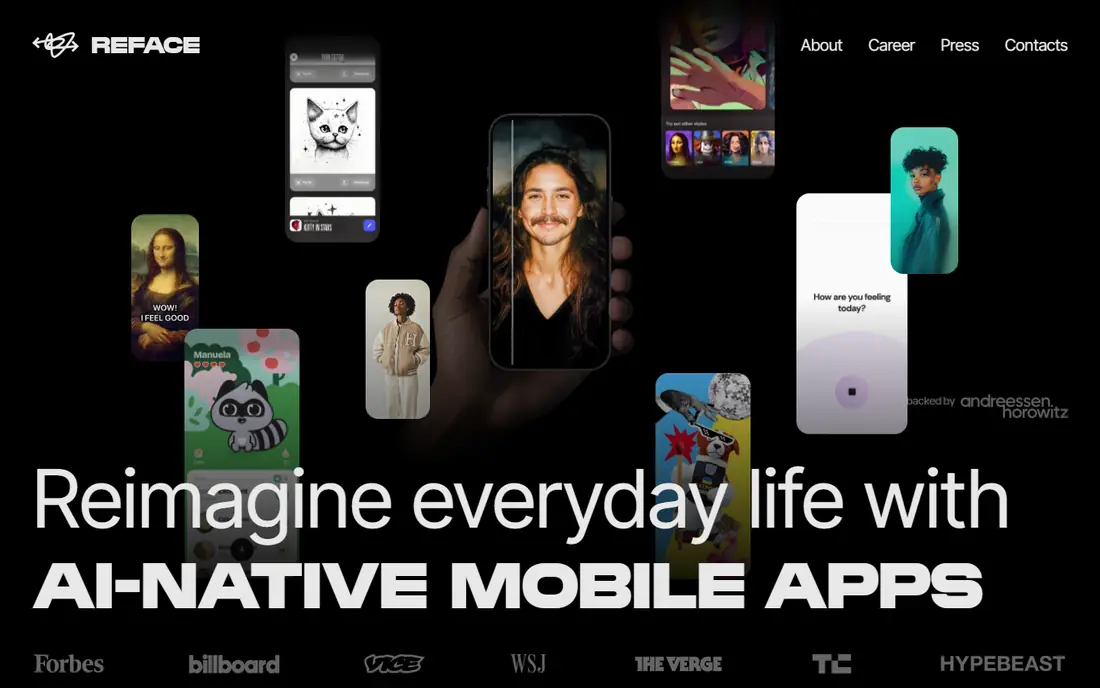
Reface fits people who want a fun swap in seconds on a phone. You pick a template or a clip, add your photo, and get a shareable result without editing skills or a desktop app. That speed is why it remains a popular pick for social content, memes and short entertainment clips.
The catch is the free tier. Watermarks and limited exports push regular creators toward a paid plan, and results work best on clear, front-facing portraits. Use it for entertainment with consent from everyone pictured, and do not present a swapped clip as a real recording of the other person.
- Fast mobile swaps with templates
- Video and GIF support
- A large template library for social clips
- Free results carry a watermark
- Group photos can be less reliable than single portraits
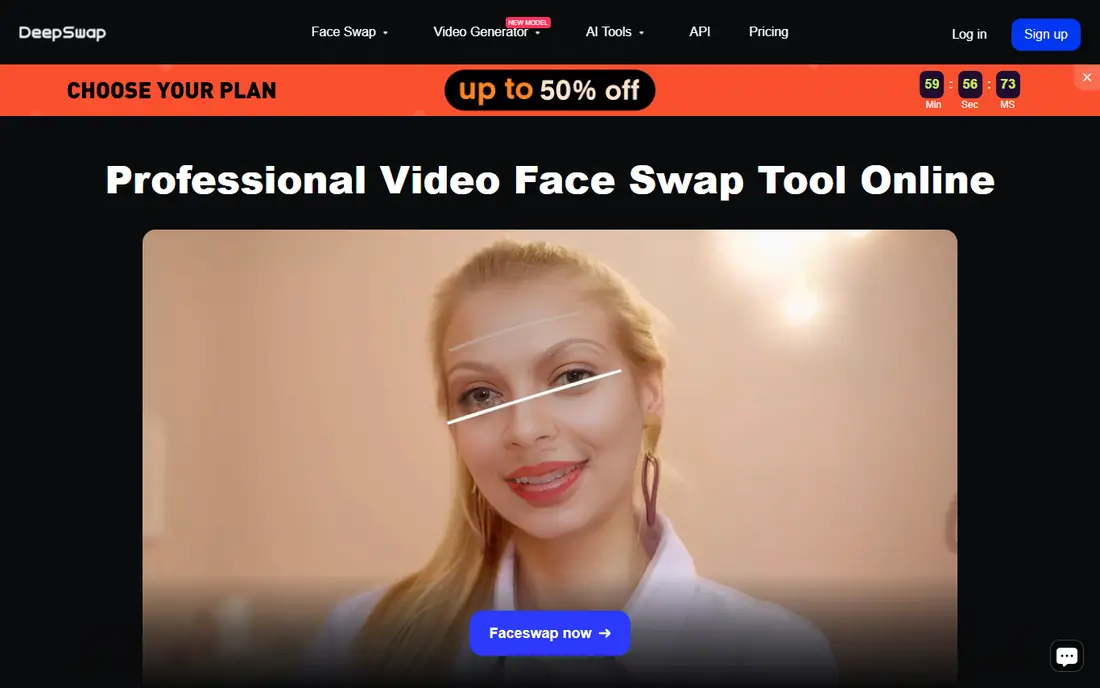
DeepSwap fits creators who need video swaps rather than a one-off photo joke. It handles faces across moving footage with more care for lighting and expression than a simple filter, which matters when the result will be watched for more than a few seconds. Paid plans give the resolution and length that published work needs.
The catch is cost and patience. There is no free plan that covers serious video work, and longer clips need processing time. Test it with a short, permitted clip first, and check export resolution and length limits against the video you plan to publish.
- Photo, GIF and video support
- Higher resolution exports on paid plans
- A focused swap workflow
- No lasting free plan for full use
- Video processing takes longer than a quick photo swap
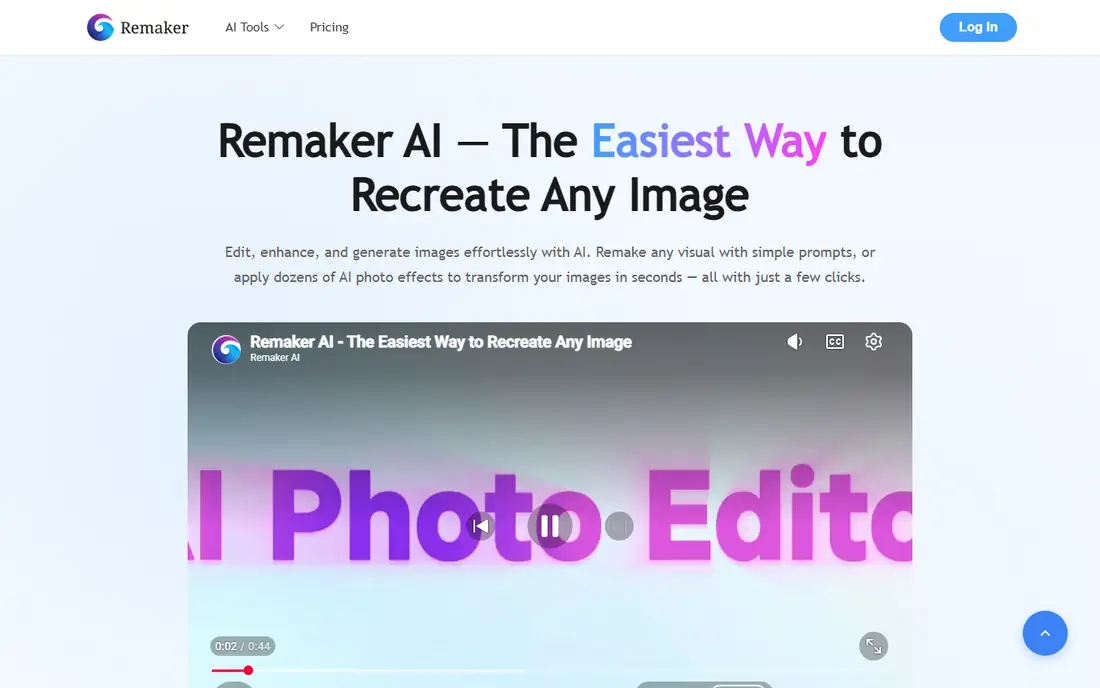
Remaker AI fits people who swap faces in many photos at once, such as group shots, event photos or product-style images. Multi-face handling is the main draw, because many mobile apps still work best on a single face. Batch tools save time when you have a set of images to process in one sitting.
The catch is credits. Free use is enough to judge quality, but a large batch will need a paid plan or credit pack. Check how many faces count per image and what resolution you get on the free tier, because those details decide the real cost of a batch.
- Batch photo swaps and multi-face support
- Photo and video options
- A free plan to test quality
- Free credits run out fast on large batches
- Paid pricing varies by credits and plan
FaceSwapper fits quick online swaps when you do not want to install an app or learn an editor. Upload a source photo and a target photo, run the swap, and download the result. That simplicity suits one-off jokes, profile experiments and quick social posts.
The catch is scope. It is a photo tool first, so video creators should look at DeepSwap or Vidnoz instead. Also check the current free limits and paid options on the site, because pricing for online swap tools changes often and is sometimes shown in credits rather than a flat monthly price.
- Works in a browser with no install
- Fast photo results
- Simple upload and download flow
- Video support is more limited than dedicated video tools
- Free results may carry limits on resolution or use
Vidnoz fits creators who want a free face swap tool online and may also need other AI media features later. Its face swap tool covers photos and video in a browser, which makes it a good first test before paying for a specialist tool. The free plan is a real starting point, not just a demo image.
The catch is export quality. Free results may be capped at a lower resolution, and paid plans raise that cap along with processing speed. If the swap will appear in a polished video, compare a paid export with the free export side by side before you commit to a project.
- Free photo and video face swap tools
- A wider AI media toolkit in the same account
- No install needed
- Free exports can be limited in resolution
- The wider toolkit can feel busy if you only need swaps
AKOOL fits studios, agencies and marketing teams that need polished swaps for campaigns or product content. Quality, consistency across frames and export options matter more here than speed alone, and AKOOL is built for that kind of work. API and team options help when swaps sit inside a larger production flow.
The catch is price and complexity. Credit-based pricing makes it harder to compare with a flat monthly app, so work out the cost per finished output, not per generation. Casual users who only swap a few photos will get better value from a free or low-cost mobile app.
- Strong quality for photos and video
- Tools for avatars and talking-head content
- Business and API options
- Pricing is higher and often credit-based
- It can be more tool than a casual user needs
FaceMagic fits short-form creators who want a quick, shareable clip rather than a long edited video. Templates do much of the work, so you can produce a fun result in minutes and post it straight to a social app. That template flow is also why it suits beginners who do not want to tune settings.
The catch is control. Templates limit how much you can adjust a result, and tricky angles or fast movement can break the illusion. Treat it as entertainment, get consent from everyone pictured, and do not use it for clips that could mislead viewers about who did or said something.
- Template-led short video swaps
- Easy sharing to social apps
- A free plan to try the style
- Paid plans are needed to remove limits and watermarks
- Quality varies on side angles and fast movement
Magic Hour fits creators who want face swap to sit next to other media work, such as image generation, video generation and editing. You can swap a face and then keep working on the same clip without exporting to another tool, which saves time on multi-step projects. Free access lets you test the swap quality before buying credits.
The catch is the credit model. Heavy video work can consume credits faster than a flat monthly plan would suggest, so check the cost for your exact output length and resolution. If you only need swaps, a simpler tool may be cheaper and faster.
- Image, GIF and video face swap tools
- Video generation and editing in the same workspace
- Free access to start
- Paid credits and subscriptions add cost for heavy use
- The workspace has a learning curve
Pica AI fits group photos and casual online swaps. Many swap tools struggle when several faces appear in one image, so a tool that handles group shots well is useful for event photos, team pictures and social posts. The browser flow keeps it simple, with no app install needed.
The catch is video. If your main need is video swaps, DeepSwap or AKOOL will serve you better. For photos, test Pica AI with your hardest group shot first, because group results vary more than single-portrait swaps across all tools in this list.
- Online photo swaps including group photos
- Fast results
- A free plan for casual use
- Video features are limited compared with video-first tools
- Free exports may carry limits
How we picked these
We compared official feature pages, pricing pages, app store listings and public reviews, with weight given to photo and video support, export resolution, watermark rules, free plan value and consent and privacy information. We included the best free face swap tools online and paid tools, and we avoided tools that only work as a narrow filter with no real swap control. Prices for credit-based tools change often, so check the current plan on the vendor site before you buy.
How to use face swap tools safely
Only swap faces with permission from the people pictured, and keep a record of that permission for published or commercial work. Do not use face swaps to impersonate a real person, to imply someone said or did something they did not, or to create intimate images of anyone. Those uses can cause real harm and may break the law in your country, even when the tool itself makes them technically possible.
Quality checks that save time
Test every tool with the same three inputs: a clear front portrait, a side angle, and a short moving clip. Look for stable jaw and hair edges, natural skin tone, correct handling of glasses and hands, and no flicker between frames. Compare cost per usable output, not cost per generation, because failed swaps still consume credits on many plans.
Privacy and photo handling
Check how long uploaded photos are stored, whether face data is deleted, and whether uploads are used to train models. Prefer tools with a clear deletion policy, and avoid uploading photos of children, private documents or anyone who has not agreed to the swap. Delete source files from the tool once a project is finished if the tool allows it.
Frequently asked questions
What is the best free face swap tool online?
Vidnoz, Remaker AI and Pica AI are good free starting points for online photo swaps, and Reface is the easiest free mobile option. Free plans usually limit resolution, add watermarks or cap credits, so test the export you actually need before you choose one for published work.
What is the best free face swap app for photos?
For photos, FaceSwapper and Pica AI work in a browser with no install, while Reface works best on a phone with templates. Choose a browser tool for group photos and quick one-off swaps, and Reface when you want templates and social sharing on mobile.
Can I swap faces in a video for free?
Yes, Vidnoz offers free video face swap tools, and some mobile apps include short video swaps on free plans. Free video exports are often lower resolution or watermarked, so a paid plan is usually needed for polished, publishable video.
Are face swap apps safe to use?
Face swap apps are safe for fun, consensual use, but they carry risks if used to impersonate people or create misleading content. Check the privacy policy for photo storage and deletion, get consent from everyone pictured, and never upload photos of people who have not agreed.
Which face swap tool is best for group photos?
Remaker AI and Pica AI are the strongest picks in this list for group photos, because both handle multiple faces in one image. Test with your own group shot, because results vary with lighting, angles and how close faces are to the camera.
Do I need to pay to remove watermarks?
In most cases, yes. Free plans from Reface, FaceMagic and several online tools add watermarks or limit exports, and paid plans or credit packs remove those limits. Check the watermark rule on the pricing page before you start a project that will be published.
Sources we checked (9)

Online Jobs is an independent blog about careers, online work, learning new skills and the tools that help people earn. More about us.
Keep reading
All posts
Zoom Alternatives
Zoom alternatives compared for 2026: Google Meet, Microsoft Teams, Webex, Jitsi and more for free calls, large meetings and webinars for teams and classrooms.

Top Rated Poster Maker Software
Top rated poster maker software compared for 2026: Canva, Adobe Express, VistaCreate, PosterMyWall and more for events, sales and classrooms for US users.

Surfshark Alternatives
Looking for Surfshark alternatives? We compare 8 VPN services on price, privacy, streaming, and device limits to help you find a VPN that fits your needs.