Best Enterprise Search Software in 2026: 9 Platforms Compared


Internal workplace search across many apps · Starting price: See website
How we put this together: we compare official feature and pricing pages, app store listings, privacy policies and public user reviews. Prices change, so check the provider's site before you pay.
Key takeaways
- Permission-aware results matter more than raw speed, because a fast answer that exposes the wrong document is a security problem.
- Glean and GoSearch lead for internal workplace search, while Coveo and Algolia lead for customer-facing search inside products and sites.
- Elastic and OpenSearch suit teams with engineers who want control, while the rest suit teams that want a finished product.
- Most enterprise pricing is quote based, so budget for implementation and connector work, not just the license.
Quick comparison
| Name | Who it suits | Starting price | Free option | |
|---|---|---|---|---|
| Glean | Internal workplace search across many apps | See website | No | Visit |
 Coveo | Customer-facing search and support portals | See website | No | Visit |
 Elastic | Teams that want to build their own search | $95 per month | Yes | Visit |
 Algolia | Fast search inside websites and apps | Free | Yes | Visit |
 Lucidworks | Complex search programs with detailed control | See website | No | Visit |
 Sinequa | Regulated industries and large document sets | See website | No | Visit |
 Guru | Verified internal knowledge where staff already work | See website | No | Visit |
 GoSearch | Smaller teams wanting AI workplace search without enterprise sales | Free | Yes | Visit |
 OpenSearch | Open source search infrastructure | Free | Yes | Visit |
The best enterprise search software
These platforms help staff and customers find answers across documents, tickets, products, and internal apps. We compared official feature pages, pricing pages, connector lists, and permission controls.
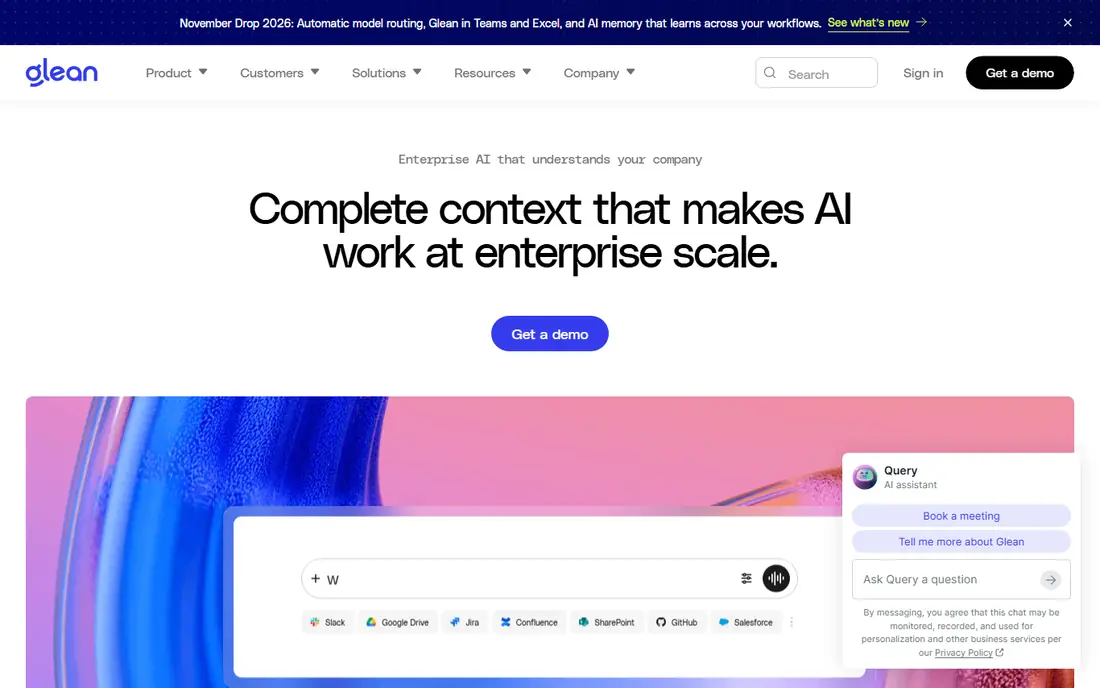
Glean indexes content from tools such as Google Drive, Slack, Jira, Confluence, and Salesforce, then answers questions in plain language with sources. Because it respects the permissions already set in each source, a person should only see results they are allowed to open. That design makes it a strong fit for larger companies where knowledge is spread across dozens of systems.
The catch is cost and setup. Pricing is quoted per seat, and smaller teams may find the entry point high. You also need to connect the apps that hold your best answers, or results will feel thin. Plan time for access reviews and a pilot with one department before a company-wide rollout.
- Wide connector coverage
- Permission-aware answers
- Strong AI assistant for workplace questions
- Quote-only pricing
- Value depends on connecting most of your stack
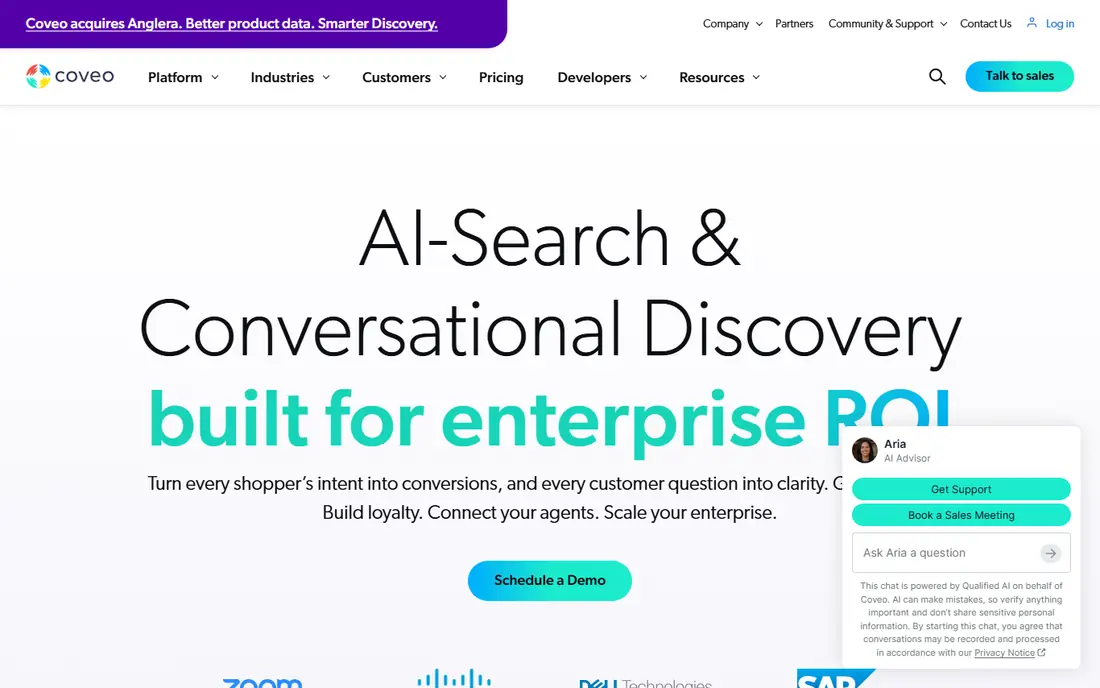
Coveo focuses on search that customers and support teams use every day, from help centers to online stores. Its relevance models learn from clicks and behavior, and its analytics show which queries fail, which matters when a bad result turns into a support ticket. Personalization can also surface content that matches a visitor's context.
That power comes with a longer setup. Teams need to map content sources, tune relevance, and test results against real customer queries. It is best for organizations that treat search as a measurable part of the customer experience, not a simple site widget.
- Strong relevance tuning
- Good analytics on failed searches
- Commerce and support use cases
- Quote-only pricing
- Implementation can take real effort
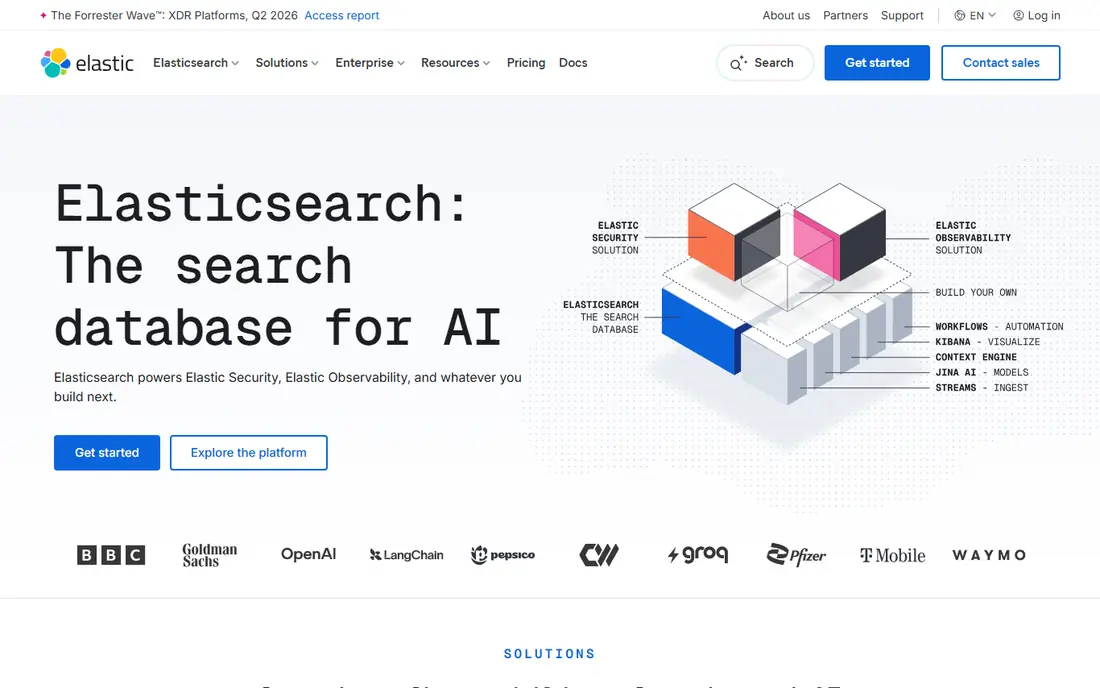
Elastic Search is the engine behind many search products, and it gives developers full control over indexing, ranking, and scaling. You can run it yourself at no license cost, or use Elastic Cloud, which starts from about $95 per month. That flexibility suits product teams building search into an app, or internal teams with unusual data.
The trade-off is ownership. Someone has to design the schema, tune relevance, monitor clusters, and keep upgrades current. If your team has no search engineers, a finished platform will usually deliver value faster, even at a higher license price.
- Very flexible and scalable
- Free self-hosted option
- Strong vector and keyword retrieval
- Needs engineering time
- Not a turnkey product out of the box
Algolia is built for search that feels instant, especially product catalogs, documentation sites, and in-app search. Developers can index records through APIs, tune ranking rules, and add features such as typo tolerance and filters. The free tier helps small projects start without a sales call.
Costs rise with records and searches, so high-traffic sites should model usage before launch. It is also less suited to searching private workplace documents across many internal systems. For customer-facing search, though, it remains one of the easiest platforms to ship quickly.
- Very fast results
- Developer-friendly APIs
- Free tier for small projects
- Usage-based costs can grow
- Workplace knowledge search is not its main job
Lucidworks Fusion gives search teams fine control over pipelines, signals, and ranking, which helps when a catalog or content set has messy data and many edge cases. It can run in the cloud or in hybrid setups, and it suits organizations that already know what good relevance looks like for their users.
That control is also the drawback. Smaller teams may find the setup heavy, and the sales-led pricing means budgeting takes longer. It fits best when search quality is a core business need and you have people who can own tuning over time.
- Deep relevance controls
- Flexible deployment
- Strong for large catalogs
- Quote-only pricing
- Often needs specialist skills
Sinequa combines keyword, semantic, and structured retrieval to search across large, mixed document collections. That approach helps in regulated sectors, research, and manufacturing, where answers must come from approved documents and be traceable. Its governance features help admins control what the AI can use.
Deployment is not a weekend project for a large estate. You should expect discovery work, connector setup, and testing with real user queries. For teams with strict compliance needs and deep archives, that effort can be worth it.
- Strong document understanding
- Governed AI answers
- Good for research-heavy work
- Quote-only pricing
- Longer deployment for large estates
Guru starts from a different angle than a pure search index. It stores verified answers and knowledge cards, then surfaces them in tools such as Slack, browsers, and support systems. Verification reminders help owners keep content current, which reduces the risk of staff following an outdated procedure.
The catch is maintenance. If no one owns the knowledge, even a good search layer will surface stale answers. Guru works best for support, sales, and operations teams that already review their playbooks and want those answers close at hand.
- Knowledge verification workflows
- Browser and app integrations
- AI answers grounded in approved content
- Pricing is sales led for larger plans
- Best value when knowledge is actively maintained
GoSearch
Who it suits: Smaller teams wanting AI workplace search without enterprise sales
GoSearch offers a free tier and a Pro plan from $20 per user per month, which makes it easier to try than most enterprise search vendors. It connects workplace apps, answers questions with an AI assistant, and lets teams build simple agents and workflows without code. That mix suits mid-size companies that want AI search now, not after a long procurement cycle.
As a newer vendor, it does not yet match the largest players on every connector or on long enterprise track records. Check the connectors for your core apps, run a pilot on real questions, and confirm permission handling for sensitive sources before you commit.
- Published pricing
- Free tier
- Pro from $20 per user per month
- No-code agents
- Younger vendor than Glean or Coveo
- Connector depth varies by source
OpenSearch is an open source search and analytics suite that teams can run themselves. It supports full-text search, vector search, and dashboards, and it avoids vendor lock-in on licensing. For engineering-led organizations, that freedom is a real advantage.
You still pay in time. Hosting, security, upgrades, and relevance tuning fall to your team, and support comes from the community unless you contract with a provider. It is a strong pick when you have the skills in house and want infrastructure, not a finished workplace product.
- No license cost
- Full control over deployment
- Active open source community
- Needs engineering and operations time
- No vendor support unless you buy it separately
How we picked these
We compared official vendor pages, pricing pages, connector lists, and public documentation for platforms that truly provide enterprise search, rather than general chatbots with a few connectors. We favored permission-aware search, real connector coverage, and current availability in October 2026. We did not claim hands-on testing, and where pricing was not published, we wrote See website instead of guessing a figure.
Choosing the right platform for your team
Start with the audience. Internal staff search needs permission controls and workplace connectors, while customer search needs speed, relevance analytics, and commerce or support integrations. A platform that excels at one job may be ordinary at the other.
Check permissions first
Ask how each vendor handles access changes. If a person loses access to a document in the source system, that change should reach search quickly. Ask for a demo using your own restricted documents, not just public sample data.
Model the full cost
Quote-only pricing hides implementation, training, and connector work. Ask for those figures in writing, and check whether AI answers, query volume, or indexed content carry extra charges. For usage-priced tools, model a busy month, not an average one.
Run a pilot on real questions
Pick twenty questions your staff or customers actually ask, including a few that should return nothing. Score answers for accuracy, sources, and speed. That small test reveals more than a sales demo, and it gives you a baseline to compare vendors fairly.
Frequently asked questions
What is the best enterprise search platform?
It depends on the audience. Glean and GoSearch fit internal workplace search, while Coveo and Algolia fit customer-facing search. Elastic and OpenSearch fit teams that want to build and control the engine themselves.
What is the best enterprise search tool for small teams?
GoSearch is the easiest starting point here because it publishes pricing and offers a free tier. Algolia also works well for small teams, but mainly for search inside a website or app rather than across internal documents.
How much does enterprise search software cost?
Costs range from free open source and free tiers to quote-only enterprise contracts. Elastic Cloud starts from about $95 per month, GoSearch Pro starts at $20 per user per month, and larger platforms are priced by seat, volume, and implementation scope.
Is enterprise search different from a chatbot?
Yes. Enterprise search indexes or connects to your own content and respects source permissions, while a general chatbot may answer from public knowledge. The best enterprise search tools combine both, with AI answers grounded in your documents and linked to sources.
Do I need engineers to run enterprise search?
It depends on the product. Glean, Coveo, Guru, and GoSearch are finished products with vendor support. Elastic and OpenSearch need engineering time for setup, tuning, and operations, so they suit teams that already have those skills.
Sources we checked (9)

Online Jobs is an independent blog about careers, online work, learning new skills and the tools that help people earn. More about us.
Keep reading
All posts
n8n Alternatives
n8n alternatives compared for 2026, with Zapier, Make, Activepieces, and more, covering visual builders, code steps, self-hosting, and pricing models.

ZoomInfo Alternatives
The best ZoomInfo alternatives in 2026, compared on price, free plans, data coverage, and which tool fits small teams or large sales teams best in detail.

Yotpo Alternatives
Find cheaper alternatives to Yotpo for reviews and loyalty, with Judge.me, Loox, Stamped, and more compared for Shopify stores in 2026, all in one guide.