Best Email Marketing Software for Small Business in 2026: 8 Tools Compared


All-round small business marketing · Starting price: See website
How we put this together: we compare official feature and pricing pages, app store listings, privacy policies and public user reviews. Prices change, so check the provider's site before you pay.
Key takeaways
- Mailchimp remains the broadest all-rounder for small businesses that need templates, landing pages, and integrations in one place.
- MailerLite and Brevo offer the strongest value for small lists, with generous free plans and low starting prices.
- Kit suits creators and coaches who sell digital products, while Klaviyo suits Shopify and ecommerce stores.
- ActiveCampaign is the pick once you outgrow basic welcome flows and need deeper automation and lead scoring.
- Price your choice at your list size in six months, not today, since costs rise sharply as subscribers grow.
Quick comparison
| Name | Who it suits | Starting price | Free option | |
|---|---|---|---|---|
| Mailchimp | All-round small business marketing | See website | Yes | Visit |
 MailerLite | Budget-friendly newsletters | See website | Yes | Visit |
 Brevo | Email plus SMS in one account | See website | Yes | Visit |
 Kit | Creators and coaches | See website | Yes | Visit |
 ActiveCampaign | Advanced automation | See website | No | Visit |
 Constant Contact | Simple campaigns for beginners | See website | No | Visit |
 Klaviyo | Ecommerce and Shopify stores | See website | Yes | Visit |
 GetResponse | Funnels, webinars, and automation | See website | Yes | Visit |
The best email marketing software for small business
We compared tools on free plans, templates, automation, segmentation, deliverability features, integrations, and price at small-business list sizes. The picks cover general businesses, creators, and ecommerce stores, so you can match the tool to how you actually sell.
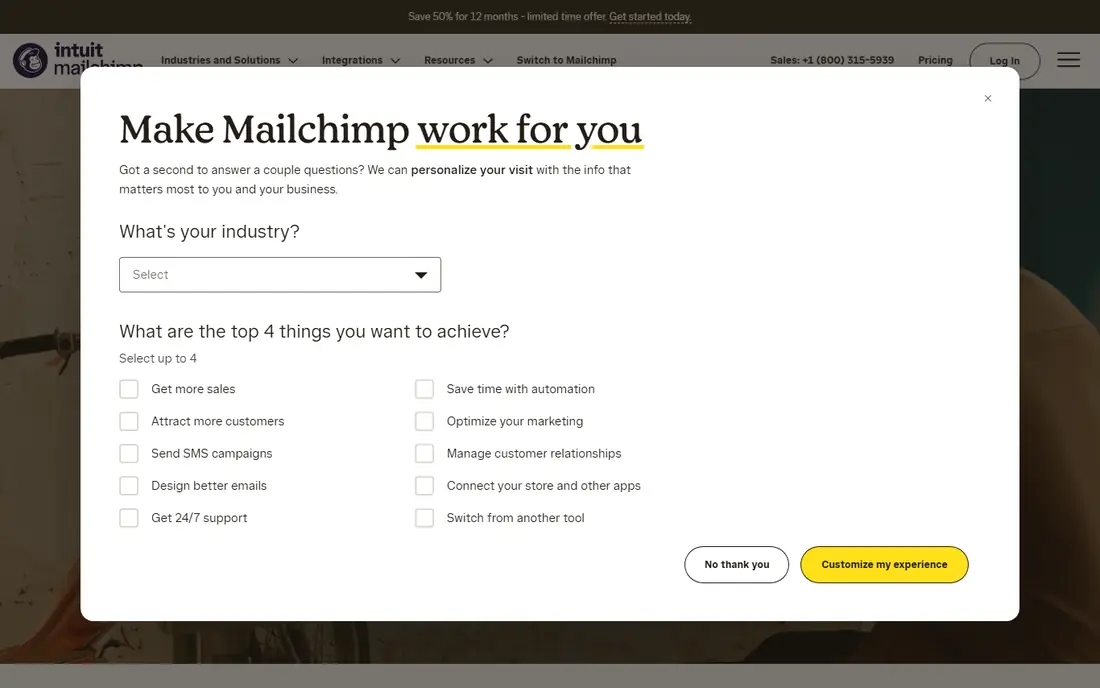
Mailchimp is still the easiest recommendation for a general small business that wants one platform for newsletters, promotions, and simple automation. Its template library and editor produce polished emails without design skill, and integrations with Shopify, WooCommerce, WordPress, and many other tools cover most small-business stacks. Landing pages and signup forms help you grow a list from a website or social profile.
The cost curve is the main warning. The free plan suits very small lists, but paid pricing climbs as contacts grow, and advanced automation sits on higher tiers. If your list will grow fast, price Mailchimp at your expected size in six to twelve months, and compare it with MailerLite or Brevo before you commit.
- Strong templates and drag-and-drop editor
- Large integration marketplace
- Landing pages and basic automation included
- Free plan is limited on contacts and sends
- Pricing rises quickly as your list grows
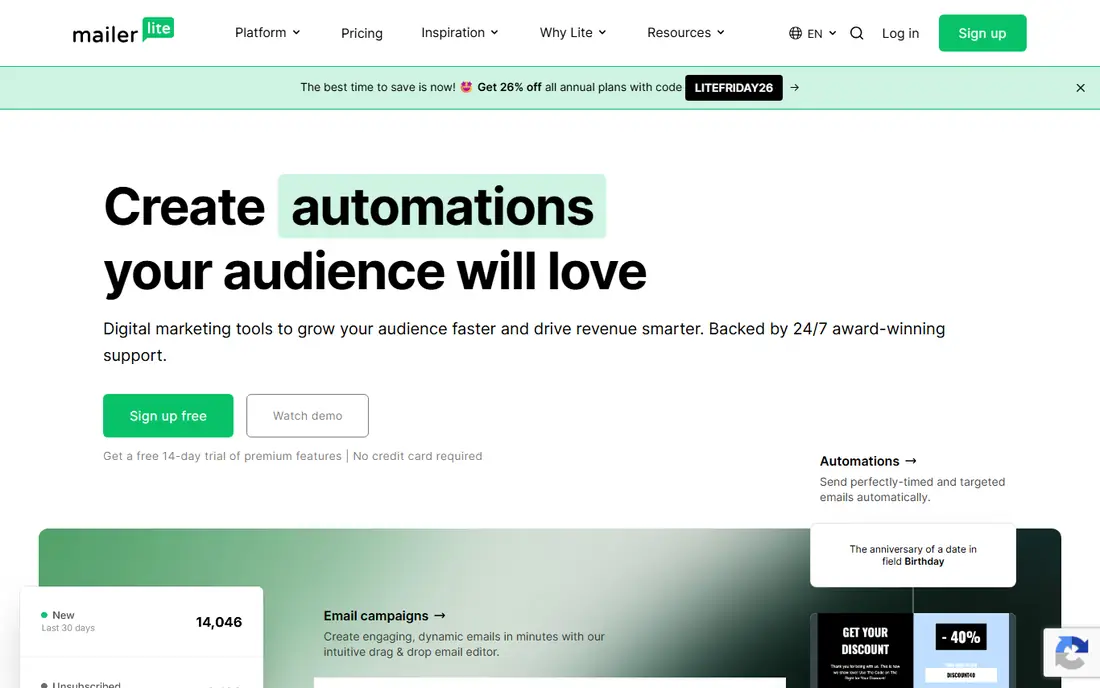
MailerLite wins on value for small businesses that mainly send newsletters and simple welcome flows. The interface is clean, the editor is easy to learn, and the free plan covers small lists well enough to start without paying. Landing pages, signup forms, and segmentation are included, so a solo owner can run a professional newsletter without extra tools.
The limit is depth. MailerLite automation handles welcome series, tagging, and basic flows, but it does not match ActiveCampaign for multi-step journeys or Klaviyo for ecommerce behaviour. Choose MailerLite when design, simplicity, and low cost matter more than advanced automation, and revisit the choice if your flows become complex.
- Clean, easy editor
- Generous free plan for small lists
- Landing pages and basic automation included
- Automation is simpler than ActiveCampaign or Klaviyo
- Ecommerce features are more limited
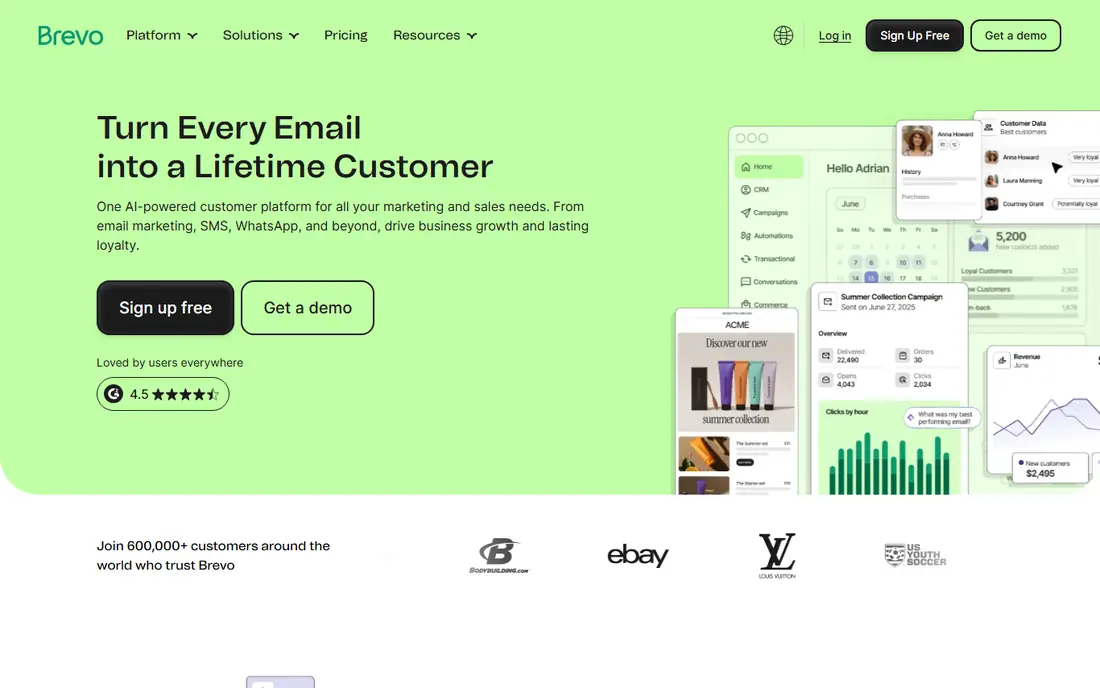
Brevo, formerly Sendinblue, suits small businesses that want email and SMS together without a second platform. You can send campaigns, set up abandoned cart or welcome flows, and add SMS reminders from the same account, which helps for appointment businesses, retailers, and service firms. Its pricing model, based on sends rather than contacts on some plans, can also suit lists with many inactive subscribers.
Design is the trade-off. Brevo templates are serviceable, but Mailchimp and MailerLite offer a more polished starting point for brand-led newsletters. If SMS, transactional email, and multichannel automation matter to you, Brevo is a strong value pick that scales without forcing a move to a separate SMS tool.
- Email, SMS, and transactional messages in one account
- Free plan with daily send limits
- Good value for growing lists
- Template design is less polished than Mailchimp
- Automation learning curve is moderate
Kit, formerly ConvertKit, is built for creators, writers, coaches, and course sellers rather than general retailers. Its tag-based system makes it easy to segment subscribers by interest, send targeted sequences, and sell digital products or subscriptions from the same account. The interface stays simple even as your list grows, which is why many creators stay with Kit for years.
Visual design is the limit. Kit emails look clean and text-led, but businesses that need rich product layouts or complex ecommerce flows will prefer Mailchimp or Klaviyo. Choose Kit when your business is content, coaching, or digital products, and when simple, reliable automation matters more than visual templates.
- Simple tag-based automation
- Landing pages and digital product sales
- Free plan for early lists
- Templates are text-first and less visual
- Ecommerce features are limited for full online stores
ActiveCampaign is the step up when basic welcome emails no longer cover your needs. Its visual builder supports multi-step journeys, conditional branches, lead scoring, and CRM-style contact management, so service businesses and growing ecommerce firms can automate follow-up, onboarding, and re-engagement with precision. Segmentation by behaviour, tags, and custom fields gives you control that simpler tools lack.
That power needs time to learn and a budget to match. Small businesses sending only a monthly newsletter should start with MailerLite or Mailchimp instead. Move to ActiveCampaign when you have a clear automation plan, such as lead nurturing, trial onboarding, or post-purchase flows, and when the time saved justifies the higher plan.
- Powerful visual automation builder
- Lead scoring and CRM features
- Strong segmentation and conditional logic
- Higher starting cost and learning curve
- Overkill for simple newsletters
Constant Contact suits owners who want to send campaigns without learning marketing software. Setup is straightforward, templates are clear, and tools for events, surveys, and social posting cover common small-business needs in one place. Support is a genuine strength for non-technical users who want help by phone or chat.
Automation and ecommerce depth are the limits. Constant Contact handles welcome emails and simple flows, but it does not match ActiveCampaign or Klaviyo for complex journeys. Choose it when ease of use and support matter most, and when your email plan is mainly regular campaigns rather than behaviour-led automation.
- Very easy setup for beginners
- Event and survey tools included
- Helpful support and templates
- Automation is more limited than rivals
- Pricing can feel high for the feature set
Klaviyo is the ecommerce specialist on this list. It pulls product, order, and browsing data from Shopify and other stores, then turns that data into flows for abandoned carts, browse abandonment, welcome offers, and post-purchase follow-up. Segmentation by purchase history, product interest, and lifetime value lets stores send relevant offers instead of blanket discounts.
The cost and focus are the warnings. Klaviyo pricing scales with profiles, so large lists pay more, and general businesses without an online store will not use its best features. For Shopify and WooCommerce stores, though, Klaviyo often pays for itself through recovered carts and repeat purchases, provided you set up flows carefully and monitor frequency.
- Deep Shopify and ecommerce data
- Strong abandoned cart, browse, and post-purchase flows
- Detailed segmentation
- Costs rise with profiles
- Best value is for stores, not general newsletters
GetResponse covers more than email, with funnels, landing pages, webinars, and automation in a single account. That breadth suits coaches, course sellers, and small businesses that run live sessions or lead magnets alongside email campaigns. Automation and segmentation are solid for the price, and the free plan lets you test the core tools before paying.
The interface is busier than MailerLite, and some users will prefer a simpler tool for newsletters alone. GetResponse makes sense when you want webinars or funnels without adding a second platform, or when you run regular live events as part of your marketing. Compare its webinar limits and pricing against a standalone webinar tool if live events are central to your business.
- Funnels, landing pages, and webinars in one platform
- Solid automation and segmentation
- Free plan for testing
- Interface can feel busy
- Advanced features need a higher plan
How we picked these
We checked each vendor homepage and pricing page to confirm the product is active, offers email marketing for small businesses, and provides a current free plan or trial where stated. We compared free plan limits, templates, automation depth, segmentation, integrations, and price at small list sizes. We read public reviews and documentation to check deliverability features, ecommerce integrations, and common limits. Where pricing could not be verified from the vendor site on the day of writing, we wrote See website rather than repeating a third-party figure.
Choosing email software that still fits in a year
The wrong email tool is rarely wrong on day one. It becomes wrong when your list doubles, your flows grow, or your store needs data that the tool cannot use. Price and test for the business you expect in a year, not just the list you have today.
Check deliverability, not just design
Pretty templates mean little if emails land in spam. Use a custom domain, set up SPF, DKIM, and DMARC authentication, and warm up a new sender domain gradually. Clean your list regularly, remove hard bounces, and avoid buying lists, which harm deliverability and breach most vendor terms. Ask each vendor what authentication and reporting tools it provides.
Plan migration before you need it
Moving email platforms takes time, because you must export contacts, rebuild flows, and warm up the new sender. Before you choose, check export options, flow rebuild effort, and integration coverage for your store or CRM. A tool with easy export and strong integrations gives you freedom later, even if you never use it.
Frequently asked questions
What is the best email marketing platform for small business?
Mailchimp suits general small businesses, MailerLite and Brevo suit budget-conscious senders, Kit suits creators, and Klaviyo suits ecommerce stores. The best choice depends on your business model, list size, and automation needs. Start with a free plan, test a real campaign, and price the tool at your expected list size in six months.
What is the best email marketing tool for small businesses with a small list?
MailerLite and Brevo offer strong free plans for small lists, and Kit also offers a free plan for creators. Mailchimp free plan suits very small lists, but its contact limit is tighter than some rivals. Compare send limits, contact limits, and which automation features are included free before you choose.
How much does email marketing software cost for a small business?
Costs depend on contacts, sends, and features, and they rise as your list grows. Many small businesses start free or on a low paid plan, then pay more as subscribers increase. Check the vendor pricing page for your exact list size, and add any SMS, extra users, or premium automation costs to the headline price.
Is Mailchimp or MailerLite better for small business?
Mailchimp offers a broader platform with more templates and integrations, while MailerLite offers a cleaner interface and lower cost for newsletters. Choose Mailchimp for a general business that needs many integrations, and MailerLite for a budget-focused newsletter where simplicity matters. Test both free plans with a real campaign before you decide.
Can I automate emails as a small business?
Yes, and most tools here include welcome flows, abandoned cart flows, and simple sequences on paid or free plans. Start with one welcome flow and one post-purchase or follow-up flow, measure open and click rates, and add complexity only when the basic flows work. ActiveCampaign and Klaviyo offer deeper automation when simple flows are no longer enough.
Sources we checked (8)

Online Jobs is an independent blog about careers, online work, learning new skills and the tools that help people earn. More about us.
Keep reading
All posts
Moz Pro Alternatives
Compare Moz Pro alternatives for SEO, from free tools to full suites, including Semrush, Ahrefs, SE Ranking, and budget options for small teams today.
Constant Contact Alternatives
Compare the best constant contact alternatives for small businesses, creators and nonprofits, with free plans and automation notes to guide your switch.
Best keyword difficulty tool
Looking for the best keyword difficulty tool? We compare 9 SEO tools on difficulty scores, SERP data, price, and ease of use for sites of all sizes in 2026.