Best EHS Software in 2026: 8 Tools Compared

How we put this together: we compare official feature and pricing pages, app store listings, privacy policies and public user reviews. Prices change, so check the provider's site before you pay.
Key takeaways
- VelocityEHS, Cority, and Intelex lead for enterprise teams with complex compliance and multi-site needs.
- SafetyCulture, now Mitti, and Safesite are the best starting points for frontline teams that need mobile inspections fast.
- EHS Insight suits mid-sized teams that want modular tools without a full enterprise rollout.
- Most enterprise EHS pricing is quote-based, so budget for implementation and training as well as licences.
- A tool only helps if field staff use it, so test mobile offline access before you buy.
Quick comparison
| Name | Who it suits | Starting price | Free option | |
|---|---|---|---|---|
 VelocityEHS | Enterprise EHS and compliance | See website | No | Visit |
 Cority | Enterprise EHSQ platform | See website | No | Visit |
 Intelex | Configurable EHSQ for large teams | See website | No | Visit |
 SafetyCulture | Frontline inspections and actions | Free | Yes | Visit |
 Safesite | Free safety management for teams | Free | Yes | Visit |
 EHS Insight | Modular EHS for mid-sized teams | See website | No | Visit |
 Benchmark Gensuite | AI-assisted EHS for large teams | See website | No | Visit |
 EcoOnline | Connected EHS and chemical safety | See website | No | Visit |
The best EHS software
EHS software covers environment, health, and safety work: incidents, audits, inspections, corrective actions, training, and compliance records. The right tool depends on whether you need a frontline app, a mid-market suite, or an enterprise platform. Frontline apps focus on fast mobile reporting, while enterprise platforms focus on connected records across many sites. Mid-market suites sit between those poles, and the wrong tier can leave a team with either too little structure or too much admin work for the staff available.
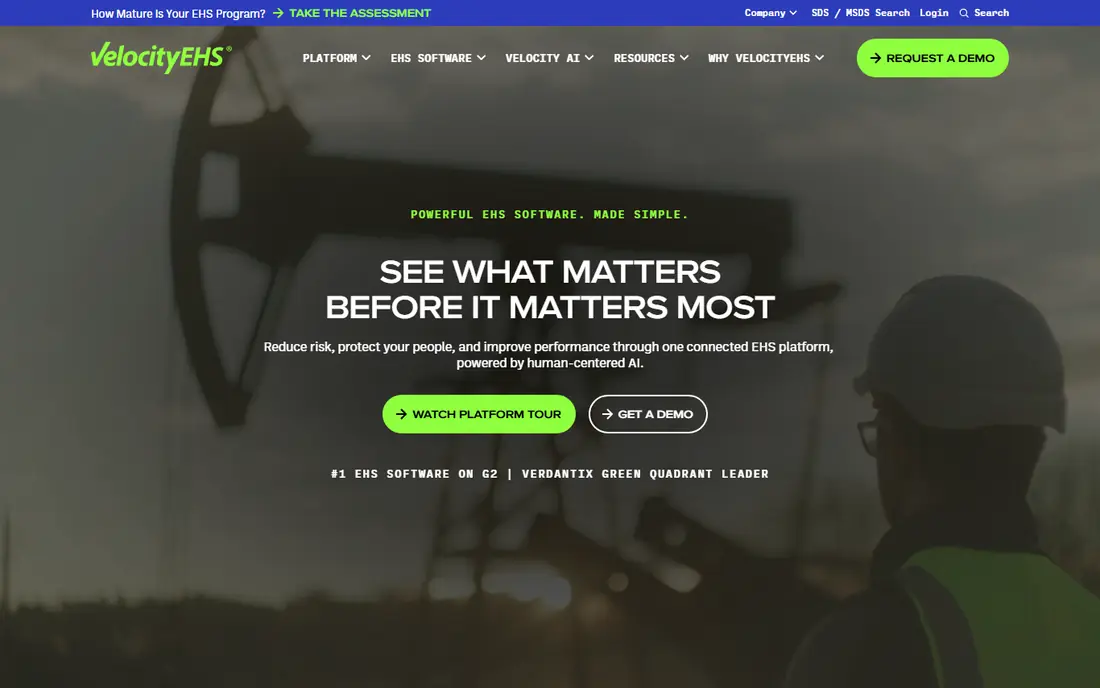
VelocityEHS fits large organisations that need one system for safety, chemical management, industrial hygiene, and ESG reporting. Incident management, audits, inspections, and corrective actions sit in a connected platform, and mobile access lets field staff report from site. That breadth suits multi-site teams with complex reporting duties.
The catch is scale and cost. Pricing is quote-based, and a full rollout needs planning, configuration, and training. Small teams will find it more than they need. For enterprise safety leaders, the connected data and audit trail justify the effort.
- Broad EHS, chemical, and ESG coverage
- Mobile inspections and incident tools
- Strong enterprise integrations
- Quote-based pricing
- Implementation can be long
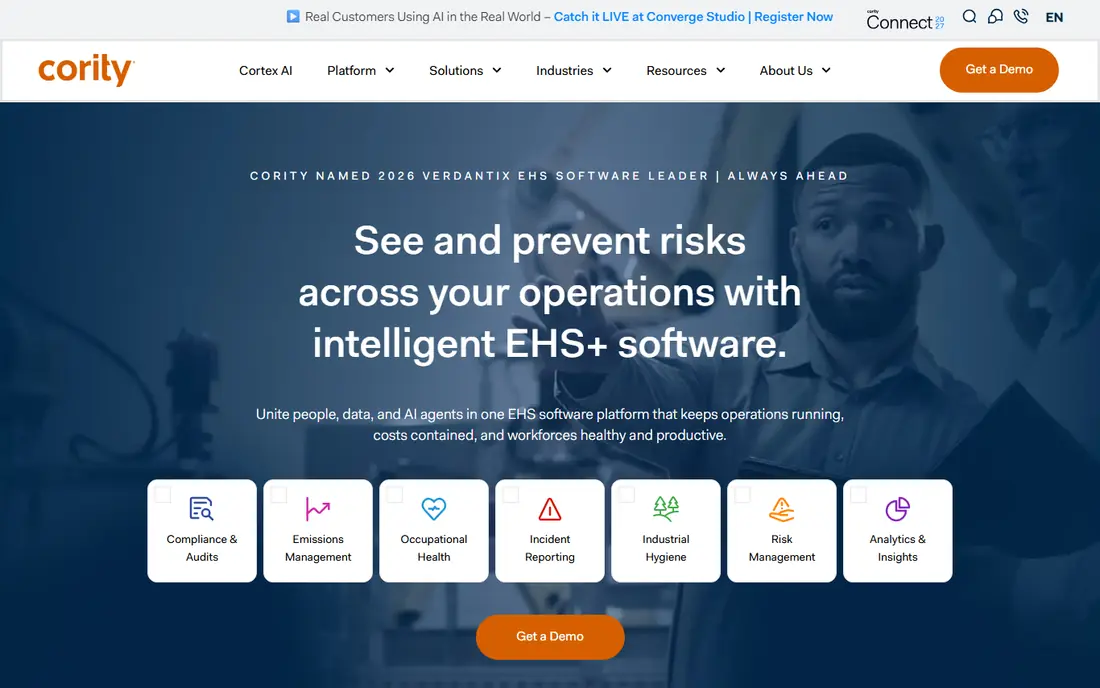
Cority fits enterprise teams that need EHS plus quality in one platform. Modules cover incidents, audits, risk, occupational health, and compliance, with analytics that help leaders spot trends across sites. That depth suits regulated industries with strict record and reporting needs.
The catch is complexity and cost. Cority needs a dedicated owner, careful configuration, and a phased rollout. Teams without that capacity should start with a simpler tool. For large EHSQ programmes, Cority gives control that lighter apps cannot match.
- Deep EHSQ coverage across modules
- Strong analytics and reporting
- Used by large regulated organisations
- Quote-based pricing
- Needs dedicated admin and rollout time
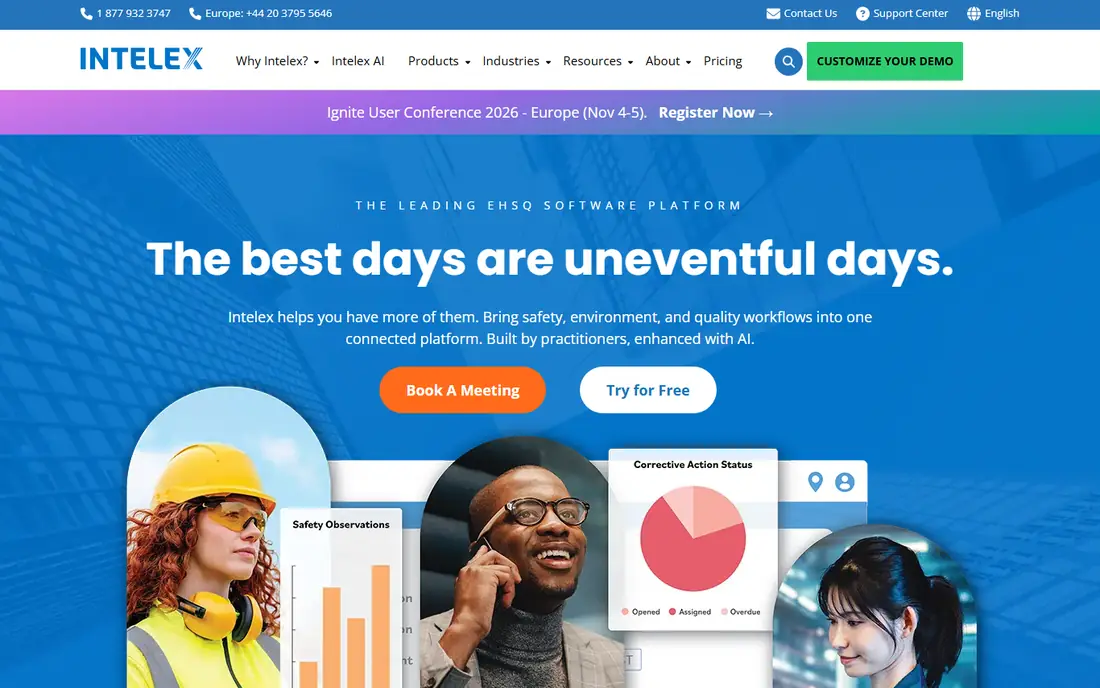
Intelex fits large teams that want to shape workflows to their own processes. Incident, audit, risk, and compliance modules can be configured without forcing every site into the same rigid form. Mobile access and analytics support field reporting and leadership review in one system.
The catch is setup. Configurability is a strength only if someone owns it, and a rushed setup can create forms no one enjoys using. Plan the core workflows first, prove them on one site, then roll out with training and clear owners.
- Highly configurable workflows
- Broad EHSQ modules
- Analytics and mobile access
- Quote-based pricing
- Configuration needs expertise
SafetyCulture, now branded as Mitti in some markets, fits frontline teams that need inspections done well on a phone. Staff can run checklists offline, add photos, and turn failed items into corrective actions with owners and due dates. Templates cover many industries, and setup can take days rather than months.
The catch is depth at enterprise scale. Analytics and advanced controls improve on higher tiers, and very complex compliance programmes may need a fuller suite. For most site and frontline teams, SafetyCulture is the fastest route to consistent inspections.
- Mobile inspections with offline access
- Templates and corrective actions
- Free tier for small teams
- Deeper analytics need higher tiers
- Enterprise needs may need other tools
Safesite fits teams that need free, practical safety management without an enterprise budget. Mobile inspections, incident reports, and dashboards cover the daily work of a safety manager, and the free tier suits small and mid-sized teams getting started with digital safety records.
The catch is scope. It does not match enterprise suites on chemical management, ESG, or deep compliance modules, and advanced features sit on paid plans. For teams moving from paper or sheets, Safesite is a strong and low-risk first step.
- Free core safety management
- Mobile inspections and incident reports
- Dashboards for safety leaders
- Advanced features need paid plans
- Smaller module range than enterprise suites
EHS Insight fits mid-sized teams that want to buy only the modules they need. Incident management, audits, risk assessment, compliance tracking, and training can be added as the programme grows. That modular approach helps a team move from sheets to a system without paying for a full enterprise suite at once.
The catch is total cost at scale. Module and site pricing can add up as coverage grows, so map the modules you need for the next two years before signing. With that plan, EHS Insight gives a practical middle path between a frontline app and an enterprise platform.
- Modular incident, audit, and training tools
- Clear compliance tracking
- Mid-market fit
- Pricing varies by modules and sites
- Less breadth than enterprise leaders
Benchmark Gensuite fits large teams that want broad EHS coverage with workflow and analytics support. Modules cover incidents, audits, risk, and compliance, and reporting helps leaders compare sites and trends. It suits organisations that need a structured system across many locations.
The catch is enterprise effort. Pricing is quote-based, and implementation needs owners, data migration, and training. Teams should run a pilot on core modules first, prove the reporting value, then expand to other sites and modules.
- Broad EHS modules with workflow tools
- Analytics and reporting for leaders
- Strong for multi-site programmes
- Quote-based pricing
- Rollout needs planning
EcoOnline fits manufacturing and chemical-using teams that need EHS plus chemical safety in one place. Safety data sheets, chemical inventories, and risk assessments sit next to incidents and audits, which helps teams that manage hazardous substances every day. That link reduces duplicate records across safety and chemical work.
The catch is fit for small teams. The breadth and quote-based pricing suit mid-sized and large organisations more than a single site with basic inspection needs. For chemical-heavy operations, EcoOnline is a strong and focused choice.
- EHS plus chemical management
- Safety data sheet tools
- Good for manufacturing and chemical users
- Quote-based pricing
- Breadth may exceed small team needs
How we picked these
We compared tools on incident and audit coverage, mobile and offline access, corrective action workflows, analytics, and published pricing. We checked whether each tool suits frontline, mid-market, or enterprise buyers, since a tool built for one group often disappoints another. We favoured tools that are maintained, widely used, and able to produce an audit trail, over tools that only digitise forms.
We also weighed adoption. A safety system fails if field staff avoid it, so mobile ease, offline access, and simple corrective actions mattered as much as module count. Tools that let a worker report in two minutes scored better than tools with rich desktop features but weak mobile flows.
How to choose EHS software
Start with your highest-risk work and your audit duties. List the records an inspector will ask for: incidents, OSHA logs where relevant, audits, training, corrective actions, and chemical data. Then check whether the tool produces those records cleanly, with owners and due dates, not just a form archive.
Next, test the field experience. Give the app to workers on a real site, with poor signal if that is your reality, and time how long a report takes. Check offline sync, photo capture, and corrective action assignment. Confirm pricing for all sites and users, plus implementation time, before you sign, and plan an owner for the system after launch.
A final check is to agree who owns the system after launch. Name one person to review open corrective actions each week, close overdue items, and update templates when a process changes. Without that owner, even a good system slowly fills with stale actions, and field staff stop trusting it as a record of real work.
Frequently asked questions
What is EHS software?
EHS software manages environment, health, and safety work in one system. It covers incidents, inspections, audits, corrective actions, training, and compliance records. It replaces scattered sheets and paper with a single audit trail that leaders and inspectors can review.
What is the best free EHS software?
SafetyCulture and Safesite both offer free tiers that suit frontline teams. SafetyCulture is strong for inspections and actions, while Safesite covers core safety management for free. For enterprise compliance, free tiers are a starting point, not a full suite.
How much does EHS software cost?
Frontline apps can start free or at a low per-user price, mid-market suites vary by modules and sites, and enterprise platforms are quote-based and can run to five or six figures a year. Always budget for implementation, training, and admin time as well as licences.
Will EHS software keep us compliant?
It helps a lot, but it does not guarantee compliance. Good software gives you logs, audit trails, and training records in one place, which covers much of what an inspection asks for. You still need correct procedures, trained people, and timely reporting.
How long does EHS software take to implement?
Simple frontline tools can run in days. Mid-market platforms often take four to twelve weeks with configuration and training. Enterprise suites can take three to nine months for a full rollout. Ask every vendor for a written timeline before you sign.
Sources we checked (8)

Online Jobs is an independent blog about careers, online work, learning new skills and the tools that help people earn. More about us.
Keep reading
All posts
eBay Alternatives
Looking for ebay alternatives? We compared 9 marketplaces for sellers on fees, buyer reach, categories and ease of listing, to help you sell with confidence.

ZoomInfo Alternatives
The best ZoomInfo alternatives in 2026, compared on price, free plans, data coverage, and which tool fits small teams or large sales teams best in detail.

Zoom Alternatives
Zoom alternatives compared for 2026: Google Meet, Microsoft Teams, Webex, Jitsi and more for free calls, large meetings and webinars for teams and classrooms.