Best Educational Apps for Kids in 2026: 8 Apps Compared


Free all-round learning, ages 2 to 8 · Starting price: Free
How we put this together: we compare official feature and pricing pages, app store listings, privacy policies and public user reviews. Prices change, so check the provider's site before you pay.
Key takeaways
- Khan Academy Kids is the best free starting point for ages 2 to 8, with reading, maths and social skills and no ads.
- Duolingo ABC suits early readers aged 3 to 8, with phonics, sight words and handwriting practice at no cost.
- ABCmouse and Lingokids suit families that want a structured paid path for ages 2 to 8, with progress reports for parents.
- Parental controls matter as much as lessons: check profiles, time limits, purchase locks and child-privacy practices before you subscribe.
Quick comparison
| Name | Who it suits | Starting price | Free option | |
|---|---|---|---|---|
| Khan Academy Kids | Free all-round learning, ages 2 to 8 | Free | Yes | Visit |
 Duolingo ABC | Learning to read, ages 3 to 8 | Free | Yes | Visit |
 PBS Kids Games | Free games with familiar characters, ages 2 to 8 | Free | Yes | Visit |
 ABCmouse | Structured curriculum, ages 2 to 8 | $14.99 per month | Yes | Visit |
 Lingokids | Playful learning, ages 2 to 8 | See website | Yes | Visit |
 Epic | Reading library, ages 2 to 12 | $13.99 per month | Free trial | Visit |
 Prodigy Math | Gamified maths practice, ages 6 to 14 | Free | Yes | Visit |
 ScratchJr | First coding, ages 5 to 7 | Free | Yes | Visit |
The best educational apps for kids
We compared official app pages, age guidance, pricing pages and app store listings for the apps below. Parental-controls note: set up a parent profile or PIN where offered, lock purchases, check screen-time settings on the device, and review what data an app collects before a child uses it. Prefer apps that state child-privacy practices clearly, avoid third-party ads in children's sections, and let parents see progress without sharing a child's full profile publicly.
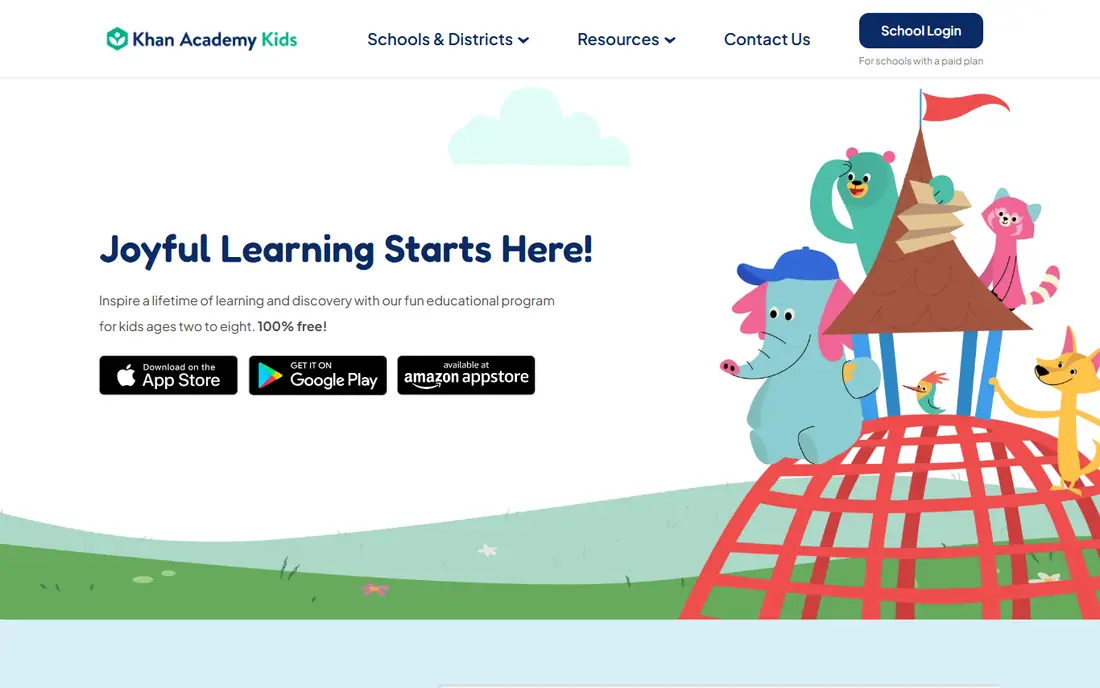
Khan Academy Kids is our first pick for most families because it is free, ad-free and broad. Children aged 2 to 8 can work on letters, phonics, numbers, shapes, stories and social skills through games, books and videos, with a friendly cast that keeps younger children engaged. A parent area lets adults see progress and adjust settings.
The main limit is scope. Older children will outgrow the age range, and families that want a strict daily path may prefer ABCmouse. For a preschool or early primary child, though, Khan Academy Kids gives a strong, safe starting point at no cost, which is why we place it first.
- Free with no ads
- Reading, maths, writing and social skills
- Parent area and progress view
- Less structured than a paid curriculum for some families
- Content ends around age 8
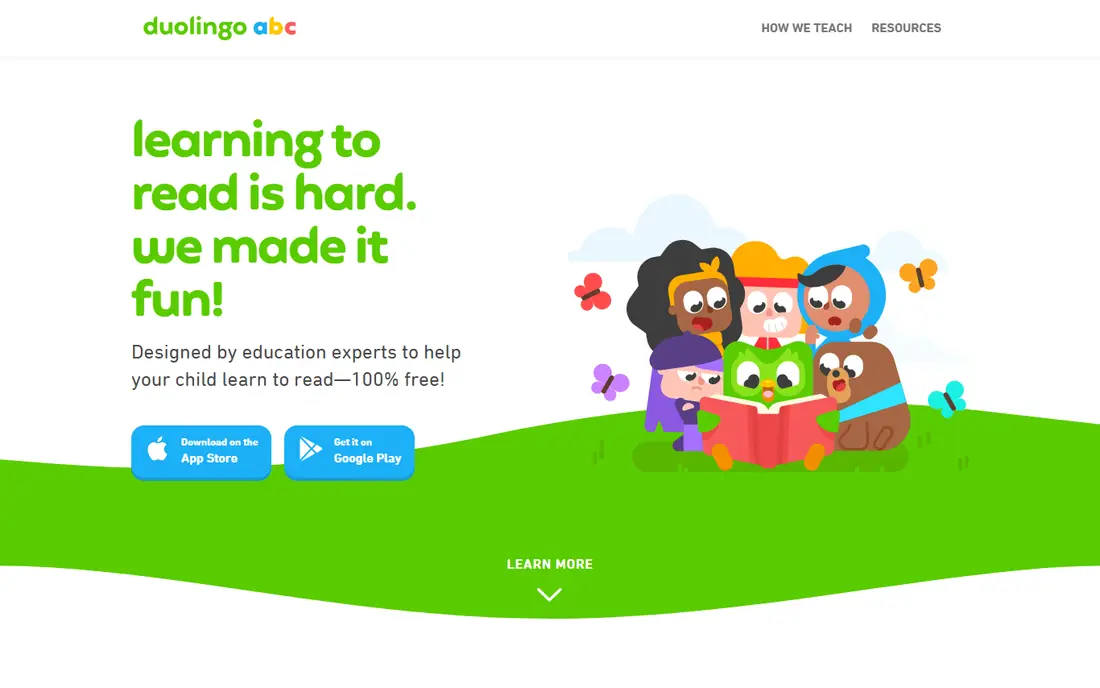
Duolingo ABC suits a child who is learning to read, from preschool through first grade. Short lessons cover letter sounds, blending, sight words and handwriting, with games that keep practice brief and repeatable. Because it is free with no ads or in-app purchases, parents do not need to manage purchase locks for this app.
Use it as a reading companion, not a whole curriculum. Pair it with Khan Academy Kids for maths and wider learning, or with books read together at home. For a child who needs extra phonics practice, Duolingo ABC is one of the clearest free tools available.
- Free with no ads or purchases
- Phonics, sight words and handwriting
- Short lessons for young readers
- Narrower than an all-subject app
- Best as a reading companion, not a full curriculum
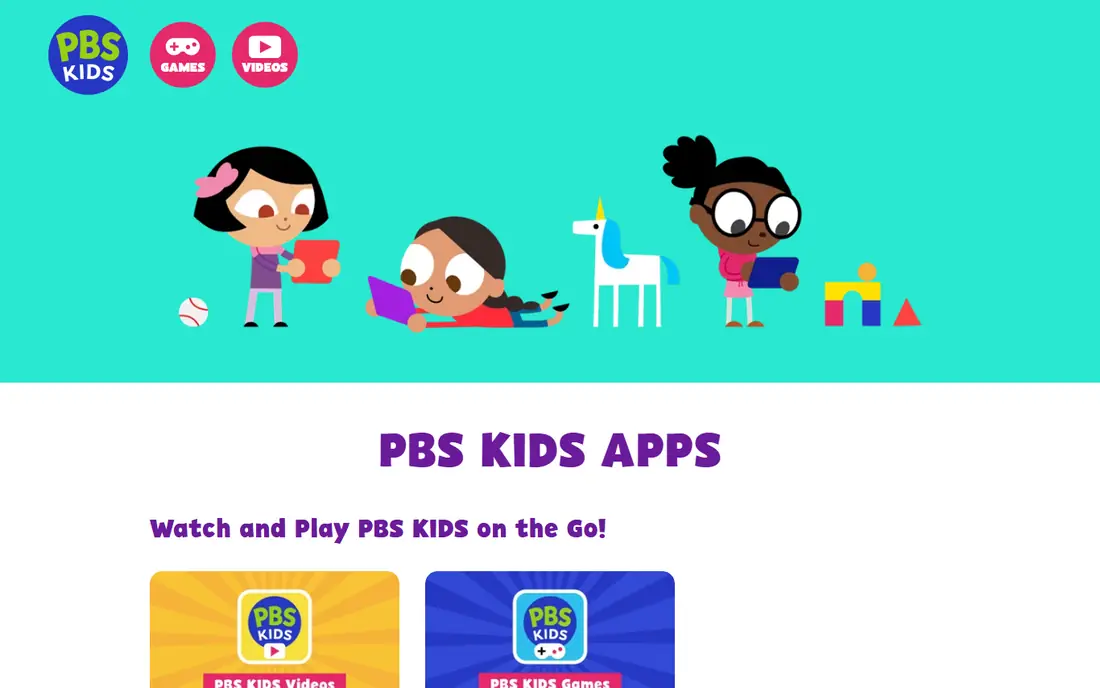
PBS Kids Games is a good free choice for children who already love PBS characters. Games cover maths, reading, science, art and social skills, and the nonprofit PBS background gives parents a clearer privacy story than many commercial apps. Children can pick a game by character or subject, which helps on days when a structured lesson feels too much.
Depth varies by game, so this is better as a supplement than a sole curriculum. Use it for playful practice after a main lesson, and check the parent section for guidance on age-appropriate games. For a free, low-risk addition to a learning routine, PBS Kids Games is easy to recommend.
- Free
- Familiar PBS characters
- Maths, reading, science and social skills games
- Games vary in depth
- Less of a structured learning path than ABCmouse
ABCmouse suits families that want a clear path rather than a set of separate games. Children aged 2 to 8 move through levels covering reading, maths, science, art and music, with rewards and a classroom-like structure. Parents can track progress and see which skills a child has practised, which helps when a teacher asks what to work on at home.
Price is the decision point. Full access needs a subscription, and prices can vary by platform and promotion, so check the official site and app store listing before you pay. Try the free access first, and only subscribe if your child uses the path regularly for several weeks.
- Step-by-step learning path
- Reading, maths, science, art and music
- Progress tracking for parents
- Paid subscription needed for full access
- Price varies by platform and promotion
Lingokids is a playful option for ages 2 to 8, with games, songs and activities covering literacy, maths, science and social skills. The tone is light and musical, which suits younger children who learn best through play. Parents get progress reports and can set up profiles for more than one child, which helps families with siblings.
The free tier is limited, so full access needs a subscription. Check the current price on the official site, since app store prices can differ. Lingokids fits families that want joyful, game-led learning and are happy to pay for a fuller library after a free trial.
- Playful games and songs
- Literacy, maths and science
- Parent progress reports and multiple child profiles
- Full content needs a subscription
- Some families prefer a stricter curriculum
Epic is the pick for families that want reading volume and choice. Children aged 2 to 12 can browse books, audiobooks and videos, with Read-To-Me support for younger readers and quizzes for older ones. A parent dashboard and multiple child profiles help families share one account without mixing progress.
Epic is a library, not a full curriculum. It will not replace maths practice or structured phonics, so pair it with Khan Academy Kids or Duolingo ABC for a balanced routine. For a child who loves stories and needs more books at home, Epic's library is a strong value after the trial.
- Large library of books and audiobooks
- Read-To-Me options
- Parent dashboard and multiple profiles
- Subscription needed after trial
- Reading focus means less maths or science practice
Prodigy Math turns maths practice into a game for ages 6 to 14, with battles, pets and rewards tied to answering questions correctly. The free core covers curriculum-aligned maths, and a parent account lets adults see progress and set goals. For a child who resists worksheets, that game layer can turn practice into something they ask for.
Watch the membership prompts. Paid membership adds extras, and some parents find the in-game upsell distracting. Set expectations before a child starts, use the free core first, and check whether membership adds learning value or only game rewards for your child.
- Free core maths game
- Curriculum-aligned practice
- Parent account and progress view
- Paid membership adds extras that can feel like pressure
- Game elements can distract some children
ScratchJr introduces coding to children aged 5 to 7 through colourful blocks that move characters, add sounds and tell stories. There are no purchases and no ads in the core app, and projects stay on the device, which gives parents a simple privacy story. It teaches sequencing, cause and effect and creative thinking without reading-heavy instructions.
The age range is narrow by design. Older children will want Scratch, the fuller coding platform for ages 8 and up, while younger children may need an adult beside them at first. For a first coding app, ScratchJr is a safe, free and genuinely creative choice.
- Free with no purchases
- Block coding for young children
- Creative storytelling and projects
- Limited to ages 5 to 7 in design
- No parent dashboard like larger apps
How we picked these
We compared official app pages, age guidance, pricing pages and app store listings, and we favoured apps that state an age range, offer parental controls or a parent area, and publish child-privacy information. We did not claim hands-on testing, and we did not invent prices, age ranges or learning outcomes. Where a price varied by platform, we gave the figure we could support and pointed readers to the official site.
What to check before you choose
Start with age and subject, not popularity. A brilliant app for age 8 will frustrate a 3-year-old, and a reading app will not fix a maths gap. Match the app to one clear goal, such as phonics, maths practice or coding, and add a second app only when the first goal is covered.
Then check controls and privacy in the app itself. Look for a parent PIN, purchase locks, profile limits, screen-time guidance and a clear child-privacy policy. Avoid apps with third-party ads in children's sections, and review data settings together if a child is old enough to understand them. Finally, try the free tier for two weeks before paying, and watch whether your child returns to the app without prompting. That habit tells you more than a feature list.
Frequently asked questions
What is the best educational app for kids overall?
Khan Academy Kids is our top pick for ages 2 to 8, because it is free, ad-free and covers reading, maths and social skills. For older children, pair it with Prodigy Math for maths or Epic for reading.
What are the best free educational apps for kids?
Khan Academy Kids, Duolingo ABC and PBS Kids Games are all free, with no ads in their core children's experience. ScratchJr is also free for first coding, and Prodigy Math offers a free core maths game.
What are the best free apps for 3 year olds?
Khan Academy Kids and PBS Kids Games suit 3-year-olds with short, playful activities and familiar characters. Duolingo ABC can help with early letter sounds, while ABCmouse and Lingokids offer structured or playful paid paths for the same age range.
What is the best kids educational app for reading?
Duolingo ABC is best for early phonics and first reading, while Epic is best for reading volume and choice for ages 2 to 12. Khan Academy Kids covers early reading within a wider learning app.
How do parental controls work in kids apps?
Controls vary, but common options include a parent PIN, purchase locks, child profiles, progress reports and device screen-time settings. Check the parent area in each app, review its child-privacy policy, and set device limits alongside app settings for the strongest protection.
Sources we checked (8)

Online Jobs is an independent blog about careers, online work, learning new skills and the tools that help people earn. More about us.
Keep reading
All posts
Best Vocabulary Apps
We compare 8 vocabulary apps in 2026, free and paid, for English learners, students, and test prep, with honest notes on what each one does best for daily use.

Best Udemy Alternatives
Explore the best Udemy alternatives for 2026, including Coursera, Skillshare, and LinkedIn Learning, with pricing, certificates, and who each platform suits.
Best Tools for Virtual Tutoring
Compare the best tools for virtual tutoring, from one-to-one tutor marketplaces to free self-paced learning, with pricing, subjects and honest limits.