Best Education Software in 2026: 8 Tools Compared

How we put this together: we compare official feature and pricing pages, app store listings, privacy policies and public user reviews. Prices change, so check the provider's site before you pay.
Key takeaways
- The best education software depends on the job, because course management, quizzes, and study tools solve different problems.
- Google Classroom and Canvas suit full courses, while Kahoot and Quizizz suit quick checks of understanding.
- Free plans help small classes, but larger classes, reporting, and integrations often need paid plans.
- The best educational software for a school should fit its existing systems, not force a rebuild of every workflow.
- Privacy, age rules, and data controls matter for student tools, so check each vendor policy before classroom use.
Quick comparison
| Name | Who it suits | Starting price | Free option | |
|---|---|---|---|---|
 Google Classroom | Simple course management | Free | Yes | Visit |
 Canvas | Full learning management | See website | Free trial | Visit |
 Kahoot | Live classroom quizzes | See website | Yes | Visit |
 Quizizz | Self-paced quizzes and homework | See website | Yes | Visit |
 Quizlet | Flashcards and study sets | See website | Yes | Visit |
 Nearpod | Interactive lessons and slides | See website | Yes | Visit |
 Moodle | Open-source course platform | Free | Yes | Visit |
 Blackboard Learn | Large institution courses | See website | No | Visit |
The best education software
Education software covers a wide range, from full learning management systems to single-purpose quiz tools. We compared official pricing pages, classroom features, reporting, integrations, and ease of use for teachers and learners. The list mixes free tools with institution platforms, so readers can match a tool to their setting.
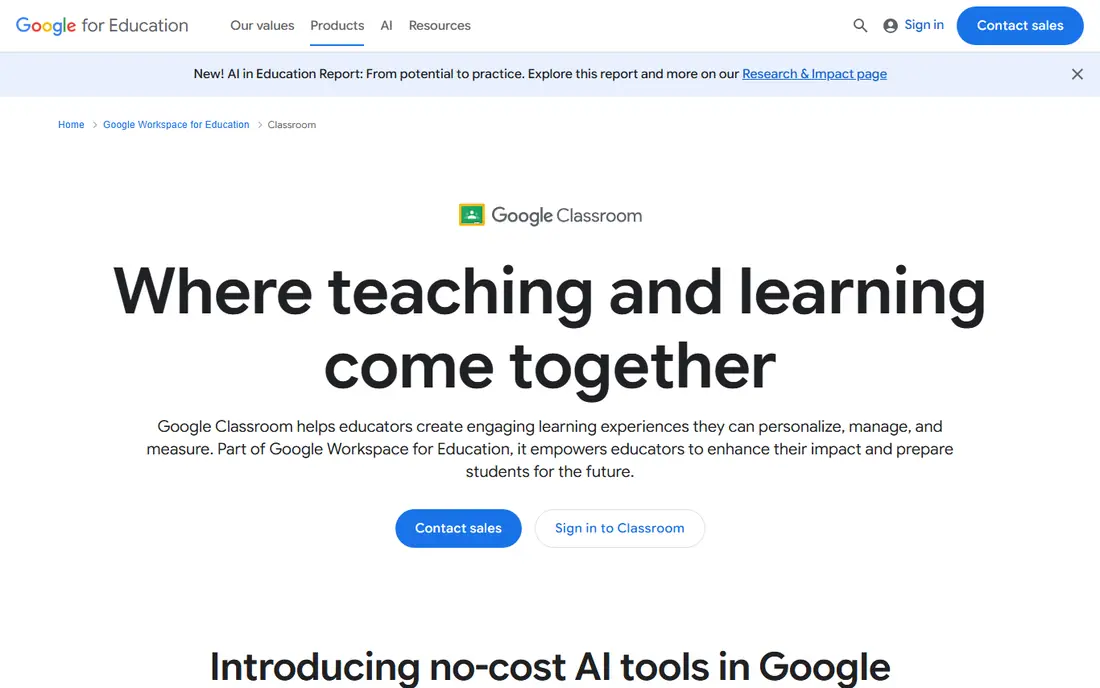
Google Classroom suits schools and trainers who already use Google Docs, Drive, and Meet. Teachers can post assignments, collect work, grade, and share announcements in one place, and learners can find everything without learning a complex system. That simplicity helps new teachers and small schools get started fast.
The limit is depth. Google Classroom is not a full learning management system, so advanced reporting, complex course pathways, and detailed admin controls are weaker than in Canvas or Blackboard. For a single class or a small programme, it is excellent. For a large institution with many programmes, a fuller LMS may fit better.
- Free for schools using Google Workspace for Education
- Simple assignments and grading
- Strong Google integration
- Less deep reporting than a full LMS
- Limited advanced course structure for large programmes
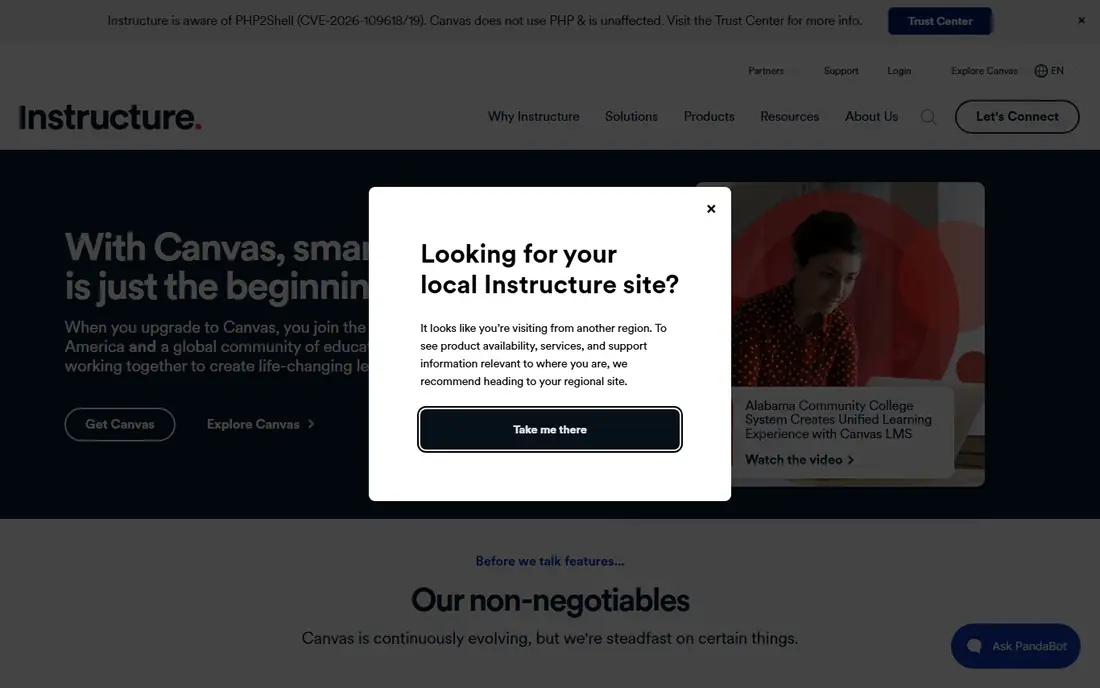
Canvas suits schools, colleges, and training providers that need a full learning management system. Courses can include modules, assignments, quizzes, discussions, and grades, with reporting that helps teachers spot learners who need support. Its integrations with many education tools also make it a practical hub for larger programmes.
The downside is cost and setup. Pricing is quote-based for institutions, so budgeting needs a vendor conversation. Admin setup also takes more time than Google Classroom, especially for permissions and course templates. For large programmes, that investment pays off. For a single teacher, a simpler tool may be enough.
- Full course management and grading
- Strong integrations
- Widely used in higher education
- Quote-based pricing for institutions
- Setup takes more admin time than simpler tools
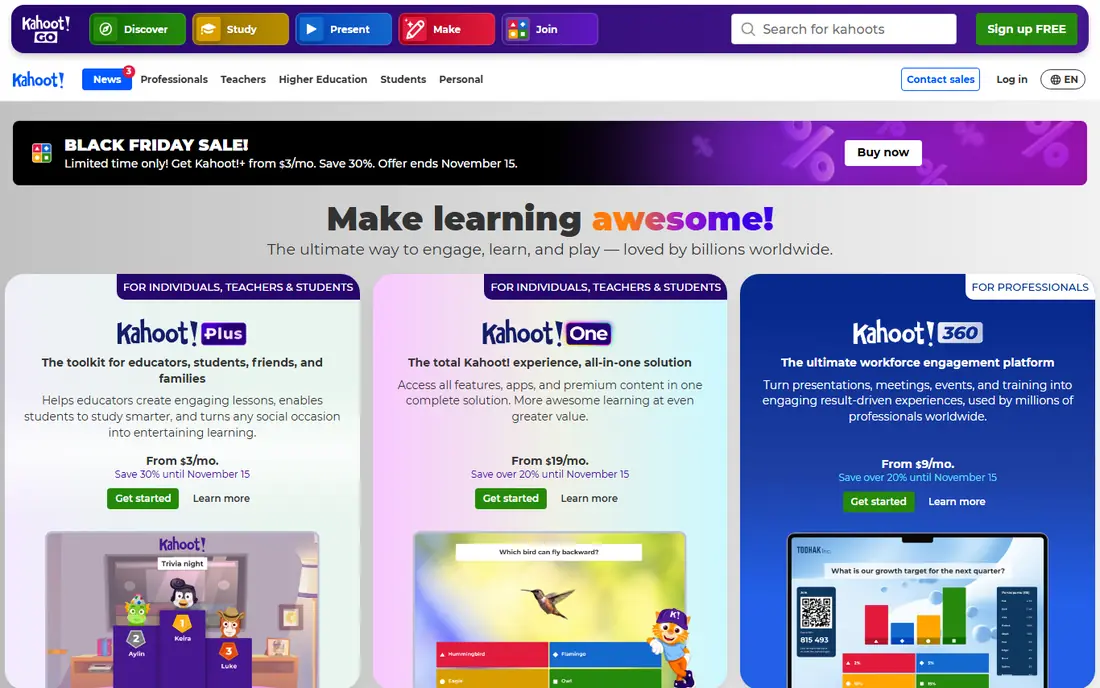
Kahoot suits teachers who want a fast, lively check of understanding during a lesson. Learners join by code, answer on their devices, and see a leaderboard, which makes review sessions feel like a game rather than a test. Ready-made quizzes also save prep time for busy teachers.
The catch is scale. The free tier caps player counts per session, so larger classes need a paid plan. Reporting is also deeper on paid plans, which matters when teachers want to track which topics need reteaching. Kahoot is best as a classroom engagement tool, not as a full course system.
- Engaging live quizzes
- Easy to run in class
- Large library of ready-made games
- Free tier limits player counts
- Paid plans needed for larger sessions and deeper reporting
Quizizz suits teachers who want quizzes that learners can complete at their own pace, as homework or review. Unlike a live game, learners do not need to wait for the whole class, which helps with mixed-ability groups and absent learners. Reports show which questions caused trouble, so teachers can plan follow-up teaching.
The limit is depth on free plans. Advanced reporting, integrations, and some question types sit on paid plans, so schools should check the plan that matches their class size. Quizizz is a strong companion to a course system, because it handles practice and checks without replacing full course management.
- Self-paced quizzes and homework
- Useful reports
- Large question library
- Paid features needed for advanced reporting and integrations
- Game elements can distract some learners
Quizlet suits learners who need to memorise vocabulary, facts, and definitions. Flashcards, matching games, and practice tests make revision more active than rereading notes, and teachers can share sets for a class. For language learning and exam revision, Quizlet is a practical, low-cost tool.
The downside is quality control. Shared study sets vary in accuracy, so teachers should check sets before assigning them. Advanced study modes and offline access also sit on paid plans. Quizlet works best as a study aid alongside teaching, not as a replacement for lessons or feedback.
- Easy flashcards and study modes
- Large shared study sets
- Useful for vocabulary and revision
- Shared sets vary in quality
- Advanced study features need a paid plan
Nearpod suits teachers who want lessons that learners interact with, rather than slides they only watch. Polls, quizzes, drawings, and collaborative boards can sit inside a lesson, and teachers can see responses in real time. That feedback helps teachers adjust a lesson while it is running.
The catch is prep and limits. Building a rich interactive lesson takes more time than uploading slides, and the free plan limits storage and some features. Nearpod is best for key lessons where interaction matters, rather than for every slide deck. For those lessons, it adds real value.
- Interactive slides with polls and quizzes
- Useful for live and self-paced lessons
- Good reporting
- Free plan limits storage and features
- Building rich lessons takes prep time
Moodle suits schools and organisations that want a full course platform without licence fees, and that have technical skill to host and maintain it. Courses, quizzes, forums, and grades can be customised deeply, and a large plugin library extends the core system. For institutions with specific needs, that control is valuable.
The downside is maintenance. Hosting, updates, security, and support fall to the institution, which needs admin time and skill. The interface also feels less modern than newer platforms, which can affect learner experience. Moodle is best when control and cost matter more than polish and vendor support.
- Free open-source platform
- Highly customisable
- Large community and plugin library
- Needs hosting and admin skill
- Interface feels dated compared with newer tools
Blackboard Learn suits large institutions that need a full learning management system with detailed grading, reporting, and admin controls. It has a long record in higher education, and it handles complex programmes, large cohorts, and compliance needs that simpler tools cannot. For a university or large training provider, that depth matters.
The limit is cost and complexity. Pricing is quote-based, and setup takes admin time and training. Smaller schools may find Google Classroom or Canvas easier to run. Blackboard Learn is best when scale, reporting, and institutional control are the main requirements.
- Full LMS for large institutions
- Strong grading and reporting
- Long record in higher education
- Quote-based pricing
- Setup and learning curve for admins and teachers
How we picked these
We compared official pricing pages, course management features, quiz and study tools, reporting, integrations, and ease of use. We included full learning systems, quiz tools, and study aids, because the best learning software for one setting may not fit another. We also checked free plans, because budget is a real constraint for many schools.
Buying guide: choosing education software that fits your setting
Start with the teaching job, not with the feature list. Ask whether you need a full course system, a quiz tool, a study aid, or a mix of tools. A full LMS is overkill for a single teacher running revision quizzes, while a quiz tool cannot carry a full degree programme. Match the tool to the job, and add tools only when a clear gap appears.
Privacy, access, and integrations
Check age rules, data controls, and privacy policies before classroom use, especially for younger learners. Ask whether learners need accounts, what data is collected, and how long it is kept. Check device access too, because a tool that needs a laptop will fail in a class that uses tablets or phones. Finally, check integrations with your existing systems, so grades and rosters do not need manual copying.
Trials with real classes
Run a trial with a real class, not just a demo account. Ask teachers to build one lesson, run one quiz, and check one report, then collect honest feedback. A tool that looks good in a demo can fail when thirty learners join at once, or when a teacher needs to fix a grade quickly. A short real trial reveals those problems before a school commits.
Frequently asked questions
What is the best educational software for schools?
Google Classroom suits small schools and simple courses, while Canvas and Blackboard Learn suit larger institutions with full programmes. The best choice depends on programme size, reporting needs, and existing systems. A trial with real classes is the best way to compare.
What is the best learning software for quizzes?
Kahoot suits live classroom quizzes, while Quizizz suits self-paced quizzes and homework. Quizlet suits flashcards and revision. Many teachers use more than one, because live games, homework quizzes, and study sets serve different purposes.
Is there free education software for teachers?
Yes. Google Classroom is free for schools using Google Workspace for Education, and Moodle is free as open-source software, though hosting costs apply. Kahoot, Quizizz, Quizlet, and Nearpod all offer free plans with limits. Free plans suit small classes, while larger classes may need paid plans.
How do I choose between Canvas and Google Classroom?
Choose Google Classroom for simple courses, fast setup, and Google integration. Choose Canvas for full course management, deeper reporting, and larger programmes. If your school already uses Google Workspace heavily, Classroom may be enough. If you need complex pathways and admin controls, Canvas fits better.
What should schools check before buying education software?
Check privacy and data controls, device access, integrations, reporting, and total cost at real class sizes. Also check training and support, because a tool that teachers cannot use confidently will not help learners. A trial with a real class should come before any long-term contract.
Sources we checked (8)

Online Jobs is an independent blog about careers, online work, learning new skills and the tools that help people earn. More about us.
Keep reading
All posts
Best Vocabulary Apps
We compare 8 vocabulary apps in 2026, free and paid, for English learners, students, and test prep, with honest notes on what each one does best for daily use.
Best Udemy Alternatives
Explore the best Udemy alternatives for 2026, including Coursera, Skillshare, and LinkedIn Learning, with pricing, certificates, and who each platform suits.
Best Tools for Virtual Tutoring
Compare the best tools for virtual tutoring, from one-to-one tutor marketplaces to free self-paced learning, with pricing, subjects and honest limits.