Best Ebook Apps in 2026: 8 Apps Compared

How we put this together: we compare official feature and pricing pages, app store listings, privacy policies and public user reviews. Prices change, so check the provider's site before you pay.
Key takeaways
- Kindle has the largest store for most buyers, while Kobo is the better pick for EPUB files and library borrowing outside Amazon.
- Libby and Hoopla are the best free routes, because a library card opens ebooks and audiobooks at no extra cost.
- Apple Books and Google Play Books suit readers who already buy inside those ecosystems and want simple sync.
- Everand suits heavy readers who want a subscription, but it is not unlimited for every title.
- Check file support before you switch, since books bought in one store do not always move to another app.
Quick comparison
| Name | Who it suits | Starting price | Free option | |
|---|---|---|---|---|
 Kindle | Largest ebook store | Free | Yes | Visit |
 Kobo | EPUB files and open reading | Free | Yes | Visit |
 Libby | Free library ebooks and audiobooks | Free | Yes | Visit |
 Apple Books | iPhone and iPad readers | Free | Yes | Visit |
 Google Play Books | Android readers and file uploads | Free | Yes | Visit |
 Everand | Subscription reading and listening | $11.99 per month | Free trial | Visit |
 Hoopla | Instant library borrows and comics | Free | Yes | Visit |
 Moon+ Reader | Android power readers with own files | Free | Yes | Visit |
The best ebook apps
An ebook app is only as good as its book supply. Some apps shine because of a huge store, others because they borrow free library books, and a few win by handling your own EPUB and PDF files well.
Kindle fits readers who buy most books from Amazon and want them on every device. The app syncs position, notes, and highlights across phone, tablet, and Kindle e-readers, and the store covers new releases, backlist titles, and self-published work. Kindle Unlimited adds a subscription library for heavy readers who like its catalogue.
The catch is lock-in. Kindle books do not move freely to Kobo or other EPUB apps, and EPUB files you own need to go through Send to Kindle. If you already buy from Amazon, that trade is easy to accept. If you value open files, check Kobo or Google Play Books first.
- Huge Kindle store and Kindle Unlimited
- Sync across phone, tablet, and e-reader
- Send to Kindle for documents and files
- Books stay mainly inside Kindle apps
- EPUB files need conversion
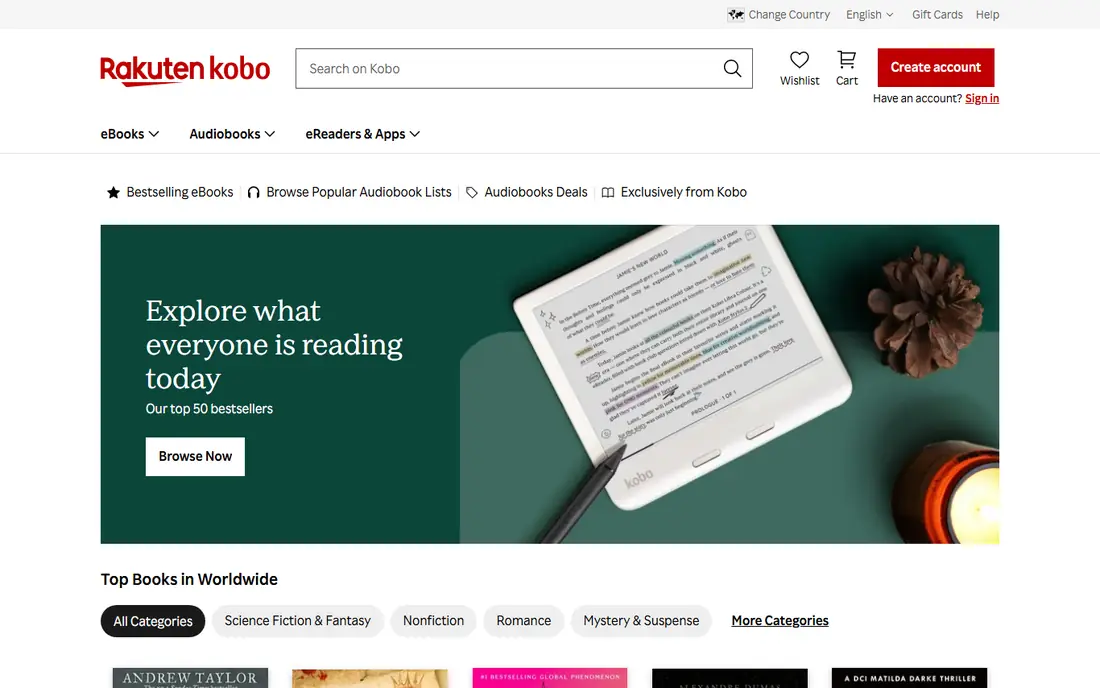
Kobo fits readers who own EPUB files or want to avoid Amazon lock-in. The app reads EPUB files directly, syncs with Kobo e-readers, and connects to library borrowing in supported regions. Its store covers a wide range of titles, and reading settings for fonts, margins, and night mode are easy to adjust.
The catch is catalogue depth in some markets. Amazon still leads on some new releases and exclusive titles, so a reader who buys mainly new bestsellers should compare availability first. For EPUB owners and library borrowers, Kobo is often the more flexible home.
- Native EPUB support
- Kobo store plus library borrowing
- Sync with Kobo e-readers
- Store is smaller than Amazon in some regions
- Some features vary by country
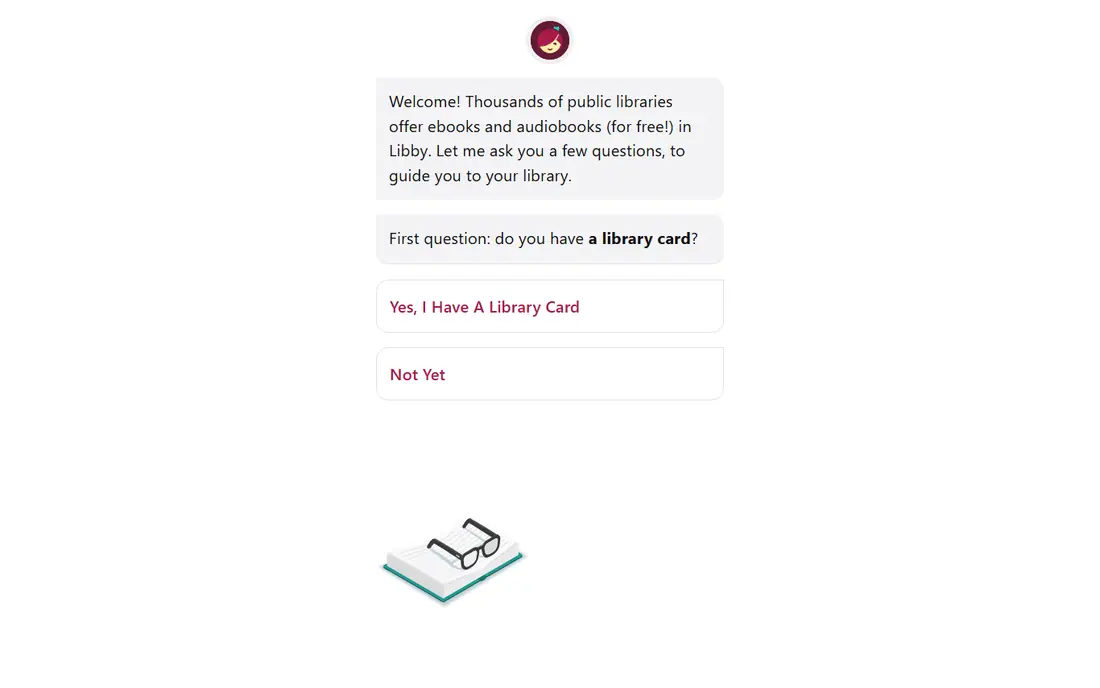
Libby fits any reader with a public library card who wants free books. You borrow ebooks and audiobooks from your library, download them for offline reading, and return them automatically at the end of the loan. Multiple library cards can expand choice, and the app keeps loans, holds, and history in one place.
The catch is availability. Your library decides what it buys, so a new bestseller may have a wait, and some titles may not be offered at all. That is a fair trade for free access, and pairing Libby with a paid store covers gaps when you need a book right away.
- Free with a public library card
- Ebooks and audiobooks in one app
- Holds, loans, and offline reading
- Catalogue depends on your library
- Popular titles may have waits
Apple Books fits readers who live on iPhone, iPad, and Mac. The store is easy to browse, purchases sync across Apple devices, and you can import EPUB and PDF files you already own. Reading controls are simple, and audiobooks sit in the same app family for listeners who switch formats.
The catch is platform lock. There is no Android or Windows version, so a reader who switches phones may lose easy access. If your devices are all Apple, Apple Books is a calm and capable choice. If you mix platforms, Kindle, Kobo, or Google Play Books travel better.
- Clean reading on Apple devices
- Store plus imported EPUB and PDF files
- Sync across iPhone, iPad, and Mac
- Apple devices only
- No Android or Windows app
Google Play Books fits Android readers and people with their own ebook files. You can buy from the Google store, upload EPUB and PDF files, and read on Android, iOS, or the web with sync. That mix makes it useful for readers who collect files from many sources and want one reading app.
The catch is polish. Its reading tools are solid but simpler than Kindle or Kobo in some areas, and store depth varies by country. For file owners and Android users who want a free, cross-platform reader, it is still a strong and practical pick.
- Store plus EPUB and PDF uploads
- Sync across Android, iOS, and web
- Good for readers with their own files
- Store depth varies by region
- Reading features are simpler than some rivals
Everand fits heavy readers who want a monthly subscription instead of buying each book. The standard plan includes ebooks, audiobooks, and magazines, with downloads for offline reading. For readers who finish several books a month, a subscription can cost less than buying each title alone.
The catch is that Everand is not all-you-can-read for every book. Some titles use opens or limits, so a reader should check how their favourite authors and genres are covered before subscribing. Use the trial to test the catalogue against your actual reading list.
- Subscription ebooks, audiobooks, and magazines
- Offline downloads for travel
- Good for heavy readers
- Not every title is fully unlimited
- Catalogue varies by region
Hoopla fits library users who hate waiting for a hold. Many titles borrow instantly, and the app also covers comics, audiobooks, music, and video through the same library account. That breadth makes it a good second library app next to Libby, especially for comics and backlist titles.
The catch is the monthly borrow cap. Your library sets how many titles you can borrow each month, so heavy readers can hit the limit. Check your library limit first, and use Hoopla for instant picks while Libby handles holds on new releases.
- Free with a library card
- Instant borrows with no waits on many titles
- Comics, audiobooks, and video too
- Monthly borrow limit set by your library
- Catalogue depends on library
Moon+ Reader fits Android readers who own many files and want full control. Fonts, themes, line spacing, and page effects can be tuned in detail, and the app handles EPUB, PDF, and other formats with OPDS library support. It is a reader first, built for people who bring their own books.
The catch is that it is not a store. You need to supply files or a library source, and there is no iOS version. For Android file owners who care about reading comfort, Moon+ Reader is one of the best free options available.
- Strong control over fonts, themes, and layout
- Good EPUB and PDF support
- OPDS library support
- Android only
- No built-in store of note
How we picked these
We compared apps on book supply, file support, device coverage, offline reading, and price. We checked whether each app is free, subscription-based, or store-based, and whether books bought in one app can move elsewhere. We favoured apps that are maintained, work on current phones, and suit a clear reader type, rather than apps that promise everything.
We also weighed the real cost of reading. A free app with a library card can beat a paid subscription for light readers, while a subscription only pays off if you read enough titles from its catalogue. That is why the list mixes free, store, and subscription models.
How to choose an ebook app
Start with where your books come from. If you buy from Amazon, Kindle is the natural home. If you borrow from a library, Libby and Hoopla should come first. If you own EPUB files, Kobo, Google Play Books, or Moon+ Reader will handle them better than a locked store app.
Next, test reading comfort on your actual device. Check font size, line spacing, night mode, and offline downloads, and confirm sync across the devices you use daily. For subscriptions, list ten books you actually want to read and check how many are in the catalogue before you pay. That simple test prevents most subscription regrets.
Frequently asked questions
What is the best ebook app overall?
Kindle is the best overall pick for most buyers because of its store size and sync, while Kobo is better for EPUB owners. If you want free books, Libby is the best starting point with a library card. The right pick depends on where your books come from.
What is the best free ebook app?
Libby is the best free ebook app for most readers, since a library card opens ebooks and audiobooks at no cost. Hoopla is a strong second library option for instant borrows. Google Play Books and Kobo are also free apps, but you pay for store books.
Can I read my own EPUB files in Kindle?
Kindle does not read EPUB files directly in the same way Kobo does. You can send EPUB files through Send to Kindle, which converts them for Kindle apps and devices. For direct EPUB reading, Kobo, Google Play Books, or Moon+ Reader are simpler.
Is Kindle Unlimited worth it?
It is worth it if you read several included titles a month and like its catalogue. It is not worth it if you mainly read new bestsellers that are not included, or if you read only one book a month. Check included titles against your reading list during the trial.
Which ebook app works on both Android and iOS?
Kindle, Kobo, Google Play Books, Libby, Hoopla, and Everand all work on Android and iOS. Apple Books is Apple-only, and Moon+ Reader is Android-only. If you switch phones often, pick a cross-platform app so your library travels with you.
Sources we checked (8)

Online Jobs is an independent blog about careers, online work, learning new skills and the tools that help people earn. More about us.
Keep reading
All posts
n8n Alternatives
n8n alternatives compared for 2026, with Zapier, Make, Activepieces, and more, covering visual builders, code steps, self-hosting, and pricing models.

eBay Alternatives
Looking for ebay alternatives? We compared 9 marketplaces for sellers on fees, buyer reach, categories and ease of listing, to help you sell with confidence.

ZoomInfo Alternatives
The best ZoomInfo alternatives in 2026, compared on price, free plans, data coverage, and which tool fits small teams or large sales teams best in detail.