Home / Document automation software
8 Best Document Workflow Automation Platforms for Teams

How we put this together: we compare official feature and pricing pages, app store listings, privacy policies and public user reviews. Prices change, so check the provider's site before you pay.
Key takeaways
- PandaDoc is the best all-round platform for proposals, quotes, contracts, and approvals in one place.
- DocuSign suits teams that mainly need trusted e-signatures with strong compliance.
- Adobe Acrobat Sign suits PDF-heavy teams already using Acrobat and Adobe apps.
- SignNow and Zoho Sign suit small businesses that want low-cost signing with workflow basics.
- airSlate suits teams that want no-code workflow bots across documents and apps.
Quick comparison
| Name | Who it suits | Starting price | Free option | |
|---|---|---|---|---|
 PandaDoc PandaDoc | Proposals, quotes, and approvals | Free | Yes | Visit |
 DocuSign DocuSign | Trusted e-signatures and compliance | $10 per month | Free trial | Visit |
 Adobe Acrobat Sign Adobe Acrobat Sign | PDF workflows in Adobe apps | $14.99 per month | Free trial | Visit |
 Dropbox Sign Dropbox Sign | Simple signing inside Dropbox | $15 per month | Free trial | Visit |
 SignNow SignNow | Low-cost signing for small teams | $8 per month | Free trial | Visit |
 Zoho Sign Zoho Sign | Signing inside the Zoho suite | $10 per month | Free trial | Visit |
 airSlate airSlate | No-code workflow automation | Free | Yes | Visit |
 Juro Juro | Contract lifecycle management | See website | No | Visit |
The best document workflow automation platforms
Document workflow automation covers more than signatures. The best platforms create documents from templates, route them for approval, collect signatures, track engagement, and store the signed result. The picks below cover that full cycle, with different strengths for sales, legal, and operations teams.
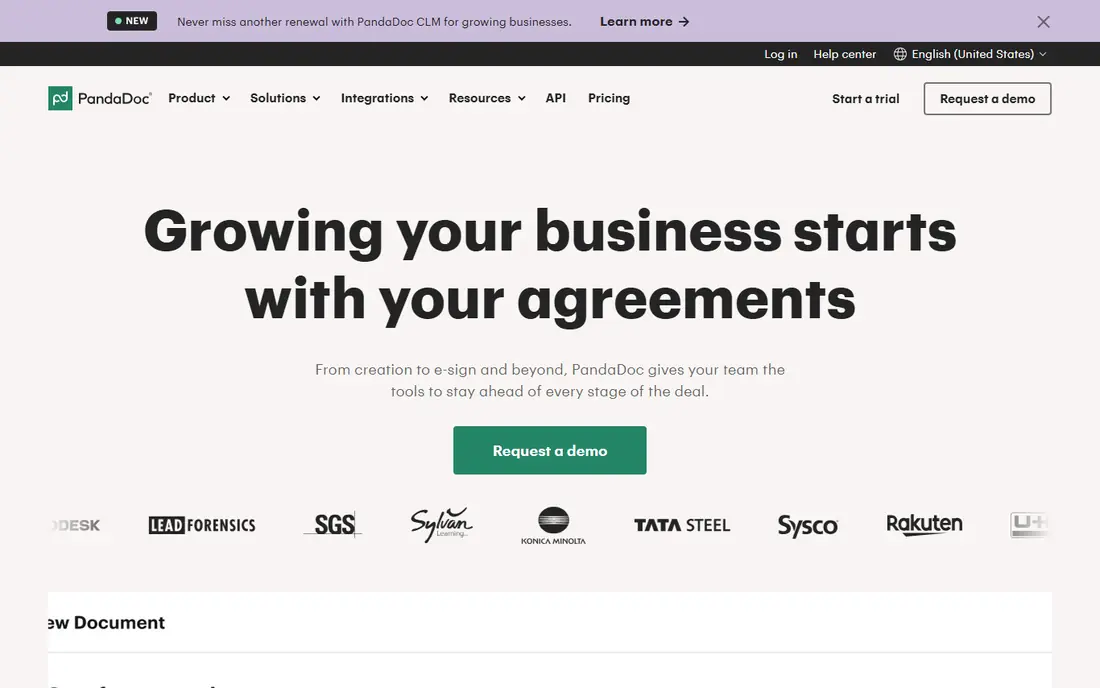
PandaDoc is our first pick for sales and operations teams, because it covers the whole document cycle in one place. You build a proposal, quote, or contract from a template, add pricing tables and content blocks, route it for internal approval, send it for signature, and track when the recipient opens and reads each section. Payments can be collected in the same document, which shortens the gap between approval and payment. The free e-sign plan covers basic signing, while paid plans from $19 per user per month add unlimited uploads, templates, and workflow features. Business plans add CRM integrations, approval workflows, and deal rooms. The catch is tiering: the deepest automation sits above the entry paid plan, so check which tier includes the workflow steps you need. For teams that live on proposals and contracts, PandaDoc is the most complete platform here.
- Document editor with templates and content library
- Approval workflows and deal rooms
- Engagement tracking and payments
- Advanced automation and some integrations sit on higher tiers
- Free plan limits document volume
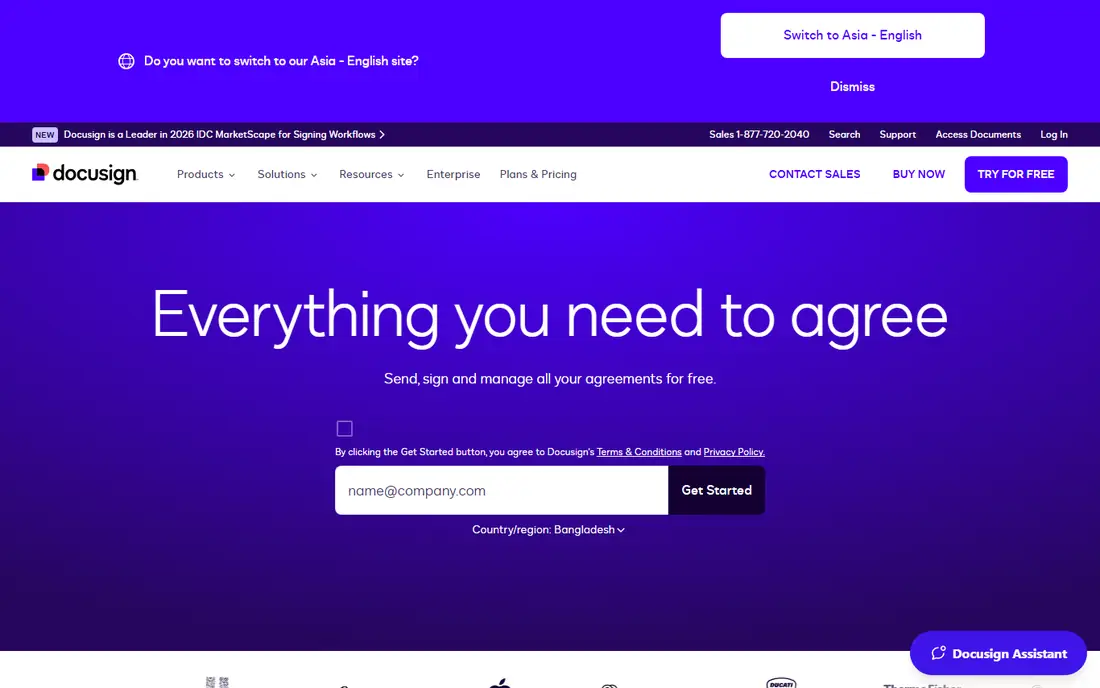
DocuSign is the name most recipients already trust for signatures, and that familiarity matters when you send contracts to clients, partners, and legal teams. Audit trails, authentication options, and compliance coverage are strong, and integrations span CRMs, storage, and business apps. Templates and workflow features handle repeat agreements well. The limits are scope and envelopes. DocuSign focuses on signing and agreement workflows rather than rich document creation, so proposals with pricing tables and content libraries are better built elsewhere. Lower plans also cap envelopes per month or per year, so high-volume senders need a higher tier. For teams whose main need is trusted, compliant signing, DocuSign remains the safest default.
- Widely recognized e-signature platform
- Strong audit trails and compliance
- Broad integrations and templates
- Envelope limits on lower plans
- Document creation is thinner than PandaDoc
- Higher tiers cost more
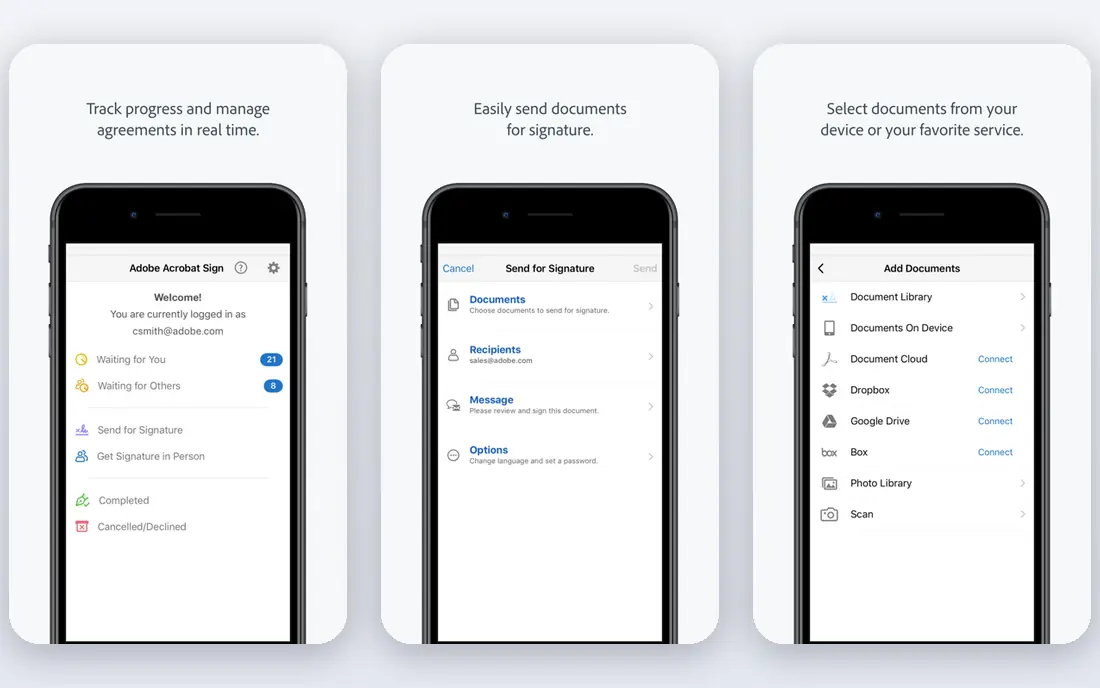
Adobe Acrobat Sign suits teams whose documents already live as PDFs in Acrobat. You can prepare, send, sign, and track PDFs without leaving the Adobe workflow, and enterprise features cover compliance, authentication, and bulk sending. Integrations with Microsoft apps help teams that already use Outlook, Teams, and SharePoint. For a small team that rarely touches Acrobat, the enterprise feel and price may be more than needed, and simpler tools will be faster. For PDF-heavy legal, operations, and enterprise teams, Acrobat Sign brings signing into the app where documents are already edited and stored, which cuts tool-switching.
- Deep PDF editing and signing in Acrobat
- Strong enterprise compliance
- Works well with Microsoft and Adobe workflows
- Interface feels enterprise-heavy for small teams
- Full value needs Adobe or Microsoft adoption
Dropbox Sign, formerly HelloSign, is the simple signing option for teams that already store files in Dropbox. Sending a document for signature takes a few steps, templates cover repeat agreements, and signed files land back in Dropbox folders automatically. That tight storage link keeps signed documents easy to find. Workflow features are lighter than the automation-first platforms here, with fewer approval chains and conditional steps. Teams that need complex routing should look at PandaDoc, airSlate, or Juro instead. For a Dropbox team that mainly needs clean, reliable signing, Dropbox Sign is a low-friction choice.
- Simple setup and sending
- Strong Dropbox storage integration
- Templates and team features on paid plans
- Workflow depth is lighter than PandaDoc or airSlate
- Best value needs Dropbox adoption
SignNow is the budget pick for small teams that need signing plus workflow basics. The entry price is lower than DocuSign and Dropbox Sign, and paid plans add templates, bulk sending, and team management. Mobile signing works well, which matters for field teams and clients who sign on a phone. Document creation is basic compared with PandaDoc, so teams that build complex proposals will still need an editor elsewhere. Advanced automation also sits on higher tiers. For a small business that sends a steady stream of contracts and forms and wants to keep costs low, SignNow offers strong value.
- Low entry price
- Bulk sending and templates
- Good mobile signing experience
- Document creation tools are basic
- Advanced workflow features need higher tiers
Zoho Sign is the natural signing tool for teams already using Zoho CRM, Zoho Forms, or Zoho Books. Documents can pull data from CRM records, be sent for signature, and return signed copies to the same system, which cuts manual filing. The per-user price is low, and templates and bulk sending cover repeat agreements. Outside Zoho, the case is weaker, since standalone signing tools offer similar features with broader integrations. Workflow automation is also lighter than PandaDoc or airSlate. For a Zoho team that wants signing joined to its CRM and accounting, Zoho Sign is the obvious, low-cost fit.
- Low per-user price
- Links with Zoho CRM, forms, and accounting
- Templates and bulk sending
- Best value sits inside Zoho
- Standalone workflow depth is lighter than automation-first rivals
airSlate suits operations teams that want to automate document work across apps, not just collect signatures. Its no-code bots move data between forms, documents, CRMs, and storage, route documents for approval, and trigger next steps when a document is signed. That breadth helps teams that handle onboarding, procurement, and compliance paperwork at volume. The free starting point covers basic use, while full workflow plans for larger teams are quoted, so small teams should confirm the plan that includes the bots they need. Complex flows also take time to design and test. For a team that wants documents to trigger work in other systems automatically, airSlate is the most automation-focused platform here.
- No-code workflow bots across documents and apps
- Form and document automation
- Broad integration library
- Pricing for full workflow plans is quoted for larger teams
- Setup takes care for complex flows
Juro is built for legal and operations teams that manage contracts as a lifecycle, not as one-off signatures. Contracts are drafted in a browser editor from templates, negotiated with tracked changes, approved through workflows, signed, and stored with renewal reminders. That end-to-end view suits companies with many active contracts and renewal dates to track. Pricing is quoted, which puts Juro in the mid-market and enterprise range rather than the small business budget tier. Teams that only need occasional signatures will find it more than they need. For a company where contracts are a core workflow and renewals matter, Juro offers the deepest contract management in this list.
- Full contract lifecycle from drafting to renewal
- Browser-based editor with templates
- Approval and negotiation workflows
- Pricing is quoted
- Overkill for simple one-off signing needs
How we picked these
We compared platforms on document creation, templates, approval routing, e-signatures, tracking, integrations, and price. We checked each vendor's own feature pages and pricing pages, app store listings, and public reviews for how each platform handles envelopes, seats, and workflow limits. Platforms stayed on the list when they served a distinct workflow, from sales proposals to legal contracts to no-code automation. Prices shown are starting points, and quoted plans are marked as such.
How to choose a document workflow platform
Map the document journey first
List each step from creation to signed storage, including approvals and payments. A platform that covers your full journey will save more time than a signing-only tool with a lower price.
Check envelope, seat, and document limits
Lower plans cap envelopes, documents, or users. Estimate your monthly volume, then pick a plan whose limits cover peak months, not just average months.
Test templates with your real documents
Build one real proposal or contract during the trial, with your branding, pricing, and approval steps. A template that looks good in a demo may not fit your actual document structure.
Confirm compliance and storage needs
Check audit trails, authentication options, and where signed documents are stored. Regulated teams should confirm compliance coverage before they migrate existing agreements.
Frequently asked questions
What is the best document workflow automation platform overall?
PandaDoc is the best all-round pick for proposals, quotes, contracts, and approvals in one platform. DocuSign suits signing-first teams, airSlate suits automation-first operations teams, and Juro suits legal teams managing contract lifecycles.
What is the best automation software for document workflows on a budget?
SignNow and Zoho Sign offer low entry prices for signing with workflow basics, and PandaDoc offers a free e-sign plan for basic use. Compare envelope and document limits, since a low price with a tight cap can cost more in upgrades later.
What is the best tool for document workflow automation in sales teams?
PandaDoc suits sales teams best, thanks to proposals, quotes, pricing tables, CRM integrations, and engagement tracking in one document. DocuSign and Dropbox Sign cover signing well, but lack the same proposal and quoting depth.
Do document workflow platforms include e-signatures?
Yes, all platforms in this list include legally recognized e-signatures, with audit trails and authentication options. Check the compliance coverage for your country and industry, since requirements vary by document type and jurisdiction.
What is the best document workflow automation software for legal teams?
Juro suits legal teams that manage contracts from drafting to renewal, with negotiation and approval workflows. DocuSign and Adobe Acrobat Sign also suit legal work, especially for signing and compliance, but offer less full lifecycle management than Juro.
Can document workflow tools connect with a CRM?
Yes. PandaDoc, DocuSign, Zoho Sign, and airSlate all offer CRM integrations, with depth varying by plan. PandaDoc and Zoho Sign offer the deepest CRM links in this list, while airSlate offers the broadest automation links across many apps.
Sources we checked (8)

Online Jobs is an independent blog about careers, online work, learning new skills and the tools that help people earn. More about us.
Keep reading
All posts
Zoom Alternatives
Zoom alternatives compared for 2026: Google Meet, Microsoft Teams, Webex, Jitsi and more for free calls, large meetings and webinars for teams and classrooms.

Workday Alternatives
We compared the best workday alternatives for HR, payroll, and global hiring, from BambooHR and Gusto to Rippling, Deel, and HiBob for growing teams in 2026.

WordPress Alternatives
WordPress alternatives guide: we compare 8 platforms for builders, designers, stores, and publishers to leave WordPress without losing your full site content.