Best Delivery App to Work in 2026: 8 Products Compared

How we put this together: we compare official feature and pricing pages, app store listings, privacy policies and public user reviews. Prices change, so check the provider's site before you pay.
Key takeaways
- DoorDash and Uber Eats are the most flexible starting points, because you can go online when you want in many markets.
- Amazon Flex suits drivers who prefer scheduled blocks and a clearer hourly rate for a set route.
- Instacart and Shipt pay well for shoppers who are comfortable with grocery stores, substitutions, and customer messages.
- Grubhub and Walmart Spark work well as second apps or for drivers who like scheduled shifts and grocery orders.
- Pay varies by city, time, vehicle costs, and tips, so test one or two apps in your area before you commit to one.
Quick comparison
| Name | Who it suits | Starting price | Free option | |
|---|---|---|---|---|
 DoorDash DoorDash | Flexible food delivery | Free | Yes | Visit |
 Uber Eats Uber Eats | Flexible multi-vehicle delivery | Free | Yes | Visit |
 Instacart Instacart | Grocery shopping and delivery | Free | Yes | Visit |
 Amazon Flex Amazon Flex | Scheduled package blocks | Free | Yes | Visit |
 Grubhub Grubhub | Scheduled food delivery | Free | Yes | Visit |
 Shipt Shipt | Grocery and retail delivery | Free | Yes | Visit |
 Walmart Spark Driver Walmart Spark Driver | Walmart grocery delivery | Free | Yes | Visit |
 Roadie Roadie | Larger and longer deliveries | Free | Yes | Visit |
The best delivery app to work
We compared official driver pages, sign-up requirements, pay explanations, app store listings, privacy policies, and public driver reviews. Pay figures vary by market and change often, so we focus on how each app pays, how flexible it is, and what kind of work it involves. Check the official driver page for your city before you sign up, since availability and vehicle rules differ by location.
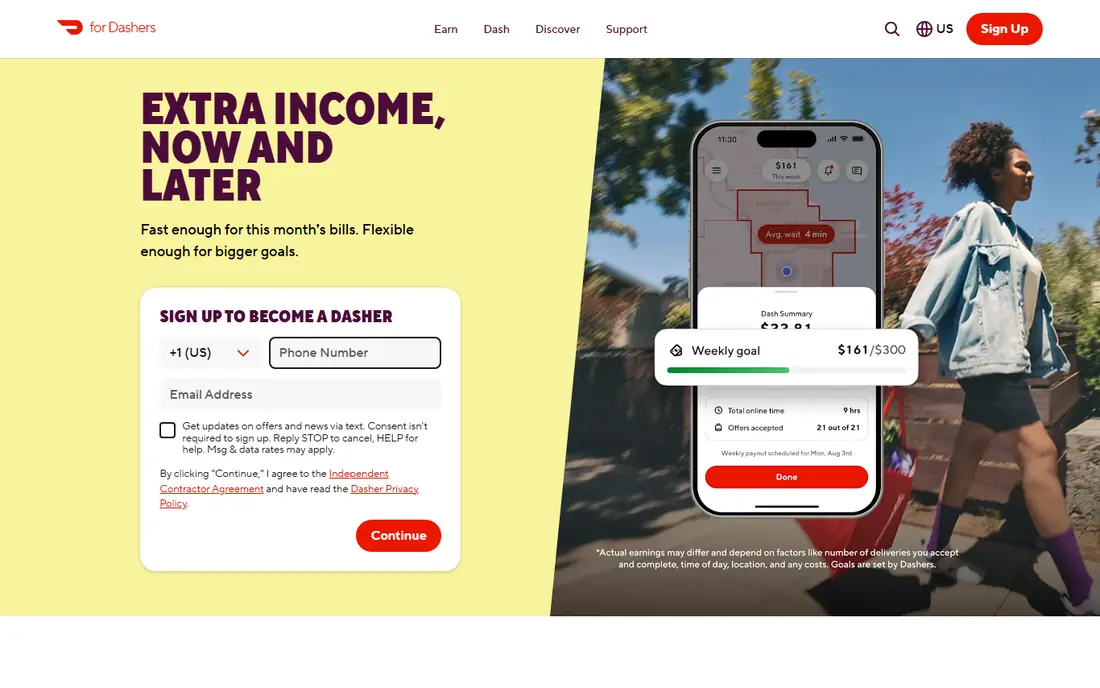
DoorDash is a good first app because it is available in many places and easy to learn. You can go online, accept or decline orders, and see an estimated payout for many deliveries before you accept. That upfront view helps you avoid long trips that pay poorly, and it makes it easier to plan a short shift around lunch or dinner.
The main risk is tip dependence. Base pay alone may not cover fuel, wear, and time, so earnings depend on tips, peak pay, and order volume in your area. Many drivers use DoorDash as a base app and add a second app for slow periods. If you want simple, flexible food delivery, DoorDash is a sensible place to start.
- Wide restaurant coverage in many US cities
- Upfront pay shown for many orders
- Flexible online hours
- Base pay can be low without tips
- Busy areas and peak times matter a lot for earnings
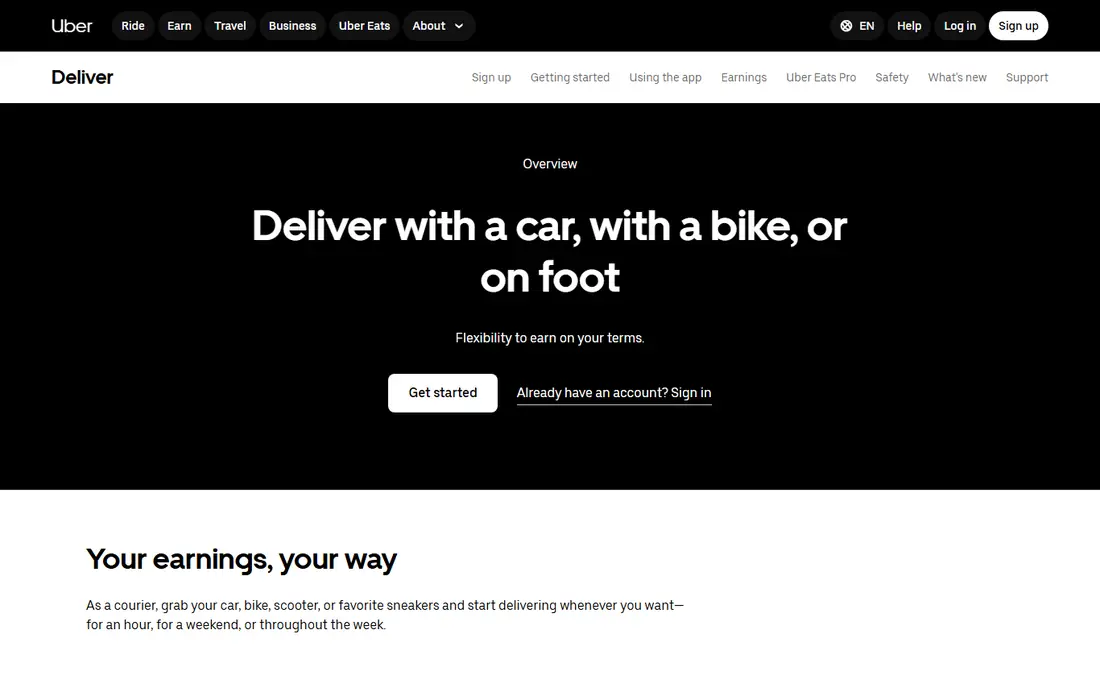
Uber Eats suits drivers who want to switch on and work without booking a shift in advance. In many cities you can deliver by car, bike, scooter, or on foot, depending on local rules, which opens the work to people without a car. The app also offers surge pricing and promotions during busy periods, which can lift a slow shift.
The downside is variation. A good hour in a dense city can look very different from a quiet hour in a suburb, and vehicle costs eat into gross pay. If you already use Uber for rides, the shared app and account can be convenient. If you want the most predictable income, pair Uber Eats with a scheduled app such as Amazon Flex or Grubhub.
- Go online without scheduled blocks in many markets
- Car, bike, and walking options in some cities
- Surge and promotions
- Earnings vary by city and time
- App can feel crowded with Uber ride and delivery options
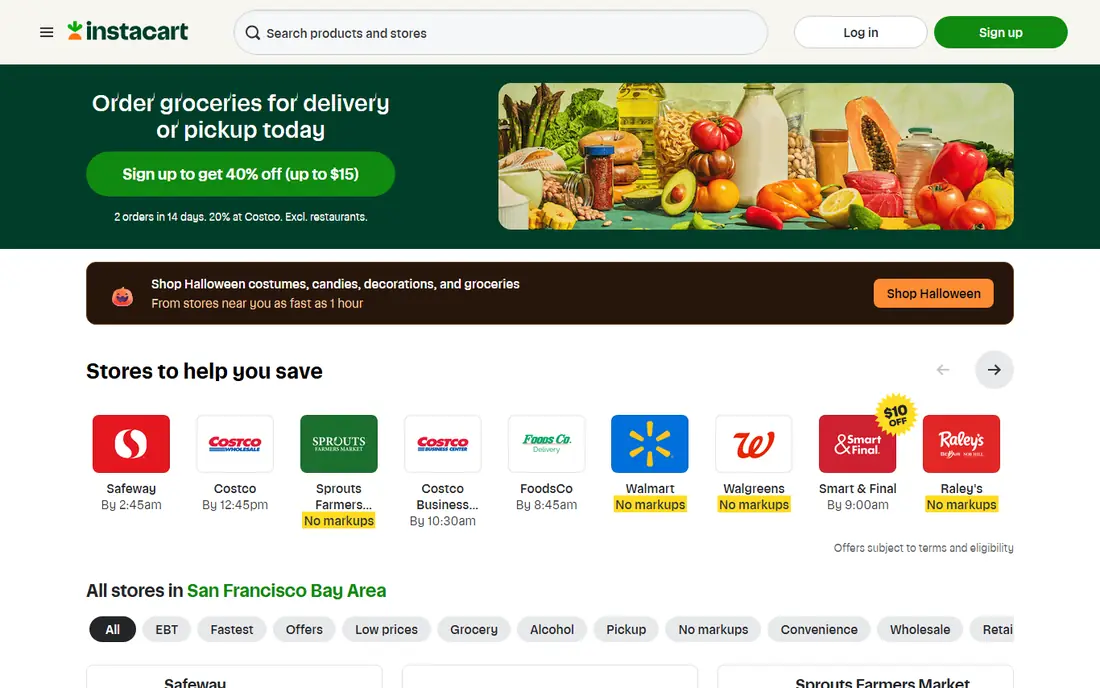
Instacart is different from restaurant apps because you shop the order as well as deliver it. That extra work can pay off on larger batches, where tips and batch pay combine, especially if you are fast in a store and good at picking substitutes. Shoppers who know store layouts and produce quality tend to do better, because they finish batches faster and get fewer complaints.
The work is more physical and more social than restaurant delivery. You may need to lift heavy bags, message customers about missing items, and handle refunds or replacements. If you enjoy grocery shopping and want higher per-order pay, Instacart is a strong pick. If you prefer quick pickups with no shopping, a restaurant app will suit you better.
- Tips can be strong on larger grocery batches
- Shoppers choose batches they want
- Useful for people who know grocery stores well
- Shopping takes longer than simple pickup
- Substitutions and customer messages add work
Amazon Flex appeals to drivers who like a plan. You reserve a delivery block, pick up packages from a station, and follow a route for that block, with pay set for the block rather than per order. That structure makes it easier to budget your time and to know roughly what a shift will pay before you start, subject to the official terms for your area.
The catch is competition for blocks and vehicle needs. Many Flex drivers need a larger car, and packages can be heavy or bulky. Blocks may also be limited in smaller markets, so Flex works best as a planned core shift with a flexible app for extra hours. If you like structure and package work, Flex is worth applying for early, since approval can take time.
- Clear block pay for a set time window
- Predictable routes for many blocks
- No tips needed for most package work
- Blocks can be hard to grab in busy markets
- Larger vehicle often needed
- Work is more physical
Grubhub is a useful second app for drivers who like scheduled work. In many markets you can book blocks in advance, which helps you plan around another job or a Flex shift. The app focuses on restaurant delivery, so the work is similar to DoorDash, but the order mix and restaurant partners differ by city.
The main limit is coverage. In some cities Grubhub is strong, especially at dinner, while in others it is quieter than the larger apps. That makes it a good add-on rather than a sole income source for most drivers. Try it in your area for a few weeks, track your hourly pay after costs, and keep it only if it beats your other options during the same hours.
- Scheduled blocks in many markets
- Useful dinner coverage
- Straightforward driver app
- Order volume varies by city
- Some markets are quieter than DoorDash or Uber Eats
Shipt is a grocery and retail delivery app that works with partners such as Target in many US markets. Shoppers pick orders, shop in store, and deliver to customers, with tips forming an important part of pay. That model suits people who are comfortable in retail stores, can pick good substitutes, and communicate clearly with customers.
Earnings depend on order size, tips, and how fast you shop, so it rewards experience. New shoppers may take longer at first, which lowers hourly pay until they learn store layouts. If you like grocery work and want an alternative to Instacart, Shipt is a solid option to test in your city.
- Focus on Target and retail partners in many markets
- Tips on grocery orders
- Scheduled and on-demand work options
- Availability varies by city
- Shopping skill and speed matter for earnings
Walmart Spark Driver is built around Walmart orders, including groceries and general merchandise. Drivers accept offers, pick up from a Walmart store, and deliver to customers, with tips on many grocery orders. If you live near a busy Walmart, order volume can be steady, especially during daytime and weekend shopping peaks.
The work involves store pickup routines, wait times, and careful handling of larger orders, so it is not identical to restaurant delivery. Pay depends on the offer, distance, and tips, and it can vary by market. For drivers in Walmart-heavy areas, Spark is a practical second app or a main app during grocery peaks.
- High-volume Walmart orders in many areas
- Grocery and general merchandise delivery
- Useful for drivers near a Walmart store
- Pay and order flow vary by market
- App and store pickup steps take practice
Roadie covers a different kind of delivery work, including larger items, retail goods, and longer-distance gigs. That variety can suit drivers with a larger vehicle who want fewer, bigger trips instead of many small food orders. Some gigs involve bulky items or specific pickup windows, so planning and vehicle space matter more than speed alone.
The downside is volume. Roadie is not a daily food delivery app for most drivers, and orders may be less frequent in smaller markets. Treat it as a useful extra app for bigger gigs, especially if you already drive for a food or grocery app. If you have a truck or large SUV and like varied work, Roadie adds options that food apps do not offer.
- Larger items and longer routes can pay more per trip
- Useful for drivers with bigger vehicles
- Flexible gig choice
- Fewer everyday orders than food apps
- Work is less predictable and more varied
How we picked these
We compared official driver pages, sign-up and vehicle requirements, pay explanations, app store listings, privacy policies, and public driver reviews. We looked for apps that are still active in 2026, that explain how drivers are paid, and that cover different kinds of work, from restaurant food to groceries, packages, and larger items. We did not claim hands-on driving work, and we did not present a single hourly pay figure as a promise, because pay varies by city, time, and costs.
We also favoured a mix of flexible apps and scheduled apps, since drivers have different needs. A student may want on-demand hours, while a driver with a second job may prefer blocks. Where a pay rate could not be confirmed on the vendor site for your area, we described the pay structure instead of inventing a number, and we pointed you to the official driver page.
What to check before you sign up
Start with your city, vehicle, and schedule, not with a national pay headline. Check which apps operate near you, what vehicle and age rules apply, and whether you can work by car, bike, or on foot. Then check insurance, background check steps, and how long approval takes, since some apps approve in days and others take weeks. Apply to two apps at once if you can, so a slow approval does not leave you without work.
Pay after costs, not gross pay
Track fuel, mileage, wear, phone data, and taxes, because gross pay can look much better than net pay. Keep a simple log for each app, including hours online, miles driven, tips, and expenses, and compare apps over the same hours. A higher gross rate with long dead miles may pay less than a lower rate with short trips and strong tips. That local test matters more than any national ranking.
Flexibility, blocks, and multi-apping
Decide whether you want to go online anytime or book blocks in advance. Flexible apps suit irregular schedules, while blocks suit drivers who want a predictable shift. Many experienced drivers run two apps and switch based on order volume, but do not accept orders on two apps at the same time if that risks late deliveries. Learn one app well first, then add a second app for slow periods.
Safety, support, and customer contact
Check how each app handles support, lost items, damaged goods, and customer contact. Grocery apps need more messaging and substitution decisions, while package apps need more lifting and route planning. Keep water, a phone charger, and a basic safety plan for night work, and read the app rules on cancellations and ratings, since those can affect future offers.
Frequently asked questions
What is the best delivery app to work for?
DoorDash and Uber Eats are good starting points for most drivers, because they offer flexible hours and wide coverage. Amazon Flex is better if you prefer scheduled blocks and clearer block pay, while Instacart suits shoppers who want grocery work. The best app for you depends on your city, vehicle, and schedule, so test two apps locally before you choose one.
Which food delivery service pays best?
Pay varies by city, time of day, tips, and vehicle costs, so no single app pays best everywhere. Amazon Flex often offers clearer block pay, while Instacart and Shipt can pay well on larger grocery batches with tips. Restaurant apps can pay well during dinner peaks and poorly during quiet hours. Track your net hourly pay after costs for each app over two weeks to get a fair local answer.
What is the best delivery driver app for beginners?
DoorDash is often the easiest start, because sign-up is straightforward in many markets, orders are simple pickups, and you can work flexible hours. Uber Eats is also beginner friendly, especially in cities with bike or walking options. Start with one simple app, learn busy areas and peak times, and add a second app only when you are comfortable with the first.
What is the best app for food delivery drivers without a car?
Uber Eats and DoorDash offer bike, scooter, or walking delivery in some cities, depending on local rules and restaurant density. Check the official driver page for your city, since vehicle options vary by market. Dense city centres suit bike and walking delivery best, while suburbs usually need a car for longer trips and grocery orders.
Can I work for more than one delivery app?
Yes, many drivers sign up for two or more apps and switch between them based on order volume. That approach can reduce waiting time, but it needs care, since accepting orders on two apps at once can cause delays. A safer method is to run one app at a time, switch when it goes quiet, and keep a clear record of hours and miles for each app.
What do I need to start delivering?
Most apps require a background check, a valid driving licence or ID, a smartphone, and a vehicle that meets local rules, where a vehicle is needed. Some grocery and package apps have age or vehicle size requirements, so check the official driver page before you apply. You will also need insurance that covers delivery work in your area, and a way to track mileage and expenses for tax purposes.
Sources we checked (8)

Online Jobs is an independent blog about careers, online work, learning new skills and the tools that help people earn. More about us.
Keep reading
All posts
Zoom Alternatives
Zoom alternatives compared for 2026: Google Meet, Microsoft Teams, Webex, Jitsi and more for free calls, large meetings and webinars for teams and classrooms.

Workday Alternatives
We compared the best workday alternatives for HR, payroll, and global hiring, from BambooHR and Gusto to Rippling, Deel, and HiBob for growing teams in 2026.

WordPress Alternatives
WordPress alternatives guide: we compare 8 platforms for builders, designers, stores, and publishers to leave WordPress without losing your full site content.