Best Day Trading Platforms in 2026: 9 Platforms Compared


Active global traders · Starting price: Free
How we put this together: we compare official feature and pricing pages, app store listings, privacy policies and public user reviews. Prices change, so check the provider's site before you pay.
Key takeaways
- Interactive Brokers is our pick for active traders who want global markets, low margin rates and deep tools.
- thinkorswim, via Charles Schwab, suits traders who want powerful charting and paper trading at no platform fee.
- Webull suits mobile-first traders who want advanced charts and Level 2 data at low cost.
- Commission-free stock trades do not mean free trading, since options fees, margin interest and data fees still apply.
- This is not financial advice; trading carries risk, and most day traders lose money. Practise with paper trading first and never trade money you cannot afford to lose.
Quick comparison
| Name | Who it suits | Starting price | Free option | |
|---|---|---|---|---|
| Interactive Brokers | Active global traders | Free | Yes | Visit |
 thinkorswim by Schwab thinkorswim by Schwab | Charting and paper trading | Free | Yes | Visit |
 Webull Webull | Mobile-first active traders | Free | Yes | Visit |
 Fidelity Active Trader Pro Fidelity Active Trader Pro | All-in-one broker traders | Free | Yes | Visit |
 tastytrade tastytrade | Options day traders | Free | Yes | Visit |
 TradeStation TradeStation | Strategy automation | Free | Yes | Visit |
 E*TRADE E*TRADE | Options and research | Free | Yes | Visit |
 Robinhood Robinhood | Beginner mobile traders | Free | Yes | Visit |
 TradingView TradingView | Charting and analysis | Free | Yes | Visit |
The best day trading platforms
Day trading needs different tools from long-term investing: fast charts, Level 2 data, hotkeys, paper trading and clear fee schedules. We compared official feature pages, pricing pages, app store listings and public reviews, and we weighted commissions, platform depth, data costs and learning resources. This is not financial advice; trading carries risk.
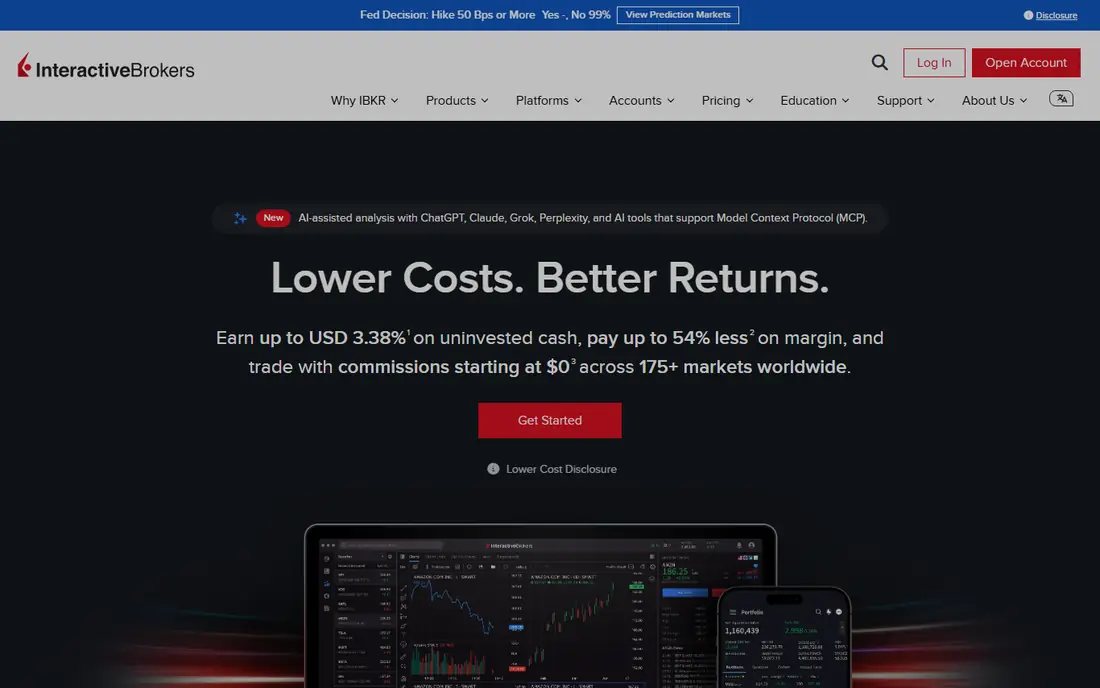
Interactive Brokers suits traders who want depth. Trader Workstation offers advanced charting, order types, risk tools and global market access that few rivals match, while Lite and Pro plans let users choose between commission-free trading and tiered pricing. Low margin rates in comparisons also matter for traders who use borrowed funds, though borrowed funds raises risk sharply.
Beginners may feel lost in the platform, and fee schedules for data, market access and tiered commissions need careful reading before trading. For active traders who already understand order types and risk, Interactive Brokers remains the strongest all-round platform on this list.
- Access to many global markets and asset types
- Low margin rates in published comparisons
- Powerful Trader Workstation platform for active traders
- Platform learning curve is steep for beginners
- Tiered pricing and data fees need careful reading
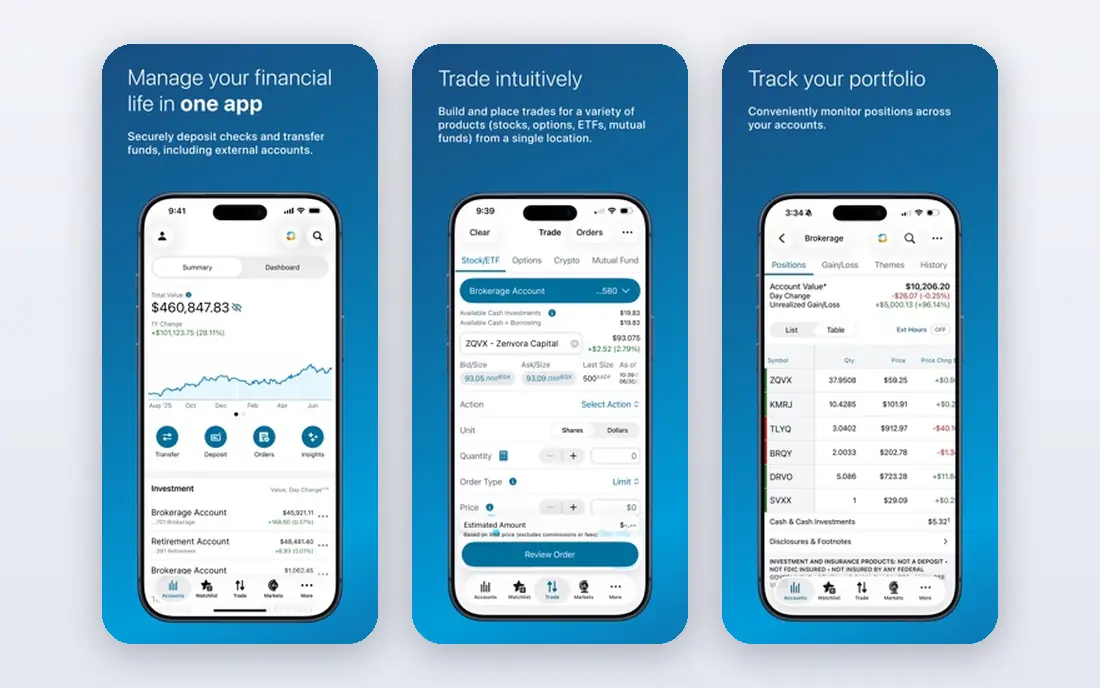
thinkorswim, now part of Charles Schwab, remains a favourite for chart-focused traders. Its charting tools, custom studies, options analytics and paper trading mode let traders test strategies and practise execution without risking capital. Schwab's research and support add depth that pure mobile brokers lack.
The desktop app can feel heavy, and options trades still carry per-contract fees, even where stock trades are commission-free. For traders who want to learn charting and practise before risking money, thinkorswim offers the best free learning environment on this list.
- Powerful charting, studies and options analytics
- Paper trading for practise without real money
- Free for Schwab clients, with strong research
- Desktop platform can feel heavy on older machines
- Options contract fees still apply
Webull appeals to traders who live on their phones. Mobile charts, indicators, Level 2 data and paper trading feel designed for active use, not adapted from a desktop site, and stock and ETF trades carry no commission. That combination makes it a strong low-cost entry point for traders who want serious tools without a desktop platform.
Research, retirement planning and mutual funds are thinner than at Fidelity or Schwab, so Webull suits active trading better than all-in-one investing. For mobile-first day traders who want advanced charts at low cost, it is a practical pick, with paper trading as a safe first step.
- Advanced mobile charts and technical tools
- Low-cost Level 2 data in comparisons
- Commission-free stock and ETF trades
- No mutual funds
- Research depth trails Fidelity and Schwab
Fidelity suits traders who want one broker for investing and active trading. Active Trader Pro offers charts, Level 2 data and custom layouts, while Fidelity's research, retirement tools and support cover the rest of a financial life. Commission-free stock and ETF trades keep costs clear for equity traders.
Specialist day traders may find thinkorswim or Interactive Brokers deeper for complex strategies, and options fees still apply per contract. For traders who want reliability, research and active tools in one account, Fidelity balances those needs better than most rivals.
- Strong research, reliability and customer support
- Commission-free stock and ETF trades
- Active Trader Pro for desktop trading
- Active platform is less specialised than thinkorswim
- Options contract fees still apply
tastytrade is built for options traders first. The platform emphasises options chains, probability tools and strategy building, with capped commissions that help frequent options traders control costs. Education and live shows explain strategies in plain terms, which helps traders learn mechanics before risking money.
Stock investors and beginners may find the options focus narrow, and the platform assumes some familiarity with options terms. For day traders who mainly trade options and futures, tastytrade's focus is a strength, not a limit, and its education helps new options traders avoid common mistakes.
- Options-focused platform with capped commissions in comparisons
- Strong options education and live content
- Futures trading alongside options
- Stock research and long-term tools are thinner than full-service brokers
- Platform assumes options knowledge
TradeStation suits traders who want to test and automate ideas. Backtesting, scanning and scripting tools let you check a strategy against historical data before trading it live, and automation can execute rules without manual orders. That workflow appeals to systematic traders who treat strategy testing as a core step.
Scripting and automation need time to learn, and casual traders may never use the deepest tools. For traders who want to build, test and automate strategies, TradeStation offers a level of control that mobile-first brokers cannot match, though paper trading should come before live automation.
- Backtesting and automation tools for custom strategies
- Strong scanning and charting for active traders
- Commission-free stock and ETF trades in comparisons
- Learning curve for scripting and automation
- Platform depth can overwhelm casual traders
ETRADE, part of Morgan Stanley, combines options tools, research and education in a platform that suits active traders who also invest long term. Power ETRADE offers charting and options analytics, while paper trading lets new traders practise. Research depth and support add value that pure mobile brokers lack.
Design feels older than Webull or thinkorswim, and options fees still apply per contract. For traders who want a full-service broker with solid options tools and retirement accounts in the same place, E*TRADE remains a dependable choice.
- Strong options tools and research
- Paper trading and education for new active traders
- Commission-free stock and ETF trades
- Platform design feels older than Webull
- Options contract fees still apply
Robinhood suits beginners who want to start small. The app is simple, trades are commission-free, and fractional shares let you buy part of an expensive stock with a small amount. That low friction helps new investors learn market basics without a complex platform getting in the way.
Advanced traders will quickly hit limits, since research, Level 2 data and charting depth trail specialist platforms, and margin rates run higher than at Interactive Brokers in comparisons. For day trading specifically, Robinhood is a starting point, not a destination, and paper trading elsewhere teaches execution better. Use it to learn, then move to a specialist platform if you trade actively.
- Simplest mobile interface on this list
- Commission-free stock, ETF and options trades
- Fractional shares for high-priced stocks
- Research and advanced tools are thin
- Higher margin rates than specialist brokers in comparisons
TradingView is not a broker, and that distinction matters. It is a charting and analysis platform, with clean browser charts, a huge indicator library and a community that shares ideas and scripts. Many traders use TradingView for analysis, then place orders through a broker such as Interactive Brokers or Webull.
Free plans cover core charting, while paid plans add more indicators, alerts and layouts. If you want the best charts in a browser, TradingView leads this list. If you want to trade, pair it with a broker above, and treat it as your analysis tool rather than your trading account.
- Excellent browser-based charts and indicators
- Large community sharing ideas and scripts
- Works across brokers through integrations
- Not a broker, so you still need a brokerage account to trade
- Full features require a paid plan
How we picked these
We compared official feature pages, pricing pages, app store listings and public reviews, and we weighted commissions, charting depth, data costs, paper trading and education. We treated commission-free claims with care, since options fees, margin interest, data subscriptions and payment for order flow still affect costs. We also checked whether platforms offer paper trading, since practise without real money is essential for new day traders. This is not financial advice; trading carries risk.
How to start day trading safely
Practise first with paper trading
Use paper trading on thinkorswim, Webull, TradeStation or another platform above for several weeks before risking real money. Track wins, losses and mistakes, and only move to live trading when your paper results show discipline, not just lucky trades. Paper trading cannot teach emotional control fully, but it teaches platform mechanics and strategy testing without financial loss.
Understand fees beyond commissions
Stock commissions may be zero, but options contracts, margin interest, Level 2 data, exchange fees and taxes still affect returns. Read the full fee schedule for your chosen broker, including margin rates and data costs, before trading actively. A platform that looks free can become expensive once data and margin costs are added, especially for frequent traders.
Control risk and position size
Decide your maximum loss per trade and per day before you start, and use stop orders and position limits to enforce those rules. Never trade money needed for rent, bills or emergencies, and avoid borrowed funds until you understand margin calls and forced sales. Most day traders lose money, so risk control matters more than any indicator, strategy or platform feature.
Frequently asked questions
What is the best day trading platform?
Interactive Brokers is our pick for active traders, thinkorswim suits chart-focused traders who want paper trading, and Webull suits mobile-first traders. The best platform depends on your asset focus, device and experience level. Start with paper trading on two platforms and keep the one whose tools you understand best.
What is the best app for day trading?
Webull offers the strongest mobile app for active traders, with advanced charts and Level 2 data, while Robinhood suits beginners who want simplicity. thinkorswim and Fidelity offer strong mobile apps alongside desktop platforms. For serious day trading, a desktop platform usually beats a phone alone for charting and order control.
Is day trading profitable?
Most day traders lose money, and consistent profitability requires skill, discipline, risk control and capital that can absorb losses. Short-term wins do not prove a strategy works, since fees, taxes and losing streaks affect long-term results. This is not financial advice; trading carries risk, and you should never trade money you cannot afford to lose.
How much money do I need to start day trading?
Many brokers have no account minimum, so you can start with a small amount, but pattern day trading rules and margin requirements affect US stock traders with smaller accounts. Check your broker's current rules before trading, since rules changed in 2026 and brokers may phase in changes at different times. Start small, practise first, and grow capital only with experience.
What is the best platform for day trading options?
tastytrade suits options day traders best, with an options-focused platform, capped commissions and strong education. thinkorswim also offers powerful options analytics and paper trading, while E*TRADE offers solid options tools inside a full-service broker. Compare per-contract fees and platform tools before choosing, since options costs add up fast.
Do I need Level 2 data for day trading?
Level 2 data helps active traders see order book depth, but beginners do not need it at first, and paper trading teaches execution without it. Webull offers low-cost Level 2 data in comparisons, while Interactive Brokers charges for some data feeds. Start with charts and paper trading, then add Level 2 data when your strategy actually uses order book information.
Sources we checked (9)

Online Jobs is an independent blog about careers, online work, learning new skills and the tools that help people earn. More about us.
Keep reading
All posts
Best Trading Apps for Beginners
Compare the best trading app for beginners, with $0 stock commissions, fractional shares, education, paper trading and account types explained in 2026 now.
Best Trading App
We compared the best trading apps for beginners and active traders on fees, tools, accounts and ease of use, so you can pick a platform that fits your plan.
Best Tax Software
Compare the best tax software in 2026 for simple returns, investors, freelancers, and preparers, with free options, state fees, and honest limits for filing.