Best Data Loss Prevention Tools in 2026: 9 Tools Compared


Microsoft 365 firms · Starting price: See website
How we put this together: we compare official feature and pricing pages, app store listings, privacy policies and public user reviews. Prices change, so check the provider's site before you pay.
Key takeaways
- The best data loss prevention software for your firm depends on where sensitive data lives: endpoints, cloud apps, email, or all three.
- A DLP tool only helps if policies match real workflows, so test with real file types and sharing habits before you roll it out widely.
- The best data loss prevention platforms balance blocking risky sharing with clear alerts that help staff fix a mistake, not just stop work.
- Check deployment options, supported apps, and reporting before you buy, because coverage gaps are a common weakness.
Quick comparison
| Name | Who it suits | Starting price | Free option | |
|---|---|---|---|---|
| Microsoft Purview DLP | Microsoft 365 firms | See website | No | Visit |
 Symantec DLP | Enterprise endpoint and network DLP | See website | No | Visit |
 Forcepoint DLP | Enterprise policy control | See website | No | Visit |
 Trellix DLP | Endpoint-focused protection | See website | No | Visit |
 Proofpoint DLP | Email and cloud data protection | See website | No | Visit |
 Netskope DLP | Cloud and web data protection | See website | No | Visit |
 Zscaler DLP | Cloud-delivered DLP | See website | No | Visit |
 Digital Guardian | Endpoint data protection | See website | No | Visit |
 Nightfall AI | Cloud app DLP for SaaS | See website | No | Visit |
The best data loss prevention tools
Data loss prevention tools watch for sensitive data leaving your control. They can block an email with customer details, warn a user before sharing a file, or log a risky upload to a cloud app. The best software for data loss prevention differs in coverage, policy depth, and how much tuning it needs.
We compared official product pages and documentation for the tools below. We did not claim hands-on testing, and DLP pricing is often quoted by deployment size. Focus on coverage first: a tool that misses your main cloud app or email flow leaves a gap that no dashboard can fix.
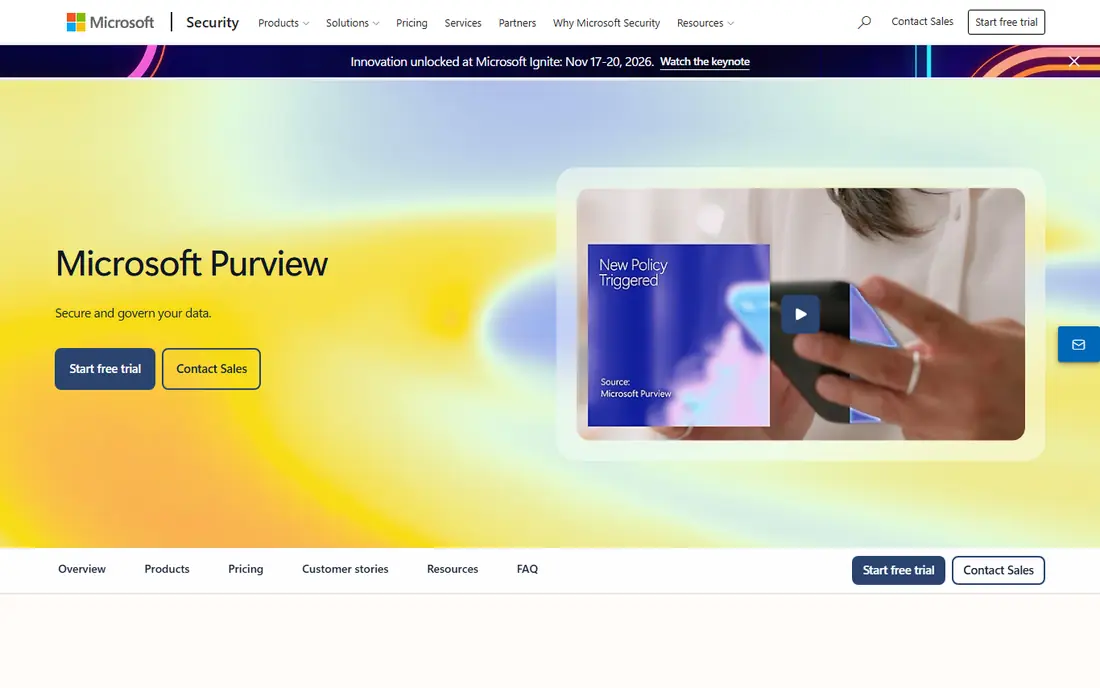
Microsoft Purview DLP suits firms already using Microsoft 365. Policies can apply to Exchange, SharePoint, OneDrive, and Teams, which covers a large share of daily sharing for many offices. Admins can warn, block, or log actions based on sensitive data types.
Firms that rely heavily on Google Workspace, Slack, or other non-Microsoft apps should check coverage and connectors carefully. Purview is strongest inside the Microsoft ecosystem. For a Microsoft-first firm, it is a natural first comparison.
- Deep Microsoft 365 integration
- Policy options for email, Teams, and SharePoint
- Useful for existing Microsoft customers
- Coverage outside Microsoft apps needs checking
- Policy setup takes planning
Symantec DLP, from Broadcom, is a long-running enterprise option for endpoint, network, and cloud data protection. It offers detailed policies, discovery for data at rest, and controls for data in motion. Large firms with a dedicated security team often value that depth.
Smaller firms may find deployment heavy. Plan time for policy tuning, testing, and user training, because strict policies can block legitimate work if they are not shaped to real workflows. For large enterprises, Symantec DLP remains a core shortlist tool.
- Broad endpoint, network, and cloud coverage
- Deep policy controls
- Long enterprise track record
- Deployment and tuning can be complex
- Better suited to larger security teams
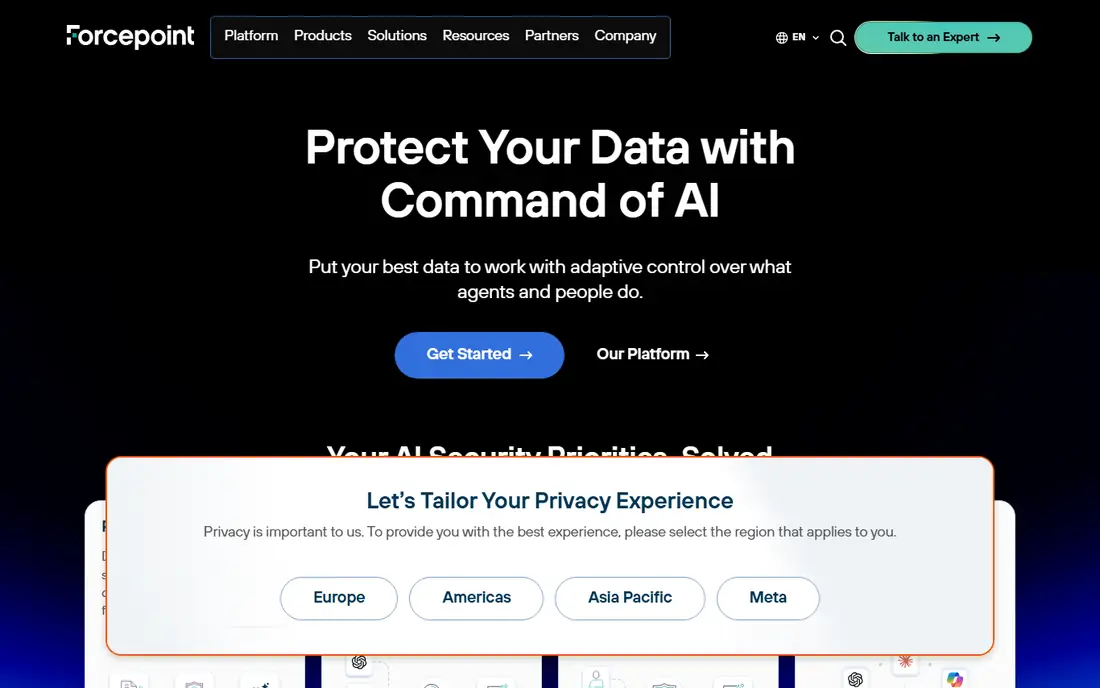
Forcepoint DLP focuses on policy control and incident handling for enterprise data. It can monitor endpoints and cloud channels, apply risk-based policies, and give security teams a clear incident view. That structure helps firms with compliance duties and sensitive customer data.
The trade-off is complexity. Policy design should reflect how teams actually share files, or alerts will overwhelm the security team. Start with monitoring and warnings before you move to blocking, and review incidents weekly in the early months.
- Detailed policy and incident workflows
- Endpoint and cloud coverage
- Useful risk-based controls
- Setup and policy design need expertise
- Pricing is typically quoted
Trellix DLP suits firms that want endpoint protection at the center of their DLP program. It can control copying, printing, and uploading from managed devices, which matters when staff work with sensitive files on laptops. It also fits firms already using Trellix security products.
Check cloud and email coverage separately, because endpoint strength does not guarantee full SaaS coverage. If your main risk is cloud sharing, compare Trellix with a cloud-focused tool such as Netskope or Nightfall AI before you decide.
- Endpoint data controls
- Useful for device-based policies
- Integrates with broader Trellix security tools
- Cloud app coverage needs checking
- Enterprise deployment planning required
Proofpoint DLP is a strong fit when email is the main leak channel. It can detect sensitive data in outbound mail, apply policies, and help security teams understand which users and workflows create risk. Firms that already use Proofpoint for email security may find integration simpler.
Endpoint and network coverage depends on the product mix, so confirm the full scope in a quote. If your risk is mainly email and cloud sharing, Proofpoint is a practical choice. If endpoint control is central, pair it with an endpoint tool or choose a broader suite.
- Strong email data protection
- Useful for people-focused risk
- Cloud app coverage options
- Endpoint coverage varies by product
- Pricing depends on modules
Netskope DLP suits firms whose staff work mainly in cloud apps and browsers. It can inspect cloud traffic, apply policies to SaaS uploads, and give visibility into where data moves online. That coverage matters when files rarely sit on a local server.
Deployment planning is important, especially for network routing and app coverage. List your top SaaS apps and check each one before you buy. For a cloud-first firm, Netskope is one of the best data loss prevention platforms to compare.
- Cloud and web traffic coverage
- Useful for SaaS-heavy firms
- Detailed policy controls for cloud apps
- Enterprise setup and tuning needed
- On-premises coverage differs from cloud coverage
Zscaler DLP offers cloud-delivered data protection for remote and hybrid teams. Traffic can be inspected in the cloud, which helps when staff work outside the office and use many SaaS apps. That model suits firms that have moved away from a single office network.
Routing and policy design still need care. Confirm which apps and channels are covered, and test with real workflows before full enforcement. For a cloud-first security program, Zscaler is a strong option to shortlist.
- Cloud-delivered inspection
- Useful for remote and hybrid teams
- Scalable policy enforcement
- Requires cloud traffic routing
- Policy tuning and app coverage need review
Digital Guardian focuses on endpoint data protection, with controls for files on managed devices and visibility into data movement. Firms with sensitive design files, source code, or customer records on laptops often value that endpoint view.
As with other endpoint tools, check SaaS and email coverage in the full quote. Digital Guardian works best when endpoint risk is the main concern and policies are tuned to real user tasks. Start with discovery and monitoring to learn where sensitive data actually sits.
- Endpoint-focused data controls
- Useful for sensitive files on devices
- Detailed activity visibility
- Enterprise deployment
- Cloud coverage should be checked separately
Nightfall AI suits smaller and midsize teams that need DLP for cloud apps without a heavy enterprise deployment. It connects to SaaS apps, scans for sensitive data, and applies policies for sharing and storage. Setup is often faster than a full endpoint suite.
Endpoint coverage is not its main strength, so firms with heavy device risk may need another layer. Check which SaaS apps are supported and how detection handles your data types. For a SaaS-heavy team, Nightfall AI is a practical, focused choice.
- SaaS-focused DLP for apps such as Slack and Google Workspace
- AI-based detection
- Faster setup for cloud teams
- Less endpoint depth than enterprise suites
- Coverage depends on connected apps
How we picked these
We looked for DLP tools that are actively sold, clearly describe endpoint, network, or cloud coverage on official pages, and serve business users. We included Microsoft, enterprise, and cloud-focused options so firms could compare coverage models. We favored tools with clear policy, incident, and reporting descriptions.
We left out consumer privacy tools, single-purpose email filters without DLP policies, and products whose official page did not clearly match the tool. DLP success depends on policy tuning, so no tool on this list should be bought on coverage claims alone. Test it with your apps and data types first.
What to check before you buy
Start with a data map. List where sensitive data lives, which apps staff use to share it, and which channels have caused problems before. Include email, cloud storage, chat apps, USB devices, and printing. A DLP tool should cover your top three channels well, not just one.
Test policies in monitor mode first. Run policies with warnings and logging, review false positives, and adjust rules before you block sharing. Involve staff early, explain why policies exist, and give a clear way to request an exception for legitimate work. Blocking without explanation leads to workarounds that create new risks.
Check reporting and ownership. Ask who reviews incidents, how alerts are prioritized, and how long data is kept for investigation. Confirm deployment options, agent support for your operating systems, and integration with your security tools. Also check contract terms, support hours, and whether pricing scales with users, endpoints, or data volume.
A simple rollout plan
Begin with discovery to find sensitive data, then set policies for the highest-risk channels. Pilot with one team, review alerts for two to four weeks, and refine rules. Only then expand to blocking and to more teams. That phased approach reduces disruption and builds trust in the tool.
Frequently asked questions
What is the best software for data loss prevention for a Microsoft 365 firm?
Microsoft Purview DLP is a natural starting point for Microsoft 365 firms because it covers Exchange, SharePoint, OneDrive, and Teams. Check coverage for non-Microsoft apps, and compare a cloud-focused tool if SaaS sharing is a major risk.
What are the top data loss prevention software options for large enterprises?
Symantec DLP, Forcepoint DLP, and Trellix DLP suit large enterprises with dedicated security teams and complex policy needs. They offer deep coverage and incident workflows, but they need careful deployment and tuning.
What are the best data loss prevention service options for cloud apps?
Netskope DLP, Zscaler DLP, and Nightfall AI suit cloud-heavy firms. Netskope and Zscaler offer broad cloud-delivered coverage, while Nightfall AI offers faster SaaS-focused setup for smaller teams. Check supported apps for each one.
What is the best data loss prevention system for endpoints?
Digital Guardian, Trellix DLP, and Symantec DLP focus on endpoint controls for files on managed devices. If staff mainly share through cloud apps, pair endpoint DLP with cloud coverage rather than relying on endpoint controls alone.
How do DLP tools handle false positives?
Good DLP programs start in monitor mode, review alerts, and tune rules to real workflows. False positives fall when policies match actual file types, sharing habits, and user roles. Expect tuning to take weeks, not days.
Do small businesses need DLP?
Small firms with customer data, health data, or financial records can benefit, especially for email and cloud sharing. Start with the highest-risk channel, use a SaaS-focused tool if budget is tight, and expand coverage as the firm grows.
Sources we checked (9)
- https://www.microsoft.com/security/business/microsoft-purview
- https://www.broadcom.com/products/cyber-security/endpoint/data-loss-prevention
- https://www.forcepoint.com
- https://www.trellix.com
- https://www.proofpoint.com
- https://www.netskope.com
- https://www.zscaler.com
- https://www.digitalguardian.com
- https://www.nightfall.ai

Online Jobs is an independent blog about careers, online work, learning new skills and the tools that help people earn. More about us.
Keep reading
All posts
Surfshark Alternatives
Looking for Surfshark alternatives? We compare 8 VPN services on price, privacy, streaming, and device limits to help you find a VPN that fits your needs.
NordPass Alternatives
We compared NordPass alternatives for families, solo users and teams, checking pricing, free plans, passkeys and sharing, so you can switch safely today.
LLM Tool Integration Security Best Practices
Learn LLM tool integration security best practices for 2026, with eight tools for guardrails, tool scoping, sandboxing, agent governance and audit logging.