Best Data Broker Removal Service in 2026: 8 Services Compared

How we put this together: we compare official feature and pricing pages, app store listings, privacy policies and public user reviews. Prices change, so check the provider's site before you pay.
Key takeaways
- Data brokers rebuild profiles over time, so ongoing monitoring matters more than a one-time cleanup.
- Incogni suits people who want a hands-off, lower-cost subscription, while DeleteMe suits people who want human-checked removals and detailed reports.
- Optery is the strongest choice for a free starting scan and screenshot-style proof of removals.
- Aura makes sense if you also want credit monitoring, dark web alerts, and identity theft support in one plan.
- No service can erase every public record, and results vary by name, location, and the brokers involved.
Quick comparison
| Name | Who it suits | Starting price | Free option | |
|---|---|---|---|---|
 Incogni | Hands-off automated removal | $7.99 per month | No | Visit |
 DeleteMe | Human-checked removals and reports | $10.75 per month | No | Visit |
 Aura | All-in-one identity protection | $12 per month | Free trial (14 days) | Visit |
 Optery | Free scan and visible proof | Free | Yes | Visit |
 Kanary | Family privacy and social coverage | $20.83 per month | No | Visit |
 OneRep | Simple monthly removal reports | $8.33 per month | Free trial (5 days) | Visit |
 Privacy Bee | Broad broker coverage | See website | No | Visit |
 EasyOptOuts | Lowest-cost basic removal | See website | No | Visit |
The best data broker removal services
Data brokers collect names, addresses, phone numbers, relatives, and other details from public records and other sources, then sell or display that information. The services below send opt-out requests on your behalf and keep checking for new listings. Here are the options that fit most people best.
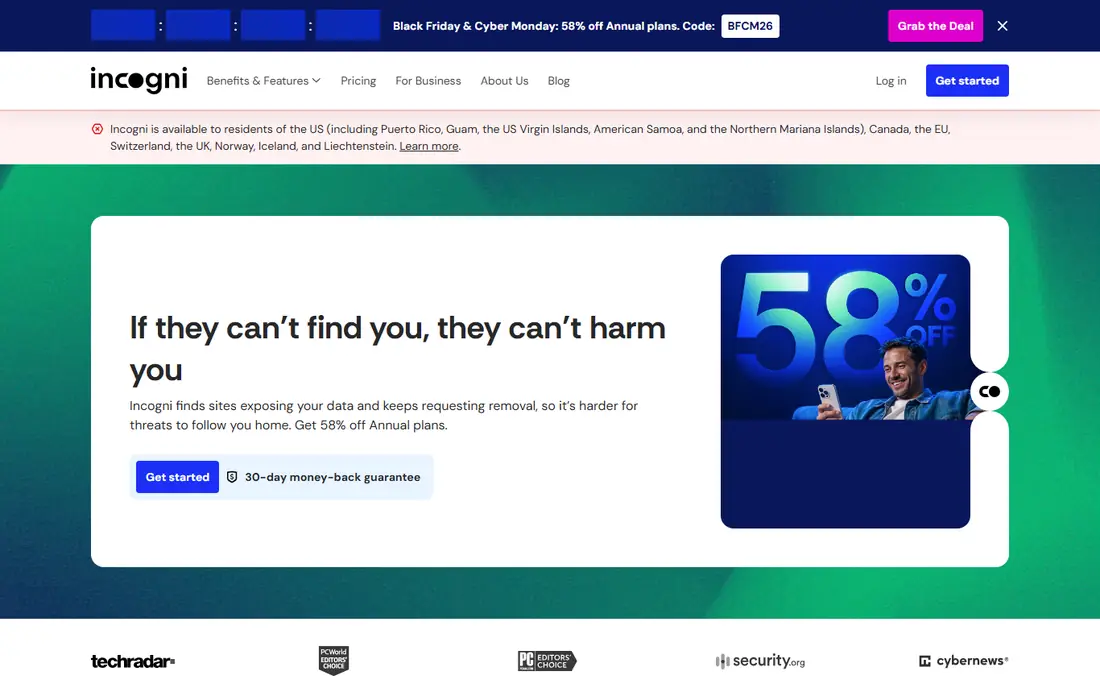
Incogni focuses on one job and keeps it simple. You provide the personal details it needs to identify your listings, give consent for it to act for you, and it sends removal requests to data brokers on its list. It then follows up and repeats requests when listings return, which matters because brokers often republish profiles after a removal.
The dashboard shows progress without asking you to manage each broker yourself. That design suits people who know the problem is real but do not want to spend weekends filling in opt-out forms. Higher tiers add custom removal requests and family coverage, so you can start with the basic plan and only pay more if you need wider coverage.
- Automated requests to many brokers
- Recurring follow-ups
- Simple dashboard
- No identity theft insurance on its own
- Fewer human services than DeleteMe
- Results take time
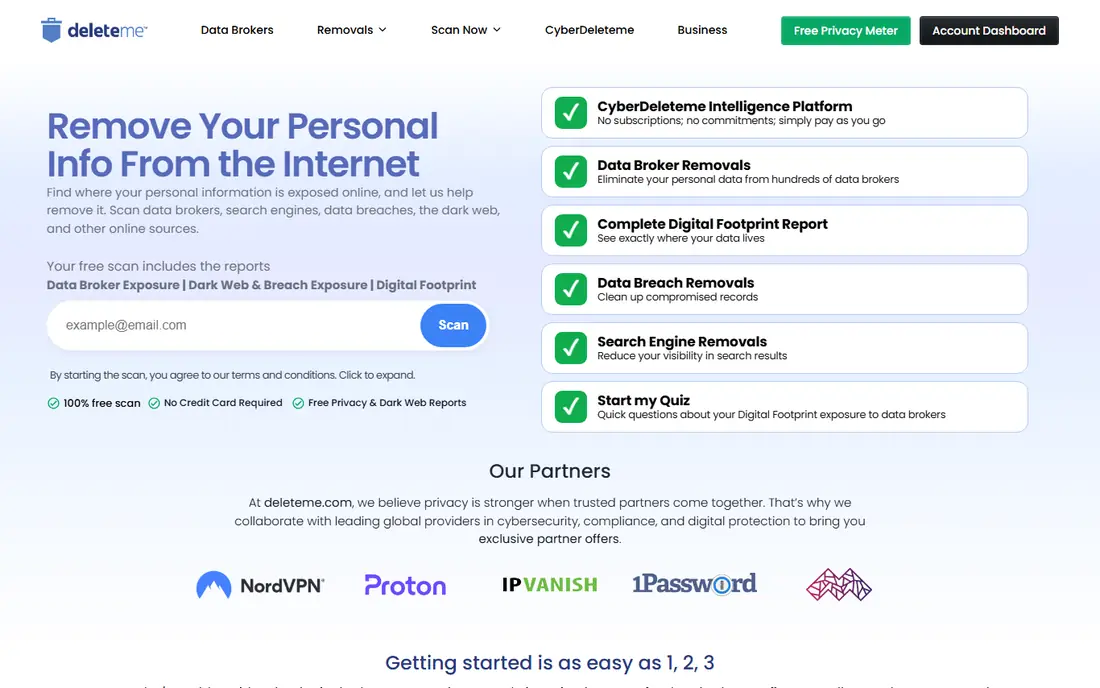
DeleteMe has been in this field longer than most rivals, and its process leans on people as well as automation. Privacy experts handle cases that automated forms cannot finish, such as brokers that ask for extra proof or use unusual opt-out steps. That human help is the main reason to pay more here.
Each quarter, you receive a privacy report that lists what was found and what was removed. That paper trail helps if you want to show a landlord, employer, or family member what changed, or if you simply want to check the work. The trade-off is patience. Quarterly reporting can feel slow compared with services that update every week, even when removals are happening in the background.
- Human privacy experts review cases
- Detailed quarterly reports
- Broad broker list
- Higher price than Incogni
- Reports arrive quarterly, not weekly
- Some brokers need extra verification
Aura is not a removal-only tool. It combines data broker removal with credit monitoring, dark web monitoring, a VPN, antivirus tools, and identity theft insurance, depending on the plan you choose. That bundle makes sense if you would otherwise buy several separate subscriptions and want one account to check.
The removal side covers people-search sites rather than every broker on earth, so a dedicated service may cover more obscure brokers. The advantage is context. If your data appears in a breach or a new account is opened in your name, Aura is set up to alert you and help you respond, rather than only cleaning up old listings.
- Data broker removal plus credit and dark web monitoring
- Fraud support
- Family plans
- Removal is one part of a larger bundle
- Full service is US focused
- Price rises for families
Optery starts with a free scan that shows where your information appears, which is useful before you pay anything. The free tier gives you self-service removal guides, while paid tiers automate the work and add more sites. That ladder lets you test the service and understand your exposure first.
Paid users on higher tiers receive screenshot reports that show a listing before and after removal. That proof is reassuring in a market where many services ask you to trust a dashboard tick. The downside is complexity. You need to read what each tier covers, because the cheapest paid plan covers far fewer sites than the top plan.
- Free exposure report
- Screenshot proof on paid tiers
- Clear tier choices
- Coverage varies a lot by tier
- Some features need higher plans
- Setup takes more reading
Kanary takes a wider view of online exposure than broker lists alone. Alongside data broker removals, it looks at social media and other places where personal details can spread, and it guides you through settings and removals that need your input. That broader scope suits people whose main worry is not only people-search sites, but also old accounts and public posts.
The price is higher than the cheapest options here, and family members can be added at a discount rather than included for free. If your household shares devices and accounts, that discount still helps. If you only need broker removal for one person, a cheaper dedicated service may be better value.
- Covers brokers, social platforms, and AI-related exposures
- Guided setup
- Family discounts
- Higher starting price
- Fewer brokers than some rivals on the basic plan
- US focused
OneRep automates opt-out requests across a large list of data brokers and sends monthly reports on progress. The regular reporting cadence sits between weekly dashboards and quarterly reports, and it is easy to follow without logging in every day. Family plans cover up to six people, which can make the per-person cost reasonable for a household.
OneRep has faced public questions about its past links to people-search businesses, although the company states there is no data crossover. That history matters to some privacy buyers, so it is worth reading the current ownership and privacy policy before you subscribe. If that history does not concern you, the service itself is straightforward and competitively priced.
- Automated removals
- Monthly reports
- Family plans for up to six people
- Past ownership questions have drawn criticism
- Top tier costs much more
- Some brokers resist removal
Privacy Bee aims for depth. Its higher tiers cover more than a thousand data sites, offer custom removals, and include human analysts for harder cases. It also includes an identity vault and monitoring tools that go beyond a simple removal list, which appeals to people who want one privacy hub.
That depth comes at a price, especially on the top tier, and the entry tier covers fewer sites. Check the current plan page carefully, because Privacy Bee has changed its plans and prices in the past. It is best for buyers who want maximum coverage and are willing to pay for it, rather than buyers looking for the cheapest cleanup.
- Very broad broker list on higher tiers
- Active monitoring
- Identity vault features
- Higher tiers are expensive
- Pricing has changed over time
- Setup asks for many details
EasyOptOuts keeps the offer deliberately narrow. It focuses on removing your details from a list of people-search and data broker sites, then rescans on a regular cycle. There is no VPN, no credit monitoring, and no large bundle to learn, which keeps the annual cost far below most rivals.
The trade-off is coverage. You will not get the thousand-site lists offered by premium services, and you will not get human analysts for complex cases. For a first step, or for someone who mainly wants the most visible people-search sites cleaned up at a low price, that narrow focus is a fair deal. For heavy exposure or a public-facing job, pair it with stronger monitoring or choose a broader service.
- Very low annual price
- Simple service
- Regular rescans
- Smaller broker list than premium rivals
- No identity protection bundle
- Limited extras
How we picked these
We compared official feature pages, pricing pages, app store listings, privacy policies, and public reviews for services that offer data broker removal as a core feature. We looked at broker coverage, whether removals repeat over time, what proof each service provides, family options, and total cost per person. We did not claim hands-on testing for every service, and we treated vendor coverage counts as vendor claims rather than verified totals, because brokers change their lists and opt-out rules often.
We also favoured services that explain their limits plainly. Removal reduces exposure, but it does not delete public records held by government sources, and brokers can rebuild a profile from new public data. A service that promises total invisibility was left out, even if its marketing was strong.
Choosing the right service for your situation
Start by running a free scan where one is available, and by searching your own name, phone number, and old addresses. The results tell you whether your problem is a handful of people-search sites or a long list of brokers, social accounts, and old data breaches. A short list points to a budget service, while a long list points to a broader plan or a bundle with monitoring.
Match the plan to the risk
If you have received spam calls, unwanted mail, or contact from strangers, broker removal alone may help a lot. If you have had an account taken over, or you work in a public role, add dark web monitoring and identity theft support, either through Aura or through a separate provider. Do not pay for both a removal bundle and a separate identity plan that duplicates the same features.
Check what happens after you cancel
Ask how the service handles removals after cancellation. Most brokers will relist your data over time if no one keeps submitting requests, so a short subscription may only give a short break. If you plan to cancel after a few months, set a reminder to check the main people-search sites yourself and to resubmit opt-outs for any listings that return.
Keep your own details safe during signup
A removal service needs personal details to find you, which feels odd when you are trying to reduce exposure. Use the details the service actually needs, read its privacy policy, and avoid adding extra family members or old addresses unless they help it find real listings. Use a strong, unique password and turn on two-factor authentication where it is offered.
Frequently asked questions
What is the best data broker removal service overall?
For most people, Incogni is a strong starting point because it automates removals at a lower price and follows up over time. DeleteMe is a better fit if you want human help and detailed reports, while Optery suits buyers who want a free scan and screenshot proof before committing.
Can a service remove my personal information from the internet completely?
No. These services reduce exposure on data broker and people-search sites, but they cannot delete government public records, news articles, or content you posted yourself. Brokers can also rebuild profiles from new public data, which is why ongoing monitoring matters.
How long does data broker removal take?
Initial removals often start within days or weeks, but full progress can take months because brokers respond at different speeds and some ask for extra verification. Expect gradual improvement rather than an overnight cleanup, and check progress reports rather than judging the service in the first week.
Is DeleteMe or Incogni better for families?
Incogni offers a family plan for up to five people at a lower total price in many cases, while DeleteMe offers plans for two or four people. Compare the total household price, not just the single-person price, and check whether each family member gets the same coverage.
Do I still need a removal service if I opt out myself?
You can opt out yourself for free, and some people do this well for the main people-search sites. A paid service saves time, handles resubmissions, and covers brokers you may not know about, so it suits people who lack time or who have a long exposure list.
Are free data broker removal tools worth using?
A free scan is useful for seeing your exposure, but free tools usually require you to complete each opt-out yourself. If you want automated, repeated removals, a paid plan is normally needed, and the cheapest paid options can still cover the most visible sites.
Sources we checked (8)

Online Jobs is an independent blog about careers, online work, learning new skills and the tools that help people earn. More about us.
Keep reading
All posts
Surfshark Alternatives
Looking for Surfshark alternatives? We compare 8 VPN services on price, privacy, streaming, and device limits to help you find a VPN that fits your needs.
NordPass Alternatives
We compared NordPass alternatives for families, solo users and teams, checking pricing, free plans, passkeys and sharing, so you can switch safely today.
Best background check app
We compared the best background check app options in 2026 for employers, landlords and individuals, with published prices, coverage and compliance notes.