Best Customer Service Automation Software in 2026: 8 Tools Compared


Omnichannel AI service at scale · Starting price: $19 per agent per month
How we put this together: we compare official feature and pricing pages, app store listings, privacy policies and public user reviews. Prices change, so check the provider's site before you pay.
Key takeaways
- Zendesk suits larger teams that need omnichannel tickets, routing, and AI agents in one suite.
- Intercom suits product-led teams that want conversational support and an AI agent billed per resolved outcome.
- Freshdesk and Zoho Desk suit smaller teams that want automation at a lower per-agent price.
- AI costs are often separate from seat prices, so check resolution allowances and usage charges before you buy.
- A good help center, clear routing rules, and human handoff matter more than the number of AI features on a pricing page.
Quick comparison
| Name | Who it suits | Starting price | Free option | |
|---|---|---|---|---|
| Zendesk | Omnichannel AI service at scale | $19 per agent per month | Free trial | Visit |
 Intercom | Conversational AI support | $29 per seat per month | Free trial | Visit |
 Freshdesk | Accessible AI help desk | $19 per agent per month | Free trial | Visit |
 Zoho Desk | Budget teams in Zoho ecosystem | $7 per user per month | Free trial | Visit |
 Help Scout | Small email-first teams | $25 per user per month | Free trial | Visit |
 HubSpot Service Hub | CRM-aligned service teams | Free | Yes | Visit |
 Front | Shared inbox collaboration | $25 per seat per month | Free trial | Visit |
 LiveAgent | Live chat and multichannel tickets | $15 per agent per month | Free trial | Visit |
The best customer service automation software
Customer service automation should resolve simple questions fast, route complex ones to the right person, and keep a clear record when a human takes over. The tools below cover AI agents, workflow automation, shared inboxes, and CRM-linked service, so the right pick depends on your channels, team size, and AI budget.
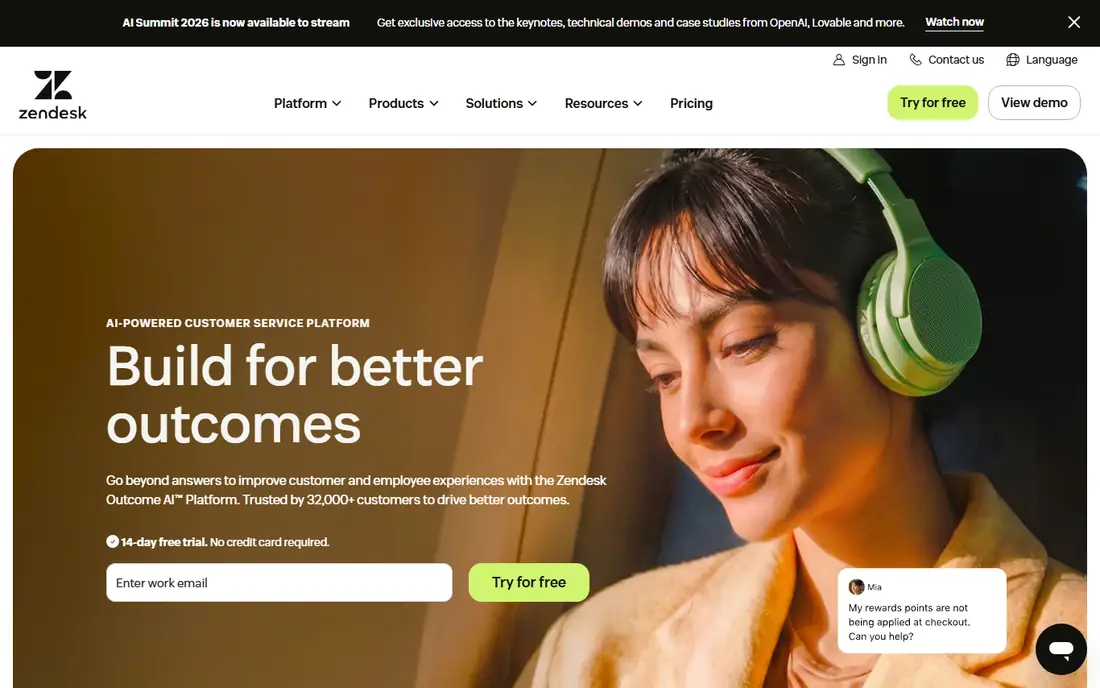
Zendesk is the broadest pick for teams that handle email, chat, messaging, and voice together. Suite plans bundle ticketing, live chat, messaging, telephony, and a help center, with routing rules that send tickets to the right team based on topic, language, or customer tier. AI agents can answer common questions, draft replies for agents, and triage tickets, while analytics and QA tools help managers spot quality gaps.
The cost structure needs a close read. Entry Suite pricing starts near $19 per agent per month billed annually, but Team and higher plans change which automation features are included, and AI resolution allowances carry usage charges beyond the seat price. A small team may find the suite more than it needs, while a larger team will value the breadth. Choose Zendesk if several channels and scale drive the decision. Choose a smaller help desk if email and chat cover your needs.
- Tickets, messaging, chat, voice, and help center in one suite
- AI agents and intelligent triage
- Strong analytics and QA tools
- AI resolution costs sit beyond seat prices
- Higher tiers needed for advanced automation
- Setup can be heavy for a tiny team
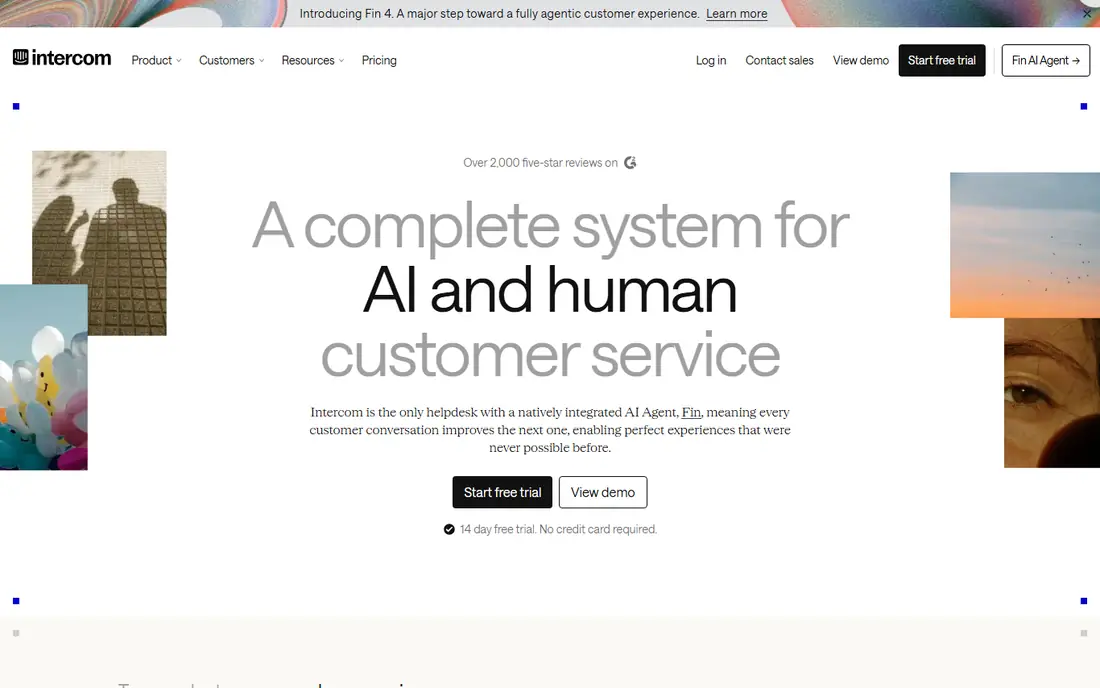
Intercom suits product and SaaS teams that support customers inside an app or website, not just by email. The Messenger, shared inbox, and help center work together, so a customer can start with an AI answer, move to a human chat, and find help articles without leaving the product. Fin, the AI agent, resolves common questions and hands off with context when a human is needed, which keeps response times low for simple issues.
Pricing is the watch point. Essential seats start near $29 per seat per month, but Fin outcomes are billed per resolved outcome, so a team with high AI resolution volume will pay more than the seat total suggests. Advanced workflows also sit on higher plans. Pick Intercom if conversational, in-product support is core to your business. Pick a ticket-first help desk if email volume dominates.
- Messenger-led support with inbox and help center
- Fin AI agent for instant answers
- Proactive messaging and product tours
- Fin outcomes billed separately from seats
- Advanced workflows need higher plans
- Costs rise with AI usage
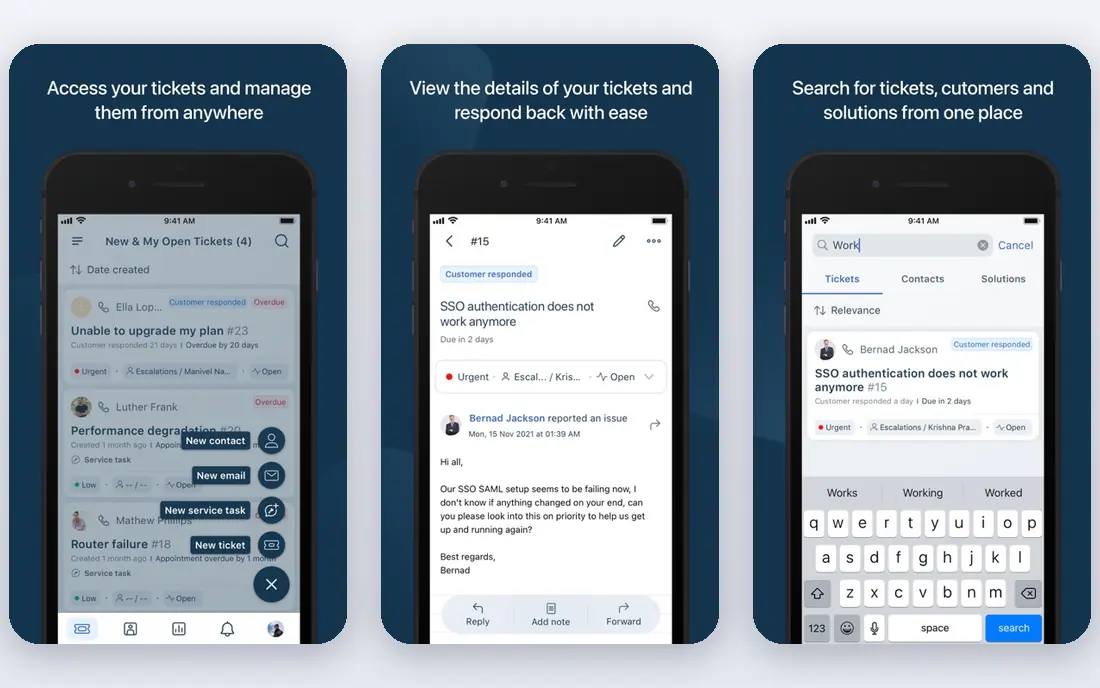
Freshdesk, from Freshworks, is a strong middle option for teams that want a capable help desk without enterprise complexity. Ticketing, a knowledge base, and multichannel support sit in one queue, and Freddy AI can suggest replies, summarize tickets, and run workflows that assign, prioritize, and escalate work. Setup is faster than Zendesk for many small teams, and the interface is easy for new agents to learn.
The limits are in AI allowances and product naming. AI sessions are metered, not unlimited, and Freshdesk Omni, the omnichannel product, differs from the core Freshdesk help desk, so confirm which product a quote covers. Entry pricing near $19 per agent per month also varies by billing term. Choose Freshdesk if you want an accessible AI help desk for email and chat. Choose Zendesk or Intercom if voice or in-product messaging dominates.
- Straightforward ticketing and knowledge base
- Freddy AI for suggestions and workflows
- Multichannel tickets in one queue
- AI sessions are not unlimited
- Freshdesk and Freshdesk Omni are different products
- Advanced AI needs higher tiers
Zoho Desk is the budget pick that still covers real automation. Entry pricing near $7 per user per month billed annually undercuts most rivals, and tickets from email, chat, phone, and social channels land in one queue. Zia AI can suggest replies, detect sentiment, and help with routing, while workflow rules automate assignment and escalation. Teams already using Zoho CRM, Books, or other Zoho apps get extra value from shared customer data.
The trade is polish and depth. The interface is functional rather than elegant, and the most useful automation and AI features sit on higher tiers, so the entry plan is a starting point, not the full product. Support reports are also mixed, so test response times during a trial. Pick Zoho Desk if budget and Zoho integration matter most. Pick Freshdesk if you want a smoother agent experience at a higher entry price.
- Lowest entry price in this list
- Omnichannel tickets and Zia AI help
- Strong value for Zoho users
- Interface feels less polished than rivals
- Advanced automation needs higher tiers
- Support quality reports vary
Help Scout suits small teams that live in email and want automation without a complex ticket system. Shared inboxes, collision detection, and saved replies keep a small team organized, and Docs provides a help center that customers can search before writing in. AI features can draft replies, summarize long threads, and answer common questions, which saves time on repeat queries.
The limits are scale and channels. Lower tiers cap users and inboxes, AI Answers are billed by usage, and voice support is not the core strength, so a phone-heavy team will need another tool. Pricing near $25 per user per month also adds up as the team grows. Choose Help Scout if email is your main channel and simplicity matters. Choose Zendesk if you need voice, messaging, and advanced routing together.
- Simple shared inbox that feels like email
- Docs help center
- AI drafts, summaries, and Answers for common questions
- User and inbox limits on lower tiers
- AI Answers carry usage charges
- Weaker for voice-heavy contact centers
HubSpot Service Hub makes sense for teams already using HubSpot CRM, since service tickets, customer records, and feedback share one system. A free tier covers basic help desk, ticketing, and a knowledge base, which lets a small team start without a new vendor. Paid tiers add automation, customer portals, feedback surveys, and conversation intelligence, all tied to the CRM record.
The cost curve is the catch. Professional and Enterprise tiers, which open up deeper automation, cost far more than the free tier suggests, and the best value stays inside HubSpot, so teams on another CRM may find less benefit. AI features also vary by tier, so check which automation your plan includes. Pick HubSpot Service Hub if HubSpot CRM already runs your business. Pick a standalone help desk if you want the lowest cost for service alone.
- Free starter tier with help desk basics
- Shared CRM record across sales, marketing, and service
- Customer portal and feedback tools
- Paid tiers rise fast for larger teams
- AI and automation depth varies by tier
- Best value stays inside HubSpot
Front suits teams that think in inboxes, not ticket queues. Email, chat, and social messages land in shared inboxes where teammates can comment internally, assign work, and avoid duplicate replies. Automation rules can route messages, tag them, and trigger replies, and a knowledge base helps customers self-serve before writing in. That collaboration model fits operations, partnerships, and support teams that share customer mailboxes.
Front is not a full contact center, so voice-heavy teams will need another system for phone support, and AI features are newer and narrower than Zendesk or Intercom. Pricing near $25 per seat per month also grows with the team. Choose Front if shared inbox collaboration is your daily workflow. Choose a ticket-first suite if routing, voice, and AI agents drive the decision.
- Shared inboxes for email, chat, and social
- Internal comments and assignments
- Automation rules and knowledge base
- Less of a full contact center than Zendesk
- AI features are newer and narrower
- Pricing rises with team size
LiveAgent is a practical pick for teams where live chat leads and tickets follow. A chat widget, email tickets, call handling, and social messages feed one queue, with automation rules for routing, tags, and canned replies. Entry pricing near $15 per agent per month billed annually makes it one of the cheaper multichannel options, and a 30-day trial gives time to test chat volume properly.
The interface feels dated compared with Intercom or Help Scout, and AI automation is more basic, with less emphasis on AI agents that resolve full conversations. Advanced reporting and automation also sit on higher tiers. Pick LiveAgent if live chat volume and value matter most. Pick Intercom if AI-led chat resolution is the priority.
- Live chat widget plus tickets, email, and calls
- 30-day trial
- Good value for high-volume chat teams
- Interface feels dated beside newer rivals
- AI automation is basic
- Advanced features need higher tiers
How we picked these
We compared official pricing pages, feature documentation, and recent vendor comparisons for channels, routing, AI agents, help centers, and trial terms, and we kept only tools still sold and supported in October 2026. We favored tools that cover distinct service models, from AI-led chat to email-first inboxes, and we noted where AI usage is billed separately from seats, since that changes the real cost. We did not treat a feature list as proof of resolution quality, and we favored tools with a clear human handoff when automation cannot resolve an issue.
How to choose customer service automation software
Start with channels and AI budget, not with a feature checklist, since those two factors decide most of the cost and fit.
Map channels before you compare AI
List every channel customers use, from email and chat to phone, messaging apps, and social media, and check which tools cover all of them in one queue. A tool that misses a main channel will force a second system, and automation gains will be lost in handoffs between systems.
Model AI cost beside seat cost
Ask how AI resolutions, sessions, or outcomes are counted, what allowance each plan includes, and what overage costs. Run a trial with real ticket volume, and model cost at your current volume plus a busy month, since AI bills spike during launches, outages, and seasonal peaks.
Test routing, help center, and handoff together
Build a help center article, set a routing rule, and run a test conversation from AI answer to human handoff. Check whether context carries over, whether the customer has to repeat information, and whether the agent sees the full thread. A smooth handoff matters more than a fast AI answer that drops context.
Keep humans in control of sensitive cases
Set clear rules for refunds, account access, safety issues, and complaints, and route those cases to humans early. Automation should reduce wait times for simple questions, not block customers with urgent or sensitive needs behind a bot loop with no exit.
Frequently asked questions
What is the best customer service automation software?
Zendesk leads for omnichannel teams at scale, Intercom leads for conversational in-product support, and Freshdesk offers a strong middle option for email and chat teams. The best pick depends on your main channels, team size, and AI budget.
How much does customer service automation software cost?
Seat prices in this guide start near $7 per user per month for Zoho Desk, $15 for LiveAgent, $19 for Zendesk and Freshdesk, and $29 for Intercom, with HubSpot offering a free starter tier. AI resolution charges sit beyond seats on several platforms, so model total cost with AI usage included.
What is the best AI customer service platform?
Intercom, with Fin, and Zendesk, with its AI agents, lead for AI-led resolution, but both bill AI usage separately from seats. Freshdesk and Zoho Desk offer AI help at a lower entry price, with more limited AI allowances, so test resolution quality on your own tickets before you commit.
Does customer service automation replace agents?
No, automation resolves repeat questions and routes complex work faster, but humans still handle sensitive, complex, and high-value cases. The best setup pairs a help center and AI answers for simple issues with a clear, fast handoff to agents for everything else.
Which tool is best for small businesses?
Freshdesk, Zoho Desk, and Help Scout suit small teams, with Freshdesk offering a balanced help desk, Zoho Desk offering the lowest entry price, and Help Scout offering the simplest email-first inbox. HubSpot Service Hub also suits small HubSpot users with a free starter tier.
What is the best customer service automation tool for e-commerce?
Intercom and Freshdesk suit many e-commerce teams, with Intercom leading for in-site chat and AI answers, and Freshdesk leading for ticket volume across email and chat. Gorgias, which focuses on Shopify stores, is worth a look for e-commerce-only teams, but it sits outside the eight tools in this guide.
Sources we checked (8)

Online Jobs is an independent blog about careers, online work, learning new skills and the tools that help people earn. More about us.
Keep reading
All posts
n8n Alternatives
n8n alternatives compared for 2026, with Zapier, Make, Activepieces, and more, covering visual builders, code steps, self-hosting, and pricing models.

ZoomInfo Alternatives
The best ZoomInfo alternatives in 2026, compared on price, free plans, data coverage, and which tool fits small teams or large sales teams best in detail.

Yotpo Alternatives
Find cheaper alternatives to Yotpo for reviews and loyalty, with Judge.me, Loox, Stamped, and more compared for Shopify stores in 2026, all in one guide.