Best Crypto Wallet App in 2026: 9 Compared

How we put this together: we compare official feature and pricing pages, app store listings, privacy policies and public user reviews. Prices change, so check the provider's site before you pay.
Key takeaways
- Most software wallets are free to download, but network fees and in-app swap fees still apply.
- Coinbase Wallet is the gentlest start for people moving from an exchange to self-custody.
- MetaMask remains the standard for Ethereum apps, while Phantom leads for Solana users.
- A hardware wallet is the safer choice for larger amounts you do not need to move often.
- This is not financial advice, and crypto prices can fall sharply, so only use money you can afford to lose.
Quick comparison
| Name | Who it suits | Starting price | Free option | |
|---|---|---|---|---|
 Coinbase Wallet Coinbase Wallet | Beginners from an exchange | Free | Yes | Visit |
 MetaMask MetaMask | Ethereum apps | Free | Yes | Visit |
 Trust Wallet Trust Wallet | Mobile multi-chain use | Free | Yes | Visit |
 Phantom Phantom | Solana and NFTs | Free | Yes | Visit |
 Exodus Exodus | Desktop portfolio view | Free | Yes | Visit |
 Rabby Wallet Rabby Wallet | Safer Ethereum transactions | Free | Yes | Visit |
 ZenGo ZenGo | No seed phrase setup | Free | Yes | Visit |
 Ledger Nano X Ledger Nano X | Hardware security | See website | No | Visit |
 Trezor Safe 5 Trezor Safe 5 | Open-source hardware | See website | No | Visit |
The best crypto wallet app
We compared official feature pages, app store listings, privacy policies and public reviews for wallets that work today. Our pick for most people is Coinbase Wallet for a first self-custody app, with MetaMask or Phantom added when you use specific apps. This is not financial advice, and trading carries risk.
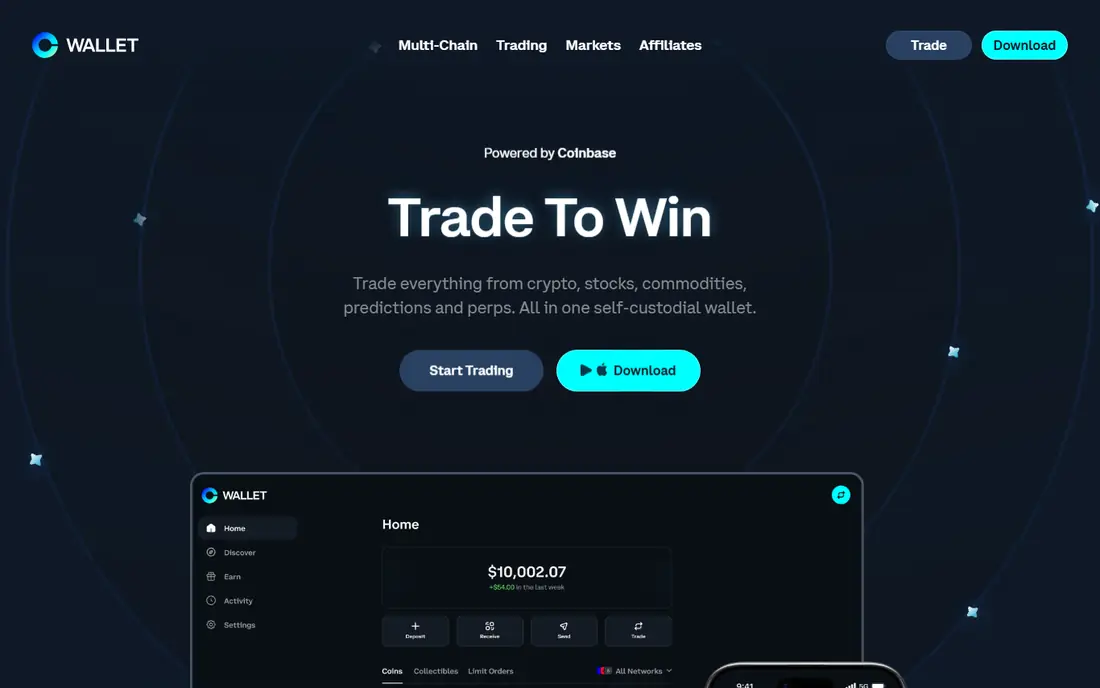
Coinbase Wallet is a separate self-custody wallet from the Coinbase exchange account, which confuses some new users at first. Once that split is clear, it is an easy bridge, because the design feels familiar and the basic wallet functions carry no wallet fee beyond network fees. You control the recovery phrase or passkey setup, not the exchange.
The catch is cost on swaps and scope. Built-in swaps are convenient, but the fee is higher than some rivals, so large swaps deserve a comparison before you confirm. It also dropped some smaller networks in 2026, so check that your chains are still supported before you move funds.
- Simple setup and familiar design
- Supports Bitcoin, Ethereum and Solana
- Passkey recovery options
- In-app swap fees can reach about 1 percent
- Tight Coinbase ties help only if you use that exchange
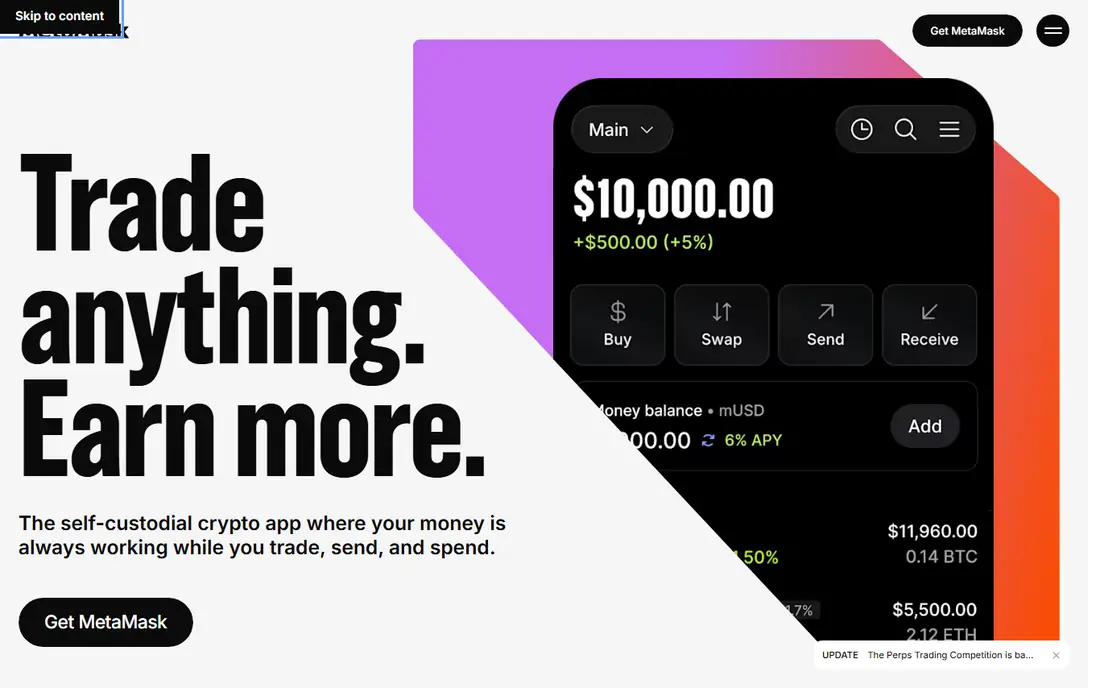
MetaMask is the wallet most Ethereum apps expect you to have, which is why it stays on this list despite newer rivals. It connects to decentralised apps in a browser, signs transactions, and pairs with Ledger and Trezor hardware wallets for extra protection. For daily DeFi use, that compatibility matters more than a prettier interface.
New users should learn transaction previews before they approve anything. MetaMask shows what a site asks to do, but a rushed approval can still grant broad permissions. Review allowances, start with small amounts, and keep your recovery phrase offline on paper, never in a photo or chat.
- Widest support among Ethereum apps
- Browser and mobile versions
- Hardware wallet pairing
- Swap fee around 0.875 percent
- Ethereum focus means other chains need manual setup
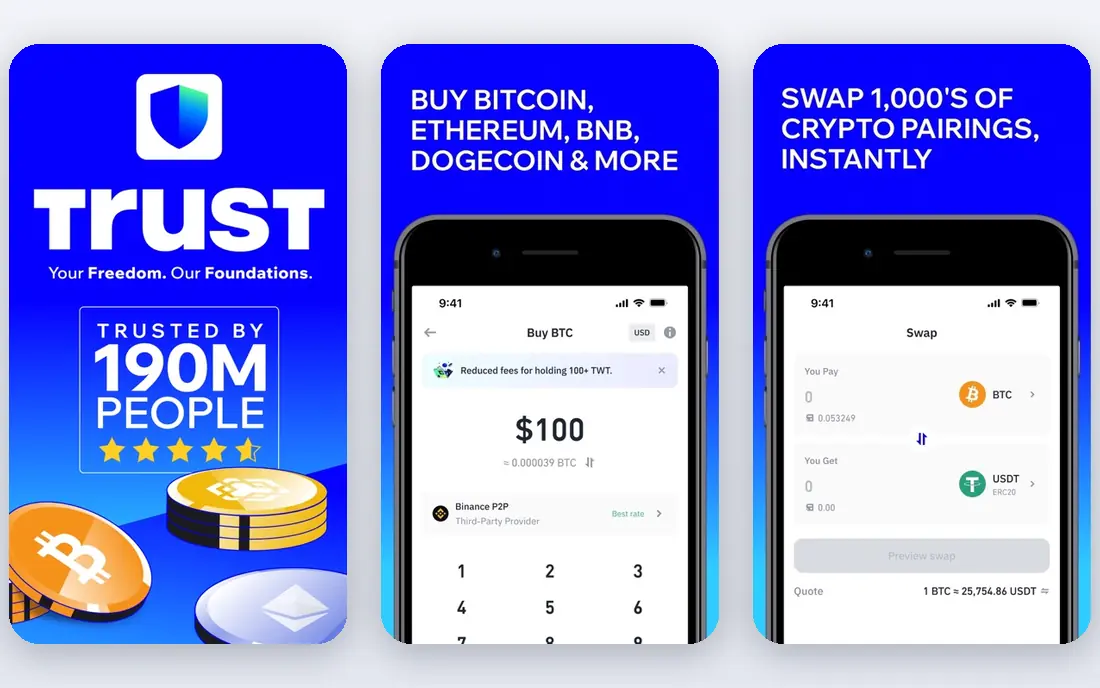
Trust Wallet suits people who hold assets across many chains and mainly use a phone. It supports Bitcoin, Ethereum, Solana and many other networks, and it lets you stake some assets, swap tokens and view NFTs in one app. That breadth is its main advantage over single-chain wallets.
Breadth also brings clutter. Menus, promotions and token lists can distract a first-time user, and the swap fee is not always obvious until you compare the amount you receive. Use it for holding and occasional swaps, and compare swap quotes in another app for larger trades.
- Very broad chain and asset coverage
- Strong mobile app
- Built-in staking and swaps
- Large feature set can feel busy
- Swap fees vary and are shown in the quote
Phantom began as a Solana wallet and still feels fastest there, with quick transactions and a clean NFT view. It has since added Ethereum, Polygon and Bitcoin, so it can serve as a second wallet for people who started on Solana and later branched out. The mobile and browser versions share the same simple design.
If you live mostly on Ethereum, MetaMask or Rabby may fit better, because more apps were built around them first. Phantom is the better pick when Solana apps, NFTs and low-friction mobile use are your daily routine.
- Fast Solana experience
- Clear NFT gallery
- Now supports Ethereum, Polygon and Bitcoin too
- Swap fee around 0.85 percent
- Solana history means some Ethereum features feel newer
Exodus wins on presentation. The portfolio view, charts and asset breakdowns make it easy to see what you hold at a glance, which helps people who check balances often. It works on desktop and mobile, and the built-in exchange lets you swap without leaving the app.
That convenience has a price. Independent fee comparisons have flagged Exodus swap spreads as higher than rivals, sometimes several percent, so the quoted amount matters more than the headline free download. For holding and tracking, it is pleasant, but for frequent swaps, compare elsewhere first.
- Clear portfolio and charts
- Desktop and mobile apps
- Built-in exchange
- Swap spreads can be high
- Closed-source software may concern advanced users
Rabby is built for people who want to see what a transaction will do before they sign it. It simulates the result, flags risky approvals and shows balance changes in plain terms, which reduces the chance of approving a harmful contract by mistake. That focus on pre-signing checks is its real selling point.
The trade-off is narrower scope. Rabby is strongest on Ethereum and compatible chains, not as a universal multi-chain wallet. If you use Ethereum apps often and want an extra safety check, it is a strong second wallet alongside a mobile-first option.
- Clear transaction simulation before signing
- Good hardware support
- Lower swap fee than some rivals
- Ethereum focus
- Smaller brand recognition than MetaMask
ZenGo takes a different approach to recovery, using multi-party computation instead of a single seed phrase. In practice, that means you do not have to guard a 12 or 24 word phrase on paper, and recovery uses your device, email and a biometric check. For people who fear losing a phrase, that can feel less stressful.
It is still self-custody in the sense that ZenGo does not hold your keys alone, but the model is less traditional than a pure seed phrase wallet. Advanced users who want full manual control may prefer MetaMask, Trust Wallet or a hardware wallet. ZenGo fits beginners who want simplicity and are comfortable with its recovery design.
- No traditional seed phrase to write down
- Facial and device-based recovery
- Simple mobile design
- Optional premium plan adds cost
- Recovery depends on ZenGo systems as well as your device
Ledger Nano X is a hardware wallet, so it belongs in a different category from the free apps above. Your private keys stay on the device, not on a phone or browser that could be compromised, and transactions must be confirmed on the device screen. That separation is why many long-term holders use hardware for larger balances.
The cost and friction are real. You must buy the device, learn the Ledger Live app, and keep the recovery phrase safe offline. For small amounts you move often, a software wallet is more practical. For funds you plan to hold, hardware is the safer default.
- Keys stay offline on a certified chip
- Bluetooth and mobile app support
- Broad asset support
- Device purchase required
- Bluetooth adds a surface to review
- Setup takes longer than an app
Trezor Safe 5 appeals to users who value open-source code they, or independent reviewers, can inspect. The touchscreen makes PIN entry and transaction checks clearer than older button-only models, and it pairs with software wallets for app access. It covers Bitcoin, Ethereum, Solana and many other assets.
Like Ledger, it is not a daily spending wallet. Buying, setup and recovery phrase storage take time, and you still need a software interface for many apps. Choose Trezor when open-source transparency matters to you, and Ledger when mobile Bluetooth use matters more.
- Open-source firmware and software
- Colour touchscreen
- Broad asset support
- Device purchase required
- Mobile use is less smooth than Ledger for some users
How we picked these
We compared official feature pages, app store listings, privacy policies and public reviews, and we opened each homepage to confirm it belongs to the named product. We included free software wallets for daily use and two hardware wallets for larger holdings, because most people need both kinds of storage over time. Fees cited here come from vendor pages and public fee comparisons, and they change with networks and quotes, so check the exact quote before you confirm any transaction.
How to choose without losing funds
Start small and test recovery
Send a small amount first, then practise recovery on a second device or with the wallet test flow before you move a larger balance. If recovery feels confusing, that is a sign to slow down, not to skip the step. A wallet you cannot recover is a wallet you will lose.
Separate spending money from savings
Keep a small amount in a mobile wallet for apps and swaps, and larger holdings on hardware or in a wallet you rarely connect. That split limits damage if a phone is lost or a site approval goes wrong. It also makes it easier to track what is for trading and what is for holding.
Check every swap quote
Free download does not mean free trading. Network fees go to the chain, while swap fees and spreads go to the wallet or its partners, and they are often inside the quoted amount you receive. Compare the final amount across two wallets for any larger swap, and be wary of any site that asks for your recovery phrase.
Frequently asked questions
What is the best crypto wallet app for beginners?
Coinbase Wallet is the gentlest start for exchange users, while Trust Wallet is a good mobile-first alternative with broader chains. Start with a small amount, learn recovery, and only add a second wallet when you need a specific chain or app.
Is a free crypto wallet safe?
A free software wallet can be safe if you guard your recovery phrase, check transaction previews and avoid phishing sites. Safety depends more on your habits than on price. Hardware wallets add offline key storage for larger amounts.
Do crypto wallets charge fees?
Downloads are usually free, but you pay network fees on every on-chain transaction, and built-in swaps add a wallet fee or spread. The total cost is in the final quote, so compare that amount, not just the headline fee.
What happens if I lose my recovery phrase?
For most self-custody wallets, losing the phrase means losing access, because no company can reset it for you. ZenGo uses a different recovery model, but traditional wallets have no password reset. Store the phrase offline and test recovery early.
Should I use MetaMask or Phantom?
Use MetaMask for Ethereum apps and Phantom for Solana apps and NFTs. Many people run both, because each is strongest on its home chain, and both are free.
Is this financial advice?
No. This guide compares wallets, not investments, and crypto can lose value quickly. Do your own research, check official docs, and consider independent financial advice before you buy any asset.
Sources we checked (9)

Online Jobs is an independent blog about careers, online work, learning new skills and the tools that help people earn. More about us.
Keep reading
All posts
Who Is the Best Company to Get Travel Insurance
Compare the best travel insurance companies, including World Nomads, Allianz Travel, SafetyWing and AXA, with coverage types, limits and who each suits.
Top AI Financial Software
Searching for top AI financial software? We compared 9 AI finance tools for AP, spend, close, forecasting and bookkeeping to help teams choose wisely.
Quicken Alternatives
Compare the best quicken alternatives for Mac, Windows, and small business owners, from Monarch Money and YNAB to Copilot, Tiller, and Banktivity in 2026.