Best Cross Platform Mobile App Development Tools in 2026: 10 Frameworks Compared

How we put this together: we compare official feature and pricing pages, app store listings, privacy policies and public user reviews. Prices change, so check the provider's site before you pay.
Key takeaways
- Flutter suits teams that want one visual result on iOS and Android, with a single language and a large widget set.
- React Native suits teams that already use JavaScript and React, since skills and code can carry over from web work.
- Kotlin Multiplatform suits teams that want shared logic with native screens, rather than one shared screen design.
- No-code and web-based options suit fast pilots, but they need a careful check on native features before a full launch.
Quick comparison
| Name | Who it suits | Starting price | Free option | |
|---|---|---|---|---|
 Flutter | custom designs on iOS and Android | Free | Yes | Visit |
 React Native | JavaScript teams shipping to both stores | Free | Yes | Visit |
 Expo | fast React Native starts and over the air updates | Free | Yes | Visit |
 Kotlin Multiplatform | shared logic with native screens | Free | Yes | Visit |
 .NET MAUI | C# and .NET teams | Free | Yes | Visit |
 Ionic | web teams turning a web app into mobile apps | Free | Yes | Visit |
 Capacitor | shipping web code as a native app | Free | Yes | Visit |
 NativeScript | native apps from JavaScript or TypeScript | Free | Yes | Visit |
 FlutterFlow | visual builds without writing much code | See website | Yes | Visit |
 Apache Cordova | simple hybrid apps from web code | Free | Yes | Visit |
The best cross platform mobile app development tools
We looked at frameworks that let one team ship to iOS and Android from one codebase, and we weighed language fit, hiring, and long term upkeep. The list below mixes widely used leaders with smaller options that suit web teams, .NET teams, and visual builders.
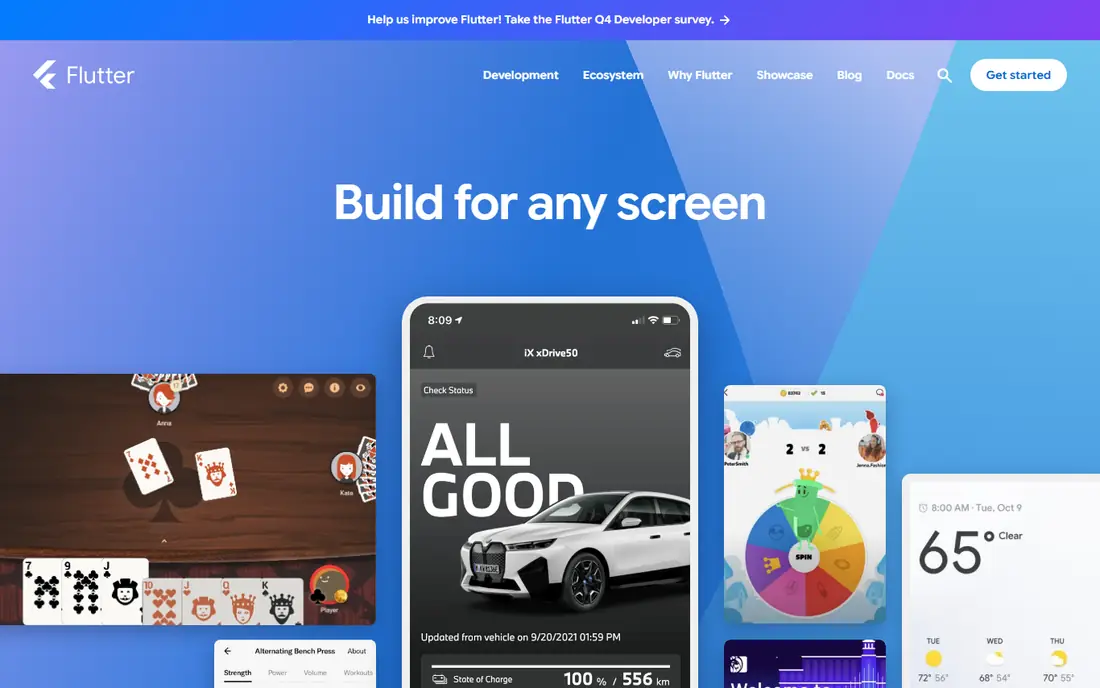
For teams that want a proven route to both app stores, Flutter uses Dart and its own rendering engine, so screens look the same on iOS and Android without relying on each platform native controls. That control helps teams that care about brand design, animation, and a consistent feel across devices. The trade is learning Dart and checking plugin support for any device feature you need, since a missing plugin can mean extra native work. Check the current pricing page and the free tier limits before you commit, since plan details change and the entry tier may cap builds, seats, or usage.
- One language for mobile, web, and desktop
- Large widget library
- Fast hot reload
- Dart hiring pool is smaller than JavaScript
- App size can be large
- Some native plugins lag behind store changes
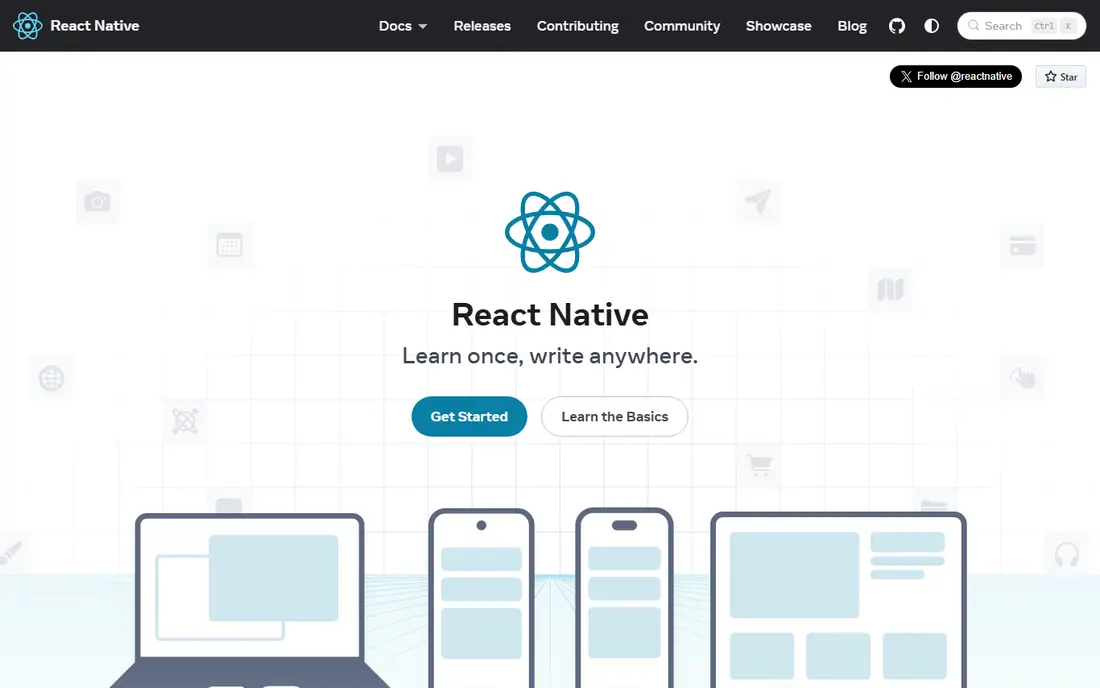
If your team already works in a matching language or stack, React Native lets JavaScript and TypeScript teams build real mobile apps with native components, and it shares skills and some code with React web projects. That fit makes hiring easier and helps web teams move into mobile without starting over. The trade is upkeep across native dependencies, since packages and platform updates can break builds and need planned testing time. Run a small pilot with a real feature from your backlog, and judge it on build time, store submission, and how easy fixes are after release.
- Very large JavaScript talent pool
- Native components
- Huge package ecosystem
- Performance work is needed for heavy animation
- Native modules still need native knowledge
- Version upgrades need testing
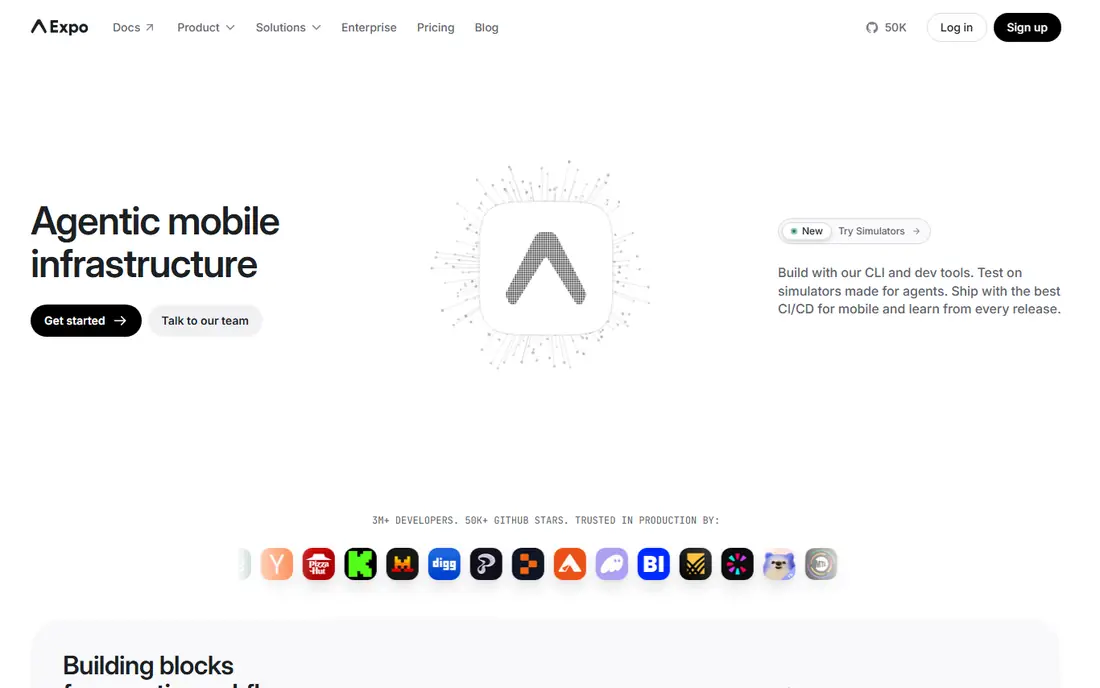
When a single shared codebase matters more than a native look, Expo wraps React Native in managed tooling for builds, updates, and testing, so a small team can ship sooner with less native setup. It is a good fit for MVPs and internal apps where speed matters more than deep native customisation. The trade is flexibility, since unusual native features may require leaving the managed workflow and taking on native build work. Ask who will maintain the project in six months, and pick the option your current team can support without hiring for a new language.
- Managed builds and updates
- Simple setup for new teams
- Strong tooling for React Native
- Ejecting is needed for some native modules
- Larger apps may outgrow the managed workflow
- Build limits apply on free tiers
As a practical choice for a first release, Kotlin Multiplatform shares business logic, data handling, and networking in Kotlin while each platform keeps its own native screen code. That split suits teams that want native feel without duplicating rules and data code. The trade is effort, since screen work is not shared, so the saving is smaller than a fully shared UI framework. Check the current pricing page and the free tier limits before you commit, since plan details change and the entry tier may cap builds, seats, or usage.
- Shared business logic in Kotlin
- Native UI on each platform
- Good fit for Kotlin backend teams
- Smaller community than Flutter or React Native
- UI work is still done per platform
- Setup needs care
For projects where design control is the main concern, .NET MAUI gives .NET teams a way to build iOS and Android apps in C# with shared code and a single project structure. It fits firms that already run .NET backends and want one skill set across the stack. The trade is community size, since answers, plugins, and sample code are thinner than for Flutter or React Native. Run a small pilot with a real feature from your backlog, and judge it on build time, store submission, and how easy fixes are after release.
- One C# codebase for mobile and desktop
- Strong Visual Studio tooling
- Good fit for existing .NET shops
- Smaller mobile community than the leaders
- UI customisation can feel limited
- Hiring for mobile MAUI skills is narrower
Where speed of setup beats depth of customisation, Ionic lets web developers build mobile apps with web technology and ship them inside a native shell. It is a strong fit when a web app already exists and the mobile version can reuse much of its design and code. The trade is feel and speed, since web views do not always match native controls, so test on low end phones before you commit. Ask who will maintain the project in six months, and pick the option your current team can support without hiring for a new language.
- Uses HTML, CSS, and JavaScript
- Works with Angular, React, and Vue
- Fast for web first teams
- Web view performance can lag for heavy apps
- Native feel needs extra design work
- Some features need Capacitor plugins
If you need to reuse web skills for a mobile release, Capacitor turns a web project into a native app package with access to device features through plugins. It suits teams that want one web codebase plus store builds, without rewriting screens. The trade is discipline, since poor web performance shows up directly in the app, and plugin updates need regular checks. Check the current pricing page and the free tier limits before you commit, since plan details change and the entry tier may cap builds, seats, or usage.
- Runs web apps as native apps
- Direct access to native APIs
- Pairs well with any web framework
- Still a web app at heart
- Performance depends on web code quality
- Plugin upkeep needs attention
For a smaller team that wants to keep maintenance simple, NativeScript builds truly native screens from JavaScript or TypeScript code, with direct access to native APIs. It suits teams that want native controls and a JavaScript workflow without a web view in the middle. The trade is scale of support, since fewer plugins and fewer developers mean more work falls on your own team. Run a small pilot with a real feature from your backlog, and judge it on build time, store submission, and how easy fixes are after release.
- Direct native API access without a web view
- TypeScript support
- Shared code with Angular or Vue
- Smaller community and plugin set
- Documentation can feel thin
- Hiring is harder than for the leaders
When the app must reach several device types at once, FlutterFlow lets non developers and small teams design and ship Flutter apps with a visual builder, then export code for later work. It is a good fit for a pilot, a client demo, or an internal tool with standard screens. The trade is control, since unusual workflows and integrations can push you back into hand written Flutter code. Ask who will maintain the project in six months, and pick the option your current team can support without hiring for a new language.
- Visual builder that outputs Flutter code
- Fast prototypes
- Useful for founders and small teams
- Complex logic still needs code
- Subscription cost grows with team size
- Custom features may need a developer
As an option for teams with a clear existing workflow, Apache Cordova wraps HTML, CSS, and JavaScript in a native container and has been used for hybrid apps for many years. It suits simple apps, internal tools, and teams with a tight budget and basic needs. The trade is age, since newer options give better tooling and performance, so Cordova fits best when the app stays simple. Check the current pricing page and the free tier limits before you commit, since plan details change and the entry tier may cap builds, seats, or usage.
- Mature and widely documented
- Many plugins
- Low cost for basic apps
- Older web view approach
- Performance limits for rich apps
- Plugin upkeep varies widely
How we picked these
We compared official feature pages, pricing pages, app store listings, and public reviews for each product, and we kept only products that exist and fit the topic today. Where a price or free tier could not be confirmed on a vendor page, we wrote See website rather than guessing a number. We also weighed fit for different team sizes, since a tool that suits a large enterprise may be a poor fit for a small team, and the reverse is also true. Products that needed a workaround for the core job, or that had closed or changed focus, were left out.
How to choose a cross platform framework
Match the language to your team
Start with the language your team already writes well. A framework that forces a new language adds hiring cost and slows the first release, even if the demo looks fast. If you have React skills, that points one way. If you have Dart, Kotlin, or C# skills, it points another way.
Check native needs early
List the device features your app must use, such as payments, maps, camera work, offline storage, and push messages. Then check whether each framework supports those features directly or through a plugin. A gap found late can force native code that wipes out the saving from one codebase.
Plan for upkeep, not just launch
Ask how updates, store rules, and plugin changes are handled. A framework with a large community and clear release notes is easier to keep current. Budget time for testing on real devices, since shared code still behaves differently across phones and operating system versions.
Frequently asked questions
What is the best cross platform mobile development tool for a startup?
It depends on your team. Flutter is a strong default for a custom design, while React Native is a strong default for a JavaScript team. A no-code builder can suit a pilot, but it may limit later changes.
Is cross platform development cheaper than native development?
It can be, because one team maintains one codebase instead of two. The saving shrinks if the app needs a lot of native code, custom animation, or device specific work.
Can cross platform apps reach both app stores?
Yes, the frameworks in this list are built to produce iOS and Android builds from shared code. Store review, signing, and device testing still apply to each store.
Which framework is best for app development if we already have a web app?
React Native, Ionic, and Capacitor are natural fits for web teams, since they reuse JavaScript and web skills. FlutterFlow can also suit a team that wants visual building.
Do cross platform apps perform well enough for most business apps?
For forms, lists, booking, messaging, and dashboards, yes. Games, heavy video editing, and apps with intense graphics may still benefit from native code.
Sources we checked (10)

Online Jobs is an independent blog about careers, online work, learning new skills and the tools that help people earn. More about us.
Keep reading
All posts
n8n Alternatives
n8n alternatives compared for 2026, with Zapier, Make, Activepieces, and more, covering visual builders, code steps, self-hosting, and pricing models.

iPhone Alternatives
Looking for iPhone alternatives in 2026? Compare 9 Android phones from Samsung, Google, OnePlus, and more, with cameras, battery life, and honest trade-offs.

eBay Alternatives
Looking for ebay alternatives? We compared 9 marketplaces for sellers on fees, buyer reach, categories and ease of listing, to help you sell with confidence.