Best CRM Software for Small Business in 2026: 8 Tools Compared

How we put this together: we compare official feature and pricing pages, app store listings, privacy policies and public user reviews. Prices change, so check the provider's site before you pay.
Key takeaways
- The best crm software for small business is the one your team will actually use every day, so ease of setup matters more than a long feature list.
- HubSpot CRM suits most small businesses starting out, thanks to a generous free plan that covers contacts, deals and basic automation.
- Zoho CRM suits budget-conscious teams that want customisation and automation at a lower price, while Pipedrive suits sales teams that live in their pipeline.
- Monday CRM suits teams that want visual boards and flexible workflows, while Salesforce Starter suits teams that plan to scale into a larger Salesforce setup.
- Per-user pricing multiplies quickly, so work out the cost for your full team, including any seat minimums, before you choose a paid plan.
Quick comparison
| Name | Who it suits | Starting price | Free option | |
|---|---|---|---|---|
 HubSpot CRM HubSpot CRM | All-in-one free starting point | Free | Yes | Visit |
 Zoho CRM Zoho CRM | Value and customisation | Free | Yes | Visit |
 Pipedrive Pipedrive | Visual sales pipeline | See website | Free trial | Visit |
 monday CRM monday CRM | Visual workflows and boards | See website | Free trial | Visit |
 Freshsales Freshsales | Built-in phone and email | Free | Yes | Visit |
 Salesforce Starter Salesforce Starter | Scaling into Salesforce | See website | Free trial | Visit |
 Capsule CRM Capsule CRM | Simple contact management | Free | Yes | Visit |
 Close CRM Close CRM | Inside sales and calling | See website | Free trial | Visit |
The best CRM software for small business
A CRM keeps contacts, deals, conversations and follow-ups in one place, so leads stop getting lost in inboxes and spreadsheets. The tools below all do that job, but they differ in price, ease of use, automation depth and how far they scale when a small business grows.
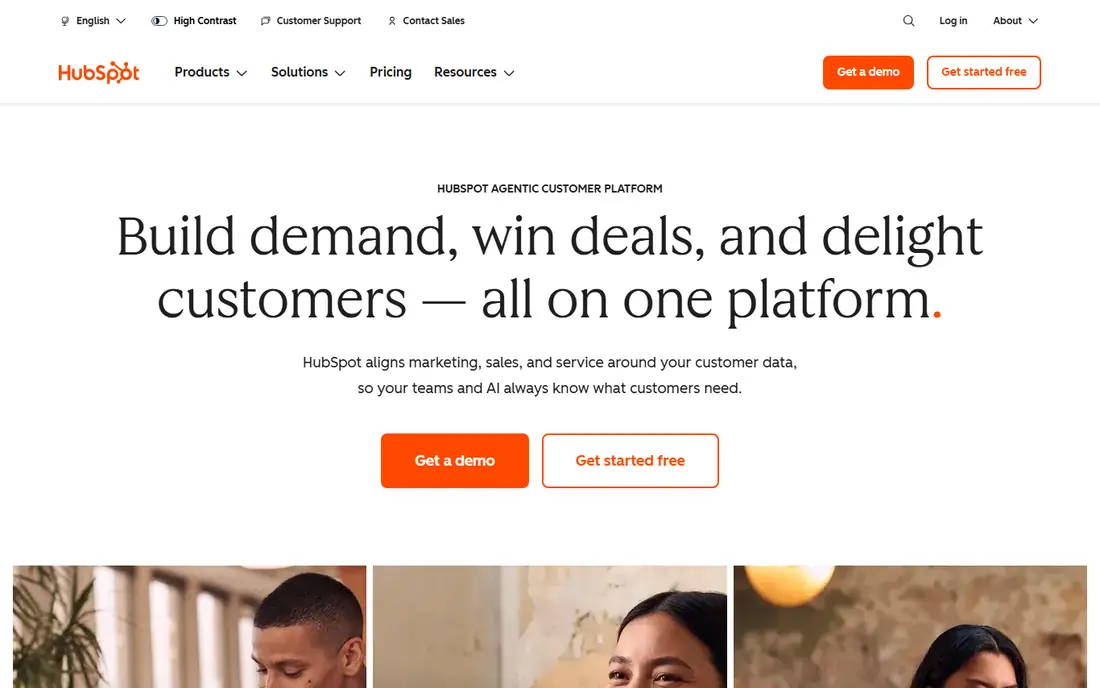
HubSpot CRM is the best starting point for most small businesses, because its free plan is genuinely useful. It covers contacts, deals, tasks, email tracking, meeting scheduling and live chat without a time limit, which is enough for a small team to organise its pipeline and follow-ups. When the business grows, paid plans add automation, marketing tools and service features in the same system.
The catch is cost at scale. Paid HubSpot plans rise quickly, and onboarding fees can apply on higher tiers, so a team that grows fast should model the paid price early. The platform can also feel large, since it covers marketing and service as well as sales. For a small business starting from spreadsheets, though, HubSpot free is the lowest-risk way to learn what a CRM should do for you.
- Generous free plan
- Contacts, deals, email tracking and live chat
- Scales into marketing and service tools
- Paid plans and onboarding costs rise quickly
- Some advanced automation is paid
- Interface can feel large
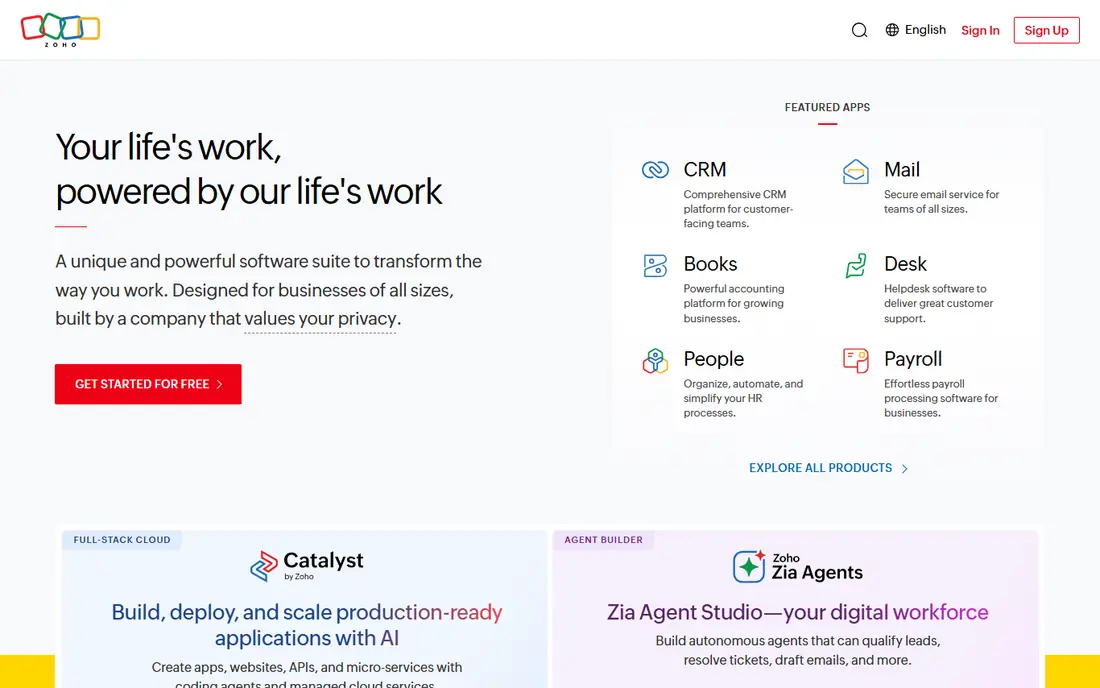
Zoho CRM is the best value choice for a small business that wants a full CRM without a large monthly bill. Its free plan covers up to three users, and its paid plans add automation, custom fields, workflows and reporting at prices that undercut many rivals. That value is stronger still if you already use other Zoho apps, since billing and data can sit in one ecosystem.
The interface is busier than Pipedrive or Capsule, and setup takes more care to get pipelines, fields and automation right. A team that wants the simplest possible CRM may find Zoho more than it needs at first. For a team that wants customisation, automation and low cost in one tool, Zoho CRM is hard to beat, and it is the best small business crm software for budget-conscious buyers.
- Free plan for small teams
- Low-cost paid plans
- Strong customisation and automation for the price
- Interface is busier than Pipedrive
- Setup takes more care
- Some features need higher plans
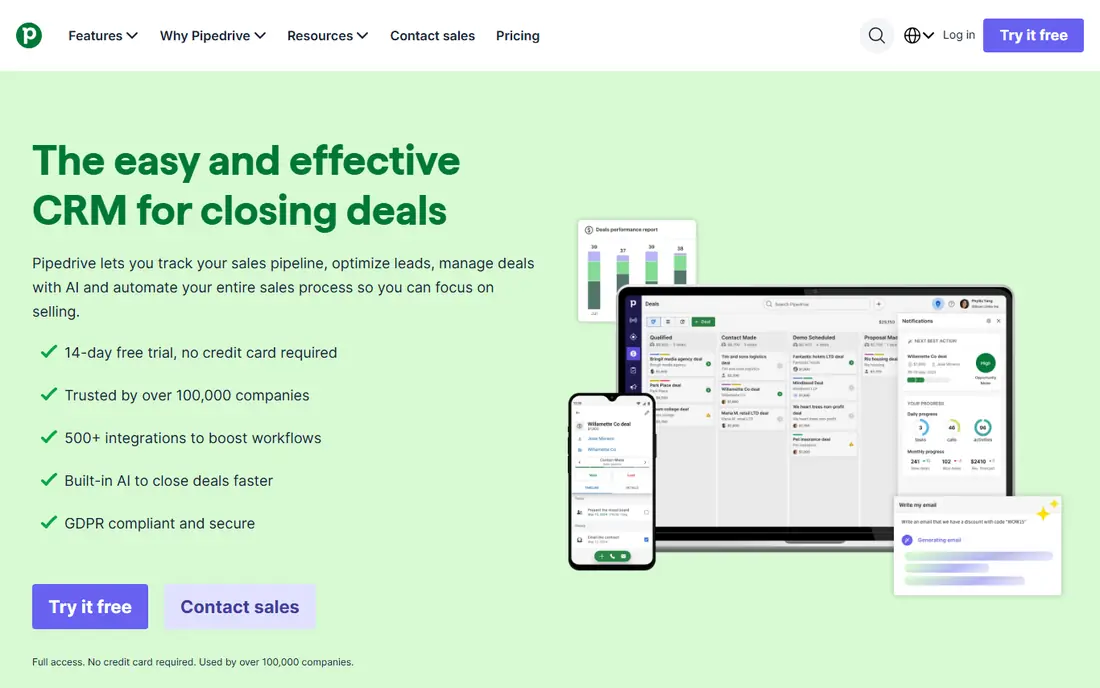
Pipedrive is built for sales teams that live in their pipeline. Deals move across clear stages, activities and next steps keep reps focused, and the interface is easy enough that a new rep can use it on day one. That focus is why many small sales teams choose Pipedrive over a broader CRM: it does one job, pipeline management, very well.
The limits are breadth and price. Pipedrive has no permanent free plan, only a trial, and its marketing automation is lighter than HubSpot. Costs also rise with seats and add-ons, so a larger team should model the total before committing. If your main job is closing deals and tracking a pipeline, Pipedrive is the clearest tool in this list. If you need marketing and service in the same system, HubSpot may fit better.
- Clear visual pipeline
- Activity-based selling
- Easy for sales reps to adopt
- Useful automation on paid plans
- No permanent free plan
- Marketing features are lighter than HubSpot
- Costs rise with seats and add-ons
Monday CRM suits teams that want to build their own process rather than fit into a fixed pipeline. Deals, contacts and projects live on visual boards with custom views, automations and dashboards, so a team can model a sales process, a delivery process and a project tracker in one place. That flexibility is useful for service and project-led businesses, where a deal does not end at the sale.
The drawbacks are seat minimums and CRM feel. Paid plans require a minimum number of seats, and there is no permanent free plan, only a trial. Teams that want a traditional pipeline-only CRM may also find monday CRM too flexible, since it needs setup to feel like a CRM at all. For a team already using monday.com, or a team that wants CRM plus project management, it is a strong choice.
- Flexible boards and views
- Strong automation and project tracking
- Easy to model custom processes
- Minimum seat count on paid plans
- No permanent free plan
- Can feel less like a traditional CRM
Freshsales, from Freshworks, suits a small sales team that wants communication built into the CRM. Phone, email and chat sit inside the deal view, so a rep can call, email and follow up without switching apps, and the free plan covers basic contacts, deals and pipelines. Setup is fast, which helps a team that wants a CRM running this week, not next quarter.
The free plan has limits, and advanced automation, AI features and deeper reporting sit behind paid plans. The integration ecosystem is also smaller than HubSpot or Salesforce, so a team with unusual tools should check integrations first. For a communication-heavy sales team that wants a quick start, Freshsales is a practical and low-cost option.
- Free plan for basic CRM
- Built-in phone, email and chat
- AI features on paid plans
- Fast setup
- Free plan limits apply
- Advanced automation needs paid plans
- Ecosystem is smaller than HubSpot or Salesforce
Salesforce Starter, part of Salesforce Sales Cloud, suits a small business that plans to grow into a larger Salesforce setup. It offers contacts, deals, email integration and basic automation, with a clear path to the full Salesforce platform, its app ecosystem and its customisation options. That path matters for a business in a regulated industry, or one that expects complex sales processes later.
Setup is heavier than HubSpot, Zoho or Pipedrive, and the price rises as you add users, features and apps. A very small team with a simple pipeline may find Salesforce Starter oversized and slower to adopt. If you know you will need Salesforce scale, custom objects or a large integration ecosystem, starting with Starter avoids a painful migration later. If you do not, a simpler CRM will serve you faster.
- Path into the full Salesforce platform
- Strong customisation and ecosystem
- Marketing and service options
- Setup is heavier than rivals
- Paid price rises with scale
- Small teams may find it oversized
Capsule CRM is the simplest CRM on this list, and that simplicity is its main selling point. It covers contacts, deals, tasks and pipelines in a clean interface that a new user can learn in an afternoon, and its free plan suits a very small team or a solo business. That ease of adoption matters, since a CRM that a team avoids will not help anyone.
The limits are automation and reporting depth. Capsule does not match HubSpot, Zoho or Salesforce for workflows, custom reporting or marketing automation, and a larger sales team may outgrow it. For a small team that wants a simple, fast CRM and does not need deep automation, Capsule is an excellent choice, and it is one of the easiest tools here to adopt well.
- Very simple to learn
- Free plan for small teams
- Clean contact and deal tracking
- Good integrations for its size
- Automation and reporting are lighter than rivals
- Larger sales teams may outgrow it
Close CRM is built for inside sales teams that live on the phone. Calling, SMS and email are native to the CRM, so a rep can call a lead, log the outcome, send a follow-up and move the deal forward without switching tools. That workflow suits outbound teams, agencies and sales-led startups where call volume and follow-up speed decide results.
The trade-off is audience and price. Close has no permanent free plan, only a trial, and it is less suited to a marketing-led team that needs campaigns and landing pages in the same system. Its price is also higher than budget CRMs such as Zoho or Capsule. For a phone-heavy sales team, Close is the most purpose-built CRM in this list. For a general small business, HubSpot or Zoho will be a better fit.
- Native calling, SMS and email inside the CRM
- Strong for outbound sales
- Clear pipeline and activity tracking
- No permanent free plan
- Less suited to marketing-led teams
- Price is higher than budget CRMs
How we picked these
We compared official feature pages, pricing pages, app store listings, privacy policies and public reviews for each tool. We kept only CRMs that exist today, serve small businesses in the United States, and offer real contact, deal and pipeline management. We favoured a mix of free, low-cost and scalable CRMs, and we marked pricing as "See website" where a vendor prices per user with seat minimums, add-ons or plan changes, rather than publishing a single number that would apply to every team size.
What to check before you buy
Count seats, not just the per-user price
A low per-user price can still produce a high monthly bill for a team of ten, especially with seat minimums on monday CRM or add-ons on HubSpot and Salesforce. Work out the total for your full team, including part-time users who need access, and check whether a free plan covers your team size before you pay.
Test adoption with a real pipeline
A CRM demo with sample data always looks easy. Test the tool with your real contacts, deals and follow-up process for a week, and watch whether reps log calls, move deals and use the pipeline without reminders. The best CRM tools for small business are the ones a team uses without being chased, and a trial with real data will show that faster than any feature list.
Check integrations for email, calendar and accounting
A CRM that does not sync with your email, calendar and accounting tools will create manual work and duplicate data. Check native integrations for Gmail or Outlook, calendar sync, and your accounting or invoicing tool, and check whether integrations are included in your plan or require a higher tier. A missing integration can cost more time than a missing CRM feature.
Frequently asked questions
What is the best crm software for small businesses overall?
HubSpot CRM is the best starting point for most small businesses, thanks to its generous free plan and its path into marketing and service tools. Zoho CRM is the best value alternative, and Pipedrive is the best choice for a sales team that lives in its pipeline. The right pick depends on team size, budget and whether you need marketing, service or only sales.
What is the best free CRM for small business?
HubSpot CRM offers the most generous free plan, with contacts, deals, tasks, email tracking and live chat. Zoho CRM is free for up to three users, Freshsales offers a free plan with basic CRM features, and Capsule CRM is free for small teams. Start free on one of these, and upgrade only when you hit a limit that blocks real work.
How much does CRM software cost for a small business?
Expect roughly twelve to thirty-five dollars per user per month for small-business paid tiers, depending on the tool and plan, with free plans available from HubSpot, Zoho, Freshsales and Capsule. Per-user pricing multiplies with team size, so a twenty-dollar seat costs two hundred dollars a month for ten users. Check seat minimums, add-ons and annual billing discounts before you commit.
Is Pipedrive or HubSpot better for a small business?
Pipedrive is better for a sales team that wants a clear visual pipeline and activity-based selling, while HubSpot is better for a business that wants sales, marketing and service in one system with a free starting plan. If pipeline clarity is the main job, choose Pipedrive. If all-in-one breadth and a free plan matter more, choose HubSpot.
What is the best crm platform for small businesses that want customisation?
Zoho CRM and Salesforce Starter offer the deepest customisation in this list, with Zoho leading on value and Salesforce leading on scale and ecosystem. Monday CRM also offers strong customisation through boards and automations, but it feels less like a traditional CRM. Choose Zoho for low-cost customisation, and Salesforce if you plan to scale into a larger platform.
How long does it take to set up a small business CRM?
A simple CRM such as Capsule or Freshsales can be set up in a day or two with imported contacts and a basic pipeline. HubSpot, Zoho and Pipedrive usually take a week or two to configure pipelines, fields and automations well. Salesforce Starter takes longer, since it offers more customisation and a larger ecosystem. Allow time for data cleanup, since importing messy contacts into a new CRM only moves the mess.
Sources we checked (8)

Online Jobs is an independent blog about careers, online work, learning new skills and the tools that help people earn. More about us.
Keep reading
All posts
Best Web Scraping Tools
Compare the best web scraping tools in 2026, from no-code Octoparse and Browse AI to Apify, Firecrawl, Bright Data, Zyte, ScraperAPI and free Scrapy, with prices.
Best Web Hosting Services
Find the best web hosting services for your site in 2026. We compare prices, speed, support and ease of use across eight leading hosting providers today.
Best Video Conferencing Software
Looking for the best video conferencing software? We compare 8 meeting apps on price, meeting limits, features, security and ease of use. Read the guide.