Best CRM Software in 2026: 8 Tools Compared

Small teams that want a free, solid starting point · Starting price: Free
How we put this together: we compare official feature and pricing pages, app store listings, privacy policies and public user reviews. Prices change, so check the provider's site before you pay.
Key takeaways
- HubSpot and Zoho CRM are the strongest starting points for small teams, with free tiers and clear upgrade paths.
- Salesforce suits larger teams with complex sales processes, while Pipedrive suits teams that want a simple visual pipeline.
- The best CRM is the one your team actually updates, so ease of use and email integration matter as much as feature lists.
- Check per-user pricing, contact limits, and automation limits before you commit, since costs rise quickly as a team grows.
Quick comparison
| Name | Who it suits | Starting price | Free option | |
|---|---|---|---|---|
| HubSpot CRM | Small teams that want a free, solid starting point | Free | Yes | Visit |
 Salesforce Sales Cloud Salesforce Sales Cloud | Larger teams with complex sales processes | See website | Free trial | Visit |
 Zoho CRM Zoho CRM | Small businesses that want good value | Free | Yes | Visit |
 Pipedrive Pipedrive | Sales teams that live in their pipeline | See website | Free trial | Visit |
 Monday Sales CRM Monday Sales CRM | Teams that prefer boards and visual workflows | See website | Free trial | Visit |
 Freshsales Freshsales | Teams that want phone, email, and chat in one place | See website | Free trial | Visit |
 Close Close | Outreach teams that call and email at volume | See website | Free trial | Visit |
 Capsule CRM Capsule CRM | Small teams that want simple tracking without clutter | See website | Free trial | Visit |
The best CRM software
A CRM should keep contacts, deals, emails, and follow-ups in one place, so nothing slips through when a lead goes quiet. The tools below differ in price, depth, and learning curve. We compared them on pipeline management, automation, integrations, reporting, and how easy they are for a small team to adopt.

HubSpot is the easiest recommendation for a team that has never used a CRM. The free plan covers contacts, companies, deals, and basic pipelines, and the interface is clear enough for a new hire to learn in a day. Email integration, templates, and meeting scheduling reduce manual data entry, which is often the reason a CRM fails. Small teams can start free and add paid features only when they need them.
The trade-off appears as a business grows. Advanced automation, custom reporting, and some sales tools sit behind paid plans, and combining several HubSpot hubs can become costly. For a small team with a straightforward pipeline, though, HubSpot gives a strong foundation without an upfront bill.
- Free core CRM
- Contact and deal tracking
- Email integration and templates
- Advanced automation and reporting require paid plans
- Costs rise with marketing and sales hubs
Salesforce Sales Cloud
Who it suits: Larger teams with complex sales processes
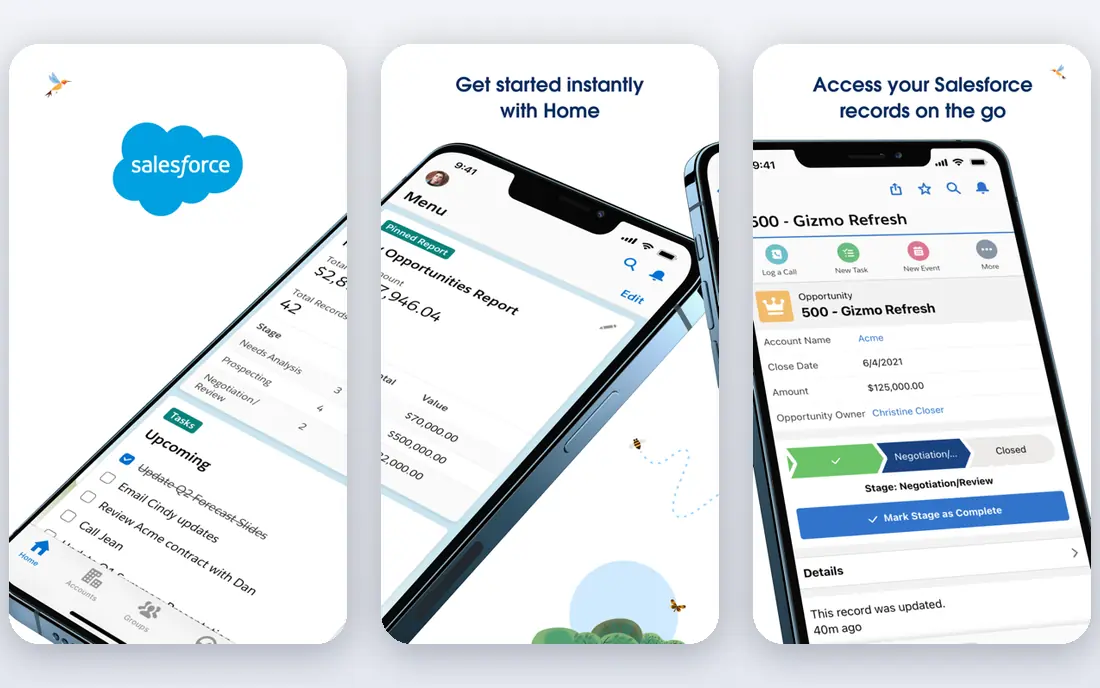
Salesforce is the most powerful option here, and also the most demanding. Teams can shape pipelines, approval steps, forecasting, and automation to match a complex sales process, and the integration library covers most common business tools. Reporting is deep, which helps managers see where deals stall and which sources produce revenue. For companies with multiple teams, territories, and product lines, that depth matters.
Smaller teams may find Salesforce heavy. Setup takes planning, admin work is ongoing, and pricing is per user, so costs grow with headcount. Salesforce fits best when a business already has a defined sales process and someone to own the system. Without that owner, a simpler CRM will usually win.
- Deep customization
- Strong reporting and automation
- Large integration library
- Steeper learning curve
- Setup and admin time can be high
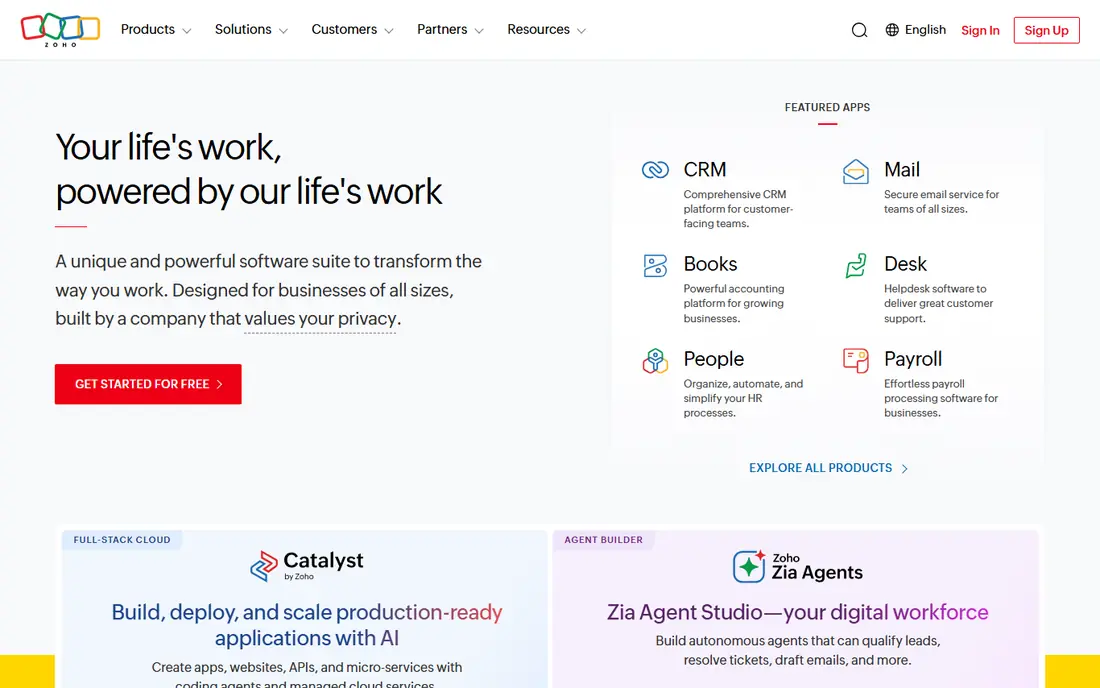
Zoho CRM gives small businesses a lot for the price. The free tier covers basic contact and deal management for a small team, and paid plans add automation, workflows, and custom fields at prices that often sit below rival tools. Because Zoho also offers email, books, and support tools, a small business can keep more work in one family of apps.
The interface is less polished than HubSpot in places, and new users may need time to find settings. Advanced analytics and AI features also require higher tiers. For a budget-conscious team that wants automation without enterprise pricing, Zoho CRM is a strong value pick.
- Free tier for small teams
- Automation and workflows
- Wide Zoho app family
- Interface can feel busy
- Some advanced features need higher plans
Pipedrive is built around one clear idea: move deals through a visual pipeline, step by step. Deals sit in columns, activities sit beside each deal, and reminders prompt the next call or email. That focus makes it easy for sales staff to see what needs attention today, without hunting through menus. Email sync and a mobile app help field staff update deals on the go.
Pipedrive is less suited to teams that need deep marketing automation or complex customer service tools. Reporting covers the basics well but does not match Salesforce for custom analysis. For a sales-led team that wants clarity and speed, Pipedrive is hard to beat.
- Clear visual pipeline
- Activity reminders
- Easy deal tracking
- Marketing tools are limited
- Reporting depth is lower than Salesforce
Monday Sales CRM turns contacts and deals into boards, timelines, and dashboards that a whole team can read at a glance. Automation recipes can move a deal, notify an owner, or create a task when a status changes. That visual style suits teams that already plan work in boards, and it helps managers spot bottlenecks without running a formal report.
The flexibility is also a risk. Without a clear setup, boards can grow messy, and per-user pricing means a larger team pays more each month. Monday Sales CRM fits teams that want a shared, visual workspace and are willing to spend time setting it up properly.
- Flexible boards and views
- Automation recipes
- Good for team collaboration
- Pricing is per user and can rise fast
- CRM setup needs planning
Freshsales, from Freshworks, combines contact management with built-in phone, email, and chat tools. That matters for teams that make many calls, since they can log calls and notes without switching apps. Lead scoring helps staff focus on the most promising contacts, and automation can assign leads and send follow-up reminders. The interface is friendly, and setup is faster than in enterprise tools.
Advanced automation, forecasting, and AI features sit on higher plans, so the entry price does not tell the full story. The integration library is smaller than Salesforce, though common tools are covered. For a small or mid-size sales team that wants communication tools inside the CRM, Freshsales is a practical choice.
- Built-in phone and email
- Lead scoring
- Automation on paid plans
- Some features need higher tiers
- Smaller integration library than Salesforce
Close is designed for teams that spend the day calling and emailing. Built-in calling, SMS, and email sequences let staff work through a lead list without leaving the CRM, and the power dialer speeds up high-volume outreach. Lead statuses and follow-up tasks are clear, which helps managers see who has been contacted and who still needs a reply.
Close is not the best fit for teams that need deep marketing tools or complex enterprise reporting. Its pricing also reflects its focus on active sales teams rather than occasional users. For startups and agencies that live on outreach, Close removes friction that slows other CRMs down.
- Built-in calling and SMS
- Power dialer and sequences
- Fast lead handling
- Less suited to complex enterprise reporting
- Pricing reflects its sales focus
Capsule CRM keeps things simple. Contacts, deals, tasks, and a sales pipeline sit in a clean interface that a small team can learn quickly. Task tracking helps owners remember follow-ups, and integrations cover common email and accounting tools. For a business moving from spreadsheets to a first CRM, Capsule lowers the barrier without forcing a complex setup.
The simplicity has limits. Automation and reporting are lighter than in HubSpot, Zoho, or Salesforce, so larger teams may outgrow Capsule. For freelancers, small agencies, and service businesses that need reliable tracking rather than enterprise depth, Capsule is a calm, dependable option.
- Simple contact and deal views
- Task tracking
- Easy setup
- Automation is lighter than rival tools
- Fewer advanced reporting options
How we picked these
We compared official feature pages, pricing pages, and documentation for CRM tools that serve US small and mid-size businesses in October 2026. We favored tools with contact and deal tracking, pipeline views, email integration, and a free tier or trial, and we mixed broad platforms with sales-focused tools. We did not claim hands-on testing that did not happen, and we wrote See website where per-user pricing was not stable on the vendor page at the time of writing. Teams should confirm contact limits, automation limits, and renewal terms before buying.
Choosing the right CRM for your team
Start with the sales process you already have, not with a feature list. List the stages a deal passes through, who owns each stage, and where deals currently get stuck. Then test whether a CRM makes that process easier to see and to update. A tool that staff avoid will fail even if its feature list looks impressive.
What to check before you pay
Check per-user pricing for your actual team size, including part-time staff who need access. Ask about contact limits, storage, automation runs, and reporting on each plan. Confirm email and calendar integration, mobile access, and data export, since leaving a CRM should never mean losing your contacts. Run a trial with real deals, not sample data, and ask the team that will use it daily for feedback before you commit.
Getting adoption right
Keep the first setup simple: a few pipeline stages, clear owners, and required fields that staff can complete in seconds. Add automation only after the basics work, and review the pipeline weekly at first. A CRM earns trust when follow-ups stop slipping, not when dashboards look impressive. Train new staff on the same process, and clean duplicate contacts regularly.
Frequently asked questions
What is the best CRM software for small businesses?
HubSpot and Zoho CRM are strong small-business picks because both offer free tiers and clear upgrade paths. Pipedrive is also a good fit for sales-led teams that want a visual pipeline. Choose based on team size, budget, and whether you need marketing tools alongside sales tracking.
What is the best CRM tool for sales teams?
Pipedrive suits teams that want a clear visual pipeline, while Close suits teams that call and email at high volume. Salesforce suits larger teams with complex processes and reporting needs. Test with real deals to see which workflow your team updates most consistently.
Is there a free CRM that is actually useful?
Yes, HubSpot and Zoho CRM both offer free tiers that cover contacts, deals, and basic pipelines for small teams. Free plans have limits on automation, reporting, and users, so check those limits before relying on them long term. A free CRM is a good way to learn what your team needs before paying.
How much does CRM software cost?
Most CRM tools charge per user per month, with prices that rise as you add automation, reporting, and support features. Small teams may start free, while mid-size teams often pay a monthly per-user fee plus add-ons. Always check the vendor pricing page for your team size and plan, since promotions and plan changes affect the total.
What is the difference between HubSpot and Salesforce?
HubSpot is easier to start with and offers a strong free CRM, while Salesforce offers deeper customization, reporting, and automation for larger teams. HubSpot suits small and growing teams that want speed, while Salesforce suits companies with complex processes and a dedicated admin. Both integrate with many common business tools.
Do I need a CRM if I only have a few clients?
A CRM still helps when follow-ups, quotes, and repeat work start to slip, even with a small client list. A simple tool such as Capsule CRM or a free HubSpot plan can replace spreadsheets without adding much work. If you only have a handful of clients and no follow-up problem, a spreadsheet may still be enough.
Sources we checked (8)

Online Jobs is an independent blog about careers, online work, learning new skills and the tools that help people earn. More about us.
Keep reading
All posts
Best Web Scraping Tools
Compare the best web scraping tools in 2026, from no-code Octoparse and Browse AI to Apify, Firecrawl, Bright Data, Zyte, ScraperAPI and free Scrapy, with prices.
Best Web Hosting Services
Find the best web hosting services for your site in 2026. We compare prices, speed, support and ease of use across eight leading hosting providers today.
Best Video Conferencing Software
Looking for the best video conferencing software? We compare 8 meeting apps on price, meeting limits, features, security and ease of use. Read the guide.