Best Conversational AI Platforms in 2026: 8 Platforms Compared

Teams building on Google Cloud · Starting price: See website
How we put this together: we compare official feature and pricing pages, app store listings, privacy policies and public user reviews. Prices change, so check the provider's site before you pay.
Key takeaways
- Dialogflow CX, Amazon Lex and Microsoft Copilot Studio suit teams already committed to Google, AWS or Microsoft clouds.
- Kore.ai and Cognigy suit large, regulated contact centres that need complex voice and digital automation at scale.
- Rasa suits engineering teams that need full control and self-hosting, though it needs technical skill to run well.
Quick comparison
| Name | Who it suits | Starting price | Free option | |
|---|---|---|---|---|
| Dialogflow CX | Teams building on Google Cloud | See website | Free trial | Visit |
 Amazon Lex | AWS-native chat and voice bots | See website | Yes | Visit |
 Microsoft Copilot Studio | Microsoft 365 enterprises | See website | No | Visit |
 Rasa | Engineering teams needing control | Free | Yes | Visit |
 Kore.ai | Large enterprise agent platforms | See website | No | Visit |
 Yellow.ai | Omnichannel support automation | Free | Yes | Visit |
 Cognigy | Regulated contact centres | See website | No | Visit |
 Voiceflow | Visual agent building | $60 per month | Yes | Visit |
The best conversational AI platforms
Conversational AI platforms build chatbots, voice bots and AI agents that answer questions, complete tasks and hand over to humans when needed. The platforms below differ on cloud fit, control, pricing model and target team. Some are cloud-native services priced by usage, some are enterprise agent platforms priced by contract, and some are visual or open tools for builders. We compared them on channels, language support, workflow automation, human handoff, analytics and pricing, so a support team and an engineering team can both find a relevant shortlist.
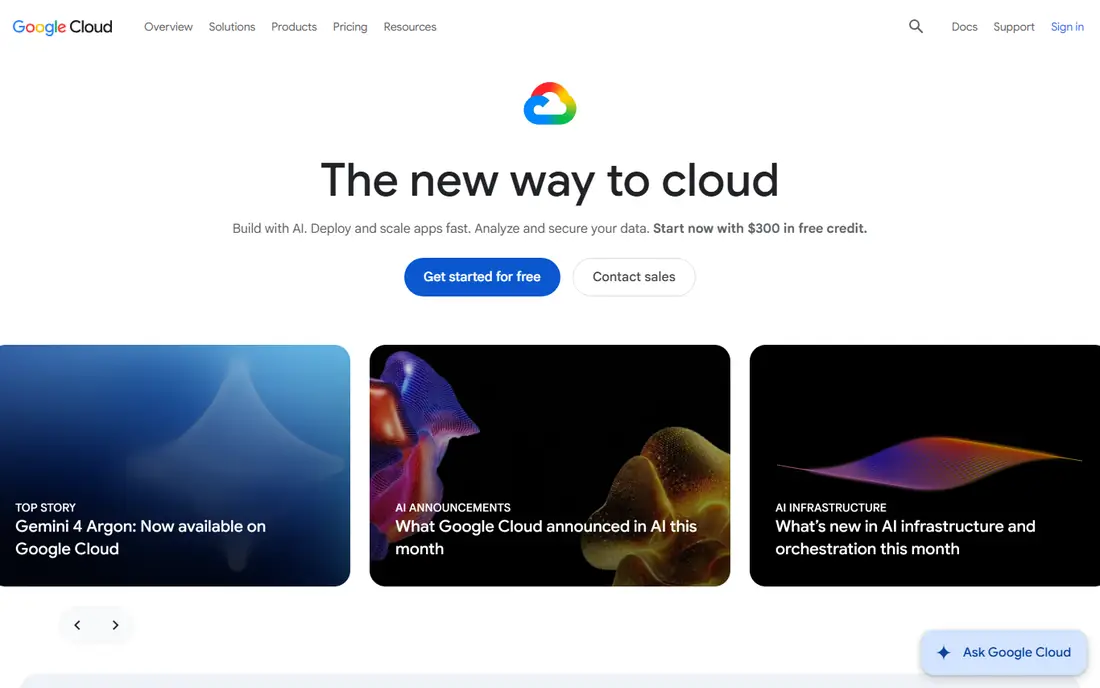
Dialogflow CX is Google Cloud conversational AI platform for building advanced virtual agents. It uses a visual flow builder with state-based conversation models, which helps teams handle complex, multi-turn conversations and detours without building a tangled set of intents. Dialogflow CX supports voice through telephony and chat across websites, messaging apps and contact centres, and it connects to Google AI models for language understanding. For a team already on Google Cloud, that integration reduces setup and keeps data, security and billing in one place.
Dialogflow CX pricing is usage-based, with published rates for chat requests, so a high-volume deployment needs a volume forecast before budgeting. It also requires more design skill than a simple FAQ bot builder, since CX is built for complex flows. Choose Dialogflow CX when you need advanced conversation design, Google Cloud integration, and a platform that can scale from a website bot to a full contact centre agent.
- Strong Google Cloud integration
- Visual flow builder for complex conversations
- Voice and chat support
- Pricing is usage-based and needs volume planning
- Best value inside Google Cloud
Amazon Lex is the AWS service for building chatbots and voice bots, using the same technology behind Alexa for speech recognition and language understanding. Teams can build bots for websites, messaging apps and contact centres, connect them to AWS Lambda for fulfilment, and link them to Amazon Connect for voice. Lex offers a free tier in the first year, with usage-based pricing after that, which makes a pilot affordable for an AWS team. Its strength is infrastructure: scaling, security and integration with other AWS services are handled inside the AWS account.
Lex is not a no-code support platform for non-technical teams. Building a good bot needs AWS knowledge, conversation design and fulfilment logic, and the usage model means costs rise with request volume. Choose Lex when your team already runs on AWS, when voice and chat need to share logic, and when you want a cloud-native bot service rather than a separate SaaS platform.
- Deep AWS integration
- Usage-based pricing with a free tier
- Voice and chat in one service
- Needs AWS skill to use well
- Pricing by request needs volume planning
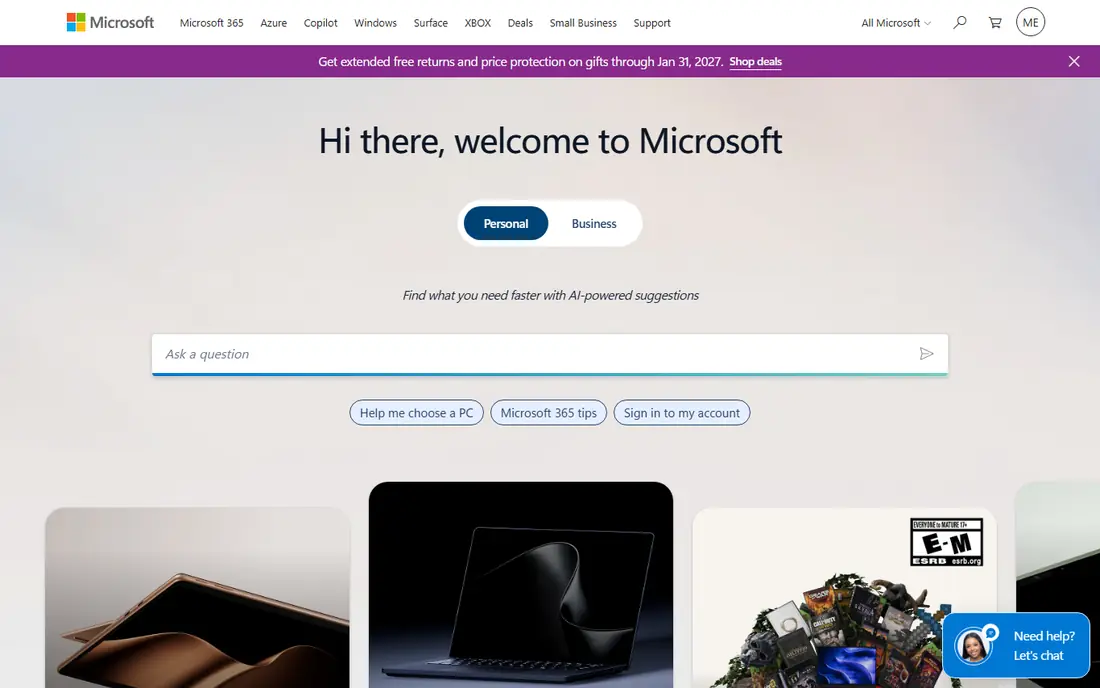
Microsoft Copilot Studio lets business teams build AI agents and copilots that work across Microsoft 365, Teams, SharePoint and other Microsoft tools. Its low-code builder helps teams create agents that answer questions from company data, automate tasks and hand over to humans, without building a separate chatbot platform. For an enterprise already standardised on Microsoft 365, that integration is the main advantage: agents can use Microsoft security, identity and data controls, and staff can use them inside Teams where work already happens.
Copilot Studio pricing is based on messages and tenant capacity, with published figures around 200 dollars per month per tenant for a message bundle in recent comparisons, though current pricing should be checked on the Microsoft site. It is less compelling for a team with no Microsoft base, since much of its value comes from that ecosystem. Choose Copilot Studio when Microsoft 365 is central, when governance matters, and when you want agents inside Teams and Microsoft apps rather than a standalone bot.
- Strong Microsoft 365 and Teams integration
- Low-code agent building
- Enterprise governance and security
- Pricing is tenant-based and needs a quote check
- Best value inside Microsoft 365
Rasa is an open conversational AI framework for engineering teams that need full control over data, models and deployment. Teams can build assistants with custom natural language understanding, dialogue management and integrations, and they can self-host the system to meet privacy or compliance needs. That control appeals to firms in regulated industries, or to teams that want to own the model and the data pipeline rather than renting a closed platform. Rasa offers a free developer edition, which makes experimentation low cost.
Rasa is not a quick bot builder for a marketing or support team with no developers. Building, training and maintaining a Rasa assistant needs Python skill, conversation design and infrastructure work. Choose Rasa when control, privacy and customisation matter more than speed, and when you have an engineering team that can own the assistant over time.
- Open-source and self-hosting options
- Full control over models and data
- Developer-friendly framework
- Needs engineering skill and maintenance
- No simple no-code builder for business users
Kore.ai is an enterprise conversational AI and agent platform built for large organisations with complex service operations. Its platform combines low-code bot building with workflow automation, multi-agent orchestration and integrations into contact centre, CRM and IT systems. That breadth helps a large firm run agents across customer service, IT and operations from one platform, with governance, audit and security controls for regulated use. Kore.ai supports many languages and channels, and it offers pre-built solutions for common industries.
Kore.ai pricing is custom, with published guides placing enterprise deployments in a high annual range, so it is not suited to a small team or a single FAQ bot. Implementation also needs a dedicated team and a longer timeline. Choose Kore.ai when you run a large, complex operation, need agent orchestration across departments, and can fund an enterprise platform with proper ownership.
- Enterprise agent orchestration
- Broad channel and system integrations
- Strong governance and compliance posture
- Pricing is custom and enterprise-level
- Implementation needs a dedicated team
Yellow.ai is an omnichannel conversational AI platform for support teams that want to automate chat, voice, email and WhatsApp from one system. Its pricing model is notable: a free plan exists, with paid use billed per resolution in recent comparisons, which suits support teams that want to pay for outcomes rather than messages. Yellow.ai offers a visual builder, generative AI answers from company knowledge, and human handoff to agents, which helps teams deflect routine queries while keeping complex cases with people.
Yellow.ai is less established as a large enterprise agent platform than Kore.ai, and its enterprise costs scale with resolution volume, so a high-volume team should model costs carefully. It also needs good knowledge content to work well, since AI answers are only as good as the source material. Choose Yellow.ai when support deflection, omnichannel coverage and outcome-based pricing are the priorities.
- Free plan to start
- Outcome-based pricing per resolution
- Chat, voice, email and WhatsApp in one platform
- Enterprise pricing scales with usage
- Smaller brand presence than Kore.ai in some markets
Cognigy, now part of NiCE, is a conversational AI platform for contact centres that run voice and digital automation at scale. It offers a visual flow builder, generative AI integration, and tools for building agents that can handle complex service tasks, not just FAQs. Cognigy suits regulated firms such as banks, insurers and telecoms, where voice quality, compliance and human handoff matter as much as automation rate. Its platform connects to contact centre systems, CRMs and back-end tools, so an agent can check an account, update a record and confirm an outcome in one conversation.
Cognigy pricing is quote-based, with pilot pricing reported from around 2,500 dollars per month in recent comparisons, so it is an enterprise purchase. Smaller teams may find Voiceflow more accessible. Choose Cognigy when you run a large contact centre, need voice and digital in one platform, and require enterprise governance for regulated work.
- Strong voice and digital contact centre support
- Visual flow design
- Enterprise security and compliance
- Pricing is quote-based with pilot costs reported
- Needs contact centre expertise to use fully
Voiceflow is a visual platform for building conversational agents, aimed at product, design and operations teams rather than only developers. Teams can design flows on a canvas, test them, connect to knowledge and APIs, and publish to chat and voice channels. That visual approach makes it easier for non-developers to prototype, iterate and show stakeholders how an agent will behave before engineering work starts. Voiceflow offers a free plan, with paid plans from around 60 dollars per editor per month for the Plus plan in recent comparisons.
Voiceflow pricing per editor can add up for a large team, and very complex enterprise orchestration may still need a platform such as Kore.ai or Cognigy. Voiceflow fits best for product teams that want to design, test and launch agents quickly, and for firms that want a visual workflow that designers and developers can share.
- Visual builder for product and design teams
- Free plan to start
- Good for prototyping and testing agents
- Paid plans are per editor, which adds up for large teams
- Enterprise features need higher tiers
How we picked these
We looked for conversational AI platforms that are active in 2026, support chat or voice automation in a meaningful way, and publish enough detail to compare channels, pricing models and target teams. We checked vendor homepages, pricing pages where available, and recent comparisons for starting prices and free options. We kept cloud-native services, enterprise agent platforms, visual builders and open frameworks, because a support team, a product team and an engineering team need different tools even though all use the conversational AI label.
We did not claim hands-on testing of every enterprise deployment, since many platforms require a demo and a pilot to evaluate fully. Where pricing is usage-based or quote-based we say so, and where a free plan or starting price was published we used it. Always pilot with real questions and real handoff cases, since a demo with clean FAQs does not predict performance on messy customer language.
Choosing a conversational AI platform
Start with the job, not the model. A support team that wants deflection should shortlist Yellow.ai, and compare outcome-based pricing against message-based pricing. A product team that wants to design agents visually should shortlist Voiceflow. An enterprise with a cloud standard should shortlist Dialogflow CX, Amazon Lex or Microsoft Copilot Studio, depending on that cloud. An engineering team that needs control should shortlist Rasa. That job-first filter avoids paying for enterprise orchestration when a simple support bot would do.
Pilot with real questions, not demo questions
Build a pilot with the 50 most common real customer questions, including vague, misspelled and multi-part questions, and test handoff to humans for the rest. Measure resolution rate, handoff quality, response time and customer satisfaction, not just demo fluency. Check how the platform handles out-of-scope questions, how it updates answers when policies change, and how analytics show where the agent fails. Choose the platform that handles messy real language well, not the one that looks best on a clean script.
Check knowledge, governance and cost together
Ask how answers are sourced from your knowledge base, how hallucinations are controlled, and how human review works for sensitive topics. Ask how data is stored, who can access conversation logs, and how consent and privacy rules are enforced. Finally, model cost at your real volume, since message-based, resolution-based and tenant-based pricing behave very differently at scale. A platform that is cheap at pilot volume can become expensive at production volume, and the reverse is also true.
Frequently asked questions
Which conversational AI platform is best?
Dialogflow CX is best for Google Cloud teams, Amazon Lex is best for AWS teams, and Microsoft Copilot Studio is best for Microsoft 365 enterprises. Kore.ai is best for large enterprise agent platforms, Yellow.ai is best for omnichannel support, and Voiceflow is best for visual agent building. The best platform depends on your cloud, team skills and main use case.
What is the best conversational AI platform software for support?
Yellow.ai is the strongest support-focused pick, because they focus on deflection, resolution and helpdesk integration. Yellow.ai offers outcome-based pricing per resolution, while Ada offers a managed platform for large consumer brands. Compare deflection rates, handoff quality and total cost at your support volume before choosing.
What is the best conversational AI tool for developers?
Rasa is best for developers who need full control and self-hosting. Amazon Lex and Dialogflow CX suit developers already on AWS or Google Cloud. Choose Rasa for control, and a cloud service for cloud-native scale.
How much does conversational AI software cost?
Costs range from free plans at Rasa, Yellow.ai and Botpress, to around 60 dollars per editor per month at Voiceflow, to usage-based pricing at Dialogflow CX and Amazon Lex, to custom enterprise pricing at Kore.ai and Cognigy. Model cost at your real volume and pricing model, since message, resolution and tenant pricing differ sharply at scale.
Can conversational AI replace human support agents?
No, it should deflect routine work and hand over complex, sensitive or high-value cases to humans. A good platform makes handoff smooth, with conversation history passed to the agent, so the customer does not repeat themselves. Teams that treat AI as a replacement rather than a first line usually see lower satisfaction on complex cases.
Do I need coding skills to build a chatbot?
It depends on the platform. Voiceflow, Yellow.ai and Microsoft Copilot Studio offer low-code or visual building for business teams, while Rasa, Botpress and cloud services need more developer skill for serious use. Start with a visual or managed platform if you have no developers, and move to a developer platform when customisation and control become priorities.
Sources we checked (8)

Online Jobs is an independent blog about careers, online work, learning new skills and the tools that help people earn. More about us.
Keep reading
All posts
n8n Alternatives
n8n alternatives compared for 2026, with Zapier, Make, Activepieces, and more, covering visual builders, code steps, self-hosting, and pricing models.

ZoomInfo Alternatives
The best ZoomInfo alternatives in 2026, compared on price, free plans, data coverage, and which tool fits small teams or large sales teams best in detail.

Yotpo Alternatives
Find cheaper alternatives to Yotpo for reviews and loyalty, with Judge.me, Loox, Stamped, and more compared for Shopify stores in 2026, all in one guide.