Best Contraction Timer App in 2026: 7 Apps Compared


Dedicated free timing with alerts · Starting price: Free
How we put this together: we compare official feature and pricing pages, app store listings, privacy policies and public user reviews. Prices change, so check the provider's site before you pay.
Key takeaways
- Contraction Timer IO is the best dedicated free timer for most people, with one-tap timing, pattern alerts, and a log you can share with your care team.
- Freya suits parents who practised hypnobirthing, because it pairs timing with breathing guidance, while GentleBirth suits parents already using its birth preparation programme.
- Ovia, BabyCenter, and What to Expect suit parents who want a timer inside a wider pregnancy app, rather than a separate app for labour alone.
- In labour, the best app is the one a birth partner can run with one hand: big buttons, clear averages, offline access, and a readable history matter more than extra features.
- A timer app records timing, it does not make medical decisions, so always follow your own care provider instructions, and call your maternity team if you are worried.
Quick comparison
| Name | Who it suits | Starting price | Free option | |
|---|---|---|---|---|
| Contraction Timer IO | Dedicated free timing with alerts | Free | Yes | Visit |
 Contraction Timer | Simple timer with pregnancy tools | Free | Yes | Visit |
 Freya | Hypnobirthing breathing during surges | See website | No | Visit |
 GentleBirth Contraction Timer | Timer inside a birth preparation programme | Free | Yes | Visit |
 Ovia Pregnancy | Timer inside a full pregnancy tracker | Free | Yes | Visit |
 BabyCenter | Timer inside a pregnancy community app | Free | Yes | Visit |
 What to Expect | Timer inside a week-by-week pregnancy app | Free | Yes | Visit |
The best contraction timer app
A contraction timer has a simple job: record when each contraction starts and stops, then show duration, frequency, and rest time in a clear log. That log helps you see whether contractions are getting longer, stronger, and closer together, and it gives your midwife or doctor specific numbers when you call. The apps below all do that job, but they differ in whether timing is the whole app or one tool inside a larger pregnancy app.
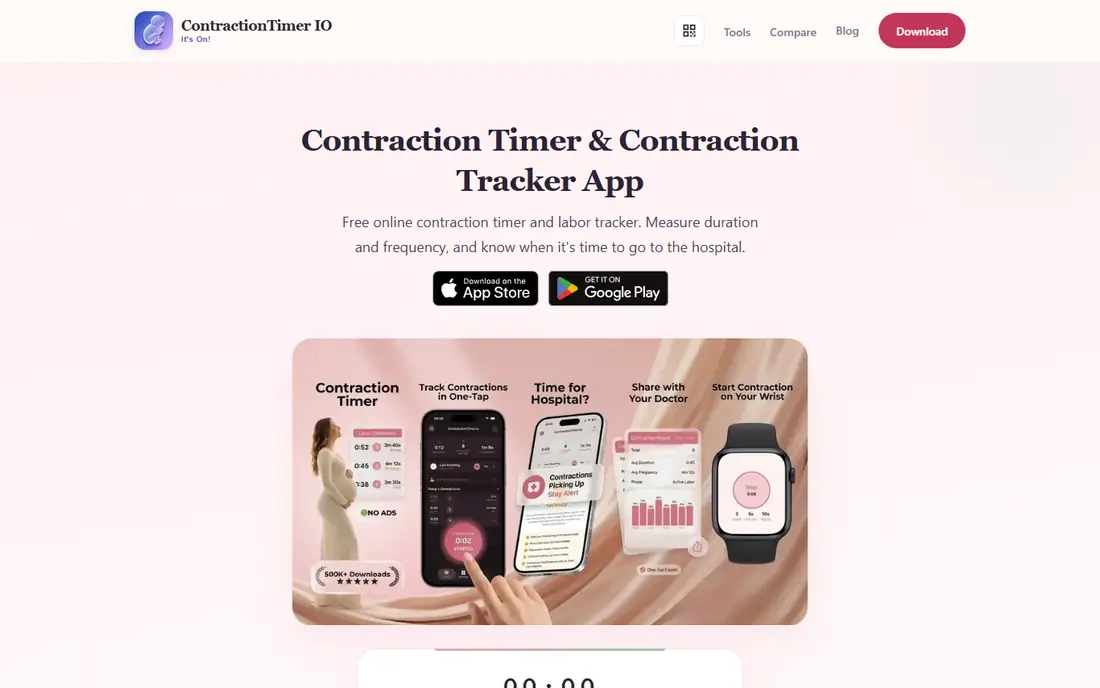
Contraction Timer IO is the most focused timer in this list, and that focus is its strength. You tap once to start a contraction and once to stop it, and the app calculates duration, frequency, and intervals, then shows averages and a history you can share with your birth team. It also offers labour-phase detection and alerts based on common timing patterns, such as contractions every five minutes lasting a minute each, which helps a tired birth partner know when to check the guidance you were given. The app is free for core timing, without ads in its published description, and it works on iPhone, Apple Watch, and Android, so a partner can time from a watch while supporting you. Extra pregnancy tools, such as a kick counter and checklists, sit alongside the timer on some plans. For parents who want a timer that does one job clearly, in the middle of the night, under stress, Contraction Timer IO is the first app to install and practise with before labour starts. A note that matters: alerts use general timing rules, and your own provider may use a different rule for your pregnancy, such as 4-1-1 or 3-1-1. Set the app to match the guidance you were given, and treat any alert as a prompt to call, not as a diagnosis. Practise with the app before labour, so tapping start and stop feels automatic when contractions begin.
- One-tap start and stop
- Pattern alerts for common labour rules
- Shareable logs and Apple Watch support
- Focused on timing, not wider pregnancy content
- Some extra tools need a paid plan
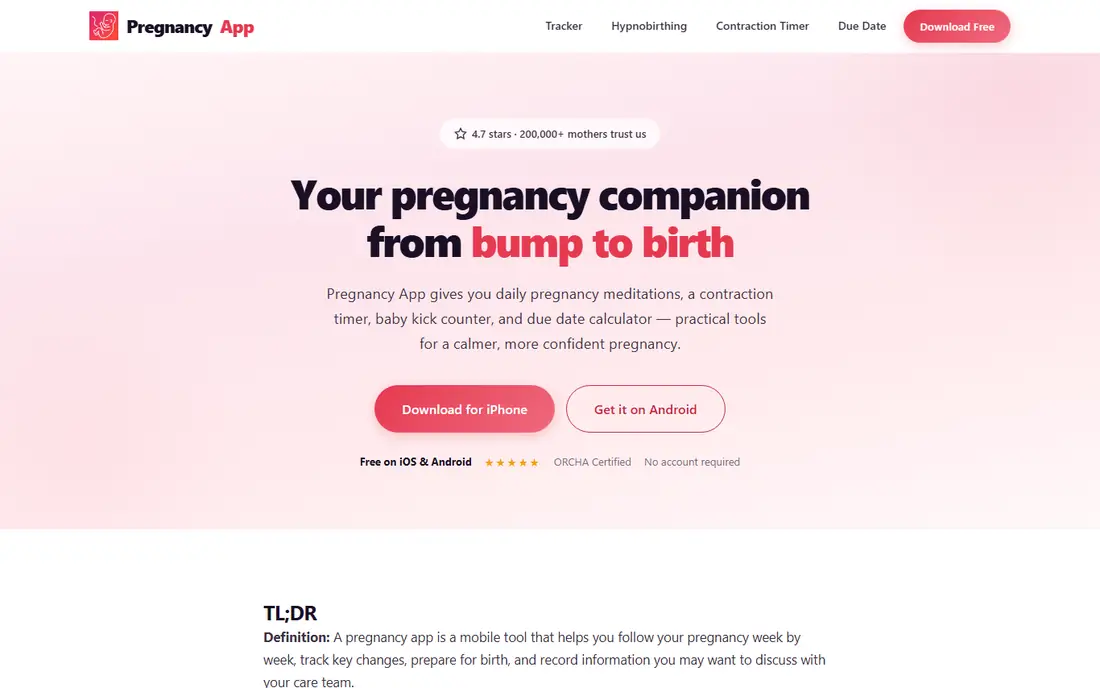
Contraction Timer, from the makers of the Pregnancy App and ZenPregnancy, pairs a straightforward timer with calming tools for labour. Timing is one tap to start and one tap to stop, with averages, pattern analysis, and a log you can show a nurse or midwife. Around the timer, the wider app offers meditation, breathing exercises, and hypnobirthing content, which suits parents who want calm support as well as numbers during labour. The timer itself is simpler than Contraction Timer IO in some respects, with less emphasis on labour-phase alerts, and full hypnobirthing content sits behind a paid plan. For parents who already use the Pregnancy App for week-by-week content, or who want timing plus breathing guidance in one place, that trade-off is reasonable. Install it early, test the timer with a few practice entries, and decide who will hold the phone during labour, because a partner running the timer frees you to focus on breathing.
- One-tap timing with pattern analysis
- Calming audio and breathing tools
- Shareable contraction logs
- Timer is simpler than some dedicated rivals
- Full hypnobirthing content needs a paid plan
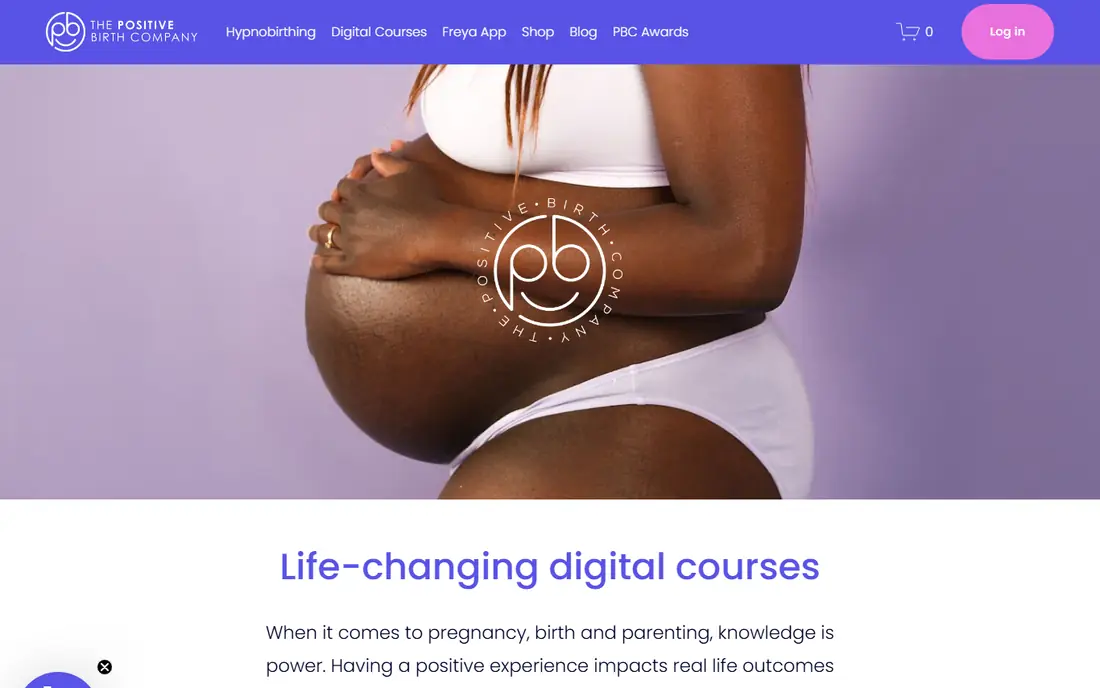
Freya calls contractions surges, and it is built around hypnobirthing rather than around a clinical stopwatch. During a surge, a gentle expanding visualisation helps you breathe in a steady pattern, with coaching audio to keep your focus on breathing, and between surges, relaxation audio plays to help you rest. The app logs duration and frequency over time, and that log can be shared with a birth partner, midwife, or doula. Freya does not offer the same pattern alerts as Contraction Timer IO, and it feels most natural if you have practised hypnobirthing techniques during pregnancy. It is a paid app, with pricing on the vendor and app store listings, and it is available on iPhone, Apple Watch, and Android. For parents planning a hypnobirthing birth, Freya turns timing into part of the coping strategy, rather than a separate task to manage during labour.
- Breathing visualisation and coaching during each surge
- Detailed surge log to share with a birth team
- Works on iPhone and Apple Watch
- No pattern-based hospital alert like dedicated timers
- Best for parents who practised hypnobirthing before labour
GentleBirth Contraction Timer
Who it suits: Timer inside a birth preparation programme
GentleBirth offers a free contraction timer as part of its wider birth preparation programme, which includes meditation, breathing practice, and partner-focused content. The timer logs duration and frequency, so parents who already use GentleBirth for preparation do not need a second app for labour itself. The interface is calm and simple, which helps when contractions demand attention. The limit is scope: the timer is useful, but it is not as feature-rich for pattern analysis as Contraction Timer IO, and the full GentleBirth programme needs a paid subscription. Parents who only need a timer should pick a dedicated timer instead. Parents already preparing with GentleBirth, or who want preparation and timing in one app, will find the timer a convenient, free addition to a programme they already trust.
- Free timer with duration and frequency logging
- Sits alongside meditation and birth preparation content
- Simple, calm interface
- Timer is not the main reason to use GentleBirth
- Full programme needs a subscription
Ovia Pregnancy is a full pregnancy tracker that includes a contraction timer alongside a kick counter, symptom logging, and personalised content. That breadth suits parents who already track their pregnancy in Ovia and want to stay in the same app when labour begins, rather than learning a new timer under stress. The timer records contractions and shows patterns, and the wider app keeps weight, symptoms, and milestones in one history. Because timing is one feature among many, Ovia does not offer the same labour-phase alerts or partner-focused timing tools as a dedicated timer. Some features also sit behind paid plans, so check the app store listing for current premium details. For parents who value one pregnancy app for the whole journey, Ovia is a practical choice, and pairing it with a dedicated timer for labour itself is also reasonable if you want stronger alerts.
- Contraction timer plus kick counter and symptom tracking
- Personalised week-by-week content
- Free core app
- Timer is one tool among many, not a dedicated labour app
- Some features need a paid plan
BabyCenter is best known for pregnancy content and due-date communities, and its app includes a contraction timer and kick counter in the free version. Parents who already read BabyCenter week by week, or who value peer support from others due around the same date, can time contractions without installing a separate app. The timer covers the basics: start, stop, duration, and frequency, in a familiar interface. The timer is basic next to Contraction Timer IO or Freya, with less pattern guidance and no hypnobirthing coaching. The app also includes ads and optional paid features, which some parents find distracting during labour. For a free, all-in-one pregnancy app with community support, BabyCenter is a solid choice, and its timer is enough for parents who want a simple log to share with their care team.
- Free contraction timer and kick counter
- Large due-date communities
- Medically reviewed week-by-week content
- Timer features are basic compared with dedicated apps
- App includes ads and optional paid features
What to Expect, based on the well-known pregnancy book, offers week-by-week content, videos, and community groups, plus a contraction timer and kick counter in its app. Parents who already follow What to Expect through pregnancy can keep using the same app in labour, which removes one learning curve at a stressful time. The timer records contractions and helps parents see patterns to discuss with their care team. As with other all-in-one apps, the timer is basic compared with dedicated tools, and some features may need a paid plan depending on version, so confirm on the app store listing before labour. For parents who want trusted reading, community, and basic timing in one free app, What to Expect is a strong choice, and it pairs well with a dedicated timer if you want stronger alerts on the day.
- Trusted week-by-week pregnancy content
- Contraction timer and kick counter in the app
- Large community groups by due date
- Some tools sit behind paid plans in some versions
- Timer is basic next to dedicated timers
How we picked these
We compared official feature pages, app store listings, privacy policies, and public user reviews, focusing on apps that offer a contraction timer in 2026 and that work on current phones. We included dedicated timers, hypnobirthing timers, and timers inside wider pregnancy apps, because parents search for all three, and we favoured apps with clear one-tap timing, readable logs, and shareable histories. We did not claim hands-on testing, and where pricing or premium features vary by platform we point readers to the app store listing. We also weighed labour-day usability over feature count. A timer with many features but small buttons, confusing screens, or a need for constant internet access is worse in labour than a simple timer a partner can run with one hand. That is why dedicated timers lead the list, even though wider pregnancy apps offer more content overall.
What to check before labour starts
Install and practise with your timer weeks before your due date, not when contractions start. Enter a few practice contractions, check the history view, and learn how to share or show the log to your care team. Decide who will run the timer, usually a birth partner, and make sure that person knows the app, the phone passcode, and how to keep the phone charged. A timer only helps if someone can operate it calmly while you focus on coping. Check offline access, battery use, and alerts before the day. Labour can last many hours, and a phone that dies or an app that needs a constant connection will fail when you need it most. Set alerts to match the guidance your provider gave you, not just the app default, and write down your provider phone number and your hospital triage number separately from the app. This app information is not medical advice, and if you notice bleeding, reduced fetal movement, severe pain, leaking fluid, or any symptom that worries you, contact your maternity team or emergency services at once, rather than waiting for an app alert.
Frequently asked questions
What is the best free contraction timer app?
Contraction Timer IO is the best free dedicated timer for most parents, with one-tap timing, pattern alerts, and shareable logs, plus Apple Watch support. GentleBirth Contraction Timer is also free for timing, while Ovia, BabyCenter, and What to Expect include free timers inside wider pregnancy apps. The best free choice depends on whether you want a dedicated timer or a timer inside an app you already use.
What is the 5-1-1 rule for contractions?
The 5-1-1 rule describes contractions every five minutes, lasting one minute each, for one hour, and it is often used as a general guide for active labour. Some providers use 4-1-1 or 3-1-1 instead, depending on your pregnancy, distance from hospital, and history. Always follow the rule your own provider gave you, and call your maternity team if you are unsure, rather than waiting for an app to tell you to call.
When should I start timing contractions?
Start timing when you notice regular tightening that repeats, rather than a single isolated tightening. Record at least several contractions to see a pattern, noting duration, frequency, and how strong each one feels. Early labour contractions often last 30 to 60 seconds, and they tend to get longer, stronger, and closer together as labour progresses. A log makes that pattern visible, and it gives your care team specific numbers when you call.
Can a contraction timer app tell me when to go to hospital?
No. A timer can flag common timing patterns and show you a clear log, but it cannot examine you, judge risk, or replace your provider guidance. Hospital timing depends on your pregnancy, medical history, distance, and your provider instructions, not on an app alone. Use the timer to inform the call to your maternity team, and follow their advice about when to come in.
Should my birth partner run the contraction timer?
Yes, in most cases. A partner can tap start and stop, watch averages, and share the log, while you focus on breathing and coping. Practise together before labour, so the partner knows the app, the phone, and the alert settings. If you are labouring alone, choose the simplest timer with the largest buttons, and keep the phone within reach with the screen awake if the app supports it.
Do contraction timer apps work offline?
Many dedicated timers work offline for basic timing, because they only need to record times on the device, but features such as sharing, backup, and some content may need a connection. Check the app description and test timing with mobile data and Wi-Fi off before labour. Keep the phone charged, carry a charger, and keep a paper backup note of contraction times if you worry about battery or signal during a long labour.
Sources we checked (7)

Online Jobs is an independent blog about careers, online work, learning new skills and the tools that help people earn. More about us.
Keep reading
All posts
Best workout apps for women
Compare the best workout apps for women in 2026, from free guided classes to structured strength plans, with current prices, free plans and honest trade-offs.

Best Yoga App
Find the best yoga app for home practice in 2026, with verified prices, free options, class styles, trials and honest limits for 10 yoga apps compared.
Best Workout Tracker App
We compared the best workout tracker app options for gym, home, and running training, checking prices, free plans, and logging tools in detail. See inside.