Best Contract Repository Software in 2026: 8 Tools Compared


large legal teams and workflow automation · Starting price: See website
How we put this together: we compare official feature and pricing pages, app store listings, privacy policies and public user reviews. Prices change, so check the provider's site before you pay.
Key takeaways
- A repository alone and a full contract lifecycle platform are different buys, and the right choice depends on whether you mainly store, search, or negotiate contracts.
- ContractSafe and ContractWorks suit teams that want a searchable repository fast, with unlimited users and clear alerts.
- Ironclad, Agiloft, and DocuSign CLM suit larger legal operations, but pricing is quote-based and setup takes longer.
- Small businesses should check user limits, e-signature inclusion, and OCR search before paying, since those details change the real cost.
Quick comparison
| Name | Who it suits | Starting price | Free option | |
|---|---|---|---|---|
| Ironclad | large legal teams and workflow automation | See website | No | Visit |
 ContractSafe | transparent pricing and unlimited users | $450 per month | Free trial | Visit |
 ContractWorks | fast searchable repository setup | See website | Free trial | Visit |
 Agiloft | configurable multi-jurisdiction workflows | See website | No | Visit |
 Concord | business teams and self-serve contracts | $499 per month | No | Visit |
 Juro | negotiation inside the document | See website | No | Visit |
 DocuSign CLM | teams already on DocuSign eSignature | See website | No | Visit |
 PandaDoc | small businesses and sales contracts | $19 per user per month | No | Visit |
The best contract repository software
A contract repository should answer three questions in seconds: what did we sign, when does it renew, and who can see it. The tools below all store contracts centrally, but they differ sharply on search, alerts, workflow, and price. We compared them for small business buyers and legal teams, with attention to the features that decide whether a repository gets used every day or becomes another shared drive.
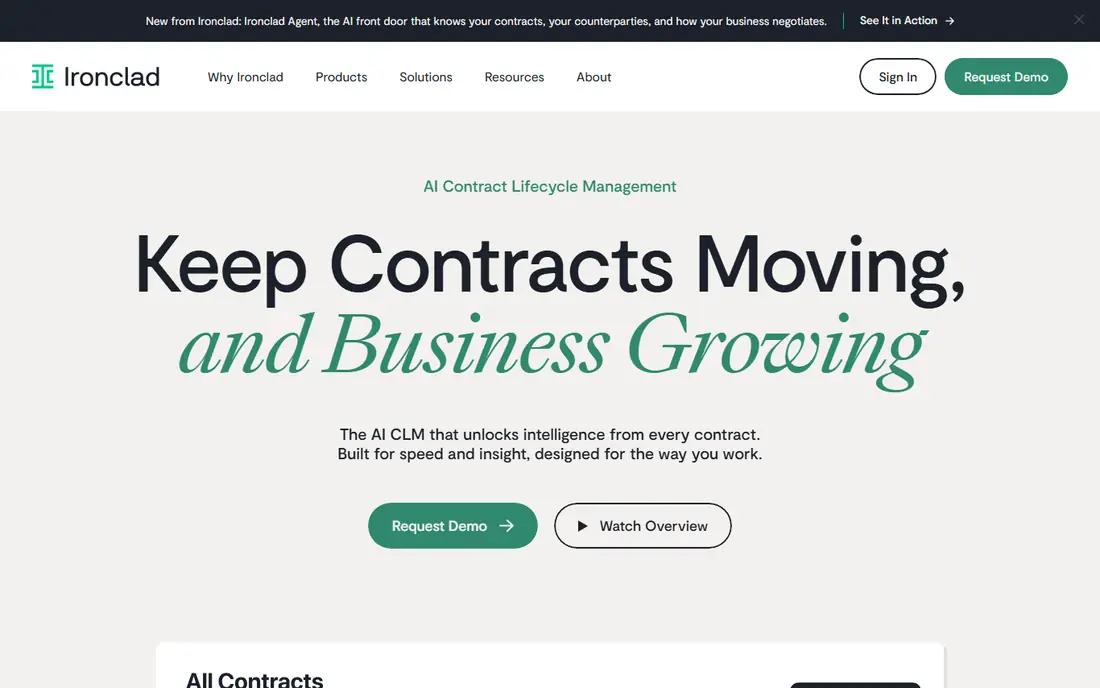
Ironclad treats contracting as a workflow, not just a filing cabinet, with approvals, redlining, and reporting in one place. Its repository search and AI extraction help legal teams find clauses, dates, and obligations across a large portfolio without opening each file. We would pair it with a clear weekly routine rather than relying on the tool alone to carry progress.
The catch is scale and cost: pricing is quote-based, and smaller teams that mainly need storage and search may find it more platform than they need. Pricing also deserves a careful check before you commit, because the headline price and the price for the features you actually need can differ. We suggest starting on the free option or the shortest paid term where one exists, testing it with real work for two weeks, and only then deciding whether a longer plan makes sense.
- Workflow designer for approvals
- AI extraction across contracts
- Wide CRM and collaboration integrations
- Quote-only pricing
- Implementation can be lengthy
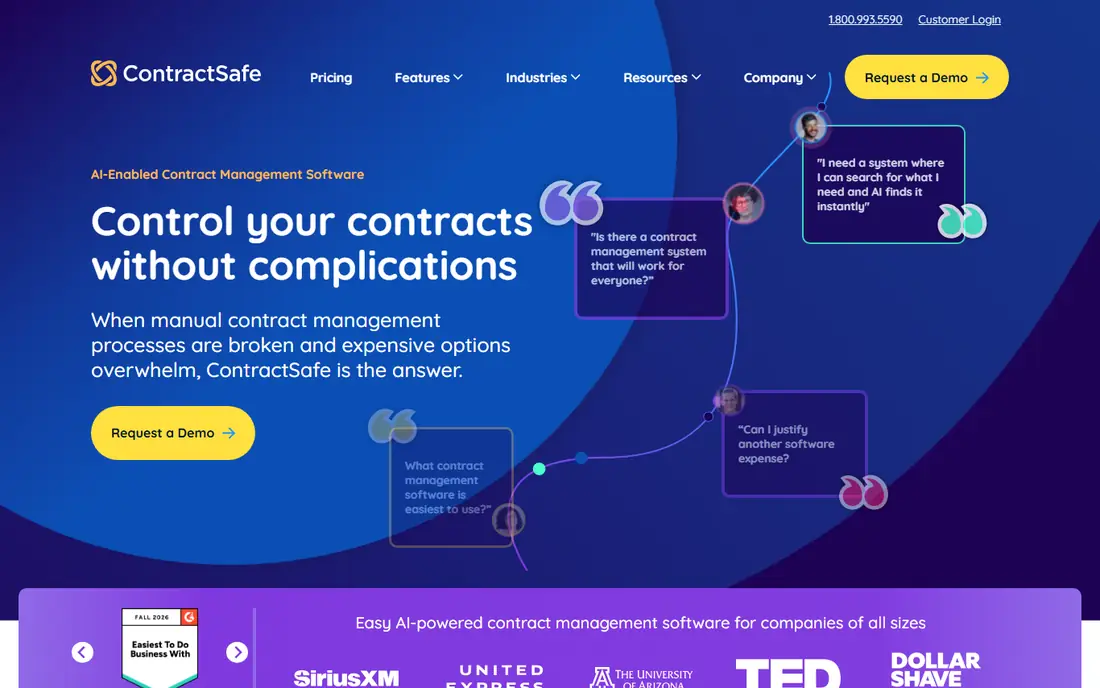
If your main goal is transparent pricing and unlimited users, ContractSafe deserves a close look. ContractSafe focuses on getting contracts searchable fast, with a central repository, alerts, and permissions that do not charge per seat. Every plan includes unlimited users and a dedicated success manager, which removes the seat-counting that complicates budgeting for growing teams. We would pair it with a clear weekly routine rather than relying on the tool alone to carry progress.
The catch is scope: teams that need deep approval workflows or built-in redlining should check higher tiers before assuming those features are included. Pricing also deserves a careful check before you commit, because the headline price and the price for the features you actually need can differ. We suggest starting on the free option or the shortest paid term where one exists, testing it with real work for two weeks, and only then deciding whether a longer plan makes sense.
- Unlimited users on every plan
- Full-text search with OCR
- Renewal and key-date alerts
- Workflow depth is lighter than enterprise CLM
- E-signature sits on higher tiers
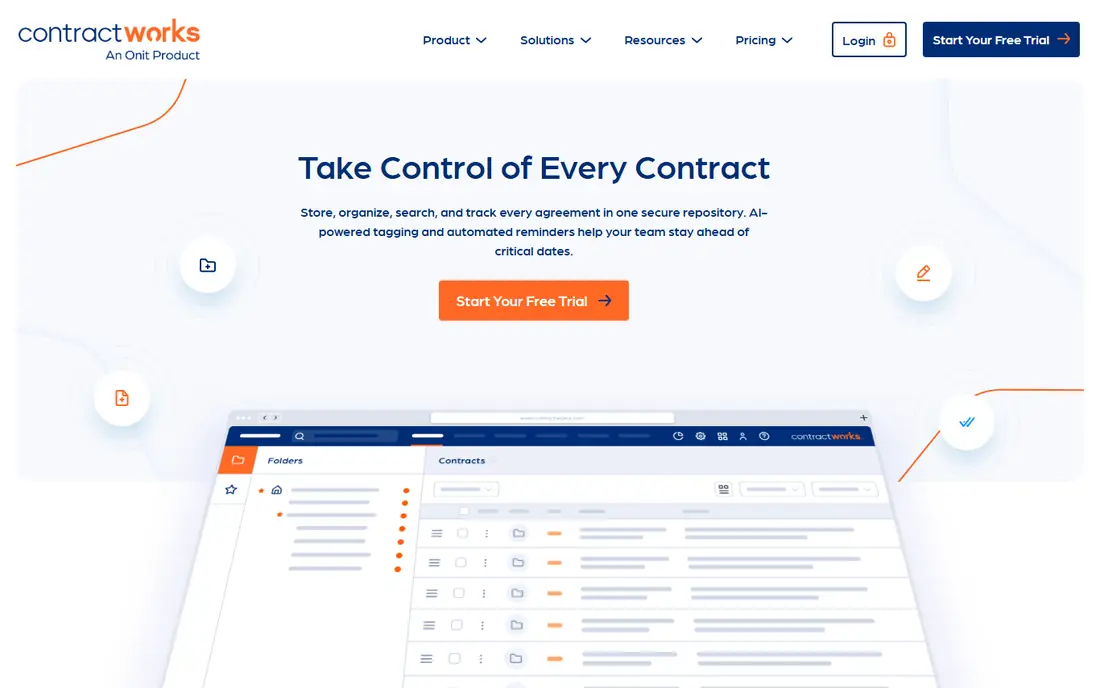
ContractWorks stands out for learners and teams who want fast searchable repository setup. ContractWorks aims to get a repository running in days rather than months, with search, alerts, and secure permissions as the core. Its reporting and custom fields help teams track renewal dates and contract types without a long implementation project. We would pair it with a clear weekly routine rather than relying on the tool alone to carry progress.
The catch is breadth: it is strongest as a repository first, so teams that need complex negotiation workflows may need a fuller CLM platform. Pricing also deserves a careful check before you commit, because the headline price and the price for the features you actually need can differ. We suggest starting on the free option or the shortest paid term where one exists, testing it with real work for two weeks, and only then deciding whether a longer plan makes sense.
- Quick setup with searchable repository
- Custom alerts and reporting
- Unlimited users
- Full CLM workflow features are limited
- Pricing is not fully public
For many people, Agiloft is the practical choice for configurable multi-jurisdiction workflows. Agiloft suits organizations with complex approval chains and contracts that cross jurisdictions, because workflows can be shaped without custom code. Its data model supports detailed tracking of obligations, parties, and clauses, which matters when legal, procurement, and finance all use the same records. We would pair it with a clear weekly routine rather than relying on the tool alone to carry progress.
The catch is effort: flexibility brings setup choices, so teams should plan who owns configuration and training after launch. Pricing also deserves a careful check before you commit, because the headline price and the price for the features you actually need can differ. We suggest starting on the free option or the shortest paid term where one exists, testing it with real work for two weeks, and only then deciding whether a longer plan makes sense.
- Highly configurable workflows without code
- Strong permissions and audit trails
- Broad integration options
- Quote-only pricing
- Configuration takes planning
Start with what Concord does well. Concord lets business teams create, negotiate, and sign routine contracts without waiting on legal for every step. Templates, approval workflows, and audit trails keep standard agreements moving, while legal keeps control over terms and versions. We would pair it with a clear weekly routine rather than relying on the tool alone to carry progress.
The catch is price structure: the entry plan is built around five users on annual billing, so larger teams should confirm the total before budgeting. Pricing also deserves a careful check before you commit, because the headline price and the price for the features you actually need can differ. We suggest starting on the free option or the shortest paid term where one exists, testing it with real work for two weeks, and only then deciding whether a longer plan makes sense.
- Unlimited e-signatures
- Deadline reminders and approvals
- Template library for routine contracts
- AI extraction is limited
- Entry price covers five users
Juro keeps negotiation inside the browser document, so comments, redlines, and approvals stay with the contract instead of scattering across email. That approach shortens the back-and-forth on standard agreements and gives legal a clear view of status and versions. We would pair it with a clear weekly routine rather than relying on the tool alone to carry progress.
The catch is fit: teams with heavy procurement or obligation management needs should test those workflows in a trial before committing. Pricing also deserves a careful check before you commit, because the headline price and the price for the features you actually need can differ. We suggest starting on the free option or the shortest paid term where one exists, testing it with real work for two weeks, and only then deciding whether a longer plan makes sense.
- Browser-based negotiation in one document
- Template and approval workflows
- Searchable repository
- Quote-only pricing
- Depth for enterprise procurement is lighter
There is a clear reason DocuSign CLM keeps appearing on shortlists for teams already on docusign esignature. DocuSign CLM extends a familiar signing tool into a full lifecycle system, with repository, workflow, and reporting around the signed document. For teams already standardized on DocuSign eSignature, that link reduces duplicate work and keeps the signed version as the single record. We would pair it with a clear weekly routine rather than relying on the tool alone to carry progress.
The catch is lock-in and cost: pricing is quote-based, and teams outside the DocuSign ecosystem may find a standalone repository simpler. Pricing also deserves a careful check before you commit, because the headline price and the price for the features you actually need can differ. We suggest starting on the free option or the shortest paid term where one exists, testing it with real work for two weeks, and only then deciding whether a longer plan makes sense.
- Links signing to the full contract lifecycle
- AI clause and obligation search
- Enterprise security and integrations
- Quote-only pricing
- Best value inside a DocuSign estate
Consider PandaDoc first if small businesses and sales contracts matters most to you. PandaDoc suits small businesses that need proposals, quotes, and contracts in one flow, with templates and signing built in. Sales teams can move a deal from proposal to signed contract without switching tools, and managers can see status at a glance. We would pair it with a clear weekly routine rather than relying on the tool alone to carry progress.
The catch is depth: as a repository for a large legal portfolio, it is lighter than specialist tools, so legal-led buyers should test search and obligation tracking first. Pricing also deserves a careful check before you commit, because the headline price and the price for the features you actually need can differ. We suggest starting on the free option or the shortest paid term where one exists, testing it with real work for two weeks, and only then deciding whether a longer plan makes sense.
- Document automation and templates
- E-signatures included
- CRM integrations for sales teams
- Repository search is lighter than specialist CLM
- Advanced workflow sits on higher plans
How we picked these
We compared official feature pages, pricing pages, and public documentation for each product, and we checked app listings and public reviews where they clarified limits such as user counts, OCR, and workflow depth. We gave weight to search quality, renewal alerts, permissions, and honest pricing, and we used See website where a vendor does not publish a numeric price. We did not treat a marketing claim as a feature unless the vendor page or documentation supported it.
How to choose a contract repository without overbuying
Start by listing the job you actually need done. If the pain is lost renewals and slow search, a repository with full-text search, OCR for scans, and automated alerts may be enough, and a full lifecycle platform would add cost without adding use. If approvals, redlining, and obligation tracking cause delays, workflow and negotiation features matter more. Next, test search with your own contracts, including scanned PDFs, and check permissions: who can view, edit, and download each type. Confirm whether e-signatures are included or an add-on, how many users the price covers, and what migration help is offered for old files. A short paid trial with real contracts tells you more than a demo with sample data, so run the trial with the team that will use the tool daily.
Frequently asked questions
What is the best contract management software for small business?
PandaDoc suits small sales-led businesses that need templates and signing in one tool, while ContractSafe suits teams that want a searchable repository with unlimited users. Small buyers should compare the price per team, not just per user, and check whether e-signatures are included. A repository-first tool often costs less than a full lifecycle platform.
What is the best contract management tool for legal teams?
Ironclad and Agiloft suit legal teams with complex approvals and large portfolios, because workflow and search depth matter more than low entry price. Juro suits legal teams that negotiate often and want that work inside the document. Legal buyers should test clause search and obligation reporting with real contracts.
Do I need full CLM or just a repository?
A repository is enough if your main needs are storage, search, permissions, and renewal alerts. Full CLM adds workflow, negotiation, obligation management, and analytics, which help larger teams but add cost and setup time. Map your delays first, then buy the smallest tool that fixes them.
Why is some contract software quote-only?
Enterprise CLM pricing depends on user count, contract volume, integrations, and implementation help, so vendors quote after a scoping call. That makes comparison harder, so ask for a written quote that lists users, features, and implementation separately. Published prices from smaller vendors give a useful benchmark.
What should I check in a free trial?
Test search on scanned contracts, set a renewal alert, try permissions for different roles, and run one approval from start to finish. Check how bulk upload and tagging work, since migration effort is a common hidden cost. If the trial needs vendor help for basic tasks, expect a longer rollout.
Sources we checked (8)

Online Jobs is an independent blog about careers, online work, learning new skills and the tools that help people earn. More about us.
Keep reading
All posts
n8n Alternatives
n8n alternatives compared for 2026, with Zapier, Make, Activepieces, and more, covering visual builders, code steps, self-hosting, and pricing models.

ZoomInfo Alternatives
The best ZoomInfo alternatives in 2026, compared on price, free plans, data coverage, and which tool fits small teams or large sales teams best in detail.

Yotpo Alternatives
Find cheaper alternatives to Yotpo for reviews and loyalty, with Judge.me, Loox, Stamped, and more compared for Shopify stores in 2026, all in one guide.