Best Constellation App in 2026: 8 Apps Compared

How we put this together: we compare official feature and pricing pages, app store listings, privacy policies and public user reviews. Prices change, so check the provider's site before you pay.
Key takeaways
- Stellarium is our pick for most stargazers because its sky simulation is accurate, its free version is deep, and it works on phone, desktop, and web.
- SkySafari is the best choice for observers who plan sessions and later control a telescope.
- Star Walk 2 is the friendliest app for families and first-time stargazers who want a clear, visual sky view.
- Sky Tonight is a strong free option for answering the simple question of what is visible tonight.
- Heavens-Above adds satellite passes, which most planetarium apps cover only lightly.
Quick comparison
| Name | Who it suits | Starting price | Free option | |
|---|---|---|---|---|
 Stellarium | Most stargazers | Free | Yes | Visit |
 SkySafari | Session planning and telescopes | Free | Yes | Visit |
 Star Walk 2 | Families and beginners | Free | Yes | Visit |
 Sky Tonight | What is up tonight | Free | Yes | Visit |
 Night Sky | Apple users who want a polished view | Free | Yes | Visit |
 Star Chart | Simple point and identify | Free | Yes | Visit |
 SkyView | Quick AR identification | Free | Yes | Visit |
 Heavens-Above | Satellite passes and predictions | Free | Yes | Visit |
The best constellation apps
A good constellation app does more than label stars. It should match the sky above you, work in the dark without ruining your night vision, and help you learn names and patterns over time. These eight cover that job in different ways, from deep planetarium tools to simple point-and-look guides.
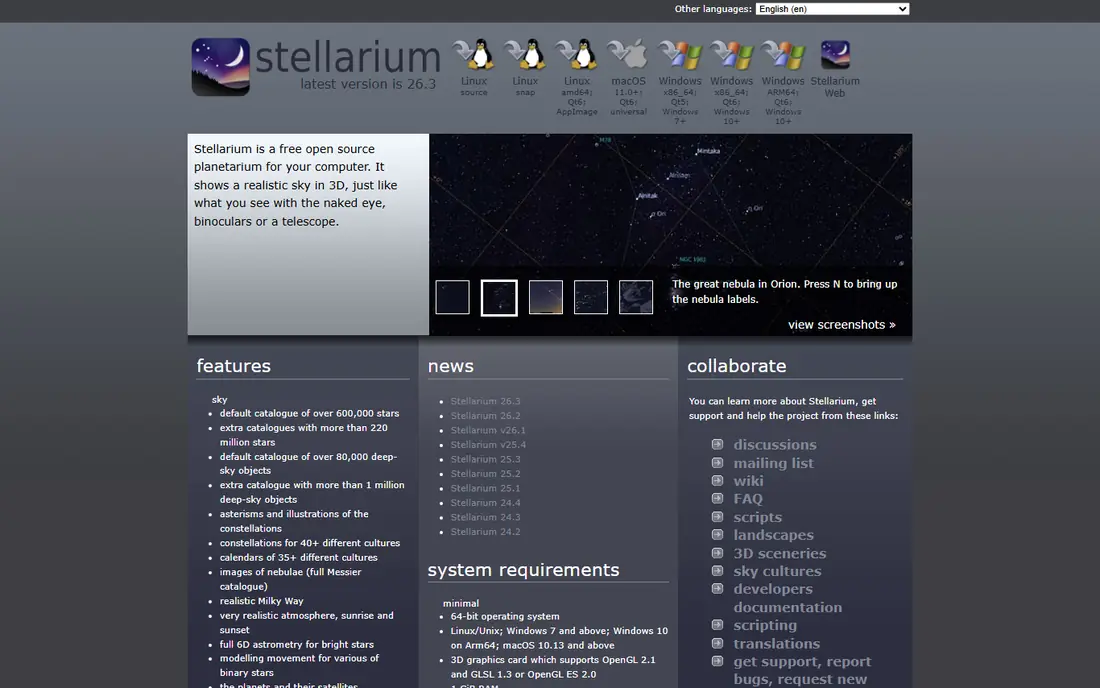
Stellarium is the app we return to most often, and the reason is simple: the sky it shows matches the sky you see. You can move time forward to see how a constellation rises, change location to plan a trip, and zoom from a wide view of the Milky Way down to a single star or planet. Constellation lines and artwork help you learn patterns, while labels and object details give you facts without leaving the view.
The free version covers most casual and intermediate use. A paid Plus upgrade adds a deeper catalogue and telescope control, which matters once you own a telescope worth pointing, but not before. The only real drawback is choice: there are many settings, and a first-time user may need a few evenings to learn which ones matter. Start with the basic view, night mode, and time controls, and add the rest as your interest grows.
- Accurate sky simulation with time controls
- Large star and deep-sky catalogues
- Free desktop and web versions
- Mobile Plus features cost extra
- Interface has more options than a casual user may need
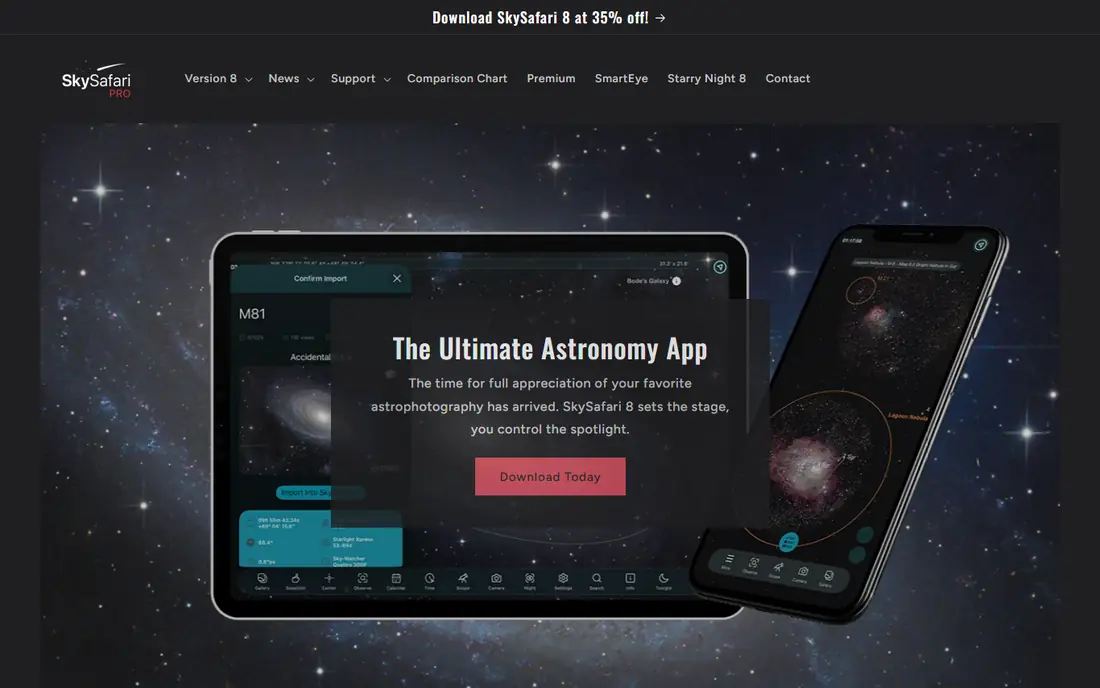
SkySafari is built for people who plan an observing night rather than just glancing upward. You can build lists of targets, check when each object is best placed, and use a traditional chart view alongside the point-at-sky mode. That planning side is what sets it apart from prettier apps that focus only on the AR view. For telescope owners, the paid tiers add control and deeper catalogues that turn a phone into a useful finder aid.
Casual users may find the interface dense, and the free Basic version, while useful, is only the start if you want the full database. Even so, if you own or plan to buy a telescope, SkySafari is the app most likely to grow with you rather than being replaced after a few months.
- Strong observing lists and planning tools
- Telescope control on paid tiers
- Large object database
- Paid tiers can cost more than casual users need
- Layout feels dense at first
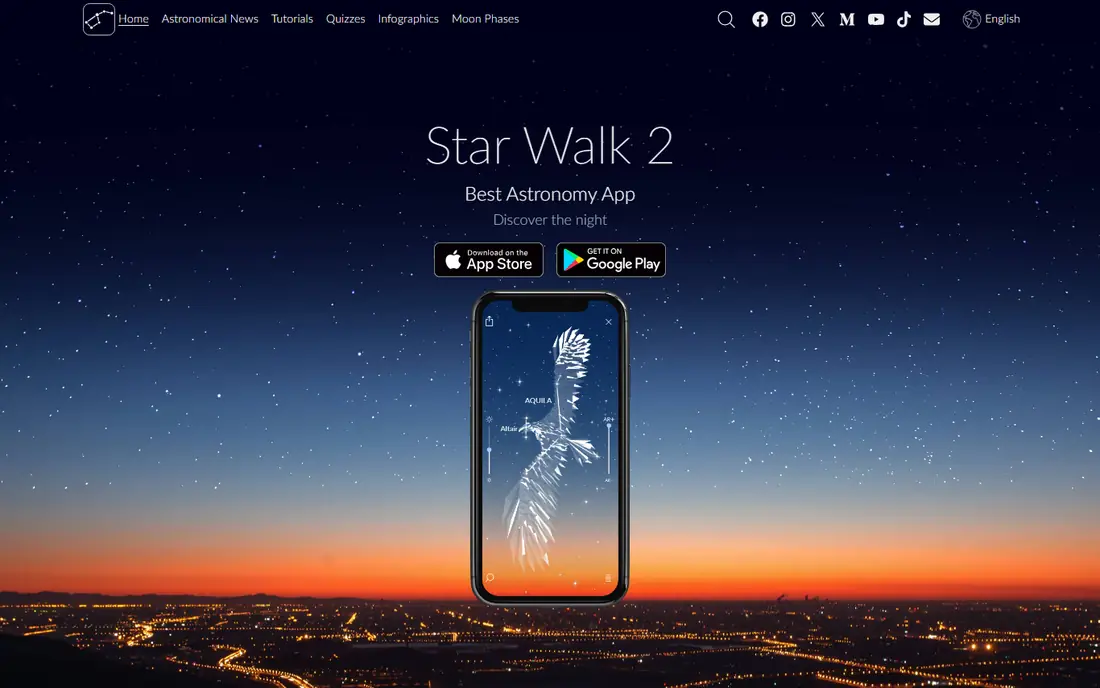
Star Walk 2 is the app to hand to someone who has never used a sky app before. Point the phone at the sky, and constellation lines, star names, and planet labels appear in a clean, readable view. Tapping an object gives a short, clear description with images, which works well for children and for adults who want to learn a few constellations at a time rather than study a full catalogue.
The trade-off is depth. It lacks the observing lists and telescope tools of SkySafari, and the free version restricts some features. For a family night, a camping trip, or a first step into stargazing, that simplicity is a strength. For regular observing, pair it with Stellarium or SkySafari rather than expecting it to do everything.
- Clear, attractive AR sky view
- Easy object identification
- Good for showing the sky to others
- Free version is limited and shows ads
- Less depth for serious session planning
Sky Tonight answers the question most people actually ask: what can I see tonight, and where should I look. Its main view lists visible planets, stars, and events, and the AR mode lets you point the phone at the sky to match what you see. That focus makes it fast to use when you step outside for ten minutes and do not want to plan a full session.
It does not try to match the catalogue depth of Stellarium, and it is not the best tool for telescope control. Think of it as a daily guide rather than a full observatory in your pocket. For many users, that is exactly the right scope, and the free version covers it well.
- Clear tonight view with visible objects
- Simple AR mode
- Helpful event and visibility notes
- Smaller deep-sky depth than Stellarium
- Fewer planning tools than SkySafari
Night Sky has long been a favourite on iPhone and iPad, and its design still shows why. The sky view is clean, constellation artwork is attractive, and the app handles the basics of identification with little fuss. It also gives practical hints about conditions, which helps you decide whether a night is worth a longer session outside.
The main limit is platform. Android users will find other apps in this list a better fit, and some of the deeper features sit behind a paid plan. If you use Apple devices and want a polished, easy app for regular sky watching, Night Sky is a strong pick. If you want the deepest catalogue for the lowest cost, Stellarium remains ahead.
- Polished design on Apple devices
- AR identification with constellation art
- Weather and visibility hints
- Best experience is on Apple hardware
- Some features require a paid plan
Star Chart does one job with little fuss: point your device at the sky and see what is there. There is no long setup, and the solar system views help younger users understand why planets move against the background stars. For a quick answer to what that bright object is, it is fast and reliable enough to keep on a phone.
Its object information is thinner than Stellarium or SkySafari, and the design is less polished than Star Walk 2. That does not make it a poor app, but it does make it a secondary tool for most people. Keep it for quick looks, and use a deeper app when you want to plan or learn in more detail.
- Simple to use with no setup
- Works well for quick identification
- Includes solar system views
- Less detailed object information than leaders
- Design feels dated next to newer apps
SkyView is another quick-look app, and its strength is speed. Open it, point it at the sky, and labels appear over stars, constellations, and planets. That direct approach suits short sessions, school activities, and moments when you do not want to browse menus in the dark. The interface stays out of the way, which is a real benefit when your eyes are adjusting to darkness.
For learning beyond names, and for planning a night in advance, it falls behind Stellarium and SkySafari. Use SkyView when you want a fast answer, and keep a deeper app for nights when you plan to stay out longer and work through a list of targets.
- Fast AR overlay for stars and planets
- Simple interface
- Good for short, casual sessions
- Free version has limits
- Fewer learning and planning features than rivals
Heavens-Above is different from the other apps here because its main strength is prediction. It tells you when the International Space Station and other bright satellites will pass over your location, how bright they will appear, and where to look. That is useful on its own, and it pairs well with a planetarium app that handles stars and constellations.
The site and app look functional rather than polished, and the AR experience is not the reason to choose it. Add it alongside Stellarium or Sky Tonight if satellite passes interest you, or if you want to time a viewing session around an ISS pass that children and new stargazers tend to enjoy.
- Detailed satellite and ISS pass predictions
- Star charts for planning
- Free to use
- Interface is more functional than pretty
- AR view is not its main strength
How we picked these
We compared official feature pages, app-store listings, and public reviews, and we favoured apps that are still maintained, that show all 88 constellations, and that work with current phones. We checked for night mode, offline use, time controls, and telescope support where relevant, and we kept a mix of free and paid options. We did not claim hands-on testing for this guide. Instead, we weighed what each vendor publishes against what users report about accuracy, ease of use, and limits.
What to look for in a stargazing app
Start with accuracy in your location. An app that uses your GPS position and compass well will match the sky closely; one with poor calibration will label the wrong stars and frustrate new users. Next, check night mode. A bright white screen ruins dark adaptation, so a red or dim mode matters on real nights out. Offline use is also worth checking if you observe away from signal, since some catalogues download in advance and others do not. Finally, think about how you will actually use the app. A casual user needs a clear AR view and simple labels, while a telescope owner needs planning lists and control. Buying the deepest app when you only want quick answers is a waste, and the reverse leaves you short when your interest grows.
Frequently asked questions
What is the best app for learning constellations?
Stellarium is our pick for learning, because its constellation artwork, time controls, and object details help you see patterns and how they move through the night. Star Walk 2 is easier for a first evening, and it works well for families, but Stellarium gives you more room to grow.
What is the best free stargazing app?
Stellarium, Sky Tonight, and SkySafari Basic all offer useful free versions. Stellarium gives the deepest free planetarium view, Sky Tonight is best for a quick tonight list, and SkySafari Basic is a good free start for future telescope use. Try two of them on the same night and keep the one whose layout you prefer.
Do stargazing apps work without internet?
Many do, once catalogues are downloaded, but check the app you choose. Stellarium and SkySafari offer offline catalogues for field use, while some features, such as fresh images or live satellite data, still need a connection. Download what you need at home before a trip to a dark site.
Can a phone app really identify stars accurately?
Yes, within limits. A phone uses GPS, compass, and motion sensors to match its view to the sky, and modern apps do this well in open sky. Accuracy drops near metal structures, inside cars, or when the compass needs calibration, so move away from interference and calibrate when the app prompts you.
Which app is best for telescope owners?
SkySafari is the strongest pick here, with observing lists, planning tools, and telescope control on paid tiers. Stellarium Plus also offers telescope control and a deep catalogue, so the choice often comes down to which interface you prefer for planning a session.
What is the best night sky app for children?
Star Walk 2 is the easiest for children because its visuals are clear and its descriptions are short. Stellarium is also suitable for older children who want to explore time controls and the solar system, and both benefit from an adult helping with the first few sessions.
Sources we checked (10)
- https://outerspacetrip.com/guides/best-astronomy-apps/
- https://www.telescopeadvisor.com/best-stargazing-apps-2026/
- https://stellarium.org
- https://skysafariastronomy.com
- https://starwalk.space
- https://skytonight.app
- https://www.nightskyapp.com
- https://www.starchartapp.com
- https://www.terminaleleven.com
- https://www.heavens-above.com

Online Jobs is an independent blog about careers, online work, learning new skills and the tools that help people earn. More about us.
Keep reading
All posts
n8n Alternatives
n8n alternatives compared for 2026, with Zapier, Make, Activepieces, and more, covering visual builders, code steps, self-hosting, and pricing models.

eBay Alternatives
Looking for ebay alternatives? We compared 9 marketplaces for sellers on fees, buyer reach, categories and ease of listing, to help you sell with confidence.

ZoomInfo Alternatives
The best ZoomInfo alternatives in 2026, compared on price, free plans, data coverage, and which tool fits small teams or large sales teams best in detail.