Best Conference Call Service in 2026: 8 Services Compared


Teams that need reliable video and audio meetings · Starting price: See website
How we put this together: we compare official feature and pricing pages, app store listings, privacy policies and public user reviews. Prices change, so check the provider's site before you pay.
Key takeaways
- FreeConferenceCall.com is the best free conference call service for large audio groups, while Zoom remains the most familiar all-round meeting tool.
- Google Meet and Microsoft Teams make most sense inside their own ecosystems, where they are often already included in a subscription.
- GoTo Meeting and Webex suit firms that prioritise reliability, admin control, and security over casual extras.
- The best business conference call service is the one guests can join without friction, so test the guest experience before you commit.
Quick comparison
| Name | Who it suits | Starting price | Free option | |
|---|---|---|---|---|
| Zoom | Teams that need reliable video and audio meetings | See website | Yes | Visit |
 FreeConferenceCall.com | Free audio and video calls for large groups | Free | Yes | Visit |
 GoTo Meeting | Business meetings with strong reliability | $12 per organizer per month | Free trial | Visit |
 Google Meet | Google Workspace teams and simple meetings | See website | Yes | Visit |
 Cisco Webex | Larger firms that need security and scale | See website | Yes | Visit |
 Microsoft Teams | Microsoft 365 teams that need chat plus calls | See website | Yes | Visit |
 Dialpad | Business phone and conferencing in one system | See website | Free trial | Visit |
 UberConference | Simple conference calls without downloads | See website | Yes | Visit |
The best conference call services
We compared the conference call services businesses actually use, from free audio-first tools to full video meeting platforms, judging them on call quality, participant limits, dial-in access, recording, and price. The best service depends on whether your calls are mostly audio, mostly video, internal, or with clients who join from many different devices.
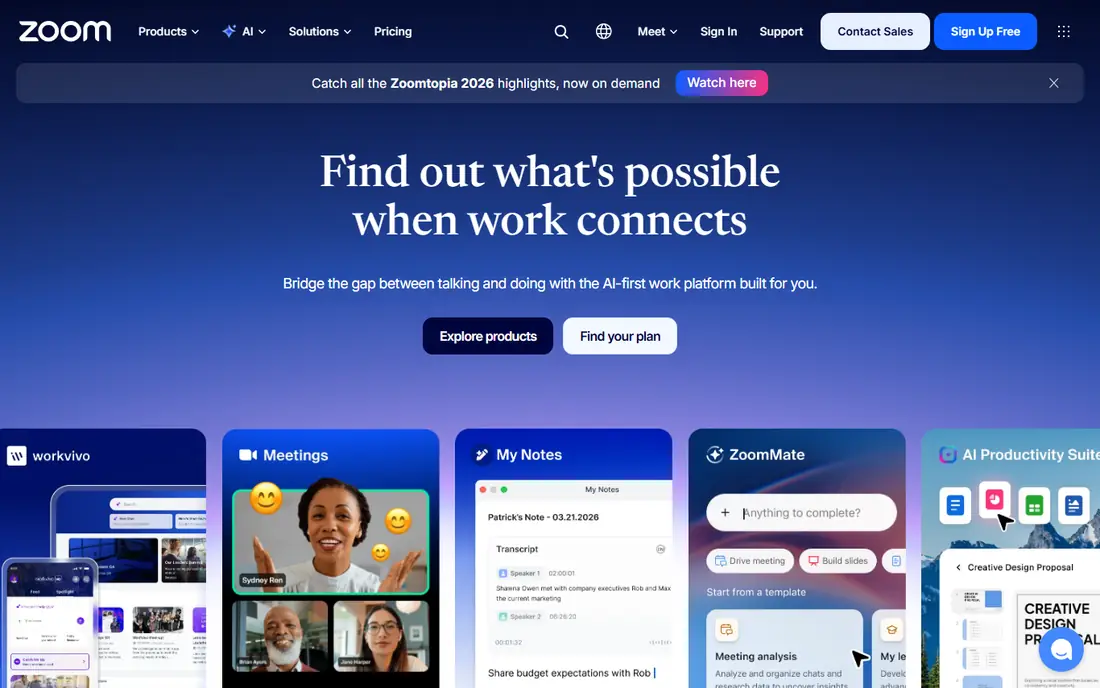
Zoom is the default meeting tool for many teams, and familiarity is a real advantage. Almost everyone has joined a Zoom call before, so clients and colleagues need little guidance, and features such as breakout rooms, recording, and screen sharing cover most meeting needs. Audio quality holds up well on ordinary home connections. For general business meetings, Zoom is the safe, well-understood pick.
The honest catch is this: The free plan limits group meetings in length, so teams that meet often need a paid plan, and the full feature set can feel large for a team that only needs audio calls. Before you commit, check the current pricing page and the plan limits against the size of your team and the work you actually do each week, because the right plan on paper can still be the wrong plan in practice.
- Familiar interface
- Breakout rooms and recording
- Wide device support
- Free plan limits group meetings
- Paid plans needed for longer calls
FreeConferenceCall.com
Who it suits: Free audio and video calls for large groups
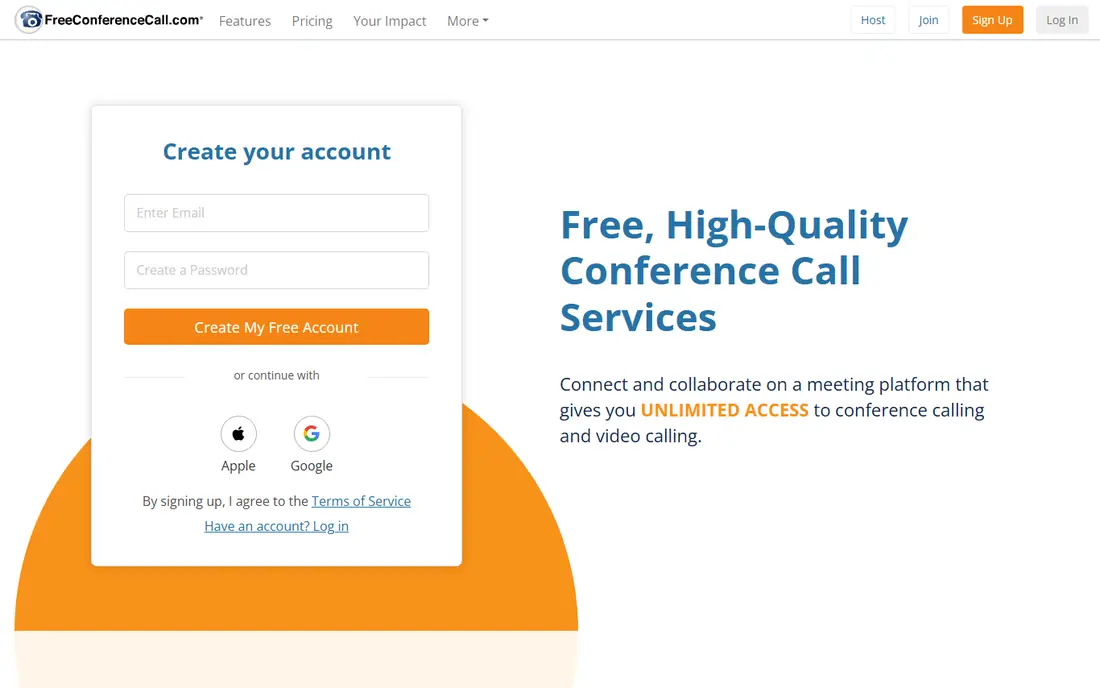
FreeConferenceCall.com does exactly what its name promises, and it does it at scale. Free audio and video calls support large groups, with dial-in numbers, recording, screen sharing, and breakout rooms, all without a subscription for the core service. That makes it ideal for community groups, classes, and small businesses on a tight budget. For free conference calls, it is hard to beat on value.
The honest catch is this: The interface feels more basic than Zoom or Webex, and advanced features such as deep integrations and AI summaries are thinner. Before you commit, check the current pricing page and the plan limits against the size of your team and the work you actually do each week, because the right plan on paper can still be the wrong plan in practice.
- Free calls for up to 1,000 participants
- Dial-in numbers
- Recording and screen sharing
- Interface feels basic
- Fewer advanced collaboration features
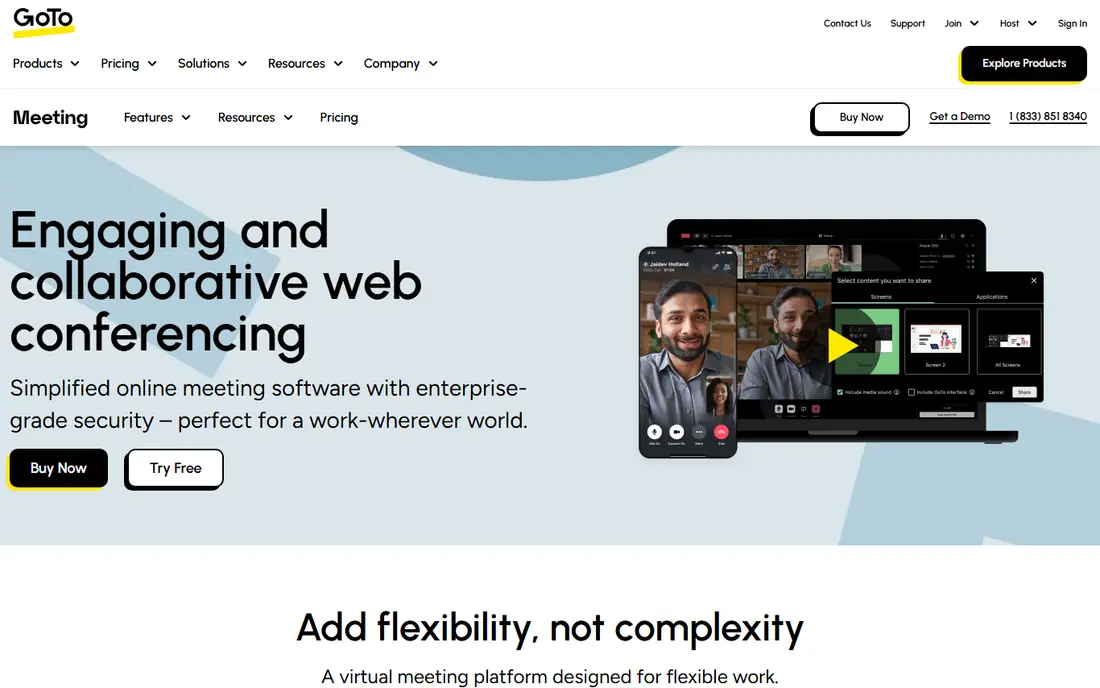
GoTo Meeting has long served business users who value reliability over novelty. Its meetings are stable, its admin controls suit IT teams, and features such as transcription and note-taking help teams that need a record of decisions. The interface is straightforward, which keeps training time low. For a business that wants dependable meetings, it remains a solid choice.
The honest catch is this: There is no free plan, so a team must pay from the start, and it lacks some of the casual extras that make Zoom popular with consumers. Before you commit, check the current pricing page and the plan limits against the size of your team and the work you actually do each week, because the right plan on paper can still be the wrong plan in practice.
- Reliable audio and video
- Transcription tools
- Admin controls
- No free plan
- Fewer consumer-friendly extras than Zoom
Google Meet suits teams already living in Google Workspace, since meetings start from Calendar and Gmail with one click. The browser-based experience needs no downloads for most guests, live captions help accessibility, and recording and noise cancellation sit on paid Workspace plans. For a team that already pays for Workspace, Meet is often already included. For Google-centred teams, it is the natural meeting tool.
The honest catch is this: Standalone users get a simpler feature set, and dial-in availability varies by region and plan. Before you commit, check the current pricing page and the plan limits against the size of your team and the work you actually do each week, because the right plan on paper can still be the wrong plan in practice.
- Simple browser-based meetings
- Strong Google integration
- Live captions
- Advanced features need a Workspace plan
- Fewer dial-in options in some regions
Webex is built for larger organisations where security, compliance, and scale matter most. Its meeting, webinar, and calling tools handle large audiences, and admin controls give IT teams the governance they need. Audio and video quality are consistent, even on bigger calls. For an enterprise that needs control, Webex is a strong, trusted option.
The honest catch is this: Smaller teams may find the interface corporate and the setup heavier than a simple tool such as Google Meet or FreeConferenceCall.com. Before you commit, check the current pricing page and the plan limits against the size of your team and the work you actually do each week, because the right plan on paper can still be the wrong plan in practice.
- Strong security controls
- Large meeting capacity
- Webinar tools
- Interface can feel corporate
- Setup takes time for smaller teams
Microsoft Teams makes sense when a team already uses Microsoft 365 for email, files, and chat. Calls sit beside persistent chat channels, shared files, and calendar, so a meeting is part of an ongoing workspace rather than a one-off link. Large meetings, breakout rooms, and recording cover most business needs. For Microsoft-centred workplaces, it is the obvious meeting home.
The honest catch is this: For a team that only needs occasional audio calls, Teams can feel heavy, and the best value comes inside a Microsoft 365 subscription. Before you commit, check the current pricing page and the plan limits against the size of your team and the work you actually do each week, because the right plan on paper can still be the wrong plan in practice.
- Chat, calls, and files in one place
- Strong Microsoft 365 integration
- Large meetings
- Can feel heavy for audio-only needs
- Best value inside Microsoft 365
Dialpad blends business phone service with conferencing, which suits phone-first teams. Its AI summaries, transcriptions, and call analytics help teams that spend much of the day on the phone, while conferencing sits naturally beside the phone system. The mobile app keeps remote staff reachable. For a business replacing a phone system and a meeting tool together, Dialpad is worth comparing.
The honest catch is this: Pricing depends on the bundle chosen, and teams that mainly need video meetings may prefer a video-first tool such as Zoom. Before you commit, check the current pricing page and the plan limits against the size of your team and the work you actually do each week, because the right plan on paper can still be the wrong plan in practice.
- AI call summaries
- Phone and conferencing together
- Good mobile app
- Pricing varies by bundle
- Audio focus suits phone-first teams best
UberConference keeps conference calling simple, with guests joining from a browser without downloads. Its clean interface, dial-in numbers, and screen sharing cover the core call without the clutter of a full collaboration suite. That simplicity helps when clients or partners join from many devices. For straightforward conference calls, simplicity is its selling point.
The honest catch is this: The feature set is lighter than Zoom or Webex, and its place inside the Dialpad family means buyers should check the current plan structure. Before you commit, check the current pricing page and the plan limits against the size of your team and the work you actually do each week, because the right plan on paper can still be the wrong plan in practice.
- No downloads for guests
- Simple dial-in
- Screen sharing
- Feature set is lighter than Zoom
- Now part of the Dialpad family
How we picked these
We compared official feature pages, pricing pages, app store listings, and public documentation for each product on this list, and we kept only options that are currently available and clearly fit the topic. We looked at the core job each product does, who it is built for, what it costs to start, and where its limits show up in everyday use. We did not claim hands-on testing we did not do, and where a vendor does not publish a price we say so plainly instead of guessing. That approach keeps the comparison honest, and it lets you check every claim against the vendor's own site before you spend anything.
How to choose a conference call service
Decide audio-first or video-first
Audio-first services suit large calls, low-bandwidth callers, and phone participants, while video-first tools suit collaboration, demos, and team bonding. Many teams need both, so check that the service handles each well rather than excelling at only one.
Test the guest experience
Join as a guest from a phone, a laptop, and a slow connection, and note every step that could confuse a client. A service that needs downloads, accounts, or plugins will lose guests before the meeting starts.
Check dial-in and recording needs
If callers join by phone, confirm dial-in numbers for their regions and any extra charges. If you need a record, check recording, transcription, and storage limits on the plan you would actually buy, not the top tier.
Frequently asked questions
What is the best conference call service for business?
For most businesses, Zoom or Microsoft Teams is the best conference call service, depending on whether the team already uses Microsoft 365. GoTo Meeting and Webex suit firms that need stronger admin control and reliability.
What are the best free conference call services?
FreeConferenceCall.com, Google Meet, and Zoom all offer free conference call services, with FreeConferenceCall.com standing out for large free groups. Free plans usually limit meeting length, recording, or admin controls, so check those limits.
What is the best free conference call service for large groups?
FreeConferenceCall.com supports large free groups with dial-in access, which makes it a strong choice for community calls and classes. Zoom and Google Meet also handle large meetings, but their free tiers carry stricter limits.
What is the best audio conference call service?
An audio conference call service such as FreeConferenceCall.com or Dialpad suits teams that call by phone often, since both handle dial-in well. Check regional dial-in numbers and any per-minute charges before choosing.
What is the best toll free conference call service?
A toll free conference call service lets callers join without paying for the call, but availability and cost depend on the provider and the plan. Ask the vendor which toll-free numbers are included, which regions they cover, and what the per-minute charges are.
Sources we checked (8)

Online Jobs is an independent blog about careers, online work, learning new skills and the tools that help people earn. More about us.
Keep reading
All posts
n8n Alternatives
n8n alternatives compared for 2026, with Zapier, Make, Activepieces, and more, covering visual builders, code steps, self-hosting, and pricing models.

ZoomInfo Alternatives
The best ZoomInfo alternatives in 2026, compared on price, free plans, data coverage, and which tool fits small teams or large sales teams best in detail.

Yotpo Alternatives
Find cheaper alternatives to Yotpo for reviews and loyalty, with Judge.me, Loox, Stamped, and more compared for Shopify stores in 2026, all in one guide.