Best Communication Apps in 2026: 8 Apps Compared

How we put this together: we compare official feature and pricing pages, app store listings, privacy policies and public user reviews. Prices change, so check the provider's site before you pay.
Key takeaways
- Slack is the best all-round team chat hub for channel-based messaging, search and integrations.
- Microsoft Teams is the best value for firms already on Microsoft 365, since chat, meetings and files sit in one place.
- Zoom and Google Meet are the best meeting-first picks, with Zoom leading on large meetings and Google Meet leading inside Google Workspace.
- Discord is the best free voice-first option for casual, community-style teams, though it lacks enterprise admin depth.
- Connecteam suits frontline teams that need chat tied to shifts, tasks and announcements on mobile.
Quick comparison
| Name | Who it suits | Starting price | Free option | |
|---|---|---|---|---|
 Slack | Channel-based team chat | $8.75 per month | Yes | Visit |
 Microsoft Teams | Microsoft 365 chat and meetings | $4 per month | Yes | Visit |
 Zoom | Reliable video meetings | See website | Yes | Visit |
 Google Meet | Google Workspace meetings | See website | Yes | Visit |
 Discord | Free voice-first team chat | Free | Yes | Visit |
 Google Chat | Simple messaging in Workspace | See website | Yes | Visit |
 Chanty | Budget team chat | $3 per month | Yes | Visit |
 Connecteam | Frontline team communication | $29 per month | Free trial | Visit |
The best communication apps
Communication apps for remote teams fall into three types: team chat for daily messages, video for meetings, and async video for updates across time zones. The apps below cover all three, plus frontline tools for staff who do not sit at a desk. We compared them on chat organisation, video quality, integrations, admin controls, mobile experience and pricing, so a small startup and a large hybrid firm can both find a relevant shortlist. Most teams end up with one chat app plus one video tool, rather than a single app for everything.
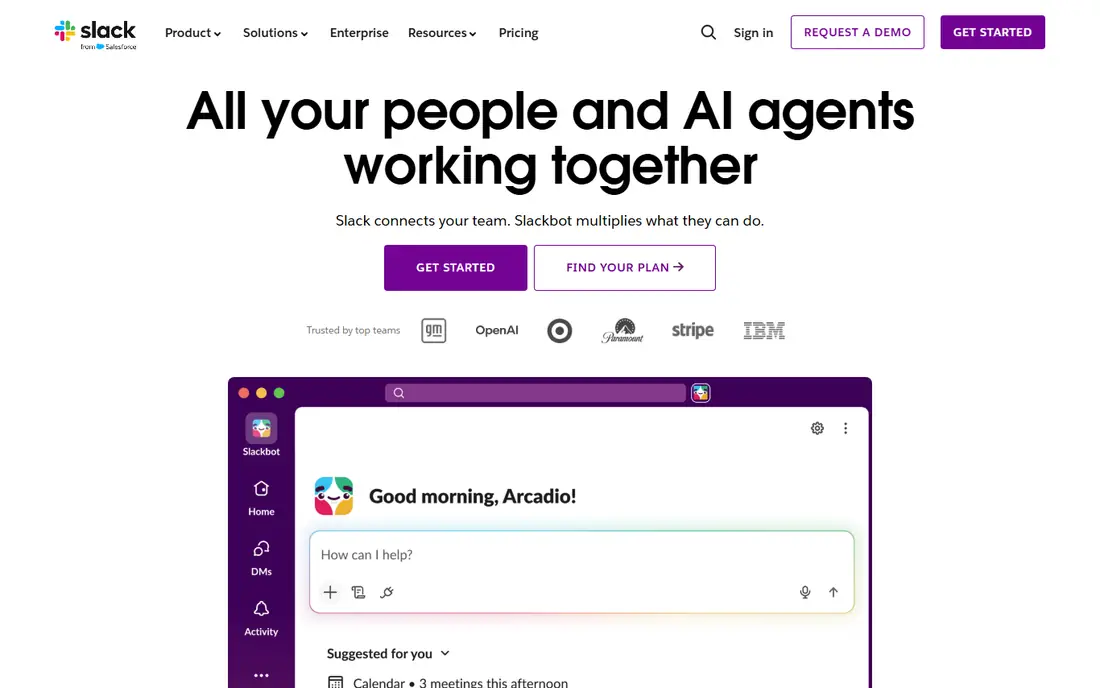
Slack organises work into channels by team, project or topic, with threads to keep replies attached to the original message. That structure is why Slack remains the default team chat for many remote firms: a new joiner can read a channel history, search past decisions, and find files without asking colleagues to resend them. Slack integrates with thousands of apps, from Google Drive and Asana to GitHub and Salesforce, so notifications and work updates can flow into channels rather than separate inboxes. Huddles offer quick voice chats without scheduling a full meeting.
The free plan is useful for a small team, but it keeps only 90 days of message history and limits apps and external messaging. Paid Pro is priced around 8.75 dollars per user per month billed monthly, or 7.25 dollars billed yearly, with unlimited history and integrations. Slack fits best for desk-based teams that live in chat, need strong search and integrations, and are willing to pay more than the cheapest chat option for that hub.
- Channels, threads and search that scale
- Huge integration catalogue
- Huddles for quick voice chats
- Free plan limits message history to 90 days
- Paid price is higher than Teams Essentials
Microsoft Teams combines chat, video meetings, file sharing and Office collaboration in one app, which is its main advantage for firms already on Microsoft 365. Teams channels hold conversations and files, meetings support large groups with screen sharing and recording, and documents can be co-authored in Word, Excel and PowerPoint without leaving Teams. Teams Essentials is priced around 4 dollars per user per month billed yearly, with 10 GB of cloud storage per user, while Microsoft 365 Business Basic at around 7 dollars per month adds 1 TB per user and web and mobile Office apps. That bundled economics often beats buying chat and meetings separately.
Teams can feel heavier than Slack, especially for teams that only need chat, and its best features assume a Microsoft 365 base. A Google Workspace firm may find Google Chat and Meet simpler. Teams fits best for Microsoft-centred firms, hybrid teams that need chat plus meetings in one place, and larger organisations that need enterprise admin, compliance and security controls.
- Chat, meetings and files in one app
- Low Essentials price
- Deep Office and SharePoint integration
- Interface can feel heavy
- Best value only inside Microsoft 365
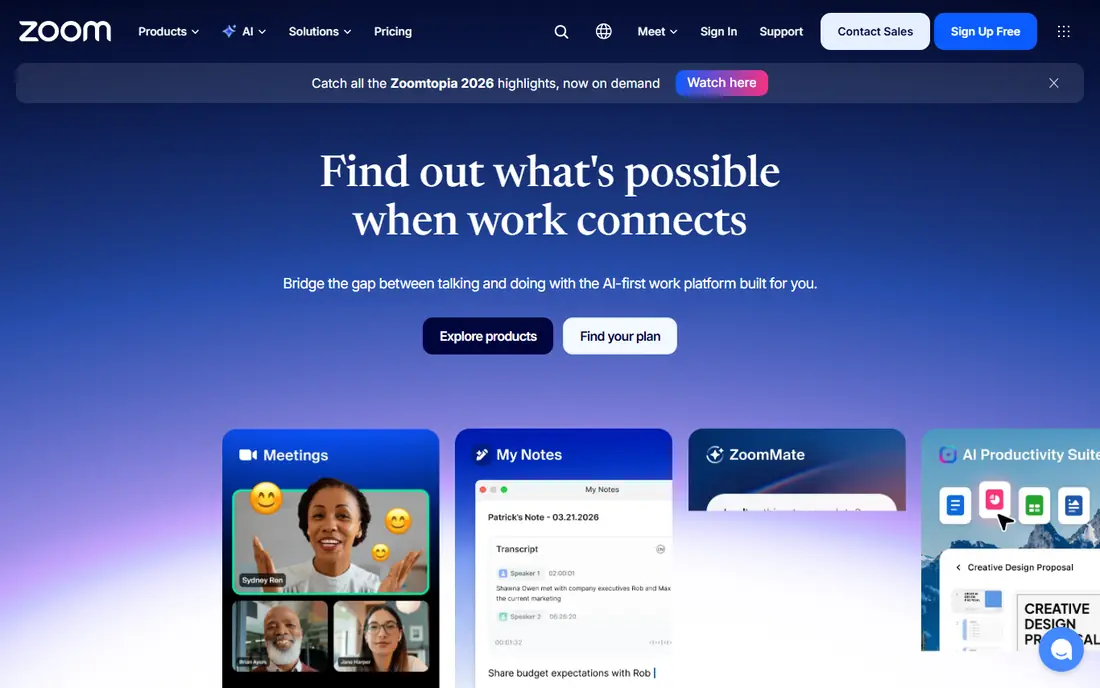
Zoom is the meeting-first pick for remote teams that need reliable video at scale. Meetings are easy for guests to join, video and audio quality are consistent, and features such as breakout rooms, recording, whiteboards and webinars support training, all-hands and client calls. Zoom also offers team chat, phone and webinar add-ons, though most teams use Zoom mainly for meetings and pair it with Slack or Teams for daily chat. The free plan covers group meetings with a 40-minute limit, which suits small teams and occasional calls.
Paid Zoom pricing varies by plan and add-ons, so check the current pricing page for the meeting size and webinar needs you have. Zoom fits best when meetings are the core communication need, when guests outside the company join often, and when reliability for large calls matters more than having chat and meetings in one app.
- Reliable large meetings and webinars
- Easy join experience for guests
- Strong recording and breakout features
- Chat is less strong than Slack or Teams
- Paid pricing needs checking for your meeting needs
Google Meet is the video meeting tool inside Google Workspace, and its strength is simplicity. Meetings start from Calendar or Gmail, guests can join from a browser without a download, and captions, screen sharing and recording cover most meeting needs. For a firm already on Google Workspace, Meet is included in Workspace plans, starting with Business Starter, so there is no separate meeting purchase. That bundled fit, plus easy scheduling, makes Meet the natural meeting pick for Google-centred teams.
Meet has fewer large webinar and event features than Zoom, so a firm that runs frequent large webinars may still need Zoom. Meet also assumes a Google account and Calendar habit for the smoothest experience. Choose Meet when your team already uses Gmail, Calendar and Drive, when meetings are mostly internal or small client calls, and when you want video that feels part of Workspace rather than a separate system.
- Simple meetings inside Google Workspace
- Easy Calendar integration
- No download for guests in a browser
- Fewer webinar features than Zoom
- Best value inside Google Workspace
Discord started for gaming communities, but its free, voice-first model has made it popular with startups, open-source teams and community-style firms. Servers organise channels by topic, voice channels stay open for drop-in conversation, and screen sharing works without a paid plan. Unlimited message history on the free plan is far more generous than Slack free, and Nitro paid plans add larger uploads and other perks. For a casual team that values voice presence and low cost, Discord is hard to beat on price.
Discord lacks the enterprise admin, compliance, audit and integration depth of Slack or Teams, so it is less suited to a regulated firm or a large corporate team. Its culture also feels informal, which may not fit a formal client-facing firm. Choose Discord when your team is small, casual or community-led, when voice presence matters, and when budget is the main constraint.
- Free unlimited messages and voice channels
- Persistent voice rooms
- Screen sharing included
- Lacks enterprise admin and compliance depth
- Less suited to formal corporate use
Google Chat is the messaging tool inside Google Workspace, available in Gmail and as a standalone app. It offers direct messages and Spaces for team conversations, with file sharing through Drive and easy access to Calendar and Meet. For a Google Workspace team that wants simple chat without buying Slack, Google Chat is a practical, low-friction choice. It is included in Workspace plans, so there is no separate chat cost, and staff already in Gmail can start using it without new accounts.
Google Chat has fewer integrations and less channel depth than Slack, and it can feel basic for a large team that needs advanced search, workflows and app bots. It fits best for small to mid-size Google Workspace teams that need straightforward messaging, Spaces for projects, and a chat tool that lives inside Gmail rather than a separate hub.
- Simple chat inside Gmail and Workspace
- Spaces for team conversations
- Included in Google Workspace
- Fewer integrations than Slack
- Less powerful for large, channel-heavy teams
Chanty is a budget team chat app for small teams that want core messaging without Slack pricing. It offers channels, direct messages, tasks, file sharing and voice and video calls, with a free plan that covers core features. Paid plans start around 3 dollars per user per month in published comparisons, which makes Chanty one of the cheapest paid chat options on this list. That price helps a small business that needs organised chat but cannot justify Slack Pro for every user.
Chanty video calls and integrations are less polished than Slack or Teams, so a team that relies heavily on video or on many app integrations may feel the limits. Chanty fits best for a small, budget-conscious team that mainly needs text chat, simple tasks and occasional calls, and that wants a low monthly cost per user.
- Low price from 3 dollars per user per month
- Free plan with core chat
- Simple team messaging
- Video calls can be less reliable
- Integration catalogue is smaller than Slack
Connecteam is built for frontline and deskless teams, such as retail, hospitality, field service and healthcare staff who work mainly on phones. It combines chat with scheduling, tasks, forms, time tracking and company updates, so communication is tied to shifts and jobs rather than separate from them. Managers can send announcements to all staff, assign tasks, and track who has read an update, which is hard in a general chat app where frontline staff may not have company email. Pricing starts around 29 dollars per month for the first 30 users in published comparisons, which suits small frontline teams.
Connecteam is less suited to a desk-only knowledge team that needs deep Slack integrations or advanced developer tools. It fits best for a business with frontline staff, shift work and a need for one mobile app that covers communication, scheduling and daily operations together.
- Chat tied to shifts, tasks and updates
- Mobile-first for deskless staff
- Simple pricing for the first 30 users
- Less suited to desk-only knowledge teams
- Advanced features need higher tiers
How we picked these
We looked for communication apps that are active in 2026, serve remote or hybrid teams, and cover chat, video or async video in a meaningful way. We checked vendor homepages, pricing pages where available, and recent comparisons for starting prices and free options. We kept a mix of chat hubs, meeting tools, async video and frontline tools, because a remote team rarely needs only one type of communication. We excluded social messaging apps that are not built for team work, and we excluded tools that are no longer maintained.
We did not claim hands-on testing of every enterprise deployment, and pricing for bundled plans such as Teams and Meet depends on the wider Workspace or Microsoft 365 plan. Where a starting price was published we used it, and where pricing is bundled or quote-based we say to check the vendor page for your plan.
Building a communication stack that does not overwhelm
Pick one chat app as the default, one video tool for meetings, and one async tool only if meetings are a real problem. Paying for Slack and Teams at the same time, or for Zoom and Meet at full scale, usually creates confusion about where a conversation lives. Decide where decisions are recorded: in a channel, in a document, or in a project tool, and make that rule explicit. A stack with clear defaults reduces duplicate messages and missed updates more than any single app feature.
Set norms for channels, meetings and async updates
Use channels by team or project, not by every small topic, and use threads for replies so channels stay readable. Keep meetings for decisions, brainstorming and sensitive conversations, and use a written update for status and walkthroughs. Protect focus time by agreeing when chat expects a fast reply and when it does not, especially across time zones. Tools help, but norms decide whether a remote team feels connected or constantly interrupted.
Check admin, security and guest access before scaling
Before rolling out a tool company-wide, check admin controls, guest access, data retention and compliance needs. Slack and Teams offer enterprise admin and audit tools, while Discord and free tools offer less depth. Check how external guests join meetings, how files are shared, and how long messages are kept. A tool that works for a ten-person team may fail an enterprise security review, so test those controls early rather than after adoption.
Frequently asked questions
What is the best communication app for remote teams?
Slack is the best all-round chat hub, while Microsoft Teams is best for Microsoft 365 firms and Google Chat plus Meet is best for Google Workspace firms. For meetings alone, Zoom is the most reliable large-meeting pick. The best app depends on your existing stack, team size and whether chat, meetings or frontline communication matters most.
What is the best business instant messaging software?
Slack is the leading business instant messaging software for channel-based chat, search and integrations. Microsoft Teams is the best bundled alternative for Microsoft firms, and Google Chat is the simplest alternative for Google Workspace firms. Chanty is a budget alternative for small teams that need core chat at a low price.
What are the best communication tools for remote teams?
The best remote stack is usually one chat app, such as Slack or Teams, plus one video tool, such as Zoom or Meet, plus an async video tool if time zones make meetings hard. Frontline teams should add Connecteam for shift-based communication. Avoid paying for duplicate chat and video tools that split conversations across systems.
Is Slack or Microsoft Teams better?
Slack is better for chat depth, search and integrations, while Teams is better for bundled value inside Microsoft 365, with chat, meetings and files in one app. If you already pay for Microsoft 365, Teams is usually the better value. If you need the strongest chat hub and integrations, and you do not rely on Microsoft, Slack is the stronger pick.
Are there free communication apps for teams?
Yes. Slack, Microsoft Teams, Zoom, Google Meet, Discord, Google Chat all offer free plans, though limits differ on history, meeting length and features. Discord offers the most generous free chat and voice, while Slack free limits history to 90 days and Zoom free limits group meetings to 40 minutes.
What is the best app for communication with frontline staff?
Connecteam is the best pick for frontline staff, because it ties chat to shifts, tasks and announcements in a mobile-first app. Slack and Teams can work for frontline teams, but they assume desk access and company email, which many frontline staff do not have. Choose a mobile-first tool when staff work mainly on phones.
Sources we checked (8)

Online Jobs is an independent blog about careers, online work, learning new skills and the tools that help people earn. More about us.
Keep reading
All posts
n8n Alternatives
n8n alternatives compared for 2026, with Zapier, Make, Activepieces, and more, covering visual builders, code steps, self-hosting, and pricing models.

ZoomInfo Alternatives
The best ZoomInfo alternatives in 2026, compared on price, free plans, data coverage, and which tool fits small teams or large sales teams best in detail.

Yotpo Alternatives
Find cheaper alternatives to Yotpo for reviews and loyalty, with Judge.me, Loox, Stamped, and more compared for Shopify stores in 2026, all in one guide.