Best Commodity Trading Platform in 2026: 8 Tools Compared

How we put this together: we compare official feature and pricing pages, app store listings, privacy policies and public user reviews. Prices change, so check the provider's site before you pay.
Key takeaways
- IG and Saxo offer the broadest commodity coverage in this list, while Pepperstone and Capital.com suit traders who want a simpler CFD setup.
- Interactive Brokers suits experienced traders who want futures and global markets in one account, not a beginner-only app.
- Costs are mostly spreads, commissions, and overnight charges, not a monthly subscription, so check those three lines before you fund an account.
- This is not financial advice; trading carries risk, and products bought with borrowed money can lose more than a beginner expects, so use a demo account first.
Quick comparison
| Name | Who it suits | Starting price | Free option | |
|---|---|---|---|---|
 IG | Broad commodity access | See website | Free trial | Visit |
 Saxo | Advanced multi-asset trading | See website | Free trial | Visit |
 CMC Markets | Charting and active trading | See website | Free trial | Visit |
 Interactive Brokers | Futures and global markets | See website | Free trial | Visit |
 Pepperstone | Low-cost CFD trading | See website | Free trial | Visit |
 Capital.com | Beginner CFD trading | See website | Free trial | Visit |
 XTB | Simple commodity CFDs | See website | Free trial | Visit |
 eToro | Social and copy features | See website | Free trial | Visit |
The best commodity trading platform
Commodity trading covers gold, silver, oil, natural gas, wheat, coffee, and many other raw materials. Most retail platforms in this list offer commodity CFDs, and a smaller set offers futures as well. We compared official platform pages, fee pages, and public reviews, and we focused on regulation, market range, costs, and platform tools.
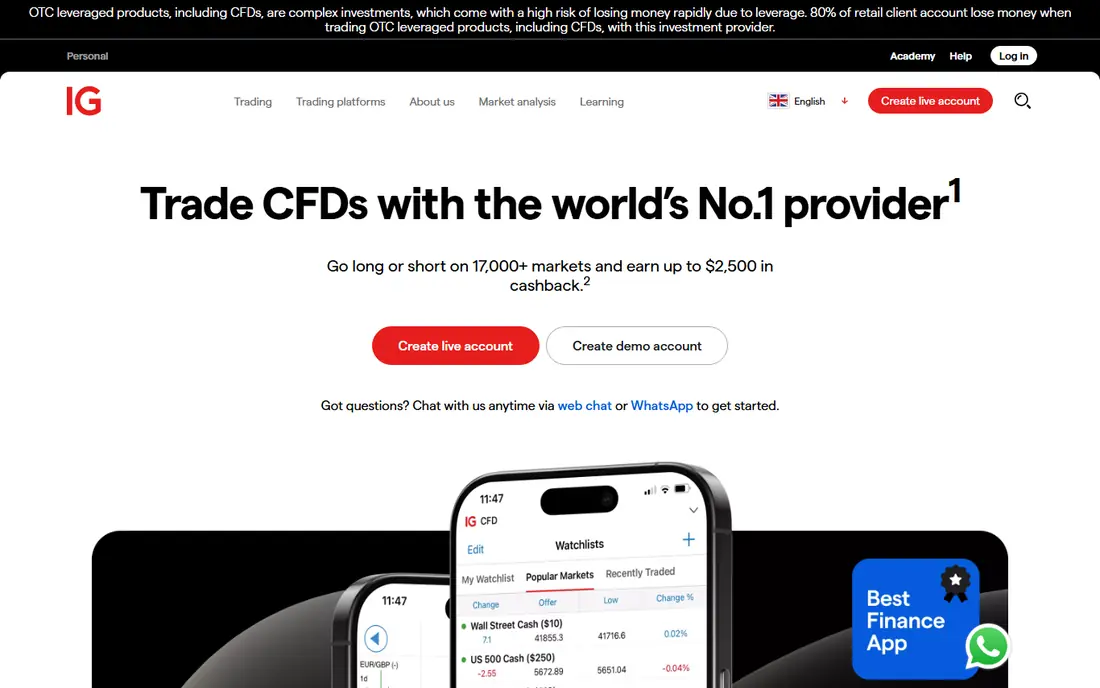
IG suits a trader who wants one account for many commodity markets and the research to back each trade. You can trade commodity CFDs, and in some regions you can also access futures and related products, subject to local rules and account type. Charts, alerts, and market news sit in the same platform, which helps when a price moves on a supply report. The catch is cost detail. Spreads, overnight funding, and any commissions differ by market, so read the fee page for the exact markets you plan to trade. Use the demo account first to learn order types and position sizing. IG is a large, long-established broker, but size does not remove trading risk.
- Wide commodity range across metals, energy, and agriculture
- Strong research and news
- Demo account for practice
- Costs vary by market and account type
- Platform choice can feel large for a first-time trader
Saxo fits an experienced trader who holds commodities alongside stocks, bonds, and currencies and wants advanced orders in one place. SaxoTraderGO suits everyday trading, while SaxoTraderPRO adds deeper charting and order tools for active users. Futures and options access, where available, gives a route beyond CFDs for traders who understand those contracts. That depth is also the drawback. A beginner who only wants to trade gold may find the setup and fee schedule harder to follow than a simpler CFD app. Check minimum deposits, commissions, and market data fees for your region before you open an account, because those figures differ by account tier.
- Broad multi-asset coverage including futures and options
- Advanced order types
- Strong portfolio tools
- Platform depth can overwhelm beginners
- Minimums and fees vary by region and account
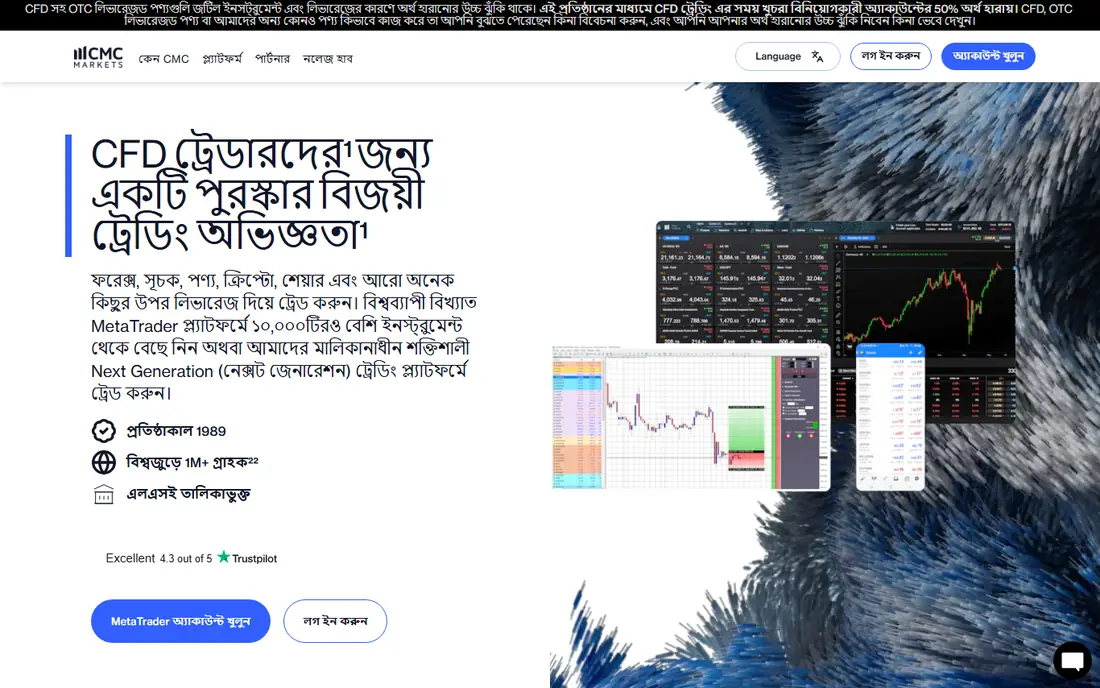
CMC Markets suits an active trader who lives in charts. The platform offers a large set of indicators, drawing tools, and pattern recognition features, plus commodity CFDs across metals, energy, and agriculture. That combination helps a trader who plans entries and exits from price levels rather than from news alone. The limit to note is product type. Most retail users trade CFDs here, which are products bought with borrowed money with spreads and overnight costs. Read the spread and funding pages for your markets, and test the platform on a demo account. CMC Markets is a strong charting choice, but charting skill does not remove market risk.
- Strong charting and pattern tools
- Broad commodity CFD range
- Demo account included
- CFD focus, not a full futures broker for most retail users
- Costs vary by market
Interactive Brokers suits a serious trader who wants real futures contracts, not only CFDs, and who trades across global exchanges. You get access to energy, metals, and agricultural futures, plus stocks, options, and currencies in the same account. Order types, risk tools, and reporting are built for professional use. That power comes with complexity. The desktop platform has many settings, and the fee schedule covers commissions, exchange fees, and market data separately. A beginner should start with paper trading and study contract sizes, expiry, and margin before trading a live future. Interactive Brokers is our pick for experienced futures traders, not for a first week in markets.
- Direct futures access on major exchanges
- Global market coverage
- Professional order tools
- Platform learning curve is steep
- Fee schedule is detailed and needs careful reading
Pepperstone fits a cost-conscious CFD trader who already knows MetaTrader or cTrader. The Razor account charges a commission with tighter spreads, while the Standard account builds cost into the spread. That choice lets a trader match cost structure to trading style, such as frequent small trades versus fewer larger trades. Commodity coverage spans metals, energy, and agriculture, with gold and oil among the most traded markets. The catch is that low spreads do not make trading low risk. Borrowed money still magnifies losses, so position size and stop orders matter more than a small spread saving. Test both account types on demo before you fund.
- Tight spreads on Razor accounts
- Choice of MetaTrader, cTrader, and TradingView
- Demo account included
- CFD focus
- Spreads and commissions vary by account type
Capital.com suits a beginner who wants a clean platform, clear charts, and learning material in the same app. The web platform and mobile app are easy to navigate, and the broker promotes commission-free CFD trading, with costs taken through spreads instead. That simple structure helps a new trader compare markets without a separate commission table. Read the spread and overnight funding pages anyway, because commission-free does not mean cost-free. Overnight charges can add up on positions held for days, and spreads widen in volatile markets. Start on the demo account, trade small, and treat the learning content as education, not as a promise of profit.
- Simple platform and app
- Commission-free CFD claim on many markets
- Learning content built in
- CFD only for most users
- Spreads and overnight charges still apply
XTB suits a trader who wants a single, well-built platform rather than a choice of third-party platforms. xStation 5 offers charting, news, and a market screener in one place, and commodity CFDs cover gold, oil, natural gas, silver, copper, coffee, and other common markets. Microlot sizing helps a trader control position size with care. The limit is range. If you trade a niche agricultural market, check that XTB lists it before you open an account, because the broadest brokers cover more contracts. As with other CFD brokers, spreads and overnight swaps drive cost, so compare those figures for gold and oil, the two markets most beginners trade first.
- Own xStation platform with strong charting
- Demo account
- Listed company with long history
- Commodity range is narrower than the broadest brokers
- CFD costs vary by market
eToro fits a trader who learns by watching others and wants commodities alongside stocks and crypto in one app. The social feed shows what other traders discuss, and copy trading lets a user copy the trades of another trader automatically, subject to risk settings and availability by region. That social layer needs a warning. Copying a trader copies their losses as well as their gains, and past results do not predict future results. Spreads on commodity CFDs can also be wider than on specialist brokers, so compare costs for your main markets. Use the virtual portfolio first, set a strict risk limit, and never copy with money you cannot afford to lose.
- Social feed and copy trading features
- Simple app
- Commodity CFDs and ETFs in one place
- Spreads can be wider than specialist CFD brokers
- Copy trading does not remove risk
How we picked these
We compared official platform pages, fee pages, and public reviews, and we checked that each homepage loads and matches the broker named. We kept brokers that are regulated in at least one major jurisdiction, offer commodity CFDs or futures, and provide a demo or paper account. We left out unregulated venues and crypto-only exchanges, because commodity traders need clear regulation and contract terms. Prices are shown as See website because broker costs are spreads, commissions, and funding charges, not a monthly subscription.
What to check before you open an account
Start with regulation and product type. Confirm the regulator for your country, and confirm whether you are trading a CFD, a future, or an ETF. Those three products have different risks, costs, and expiry rules, and mixing them up is a common beginner error.
Compare the three cost lines
Check the spread for your main markets, any commission per trade, and the overnight funding charge. A broker that looks cheap on spreads may charge more overnight, which matters if you hold positions for days. Ask for those three figures in writing for gold and oil before you fund.
Test order types on demo
Practice market orders, limit orders, and stop orders on a demo account. Learn how a stop behaves in a fast market, and learn position sizing in small units before you trade live. A demo cannot teach the emotion of live trading, but it can teach the mechanics without cost.
Set a risk rule and keep it
Decide the maximum loss per trade and per week before you start, and write it down. Use stop orders, avoid large borrowed-money positions, and review losing trades for process errors rather than chasing the loss. This is not financial advice; trading carries risk, and most retail CFD accounts lose money according to broker risk warnings.
Frequently asked questions
What is the best commodity trading platform for beginners?
Capital.com and eToro suit beginners because their apps are simple and include demo accounts and learning content. Pepperstone also works for a beginner who wants MetaTrader. Start on demo, trade small, and compare spreads for your main markets.
What is the best commodities trading platform for futures?
Interactive Brokers is a strong pick for futures, because it offers direct access to major exchanges with professional order tools. Saxo also offers futures where available. Futures need study of contract size, expiry, and margin, so paper trade first.
Which is the best app for commodity prices and charts?
CMC Markets and XTB offer strong charting in their own platforms, while Pepperstone lets you use TradingView. The best app depends on whether you want built-in charting or a third-party platform you already know. Check live price data fees for your region.
Are commodity trading apps safe?
Safety depends on regulation, fund protection, and your own risk controls. Choose a broker regulated in your country, check its risk warning, and keep position sizes small. No broker removes market risk, and products bought with borrowed money can lose money fast.
What is the best online commodity trading platform for gold?
IG, Pepperstone, XTB, and CMC Markets all offer gold CFDs with demo accounts, and Interactive Brokers offers gold futures. Compare gold spreads, overnight charges, and platform tools, then test your top two on demo before you choose.
Do commodity platforms charge a monthly fee?
Most brokers in this list do not charge a monthly subscription. They earn from spreads, commissions, and overnight funding charges. Check those three cost lines, plus any inactivity or market data fees, on the broker fee page for your region.
Sources we checked (8)

Online Jobs is an independent blog about careers, online work, learning new skills and the tools that help people earn. More about us.
Keep reading
All posts
Top AI Financial Software
Searching for top AI financial software? We compared 9 AI finance tools for AP, spend, close, forecasting and bookkeeping to help teams choose wisely.

Quicken Alternatives
Compare the best quicken alternatives for Mac, Windows, and small business owners, from Monarch Money and YNAB to Copilot, Tiller, and Banktivity in 2026.
QuickBooks Online Alternatives
Looking for quickbooks online alternatives? We compared 8 accounting tools on invoicing, bank feeds, payroll, pricing and fit for small businesses today.