Best CMMS Software in 2026: 9 Products Compared


mobile first teams moving off paper · Starting price: $20 per month
How we put this together: we compare official feature and pricing pages, app store listings, privacy policies and public user reviews. Prices change, so check the provider's site before you pay.
Key takeaways
- MaintainX, Limble, and Fiix offer free tiers, so a small team can digitise work orders before paying anything.
- Paid CMMS pricing clusters at $20 to $69 per user per month, with MaintainX Essential at $20 and UpKeep from $24 as low entry points.
- Mobile quality decides adoption, since technicians work on the floor, not at a desk, and a tool they avoid will fail.
- Per user pricing punishes broad adoption, so check free requester accounts before you compare headline seat prices.
- Plants with Rockwell controls or Fluke sensors should shortlist Fiix and eMaint for native integrations, not just the cheapest seat.
Quick comparison
| Name | Who it suits | Starting price | Free option | |
|---|---|---|---|---|
| MaintainX | mobile first teams moving off paper | $20 per month | Yes | Visit |
 UpKeep | small teams wanting quick mobile setup | $24 per month | Free trial | Visit |
 Limble | teams wanting the easiest adoption | $28 per month | Yes | Visit |
 Fiix | manufacturers wanting a proven mid market tool | $45 per month | Yes | Visit |
 eMaint | plants needing compliance grade reporting | $69 per month | Free trial | Visit |
 FMX | schools and multi facility teams | $35 per month | Free trial | Visit |
 Coast | facilities teams wanting custom workflows | $20 per month | Yes | Visit |
 eWorkOrders | growing teams wanting flat fee pricing | $380 per month | No | Visit |
 Fracttal | AI assisted maintenance planning | See website | No | Visit |
The best CMMS software
CMMS stands for computerised maintenance management system, and it replaces paper, spreadsheets, and scattered messages with work orders, asset histories, preventive schedules, and parts tracking in one place. We compared tools that are live in October 2026, offer work order and asset features for maintenance teams, and publish enough pricing detail to compare. The order follows team size and adoption ease, not feature count alone.
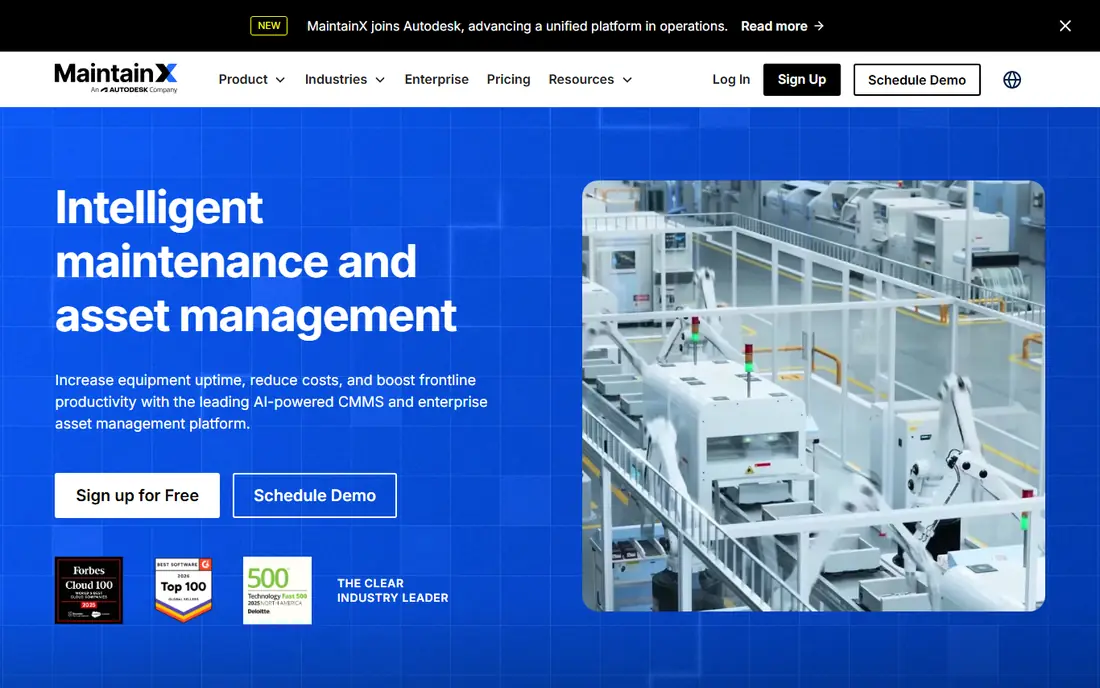
MaintainX is built phone first, which matters because maintenance happens away from a desk. Technicians can open a work order, photograph a fault, follow a procedure, and close a job from the floor, while managers see asset histories and schedules from a dashboard. The free Basic tier is usable for small operations, not just a demo.
Paid pricing is clear: Essential at $20 per user per month on annual billing, with Premium higher. Unlimited free requester accounts let everyone report an issue without a licence, which solves the adoption problem that per user tools often create. The honest catch is crew size. A plant with forty technicians pays for forty seats, so price the full crew, not just the managers.
- Phone first app that technicians actually open
- Free Basic tier for small teams
- Unlimited free requester accounts on paid plans
- Advanced reporting sits on higher tiers
- Per user pricing adds up for large crews
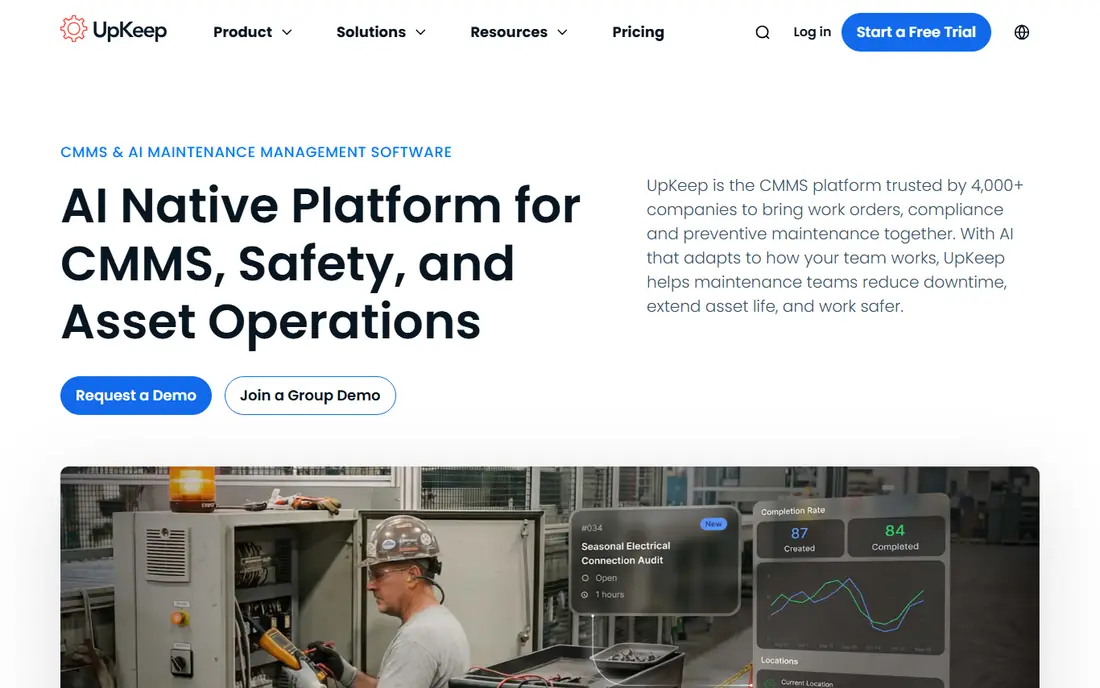
UpKeep suits a small team that wants to get organised on mobile quickly. Work orders, assets, and preventive schedules are easy to set up, and technicians can work from a phone without a long training course. Asset reporting helps managers track downtime and cost per asset, which supports budget requests with data rather than anecdote.
Entry pricing from $24 per user per month is competitive, but the reporting that justifies that price often sits on a higher tier. Check which tier includes the reports you need before you buy, and trial the mobile app with your own technicians, not just managers. If the floor team likes the app, adoption will follow.
- Fast setup for small and mid-size teams
- Good mobile work order app
- Asset performance reporting on higher tiers
- Useful reporting sits on higher tiers
- Interface can feel busy as asset lists grow
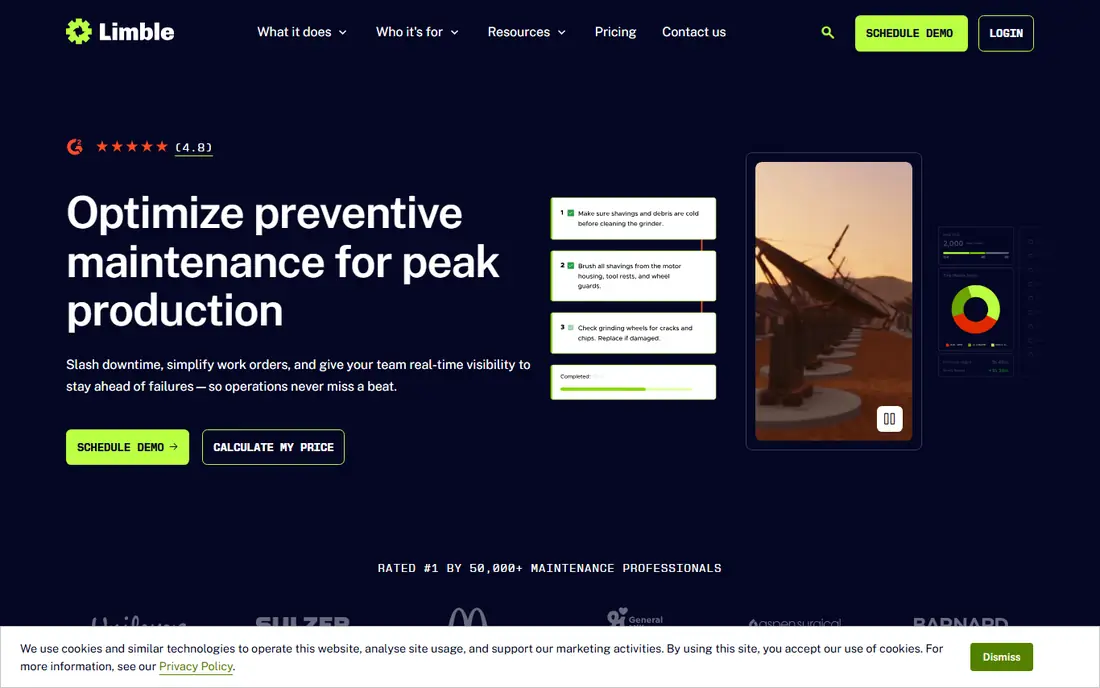
Limble is the easiest CMMS on this list to adopt. Preventive maintenance schedules, asset hierarchies, and parts inventory are present without the configuration burden of enterprise tools, and teams often go live in days. That speed matters for a team moving off spreadsheets, where a long setup project can kill momentum.
Standard pricing from $28 per user per month is higher than MaintainX Essential, so large teams should model total cost. Very large estates with complex hierarchies may also need a deeper enterprise tool. For small and mid-size teams where adoption is the main risk, Limble is a strong first shortlist pick.
- Consistently rated easy to use
- Preventive maintenance scheduling is strong
- Onboarding measured in days, not months
- Per user cost rises quickly for large teams
- Less suited to very large asset estates
Fiix, now part of Rockwell Automation, suits manufacturers that want a proven mid market system with pricing published upfront. Basic starts at $45 per user per month, with Professional higher and Enterprise quoted. Asset tracking, preventive schedules, and work order depth are solid, and Rockwell links help plants that already use Rockwell controls.
The price gap versus MaintainX and UpKeep is real, so Fiix needs a clear reason to win. That reason is often integration or depth: a plant standardised on Rockwell, or a team that needs stronger asset intelligence than a mobile first tool offers. If neither applies, a cheaper tool may serve the same work orders well.
- Proven mid market CMMS with clear pricing
- Free plan for small teams
- Native links for Rockwell Automation environments
- $45 per month Basic price is higher than MaintainX or UpKeep
- Enterprise features need a quoted plan
eMaint, from Fluke, fits plants that need a CMMS shaped to their processes, not a fixed template. Multi site operations, condition monitoring, and regulated reporting are its strengths, with sensor links that can trigger work orders automatically. Teams in regulated industries value the audit trail and report depth.
Small teams will find $69 per user per month for Team steep, and setup takes longer than Limble or MaintainX. eMaint earns its price when compliance, condition data, or multi site complexity is the core problem. For a single site team with simple work orders, a lighter tool will be faster and cheaper.
- Strong configurability for multi site plants
- Condition monitoring links, including Fluke sensor data
- Compliance grade reporting
- $69 per month Team price is high for small teams
- Setup and configuration take more time
FMX suits schools, municipalities, and organisations that run many facilities from one system. Staff and occupants can submit work requests through a portal, managers can schedule preventive work across sites, and reporting covers the whole estate. That multi facility view is the main benefit over a single site tool.
Manufacturing depth is thinner than Fiix or eMaint, so plants with complex asset hierarchies should compare carefully. For facilities teams, though, FMX at $35 per user per month is a balanced middle option, with a free trial to test the request portal with real occupants before buying.
- Strong fit for education, government, and multi facility estates
- Clear work request portals
- Good scheduling tools
- Pricing from $35 per month still adds up per user
- Less manufacturing depth than Fiix or eMaint
Coast offers customisable workflows at a low entry price, which suits commercial facilities that need a CMMS shaped to their own processes. Starter at $20 per user per month matches MaintainX Essential on price, and a free plan lets a small team test work orders before paying. Workflow customisation helps teams that find fixed templates too rigid.
Vendor size is the question to check. Coast is smaller than the market leaders, so a buyer should review support hours, update history, and integration list before a long term commitment. For a facilities team that values workflow flexibility at a low price, Coast deserves a trial beside MaintainX.
- Customisable workflows for commercial facilities
- Starter at $20 per user per month
- Free plan for small teams
- Smaller vendor than MaintainX or Fiix, so check support and roadmap
- Advanced manufacturing features are limited
eWorkOrders breaks the per user model. Starter costs $380 per month flat, with unlimited users, which changes the maths for a growing team. Past about 15 to 20 technicians, a flat fee can be far cheaper than $20 to $45 per user per month, and it removes the penalty for giving every technician and requester an account.
Small teams should not buy it on that logic alone. At $380 per month, a team of five pays far more than on MaintainX or UpKeep. Model your crew size for the next two years, not just today, and choose eWorkOrders when the flat fee clearly beats per user pricing at your real headcount.
- Flat monthly fee with unlimited users on Starter
- Good value past 15 to 20 technicians
- Work order and asset features for growing teams
- $380 per month is high for a very small team
- No free plan, only a trial or demo route
Fracttal suits companies that want AI help with maintenance planning and connected assets. It offers asset management, work orders, and planning tools with IoT links, and it has a strong base in Latin America and Europe. Teams with connected equipment or a large asset estate may find its planning features more useful than a simple work order app.
Quote based pricing is the drawback for comparison. A buyer cannot judge Fracttal on price in an afternoon, and North American small teams may find local support thinner than for MaintainX or UpKeep. Shortlist Fracttal when AI planning or IoT is a stated need, and run a structured trial with your own asset data.
- AI assisted planning and asset insights
- Strong presence in Latin America and Europe
- IoT links for connected assets
- Quote based pricing makes comparison slow
- Less common in North American small team shortlists
How we picked these
We started with CMMS tools that are live in October 2026, offer work orders, assets, and preventive maintenance, and serve maintenance or facilities teams. Each tool had to have a current vendor site and enough pricing detail to compare, with See website used where pricing was quoted or flat fee by plan. We checked vendor pricing pages and product descriptions for free tiers, entry prices, and the main limits.
We ranked by adoption fit and team size, not by feature count alone. A deep enterprise tool can fail a small team that never adopts it, while a simple mobile tool can fail a plant that needs compliance reporting. We left out tools that only offer asset tracking with no work orders, tools that only serve one niche industry with no general CMMS use, and tools we could not verify as live products.
How to choose a CMMS without a failed rollout
A CMMS rollout fails on adoption, not on software quality. Use this guide to run a trial that tests the floor, not just the dashboard.
Trial with real technicians, not just managers
Give the mobile app to three technicians for two weeks, with real work orders, photos, and asset lists. If they avoid the app, find out why before you buy. A tool that managers love and technicians ignore will not keep asset histories accurate.
Load your real assets and schedules
Import a sample of real assets, preventive schedules, and parts, rather than testing with demo data. Demo data hides import problems, naming issues, and schedule gaps that appear on day one of a live rollout. A trial that uses real data gives a true setup time estimate.
Price the full crew and the tier you need
Add every technician, supervisor, and manager who needs a paid seat, then check which tier includes the reporting, inventory, and integrations you need. A low entry price on a tier without reporting is not a saving if you must upgrade in month two. Compare that full tier price across tools.
Plan the first 90 days
Assign an owner, set a go live date for one site or one team, and review work order completion weekly for the first 90 days. Move to more sites only after the first team closes jobs on time in the new system. A phased rollout beats a big bang launch that overwhelms staff.
Frequently asked questions
What is the best CMMS software for a small team?
MaintainX is the best small team starting point, because it offers a free Basic tier, a phone first app, and Essential at $20 per user per month. Limble is a strong alternative if ease of use is the top priority, and UpKeep suits teams that want fast mobile setup. Trial the mobile app with real technicians before choosing.
Is there a free CMMS software option?
Yes. MaintainX, Limble, Fiix, and Coast all offer free plans or free tiers, with limits on users or features. A free tier is enough for a small team to digitise work orders and test adoption. Larger teams usually need a paid tier for reporting, inventory, and integrations.
How much does CMMS software cost per month?
Paid entry prices on this list run from $20 to $69 per user per month, with MaintainX Essential at $20, UpKeep from $24, Limble at $28, FMX from $35, Fiix at $45, and eMaint at $69. eWorkOrders uses a flat $380 per month with unlimited users, which can be cheaper for larger crews. Always price the tier you need, not just the entry tier.
What is the difference between CMMS and EAM software?
CMMS focuses on maintenance work orders, assets, preventive schedules, and parts for day to day maintenance. EAM, or enterprise asset management, covers the full asset lifecycle, including procurement, finance, and long term planning, often at enterprise scale. Most small and mid-size teams need CMMS first, and move to EAM only when asset lifecycle and finance integration become core needs.
Which CMMS is best for manufacturing plants?
Fiix and eMaint are strong manufacturing picks, with Fiix offering Rockwell links and eMaint offering Fluke sensor links and compliance reporting. MaintainX also works well in plants that value mobile adoption and a free starting tier. Choose by integration need and reporting depth, not by seat price alone.
How long does it take to set up a CMMS?
Simple tools such as Limble and MaintainX can go live in days for a small team with a clean asset list. More configurable tools such as eMaint can take weeks, depending on asset count, integrations, and reporting needs. A trial with real assets gives a better setup estimate than a vendor demo with sample data.
Sources we checked (9)

Online Jobs is an independent blog about careers, online work, learning new skills and the tools that help people earn. More about us.
Keep reading
All posts
eBay Alternatives
Looking for ebay alternatives? We compared 9 marketplaces for sellers on fees, buyer reach, categories and ease of listing, to help you sell with confidence.

ZoomInfo Alternatives
The best ZoomInfo alternatives in 2026, compared on price, free plans, data coverage, and which tool fits small teams or large sales teams best in detail.

Zoom Alternatives
Zoom alternatives compared for 2026: Google Meet, Microsoft Teams, Webex, Jitsi and more for free calls, large meetings and webinars for teams and classrooms.