Best Client Portal Software in 2026: 8 Tools Compared

How we put this together: we compare official feature and pricing pages, app store listings, privacy policies and public user reviews. Prices change, so check the provider's site before you pay.
Key takeaways
- SuiteDash is the best value all-in-one here, with a flat $19 per month start price and unlimited staff and clients on every plan.
- Copilot, now known as Assembly in some listings, gives the most polished client experience for agencies that care about branding.
- Moxo and Clinked suit larger or compliance focused firms, but their prices sit well above the small team tools in this list.
- SuperOkay and ManyRequests are strong picks when you want a clean portal without buying a full CRM and project suite.
- Check client limits before you choose: some tools charge per client or per seat, while others charge one flat plan price.
Quick comparison
| Name | Who it suits | Starting price | Free option | |
|---|---|---|---|---|
 SuiteDash | All-in-one value | $19 per month | Free trial | Visit |
 Copilot | Polished agency portals | See website | Free trial | Visit |
 Moxo | Large firm workflows | See website | Free trial | Visit |
 Clinked | Secure document work | See website | Free trial | Visit |
 SuperOkay | Creative agencies | See website | Free trial | Visit |
 ManyRequests | Productized services | See website | Free trial | Visit |
 ClientVenue | Agency project portals | See website | Free trial | Visit |
 HoneyBook | Freelancers and small firms | See website | Free trial | Visit |
The best client portal software
A client portal gives your clients one branded place to see files, invoices, messages, and project status, instead of hunting through email threads. We compared white label options, invoicing, onboarding forms, automation, and whether clients pay extra or log in free. The best choice depends on whether you need a simple file hub or a full business system that also handles billing and projects.

For a reader who wants a flat price all-in-one system, SuiteDash is a direct place to start. SuiteDash combines a white label client portal with CRM, projects, invoicing, file sharing, and onboarding forms, and every plan includes unlimited staff and clients. The reports and screens are organised around that job, so a first search or setup does not require learning a large system first.
The wide feature set takes time to set up, and a reader who only needs a file hub may find the dashboard busy at first. Check the plan limits before you pay, and confirm that the coverage and export options match the work you actually do each month. Pick SuiteDash when one flat price for the whole business system matters most.
- Flat $19 per month start price
- Unlimited staff and clients
- White label on all plans
- Setup takes time
- Dashboard can feel busy for simple use
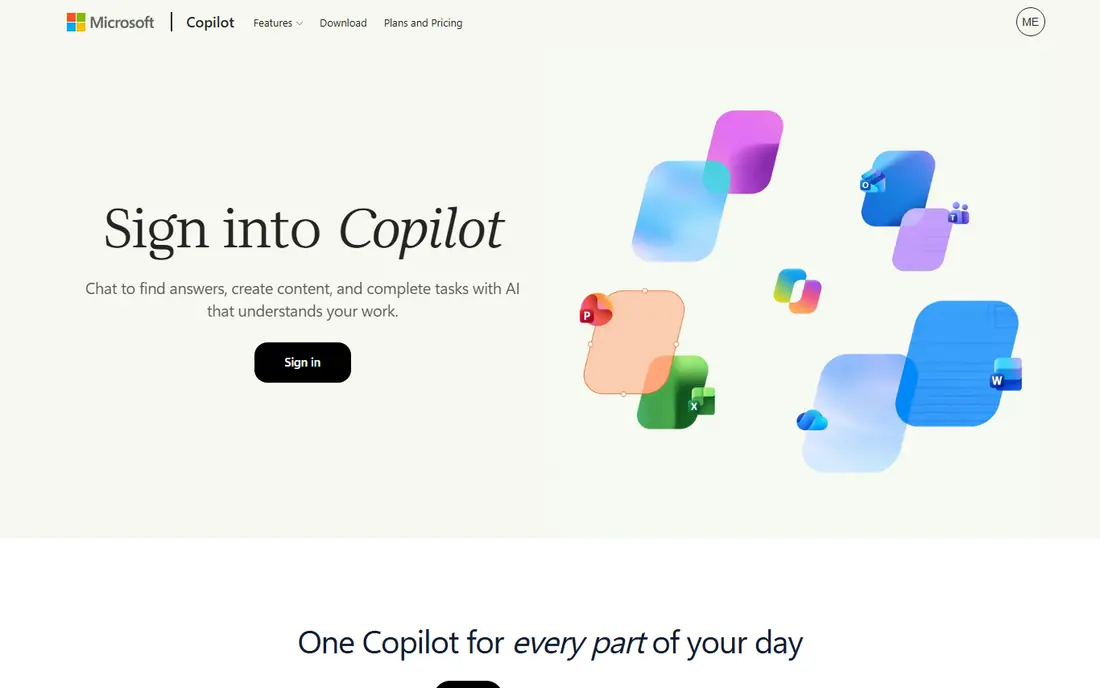
If a polished branded portal for agency clients is the main job, Copilot deserves a close look. Copilot, listed as Assembly in some directories, focuses on a clean client app with branded portals, custom client apps, messaging, files, and payments in one place. The reports and screens are organised around that job, so a first search or setup does not require learning a large system first.
The most polished branding options sit on higher plans, so check what the entry plan includes before you commit. Check the plan limits before you pay, and confirm that the coverage and export options match the work you actually do each month. Pick Copilot when client experience and branding are the main reason to buy.
- Clean client experience
- Branded portals and apps
- Messaging, files, and payments
- Full branding costs more
- Pricing varies by plan and contacts
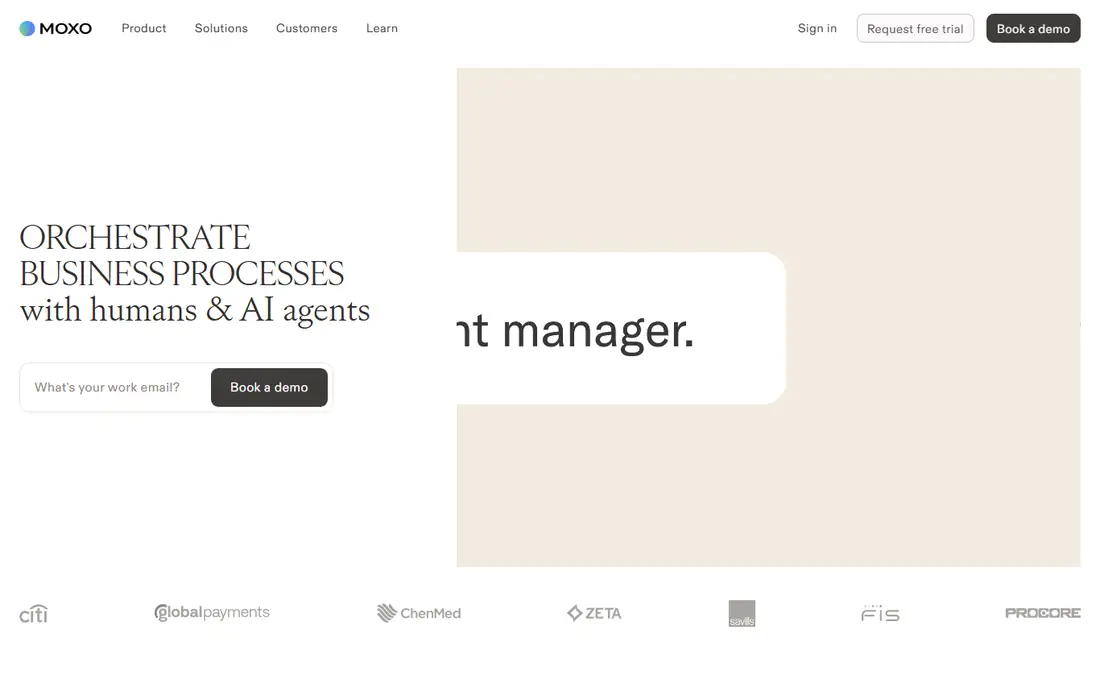
Moxo suits a reader who needs multi-step workflows in larger firms without a long setup. Moxo is built for structured client workflows, with approvals, document collection, and messaging that suit banks, accounting firms, and other larger service firms. The reports and screens are organised around that job, so a first search or setup does not require learning a large system first.
Pricing is aimed at larger teams, so small freelancers will find it expensive for a simple portal. Check the plan limits before you pay, and confirm that the coverage and export options match the work you actually do each month. Pick Moxo when workflow control and compliance matter more than a low price.
- Structured workflows and approvals
- Strong document handling
- Unlimited seats on some plans
- High price for small teams
- Setup needs planning
When secure document sharing with clients matters most, Clinked makes a practical shortlist entry. Clinked focuses on secure file sharing, client groups, and document workflows, which suits firms that handle contracts and sensitive files every day. The reports and screens are organised around that job, so a first search or setup does not require learning a large system first.
Per user pricing can grow as your team grows, so model the cost at your real team size. Check the plan limits before you pay, and confirm that the coverage and export options match the work you actually do each month. Pick Clinked when secure document handling is the core job.
- Secure file sharing and groups
- White label branding
- Audit and access controls
- Per user pricing adds up
- Less of a full CRM than SuiteDash
A reader focused on a clean portal for creative agencies will find SuperOkay easy to understand. SuperOkay gives agencies a simple branded portal with pages, files, forms, and tasks, without forcing clients through a complex system. The reports and screens are organised around that job, so a first search or setup does not require learning a large system first.
White label branding on the higher plans costs more, so the entry price does not tell the full branding story. Check the plan limits before you pay, and confirm that the coverage and export options match the work you actually do each month. Pick SuperOkay when a clean client view matters more than a full business suite.
- Clean portal design
- Simple client login
- Pages, files, and forms
- Full white label costs more
- Fewer built-in billing tools than all-in-one rivals
ManyRequests is built around productized services with request forms, and that focus shows in the layout. ManyRequests suits firms that sell fixed services, with a client portal for requests, tasks, files, and billing, plus a public service catalogue. The reports and screens are organised around that job, so a first search or setup does not require learning a large system first.
It fits productized work better than open ended consulting, where custom workflows matter more. Check the plan limits before you pay, and confirm that the coverage and export options match the work you actually do each month. Pick ManyRequests when clients buy set services and submit requests through the portal.
- Service catalogue and request flow
- Client portal with billing
- Simple setup
- Less flexible for open ended consulting
- Advanced automation is limited
For agency projects with client visibility, ClientVenue offers a clear and workable route. ClientVenue combines project tracking with a client portal, so clients can follow tasks, files, and invoices without asking for status updates by email. The reports and screens are organised around that job, so a first search or setup does not require learning a large system first.
It is a smaller vendor than the leaders here, so check support hours and roadmap before a long commitment. Check the plan limits before you pay, and confirm that the coverage and export options match the work you actually do each month. Pick ClientVenue when project visibility is the main portal job.
- Project tracking plus portal
- Client invoicing
- Task visibility for clients
- Smaller vendor footprint
- Fewer third party integrations than leaders
Readers who need proposals, contracts, and payments for freelancers can start with HoneyBook and compare from there. HoneyBook combines a client portal with proposals, contracts, scheduling, invoicing, and payments, which suits photographers, designers, and other independent professionals. The reports and screens are organised around that job, so a first search or setup does not require learning a large system first.
It is shaped around creative and service freelancers, so larger agencies may find the project tools lighter than a dedicated suite. Check the plan limits before you pay, and confirm that the coverage and export options match the work you actually do each month. Pick HoneyBook when proposals and payments matter as much as the portal itself.
- Proposals, contracts, and payments in one place
- Polished client flow
- Scheduling tools
- Project tools are lighter than agency suites
- Pricing is annual for the best rate
How we picked these
We started with portal tools that are still operating in October 2026, offer a branded client login, and publish pricing or a clear sales route. We compared portal branding, file sharing, invoicing, forms, messaging, automation, and support for unlimited clients. Our findings rest on official feature and pricing pages, help documentation, and public reviews, and we favoured tools that let clients log in free without a seat charge.
How to choose client portal software
Start with the client experience. Ask a colleague to log in as a test client and complete one task, such as paying an invoice or uploading a file. If that test feels slow or confusing, the portal will create support work instead of saving time.
Decide how much system you need
A simple portal suits a freelancer who mainly shares files and invoices. An agency that onboards clients, tracks projects, and automates reminders needs a wider tool. Buying a full suite for a simple file hub wastes money and setup time, while buying a thin portal for a complex workflow leads to extra tools later.
Check branding and client limits
White label branding matters when clients should see your business, not the software vendor. Confirm whether your domain, logo, and colours are included on the plan you will actually buy, not only on the top plan. Also confirm whether clients count toward a seat limit, since per client pricing can grow fast as you add accounts.
Test billing, forms, and support before you migrate
Move one real client through the full flow before you migrate everyone: intake form, file upload, invoice, payment, and message thread. Check how support responds, how data exports work, and whether you can leave without losing client files. A portal that locks files inside the system is a poor long term home for client work.
Frequently asked questions
What is the best software for client portals?
SuiteDash suits small teams that want an all-in-one system at a flat price, while Copilot suits agencies that want a polished branded portal. The best software for client portals depends on team size, budget, and whether billing and projects must live in the same tool.
What are the best client portal tools for freelancers?
SuperOkay, ManyRequests, and SuiteDash all suit freelancers, since they keep the portal simple and the price low. A freelancer who only shares files and invoices can start smaller than an agency that needs automation and team roles.
Do clients have to pay to use a client portal?
No, clients normally log in free, and the business pays the subscription. Check the plan terms, since a few tools limit active clients or charge for extra seats on the business side.
Can I white label a client portal?
Yes, most tools in this list offer white label branding, but the included level differs. SuiteDash includes white label branding on all plans, while other tools reserve a custom domain or full branding for higher plans.
Is client portal software secure?
Reputable tools use encrypted connections, role based access, and separate client workspaces so one client cannot see another client files. For sensitive work, also check audit logs, two factor login, and data location terms before you choose.
Sources we checked (8)

Online Jobs is an independent blog about careers, online work, learning new skills and the tools that help people earn. More about us.
Keep reading
All posts
n8n Alternatives
n8n alternatives compared for 2026, with Zapier, Make, Activepieces, and more, covering visual builders, code steps, self-hosting, and pricing models.

ZoomInfo Alternatives
The best ZoomInfo alternatives in 2026, compared on price, free plans, data coverage, and which tool fits small teams or large sales teams best in detail.

Yotpo Alternatives
Find cheaper alternatives to Yotpo for reviews and loyalty, with Judge.me, Loox, Stamped, and more compared for Shopify stores in 2026, all in one guide.