Best Cleaning Schedule Apps in 2026: 9 Apps Compared

How we put this together: we compare official feature and pricing pages, app store listings, privacy policies and public user reviews. Prices change, so check the provider's site before you pay.
Key takeaways
- Tody is our pick for most homes because its due-date view follows how dirty a task is, not a fixed weekday.
- Sweepy and Cozi suit different homes: Sweepy makes the routine feel like a shared plan, while Cozi ties cleaning to a family calendar and lists.
- Most of the best cleaning apps have a usable free plan, so you can try the routine for a week before paying.
- Families with children get more from points, rewards and allowance tools in OurHome, Homey and S'moresUp than from a plain checklist.
- A cleaning service app is a different purchase from a cleaning schedule app, so check whether you want help doing chores or help booking a cleaner.
Quick comparison
| Name | Who it suits | Starting price | Free option | |
|---|---|---|---|---|
 Tody | Cleaning by what is due | Free | Yes | Visit |
 Sweepy | A simple shared routine | Free | Yes | Visit |
 Cozi | Cleaning inside a family calendar | Free | Yes | Visit |
 OurHome | Points and rewards for kids | Free | Yes | Visit |
 Homey | Chores linked to allowance | Free | Yes | Visit |
 S'moresUp | Family chore charts and rewards | Free | Yes | Visit |
 Home Routines | Gentle daily routines | Free | Yes | Visit |
 Nudge | A forgiving daily cleaning plan | See website | No | Visit |
 Tidywell | Streaks and a forgiving routine | See website | Free trial | Visit |
The best cleaning schedule apps
We compared official feature pages, pricing pages, app store listings and public reviews to find the best cleaning schedule app for different kinds of homes. The list below covers solo cleaners, couples, roommates and families with children.
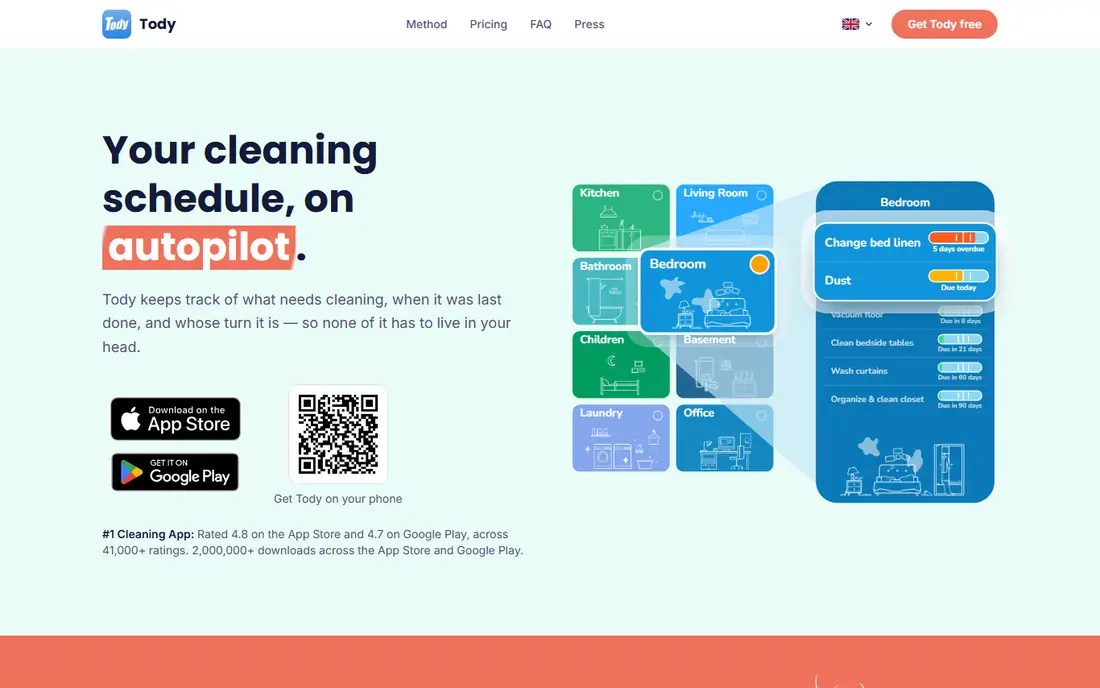
Tody fits homes that hate rigid weekday schedules. Each task gets its own interval, such as weekly vacuuming or a deep clean every few months, and a colour indicator shows how far along that interval has run. Green means a task can wait, red means it is overdue, and the list for today stays short because it shows only what is due.
The free plan covers the core cleaning plan for one person, with chore assignment and automatic rotation included. That makes Tody a strong starting point if you live alone or you are the person who usually plans the cleaning. Paid plans add multiple homes, a focus timer, household sync and FairShare targets.
The honest catch is that the best sharing features cost extra. If everyone in the home needs the same live plan on their own phone, check the current Premium+ price for your household size before you commit. For a single user, though, the free plan is hard to beat.
- Free plan with no ads
- Tasks rotate automatically
- Clear due indicators for each room
- Household sync needs a paid plan
- Setup takes time for a large home
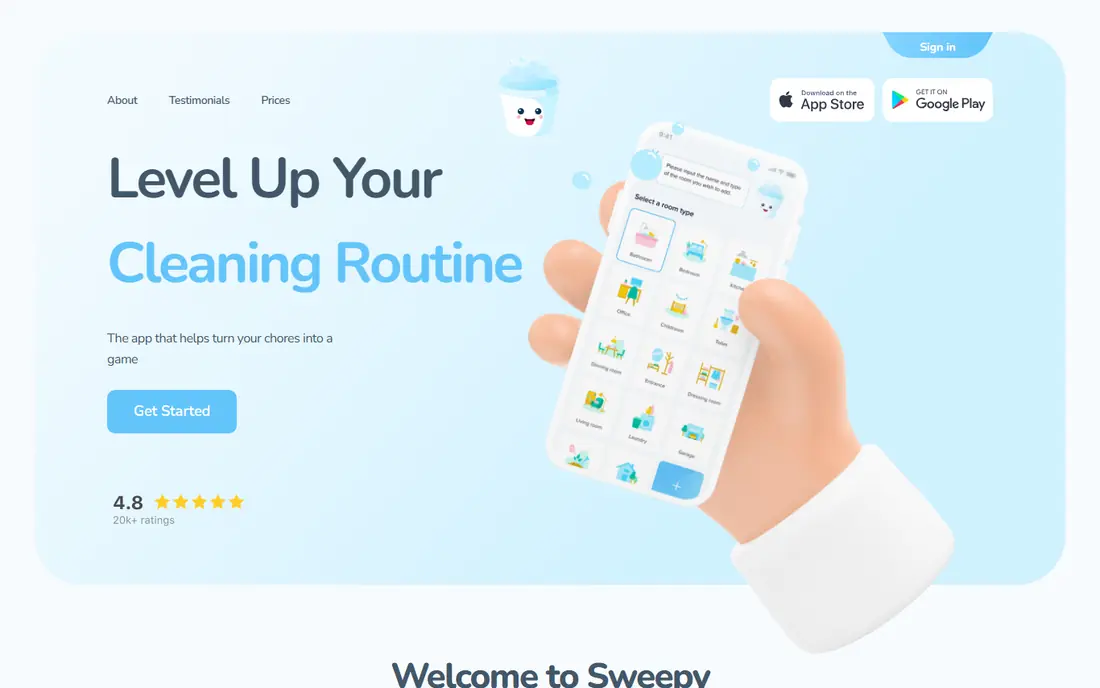
Sweepy fits people who want a clear home cleaning schedule without learning a complex system. You organise tasks by room, check them off as you go, and see which rooms need attention next.
The app is free to install, with optional in-app purchases for extra features. Our reading of store listings and comparison pages put the yearly premium option around $19.99 per year, but you should confirm the current price in your app store before paying, since store prices vary by region.
The catch is scope. Sweepy does cleaning well, but it is not a calendar, meal planner or shopping list app. If you want one app for the whole household, pair it with a calendar or pick Cozi instead.
- Room-based plan that is easy to follow
- Progress tracking by room
- Free version covers the basics
- Paid features vary by store listing
- Not a full family organiser
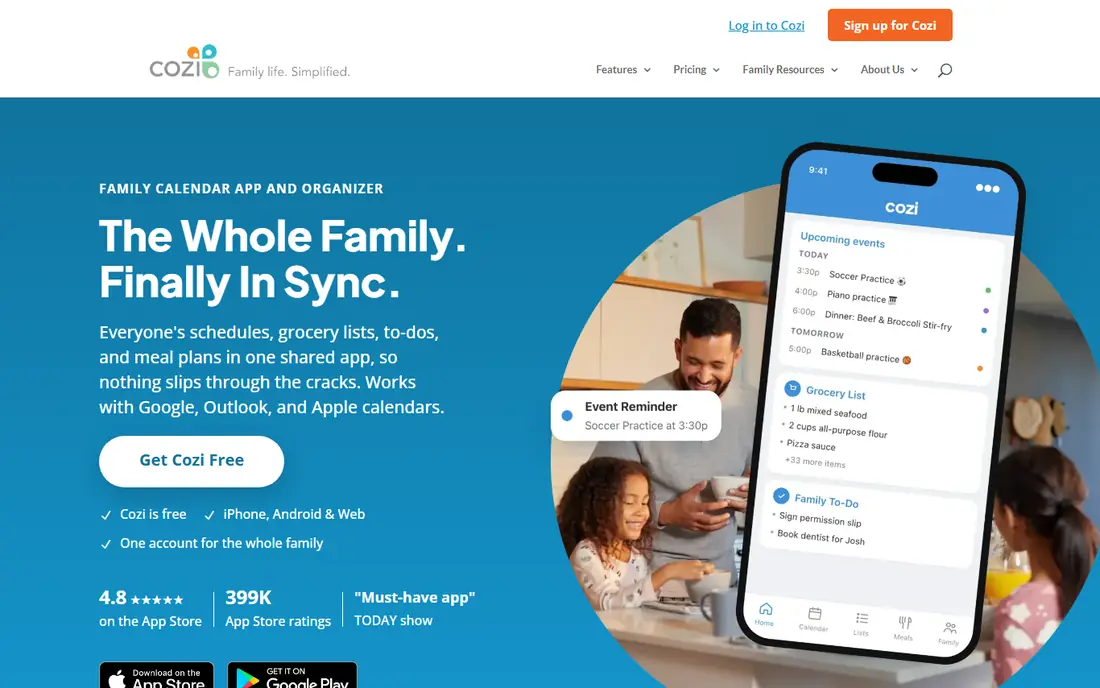
Cozi fits busy families who already live by a shared calendar. Cleaning tasks sit beside school runs, appointments, shopping lists and meal plans, so chores are less likely to be forgotten when the week gets busy.
The free version covers the calendar and lists, with ads. Cozi Gold, listed at $39 per year in recent reviews of the vendor pricing page, removes ads and lifts the 30-day calendar limit, and adds extra reminders and a mobile month view. A higher Max tier adds AI event import and meal planning tools.
The catch is that Cozi is not a dedicated chore tracker. There is no recurring chore assignment with per-child views, rewards or allowance tracking. If children need motivation to finish chores, OurHome or Homey will do more for you, even if Cozi wins for family admin overall.
- Shared calendar, lists and recipes in one place
- Works on web, iOS and Android
- Simple to learn
- Free calendar is limited to a 30-day window
- No points, rewards or allowance system
OurHome fits families with younger children who respond to points and rewards. Kids earn points for finished tasks, then spend them on rewards you approve in advance, from extra screen time to a family outing.
The app also covers a shared grocery list and a family calendar, so it handles more than chores alone. The core app is free, which makes it a low-risk trial for a family that is unsure whether gamification will work at home.
The honest catch is age range and upkeep. Public comparisons note that the app feels best for younger children and that development has slowed, with some promised features still listed as coming. Try it with one or two children first, and keep your expectations modest about new features.
- Gamified points and a rewards store
- Shared grocery list and calendar
- Free core features
- Development pace has slowed in public reports
- No desktop-first version
Homey fits families who want chores tied to real money lessons. You can set responsibilities that earn nothing, because everyone helps at home, and jobs that earn money or rewards. Children can track savings jars for goals, and parents can manage allowance and IOUs in one place.
Store listings put the paid subscription at $4.99 per month or $49.99 per year, with bank account transfers available in the US only on paid plans. Outside the US, families can still use IOU tracking and pay out in cash, which keeps the system usable without a bank link.
The catch is cost and geography. The free version covers basic chores, but the money features that make Homey distinct sit behind the subscription. If you only need a chore list, a free app such as OurHome or Tody will do the job for less.
- Separate paid jobs and unpaid responsibilities
- Savings jars for kids
- Sync across household devices
- Bank transfers are US only
- Full features need a paid subscription
S'moresUp fits families who want a direct replacement for a paper chore chart, with points and rewards built in. Each child gets a clear chart, parents can approve finished work, and rewards give children a reason to keep going through the week. It is often named as the closest match for families moving from older chore apps.
The app also includes a family calendar and shared lists, so it covers more than chores. A free tier lets you try the core routine before paying for extra features, and the family focus means setup is built around parents and children rather than a single user.
The catch is that a small household may not need all of it. Couples and roommates will find Tody or Sweepy simpler, and S'moresUp works best when at least one child is motivated by points. Check the current paid plan limits for family size before upgrading.
- Points and rewards designed for families
- Chore charts for each child
- Calendar and lists included
- Some features need a paid plan
- Interface can feel busy for small households
Home Routines fits people who feel overwhelmed by a long task list and want a calmer start. Instead of a full house plan, it breaks cleaning into small daily routines and weekly zones, so each day has a short, achievable list. That shape suits someone returning to a routine after a busy period or a move.
The app is free with optional paid extras in store listings, and its simple layout means you can set it up in minutes. It works well as a personal routine builder, even if you share a home, because the focus is on your own daily habits rather than managing other people.
The catch is collaboration. Home Routines is not the best pick for a household that needs assignment, rotation and shared progress in one view. If that matters, Tody or Sweepy will serve you better.
- Low-pressure daily and weekly routines
- Simple layout
- Good for building a habit slowly
- Fewer sharing and gamification features
- IOS focused in older listings
Nudge fits people who start cleaning plans and then stop after one bad week. Its streak is designed to forgive a missed day each week and to wait during a break, so a single slip does not erase progress. Tasks stay waiting, levels only move up, and finished work fills in a companion view that grows over time.
Comparison pages list Nudge at $49.99 per year, or $6.99 per month, with a 7-day free trial on monthly and annual plans for eligible new subscribers. That price is higher than Tody or Sweepy, so it makes sense only if the forgiving streak design is what keeps you going.
The catch is value for money. If you do not need the companion view or the forgiving streak, Tody gives you a similar due-based plan for much less. Try Nudge only if strict streak apps have failed you before.
- Forgiving streak that covers a missed day
- Small daily tasks
- Companion progress view
- No free tier in comparison pages
- Higher yearly price than Tody or Sweepy
Tidywell fits people who like streaks but hate being punished for one missed day. Comparison pages list its paid plan around $39.99 per year, with unlimited streak freezes, which means a missed day does not wipe out your progress. That forgiving design helps people who travel, work shifts or care for family members.
The app covers a room-based cleaning plan with streaks, so it combines routine tracking with motivation. It is a good option if you have tried strict habit apps and given up after a break, because the design expects real life to interrupt the plan.
The catch is price and free access. Tidywell costs more per year than Tody or Sweepy, and its free tier is narrower. Try the trial first, and only pay if the streak system is what keeps you going.
- Streaks with freezes for missed days
- Gentle framing for setbacks
- Room-based cleaning plan
- Paid plan is more expensive than Tody or Sweepy
- Free tier is less generous
How we picked these
We compared official feature pages, pricing pages and app store listings for each app, and checked public reviews for how the apps work in real homes. We favoured apps with a clear cleaning schedule, a usable free or trial option, and features that match a specific household, from solo cleaners to families with children. We did not count a cleaning service booking app as a cleaning schedule app, since booking a cleaner and planning your own chores are different jobs. Where a price varied by store or region, we said so in the text and marked the table as See website.
What to check before you pick a cleaning app
Start with who will use it. A solo cleaner needs a good personal list and reminders. A couple or a group of roommates needs assignment and rotation. A family with children needs points, rewards or allowance tools, or at least a view each child can understand. Pick the app that fits the people first, and the features second.
Check the free plan carefully
Free does not always mean the same thing. Tody offers a free plan with no ads for one person, while other apps limit family size, calendar range or paid features. Use the free plan for a full week, including a weekend, before you pay. That week will show whether reminders arrive at useful times and whether other people in the home actually open the app.
Set intervals that match your home
Most cleaning apps let you set how often each task repeats. Be honest about your home: a bathroom used by four people needs more frequent cleaning than a spare room. Set short intervals for kitchens and bathrooms, longer intervals for deep cleans, and adjust after two weeks if the list feels too long or too short.
Decide how you will share the work
Rotation matters more than any single feature. An app that rotates chores automatically removes arguments about fairness, while a manual list still leaves one person in charge of assigning work. If fairness is the main problem at home, prioritise rotation and shared progress.
Frequently asked questions
What is the best cleaning schedule app?
The best cleaning schedule app for most homes is Tody, because its due-based view follows how dirty tasks are rather than a fixed weekday, and its free plan covers one person with no ads. Sweepy is a simpler alternative, and Cozi is better if you want cleaning inside a family calendar. The right pick depends on household size and whether children need rewards.
What are the best house cleaning apps for families?
For families, OurHome, Homey and S'moresUp are strong picks because they use points, rewards or allowance to motivate children. OurHome is free and works well for younger children, Homey links chores to money lessons and savings jars, and S'moresUp offers family chore charts with a calendar. Try the free tier first to see which system your children respond to.
Is there a best cleaning app that is free?
Yes, several of the best cleaning apps have free plans. Tody is free for one person, Sweepy is free to install with optional purchases, and Cozi and OurHome both offer free versions. Check what the free plan limits, such as household sync, calendar range or family size, before you rely on it for a whole household.
What is the difference between a cleaning app and a cleaning service app?
A cleaning schedule app helps you plan and track your own cleaning, with tasks, reminders and shared lists. A cleaning service app helps you book a professional cleaner, and usually covers quotes, booking and payment for a house cleaning service. Some people use both: a schedule app for daily upkeep and a service app for deep cleans.
How do I make a cleaning schedule that sticks?
Start small, with a short daily list and one weekly zone, rather than a full house plan on day one. Set realistic intervals, rotate chores so the work is shared, and review the list after two weeks. If a task keeps going overdue, change its interval or split it into smaller steps instead of adding more reminders.
Do I need a paid cleaning app?
Most homes do not need a paid plan at first. Free plans from Tody, Sweepy, Cozi and OurHome cover the core routine for many households. Pay only when you hit a clear limit, such as household sync, allowance transfers or a longer calendar range, and when the free version has already proven that the routine works for you.
Sources we checked (10)

Online Jobs is an independent blog about careers, online work, learning new skills and the tools that help people earn. More about us.
Keep reading
All posts
n8n Alternatives
n8n alternatives compared for 2026, with Zapier, Make, Activepieces, and more, covering visual builders, code steps, self-hosting, and pricing models.

eBay Alternatives
Looking for ebay alternatives? We compared 9 marketplaces for sellers on fees, buyer reach, categories and ease of listing, to help you sell with confidence.

ZoomInfo Alternatives
The best ZoomInfo alternatives in 2026, compared on price, free plans, data coverage, and which tool fits small teams or large sales teams best in detail.