Best Calorie Tracking Apps in 2026: 8 Apps Compared

How we put this together: we compare official feature and pricing pages, app store listings, privacy policies and public user reviews. Prices change, so check the provider's site before you pay.
Key takeaways
- MyFitnessPal is still the easiest pick for a large food database, but barcode scanning and some features now sit behind Premium in recent listings.
- Cronometer is our pick for micronutrient detail, while Lose It is a strong, lower-cost Premium option for beginners.
- FatSecret and MyNetDiary offer strong free tiers, with MyNetDiary standing out for no ads on its free tier as described in recent comparisons.
- MacroFactor suits lifters who want adaptive targets, but it has no free tier, so try its trial logic carefully before paying yearly.
- The best free calorie tracking app for you depends on whether you value barcode scanning, verified foods, fasting tools or a large database most.
Quick comparison
| Name | Who it suits | Starting price | Free option | |
|---|---|---|---|---|
 MyFitnessPal | Largest food database | Free | Yes | Visit |
 Lose It | Beginner-friendly tracking | Free | Yes | Visit |
 Cronometer | Micronutrient detail | Free | Yes | Visit |
 FatSecret | Truly free tracking | Free | Yes | Visit |
 MyNetDiary | Verified foods, no ads free | Free | Yes | Visit |
 Yazio | Fasting plus calorie tracking | Free | Yes | Visit |
 Lifesum | Guided plans and recipes | Free | Yes | Visit |
 MacroFactor | Adaptive macro targets | See website | No | Visit |
The best calorie tracking apps
We compared apps that log calories and macros, offer barcode scanning or food search, and work on phones and, where offered, the web. The list covers free-first trackers, nutrient-focused trackers and coaching-style apps, so you can pick based on logging style rather than marketing claims.
This is not medical advice. Calorie needs vary by age, size, activity and health, and tracking can be unhelpful for some people. Talk to a clinician for weight or eating concerns, and stop tracking and seek care if tracking harms your relationship with food.
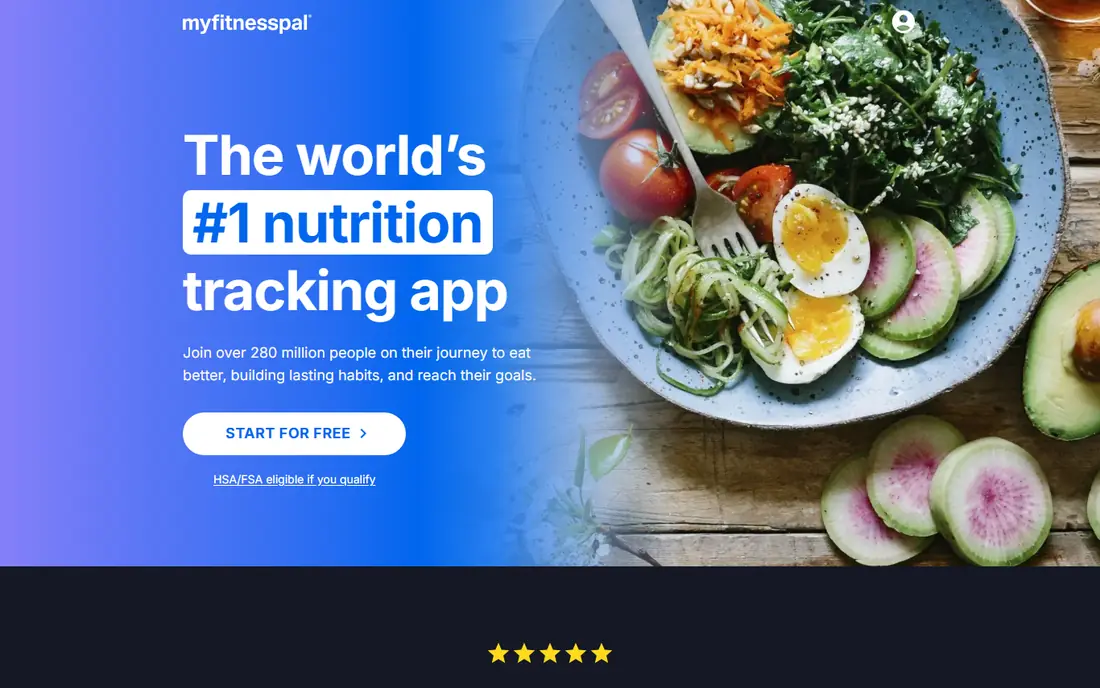
MyFitnessPal remains the default calorie counter app for many people, mainly because its database is so large. If you eat at chain restaurants or buy packaged foods, you are likely to find an entry quickly, and integrations with fitness apps and wearables make it easy to pull in activity. The logging flow is familiar, with meals, recipes and frequent foods close at hand.
Recent changes matter for free users. Barcode scanning and some advanced features are now Premium in recent comparisons, which makes the free tier less complete than it once was. The database is also partly user-submitted, so entries for the same food can differ. If you already have years of history here, staying may make sense. If you are starting fresh, check Cronometer or Lose It before you commit.
- Very large food database, including many restaurant items
- Wide device integrations
- Familiar logging flow
- Barcode scanning and some features are Premium in recent listings
- Free tier includes ads
- Database includes user-submitted entries of uneven quality
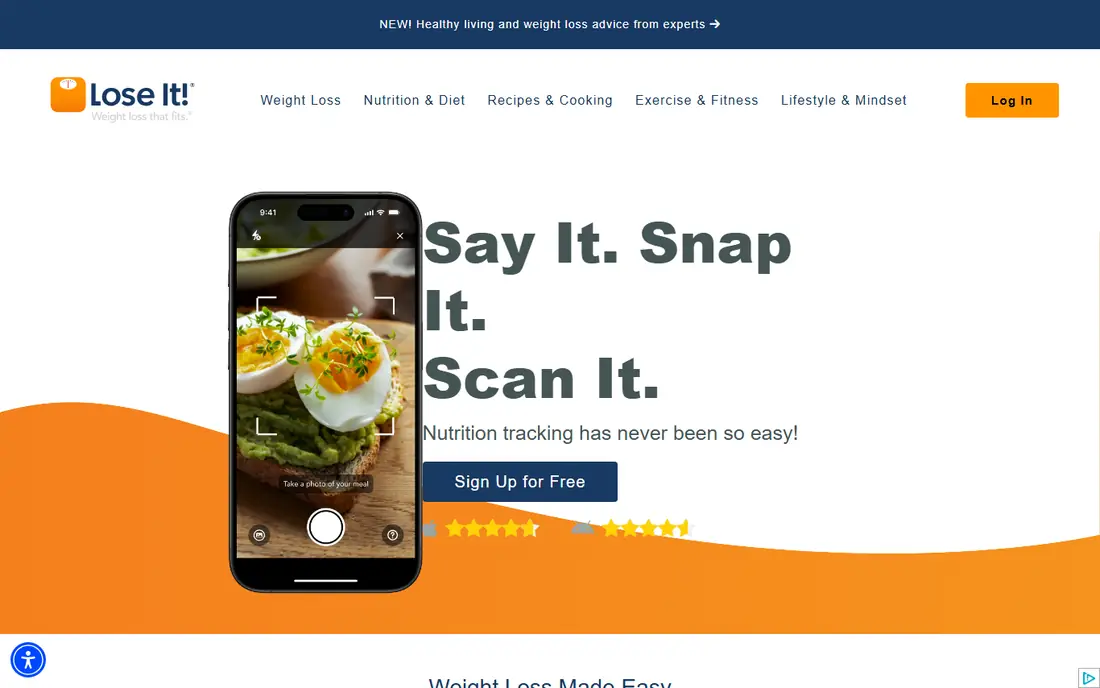
Lose It is a friendly first tracker for people who want a clear daily budget and a simple diary. Setup asks for goals and activity, then gives a calorie target and a straightforward way to log meals. Premium is cheaper than MyFitnessPal Premium in recent listings, which makes it a good upgrade path if you start free and later want more features.
Free limits are similar to MyFitnessPal. Barcode scanning sits behind Premium in recent listings, and the free tier includes ads. For beginners, that may not matter at first, since search logging covers most meals. If barcode scanning is essential for you on day one, FatSecret or Cronometer offer it free in recent comparisons.
- Simple logging and goal setup
- Lower-cost Premium than MyFitnessPal in recent listings
- Photo and barcode tools on paid tiers
- Barcode scanning is Premium in recent listings
- Free tier includes ads
- Macro detail is thinner than Cronometer on free
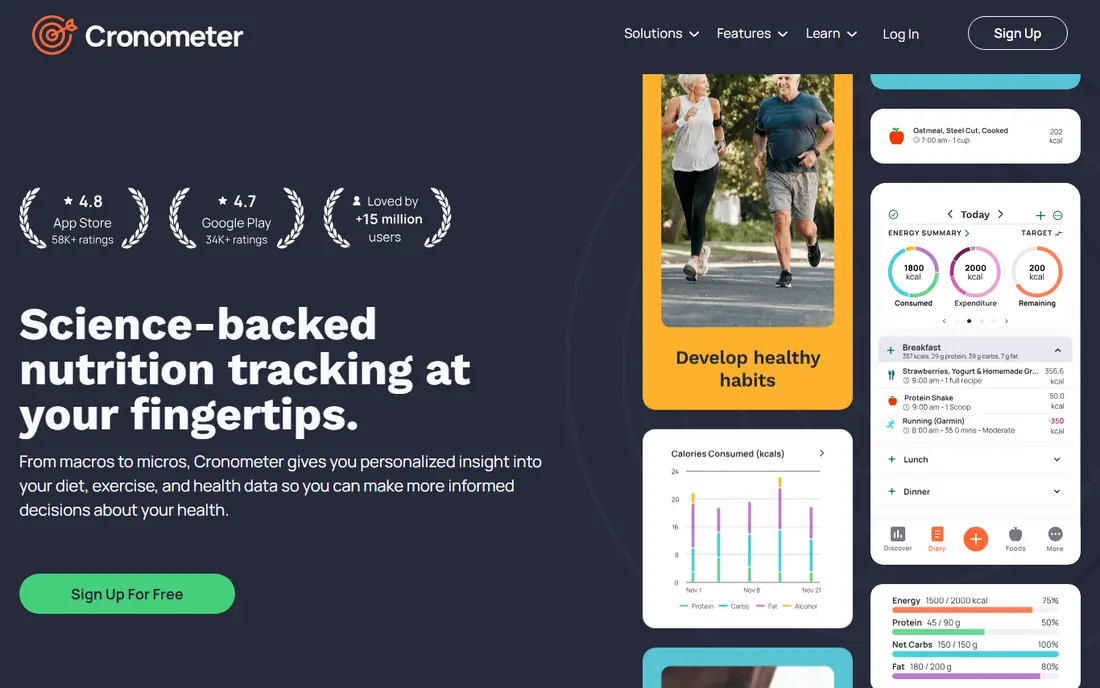
Cronometer is our pick if nutrient quality matters as much as calories. The free tier tracks a wide range of nutrients, not only calories and macros, and the food data leans on verified sources rather than only user submissions. Barcode scanning is free in recent listings, which is a clear benefit over MyFitnessPal and Lose It free tiers.
The app feels more detailed than playful, and that can slow logging for people who want a quick diary. Gold adds features such as fasting tools, custom charts and coaching-style help, but the free tier already covers core tracking well. Cronometer suits lifters, people with specific nutrient goals, and anyone who wants to check vitamins and minerals alongside calories.
- Free barcode scanning in recent listings
- Detailed nutrient tracking, including many micronutrients
- Verified food data emphasis
- Free tier includes ads in recent listings
- Manual entry can feel slower
- Advanced coaching features are Gold only
FatSecret is the best pick for people who want core tracking without paying. Barcode scanning, macro tracking and community features are available free in recent listings, and the app does not push Premium as hard as some rivals for basic logging. That makes it a solid choice if cost is the main factor and you do not need advanced nutrient charts.
The trade-off is polish and data depth. The interface is less modern than Lifesum or MyFitnessPal, and food verification is less strict than Cronometer or MyNetDiary. For straightforward calorie and macro logging, FatSecret is enough. For detailed micronutrient work, Cronometer is stronger.
- Free barcode scanning and macro tracking in recent listings
- Community features
- No strong paywall pressure for core logging
- Interface feels dated to some users
- Database verification is less strict than Cronometer
- Free tier includes ads
MyNetDiary stands out for a calm free experience. Recent comparisons list no ads on the free tier, which is rare among free trackers, and the database emphasises staff-verified foods built on research-grade sources. The free tier also tracks many nutrients and offers custom calorie and macro targets, which other apps gate behind paid tiers.
Community and content are thinner than MyFitnessPal, and some features, such as AI photo logging and coaching, are Premium. If you want a reliable, ad-free free tracker with verified foods, MyNetDiary is a strong pick. If you want a large social community, FatSecret or MyFitnessPal may feel livelier.
- No ads on the free tier as described in recent comparisons
- Staff-verified database emphasis
- Many nutrients tracked free
- Smaller community than MyFitnessPal
- Some advanced features are Premium
- Interface is functional rather than flashy
Yazio pairs calorie tracking with intermittent fasting, which suits people who already follow a fasting window and want one app for both. The free tier includes a 16:8 fasting tracker in recent listings, plus basic calorie and macro logging. Recipes and meal ideas add variety without needing a separate app.
Pro adds more fasting plans, advanced tracking and extra features, and the free tier includes ads. Database depth is smaller than MyFitnessPal, so packaged and restaurant foods may need manual entry more often. Yazio is best for fasting users who want a simple combined tracker, not for people who need the largest database.
- Intermittent fasting tracker included, with 16:8 free in recent listings
- Simple calorie and macro logging
- Recipe ideas
- Free tier includes ads in recent listings
- Some fasting plans and features are Pro only
- Database is smaller than MyFitnessPal
Lifesum is the most polished app on this list, with a clean design, guided plans and recipe ideas that make healthy eating feel structured. If you like a plan to follow, rather than a blank diary, Lifesum gives you that guidance from the start. The interface is easy to learn, and meal ideas help when you are stuck for what to cook.
The free tier is the weakest among the main apps here for core tracking, with meal plans, advanced tracking and fuller barcode use sitting behind Premium in recent comparisons. Lifesum suits people who already plan to pay for Premium and want a polished experience. For free-first tracking, FatSecret, Cronometer or MyNetDiary are better value.
- Polished interface
- Guided diet plans and recipes
- Meal plan ideas
- Free tier is limited, with many features Premium only
- Barcode scanning limits on free in recent comparisons
- Higher Premium cost than Lose It
MacroFactor is built for serious lifters who want targets that adapt. Instead of a fixed calorie goal, it adjusts your targets from your weigh-ins and logged food over time, which helps during a long cut or bulk. The app focuses on macros and adherence, with charts that show how intake and weight move together.
There is no free tier, so you pay after a trial period, and the yearly cost is higher than Lose It or Cronometer Gold in recent listings. Casual trackers who log a few days a week will not get the full benefit, since adaptive targets need consistent data. For committed lifters who log daily, MacroFactor is the strongest coaching-style pick here.
- Adaptive targets adjust from weigh-ins and logged intake
- Detailed macro coaching
- Strong fit for lifters on a cut or bulk
- No free tier
- Price is higher than Lose It Premium
- Less suited to casual trackers who want a simple diary
How we picked these
We compared official app pages, pricing pages and app store listings, plus public comparisons of free tier features, barcode access, database verification and Premium prices. We checked whether barcode scanning, custom targets, fasting tools and nutrient tracking were free or paid, since those details decide real value. We also noted ads on free tiers where comparisons reported them.
We did not claim hands-on testing that did not happen, and we did not invent user counts, ratings or database sizes beyond what vendors and comparisons publish. Prices vary by region and billing period, so we used recent US listings as a guide and pointed readers to vendor pages for current prices. Where sources disagreed, we kept the wording general.
How to choose the best calorie tracking app for you
Start with the feature you will use every day. If you scan packaged foods, pick an app with free barcode scanning, such as Cronometer, FatSecret or MyNetDiary. If you eat at restaurants often, MyFitnessPal database depth may matter more. If you fast, Yazio combines fasting and calories in one place. If you lift, MacroFactor or Cronometer give better macro and nutrient detail.
Logging habits that make tracking last
Log the same way each day, use recent foods and recipes for repeat meals, and weigh foods for a week if accuracy matters to you. A food scale helps more than any app feature, since portion estimates are the main source of error. If logging feels stressful, take a break and talk to a clinician, since consistent tracking should support health, not harm it.
Price and privacy
Start free, and pay only for a feature you already miss, such as barcode scanning, fasting plans or adaptive targets. Check whether the app sells data, shows ads, or requires an account, and read the privacy policy before you log sensitive health data. Export options also matter, since a long food history is hard to rebuild if you switch apps later.
Frequently asked questions
What is the best calorie tracking app?
Cronometer is best for nutrient detail, MyFitnessPal is best for database size, and Lose It is best for simple beginner tracking. FatSecret and MyNetDiary are best for free tracking, while MacroFactor is best for adaptive macro coaching. The best app for calorie tracking is the one that matches your logging style and the features you will actually use daily.
What is the best free calorie tracking app?
FatSecret, Cronometer and MyNetDiary offer the strongest free tiers in recent comparisons, with free barcode scanning and core macro tracking. MyNetDiary also stands out for no ads on its free tier as described in recent comparisons. MyFitnessPal and Lose It free tiers are usable, but barcode scanning sits behind Premium in recent listings, so check that detail before you choose.
What is the best app for calorie counting if I lift weights?
MacroFactor is best for adaptive macro targets during a cut or bulk, while Cronometer is best for checking micronutrients alongside macros. MyFitnessPal and Lose It also work for basic macro logging, but MacroFactor adjusts targets from your data over time. Consistent logging and weigh-ins matter more than the app itself for adaptive features to work well.
Can I track calories without paying?
Yes. FatSecret, Cronometer, MyNetDiary, Yazio, Lifesum, MyFitnessPal and Lose It all offer free tiers for core calorie logging. Paid tiers add barcode scanning on some apps, fasting plans, photo logging, coaching and advanced charts. Start free for two weeks, note which paid feature you miss most, and upgrade only for that feature.
Are calorie counts in apps accurate?
App counts are estimates based on database entries, and user-submitted entries can be wrong. Barcode scanning plus a food scale gives the most accurate result for packaged foods, while restaurant and homemade meals are estimates. Verified databases, such as those emphasised by Cronometer and MyNetDiary, reduce error, but no app can guarantee exact counts for every meal.
Should I track calories every day?
Daily tracking helps some people learn portion sizes and spot patterns, but it is not right for everyone, and it can be unhelpful if you have eating concerns. If tracking causes stress, guilt or restrictive behaviour, stop and talk to a clinician. Calorie needs vary, and a clinician can help set a safe, personal target rather than relying on an app default alone.
Sources we checked (8)

Online Jobs is an independent blog about careers, online work, learning new skills and the tools that help people earn. More about us.
Keep reading
All posts
Best workout apps for women
Compare the best workout apps for women in 2026, from free guided classes to structured strength plans, with current prices, free plans and honest trade-offs.

Best Yoga App
Find the best yoga app for home practice in 2026, with verified prices, free options, class styles, trials and honest limits for 10 yoga apps compared.
Best Workout Tracker App
We compared the best workout tracker app options for gym, home, and running training, checking prices, free plans, and logging tools in detail. See inside.