Best Business Phone Number Service in 2026: 8 Services Compared

How we put this together: we compare official feature and pricing pages, app store listings, privacy policies and public user reviews. Prices change, so check the provider's site before you pay.
Key takeaways
- A business number keeps personal numbers private and lets a team share calls and texts on one number.
- Most services start at $10 to $20 per user per month, but text limits and extra numbers change the real bill.
- Google Voice is cheapest for Google Workspace users, while Quo and Nextiva suit small teams that share numbers.
- Toll-free and 800 numbers are available from most providers, but check whether the number is included or an add-on.
Quick comparison
| Name | Who it suits | Starting price | Free option | |
|---|---|---|---|---|
 Quo | Small teams sharing numbers | $15 per user per month | Free trial | Visit |
 Nextiva | Growing firms wanting phone plus video | $15 per user per month | Free trial | Visit |
 Grasshopper | Solo owners wanting simple forwarding | $14 per month | Free trial | Visit |
 Google Voice | Google Workspace users | $10 per user per month | No | Visit |
 RingCentral | Firms wanting phone, video, and chat | $20 per user per month | Free trial | Visit |
 Dialpad | Teams wanting call transcripts | $15 per user per month | Free trial | Visit |
 Zoom Phone | Firms already using Zoom | $10 per user per month | Free trial | Visit |
 Phone.com | Budget firms needing a second number | $15 per user per month | Free trial | Visit |
The best business phone number service
A business phone number service gives your firm a local or toll-free number that rings on phones and computers, with texting, voicemail, and call routing. The right service depends on team size, whether you need shared texting, and whether you already use Google Workspace or Zoom. The eight services below cover solo owners through growing teams.
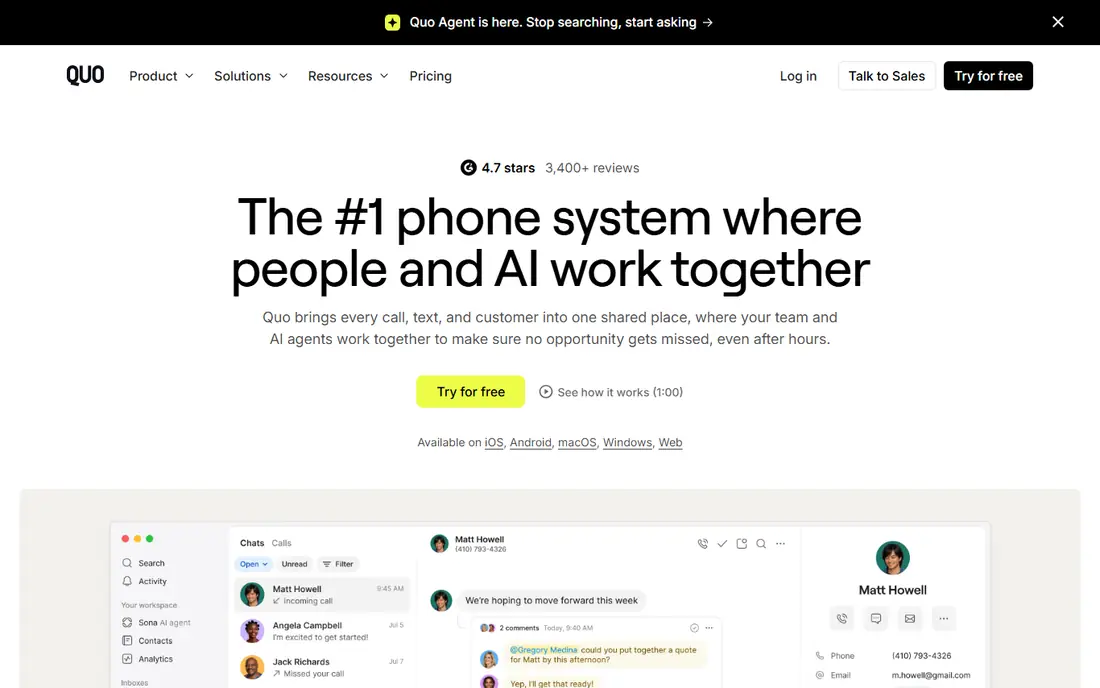
Quo, formerly OpenPhone, is built for small teams that share business numbers. Calls and texts land in a shared inbox, so any team member can reply and see the full thread. Setup is quick, with local and toll-free numbers available, and extra numbers cost a small monthly fee.
The limits are around meetings and integrations. Quo does not offer native video conferencing, and some customer relationship integrations need a higher plan. For a startup or lean team that lives on calls and texts, Quo is a clean and modern pick. For a firm that needs video in the same app, Nextiva or RingCentral may fit better.
- Shared call and text inboxes
- Easy setup
- Local and toll-free numbers
- No native video meetings
- Some integrations need a higher plan
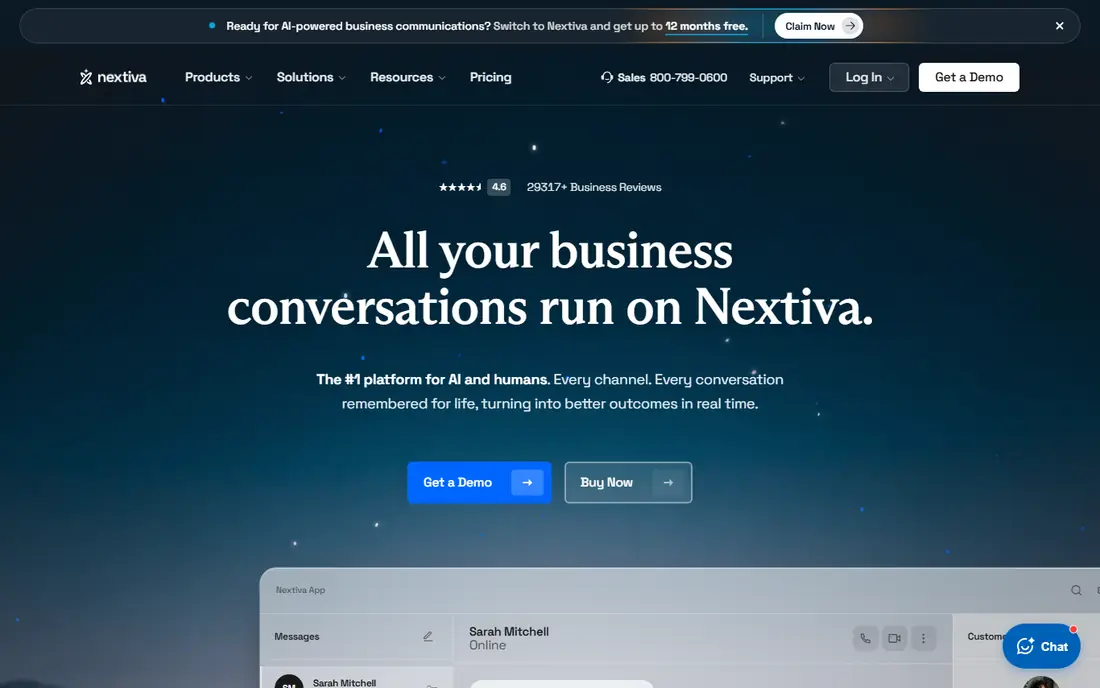
Nextiva pairs a business phone system with video meetings and team messaging, which suits growing firms that want one communications app. The Core plan starts at $15 per user per month billed annually, with support available on all plans. Call quality and uptime are central to its pitch, which matters for customer-facing teams.
Entry plan text limits and higher-tier automation are the catches. Firms that text heavily should check message allowances before choosing the lowest tier. Still, for a growing business that wants phone plus video without juggling vendors, Nextiva offers strong value at its starting price.
- Phone, video, and messaging together
- Support on all plans
- Reliable uptime claims
- Text limits on the entry plan
- Advanced automation needs higher tiers
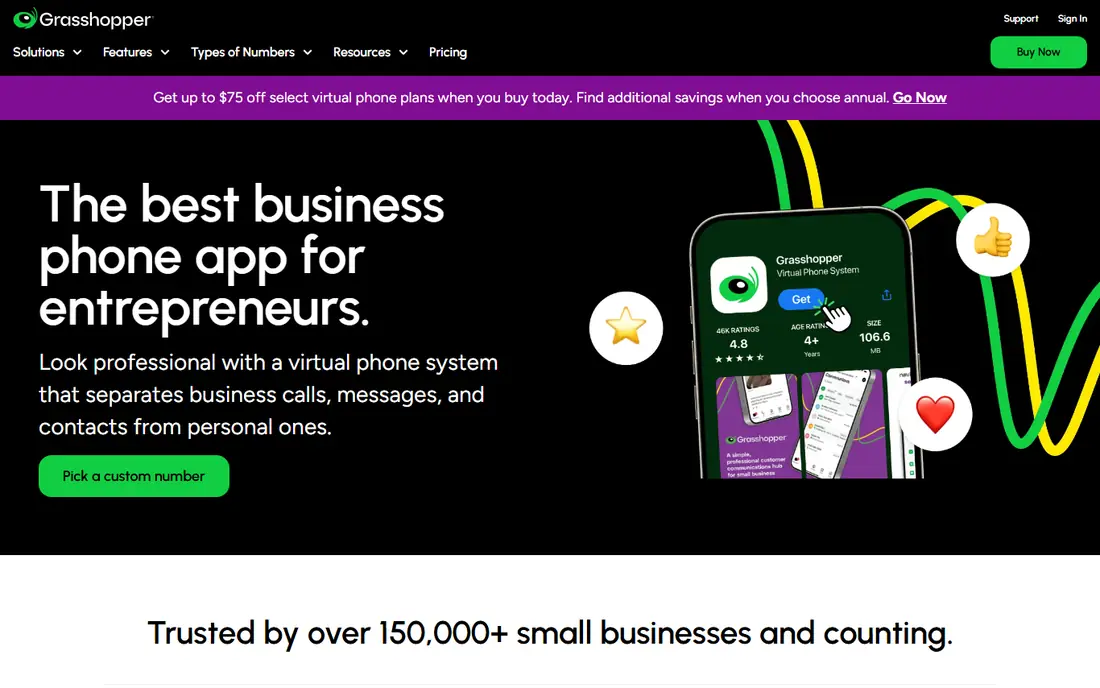
Grasshopper is the simplest option here, built for solo owners and side businesses that need a business number without a full phone system. Calls forward to personal phones, with voicemail, greetings, and basic routing included. Pricing starts at $14 per month on some published comparisons, with higher plans adding numbers and minutes.
Grasshopper does not offer shared team inboxes, desk phone support, or deep integrations, so it does not scale well. For a freelancer who wants clients to call a business number while the owner answers on a personal phone, that simplicity is enough. For a team, Quo or Nextiva will fit better.
- Simple setup
- Forwards to personal phones
- Local and toll-free numbers
- No team collaboration tools
- Does not scale well for larger teams
Google Voice is the cheapest business phone option for firms already using Google Workspace, starting at $10 per user per month. It provides a business number for calls and texts, voicemail transcription, and a familiar interface that needs little training. For a small firm already paying for Workspace, the added cost is modest.
The trade-off is depth. Google Voice lacks shared texting inboxes, advanced call routing, and many team features found in Quo or Nextiva. It also requires Workspace, so firms outside Google will need another route. For a Workspace firm with basic calling needs, Google Voice is hard to beat on price and simplicity.
- Lowest starting price here
- Familiar Google interface
- Works with Workspace
- Requires Google Workspace
- Basic features compared with full phone systems
RingCentral is a full unified communications suite, combining phone, video meetings, and team chat with desk phone support. That breadth suits firms with office phones, remote staff, and a need for many integrations. The entry plan starts at $20 per user per month, with higher tiers adding analytics and automation.
Texting is the weak spot on the entry plan, with only 25 messages per user per month in published comparisons, and a shared texting inbox as a paid add-on. Firms that text customers often should price that add-on into the total. For firms that prioritize voice and video, RingCentral remains a strong all-in-one choice.
- Phone, video, and team chat in one suite
- Desk phone support
- Broad integrations
- Entry plan text limit is low
- Shared texting inbox is a paid add-on
Dialpad stands out for artificial intelligence features on calls, including real-time transcripts and summaries that help teams follow up accurately. Shared numbers, texting, and a clean interface suit sales and support teams that live on the phone. Entry pricing starts at $15 per user per month in published comparisons.
Integrations and advanced features rise with plan, so teams should check which tier includes their customer relationship tool. New numbers also need proper text registration, which can take time. For a team that values transcripts and summaries, Dialpad offers a clear advantage over simpler phone services.
- Real-time transcripts and summaries
- Shared numbers
- Clean interface
- Some integrations need higher plans
- Text rules need care for new numbers
Zoom Phone adds cloud calling to the Zoom app many firms already use for meetings, starting at $10 per user per month in published comparisons. Staff can call, text, and meet in one app, which reduces training and switching. For a firm that spends its day in Zoom, that convenience is real.
Zoom Phone is billed separately from Zoom Meetings, and its call routing and contact center depth are more basic than dedicated phone platforms. Firms with complex routing, large call centers, or heavy integrations may need a dedicated system. For a Zoom-based small firm, Zoom Phone is a low-cost and simple addition.
- Low starting price
- Works inside Zoom Meetings
- Easy for Zoom users
- Call routing depth is basic compared with dedicated phone systems
- Billed separately from Meetings
Phone.com is a budget option for micro-businesses and consultants that need an inexpensive second number. It includes video conferencing and basic call features, with local and toll-free numbers available. Starting price is $15 per user per month in published comparisons, which keeps it competitive for solo users.
Base plans meter monthly minutes and texts, so heavy callers should check allowances before choosing the lowest tier. Desktop tools also feel more basic than Quo or Dialpad. For a low-volume firm that wants a business number without paying for team features it will not use, Phone.com is a practical budget pick.
- Low starting price
- Video conferencing included
- Local and toll-free numbers
- Base plans meter minutes and texts
- Desktop tools feel basic
How we picked these
We compared official feature pages, pricing pages, and public comparisons for business phone services in 2026. We favored services with local and toll-free numbers, business texting, voicemail, and a clear per-user or per-account price. We included solo, team, and all-in-one options, because a freelancer and a growing firm need different tools. Prices shown are vendor-published or widely published annual figures where available, and we note where text limits or add-ons change the total.
What to check before you buy
Start with how your team actually communicates. If customers text first, shared texting and message limits matter more than video features. If customers call first, routing, voicemail, and call quality matter more. Choose the service that fits your main channel, then check the secondary features, because a service that is strong on calls but weak on texts will frustrate a text-first team.
Numbers, porting, and text registration
Check whether your preferred local or toll-free number is available, and whether porting an existing number is supported without a long gap. Business texting now requires registration in many cases, so ask how long setup takes and what documents are needed. A service that promises instant texting without explaining registration may delay your launch. Keep your old number active until porting is confirmed.
Shared inboxes and call routing
For teams, a shared inbox matters more than individual voicemail. Test whether calls and texts to one number are visible to the whole team, whether replies stay in one thread, and whether routing rules send calls to the right person after hours. Solo owners can skip this, but a team of three or more will feel the lack of shared threads quickly. Also check voicemail transcription quality, because a garbled transcript wastes the time it was meant to save.
Total cost at your team size
Multiply per-user prices by real users, then add extra numbers, text add-ons, and any shared inbox fees. A $10 service with a $25 text add-on can cost more than a $15 service with texting included. Check contract length and cancellation terms too, because some low headline prices require annual billing. A short trial with real calls and texts will reveal limits that a pricing page hides.
Frequently asked questions
What is the best business phone number service?
Quo is best for small teams sharing numbers, Nextiva is best for growing firms wanting phone plus video, and Google Voice is best for Google Workspace users on a budget. Grasshopper suits solo owners, while RingCentral and Dialpad suit larger or sales-focused teams. Pick by team size and main channel.
What is the best business phone app?
Quo, Nextiva, Dialpad, and Google Voice all offer strong mobile apps for calls and texts. Quo is strongest for shared team texting, Dialpad for transcripts, and Google Voice for simplicity inside Workspace. Test the app on your own phone during a trial, because call quality and text handling differ by device.
What is the best service for business phone numbers for a small business?
For most small businesses, Quo at $15 per user per month or Nextiva at the same starting price offers the best balance of calls, texts, and team features. Google Voice at $10 per user per month is cheaper for Workspace firms, while Phone.com at $15 suits low-volume firms that need a simple second number.
What is the best 800 number service for small business?
Most services in this guide, including Quo, Grasshopper, Nextiva, and Phone.com, offer toll-free numbers, including 800 numbers where available. Check whether the toll-free number is included in the base plan or charged as an extra number, and whether toll-free minutes are metered. Availability of a specific 800 number varies, so confirm before you advertise it.
Can I keep my existing business number?
In most cases, yes, through porting, but timing and paperwork vary by provider. Ask the new provider to confirm porting support and timeline before cancelling the old service. Keep the old service active until the port completes, and test calls and texts on the new service before updating listings and signatures.
Do business phone services include texting?
Most do, but limits differ sharply. Quo and Dialpad include shared texting, while RingCentral limits texts on its entry plan and Google Voice covers basic texting for Workspace users. Check message allowances, shared inbox support, and text registration requirements before choosing a service for a text-first team.
Sources we checked (8)

Online Jobs is an independent blog about careers, online work, learning new skills and the tools that help people earn. More about us.
Keep reading
All posts
n8n Alternatives
n8n alternatives compared for 2026, with Zapier, Make, Activepieces, and more, covering visual builders, code steps, self-hosting, and pricing models.

ZoomInfo Alternatives
The best ZoomInfo alternatives in 2026, compared on price, free plans, data coverage, and which tool fits small teams or large sales teams best in detail.

Yotpo Alternatives
Find cheaper alternatives to Yotpo for reviews and loyalty, with Judge.me, Loox, Stamped, and more compared for Shopify stores in 2026, all in one guide.