Best Budget App in 2026: 9 Apps Compared

How we put this together: we compare official feature and pricing pages, app store listings, privacy policies and public user reviews. Prices change, so check the provider's site before you pay.
Key takeaways
- YNAB suits hands-on budgeters who want zero-based planning, while Monarch Money suits households that want a full money dashboard.
- Copilot suits Apple users who want polished automatic tracking, and Quicken Simplifi suits users who want a simple spending plan.
- Rocket Money suits subscription cleanup, while Goodbudget and EveryDollar suit envelope-style budgeting with free options.
- A budget app only helps if bank connections work for your accounts, so test sync during the trial before paying.
Quick comparison
| Name | Who it suits | Starting price | Free option | |
|---|---|---|---|---|
 YNAB YNAB | Hands-on zero-based budgeting | See website | No | Visit |
 Monarch Money Monarch Money | Household dashboard and planning | See website | No | Visit |
 Copilot Copilot | Apple users, automatic tracking | See website | No | Visit |
 Quicken Simplifi Quicken Simplifi | Simple spending plan | See website | No | Visit |
 Rocket Money Rocket Money | Subscriptions and bills | See website | Yes | Visit |
 Goodbudget Goodbudget | Envelope budgeting, shared budgets | See website | Yes | Visit |
 EveryDollar EveryDollar | Simple envelope budgeting | See website | Yes | Visit |
 Tiller Money Tiller Money | Spreadsheet budgeting | See website | No | Visit |
 PocketGuard PocketGuard | Safe-to-spend number | See website | Yes | Visit |
The best budget apps
Budgeting apps differ by method more than by price. We compared official feature pages, pricing pages, app store listings and public reviews, looking at budgeting method, bank sync, free limits, household sharing and how much daily effort each app needs. This article is general information, not financial advice, and bank connection quality varies by institution, so test your own accounts during any trial.
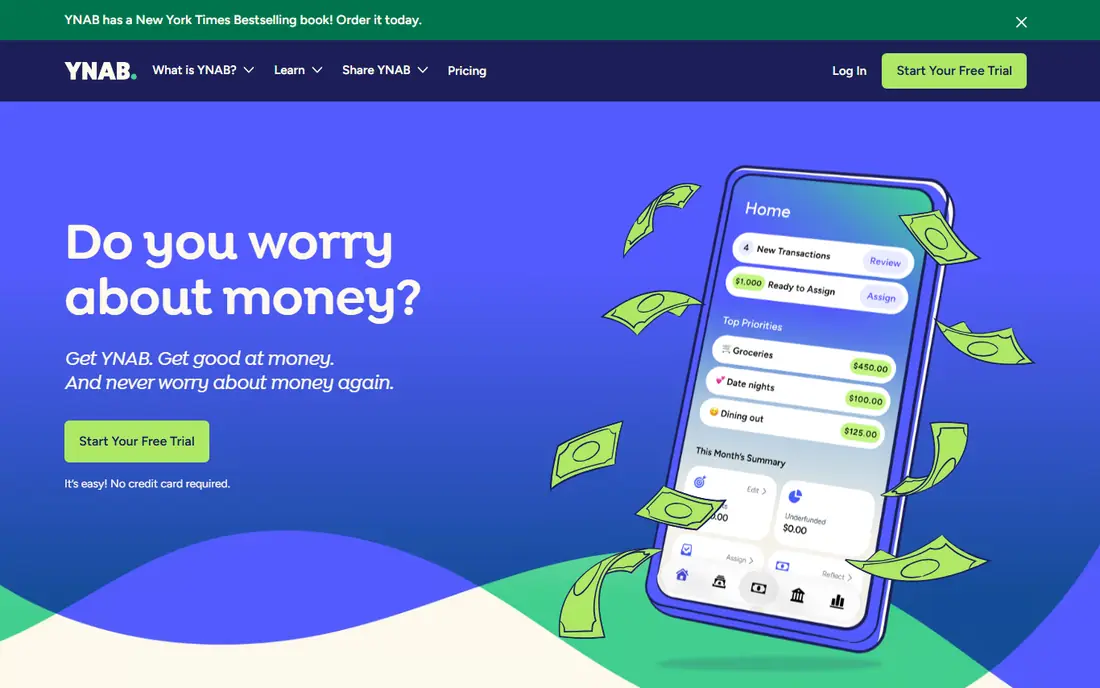
YNAB, short for You Need A Budget, asks you to give every dollar a job before you spend it. That zero-based method forces a plan for rent, food, savings and debt, and it handles irregular income well, since you budget only money you actually have. Workshops, guides and a supportive community help new users learn the method, not just the app.
The effort is real. YNAB rewards weekly check-ins and punishes neglect, since an unreviewed budget drifts quickly. There is no permanent free tier after the trial, though students can apply for a free year in some cases. For users who want behaviour change, not just a spending chart, YNAB remains the strongest pick.
- Clear zero-based method
- Strong education and workshops
- Good bank sync in many regions
- Learning curve
- Needs regular attention
- No permanent free tier after the trial
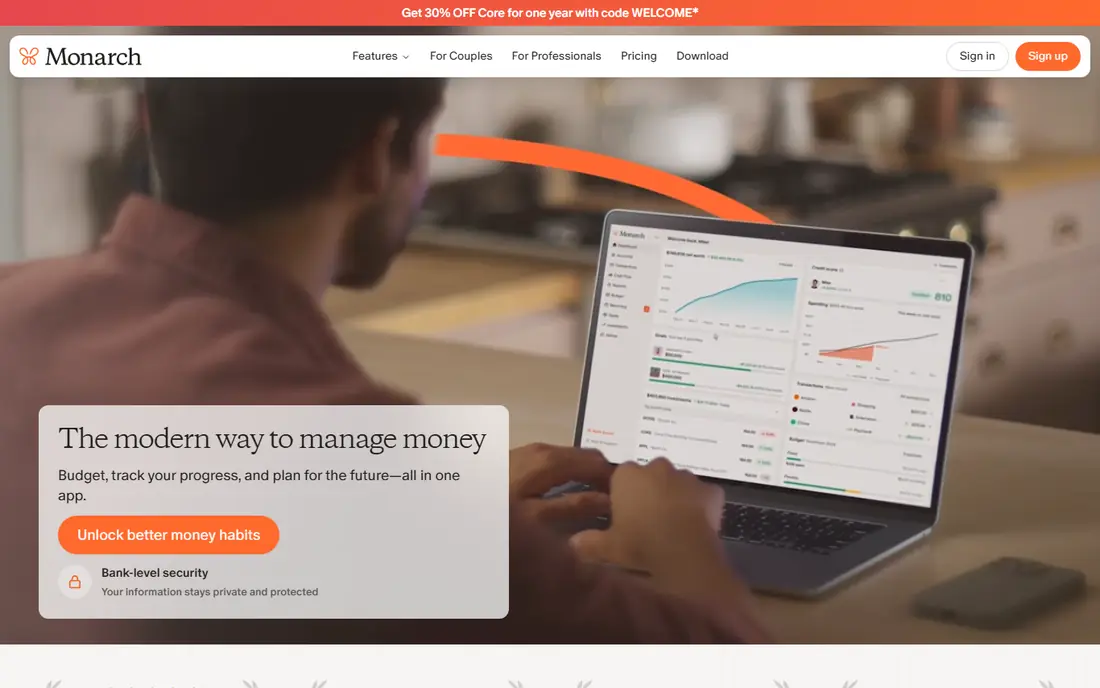
Monarch Money is the closest full replacement for users who miss a free dashboard app, with budgeting, cash flow, net worth, investments and goals in one view. Household sharing lets partners see the same budget and accounts, and custom categories and rules keep the dashboard tidy. For couples and families, that shared view is a clear advantage.
There is no free tier, only a trial, so you pay before you know whether sync works well for your banks. Test every account during the trial, including investment and loan accounts, since a dashboard with missing accounts misleads more than it helps. If sync works for you, Monarch is a strong all-round household tool.
- Full dashboard with net worth and investments
- Household sharing
- Flexible budgets and goals
- Paid only, no free tier
- Bank sync quality varies by institution
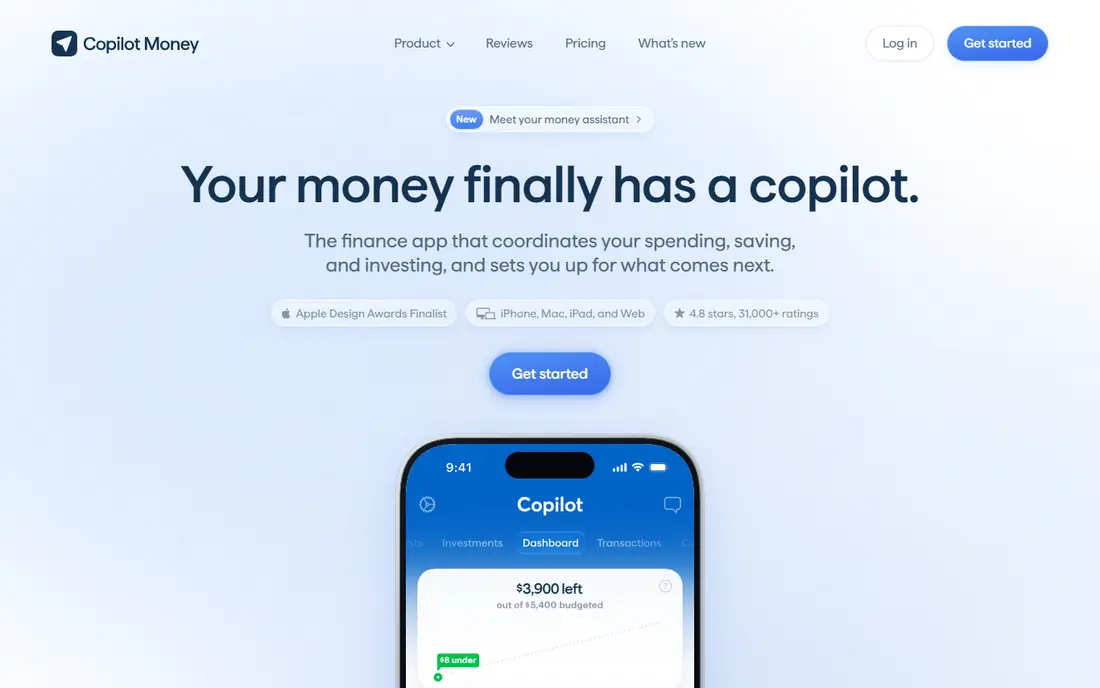
Copilot is the design-led pick for Apple users. It syncs accounts automatically, categorises spending with machine learning, and presents budgets, cash flow and net worth in a clean, readable interface. Weekly and monthly reviews highlight unusual spending without requiring manual entry for every transaction.
Android users are excluded, and the web version does not yet match the mobile app in every area. There is also no permanent free tier after the trial. For iPhone, iPad and Mac users who want automatic tracking with minimal effort, Copilot is the most polished option on this list.
- Polished Apple design
- Automatic categorisation
- Smart insights and reviews
- No Android app
- Web version is still catching up
- Paid only after a trial
Quicken Simplifi focuses on one question: how much can you spend safely this month after bills and savings. Its spending plan, watchlists and cash flow forecast answer that question without forcing a full zero-based budget. Bill reminders and recurring transaction tracking help users catch price rises and missed payments.
Strict envelope budgeters may find it too loose, since it tracks spending against a plan rather than assigning every dollar in advance. Investment tracking is also basic compared with Monarch. Simplifi suits users who want a clear monthly view with low effort, rather than a detailed budgeting method.
- Clear spending plan and safe-to-spend view
- Watchlists for bills
- Cash flow forecast
- Not a strict envelope system
- Pricing and offers vary
- Investment tracking is basic
Rocket Money starts with subscriptions, which is where many budgets leak money quietly. It lists recurring charges, flags price rises, and helps cancel unwanted services, alongside spending tracking and budgeting tools. The free tier covers basic tracking, so users can see the subscription list before paying for Premium.
Premium uses a sliding-scale price you choose within a range, which makes direct comparison harder, and bill negotiation, where offered, takes a percentage of first-year savings. Rocket Money suits users whose main problem is forgotten subscriptions and recurring bills, rather than detailed envelope budgeting.
- Subscription tracking and cancellation help
- Spending insights
- Free basic tier
- Premium pricing is sliding-scale
- Bill negotiation takes a share of savings where used
Goodbudget brings the classic cash envelope method to phones and the web. Money is divided into envelopes for groceries, rent, transport and savings, and spending draws down the relevant envelope, which makes overspending visible immediately. Shared budgets let partners or housemates use the same envelopes, which suits joint spending.
Bank sync requires the paid plan, so free users enter transactions manually. That manual step is part of the method for many envelope budgeters, since it forces attention to each spend, but it takes more time than automatic sync. Goodbudget suits households that like envelopes and shared control, with or without bank connections.
- Digital envelope system
- Shared budgets for households
- Free tier with limited envelopes
- Bank sync needs the paid plan
- Manual entry suits the method but takes time
EveryDollar offers a simple, monthly zero-based budget: plan income, assign it to categories, and track spending against the plan. The free tier covers manual entry, which is enough for users who prefer to log spending themselves or who have few accounts. The layout is clean, and the learning curve is lower than YNAB.
Bank sync, automatic transaction import and deeper features need the Premium plan, and the app does not aim to be a full net worth dashboard. EveryDollar suits users who want a straightforward monthly budget without a complex method or a dashboard full of investment charts.
- Simple zero-based budgeting
- Free manual-entry tier
- Clear monthly budget view
- Bank sync needs Premium
- Investment and net worth tracking is limited
Tiller Money feeds bank transactions into Google Sheets or Excel automatically, so budgeters who love spreadsheets get live data without manual entry. Templates cover monthly budgets, net worth, debt payoff and category reports, and every formula and chart can be adjusted, which suits users who want to build a system exactly to their taste.
Spreadsheet comfort is required. There is no polished mobile app experience to match Copilot or Monarch, and setting up templates takes an evening of work. Tiller suits users who already live in spreadsheets and want bank feeds inside them, rather than users who want an app to do the thinking.
- Automatic bank feeds into Google Sheets and Excel
- Full control over categories and reports
- Data stays in your own spreadsheets
- Needs spreadsheet comfort
- No polished mobile budget app
- Paid after the trial
PocketGuard answers one question well: after bills, goals and savings, how much is safe to spend right now. That single number helps users who find full budgets overwhelming, and bill tracking plus spending categories add context without complexity. The free tier covers limited accounts, so users can test the approach before paying.
Detailed budgeting, envelope methods and investment planning are thinner than rivals, and the paid plan adds the fuller feature set. PocketGuard suits users who want a quick daily spending guide, especially those who have struggled to maintain a detailed budget in the past.
- Clear safe-to-spend figure
- Bill tracking
- Free tier with limited accounts
- Budgeting depth is limited
- Full features need the paid plan
- Sync varies by bank
How we picked these
We compared official feature pages, pricing pages, app store listings and public reviews, favouring apps with a clear budgeting method, working bank sync for major institutions, and a free tier or trial long enough to test sync. We included zero-based, envelope, spending-plan and dashboard approaches, plus free and paid options, so different money habits each have a relevant pick. Prices and offers change, so check the vendor pricing page before subscribing, and confirm whether your banks connect during the trial.
Bank connections are the hidden deal-breaker. An app that cannot sync your main bank, or that duplicates transactions, will be abandoned no matter how good its design looks. Test all accounts in the first week, check categorisation accuracy, and confirm that shared access works for your household before committing to a year.
How to choose a budgeting method
Zero-based budgeting, used by YNAB and EveryDollar, assigns every dollar a job and suits users who want tight control. Envelope budgeting, used by Goodbudget, divides money by category and suits cash-style thinkers and shared households. Spending plans, used by Simplifi and PocketGuard, track a safe-to-spend figure and suit users who want oversight without daily entry. Dashboards, used by Monarch, show the full picture and suit households focused on net worth and goals.
Start with one month, not one year
Use the trial or free tier for a full month of real spending, including bills, groceries and irregular costs. Judge the app on whether categories match your life, sync works, and you actually open it weekly. A yearly subscription is cheaper per month, but only if the app survives the first month. Cancel promptly if sync fails or the method feels wrong, and try the next finalist rather than forcing a poor fit.
Security and privacy checks
Budget apps connect to bank accounts through aggregation services, so read the privacy policy and security pages before linking accounts. Use strong, unique passwords, turn on two-factor authentication where offered, and check what data the app stores and shares. Never share bank login details through unofficial channels, and review connected accounts regularly, removing any app you no longer use.
Frequently asked questions
What is the best budget app?
YNAB suits hands-on zero-based budgeting, Monarch Money suits household dashboards, Copilot suits Apple users, and Simplifi suits simple spending plans. Rocket Money suits subscription cleanup, while Goodbudget and EveryDollar suit envelope budgeting. The best app depends on your method and devices.
What is the best free budget tracking app?
Goodbudget, EveryDollar, Rocket Money and PocketGuard offer free tiers with limits, while Tiller Money offers a trial for spreadsheet budgeters. Free tiers usually limit bank sync, account count or envelope count, so check those limits against your accounts before relying on a free plan.
Is YNAB worth it?
YNAB is worth it for users who commit to zero-based budgeting and weekly check-ins, since the method, education and workshops support real behaviour change. It is less worth it for users who want automatic tracking with minimal effort, since the app needs regular attention and has no permanent free tier.
What is the best app for budgets for couples?
Monarch Money and Goodbudget suit couples best, thanks to shared budgets and household access. Monarch offers a full shared dashboard, while Goodbudget offers shared envelopes at a lower cost. Test shared access during the trial, since both partners need to find the app easy to use.
Can a budget app connect to my bank?
Most paid budget apps connect to many banks through aggregation services, though coverage varies by institution and country. Free tiers often limit sync, so check your banks during a trial. If a bank does not connect reliably, manual entry or a different app may work better.
How do I stick to a budget?
Keep the method simple, review spending weekly, and set realistic categories based on past spending rather than ideal spending. Automate savings and bill payments where possible, and treat one overspend as a signal to adjust a category, not as a reason to abandon the budget. A budget that survives a bad month is better than a perfect budget abandoned in week two.
Sources we checked (9)

Online Jobs is an independent blog about careers, online work, learning new skills and the tools that help people earn. More about us.
Keep reading
All posts
Best Trading Apps for Beginners
Compare the best trading app for beginners, with $0 stock commissions, fractional shares, education, paper trading and account types explained in 2026 now.
Best Trading App
We compared the best trading apps for beginners and active traders on fees, tools, accounts and ease of use, so you can pick a platform that fits your plan.
Best Tax Software
Compare the best tax software in 2026 for simple returns, investors, freelancers, and preparers, with free options, state fees, and honest limits for filing.