Best Branding Tools for Startups in 2026: 8 Tools Compared
 Online Jobs·Updated Oct 24, 2026·11 min read
How we put this together: we compare official feature and pricing pages, app store listings, privacy policies and public user reviews. Prices change, so check the provider's site before you pay.
Key takeaways
- You can build a basic brand for almost nothing. Namelix names, Coolors palettes, Looka and Brandmark logo designs, and the free plans of Canva, Adobe Express and Figma are all free to try.
- Logos have a one-time or subscription price. Brandmark charges $35, $95 or $195 once, while Looka sells logo packages at $35 and $72, or a Brand Kit subscription at $96 per year.
- Coolors Pro is $3 per month billed yearly ($36), the cheapest paid upgrade here, and Adobe Express Premium is $9.99 per month.
- Brand guideline software like Frontify uses custom pricing, which is usually more than an early-stage startup needs.
- A logo tool does not give you trademark protection. Search for conflicting names before you commit to one.
Quick comparison
| Name | Who it suits | Starting price | Free option | |
|---|---|---|---|---|
 Canva Canva | Everyday brand assets and social posts | Free | Yes | Visit |
 Looka Looka | AI logo plus brand kit | $35 one-time | Free to design | Visit |
 Brandmark Brandmark | One-time-payment logo packages | $35 one-time | Free to design | Visit |
 Namelix Namelix | Brandable business names | Free | Yes | Visit |
 Coolors Coolors | Brand color palettes | Free | Yes | Visit |
 Figma Figma | Custom logos and design systems | Free | Yes | Visit |
 Adobe Express Adobe Express | Templates with a branded look | Free | Yes | Visit |
 Frontify Frontify | Brand guidelines at scale | See website | See website | Visit |
The best branding tools for startups
A startup brand needs a name, a logo, a color and font system, and a place to keep it all consistent. No single tool is best at all of that. We list eight that cover those jobs, from quick name generators to full brand guideline platforms, and we note which parts each one handles.
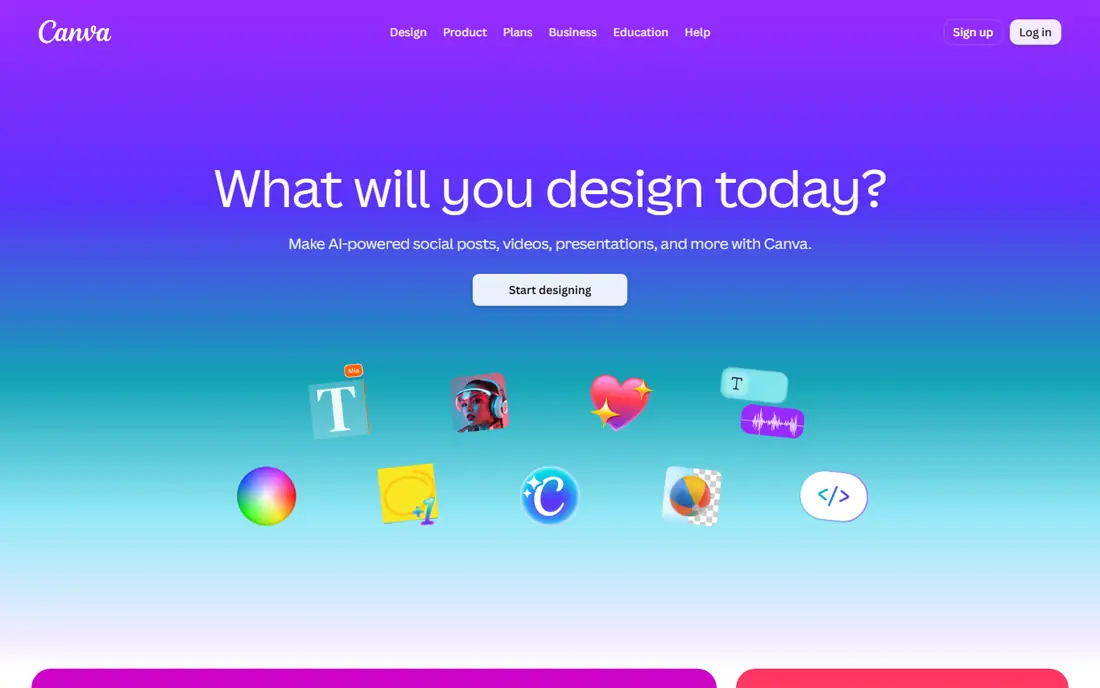
Canva is where most startups make their day-to-day marketing assets, such as social posts, pitch decks and flyers. Its pricing page says the free plan includes an easy drag-and-drop editor, over 1.6 million templates, one Brand Kit limited to 3 colors, and 5 GB of cloud storage.
Brand Kits store your colors, fonts and logos so every design stays on-brand. Pro raises that to 5 Brand Kits and adds premium templates, social scheduling and more storage, and Business offers 100 Brand Kits with approvals. Canva offers a free trial of Pro and Business.
The pricing page showed us amounts in a local currency, not US dollars, so we cannot give you a verified US price here. Check the page for your location before you subscribe. Canva is not a logo specialist, so many founders pair it with a dedicated logo tool.
- Free plan includes a Brand Kit and 1.6M+ templates
- Easy drag-and-drop editor
- Pro adds 5 Brand Kits and a free trial
- Free Brand Kit allows only 3 colors
- Paid prices display in local currency and we could not confirm US dollar amounts
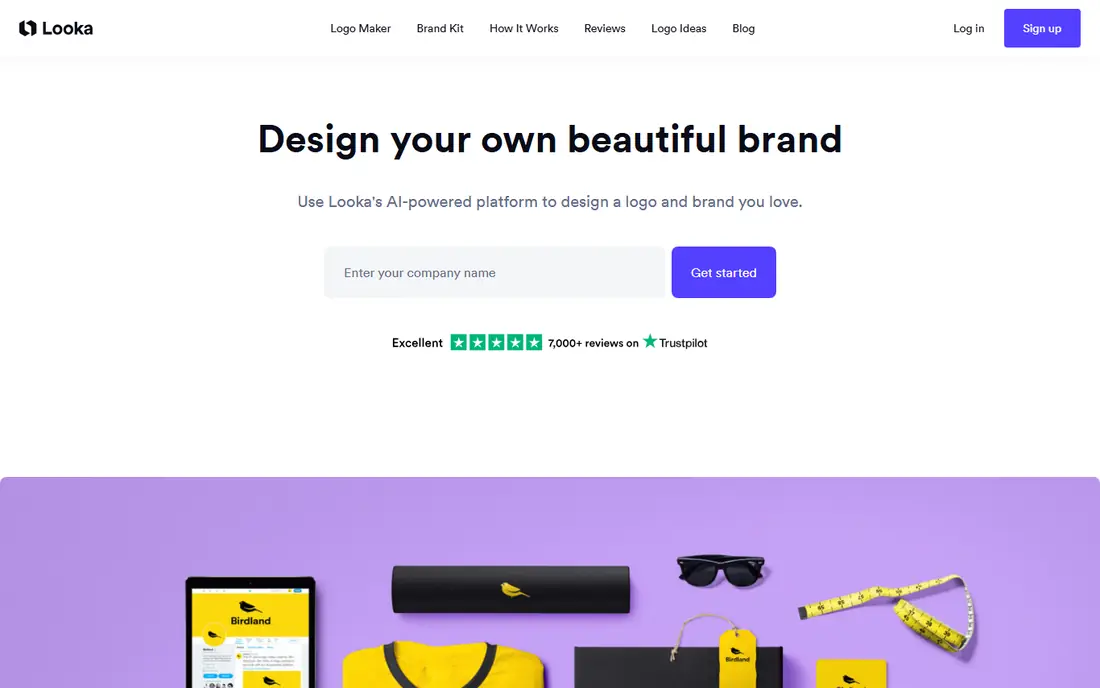
Looka generates logo options from your company name and style choices, and its pricing page says it is totally free to make logos and you pay only when you are happy. That lets you test designs without risk.
There are two routes. Option one is a Brand Kit subscription at $96 per year, which includes hi-res and vector logo files, unlimited changes to your logo, and templates for social profiles, business cards, email signatures, letterheads, invoices and brand guidelines. A Brand Kit plus AI-generated website plan is $129 per year. Option two is logo only: a Basic package at $35 (one low-res PNG file) or a Premium package at $72 (multiple high-res file types, color variations and unlimited post-purchase changes).
If you only want a logo, the $72 Premium package is the one to compare against alternatives, since the $35 file is too small for print. The subscription is better if you want the matching business templates in one place.
- Free to create logos and pay only when you are happy
- Premium logo package includes PNG, EPS, SVG and PDF files
- Brand Kit adds business card, letterhead and social templates
- The $35 package is a single low-resolution file
- Brand Kit is a yearly subscription
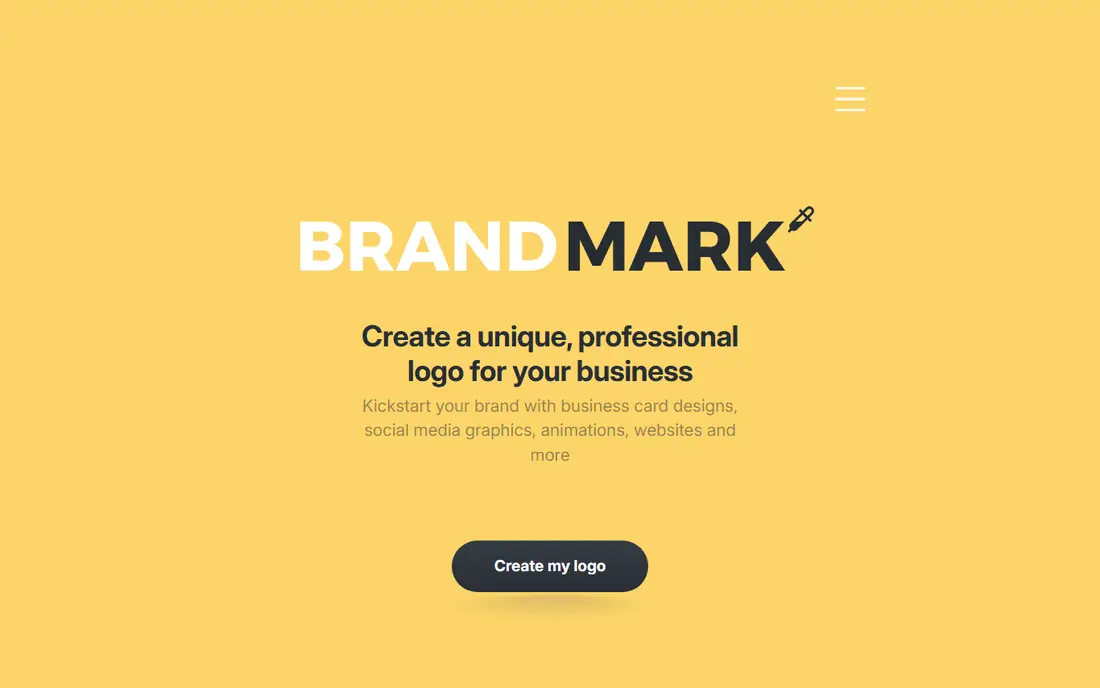
Brandmark is another AI logo maker, and its pitch is a single payment. Its site says you can generate unlimited logos for free, pay once and get access to its branding tools forever with no monthly charges, and export to SVG, PNG and PDF. It also says full copyright is included.
The pricing page lists three one-time packages. Basic is $35 with logo files in PNG and vector formats. Designer is $95 and adds logo source files, unlimited design revisions, brand guidelines, a one-page website design and designs for business cards, social media and presentations. Enterprise is $195 and adds up to 10 fully original hand-crafted concepts and a font download.
For a bootstrapped startup, Designer is the sensible tier because the guidelines and templates are included. If you like the idea of a subscription-free brand package, compare it with Looka's Premium logo package before paying.
- Pay once with no monthly charges
- Designer package includes brand guidelines and social templates
- Unlimited revisions
- Higher tiers cost $95 and $195
- Fewer extras than a full design suite
A strong name comes before a logo, and Namelix helps with it. The site describes a free AI-powered tool that generates short, brandable business names from your idea, rather than combining dictionary words into long ones. You can filter by keyword, name length and domain extension, and save the names you like so the tool learns your taste.
It is made by Brandmark, and the page points you to Brandmark if you want a logo for your chosen name. It also links to a domain search, so you can see whether a matching domain is available before you get attached to a name.
Treat the output as a starting list. A great-sounding name may already be in use by another company, so search the US Patent and Trademark Office database and the web before you commit. Namelix does not check trademarks for you.
- Free AI name generator
- Filters for short names, keywords and domain extensions
- Saves names you like and learns from them
- Does not make logos itself
- Names still need a trademark check
Coolors is a fast palette generator. You press a key to generate color combinations, lock the ones you like and tweak the rest. Its pricing page says the free plan allows palettes of up to 5 colors, 10 saved palettes, 1 project and 1 collection, with ads shown.
Pro is listed at $3 per month billed yearly ($36), or $5 per month billed monthly. It removes ads, allows palettes of up to 10 colors, offers unlimited saved palettes and projects, and adds contrast checking, advanced export options and an AI feature with 3,000 credits per month. The site lists a Figma plugin, a Chrome extension and an iOS app.
For a startup, the free plan is enough to settle on a brand palette. Pay for Pro only if you work on many projects or need the contrast checker for accessibility, which matters for website text and buttons.
- Free palette generator
- Pro is $3 per month billed yearly
- Apps and plugins for Figma, Chrome and iOS
- Free plan shows ads and limits saved palettes to 10
- Palettes are capped at 5 colors on free
Figma is a professional design tool used for interfaces, logos and design systems. If you plan to design your own logo or build a reusable set of brand components for your website and app, it is the most flexible option here. Its pricing page lists a free Starter plan with unlimited drafts, UI kits and templates, 30 days of version history and a limited number of AI credits.
The Professional plan is $16 per full seat per month, with Dev and Collab seats at $12 and $3, and Organization is $55 per full seat billed annually. Only a full seat can edit in Figma Design, while Collab seats can work in FigJam and Slides and view and comment on design files.
It is the right pick if you have a designer or want to learn. If you just need a quick logo and some social templates, a tool like Looka or Canva will get you there faster.
- Free Starter plan
- Real-time collaboration
- Professional full seat is $16 per month
- Steeper learning curve than template tools
- Only full seats can edit designs on paid plans
Adobe Express is Adobe's template-based design app for social posts, flyers and short videos. Its page lists a free plan at US$0 with basic content creation tools and limited generative AI credits, with no credit card needed.
Brand Kits are a Premium feature. The page says you can apply brand fonts and colors to designs, images and illustrations in a click, and that teams can lock elements so everyone stays in sync. Premium is US$9.99 per month, billed monthly with no annual commitment, and includes a 30-day free trial.
It is a natural choice if you already use Adobe tools or want Adobe's fonts and generative AI features. A logo template and a Generate Logo tool appear in its navigation, but the page does not explain them in detail, so treat it as a template tool rather than a dedicated logo maker.
- Free plan with no credit card
- Premium Brand Kit applies fonts and colors in one click
- 30-day Premium trial
- Brand Kit is Premium only
- Logo tools are not explained in detail
Frontify is a brand management platform. Its site describes "one home for your brand guidelines" and a way to find, manage and share brand assets, with enterprise features such as SSO, custom permissions, localization and integrations.
It does not publish prices. Frontify says it prices by monthly active users, counting anyone who logs in at least once a month, including outside partners, and that it works with customers to propose a package. It did not mention a free trial, so you will need to book a demo.
This is not a first-week startup tool. It makes sense once you have several people, agencies and freelancers who need the same logos, fonts and rules. Before then, a shared Canva Brand Kit or a PDF brand guide is usually enough.
- Central home for brand guidelines and asset management
- Enterprise features such as SSO and custom permissions
- Pay by active users
- No public prices and no stated free trial
- Likely too much for a very early team
How we picked these
We compared each product's own website, pricing page and App Store or plan details, and we picked tools that cover the main early brand jobs: naming, logo, color, design assets and guidelines. We mixed free tools and paid ones so a startup can start at zero and pay later.
We did not run months-long tests of these tools. Where a price depended on location or was not published (Canva, Frontify), we say so. Tailor Brands was also reviewed, but its public pages focused on company formation plans and gave unclear logo pricing, so we left it out.
How to build a startup brand with these tools
Start with the name
Use Namelix to generate options, check domains and search for trademark conflicts. A name you cannot get a domain or social handle for will cause problems later.
Pick colors before the logo
Set a palette in Coolors first so your logo and templates use the same colors. Check text contrast for accessibility before locking it in.
Choose one logo route
Looka and Brandmark both let you design for free and pay after. Compare the file types you get. You want vector files (SVG or EPS) so the logo scales from a favicon to a banner.
Keep assets in one place
Save your colors, fonts and logo in a Canva or Adobe Express Brand Kit so every post matches. Move to a platform like Frontify only when a team needs shared rules.
Know what a logo tool does not give you
A logo maker gives you design files and, according to Brandmark and Looka, ownership of your logo. It does not register a trademark. If the brand matters, talk to a trademark attorney.
Frequently asked questions
What are the best branding tools for startups?
A common stack is Namelix for names, Coolors for colors, Looka or Brandmark for the logo and Canva for everyday assets. All have free ways to start. Figma is the pick if you want to design a logo or design system yourself.
Which logo maker is cheapest?
Brandmark's Basic and Looka's Basic packages are both $35, but Looka's is a single low-resolution file. Brandmark's Basic includes vector formats, and Looka's Premium logo package is $72.
Do I need a brand kit?
It helps once you post often. A brand kit stores your logo, colors and fonts so every asset looks alike. Canva's free plan includes one with 3 colors, and Looka's $96 per year Brand Kit adds templates.
Is Canva good enough for startup branding?
For marketing assets, yes. Its free plan has templates and a basic Brand Kit. For logo design, many founders use a dedicated tool or a designer, then store the files in Canva.
Do I own the logo I make with an online tool?
Looka says you get full ownership of your logo and Brandmark says full copyright is included. Read the terms for any tool you use, and keep your purchase receipts.
Should a startup pay for Frontify?
Usually not at the start. It prices by active users and is built for larger teams that manage many brand assets.
Sources we checked (12)
- https://www.canva.com/pricing/
- https://www.canva.com/pro/
- https://looka.com/pricing/
- https://brandmark.io/
- https://brandmark.io/pricing/
- https://namelix.com/
- https://coolors.co/pricing
- https://www.figma.com/pricing/
- https://www.adobe.com/express/
- https://www.adobe.com/express/pricing
- https://www.frontify.com/en/pricing/
- https://www.tailorbrands.com/product-pricing
Online Jobs is an independent blog about careers, online work, learning new skills and the tools that help people earn. More about us.
Keep reading
All posts
Best Tools for Vector Design
The best tools for vector design in 2026, from Adobe Illustrator and CorelDRAW to free options like Affinity, Inkscape and Penpot, with prices and trade-offs.
Best Sales Intelligence Tools for B2B Contact Data
The best sales intelligence tools for B2B contact data in 2026: Apollo, ZoomInfo, Cognism, Lusha, UpLead and more, with real prices, credits and honest drawbacks.
Best Gig Apps
The best gig apps to make money in 2026, from Uber and DoorDash to Amazon Flex, TaskRabbit and Instawork, with US requirements, pay rules and honest drawbacks.