Best Brain Game Apps in 2026: 8 Apps Compared

How we put this together: we compare official feature and pricing pages, app store listings, privacy policies and public user reviews. Prices change, so check the provider's site before you pay.
Key takeaways
- Lumosity and Peak suit daily variety, while BrainHQ and CogniFit lean toward structured assessment and research-based exercises.
- Elevate is the strongest pick when you want practical skills such as writing, reading, and math rather than abstract puzzles alone.
- Most free plans give a small daily set of games, so try the free tier for a week before paying for a full library.
- No app in this list can promise to prevent memory loss, and we treat any such claim with care.
Quick comparison
| Name | Who it suits | Starting price | Free option | |
|---|---|---|---|---|
 Lumosity | Broad daily variety | $11.99 per month | Yes | Visit |
 Elevate | Practical work skills | See website | Yes | Visit |
 Peak | Polished daily training | See website | Yes | Visit |
 BrainHQ | Research-based exercises | $14 per month | Yes | Visit |
 CogniFit | Detailed cognitive assessment | See website | Yes | Visit |
 NeuroNation | Memory and concentration | See website | Yes | Visit |
 Memorado | Simple daily workouts | See website | Yes | Visit |
 Brainwell | Free daily brain workouts | Free | Yes | Visit |
The best brain game apps
We compared official feature pages, pricing pages, and app store listings to find apps that still offer real daily training in 2026. Our focus was variety, clear progress tracking, and a free tier that is useful on its own.
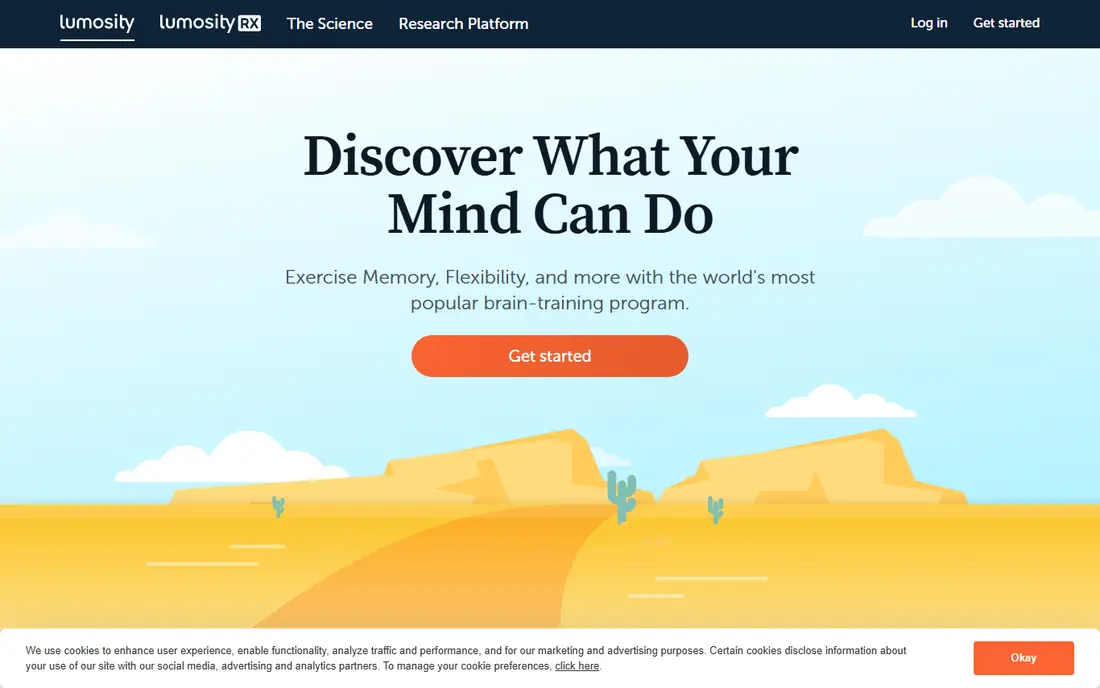
Lumosity remains one of the easiest apps to start with because it asks a few questions, gives a baseline, and then sets a short daily workout. The games cover memory, attention, speed, flexibility, and problem solving, so a session rarely feels like the same puzzle twice. That breadth suits people who want a general habit more than a narrow drill.
The catch is the free tier. It gives a taste of the library rather than full access, and progress detail is thinner without a subscription. If you enjoy the daily routine after a week, the paid plan is the point where the app opens up. If you only want a quick daily puzzle, the free tier may already be enough.
- Large game library
- Baseline test for tracking progress
- Short daily sessions
- Free plan is limited to a small daily set
- Full library needs a subscription
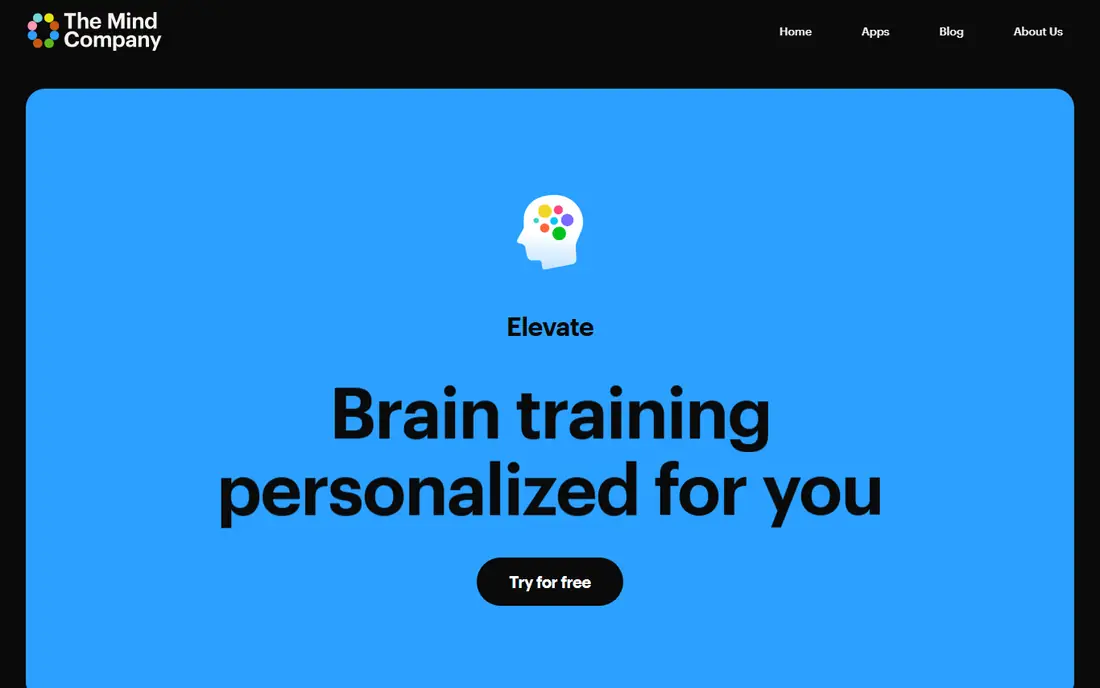
Elevate feels different from most brain game apps because its exercises map closely to tasks people do at work and school. You might practice clear writing, quick mental math, reading speed, or listening, all in short game-like rounds. For readers who want training that shows up in an email or a meeting, that practical slant is a real advantage.
The free version gives a daily program with a limited set of games, which is enough to judge the style. Paid access adds the full game set and more detailed performance tracking. People who prefer pure memory puzzles may find Elevate a little narrow, but for everyday thinking skills it is our pick for most adults.
- Focus on writing, reading, and math
- Personalized daily program
- Short sessions
- Less abstract puzzle variety than Lumosity
- Deeper stats sit behind payment
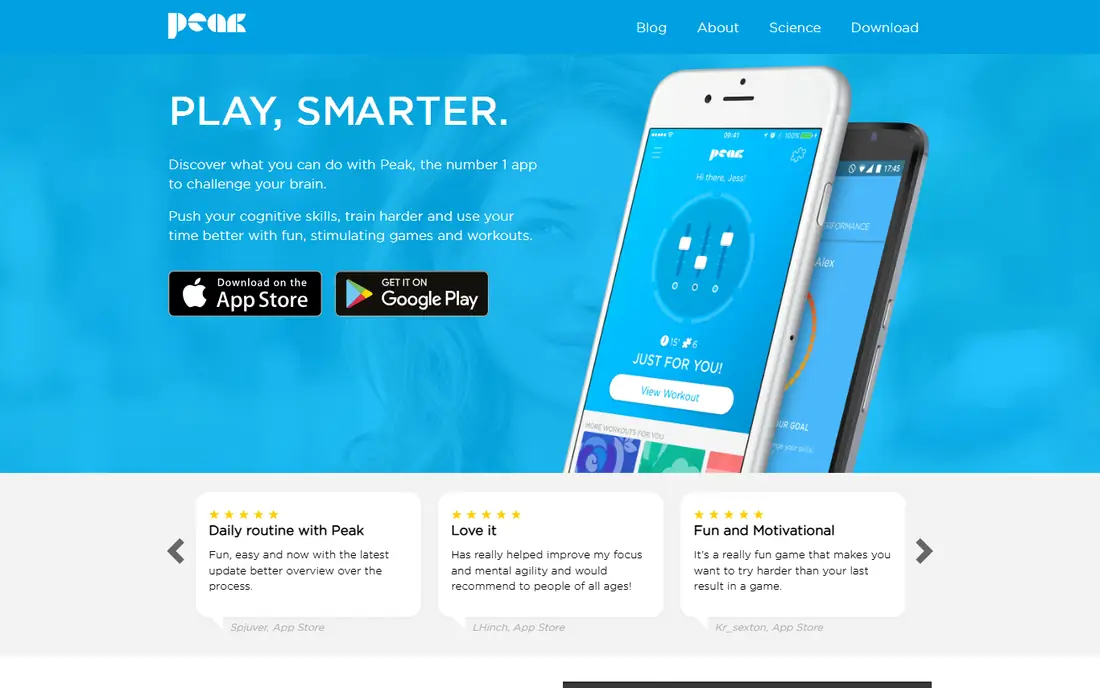
Peak pairs a clean, calm design with a solid set of mini games. It covers memory, mental agility, language, problem solving, and focus, and it shows how your scores compare across those areas. That overview helps you spot a weak area instead of repeating the games you already enjoy.
The free version is usable, but it limits how much you can play each day. A subscription adds a personalized training plan and fuller access. Peak suits people who like streaks, clear visuals, and a short daily routine that does not demand a long session.
- Clean design
- Games across memory, language, and attention
- Progress charts
- Free sessions are capped
- Personalized plan needs a subscription
BrainHQ comes from Posit Science and has a stronger published research base than most rivals in this list. Its exercises adapt as you improve, and many focus on processing speed and attention, which are useful for everyday tasks such as driving decisions and following conversations. Older adults and readers who value evidence over game style often prefer this approach.
The trade-off is tone. BrainHQ feels like training rather than a game, and some people will miss the playful rewards found elsewhere. A free daily exercise lets you sample the style, while full access needs a subscription. If you want the most research-grounded option here, start here.
- Exercises built with research input
- Adaptive difficulty
- Focus on processing speed
- Design feels more clinical than playful
- Price is higher than many rivals
CogniFit starts with an assessment that maps skills such as memory, attention, perception, and reasoning, then builds a training plan around the results. That structure appeals to people who want a clear starting point and measurable follow-up rather than a random set of puzzles. The reports are detailed, which helps if you are tracking change over time.
Casual players may find the first steps longer than in Lumosity or Peak, and the interface packs in a lot of detail. The free tier covers the initial assessment and limited games, so you can see the format before paying. CogniFit fits readers who like data and a plan, not just a daily game.
- Initial cognitive assessment
- Tailored training program
- Detailed reports
- Full training needs a subscription
- Interface can feel dense for casual users
NeuroNation also begins with an assessment, then sets exercises aimed at memory, concentration, and reasoning. Sessions are short, and the app adjusts difficulty as scores improve. It is a good middle ground between a playful app and a clinical tool, with enough structure to feel like progress without a long setup.
The free version gives core exercises and an assessment, while the full program sits behind a subscription. Players who want constant novelty may tire of the exercise set sooner than they would with a larger library. For steady memory and focus work, it is a dependable choice.
- Assessment-led plan
- Exercises for memory and focus
- Progress tracking
- Some content needs a subscription
- Game style is less varied than Lumosity
Memorado keeps the daily routine simple. You open the app, get a set of games for memory, concentration, reaction, logic, and speed, and move up levels as you improve. That low-friction design suits people who have tried brain apps before and stopped because setup felt like work.
It does not have the same depth of research material as BrainHQ or the same library size as Lumosity, and paid access adds more content and detail. As a free or low-cost daily habit, though, it is easy to keep going. Try it if you want a calm, straightforward workout without many menus.
- Easy to start
- Daily workouts across several skills
- Clear level progression
- Smaller profile than the leaders
- Some features need payment
Brainwell is useful precisely because it lowers the barrier to a daily habit. It offers a mix of brain games and puzzles without asking you to commit to a subscription first. Sessions are short, the layout is clear, and you can build a routine before deciding if you want a paid app at all.
The limits are honest ones. You get less detailed assessment and fewer advanced tracking tools than the paid leaders offer. For a free starting point, or as a second app alongside reading and puzzles, Brainwell does the job well. Pair it with a paid app later only if you want deeper tracking.
- Free daily workouts
- Mix of games and puzzles
- No subscription needed to start
- Less detailed assessment than CogniFit
- Smaller feature set than paid rivals
How we picked these
We compared official feature pages, pricing pages, and app store listings for apps that offer active brain training in 2026, and we kept only apps with a working free tier or a clear paid plan. We favored apps that cover more than one skill, give some form of progress tracking, and state their limits plainly. We did not count marketing claims about intelligence or memory gains as proof, and we avoided apps that were closed, merged away, or no longer updated.
What to check before you subscribe
Start with the free tier and set a simple test. Play for ten minutes a day for a week and note if you actually return to the app without a reminder. A large library means little if the daily session feels like a chore, and a small library can still work if the games fit your goal.
Check what the subscription adds. In most cases it adds full game access and detailed stats, not a different kind of training. Also check device support, because some apps work best on a phone while others work well on a computer. Finally, keep expectations grounded. These apps can build a useful daily habit and give you practice in attention, memory, and speed, but they are not a medical treatment and they do not replace sleep, exercise, reading, and social activity.
A note on health claims
Brain training apps often use bold language about sharper thinking. Treat those claims as marketing until you see clear, independent evidence for the exact app and the exact benefit. This article is general information only and is not medical advice. If you have concerns about memory or thinking, talk with a clinician rather than relying on an app score.
Frequently asked questions
What are the best apps for brain games?
Lumosity and Peak are strong all-round picks for variety, Elevate suits practical skills, and BrainHQ suits readers who want research-based exercises. The best choice depends on your goal, so start with the free tier of two apps and keep the one you return to most often.
Are brain game apps free?
Many have a free tier, including Lumosity, Elevate, Peak, BrainHQ, CogniFit, NeuroNation, Memorado, and Brainwell. Free access usually covers a daily set of games, while full libraries and detailed tracking need a subscription. Check the current pricing page before paying, because plans change.
Do brain games improve memory?
Games can improve performance on similar tasks and can help you build a regular mental practice habit. Evidence for broad transfer to everyday memory is mixed, and no app here should be treated as a cure or a guarantee. A varied routine that includes reading, learning, and social activity matters more than any single score.
What is the best brain games app for older adults?
BrainHQ is a good starting point because its exercises are research-based and its pace is steady rather than frantic. Lumosity is also easy to use and offers short sessions. Choose the app with the clearest text and simplest navigation for the person using it.
Can kids use these brain game apps?
Most apps in this list are designed for adults, and parents should check age guidance in the app store listing before letting a child use one. For younger children, look for tools made for kids, with parental controls and age-matched content, rather than adapting an adult brain app.
How long should a daily session last?
Ten to fifteen minutes a day is enough to build a habit without fatigue. Longer sessions do not always help, and a short session you repeat daily beats a long session you abandon after a week. Stop if a game causes frustration or eye strain, and take breaks often.
Sources we checked (8)

Online Jobs is an independent blog about careers, online work, learning new skills and the tools that help people earn. More about us.
Keep reading
All posts
Best workout apps for women
Compare the best workout apps for women in 2026, from free guided classes to structured strength plans, with current prices, free plans and honest trade-offs.

Best Yoga App
Find the best yoga app for home practice in 2026, with verified prices, free options, class styles, trials and honest limits for 10 yoga apps compared.
Best Workout Tracker App
We compared the best workout tracker app options for gym, home, and running training, checking prices, free plans, and logging tools in detail. See inside.