Best BPM Software in 2026: 8 Tools Compared

How we put this together: we compare official feature and pricing pages, app store listings, privacy policies and public user reviews. Prices change, so check the provider's site before you pay.
Key takeaways
- Camunda suits developer-led teams that need precise BPMN orchestration, while Appian and Pega suit large firms with low-code and case management needs.
- Bizagi stands out for process modeling and documentation, even though full automation often needs a paid plan and more setup.
- Enterprise BPM pricing is often quote-based, so total cost depends on users, processes and implementation help, not just the licence.
- The best BPM tool is the one your process owners will actually maintain, not the one with the longest feature list.
Quick comparison
| Name | Who it suits | Starting price | Free option | |
|---|---|---|---|---|
 Camunda | Developer-led process orchestration | See website | Yes | Visit |
 Appian | Low-code enterprise automation | See website | Yes | Visit |
 Pega Platform | Large regulated enterprises | See website | No | Visit |
 Kissflow | Mid-market workflow consolidation | See website | Free trial | Visit |
 ProcessMaker | Complex low-code automation | $1475 per month | Free trial | Visit |
 Bizagi | BPMN modeling and documentation | See website | Yes | Visit |
 Nintex | Microsoft-focused automation | See website | Free trial | Visit |
 Pipefy | Visual, template-led workflows | See website | Yes | Visit |
The best BPM software
Business process management software, often called BPM software, helps teams model a process, automate its steps, assign work, and track where each case stands. The tools below cover very different buyers. Some are developer platforms built on BPMN, the standard notation for process diagrams. Others are low-code tools that let operations teams build approvals and forms without writing code. We grouped them by fit, so you can skip the enterprise platforms if you only need approvals.
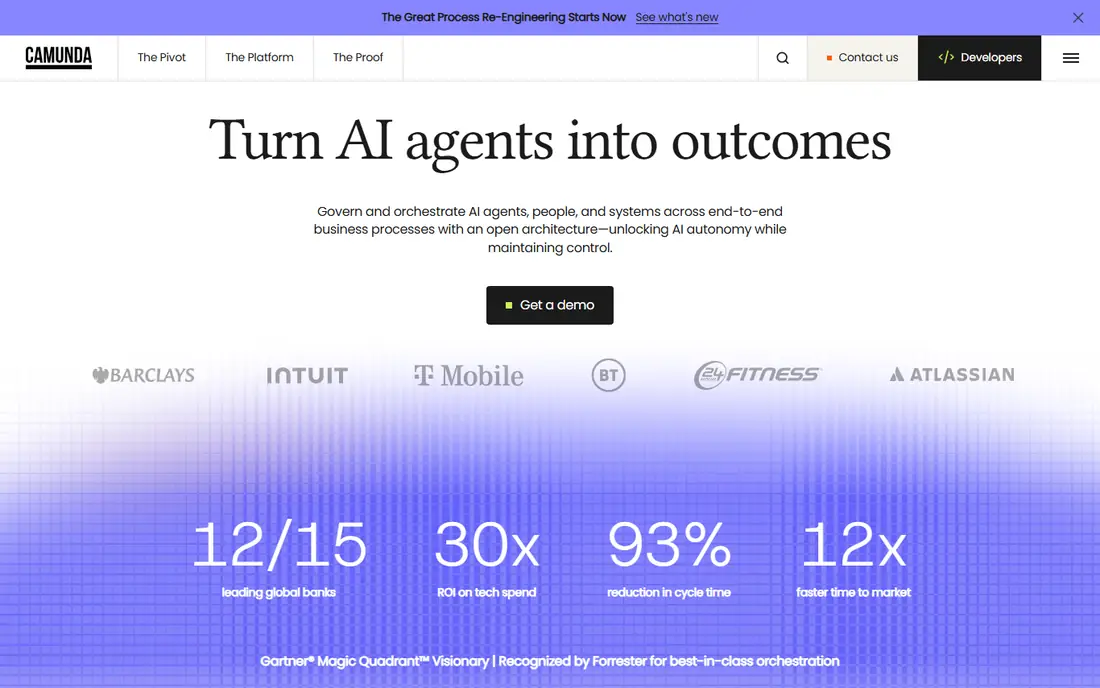
Camunda is the pick for teams that treat the process model as a real system, not just a diagram. It uses BPMN for process flows and DMN for decision tables, so business rules stay visible and auditable rather than buried in code. Developers can orchestrate long-running processes that involve people, systems and AI agents, with clear handling for exceptions, retries and human tasks. That depth is why Camunda appears in regulated and complex operations where you must explain exactly what happened at each step.
The trade-off is ownership. Camunda works best when developers and process owners share responsibility for the models, and when the team is willing to maintain them over time. A business team looking for a drag-and-drop tool they can run alone may find Camunda heavy. Pricing also needs a sales conversation for production use, though development use is free. Choose Camunda when process accuracy, audit trails and system orchestration matter more than speed of first setup.
- Strong BPMN and DMN support
- Developer-friendly orchestration
- Free tier for development and non-production use
- Needs technical skill to run well
- Production pricing is quote-based
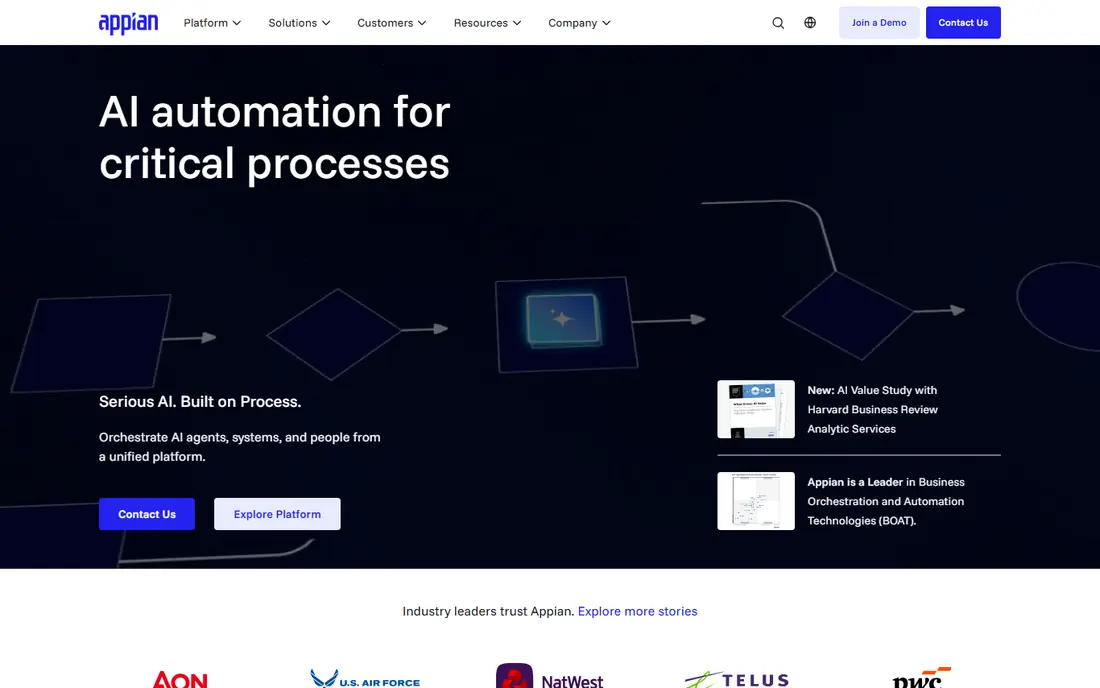
Appian combines process automation with low-code application building, which makes it useful when a workflow needs its own screens, data and reports rather than just approvals by email. Teams can design processes visually, build interfaces with drag-and-drop tools, and manage cases that move through many stages and owners. Appian also offers a free community edition for learning and building, which helps teams test the platform before committing to a paid plan. Its strength in regulated industries comes from governance, audit and security controls that larger buyers expect.
Appian is not a quick, self-serve purchase for a small team. Paid plans are priced per user and per application, with a custom quote for platform use, and larger deployments often need implementation help. Users also note limits in interface flexibility compared with a fully custom build. Appian fits best for mid-market to enterprise teams that want to reduce developer dependence without giving up BPM structure, case handling and compliance.
- Visual low-code builder
- Strong case management and records
- Enterprise security and compliance controls
- Paid pricing is quote-based
- Complex deployments still need IT involvement
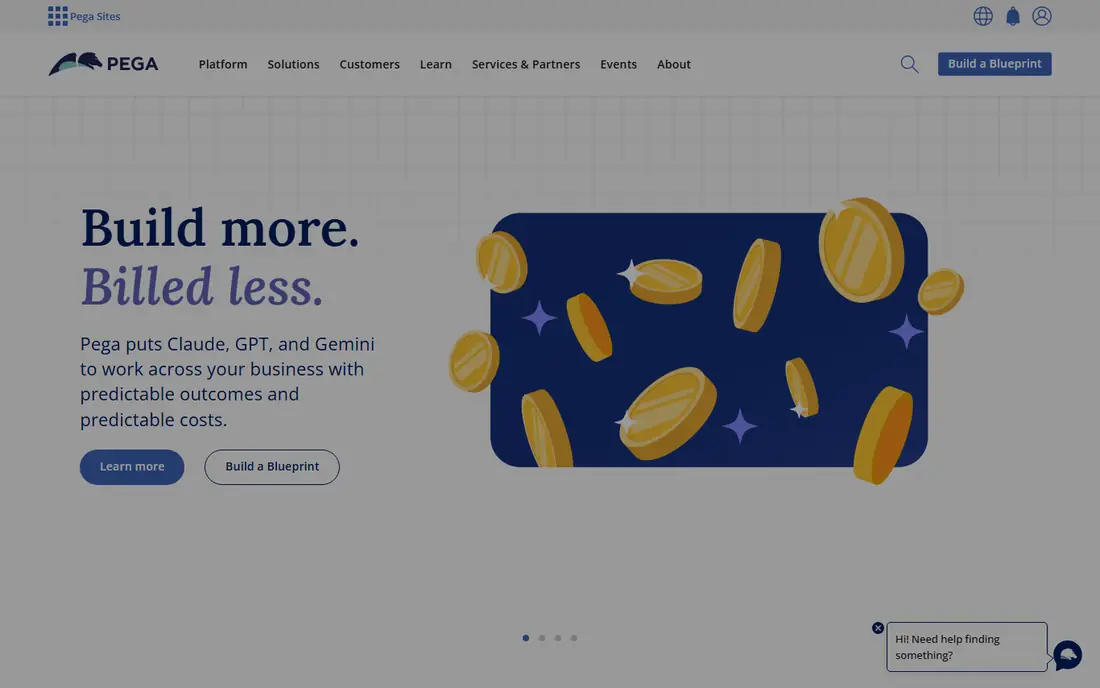
Pega Platform is built for organisations with large, regulated, multi-step operations, such as banks, insurers and government agencies. It brings together workflow, case management, decision rules and AI-assisted automation in one platform, so a case can move from intake to decision to fulfilment with rules applied at each stage. That breadth is valuable when a process has many exceptions, approvals and compliance checks that must be recorded. Pega also supports large user counts and complex integrations, which is why it appears in transformation programmes rather than single-team projects.
The cost and effort are the clear limits. Published pricing guides in 2026 place enterprise Pega deployments in six-figure annual ranges, with implementation adding a large amount on top. Smaller teams will find the platform too heavy and too expensive for simple approvals. Choose Pega only when the process is central to the business, the volume is high, and the organisation can fund a dedicated process team over several years.
- Deep case management and decisioning
- Built for large, complex operations
- Strong automation at enterprise scale
- High cost and long implementation
- Overkill for small or simple workflows
Kissflow appeals to teams that want one platform for workflows, forms and simple business applications, without hiring a BPM specialist. Business users can build approval flows, track requests and create dashboards from templates, while IT keeps control over users and integrations. That balance helps mid-market firms that have outgrown spreadsheets and email approvals but are not ready for an enterprise BPM programme. Kissflow also supports process boards, reports and integrations with common business tools.
Because Kissflow covers a wide area, it may not match a specialist tool on deep BPMN modeling or developer orchestration. Teams with strict BPMN requirements or very complex decision logic should test those cases in a trial before committing. Pricing is also quote-led for many deployments, so ask for a total figure based on your user count and process count. Kissflow fits best as a consolidation pick: one platform, many everyday processes, owned mainly by operations teams.
- Visual workflow builder for business users
- Covers forms, approvals and apps in one place
- Faster setup than enterprise BPM
- Broad scope can feel less deep in any one area
- Pricing needs a quote for many plans
ProcessMaker sits between a simple workflow tool and a full enterprise BPM suite. Its low-code builder lets teams design processes, forms and decision rules, then run them with dashboards that show bottlenecks and cycle times. That reporting matters once a process is live, because it shows where cases stall and which steps need redesign. ProcessMaker has open-source roots, which appeals to teams that want flexibility and a large community, even though the paid platform is the main route for supported business use.
The entry price, reported around 1,475 dollars per month for the paid platform, puts ProcessMaker above simple workflow tools. Small teams may find that hard to justify for a handful of approvals. ProcessMaker fits best for organisations with complex, multi-step processes, a need for reporting, and a budget that supports a dedicated automation platform rather than a single-purpose app.
- Low-code builder with strong automation
- Dashboards and reporting included
- Open-source roots for flexibility
- Entry price is high for small teams
- Gap between free and paid options can confuse buyers
Bizagi is often the first tool process teams use, because its free Modeler lets them draw BPMN diagrams, document steps and share designs without paying. That is useful for mapping a process before automating it, and for getting agreement from stakeholders who need to see the flow on one page. Bizagi also offers an automation platform that turns models into running workflows with forms, rules and integrations. The link between model and execution is the point: a diagram is not left as a document, it becomes the basis for the live process.
The catch is that modeling is free, but running processes at scale is not. Automation pricing is usage-based and quote-led, so buyers should ask for a figure based on expected process volume. Bizagi also needs process discipline: teams must keep models current, or the live workflow and the documented process drift apart. Choose Bizagi when documentation, stakeholder agreement and BPMN accuracy are the first priority, with automation as the second step.
- Free Modeler for BPMN diagrams
- Good collaboration on process design
- Clear path from model to automation
- Full automation pricing is usage-based and quote-led
- Modeling alone does not automate work
Nintex is a natural shortlist pick for organisations already invested in Microsoft 365 and SharePoint. Its workflow tools let teams automate approvals, document generation and process steps inside the Microsoft environment, rather than asking staff to learn a separate system for every task. That fit reduces training and keeps documents, tasks and approvals close to where work already happens. Nintex also offers process mapping and automation analytics, so teams can document a process and then track its performance.
Nintex is less compelling for a team with no Microsoft base, since much of its value comes from that integration. Pricing is quote-based, so buyers should compare the total cost with a standalone BPM tool, including any Microsoft licences already held. Nintex fits best for Microsoft-centred firms that want workflow automation, forms and document handling without a separate BPM programme.
- Strong fit for SharePoint and Microsoft 365
- Visual workflow design
- Document and process automation together
- Pricing is quote-based
- Heritage in SharePoint can shape its best use cases
Pipefy presents processes as pipelines with cards that move through stages, which makes it easy to see where work stands at a glance. Teams can start from templates for hiring, purchasing, customer onboarding and other common processes, then adjust stages, forms and automations. That template-led start is a strength for operations teams that want a working process in days, not months. Pipefy also includes a free plan, so small teams can test the approach before paying.
The limit is depth. Pipefy is excellent for structured, stage-based work, but it is not a strict BPMN engine for complex, branching processes with formal decision tables. Templates also rarely fit a business exactly, so expect time to adapt fields, rules and reports. Pipefy fits best for teams that think in pipelines and cards, want a low learning curve, and need a clear, shared view of each case.
- Kanban-style process views
- Ready templates for common processes
- Easy for non-technical teams to start
- Templates may need heavy customisation
- Less depth for strict BPMN or complex decision logic
How we picked these
We looked for BPM and workflow tools that are still sold and supported in 2026, cover process modeling or automation in a meaningful way, and publish enough detail to compare. We checked vendor homepages, pricing pages where available, and independent comparisons for entry prices and free options. We excluded general project tools that only track tasks, since they do not model or automate a business process in the BPM sense. We also kept a range of buyers in mind, from developer teams to operations teams, so the list does not only serve large enterprises.
We did not test every deployment ourselves, and enterprise pricing is often quote-based, so figures marked as See website should be confirmed with the vendor for your user count and process volume. Where a published starting price was available from the vendor or a recent comparison, we used it, and we note that prices change.
Choosing the right BPM tool for your team
Start by writing down the process you want to fix, not the tool you want to buy. List its steps, its decision points, its owners and its exceptions. If the process is a simple approval chain, a tool such as Pipefy will be faster and cheaper than an enterprise platform. If the process crosses many systems, needs an audit trail and must handle exceptions cleanly, Camunda, Appian or Pega deserve a closer look. That single distinction saves many buyers from paying for depth they will never use, or from outgrowing a simple tool in six months.
Pilot one process, not five
Run a pilot on one real process with real users, and measure cycle time, handoff delays and error rates before and after. A pilot reveals whether process owners can maintain the workflow, whether integrations work, and whether reporting shows the bottlenecks you care about. It also reveals hidden costs, such as training, implementation help and ongoing model maintenance. Choose the vendor that makes the pilot feel manageable, not just the vendor with the most impressive demo.
Budget for maintenance, not just licences
BPM tools fail when no one owns the process after launch. Budget time for a process owner, for regular reviews, and for updating models when the business changes. Ask each vendor what happens when a process changes mid-flight, how versioning works, and how you export or migrate your models. A tool that locks your processes into a closed format creates a future cost that does not appear in the first quote.
Frequently asked questions
Which BPM tool is the best?
The best BPM tool depends on your team. Camunda is best for developer-led orchestration, Appian is best for low-code enterprise automation, and Kissflow is best for mid-market teams that want visual workflows. Start with your process type and your technical capacity, then shortlist two or three tools for a pilot.
What is the best software for BPM in a small business?
For a small business, a visual workflow tool such as Pipefy is usually enough. These tools offer free plans or low starting prices, template-led setup, and approvals without a long implementation. Only move to Appian, Pega or Camunda when your processes become complex, regulated or system-heavy.
What are the best BPM tools for process modeling?
Bizagi Modeler and Camunda are strong for BPMN modeling, because they use the standard notation and keep models structured. Bizagi is a good free starting point for documentation, while Camunda links the model more directly to execution. If modeling is only for discussion, a diagram tool may be enough, but for automation the model should be executable.
Is BPM software the same as workflow automation?
Workflow automation is part of BPM, but BPM is broader. BPM covers modeling, analysis, automation, monitoring and improvement of a process over time. A workflow tool may only automate approvals, while a BPM platform also models decision logic, tracks cases end to end, and reports on performance for redesign.
How much does BPM software cost?
Costs range from free plans and around 11 dollars per user per month for simple workflow tools, to 1,475 dollars per month for ProcessMaker, to quote-based enterprise pricing for Appian, Pega and Camunda. Always ask for a total based on users, processes and implementation, since licence price alone understates the real cost.
Do I need developers to use BPM software?
It depends on the tool. Pipefy and Kissflow are built for business users, while Camunda needs developers for serious use. Appian and ProcessMaker sit in between, with low-code builders that still benefit from IT help for complex cases. Match the tool to the skills your team actually has, not the skills you hope to hire.
Sources we checked (8)

Online Jobs is an independent blog about careers, online work, learning new skills and the tools that help people earn. More about us.
Keep reading
All posts
n8n Alternatives
n8n alternatives compared for 2026, with Zapier, Make, Activepieces, and more, covering visual builders, code steps, self-hosting, and pricing models.

ZoomInfo Alternatives
The best ZoomInfo alternatives in 2026, compared on price, free plans, data coverage, and which tool fits small teams or large sales teams best in detail.

Yotpo Alternatives
Find cheaper alternatives to Yotpo for reviews and loyalty, with Judge.me, Loox, Stamped, and more compared for Shopify stores in 2026, all in one guide.