Best Bookkeeping Software in 2026: 8 Tools Compared

Small businesses wanting depth · Starting price: See website
How we put this together: we compare official feature and pricing pages, app store listings, privacy policies and public user reviews. Prices change, so check the provider's site before you pay.
Key takeaways
- The best bookkeeping software for a small business pairs bank feeds and invoicing with reports a non-accountant can read.
- QuickBooks Online and Xero suit businesses that need depth, payroll options, and accountant access.
- FreshBooks and Zoho Books suit service businesses and freelancers who invoice often and want a simple workflow.
- Wave suits very small businesses that need free core bookkeeping, with paid add-ons for payroll and payments.
- Check bank connections, payroll availability in your state, and accountant access before choosing, since those affect daily use.
Quick comparison
| Name | Who it suits | Starting price | Free option | |
|---|---|---|---|---|
| QuickBooks Online | Small businesses wanting depth | See website | Free trial | Visit |
 Xero Xero | Businesses wanting clean cloud accounting | See website | Free trial | Visit |
 FreshBooks FreshBooks | Service businesses invoicing often | See website | Free trial | Visit |
 Wave Wave | Very small businesses wanting free core tools | Free | Yes | Visit |
 Zoho Books Zoho Books | Small businesses in the Zoho system | Free | Yes | Visit |
 Sage Sage | Businesses wanting established accounting | See website | Free trial | Visit |
 FreeAgent FreeAgent | Freelancers and small businesses wanting simple accounting | See website | Free trial | Visit |
 Bench Bench | Businesses wanting bookkeeping done for them | See website | No | Visit |
The best bookkeeping software
Bookkeeping software should save time, not create a second job. It should pull in bank transactions, send invoices, track expenses, and produce a profit and loss report you can hand to an accountant without rework. This list covers paid suites, free options, and a done-for-you service, with notes on who each one fits. This is general information, not tax or accounting advice, and a tax professional should review your setup for your business type.
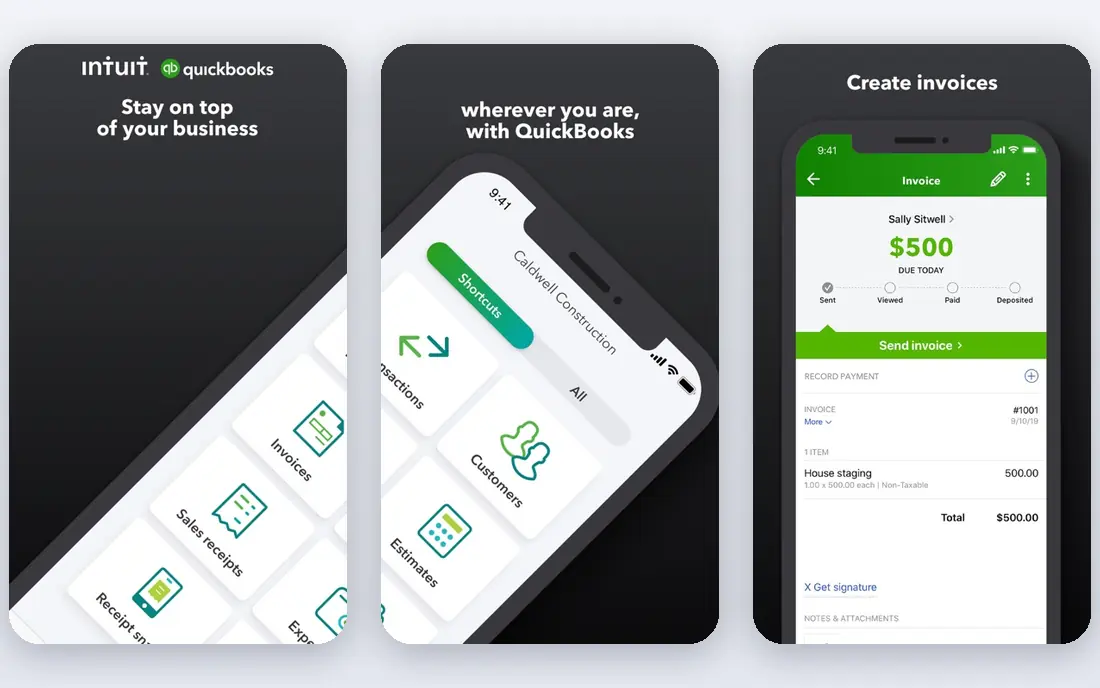
QuickBooks Online suits a small business that needs more than invoicing alone. It covers bank feeds, expense tracking, invoicing, sales tax tracking, payroll options, and reports, and accountant access is built in, which makes year-end work smoother. The range of integrations also helps a business that already uses payment, payroll, or inventory tools.
The catch is complexity and cost. A freelancer with ten invoices a month may find the full suite more than needed, and payroll and advanced reporting add to the bill. Use the trial with your real bank feed and invoice types, and ask your accountant whether they prefer QuickBooks, since that preference saves time at tax time.
- Broad features for invoicing, expenses, payroll, and reporting
- Many accountants know it well
- Large app and bank integration range
- Interface can feel busy for a very small business
- Price rises with payroll and advanced features
- Setup takes time to do well
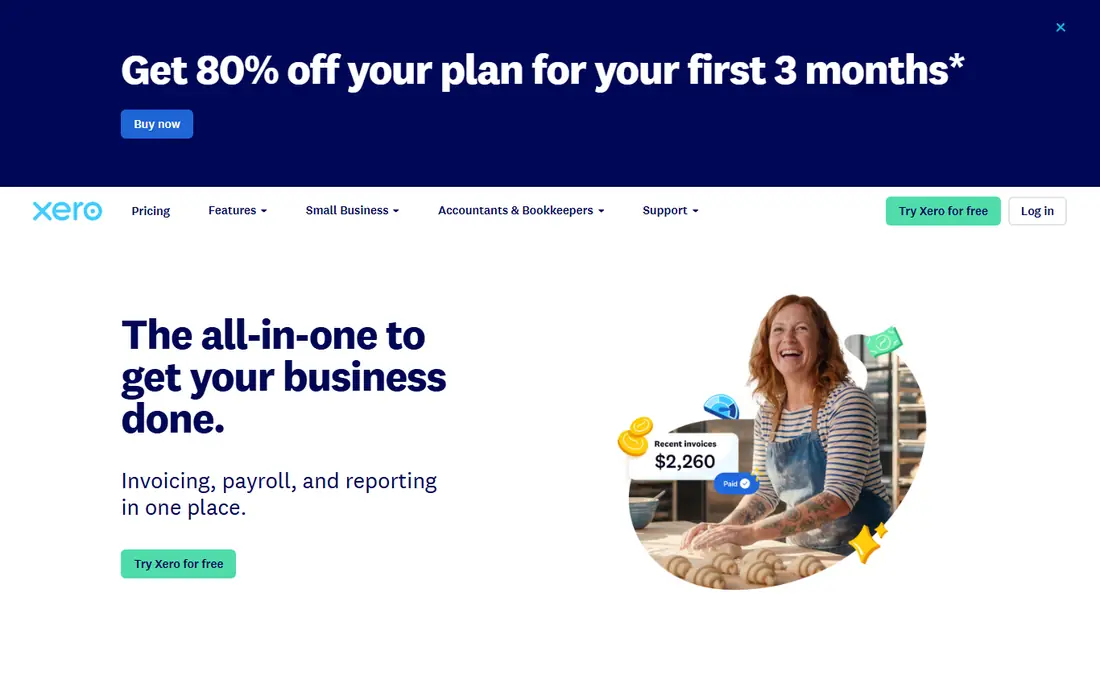
Xero suits a small business that wants cloud accounting with a clear, calm interface. Bank reconciliation is central, invoicing is straightforward, and reports cover profit and loss, balance sheet, and cash flow in a readable form. Multi-user access helps a business owner, bookkeeper, and accountant work in the same file without emailing spreadsheets.
The honest catch is payroll and location detail. Payroll options and tax features vary, so check what Xero covers in your state before relying on it for payroll. Transaction limits on lower plans also matter for a busy business. For a service or product business with steady invoicing and bank activity, Xero is a strong, modern choice.
- Clean dashboard and bank reconciliation
- Strong invoicing and expense tools
- Accountant and multi-user access
- Payroll availability and features vary by location
- Some advanced inventory features need add-ons
- Pricing rises with transaction volume
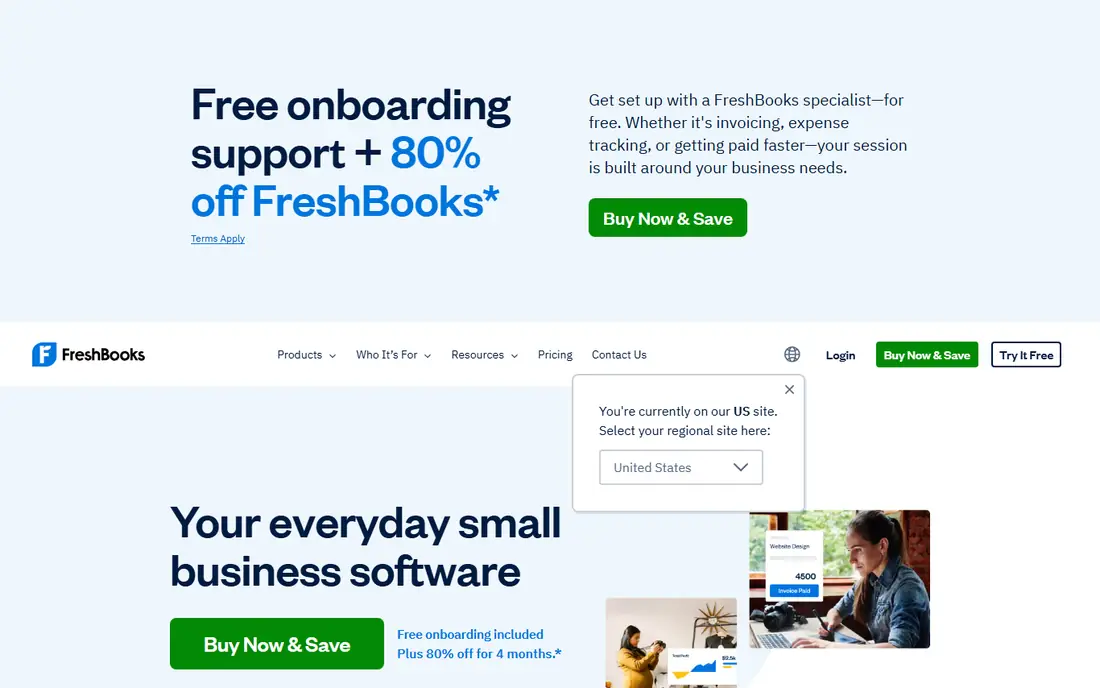
FreshBooks suits freelancers, consultants, and service businesses that live on invoices. It makes invoicing, time tracking, expense capture, and payment reminders feel simple, and clients can pay from the invoice without extra steps. For a service business, that workflow often matters more than deep inventory or job-costing features.
The trade-off is accounting depth. A business with inventory, complex payroll, or multi-entity needs may outgrow FreshBooks and need a fuller accounting suite. Check client limits on the plan, since pricing follows client count. For a service business that invoices weekly, FreshBooks is one of the easiest tools to run daily.
- Excellent invoicing and time tracking for service work
- Simple expense and client views
- Easy payment collection on invoices
- Accounting depth is less than QuickBooks or Xero for complex needs
- Inventory features are limited
- Price rises with client count
Wave suits a very small business, side business, or freelancer who needs core bookkeeping without a monthly fee. Accounting and invoicing are free, bank transactions can be imported, and reports cover the basics a small owner needs to see cash in, cash out, and amounts owed. That free core makes it easy to start without a subscription decision.
The catch is scale and add-ons. Payroll, payment processing, and some support options cost extra, and a growing business may need a fuller suite later. Wave is best for a business with modest transaction volume and simple needs. If you need payroll in your state, check Wave payroll availability and pricing before choosing it as the only tool.
- Free core accounting and invoicing
- Bank connections and receipt capture
- Simple reports for a very small business
- Payroll and payment processing are paid add-ons
- Support options are more limited than paid suites
- Features suit small scale, not complex needs
Zoho Books suits a small business already using Zoho for CRM, mail, or inventory, since the apps share data and logins. It covers invoicing, expenses, bank feeds, and reports, and the free plan helps a very small business start without cost, within the plan limits. That integration saves duplicate entry across tools.
The honest catch is limits and payroll. Free plan thresholds for revenue and users matter, and payroll may sit in a separate Zoho product depending on location. Check those points against your actual volume before relying on the free tier long-term. For a Zoho-based business, Zoho Books is a natural, cost-effective fit.
- Free plan for small businesses under the stated limits
- Invoicing, expenses, and bank feeds
- Strong integration with other Zoho apps
- Free plan limits matter as volume grows
- Payroll needs a separate Zoho app in some cases
- Interface takes learning for new users
Sage suits a small business that wants an established accounting brand with payroll and reporting depth. Sage accounting products cover invoicing, bank feeds, expense tracking, and reports, and payroll options help a business that pays staff regularly. Accountant familiarity with Sage also helps at year-end for businesses that already use it.
The trade-off is product choice. Sage sells more than one accounting product, so a buyer should confirm which product, plan, and features fit the business, rather than assuming all Sage products are the same. Trial the exact product with your bank feed and invoice types. For a business that values an established vendor and payroll depth, Sage is worth shortlisting.
- Long-established accounting features for invoicing, expenses, and reporting
- Payroll options
- Accountant access and support resources
- Product range can confuse new buyers, since Sage sells several accounting products
- Setup and migration take time
- Pricing varies by product
FreeAgent suits freelancers and small businesses who want accounting that reads like a business dashboard, not a ledger. It shows income, expenses, tax estimates, and amounts owed in plain views, and invoicing and bank feeds keep daily work short. That simplicity helps a solo owner who does accounts once a week.
The catch for US buyers is local fit. FreeAgent is best known in the UK, and US payroll and tax handling should be checked carefully against a US-first suite such as QuickBooks or Xero. For a US freelancer with simple needs and an accountant who accepts FreeAgent exports, it can still work well. Check bank connections and tax features during the trial.
- Simple dashboard for freelancers and small businesses
- Invoicing, expenses, and tax estimates in one view
- Bank feeds and accountant access
- US payroll and tax features are less deep than US-first suites
- Best known in the UK, so US buyers should check local fit
- Features suit small scale
Bench suits a business owner who wants bookkeeping handled by people, not just software. You connect accounts, Bench bookkeepers categorise transactions, and you receive monthly reports and a tax-ready summary. That service saves time for owners who dislike bookkeeping or who have fallen behind.
The honest catch is cost and control. A service costs more than software alone, and an owner who likes to check every transaction may prefer to keep books in QuickBooks or Xero. Bench also fits straightforward small businesses best, so a complex inventory or multi-entity business should confirm fit first. For an owner who wants books done and reports ready, Bench is a practical alternative to software alone.
- A bookkeeping team handles monthly books
- Reports and tax-ready summaries
- Good for owners who do not want to do bookkeeping themselves
- Monthly service cost is higher than software alone
- Less hands-on control than doing books yourself
- Fit depends on business complexity
How we picked these
We compared official product pages, pricing pages, and feature descriptions for bookkeeping software available to US small businesses. We gave weight to bank feeds, invoicing, expense tracking, reporting, payroll options, accountant access, and whether a free tier or trial was genuinely useful. We did not claim hands-on testing, and we set prices to the vendor figure where we could confirm it, and to See website where plan pricing could change by features, users, or location.
How to choose bookkeeping software
Start with transaction volume and invoicing pattern. A freelancer with few invoices needs simple invoicing and expense tracking, while a product business with many sales needs bank reconciliation, inventory awareness, and reports. A service business that bills by hour needs time tracking and client invoicing first.
Next, check three practical points: bank connections for your bank, payroll availability in your state, and whether your accountant works in the tool. Those three points affect daily use more than a long feature list. Trial the tool with a real month of transactions, not a sample, and produce a profit and loss report to see whether the output is usable.
Migration and tax time
Plan migration before switching. Export or import opening balances, customer lists, and outstanding invoices carefully, and keep the old system readable until the new one has run for a full month. At tax time, share reports and transaction detail with your accountant early, and keep receipts and bank statements organised. Software helps, but it does not replace professional tax advice for your business type.
Free or paid
Free software suits a very small business with simple needs, while paid software suits a growing business that needs payroll, deeper reports, or accountant collaboration. The cheapest tool that you actually use weekly beats an expensive suite that sits unused. Review the subscription each year against transaction volume and features used.
Frequently asked questions
What is the best bookkeeping software for a small business?
The best bookkeeping software for a small business is usually QuickBooks Online or Xero, because both cover invoicing, bank feeds, expenses, payroll options, and accountant access. FreshBooks suits service businesses that invoice often, while Wave suits very small businesses that need free core tools. Choose by invoicing pattern, bank fit, and accountant preference.
What is the best accounting software for a small business?
QuickBooks Online, Xero, and Sage are common accounting software picks for small businesses, with different strengths in depth, interface, and payroll. FreshBooks and Zoho Books suit simpler service and small-business needs. Compare trial reports and bank connections, since those decide daily fit more than a feature list.
What is the best free accounting software?
Wave offers free core accounting and invoicing, and Zoho Books offers a free plan within stated limits for small businesses. Free plans suit very small businesses with modest volume and simple needs. Check limits, payroll availability, and bank connections, since those points often decide whether a free plan stays free in practice.
What is the best bookkeeping app for freelancers?
FreshBooks and Wave are strong for freelancers, with simple invoicing, expense capture, and client views. FreeAgent also suits freelancers who want a plain dashboard with tax estimates. Pick the app whose invoicing and payment flow matches how you bill, whether by hour, project, or retainer.
What is the best online accounting software?
QuickBooks Online and Xero are the most widely used online accounting options for small businesses, with cloud access, bank feeds, and accountant collaboration. Zoho Books and Sage also offer online accounting with different pricing and integrations. Cloud access helps a business owner, bookkeeper, and accountant work in the same file.
What is the best free bookkeeping software for a small business?
Wave is a strong free bookkeeping option for a small business, with free accounting and invoicing for core needs. Zoho Books free plan is another option within its limits. A free tool works best when transaction volume is modest and payroll is handled separately or not needed.
Sources we checked (8)

Online Jobs is an independent blog about careers, online work, learning new skills and the tools that help people earn. More about us.
Keep reading
All posts
Best Trading Apps for Beginners
Compare the best trading app for beginners, with $0 stock commissions, fractional shares, education, paper trading and account types explained in 2026 now.
Best Trading App
We compared the best trading apps for beginners and active traders on fees, tools, accounts and ease of use, so you can pick a platform that fits your plan.
Best Tax Software
Compare the best tax software in 2026 for simple returns, investors, freelancers, and preparers, with free options, state fees, and honest limits for filing.