Best Backup Software in 2026: 8 Apps Compared


Backup plus security · Starting price: See website
How we put this together: we compare official feature and pricing pages, app store listings, privacy policies and public user reviews. Prices change, so check the provider's site before you pay.
Key takeaways
- Acronis and Macrium suit full system recovery, with Acronis adding security and cloud storage, and Macrium focusing on imaging quality.
- Backblaze and IDrive suit cloud backup, with Backblaze suiting one computer and IDrive suiting a household with many devices.
- EaseUS and AOMEI suit home users who want usable free tiers for imaging and cloning, without paying at first.
- Veeam Agent suits technically confident users who want a strong free whole-PC backup, while Carbon Copy Cloner suits Mac users who want more control than Time Machine.
- A backup only counts if it has been restored, so test a restore before you need one.
Quick comparison
| Name | Who it suits | Starting price | Free option | |
|---|---|---|---|---|
| Acronis Cyber Protect Home Office | Backup plus security | See website | Free trial | Visit |
 Macrium Reflect X Macrium Reflect X | System imaging | See website | Free trial | Visit |
 EaseUS Todo Backup EaseUS Todo Backup | All-round home backup | See website | Yes | Visit |
 Backblaze Computer Backup Backblaze Computer Backup | Unlimited single-PC cloud | See website | Free trial | Visit |
 IDrive IDrive | Multi-device household backup | See website | Yes | Visit |
 AOMEI Backupper AOMEI Backupper | Free imaging and cloning | See website | Yes | Visit |
 Veeam Agent for Windows Veeam Agent for Windows | Free whole-PC imaging | Free | Yes | Visit |
 Carbon Copy Cloner Carbon Copy Cloner | Mac cloning and scheduling | See website | Free trial | Visit |
The best backup software
Backup covers different jobs, and a tool that is excellent for one can be weak for another. System imaging restores a whole computer after a drive failure, file backup protects documents and photos, and cloud backup protects against fire, theft or a failed local drive. The tools below cover those jobs, and the safest setup often pairs a local image with an offsite cloud copy.
Acronis Cyber Protect Home Office
Who it suits: Backup plus security
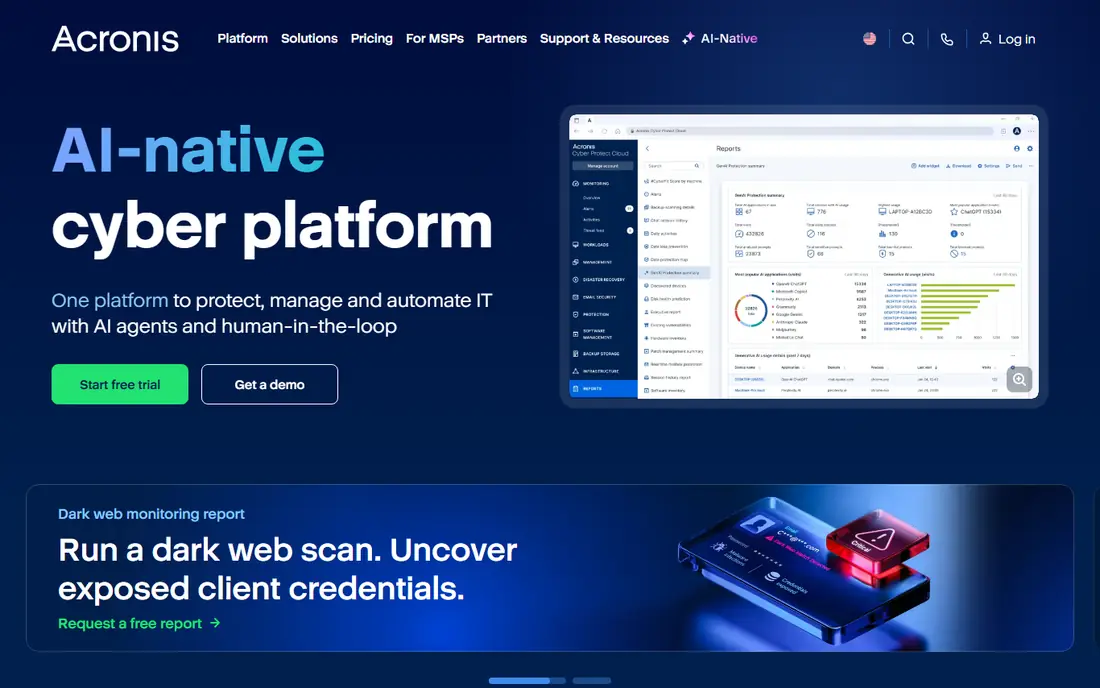
Acronis Cyber Protect Home Office suits households that want backup and security in one product. It can image a whole system, back up files, store copies in Acronis Cloud, and add active protection against malware and ransomware. For a user who wants one subscription to cover recovery and security, that bundle is convenient.
The catch is cost and complexity. Cloud storage tiers and subscription renewal can add up, and casual users may not need every security feature. Acronis is best for users who will actually use imaging, cloud backup and protection together. If only imaging is needed, a simpler tool may be enough.
- Full system imaging plus file backup
- Cloud storage options
- Anti-malware and anti-ransomware features in the same agent
- Subscription cost rises with cloud storage
- Interface offers many features for a casual user
Macrium Reflect X suits Windows users whose main fear is a dead drive or a failed update. Scheduled images, differential backups, cloning and bootable rescue media make it possible to restore a system to a working state without reinstalling everything. For a home PC or a small office workstation, that focus is valuable.
The limit is scope. Macrium does not include cloud storage, and it does not cover Mac or Linux systems. A user should pair it with a separate cloud or offsite copy for fire and theft protection. If system recovery is the priority, Macrium remains a strong, focused choice.
- Dependable scheduled imaging and cloning
- Bootable rescue media
- Clear restore options for Windows users
- Windows only
- No bundled cloud backup
- Interface assumes some technical confidence
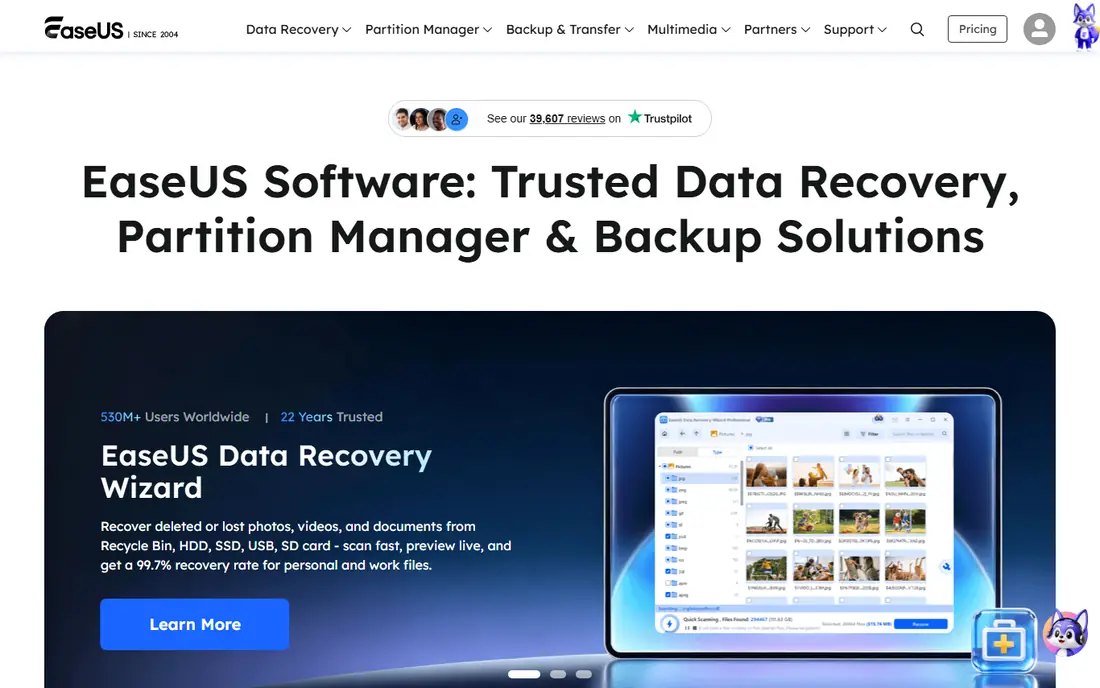
EaseUS Todo Backup suits home users who want a friendly all-round tool. System backup, file backup, disk cloning and scheduling are in one place, and the free tier covers basic scheduled imaging for many users. That makes it a good first backup tool for a family PC.
The catch is that the free tier has limits, and cloud backup and advanced features sit on paid plans. EaseUS is best judged on whether the free version covers the jobs a household actually needs, such as a weekly system image to an external drive. For simple local backup, it is a practical and accessible pick.
- System, file and disk backup in one interface
- Cloning and scheduling
- Usable free tier for home users
- Paid features and cloud options add cost
- Some advanced features need a higher plan
Backblaze suits users who want cloud backup without thinking about storage limits. Once installed, it backs up files automatically, with version history for changed or deleted files. For a laptop that travels, or a home PC at risk from fire or theft, offsite backup is the main benefit.
The limit is that Backblaze backs up files, not a full system image. Restoring a dead computer means reinstalling the system and apps, then restoring files, rather than restoring an exact image. Pairing Backblaze with a local image tool gives both offsite file protection and fast system recovery.
- Unlimited cloud backup for one computer
- Simple set-and-forget setup
- Automatic file backup with version history
- One licence covers one computer
- No full system image for bare-metal restore
IDrive suits households with several computers, phones and tablets. One pooled plan can cover many devices, which is cheaper and simpler than buying a separate licence for each computer. File versioning, sync and mobile backup make it useful for families and small teams with mixed devices.
The catch is storage size and upload time. A household with terabytes of photos and video may need a larger plan, and the first backup can take days depending on internet speed. IDrive is best for households that value multi-device coverage over unlimited storage for one machine.
- One pooled storage plan for many devices
- File backup for PCs, Macs and mobile devices
- Versioning and sync options
- Initial upload can take a long time for large libraries
- Storage limits apply, unlike unlimited single-PC plans
AOMEI Backupper suits Windows users who want capable free imaging and cloning. System backup, disk backup, file backup and cloning are available without paying, and scheduling helps keep backups current. For a home user with an external drive, that free tier is genuinely useful.
The limit is polish and cloud integration. The interface is less friendly than EaseUS for some beginners, and there is no bundled cloud service in the same way as Acronis or Backblaze. AOMEI works best as a local backup tool, paired with a separate cloud copy if offsite protection is needed.
- Free system, disk and file backup
- Disk cloning
- Scheduling and bootable media options
- Interface and feature names can confuse beginners
- Cloud backup is via folders rather than a bundled service
Veeam Agent for Windows suits technically confident users who want a strong free backup without a subscription. Whole-PC backup, volume backup and file backup are available, with recovery media for bare-metal restore. For an IT-aware home user or a small office, that is a lot of capability for no licence cost.
The catch is usability. Veeam assumes the user understands backup jobs, targets and recovery media, and it does not include bundled cloud storage. A beginner may prefer EaseUS or AOMEI for a simpler first setup. For a user who values backup quality over a friendly interface, Veeam Agent is an excellent free option.
- Free whole-PC and file backup
- Strong recovery options
- Enterprise-grade backup engine
- Interface assumes technical confidence
- No bundled cloud storage in the free version
Carbon Copy Cloner suits Mac users who want more control than Time Machine alone. It can create bootable clones, schedule backups to local or network drives, and run tasks with safety checks. For a Mac user who wants a fast recovery drive after a failure, a clone is often quicker than a full Time Machine restore.
The limit is platform and scope. Carbon Copy Cloner is Mac only, and it does not provide cloud storage on its own. Pairing it with Time Machine or a cloud backup service gives both local cloning and offsite file protection. For Mac imaging and scheduling control, it remains a trusted choice.
- Bootable Mac clones and scheduled backups
- Clear task setup and safety features
- Useful alongside Time Machine
- Mac only
- It is a cloning and backup tool, not a cloud service
How we picked these
We reviewed official feature pages, pricing pages, documentation, privacy policies and public user reviews. We favoured tools with a clear backup job, a free tier or trial, and a track record of restores, rather than tools that only promise storage. Where pricing depends on devices, storage or plan, we used See website instead of a single figure.
Building a backup plan that actually works
Use the 3-2-1 idea as a guide: three copies of important data, on two different types of storage, with one copy offsite. A local system image plus a cloud file backup covers most home risks, from drive failure to theft. Keep at least one backup disconnected after it finishes, because a backup that is always connected can be affected by ransomware.
Test a restore before you need one
A backup job that reports success is not proof of recovery. Restore a few files to a test folder, and for a system image, check that rescue media boots and sees the backup. Test after setup and again after a major system change, such as a new drive or a new operating system version. A failed test is useful, because it reveals the problem while the original data still exists.
Automate, then check occasionally
Scheduled backups beat manual backups, because manual jobs are forgotten during busy weeks. Set a schedule, keep the backup drive connected during that window, and check job reports monthly. Replace old external drives before they fail, and keep a note of passwords, encryption keys and licence details in a safe place, separate from the computer being backed up.
Frequently asked questions
What is the best backup software for a home PC?
Acronis Cyber Protect Home Office suits users who want imaging, cloud and security together, while Macrium Reflect X suits Windows imaging alone. EaseUS and AOMEI suit free local backup, and Backblaze suits cloud file backup. The best choice depends on whether system recovery, cloud protection or cost matters most.
What is the best PC backup software for cloud backup?
Backblaze suits one computer with unlimited cloud storage, while IDrive suits a household with many devices under one pooled plan. Both back up files rather than full system images, so pair either with a local image tool for fast system recovery. Check upload speed and storage limits before committing to a large first backup.
What is the best local backup software?
Macrium Reflect X, EaseUS Todo Backup, AOMEI Backupper and Veeam Agent all suit local backup to an external drive or network location. Macrium suits imaging quality, EaseUS suits ease of use, AOMEI suits free cloning, and Veeam suits technically confident users. Carbon Copy Cloner suits the same job on a Mac.
What is the best image backup software?
Macrium Reflect X and Acronis Cyber Protect Home Office are strong image backup choices for Windows, thanks to scheduled imaging and bootable rescue media. Carbon Copy Cloner suits Mac clones. Always create rescue media and test that it boots, because an image without working rescue media is hard to restore.
Is free backup software good enough?
Free backup software can be enough for local imaging and file backup, especially Veeam Agent, AOMEI Backupper and EaseUS free tiers. Free tools usually lack bundled cloud storage, and some limit scheduling or advanced features. For offsite protection, a paid cloud plan or a second copy kept elsewhere is still needed.
How often should I back up?
Important files should back up daily or continuously, while a full system image weekly or monthly suits most home users. After major changes, such as new photos, a new project or a system update, run an extra backup. The right frequency is the one that limits how much work you would lose if a drive failed today.
Sources we checked (8)

Online Jobs is an independent blog about careers, online work, learning new skills and the tools that help people earn. More about us.
Keep reading
All posts
Zoom Alternatives
Zoom alternatives compared for 2026: Google Meet, Microsoft Teams, Webex, Jitsi and more for free calls, large meetings and webinars for teams and classrooms.

Top Rated Poster Maker Software
Top rated poster maker software compared for 2026: Canva, Adobe Express, VistaCreate, PosterMyWall and more for events, sales and classrooms for US users.

Surfshark Alternatives
Looking for Surfshark alternatives? We compare 8 VPN services on price, privacy, streaming, and device limits to help you find a VPN that fits your needs.