Best Baby Apps in 2026: 8 Tools Compared


Week by week guidance and community · Starting price: Free
How we put this together: we compare official feature and pricing pages, app store listings, privacy policies and public user reviews. Prices change, so check the provider's site before you pay.
Key takeaways
- No single app covers every job, so most parents pair a tracker with a development or memory app.
- Huckleberry leads for sleep tracking and nap predictions, while What to Expect leads for week by week guidance and community.
- The Wonder Weeks helps explain fussy phases through its leap model, and Kinedu and BabySparks turn milestones into daily play ideas.
- Tinybeans is the pick for private photo sharing with family, and Pathways.org offers free milestone videos without a paywall.
- Check privacy settings before logging feeds, sleep, or photos, and remember that no app replaces medical advice from a clinician.
Quick comparison
| Name | Who it suits | Starting price | Free option | |
|---|---|---|---|---|
| What to Expect | Week by week guidance and community | Free | Yes | Visit |
 The Wonder Weeks | Understanding developmental leaps | See website | No | Visit |
 Huckleberry | Sleep tracking and nap predictions | Free | Yes | Visit |
 Kinedu | Daily development activities | See website | No | Visit |
 BabySparks | Personalised play and milestones | Free | Yes | Visit |
 Tinybeans | Private family photo sharing | Free | Yes | Visit |
 Pathways.org Baby Milestones | Free milestone guidance | Free | Yes | Visit |
 Ovia Parenting | Tracking after birth with guidance | Free | Yes | Visit |
The best baby apps
New parent life runs on small details: the last feed, the last nap, the next milestone. The apps below handle those details in different ways, so the best choice depends on whether tracking, learning, or sharing matters most to your family.
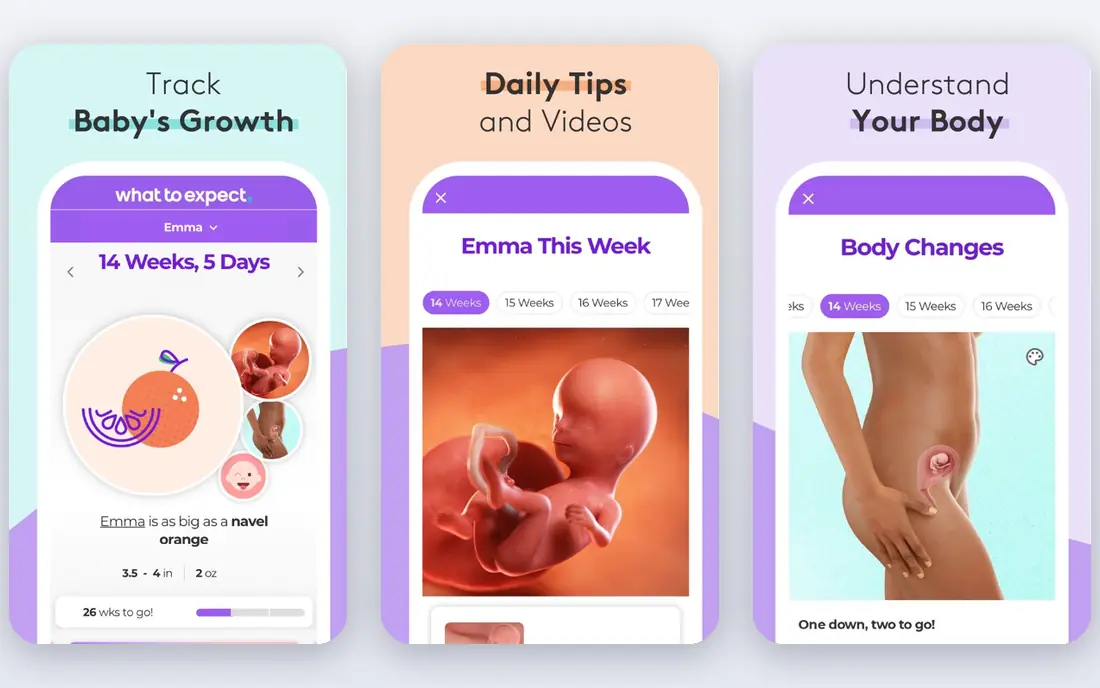
What to Expect grows out of the book series of the same name, and that editorial base shows in the weekly guides. Each week explains development, common symptoms, and questions worth raising at the next appointment. Daily tips keep the reading short, which helps when sleep is broken and attention is thin.
Community is the second strength. Forums are grouped by due date month, so parents talk with people at the same stage. The app also includes a kick counter during pregnancy and a baby tracker for feeding, diapers, and sleep after birth. Ads and basic symptom logging are the main drawbacks, and parents should review data sharing settings for advertising before logging personal details.
- Clear weekly guides, large due date community, baby tracker after birth
- Ad supported, symptom logging is basic
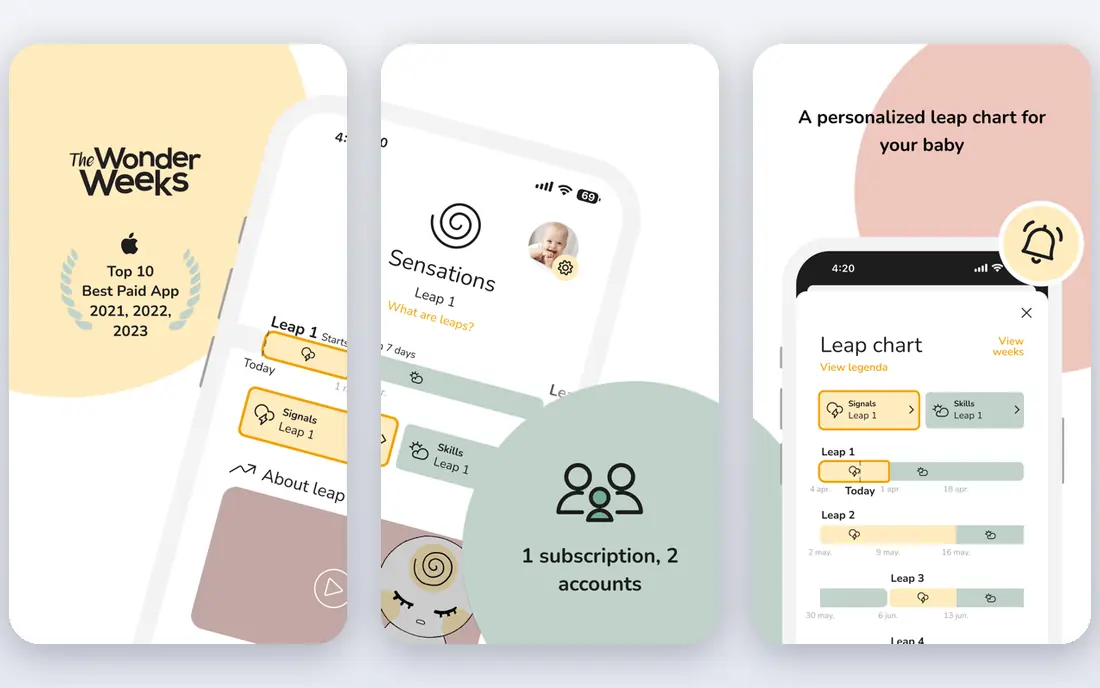
The Wonder Weeks is built on the idea that babies go through ten mental leaps in the first twenty months, and that fussiness often clusters around those leaps. The app gives a personalised leap schedule, explains what new skills each leap may bring, and suggests playtime activities to support them. A diary lets parents record notes and photos as each leap passes.
For many parents, the value is reassurance. A sudden clingy phase feels less alarming when it lines up with a predicted leap, and the activity ideas give tired parents something concrete to try. The leap model is a framework, not a diagnosis, so it should not replace a call to a clinician when something feels wrong. Check the current app store price before buying, since it is a paid app rather than a free download.
- Clear leap calendar, play ideas for each leap, diary feature
- Paid app, leap model will not explain every fussy phase
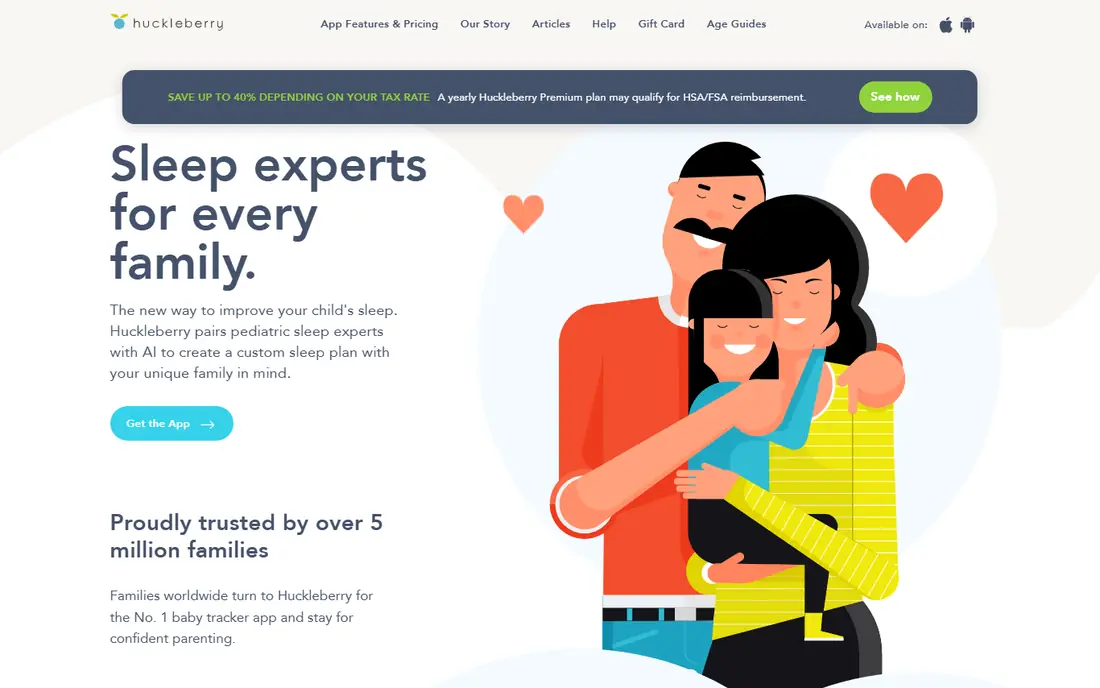
Huckleberry starts as a free tracker for feeds, diapers, sleep, pumping, solids, and growth, with sync across caregivers. That shared log alone solves the nightly question of when the baby last ate. The paid tier adds SweetSpot nap predictions and sleep plans, which use logged patterns to suggest nap times.
Sleep is where Huckleberry earns its reputation. Patterns become visible over days and weeks, which helps parents spot a workable rhythm and gives a paediatrician real data at checkups. The free tier covers the core tracking well, so try it for a few weeks before paying. Note that sleep plans are general guidance, not medical advice, and persistent sleep or feeding concerns deserve a clinician visit.
- Strong sleep tracking, SweetSpot nap predictions, caregiver sync
- Best sleep features sit behind a paid plan, sleep advice is general guidance
Kinedu answers a simple daily question: what should we play today. It builds a personalised plan of activities matched to a baby exact age and stage, with milestone tracking and progress reports to show where development stands. Live classes and on demand content from child development experts cover sleep, feeding, and behaviour topics as well.
The plan uses everyday items from home, so parents do not need special toys to follow it. That practical touch matters, since a plan that needs shopping will not survive a busy week. Kinedu covers pregnancy through age six, so it grows past the newborn stage. Its own site lists a trial period, so use that window to check whether the daily plan fits your routine before subscribing.
- Daily personalised activity plan, milestone tracking, expert classes
- Subscription cost, full access needs a paid plan
BabySparks focuses on the first three years, with personalised activities and milestones matched to a child age. Each activity breaks down the skill it targets, so parents can see why a simple game matters. Articles and online classes from parenting experts cover sleep, nutrition, discipline, and potty training alongside the daily activities.
The app suits parents who want structure without guessing. A short daily session, often around twenty minutes, gives a clear next step and a record of progress. The free tier lets families test the approach, while the paid tier opens the full activity set. As with any development app, milestones are guides with wide normal ranges, so a missed date by a few weeks is not by itself a cause for alarm.
- Thousands of activities for ages 0 to 3, milestone tracking, expert articles
- Some content needs a paid plan, activity volume can feel like a lot
Tinybeans is a private journal and photo sharing app for families. Parents post photos, videos, and milestone notes to a chosen circle, and relatives can comment or receive email updates. That closed circle is the point: grandparents stay in the loop without baby photos going onto public social media.
The calendar view makes it easy to scroll back through firsts, from first words to first steps, and photobooks turn the journal into a printed keepsake. Tinybeans does not try to be a feed or sleep tracker, so it pairs well with Huckleberry or a similar tracker. Before inviting a wide circle, check who can see, download, or share each post, and keep the audience small.
- Private sharing circle, milestone journal, photobook printing
- Core value is sharing rather than tracking, some features need a paid plan
Pathways.org Baby Milestones
Who it suits: Free milestone guidance
Pathways.org is a nonprofit source of child development information, and its Baby Milestones app puts that material in a simple tracker. Parents can check milestones by age, watch short videos of each skill, and record when a child reaches them. The content is built with paediatric experts, which gives it a steady, plain tone.
The trade off is scope. Pathways.org does not offer the rich feed, sleep, and diaper logging of a dedicated tracker, nor the daily activity plans of Kinedu or BabySparks. Its strength is as a free reference to pair with a tracker: check a milestone here, log the daily routine elsewhere. For families watching costs, that free reference is hard to beat.
- Free milestone checklists and videos, expert backed content, no subscription needed
- No full feed or sleep tracker, app features are simpler than paid rivals
Ovia Parenting, from Ovia Health, tracks feeding, sleep, diapers, and milestones after birth, with articles matched to a baby age. Family sharing lets partners and caregivers log in the same place, which keeps the record straight during night shifts. The app sits in a wider Ovia family that also covers fertility and pregnancy, so families can stay in one system across stages.
As with other free apps, the cost is attention to settings. Review privacy controls, data sharing options, and notification choices during setup, and decide what health details you are comfortable logging. Ovia works best as an all round tracker for parents who want guidance and logging together, rather than a specialist sleep or play app.
- Feeding, sleep, and diaper tracking, milestone content, family sharing
- Some features tie to employer or health plan versions, ads and data settings need review
How we picked these
We compared official feature pages, app store listings, and privacy pages for each app, and we checked each homepage to confirm it belongs to the product named. We looked for apps that serve new parents directly, cover tracking, development, or sharing well, and explain their free and paid tiers clearly. We did not claim hands on testing, and we treated any price not shown on a vendor or store page as unverified.
We also weighed privacy and safety. Baby apps hold sensitive family data, so we favoured apps that let parents control sharing, keep photo circles private, or offer free expert content without forcing a subscription. Parents should still read the current privacy policy before logging health details for a child.
Choosing an app without over tracking
Start with one tracker and get every caregiver onto it. Two trackers mean two conflicting records, and the confusion costs more time than any feature saves. Use the free tier for at least two weeks, since the first days of logging feel useful for almost any app, while the second week shows whether the habit sticks.
Then add only one extra app for your main gap. If sleep is the struggle, add a sleep focused tool. If play ideas are the gap, add a development app. If family photos are scattered, add a private journal. Delete apps that add anxiety rather than clarity, and remember that a short note to a clinician beats a perfect chart when a health worry appears. This guide is general information only and does not replace medical advice.
Frequently asked questions
What is the best baby app for new parents?
There is no single winner, since new parents need different things. What to Expect is a strong all round start for guidance and community, Huckleberry is the best tracker for sleep, and Tinybeans is the best private sharing app. Pick one tracker first, then add a second app only for a clear gap.
What is the best free baby tracker app?
Huckleberry free tier tracks feeds, diapers, sleep, pumping, solids, and growth, with caregiver sync. Pathways.org is fully free for milestone checks and videos, though it is not a full daily tracker. Ovia Parenting also offers free tracking with milestone content. Try the free tier before paying for nap predictions or full activity plans.
What are the best apps for baby development?
Kinedu and BabySparks both turn milestones into daily play ideas, with Kinedu leaning on a daily plan and live expert classes, and BabySparks leaning on a large activity library for ages 0 to 3. The Wonder Weeks adds leap explanations that help parents understand fussy phases. Pathways.org gives free milestone videos for checking skills by age.
Are baby apps safe for privacy?
Safety depends on settings as much as on the app. Use a private sharing circle for photos, limit who can view or download posts, and review data sharing and advertising settings before logging health details. Delete an account, not just the app, when you stop using a service. Avoid posting a child full name, birth date, or location in public forums inside any app.
Do baby apps replace medical advice?
No. Baby apps track patterns and offer general information, but they do not diagnose illness or developmental delay. Milestone ranges are wide, and a single missed date is rarely meaningful alone. Contact a paediatrician or clinician promptly for feeding problems, breathing concerns, fever in a newborn, or any worry that does not settle.
Which baby app is best for newborns?
For newborns, a simple tracker matters most, since feeds and sleep change fast. Huckleberry and Ovia Parenting both cover feeds, sleep, and diapers with caregiver sync. Add What to Expect for first year guidance, and add The Wonder Weeks once parents want help reading fussy phases. Keep the setup to two apps at most during the first weeks.
Sources we checked (8)

Online Jobs is an independent blog about careers, online work, learning new skills and the tools that help people earn. More about us.
Keep reading
All posts
n8n Alternatives
n8n alternatives compared for 2026, with Zapier, Make, Activepieces, and more, covering visual builders, code steps, self-hosting, and pricing models.

eBay Alternatives
Looking for ebay alternatives? We compared 9 marketplaces for sellers on fees, buyer reach, categories and ease of listing, to help you sell with confidence.

ZoomInfo Alternatives
The best ZoomInfo alternatives in 2026, compared on price, free plans, data coverage, and which tool fits small teams or large sales teams best in detail.