Best B2B Lead Generation Tools in 2026: 9 Tools Compared

How we put this together: we compare official feature and pricing pages, app store listings, privacy policies and public user reviews. Prices change, so check the provider's site before you pay.
Key takeaways
- Apollo.io is our pick for most small and mid-market sales teams because it combines contact data with sequencing in one platform.
- ZoomInfo suits enterprise teams that need deep data, intent signals, and org charts, at enterprise prices.
- LinkedIn Sales Navigator is best for social selling and LinkedIn-first prospecting, though it does not export emails directly.
- Hunter is the simplest tool for finding and verifying emails from a company domain.
- Credit-based pricing can surprise you, so check export limits, rollover rules, and per-seat costs before you commit.
Quick comparison
| Name | Who it suits | Starting price | Free option | |
|---|---|---|---|---|
 Apollo.io | Most SMB sales teams | $49 per month | Yes | Visit |
 ZoomInfo | Enterprise data and intent | See website | No | Visit |
 LinkedIn Sales Navigator | Social selling | $99 per month | Free trial | Visit |
 Lusha | Quick LinkedIn lookups | $36 per month | Yes | Visit |
 Hunter | Email finding and verification | $34 per month | Yes | Visit |
 Cognism | GDPR-focused prospecting | See website | No | Visit |
 Clay | Enrichment across sources | $149 per month | Free trial | Visit |
 Leadfeeder | Website visitor identification | $99 per month | Yes | Visit |
 UpLead | Verified lists with a guarantee | $74 per month | Free trial | Visit |
The best B2B lead generation tools
B2B lead generation tools do different jobs: some provide contact databases, some find emails, some enrich lists, and some identify companies visiting your website. The nine below cover that range, so start by deciding whether you need new contacts, better data on existing contacts, or buying signals, rather than buying the largest database by default.
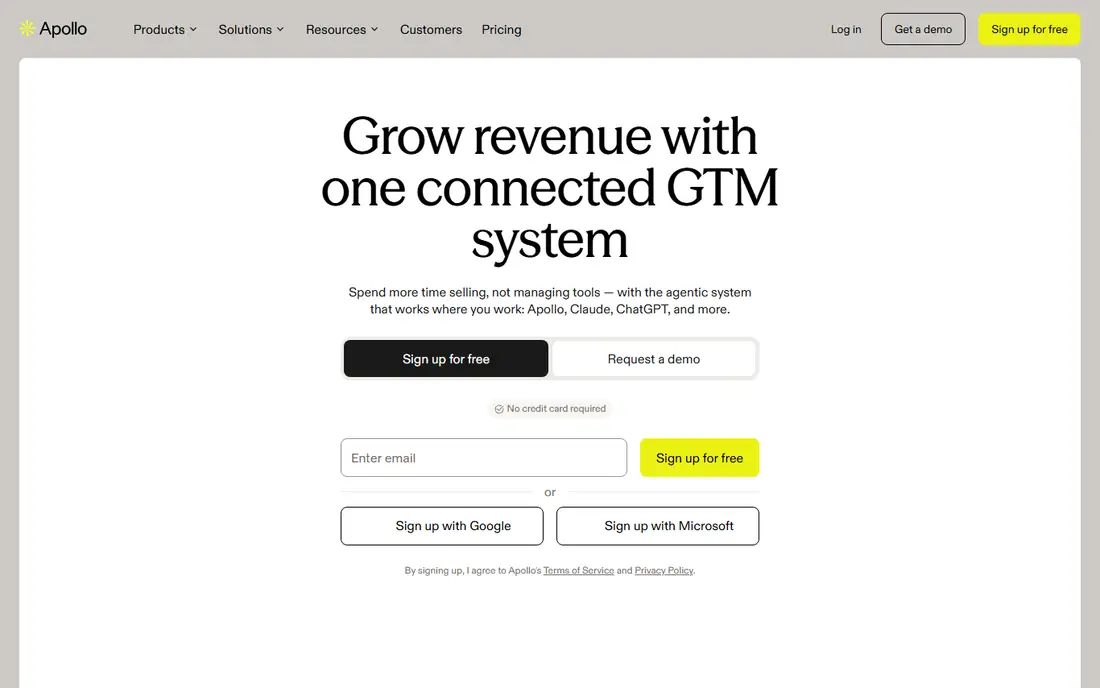
Apollo.io is the most practical all-in-one pick for small and mid-market sales teams. You can search for contacts by role, industry, and company size, enrich them, and run email sequences from the same platform, without buying separate data and outreach tools. A free tier lets you test search and credits before paying, and the entry paid plan is reported at $49 per user per month.
The limits are credits and seats. Export caps, credit rollover rules, and per-user pricing mean a growing team can see costs rise faster than expected. Data accuracy also varies, so verify key contacts before a large campaign. For a team that wants data plus outreach in one bill, Apollo is still the best starting point in this list.
- Large contact database plus sequencing and dialer in one platform
- Free tier to test
- CRM integrations
- Export caps and per-seat costs can grow quickly
- Data accuracy varies by region and role
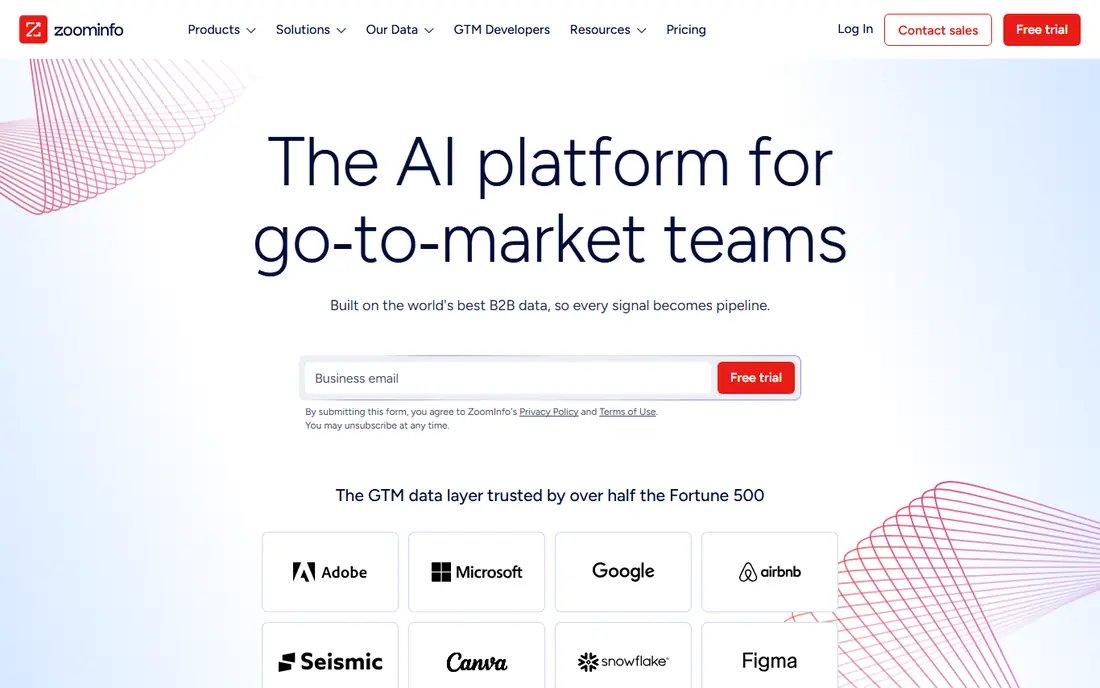
ZoomInfo is the enterprise standard for B2B data depth. Its database, intent signals, and org charts help large teams find the right accounts, understand buying signals, and plan account-based outreach. For enterprise sales teams with a clear ideal customer profile and a large target account list, that depth can justify the cost.
The price and contract are the barriers. ZoomInfo is quote-based, with annual costs often reported in five figures, and contracts can be hard to exit early. Smaller teams will usually get better value from Apollo or Lusha first. If you have the budget, the account volume, and a team that will actually use intent and org data, ZoomInfo is the strongest data platform here.
- Deep B2B database
- Intent data and org charts
- Strong for account-based prospecting
- Quote-based enterprise pricing, often five figures per year
- Annual contracts can be hard to exit
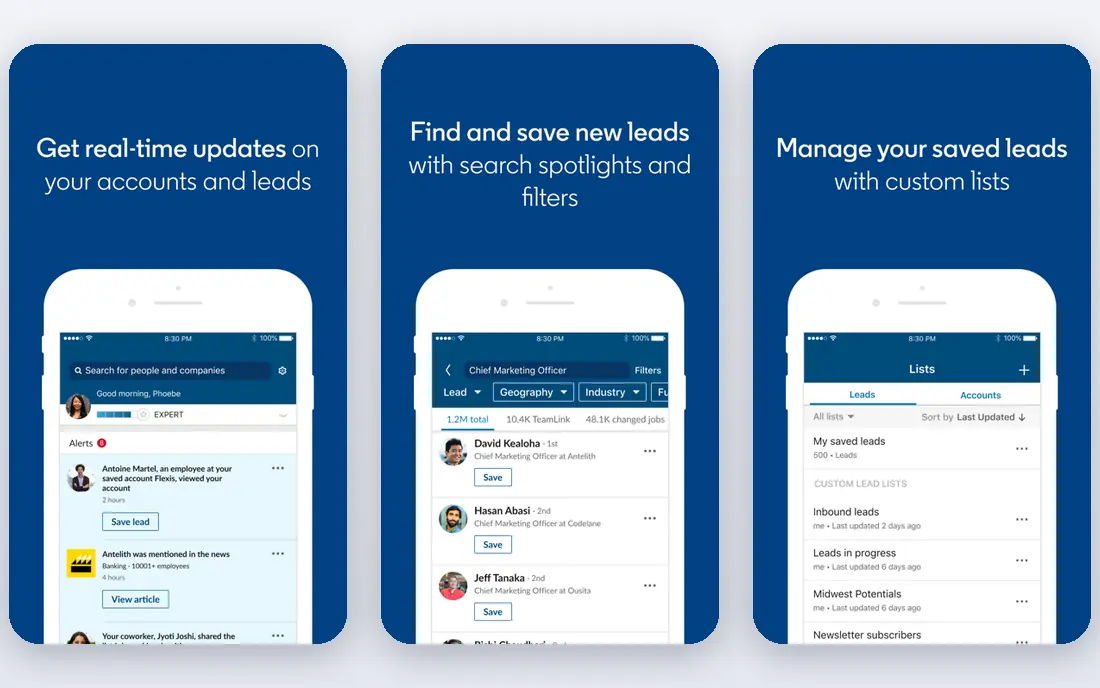
LinkedIn Sales Navigator is built for salespeople who prospect on LinkedIn first. Advanced search, saved lead lists, alerts on job changes and company news, and InMail give you a workflow that a raw contact database does not. For social selling, relationship building, and warm outreach, it is the most natural tool in this list.
It does not export emails directly, so teams that need email lists must pair it with a tool such as Lusha, Hunter, or Apollo. The price, reported around $99.99 per user per month for a Professional plan, is also higher than a simple email finder. Use it when LinkedIn is a core channel, not as a substitute for a contact database.
- Advanced LinkedIn search and lead lists
- Buying signals and alerts
- InMail for outreach
- No direct email export
- Price is per user and higher than simple data tools
Lusha is the quick-lookup tool for individual reps. Its Chrome extension lets you reveal contact details while browsing LinkedIn or a company website, without leaving the page or running a separate search. That speed suits reps who prospect account by account, rather than building large lists in bulk.
Entry pricing is reported from around $36 per user per month, with a free tier offering limited credits, and per-seat costs can add up for a team. High-volume list builders may prefer Apollo or ZoomInfo. For fast, ad-hoc lookups during a working day, Lusha is one of the most convenient tools here.
- Fast Chrome extension for LinkedIn and company sites
- Direct dials and emails
- Free credits to test
- Per-seat pricing grows with team size
- Credit limits need checking for high-volume use
Hunter does one job well: finding and verifying professional email addresses for a company domain. Enter a domain, and Hunter lists public email patterns and addresses, with verification to reduce bounces. That simplicity makes it easy to learn, and the free tier gives you a way to test it on your own target accounts.
It is not a full B2B database, so you will not get the same firmographic filters, intent data, or org charts as ZoomInfo or Apollo. Paid plans are reported from $34 per month billed annually, and credits on lower tiers do not roll over. For teams that mainly need reliable emails, Hunter is a clean, focused pick.
- Simple domain search for emails
- Email verification
- Campaign and outreach tools on higher plans
- Email-focused, so no deep firmographic database
- Credits reset monthly on lower tiers
Cognism suits teams prospecting in Europe, or in regulated markets where data compliance matters as much as coverage. It offers phone-verified mobile numbers, company and contact data, and a compliance approach built around GDPR, which helps teams that need to show a lawful basis for outreach. That focus is a real differentiator, not just a marketing claim, for European sales teams.
Pricing is quote-based, with annual costs often reported at enterprise levels, so it is not a budget tool for a solo rep. If your market is mainly North America and compliance is less central, Apollo or Lusha may offer better value. If you call European prospects and need verified mobiles with compliance support, Cognism is worth a demo.
- Phone-verified mobile data
- Strong GDPR compliance focus
- Good for European prospecting
- Quote-based pricing, often at enterprise levels
- Annual contracts
Clay is different from a single database: it enriches a list by checking many sources in sequence, so if one source lacks a contact detail, another may fill it. That waterfall approach improves coverage and accuracy for teams that already have a target list and want to enrich it, score it, and personalise outreach. AI tools help with research and message drafting, though human review remains important.
The entry price, reported at $149 per month, is higher than Apollo or Hunter, and Clay rewards users who invest time in setup. It is not the best first tool for a rep who just needs a quick email. For RevOps and growth teams that build and enrich lists at scale, Clay is a powerful addition alongside a core database.
- Waterfall enrichment across many data sources
- Flexible list building
- AI-assisted research and scoring
- Higher entry price
- Needs setup time to use well
- Not a simple plug-and-play database
Leadfeeder, now part of Dealfront, answers a different question: which companies are already visiting your website, even if they do not fill in a form. It identifies visiting companies, shows pages viewed, and syncs to your CRM, so sales can follow up with warm accounts rather than cold lists. A free tier covers basic visitor identification for smaller sites.
It gives company-level data, not individual emails, so you still need a contact tool to find the right person at that company. It also needs meaningful website traffic to be useful; a site with very few visitors will yield few leads. For B2B teams with steady traffic, Leadfeeder turns anonymous visits into a practical prospecting list.
- Identifies companies visiting your website
- CRM integration
- Free tier for basic visitor data
- Company-level, not individual contact data
- Needs website traffic volume to be useful
UpLead focuses on verified, high-quality lists rather than the largest possible database. It offers real-time email verification and an accuracy guarantee, which helps teams that have suffered from bounces and wasted outreach on stale data. Entry pricing is reported at $74 per month billed annually, with a trial available.
The database is smaller than ZoomInfo, and the price is higher than a simple email finder, so it suits teams that value accuracy over sheer volume. If your outreach suffers from bad data, UpLead is a credible way to rebuild list quality. If you need the widest coverage for a new market, Apollo or ZoomInfo may find more contacts.
- Verified contact data with an accuracy guarantee
- Real-time verification
- No annual contract on monthly plans in some listings
- Smaller database than ZoomInfo
- Higher entry price than Hunter or Lusha
How we picked these
We compared official feature pages, pricing pages, and public reviews, and we favoured tools that are still maintained, that serve B2B sales teams as a core audience, and that offer a clear data, enrichment, or intent job. We checked for database coverage, verification, CRM integrations, credit rules, and published pricing, and we kept a mix of all-in-one platforms, specialist finders, and intent tools. We did not run live prospecting campaigns for this guide, and where pricing is by quote we say so rather than presenting a third-party estimate as a vendor price.
What to check before you buy
Start with your list, not the tool. If you already know your target accounts, enrichment and intent tools may help more than a new database. If you need new accounts, a database with good filters for your industry, size, and region matters more than total record counts. Next, check credit and export rules in detail: how many credits you get, whether they roll over, what counts as a credit, and what happens when you hit a cap mid-month. Check data compliance for your market, especially in Europe, and test accuracy on a sample of your own target accounts before signing an annual contract. Finally, confirm CRM integration, since a tool that does not sync cleanly will create manual work and stale data.
Frequently asked questions
What is the best lead generation tool for B2B small businesses?
Apollo.io is the best starting point for most small B2B teams because it combines data, enrichment, and sequencing at a moderate price, with a free tier to test. Hunter is a cheaper supplement if you mainly need emails, while Lusha suits reps who prospect on LinkedIn.
Is ZoomInfo worth the cost?
For enterprise teams with large target account lists, intent use, and account-based selling, ZoomInfo can be worth it. For small teams, the annual cost and contract terms often outweigh the benefit, and Apollo, Lusha, or UpLead will cover most needs at a fraction of the price.
What is the best tool for B2B lead generation on LinkedIn?
LinkedIn Sales Navigator is best for LinkedIn-first prospecting, with advanced search, alerts, and InMail. Pair it with Lusha or Hunter if you need emails, since Sales Navigator does not export contact emails directly.
How accurate is B2B contact data?
Accuracy varies by vendor, region, role, and how recently the data was verified. Even the best databases contain stale records, so verify key contacts, use email verification, and test a sample from your own market before a large campaign. A vendor accuracy guarantee helps, but it does not replace spot checks.
Do I need a lead generation tool if I already have a CRM?
A CRM stores leads you already have, while a lead generation tool finds new contacts, enriches them, and in some cases identifies website visitors. Many teams use both, with the lead tool feeding clean, verified contacts into the CRM for outreach and follow-up.
What is the difference between lead generation and lead enrichment?
Lead generation finds new prospects, while enrichment adds or corrects details on prospects you already have, such as role, company size, phone, or intent signals. Tools such as Clay focus on enrichment, while Apollo and ZoomInfo cover both generation and enrichment to different degrees.
Sources we checked (11)

Online Jobs is an independent blog about careers, online work, learning new skills and the tools that help people earn. More about us.
Keep reading
All posts
n8n Alternatives
n8n alternatives compared for 2026, with Zapier, Make, Activepieces, and more, covering visual builders, code steps, self-hosting, and pricing models.

eBay Alternatives
Looking for ebay alternatives? We compared 9 marketplaces for sellers on fees, buyer reach, categories and ease of listing, to help you sell with confidence.

ZoomInfo Alternatives
The best ZoomInfo alternatives in 2026, compared on price, free plans, data coverage, and which tool fits small teams or large sales teams best in detail.