Best Automation Tools for DevSecOps in 2026: 8 Tools Compared

How we put this together: we compare official feature and pricing pages, app store listings, privacy policies and public user reviews. Prices change, so check the provider's site before you pay.
Key takeaways
- The best starting point is often the platform your code already lives in, because built-in scanning gets used more than a separate tool.
- No single tool covers every check, so most teams combine pipeline automation with code, dependency, and container scanning.
- Free tiers are real for Jenkins, GitLab, SonarQube, and Snyk, but limits on minutes, seats, and features matter at scale.
- Gate new findings first, and fix old findings in batches, or alert fatigue will undo the benefit of automation.
Quick comparison
| Name | Who it suits | Starting price | Free option | |
|---|---|---|---|---|
 GitLab | Teams wanting one DevSecOps platform | Free | Yes | Visit |
 GitHub Actions and Advanced Security | Teams already on GitHub | See website | Yes | Visit |
 Snyk | Developer-first security scanning | See website | Yes | Visit |
 SonarQube | Code quality and security checks | Free | Yes | Visit |
 Jenkins | Teams needing full pipeline control | Free | Yes | Visit |
 CircleCI | Hosted pipelines that scale | $15 per month | Yes | Visit |
 Checkmarx | Large firms needing deep application scanning | See website | No | Visit |
 Aqua Security | Container and cloud-native security | See website | Yes | Visit |
The best automation tools for DevSecOps
DevSecOps automation means security checks run inside the delivery pipeline, not after release. A good tool finds problems in a pull request, blocks a risky merge when needed, and gives a developer a fix they can act on. The eight tools below cover pipelines, code scanning, dependency checks, and container security.
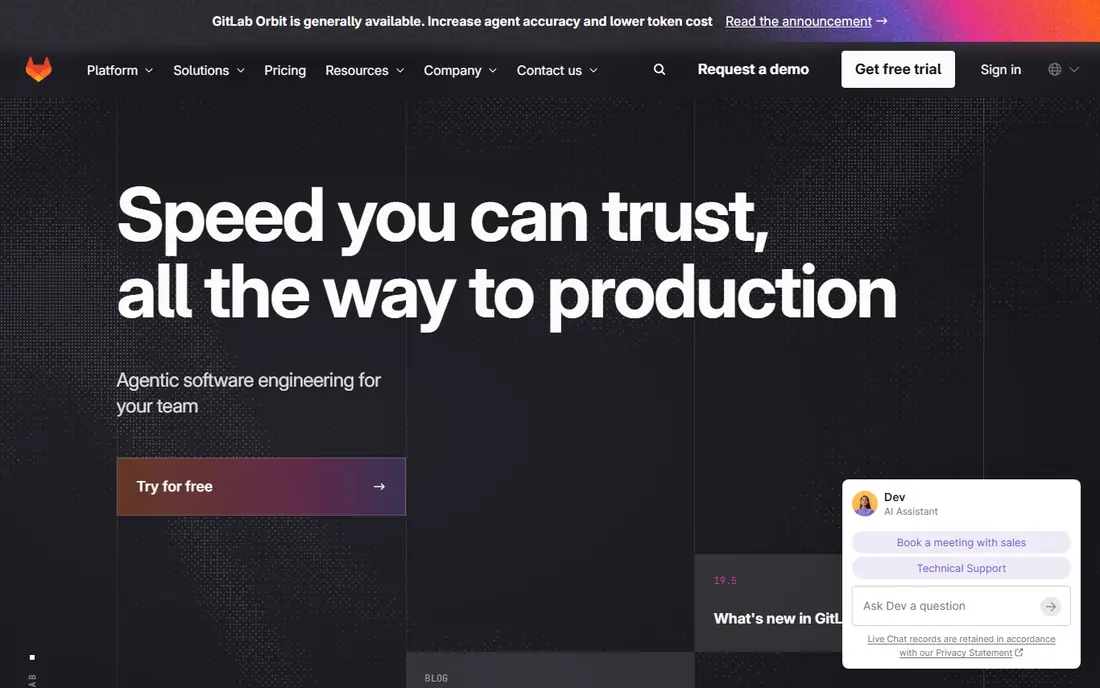
GitLab brings repositories, issues, pipelines, and security scanning into one application, which is its main appeal. A team can run static scanning, dependency scanning, container scanning, and secret detection as pipeline jobs, then review findings in merge requests. Premium starts at $29 per user per month billed annually, with the Free tier at $0 per user per month and 400 compute minutes.
The catch is platform commitment. GitLab works best when the whole workflow lives inside it, and teams that keep another Git host will need to test integrations carefully. Free tier limits also bite as a team grows, so growing teams should price Premium early. For a team starting fresh or consolidating tools, GitLab is the most complete single-platform pick here.
- Source, pipelines, and security scanning in one app
- Published tier pricing
- Strong pipeline controls
- Free tier compute minutes are limited
- Moving to GitLab means committing to its platform
GitHub Actions and Advanced Security
Who it suits: Teams already on GitHub
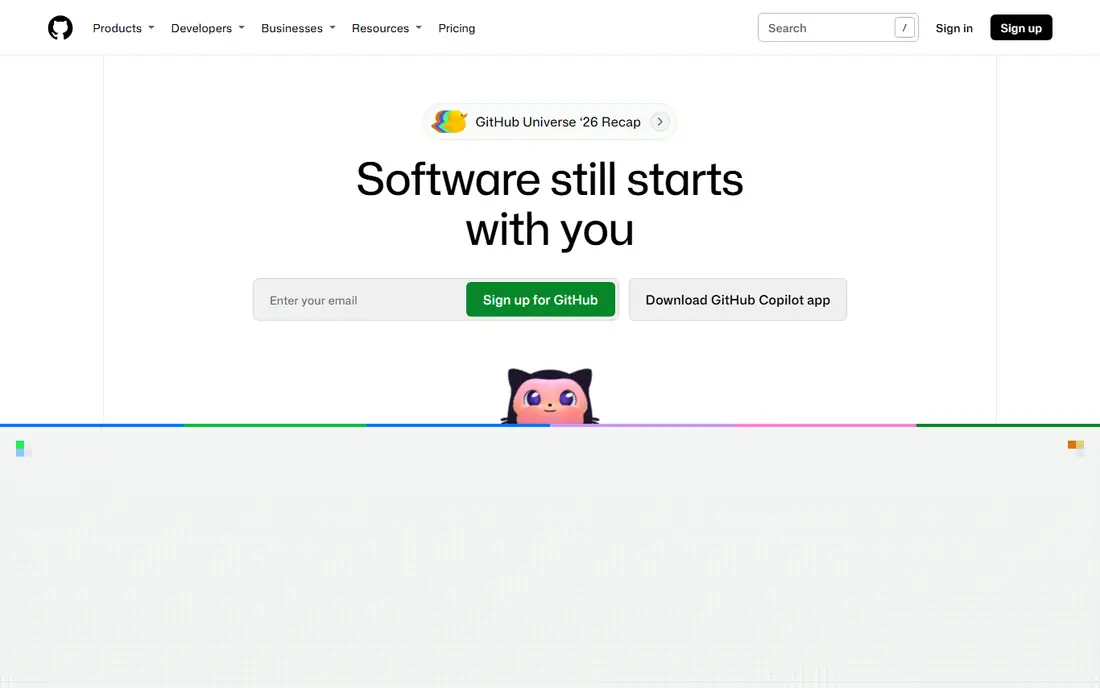
GitHub Actions defines pipelines as workflow files inside the repository, so the automation that builds and tests code sits next to the code itself. Advanced Security adds CodeQL code scanning, secret scanning, and dependency review for teams that need deeper checks. Public repositories get generous free use, and the Free plan includes minutes for private repositories as well.
The limits to watch are plan-based. Some security features need a paid plan, and hosted runner minutes add up for large teams. Still, for a team already on GitHub, Actions is the lowest-friction way to automate security checks, because developers already open pull requests there. Pair it with a dedicated scanner when you need coverage beyond what GitHub provides.
- Pipelines live beside the code
- CodeQL scanning
- Huge action marketplace
- Security features vary by plan
- Usage costs rise with build minutes
Snyk is built for developers rather than for a separate security team. It scans open source dependencies, code, containers, and infrastructure files, then suggests fixes inside the pull request where the developer is already working. That placement matters, because a finding that arrives in a separate dashboard is far less likely to be fixed quickly.
Pricing is per developer on paid plans, with a free tier for smaller use, so teams should count active developers before estimating cost. Snyk does not replace a full pipeline platform, and it works best beside GitLab, GitHub, or Jenkins. For teams that want scanning developers will actually use, Snyk is a strong pick.
- Scans code, dependencies, containers, and infrastructure as code
- Clear fix guidance
- Free tier for individuals
- Per-developer pricing adds up
- Deep features sit on paid plans
SonarQube checks code quality and security together, which helps teams treat messy code and risky code as related problems. Quality gates can block a merge when new issues cross a threshold, so the pipeline enforces a standard without a human gatekeeper. The open source Community Build is free, which makes it easy to try.
Self-hosting and tuning are the costs. Rules need adjusting for each language and codebase, or teams get noise they learn to ignore. Larger firms will likely need a paid edition for branch analysis and enterprise features. For teams that want code checks they control, SonarQube remains a practical and affordable base layer.
- Open source option
- Quality gates in pipelines
- Clear code issue explanations
- Setup and tuning take time
- Enterprise features are paid
Jenkins is the long-standing open source automation server, and its strength is control. Pipelines are defined as code, plugins cover almost every tool and cloud, and teams can self-host when policy requires it. There is no license fee, which appeals to teams with strict budgets or on-premises rules.
The real cost is people time. Your team patches Jenkins, updates plugins, and fixes broken builds when a plugin changes. Plugin sprawl is the usual source of pain, so teams should keep the plugin list short and pinned. For a team starting fresh on GitHub or GitLab, built-in pipelines are simpler. For a team with unusual builds or on-premises needs, Jenkins still earns its place.
- Free and open source
- Huge plugin library
- Runs anywhere, including on-premises
- You run, patch, and maintain it
- Plugin sprawl can cause trouble
CircleCI is a hosted pipeline service, so teams get builds without running their own servers. The Free plan includes monthly credits, and the Performance plan starts at $15 per month. Configuration lives in the repository, and Docker-based builds are well supported, which suits container-heavy teams.
Credit-based pricing is the catch. Cost depends on machine size and build time, so teams should estimate with real build times rather than guessing. CircleCI also focuses on pipelines, not security scanning, so pair it with Snyk, SonarQube, or a similar scanner. For teams that want hosted pipelines without a platform switch, CircleCI is a clean option.
- Hosted runners with no server to run
- Credit model scales with use
- Good Docker support
- Credit pricing makes bills hard to predict
- Security scanning needs added tools
Checkmarx is an enterprise application security suite with deep static scanning, plus related checks for dependencies and infrastructure. Its rules can be tuned for large codebases and compliance needs, which matters for regulated firms. Reporting is built for security teams that must show coverage across many applications.
The trade-offs are price and setup. Checkmarx is quote-based, and deployment takes more planning than adding a developer scanner to a pipeline. Smaller teams may find it too heavy and too costly for their needs. Large firms with many applications and strict audit needs are the natural audience, and for them the depth is the point.
- Deep static application scanning
- Tunable rules
- Enterprise reporting
- Quote-based pricing
- Heavier setup than developer-first tools
Aqua Security covers the container side of DevSecOps, from image scanning to Kubernetes and runtime protection. Its open source Trivy scanner is widely used for quick container and dependency checks, and it can run inside a pipeline without buying the full platform. That gives teams a free entry point for container scanning.
The full Aqua platform is a larger purchase, priced by quote, and its value is clearest for teams running many containers in production. Teams with few containers may get enough from Trivy plus a code scanner. For cloud-native teams, though, Aqua ties image, workload, and runtime checks together in a way point scanners do not.
- Container and Kubernetes coverage
- Open source Trivy scanner
- Runtime protection options
- Full platform is quote-based
- Scope is widest for container-heavy teams
How we picked these
We compared official feature pages, pricing pages, and public documentation for tools that automate security inside delivery pipelines. We favored tools that run checks in pull requests or pipeline jobs, give developers actionable fixes, and are still maintained in 2026. We included pipeline platforms and scanners together, because DevSecOps automation needs both: a pipeline to run checks, and scanners that know what to look for. Prices shown are vendor-published where available, and we wrote See website where pricing is quote-based or varies by plan.
How to build a DevSecOps pipeline that lasts
Start with what your host already includes, then add one scanner at a time. Turn on the checks your platform provides, such as secret scanning and dependency review, before buying a separate tool. That baseline catches the most common problems with no new contract. Then add a code scanner or container scanner for the gap that matters most to your stack, and measure whether findings get fixed.
Gate on new findings first
Blocking every old finding on day one will stall delivery and annoy developers. Gate merges on new findings only, so new code meets the standard while old code is fixed in planned batches. Track fix rates each month, not just finding counts, because a scanner that finds problems nobody fixes is not improving security. Review rules each quarter and turn off noisy checks that produce no fixes.
Keep secrets, dependencies, and containers in scope
Secrets in code are a common and avoidable failure, so secret scanning should run on every pull request. Dependency scanning matters because most application code is open source libraries, and a known flaw in a library is a known flaw in your app. Container scanning matters once you ship images, because an image can carry flaws from its base layer. Cover those three areas before adding more exotic checks.
Watch the bill as you scale
Pipeline minutes, per-developer seats, and credit use all grow with team size and build frequency. A free tier that fits five developers may not fit twenty, and a per-developer scanner can become the largest line item in the stack. Model cost at your real headcount and build volume, and re-check it after a hiring round. The cheapest scanner that developers ignore is more expensive than a pricier one they use.
Frequently asked questions
What are the best automation tools for DevSecOps?
GitLab and GitHub Actions cover pipelines plus built-in security checks, while Snyk, SonarQube, and Aqua add deeper code, dependency, and container scanning. Jenkins and CircleCI cover pipelines for teams that want a separate pipeline tool. Most teams combine a pipeline platform with one or two scanners rather than relying on a single product.
What is the top rated automation software in DevSecOps?
There is no single top product, because pipeline needs and scanning needs differ. GitLab rates highly as an all-in-one platform, Snyk as a developer-first scanner, and Checkmarx for enterprise depth. Pick by your host, your stack, and which findings your developers actually fix, not by a single ranking.
Can I start DevSecOps automation for free?
Yes, up to a point. Jenkins and SonarQube Community Build are free and open source, GitLab and GitHub offer free tiers, and Snyk offers a free tier. Free limits on minutes, seats, and features will matter as a team grows, so treat free as a starting point and price the paid tier before you depend on it.
Do I need both a pipeline tool and a security scanner?
Usually, yes. A pipeline tool runs jobs and gates merges, while a scanner knows what flaws to look for in code, dependencies, or containers. GitLab and GitHub bundle some scanning, but many teams still add Snyk or SonarQube for deeper coverage. The pipeline is the delivery mechanism, and the scanner is the check that runs inside it.
How do I stop DevSecOps tools from slowing developers down?
Gate on new findings only, give fixes inside the pull request, and turn off noisy rules that never lead to fixes. Run fast checks on every pull request and slower, deeper scans on a schedule or before release. If developers start bypassing a check, that check needs tuning, not more enforcement.
Is Jenkins still a good DevSecOps tool in 2026?
Yes, for teams that need self-hosting or unusual pipeline control. Jenkins remains free, flexible, and widely extended by plugins. It needs more maintenance than hosted pipelines, so teams starting fresh on GitHub or GitLab may prefer built-in pipelines. Teams with on-premises rules or complex builds still benefit from Jenkins.
Sources we checked (8)

Online Jobs is an independent blog about careers, online work, learning new skills and the tools that help people earn. More about us.
Keep reading
All posts
n8n Alternatives
n8n alternatives compared for 2026, with Zapier, Make, Activepieces, and more, covering visual builders, code steps, self-hosting, and pricing models.

ZoomInfo Alternatives
The best ZoomInfo alternatives in 2026, compared on price, free plans, data coverage, and which tool fits small teams or large sales teams best in detail.

Yotpo Alternatives
Find cheaper alternatives to Yotpo for reviews and loyalty, with Judge.me, Loox, Stamped, and more compared for Shopify stores in 2026, all in one guide.