Best Automation Testing Tools in 2026: 9 Tools Compared


Teams with existing WebDriver suites and wide language needs · Starting price: Free
How we put this together: we compare official feature and pricing pages, app store listings, privacy policies and public user reviews. Prices change, so check the provider's site before you pay.
Key takeaways
- Playwright is our pick for most new web projects, because it is free, covers several browsers, and handles modern web apps with less setup pain.
- Selenium remains the best choice when a team needs wide language support or must keep an existing WebDriver suite running.
- Cypress suits JavaScript teams that want fast feedback and clear debugging in the browser.
- Appium is the natural pick for mobile apps, while BrowserStack helps when you need real devices and browsers without running your own grid.
- The best testing automation tools are the ones your team can maintain, so weigh coding skill, flaky-test handling, and CI cost together.
Quick comparison
| Name | Who it suits | Starting price | Free option | |
|---|---|---|---|---|
| Selenium | Teams with existing WebDriver suites and wide language needs | Free | Yes | Visit |
 Playwright | Modern cross-browser web testing | Free | Yes | Visit |
 Cypress | JavaScript teams testing web apps | Free | Yes | Visit |
 Appium | Native and hybrid mobile app testing | Free | Yes | Visit |
 Puppeteer | Chrome automation, scraping checks, and PDF tests | Free | Yes | Visit |
 Robot Framework | Keyword-driven tests that non-coders can read | Free | Yes | Visit |
 Katalon | Low-code web, API, and mobile testing in one studio | See website | Free trial | Visit |
 TestComplete | Scripted testing for desktop, web, and mobile apps | See website | Free trial | Visit |
 BrowserStack | Running tests on real devices and browsers in the cloud | See website | Free trial | Visit |
The best automation testing tools
Automation testing tools run the same checks again and again, so a team can catch regressions without repeating manual steps. The tools below differ in language, browser coverage, mobile support, and how much code they need. We compared official docs and pricing, and we focused on what a team needs to start, run tests in CI, and keep suites stable over time.
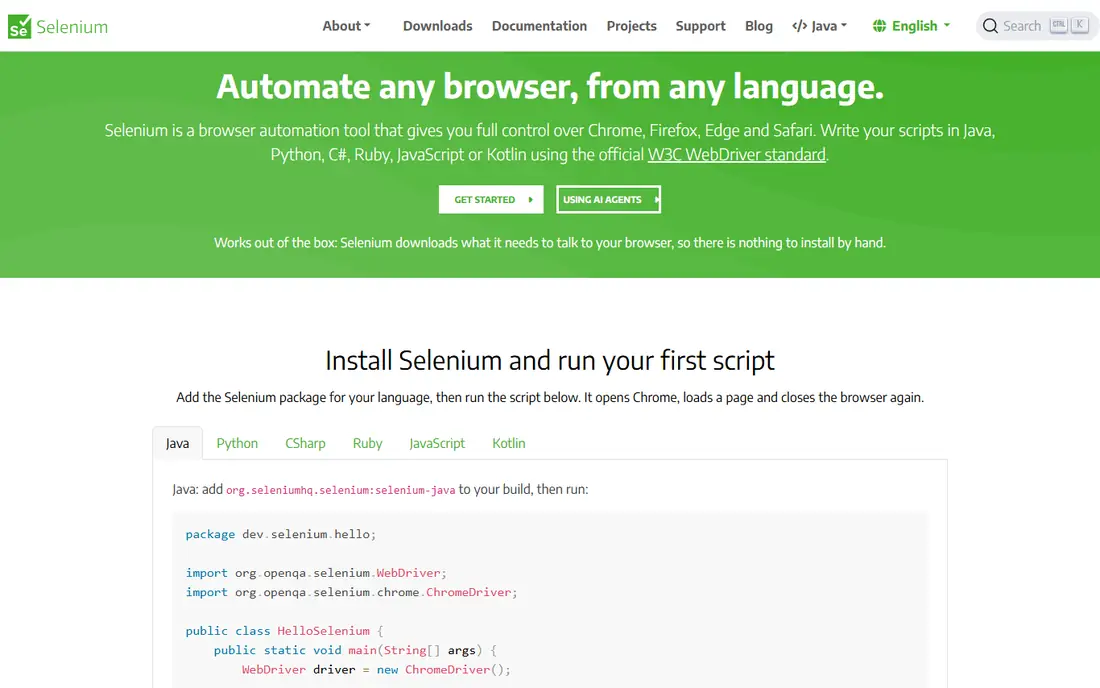
Selenium is the long-standing standard for browser automation, and that history is a practical asset. It supports Java, Python, C#, Ruby, and JavaScript, and it runs on the major browsers through WebDriver. Teams with an existing Selenium suite, or with testers in several languages, can keep one approach across projects. The community is large, so most common problems already have documented answers.
The cost is maintenance. Selenium gives you the building blocks, not a complete test runner, so your team must choose a test framework, handle waits, and run a grid or a cloud service for parallel work. That freedom helps experienced teams and slows new ones. If you are starting fresh on the web and your team uses JavaScript or Python, Playwright or Cypress may be faster to adopt.
- Supports many languages and browsers
- Large community and long history
- Self-hosted Grid for parallel runs
- More setup and maintenance than newer tools
- Waiting and flaky-test handling need care
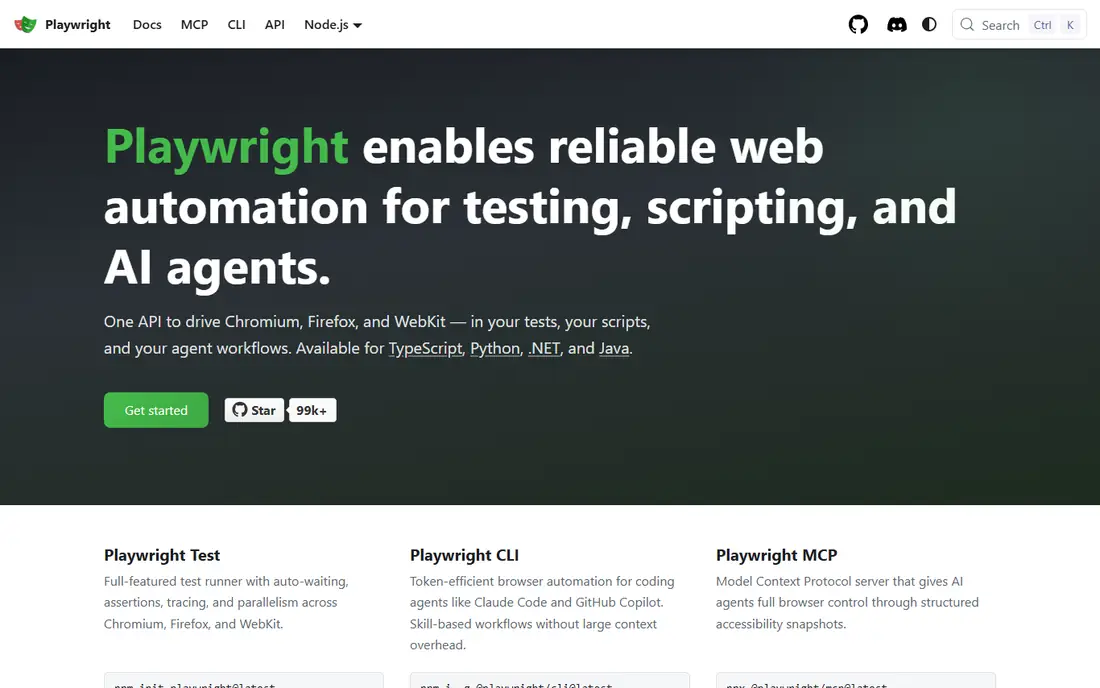
Playwright is our pick for most new web automation work. It supports Chromium, Firefox, and WebKit, so one suite can cover the browsers your users actually use. Automatic waiting reduces a common source of flaky tests, and the trace viewer helps you see what happened when a test fails. Code generation can also speed up the first version of a test, though you should still review and clean up what it creates.
The main limit is scope. Playwright is a web tool, so native mobile apps need Appium or a similar tool. Its API is also broad, which can overwhelm a beginner at first. For a web team that wants reliable tests, good debugging, and no license cost, those limits are easy to accept. It is the tool we would choose first for a new web project.
- Chromium, Firefox, and WebKit in one tool
- Built-in waiting and tracing
- Strong parallel and CI support
- API surface is large for beginners
- Mobile app testing needs a separate tool
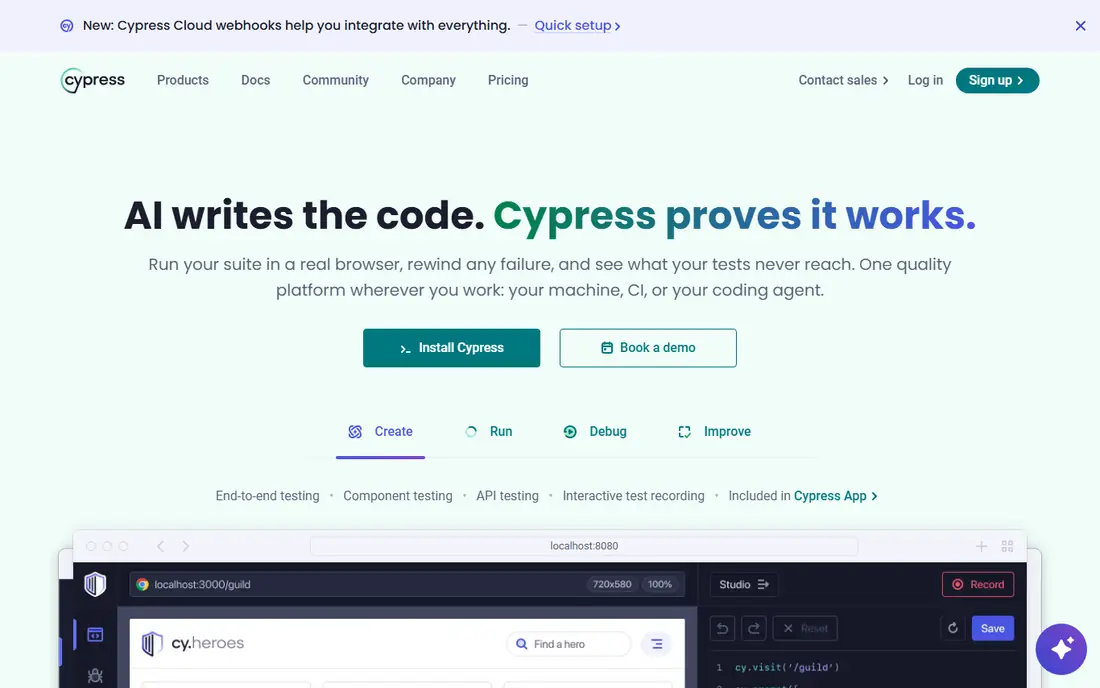
Cypress feels different from Selenium because tests run inside the browser, with a live view of each step. When a test fails, you can see the app state at that point, which makes debugging faster for many developers. Setup is simple for a JavaScript project, and the test syntax is easy to read. That combination suits product teams that want developers and testers to share one tool.
The trade is browser and flow coverage. Cypress does not run WebKit in the same way Playwright does, and some multi-tab or multi-origin flows need extra handling. Cypress Cloud adds parallel runs and analytics, and it is a paid service on top of the free runner. If your team is JavaScript-first and your app is a single-page web app, Cypress is an excellent pick. If you need full cross-browser coverage, Playwright fits better.
- Clear in-browser debugging and time travel
- Fast local feedback
- Simple setup for JavaScript projects
- Limited to Chromium-based browsers and Firefox in the runner
- Multi-tab and multi-origin flows need workarounds
Appium is the open standard for mobile automation, and it lets a team write tests once for both iOS and Android in many cases. It uses the WebDriver protocol, so testers who know Selenium concepts will find the model familiar. It also supports native apps, hybrid apps, and mobile web, which covers most mobile projects without switching tools.
Setup is the hard part. You need simulators, emulators, or real devices, plus signing and provisioning for iOS, and those steps can frustrate a new team. Many teams pair Appium with a cloud device service to avoid managing devices themselves. If you ship a mobile app and want an open, cross-platform tool, Appium is still the most flexible starting point.
- One API for iOS and Android
- Supports native, hybrid, and mobile web apps
- Works with WebDriver-style clients
- Setup for devices and simulators takes time
- Test speed depends on device and app under test
Puppeteer is a focused tool for controlling Chromium through a simple API. It suits smoke tests, screenshot checks, PDF generation checks, and small automation tasks where a full test framework would be overkill. Developers who already use Node.js can get a useful check running quickly, and the API is easy to read.
The limit is breadth. Puppeteer is Chromium-first, so it is not the right tool for a cross-browser suite, and it does not provide the reporting, parallel running, or test organization of Playwright or Cypress. Use it for targeted jobs, such as checking that a key page renders, a form submits, or a report downloads. Use Playwright when you need a complete web test suite.
- Simple API for Chromium
- Good for screenshots, PDFs, and smoke checks
- Fast for focused tasks
- Chromium-first, so cross-browser testing is limited
- Not a full test framework on its own
Robot Framework uses plain keywords such as "Click Button" and "Page Should Contain", which makes tests readable for people who do not write code every day. That readability helps when product owners or manual testers need to review acceptance tests. Libraries extend it to web testing with Selenium, API testing, and mobile testing, so one syntax can cover several layers.
The trade is that complex logic feels awkward in keyword form, and developers may prefer a code-first tool for large suites. Library choice also matters, since web and mobile support comes from those libraries rather than the core alone. Robot Framework is a strong pick for acceptance testing in a mixed team. It is less suited to a developer-only team that wants full programming control.
- Readable keyword syntax
- Good for acceptance tests with business teams
- Large library ecosystem
- Less natural for complex coding logic
- Web and mobile support depends on libraries
Katalon gives teams a studio where they can record tests, edit scripts, and view reports without assembling several tools. It covers web, API, mobile, and desktop testing, which suits a QA team that must test more than one layer. Built-in reporting and CI connections help a team move from local runs to scheduled runs without extra wiring.
The downside is weight. Katalon is a full studio, not a small library, so install and updates take more effort than adding a package to a project. Teams that want full code control may also find the visual layer limiting at scale. Katalon fits best when testers have mixed coding skill and need one tool for several test types. Code-first teams may prefer Playwright, Selenium, or Appium directly.
- Visual recording and scripting in one studio
- Covers web, API, mobile, and desktop
- Built-in reporting and CI links
- Heavier install than a code library
- Advanced use still benefits from coding skill
TestComplete is a commercial tool from SmartBear for teams that test desktop apps as well as web and mobile. It offers object recognition, script recording, and keyword-driven tests, so testers can choose between visual building and code. That range suits enterprise QA teams that must cover legacy desktop software alongside newer web apps.
The main limits are cost and platform focus. TestComplete is a paid product with a Windows-centered workflow, so a small web-only team will usually get better value from a free tool. It also needs more setup than adding a library to a code project. If desktop testing is a core need, TestComplete earns its place. If your work is web-only, start with Playwright or Cypress.
- Object recognition for desktop and web apps
- Script and keyword modes
- Good for Windows desktop testing
- Windows-focused workflow
- License cost and setup are higher than open tools
BrowserStack
Who it suits: Running tests on real devices and browsers in the cloud
BrowserStack is not a test authoring tool. It is the cloud where your Selenium, Playwright, Cypress, or Appium tests can run on real devices and browsers you do not own. That matters when your users span many phone models, operating systems, and browser versions. You avoid buying devices, patching a grid, and chasing browser updates.
The cost is the watch point. Pricing scales with parallel sessions, so a large suite running often can become a major line item. Teams should run a focused set of cross-device checks in the cloud and run the bulk of their suite locally or in CI. Used that way, BrowserStack gives broad coverage without the upkeep of a device lab.
- Large real device and browser range
- No local grid to maintain
- Works with Selenium, Playwright, and Appium
- Cost scales with parallel sessions
- Test speed depends on cloud and network conditions
How we picked these
We compared official docs, feature pages, and pricing for each tool, and we focused on language support, browser and device coverage, CI use, and maintenance cost. We included free open tools and commercial tools, because the best automation tools for testing differ by team skill and app type. We left out tools with no clear current testing product, and we used "See website" where pricing depends on seats, parallels, or plan choices. We did not claim hands-on testing, and we avoided speed claims that depend on a specific suite, since test speed varies with app size, device choice, and CI setup.
How to choose the right automation testing tool
Start with the app you actually ship. A web app, a mobile app, and a desktop app need different tools, and a tool that excels on the web may not help on mobile at all. Then check your team. A code-first team can maintain Playwright or Selenium well. A mixed team may do better with Cypress, Katalon, or Robot Framework. The best tool on paper is a poor pick if no one on the team can maintain its tests.
Match the tool to the test layer
Use Playwright, Cypress, or Selenium for web UI tests, Appium for mobile apps, and API tools or library support for service checks. A common mistake is to test everything through the UI, which is slow and brittle. Push checks down to the API layer where possible, and reserve UI tests for user journeys that truly need a browser or device.
Plan for flaky tests and CI cost
Flaky tests waste more time than slow tests, because they erode trust in the suite. Look for automatic waiting, clear failure traces, and retry options, and keep tests independent so one failure does not block the rest. Also budget for CI minutes, parallel sessions, and cloud device time. A free tool is not free to run at scale, and a paid cloud plan can be cheaper than maintaining your own grid.
Keep the suite maintainable
Use stable selectors, such as test IDs, rather than brittle text or layout selectors. Group tests by feature, keep setup in shared helpers, and delete tests that no longer match the product. Review failures each week and fix the root cause, whether it is a timing issue, a selector issue, or a real bug. A smaller suite that stays green is more useful than a large suite that everyone ignores.
Frequently asked questions
What is the best automation testing tool for beginners?
Playwright and Cypress are both good starting points for web testing, because they include waiting, debugging, and CI support without a license fee. Playwright fits teams that need several browsers, while Cypress fits JavaScript teams that want in-browser debugging. Beginners should start with one small journey, such as login, before building a large suite.
What are the top automation tools for software testing on mobile?
Appium is the leading open choice for native and hybrid mobile apps, because it covers iOS and Android with one API. BrowserStack complements it by providing real devices in the cloud, so you do not need to buy and maintain phones. For a mobile web site only, Playwright or Cypress may be enough without a mobile tool.
Which software testing automation best tools work without much code?
Katalon and Robot Framework are the strongest low-code options here. Katalon offers recording and visual editing, while Robot Framework uses readable keywords. Both still benefit from some scripting skill for complex cases, but they lower the barrier for testers who do not code full time.
Is Selenium still a good choice in 2026?
Yes, when language breadth or an existing suite matters. Selenium supports many languages and browsers, and it has a large community. For a brand new web project, Playwright often needs less setup. For a team that already runs Selenium well, there is no need to rewrite a working suite without a clear reason.
How do the best UI automation tools handle flaky tests?
They use automatic waiting, stable selectors, and clear failure traces to reduce false failures. Playwright waits for elements to be ready, Cypress shows each step in the browser, and Selenium relies on explicit waits that your team must write well. No tool removes flakiness on its own. Stable test IDs, independent tests, and regular failure reviews matter as much as tool choice.
Sources we checked (9)

Online Jobs is an independent blog about careers, online work, learning new skills and the tools that help people earn. More about us.
Keep reading
All posts
Top 10 Offshore Software Development Companies
We compared the top offshore software development companies in 2026 on services, hiring models, and startup versus enterprise fit, so you can shortlist well.

Flutter Alternatives
Looking for flutter alternatives? We compare 8 cross platform frameworks, from React Native to Kotlin Multiplatform, to help you pick the right stack.
Best low code platform
Best low code platform and apps compared for business apps, internal tools, and customer portals, from enterprise suites to founder-friendly builders.