Best Authenticator App in 2026: 8 Apps Compared


Simple everyday two-factor codes · Starting price: Free
How we put this together: we compare official feature and pricing pages, app store listings, privacy policies and public user reviews. Prices change, so check the provider's site before you pay.
Key takeaways
- Google Authenticator suits most people who want a simple, free app with Google Account sync.
- Microsoft Authenticator fits Microsoft accounts and workplaces, with passwordless sign-in on supported accounts.
- Ente Auth and Aegis lead on privacy and control, with encrypted backups and open-source code.
- 2FAS offers a clean, ad-free mobile experience with optional cloud backup through your own storage.
- Plan recovery before you switch, because losing your phone without backup codes can lock you out of accounts.
Quick comparison
| Name | Who it suits | Starting price | Free option | |
|---|---|---|---|---|
| Google Authenticator | Simple everyday two-factor codes | Free | Yes | Visit |
 Microsoft Authenticator Microsoft Authenticator | Microsoft and work accounts | Free | Yes | Visit |
 Authy Authy | Multi-device sync | Free | Yes | Visit |
 2FAS 2FAS | Privacy-minded mobile users | Free | Yes | Visit |
 Ente Auth Ente Auth | Encrypted cross-platform sync | Free | Yes | Visit |
 Aegis Authenticator Aegis Authenticator | Android users who want local control | Free | Yes | Visit |
 Proton Authenticator Proton Authenticator | Cross-platform privacy | Free | Yes | Visit |
 Duo Mobile Duo Mobile | Work push approvals | Free | Yes | Visit |
The best authenticator app
Authenticator apps all generate similar time-based codes, so the real differences sit in backup, recovery, privacy and device support. We compared free apps that work with standard two-factor accounts on major websites, banks and work systems, and we focused on what happens when you lose or replace a phone.
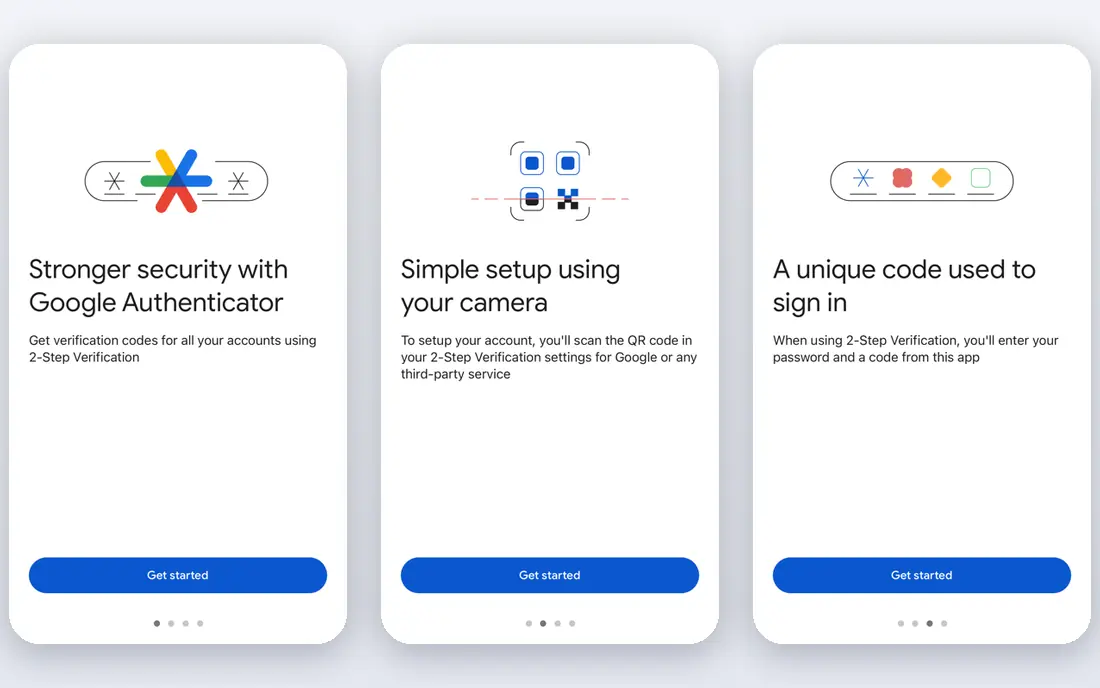
Google Authenticator remains the default choice for many people because it does almost nothing extra. You scan a QR code, the app shows a six-digit code that refreshes regularly, and you type that code when you sign in. That simplicity means fewer settings to get wrong, and almost every site that supports authenticator apps works with it. The main limit is recovery. If you turn on cloud sync, codes follow your Google Account to a new phone, which helps after a loss. If you keep codes only on one device, you will need the backup codes from each site to regain access. Save those codes in a safe place before you need them.
- Very simple setup
- Widely supported
- Optional Google Account sync
- Limited extra features
- Recovery depends on your Google Account
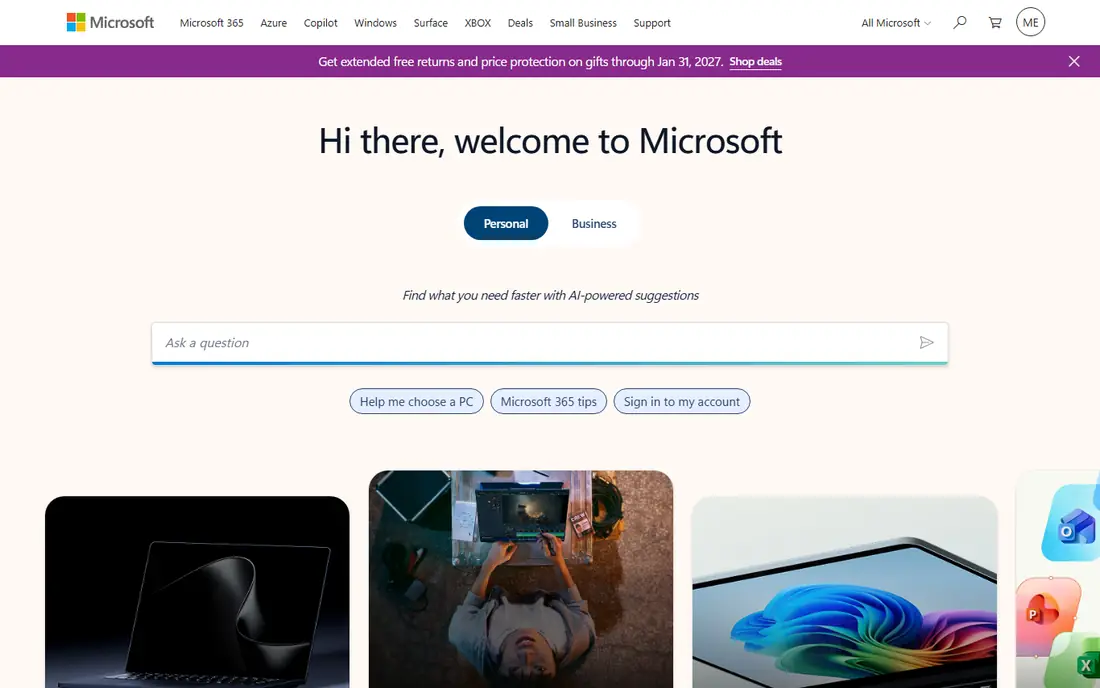
Microsoft Authenticator is the natural pick if you use Outlook, Microsoft 365 or a work account managed by Microsoft. It stores standard codes like other apps, and it also supports push approvals and passwordless sign-in for Microsoft accounts, so you can approve a sign-in with a tap instead of typing a code. Cloud backup through your Microsoft account helps when you move to a new phone. For personal accounts outside Microsoft, it works fine but adds little over simpler apps. The interface also carries more options for work policies and account types, which can feel crowded if you only need basic codes. If Microsoft accounts dominate your day, it is a practical, free choice.
- Cloud backup via Microsoft account
- Passwordless sign-in for Microsoft accounts
- Work account support
- Some features are Microsoft-focused
- Setup can feel busy for personal use only
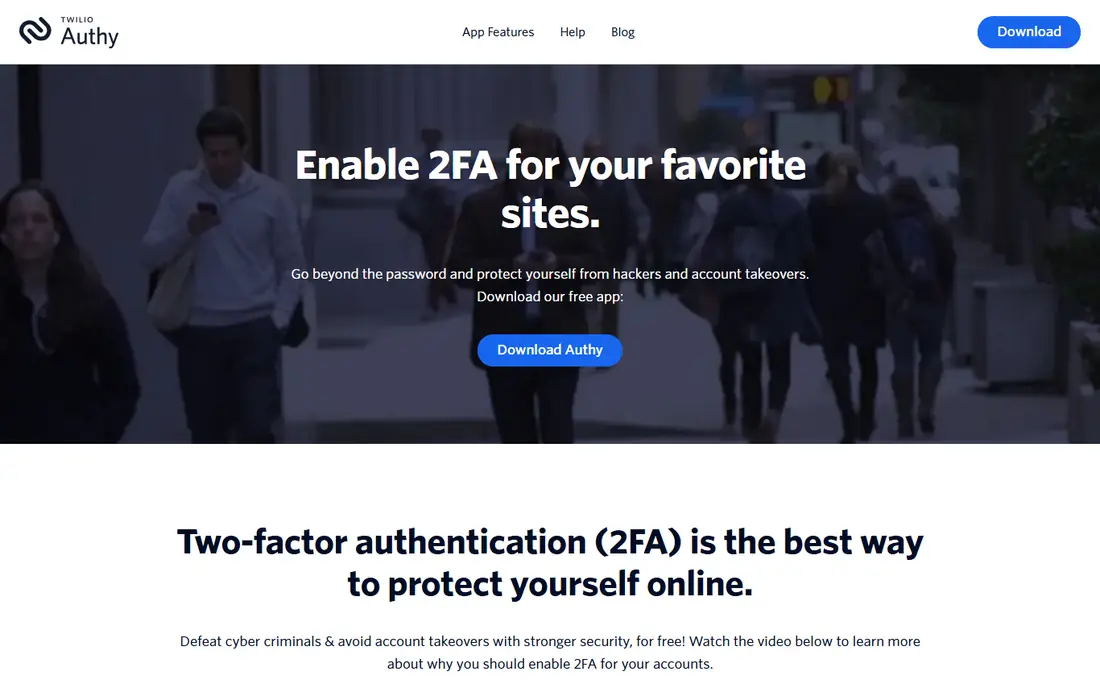
Authy built its reputation on multi-device sync, which lets you use the same codes on a phone, tablet and computer. That is helpful if you often sign in from a desktop and do not want to reach for your phone each time. Backups are encrypted, and you can set a backup password for extra protection. Check current desktop availability before you rely on it, because Authy has changed its desktop support over time. Recovery also depends on the backup settings you chose when you set the app up. If you want sync across devices and you set a strong backup password, Authy remains a convenient free option.
- Encrypted multi-device sync
- Desktop support on some platforms
- Easy device replacement
- Desktop support has changed over time
- Account recovery relies on Authy backup settings
2FAS is a mobile-first app with a clean layout and no ads, which makes daily use calm and fast. You can organise codes into groups, search quickly, and use a browser extension to fill codes on a computer. Backups can go to your own iCloud or Google Drive storage, so you are not locked into one vendor's cloud for recovery. The trade-off is platform coverage. It focuses on phones, so desktop users may need the browser extension rather than a full app. Some sync features sit in a paid tier, though basic codes remain free. If you want a tidy, private mobile authenticator without clutter, 2FAS is a strong pick.
- Clean and ad-free design
- Browser extension option
- Backup to your own cloud storage
- No desktop app for all users
- Paid tier adds some sync features
Ente Auth stands out for people who want both privacy and sync across devices. Codes are protected with end-to-end encryption, the code is open source for public review, and apps cover phones, desktop and the web. That combination is rare in a free app, and it means you can check a code from a laptop without weakening the security model. Free storage has limits, so heavy users may need a paid storage tier, though basic authenticator use stays light. Setup also asks you to understand an Ente account and encryption keys, which takes a few extra minutes. If transparency and cross-platform sync both matter, Ente Auth is our top privacy pick.
- End-to-end encrypted sync
- Open-source code
- Works on mobile, desktop and web
- Free storage limits may apply
- Setup takes a little more reading than simpler apps
Aegis is an Android-only app that gives you full control over your vault. Your codes live in an encrypted local vault on your device, and you can export or back up that vault yourself. That appeals to users who do not want codes stored in a vendor cloud by default, and who are comfortable managing their own backups. The lack of iOS support and built-in cloud sync is the clear limit. If you use Android and you back up the vault regularly to a safe place, Aegis is excellent. If you switch between Android and iPhone, or you want automatic sync, pick a cross-platform app from this list instead.
- Free and open source
- Encrypted local vault
- Flexible export and backup options
- Android only
- No built-in cloud sync for all users
Proton Authenticator comes from the team behind Proton Mail and Proton VPN, and it carries the same privacy focus. Codes sync with encryption across phones and desktop, and the app keeps the interface simple. If you already use Proton services, it fits neatly into that account and reduces the number of vendors holding your security data. It is newer than Google or Microsoft Authenticator, so it has a shorter track record, and some advanced features sit behind Proton plans. Basic authenticator use is free, though, and the core sync works without a paid plan. For users who want a privacy-focused app with broad platform support, Proton Authenticator is worth trying.
- Encrypted sync
- Works across major platforms
- Ties in with Proton account tools
- Newer than long-standing rivals
- Some advanced features need a Proton plan
Duo Mobile is best known in workplaces, where an employer asks staff to approve sign-ins with a push notification. You tap approve on your phone instead of typing a code, which is faster and reduces typing errors. It also generates standard codes for accounts that do not support push, so it can serve as a general authenticator too. For personal use alone, Duo adds little over simpler free apps, and its strongest features depend on an employer setup. If your job already uses Duo, installing it is the obvious move. If you only need personal codes, one of the simpler apps above will feel less work-focused.
- Simple push approvals for work
- Widely used by employers
- Free personal use for standard codes
- Full features are employer-managed
- Less suited as a personal-only app
How we picked these
We reviewed official feature pages, privacy policies, app store listings and public reviews for each app. We checked which platforms each app supports, whether codes are encrypted in backup, whether the code is open source, and how recovery works after a lost phone. We kept only apps that support standard time-based codes, are free for basic use, and are still maintained. Prices are listed as Free where the vendor offers a free app, and we did not invent paid tiers where the vendor page was unclear.
How to choose an authenticator app
Start with recovery, not with features. Before you move codes to a new app, save the backup codes for your email, bank and work accounts in a safe offline place. Email recovery matters most, because most other accounts use email to reset passwords. A good authenticator app is useless if losing your phone also locks you out of your email.
Match the app to your devices
If you use only Android, Aegis gives strong local control. If you switch between iPhone, Android and desktop, Ente Auth or Proton Authenticator make sync simpler. If you live inside Microsoft or Google accounts, their own authenticators reduce friction, since backup follows the account you already use. Check platform support before you commit, not after you have moved dozens of codes.
Check privacy and backup settings
Read how backups are encrypted and who holds the keys. An encrypted backup with a password you control is safer than an unencrypted copy in cloud storage. Turn on app lock or biometric lock if the app offers it, and set a backup password that you will remember. Avoid storing backup codes in the same phone notes app that an attacker could open if the phone is left open.
Frequently asked questions
Which authenticator app is best overall?
For most people, Google Authenticator is the simplest safe choice, while Ente Auth is best if you want encrypted sync and open-source code. Microsoft Authenticator wins if Microsoft accounts dominate your work. The best app is the one whose recovery method you understand and have tested.
What is the best authenticator app for privacy?
Ente Auth and Aegis lead on privacy, because Ente Auth uses end-to-end encrypted sync with open-source code, and Aegis keeps an encrypted vault on your Android device. 2FAS also avoids ads and lets you back up to your own cloud storage. Whichever you pick, save offline backup codes for key accounts.
Is Google Authenticator safe?
Google Authenticator is safe for standard two-factor codes when you protect your phone with a lock screen and keep backup codes safe. Its main risk is recovery, not code generation. If you enable Google Account sync, protect that Google Account with strong sign-in checks as well.
Can I use an authenticator app on two phones?
Some apps, such as Authy, Ente Auth and Proton Authenticator, support multi-device sync, while others need manual transfer or cloud backup. Check the sync settings before you rely on two devices. Never share codes or backup passwords with anyone else, even to set up a second phone.
What happens if I lose my phone?
If you have backup codes or an encrypted cloud backup, you can restore codes on a new phone and regain access. Without either, you must use each site's account recovery process, which can take time and may need identity checks. Save backup codes now, while you still have access.
Do authenticator apps need internet access?
No, time-based codes are generated on your device from a shared secret and the current time, so they work offline. You need internet only to set up a new account, sync backups or restore from cloud backup. That offline design is one reason authenticator apps are safer than SMS codes.
Sources we checked (8)

Online Jobs is an independent blog about careers, online work, learning new skills and the tools that help people earn. More about us.
Keep reading
All posts
Surfshark Alternatives
Looking for Surfshark alternatives? We compare 8 VPN services on price, privacy, streaming, and device limits to help you find a VPN that fits your needs.
NordPass Alternatives
We compared NordPass alternatives for families, solo users and teams, checking pricing, free plans, passkeys and sharing, so you can switch safely today.
Best VPN Service
We compared the best VPN service options for privacy, streaming and value, checking official pricing, free plans and honest limits before ranking them.