Best Apps to Track Your Steps in 2026: 8 Apps Compared

How we put this together: we compare official feature and pricing pages, app store listings, privacy policies and public user reviews. Prices change, so check the provider's site before you pay.
Key takeaways
- Pacer is the best phone-only step tracker for most people, with free step counting, challenges, and wearable sync.
- StepsApp suits users who want a clean, simple pedometer with broad wearable support and no clutter.
- Fitbit, Samsung Health, and Apple Health are best when you already own the matching watch or phone, because steps sync automatically.
- Google Fit remains a solid free Android option, while Apple Health is the free built-in choice for iPhone users.
- Phone step counts vary by device and pocket position, so use trends over weeks rather than judging a single day too strictly.
Quick comparison
| Name | Who it suits | Starting price | Free option | |
|---|---|---|---|---|
 Pacer | Phone-only steps and challenges | Free | Yes | Visit |
 StepsApp | Clean simple pedometer | Free | Yes | Visit |
 Fitbit | Wearable step tracking | Free | Yes | Visit |
 Samsung Health | Samsung phone and watch users | Free | Yes | Visit |
 Google Fit | Free Android step tracking | Free | Yes | Visit |
 Apple Health | Built-in iPhone step tracking | Free | Yes | Visit |
 Accupedo | Simple Android pedometer | Free | Yes | Visit |
 Step Counter by Leap Fitness | No-frills step counting | Free | Yes | Visit |
The best apps to track your steps
A step tracker should count steps without fuss, show progress clearly, and keep working when the phone is in a pocket or bag. The apps below do that in different ways, from phone-only pedometers to full health platforms tied to a watch. Our pick for most people is Pacer, because it counts steps with just a phone, adds challenges for motivation, and syncs with popular wearables.
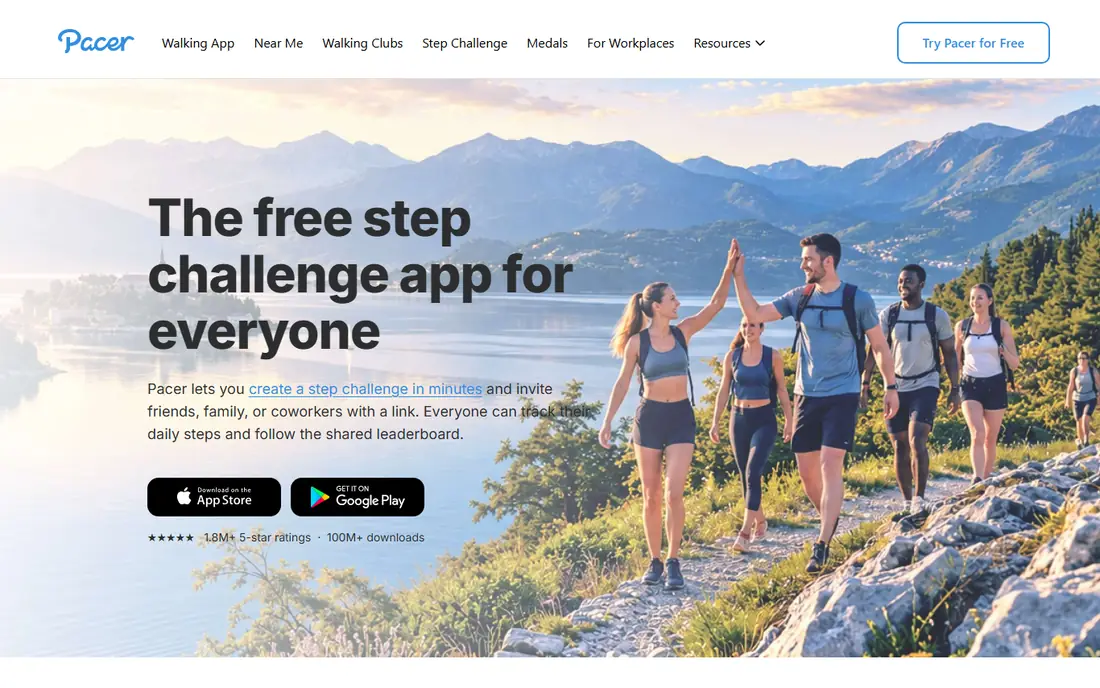
Pacer is the most complete phone-only step tracker we compared. It counts steps, distance, and active time without a wearable, and it adds group challenges that make walking with friends or coworkers genuinely motivating. Sync with Apple Watch, Fitbit, and Garmin means Pacer can also collect steps from a watch when you wear one.
Premium, listed at $9.99 per month or $49.99 per year, adds features such as custom step goals and guided plans. The free tier covers the core job well, so most users can start free and only pay if challenges and plans become a regular habit. Pacer is available on iPhone and Android.
- Counts steps with just a phone
- Group challenges and walking clubs
- Syncs with Apple Watch, Fitbit, and Garmin
- Some features such as custom goals need Premium
- Free version includes ads
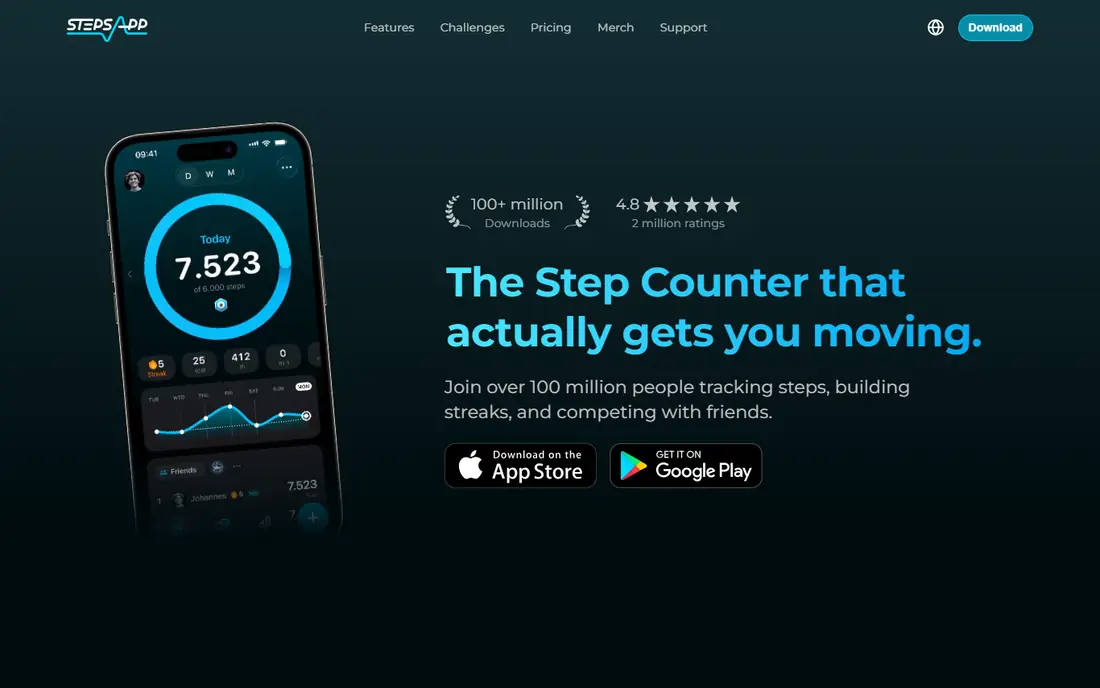
StepsApp appeals to users who want a pedometer that looks good and stays out of the way. The daily view shows steps, distance, and calories clearly, and weekly trends help you spot whether you are walking more or less over time. Sync with Apple Health, Google Fit, Garmin, Oura, and Fitbit covers most wearables.
Pro pricing varies by store listing, so check the current price before you subscribe. The free tier is enough for basic step tracking, and the design is one of the calmest in this list. If Pacer feels busy, StepsApp is the quieter alternative.
- Clean daily and weekly step views
- Syncs with Apple Health, Google Fit, Garmin, Oura, and Fitbit
- Simple goal and streak tracking
- Some features need a Pro subscription
- Android free tier includes ads
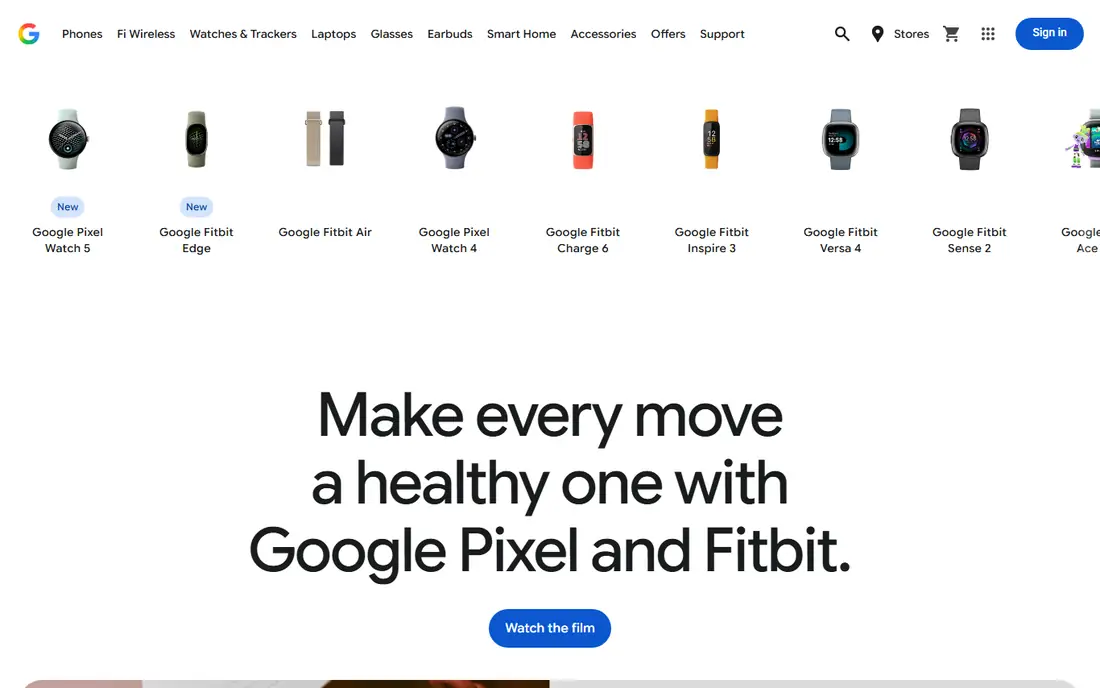
Fitbit is the natural pick if you already wear a Fitbit device or a Pixel Watch. Steps are tracked automatically all day, without needing to carry a phone, and the free dashboard covers sleep, heart rate, and activity alongside steps. Community challenges add motivation, though they are less central than they once were.
Phone-only users get less value. Without a wearable, Fitbit step counting depends on the phone and can be less accurate than a dedicated pedometer app. Fitbit Premium, listed at $9.99 per month or $79.99 per year, adds deeper insights, but the free tier covers step tracking itself.
- Automatic all-day step tracking from a Fitbit device
- Broad free health dashboard
- Community challenges
- Best with Fitbit or Pixel Watch hardware
- Phone-only tracking is less accurate
Samsung Health is the easiest step tracker for Samsung phone owners, because it is often already installed. Steps count automatically from the phone, and a Galaxy Watch adds all-day tracking without extra apps. The wider health dashboard covers exercise, sleep, and other metrics in one place.
Users outside the Samsung ecosystem get less benefit, and some features vary by device and region. Still, for Galaxy phone and watch owners, Samsung Health needs no download, no subscription for step tracking, and no setup beyond opening the app and checking permissions.
- Free and built into many Samsung phones
- Automatic steps from Galaxy Watch
- Covers sleep, exercise, and health data
- Best inside the Samsung ecosystem
- Some features vary by device and region
Google Fit remains a solid free choice for Android users who want simple step tracking without ads or subscriptions. It counts steps, distance, and active minutes, and Heart Points give a simple weekly activity target beyond raw steps. Integration with Android phones and Wear OS watches is straightforward.
The app is basic compared with Pacer or Fitbit, and its feature set has not grown much in recent years. iPhone users will find Apple Health a better built-in option. For Android users who want a free, no-fuss pedometer tied to their Google account, Google Fit still does the job.
- Completely free
- Native step tracking on Android
- Heart Points add a simple activity goal
- Development has slowed and features are basic
- IPhone experience is limited
Apple Health is the step tracker every iPhone owner already has. It counts steps from the phone motion sensor, syncs automatically with Apple Watch, and stores data on the device with strong privacy controls. There are no ads, no subscriptions, and no extra accounts to create for basic step tracking.
The limits are social and motivational. Apple Health has no built-in step challenges or walking clubs, so users who need group motivation should pair it with Pacer or StepsApp. For private, reliable step trends on an iPhone, though, Apple Health is hard to beat.
- Completely free and built into every iPhone
- Steps sync from iPhone and Apple Watch
- Strong privacy controls
- No social challenges built in
- Step data depends on carrying the phone or wearing a watch
Accupedo is a long-running pedometer that keeps things simple. It counts steps, distance, and calories, shows a clear daily history, and offers a home screen widget for a quick glance. Users who want a pedometer and nothing else will appreciate the lack of social feeds, plans, and upsells.
The design feels older than Pacer or StepsApp, and wearable sync is more limited. That is a fair trade for simplicity, and Accupedo remains a useful free option for Android users who want a basic step counter that stays out of the way.
- Simple pedometer with clear daily counts
- Works with just a phone
- Widget for the home screen
- Design feels dated
- Fewer wearable sync options than larger apps
Step Counter by Leap Fitness
Who it suits: No-frills step counting
Step Counter by Leap Fitness is another no-frills pedometer for users who want steps and a simple history, nothing more. The layout is clear, step goals are easy to set, and the app works with just a phone. It suits users who tried a busy health app and found the extras distracting.
Advanced features are thin, and some reports and themes sit behind payment. If you want challenges, coaching, or deep health data, Pacer or Fitbit will serve you better. If you want a counter that opens, shows your steps, and closes again, this app does that job well.
- Simple step counting with a clean layout
- No wearable needed
- Daily and weekly history
- Extra features are limited
- Some reports and themes need payment
How we picked these
We compared official app pages, app store listings, and current step tracker roundups checked in October 2026, and we kept apps that count steps reliably on a phone or a common wearable. Free step counting mattered more than premium coaching, so we favored apps where the core pedometer works without paying. Apps that only track workouts, or that had stopped working, did not make the list.
How to get accurate step counts
Carry the phone in a pocket or bag consistently, because step sensors work best with steady movement. A phone left on a desk all day will miss steps, and a phone shaken in a hand may add false steps. Wearable users should wear the device snugly and check that step sync is turned on, especially after an app update.
Next, judge trends rather than single days. Step counts vary by device, position, and walking style, so a difference of a few hundred steps between apps is normal. Look at weekly averages and streaks instead, and set a goal you can hit most days rather than a perfect target you miss often.
Set a goal that fits your life
A common default is 10,000 steps, but that number is a round target, not a medical rule for everyone. Start from your current weekly average, add 500 to 1,000 steps, and hold that level for two weeks before raising it again. Small, steady increases beat a sudden jump that lasts three days.
Use challenges only if they help
Group challenges motivate some walkers and pressure others. Try one challenge with friends or coworkers, and keep it only if it makes walking more enjoyable. If leaderboards make you walk less or feel guilty on rest days, drop them and track privately with Apple Health, Google Fit, or StepsApp instead.
Frequently asked questions
What is the best app to track steps for free?
Pacer is the best free step tracker for most people, because it counts steps with just a phone and adds challenges and wearable sync without payment. Apple Health is free on iPhone, Google Fit is free on Android, and Samsung Health is free on Galaxy phones. All four cover basic step tracking well without a subscription.
What is the best pedometer app?
Pacer is our pick for a full-featured pedometer, while StepsApp is the best clean and simple pedometer. Accupedo and Step Counter by Leap Fitness suit users who want the simplest possible counter. The best pedometer is the one you keep open, so favor clear design and reliable counting over extra features you will not use.
Do step tracker apps work without a smartwatch?
Yes, Pacer, StepsApp, Accupedo, and Step Counter all count steps using only a phone, with no watch needed. Fitbit, Samsung Health, and Apple Health work better with a matching watch, but they still count steps from the phone alone. Carrying the phone consistently matters more than owning a watch for basic step tracking.
Are step counts from phones accurate?
Phone step counts are useful for trends, but they are not exact. Counts vary by phone model, pocket position, and walking style, and a phone left behind will miss steps. Use weekly averages rather than single-day totals, and compare the same app over time instead of comparing different apps on the same day.
What is the best free step tracker app for Android?
Google Fit and Samsung Health are strong free built-in options on Android, while Pacer and StepsApp add challenges and cleaner history. Pacer is the best all-round free Android pick when you want motivation as well as counting. Samsung Health wins for Galaxy owners who want everything in one preinstalled app.
Sources we checked (8)

Online Jobs is an independent blog about careers, online work, learning new skills and the tools that help people earn. More about us.
Keep reading
All posts
Leg Extension Alternatives
We compare leg extension alternatives that build quad strength at home or in the gym, with honest notes on form, equipment, and knee comfort. for 2026.
Best workout apps for women
Compare the best workout apps for women in 2026, from free guided classes to structured strength plans, with current prices, free plans and honest trade-offs.
Best app for counting calories
Find the best app for counting calories in 2026. We compare MyFitnessPal, Cronometer, Lose It and more on food databases, free plans and ease of use today.