Best Apps for Students to Have on Their Phone in 2026: 10 Apps Compared

How we put this together: we compare official feature and pricing pages, app store listings, privacy policies and public user reviews. Prices change, so check the provider's site before you pay.
Key takeaways
- A small set beats a large set, because notes, flashcards, focus, and deadlines cover most student work.
- Notion, OneNote, and Google Drive cover notes and group work, while Anki and Quizlet cover recall.
- Forest helps with phone distraction, but it is a paid app, so check the store price first.
- Most of these apps have a free tier that covers core study work without a paid plan.
Quick comparison
| Name | Who it suits | Starting price | Free option | |
|---|---|---|---|---|
 Notion | notes and assignment planning | Free | Yes | Visit |
 Anki | long-term memorisation | Free | Yes | Visit |
 Quizlet | quick flashcards and class sets | Free | Yes | Visit |
 Forest | staying off the phone while studying | See website | No | Visit |
 Microsoft OneNote | free notebooks with handwriting | Free | Yes | Visit |
 Khan Academy | free concept lessons | Free | Yes | Visit |
 Google Drive | group work and file storage | Free | Yes | Visit |
 Grammarly | clearer essays and emails | Free | Yes | Visit |
 Todoist | assignment deadlines | Free | Yes | Visit |
 Zotero | research and citations | Free | Yes | Visit |
The best apps for students to have on their phone
We compared these apps on price, free access, core features, and the limits that show up in daily use. The order below starts with the most broadly useful pick and then moves to options that suit a narrower need.
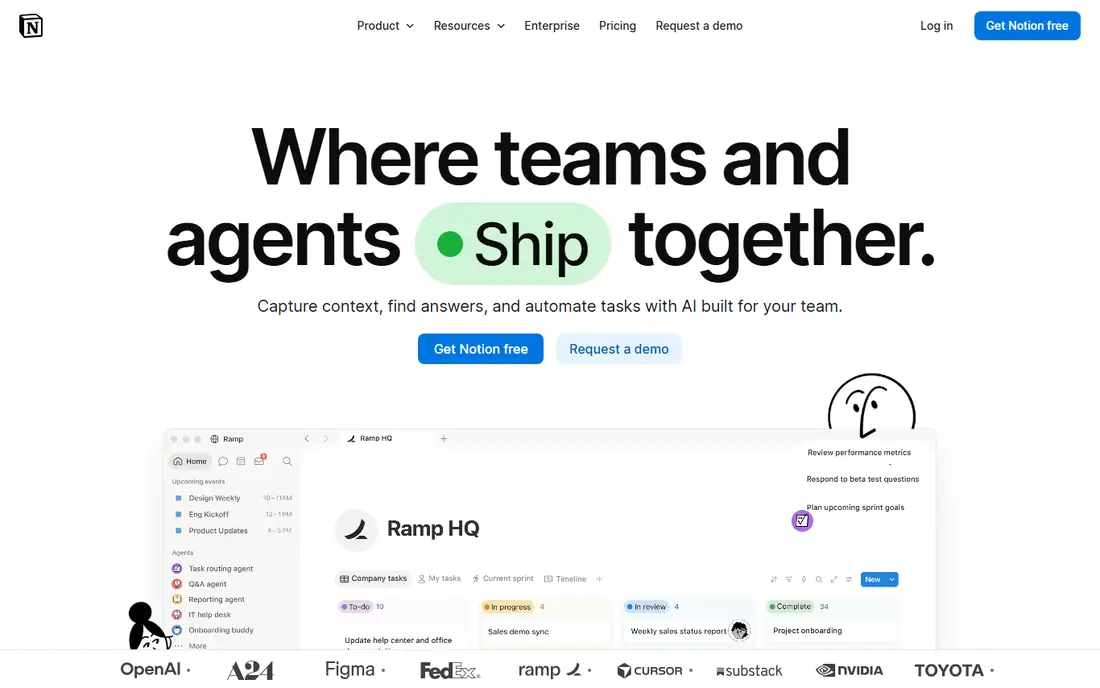
Students who want notes, deadlines, and reading lists in one workspace will build a strong system here. Notion fits notes and assignment planning and gives you a clear place to start without a long setup process. It combines notes with databases, so a course page can hold lectures, assignments, and deadlines, and a single dashboard can show what is due this week. Where Notion stands out is in how it handles course dashboards. A dashboard can pull assignments from several courses into one view, which helps a student see the week ahead without opening each notebook. The honest catch is the flexibility can feel large at first, and setting up a good system takes an hour or two before it pays off. Try the free plan or trial first, test the exact task you care about most, and check pricing on the vendor site before you pay.
- Flexible pages
- Databases
- Templates for study
- Can feel large at first
- AI features cost extra
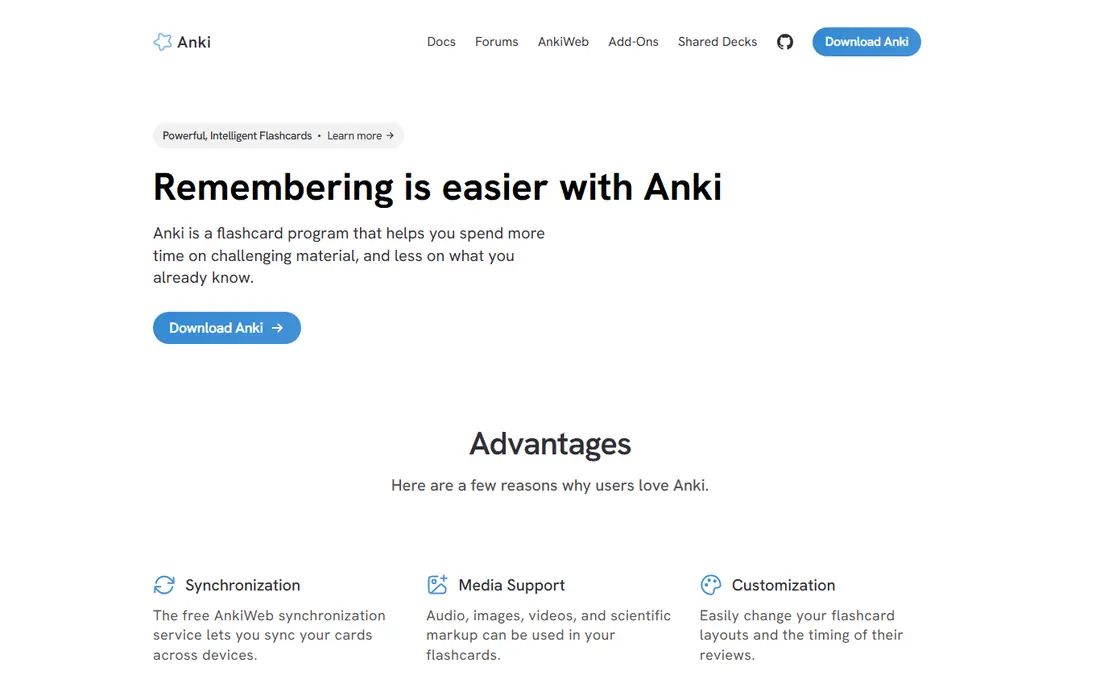
Students who must remember large amounts of facts for exams will get the most from this spaced repetition tool. Anki fits long-term memorisation and gives you a clear place to start without a long setup process. It schedules card reviews at growing intervals, so facts return just before they are likely to be forgotten, which suits medicine, law, and language study. Where Anki stands out is in how it handles spaced repetition. Cards are shown again based on how well you recalled them, which focuses review time on weak facts rather than on facts you already know. The honest catch is the iOS app is paid, and building good cards takes practice, so new users should start with a small deck. Try the free plan or trial first, test the exact task you care about most, and check pricing on the vendor site before you pay.
- Spaced repetition
- Shared decks
- Desktop and Android free
- IOS app is paid
- Setup takes learning
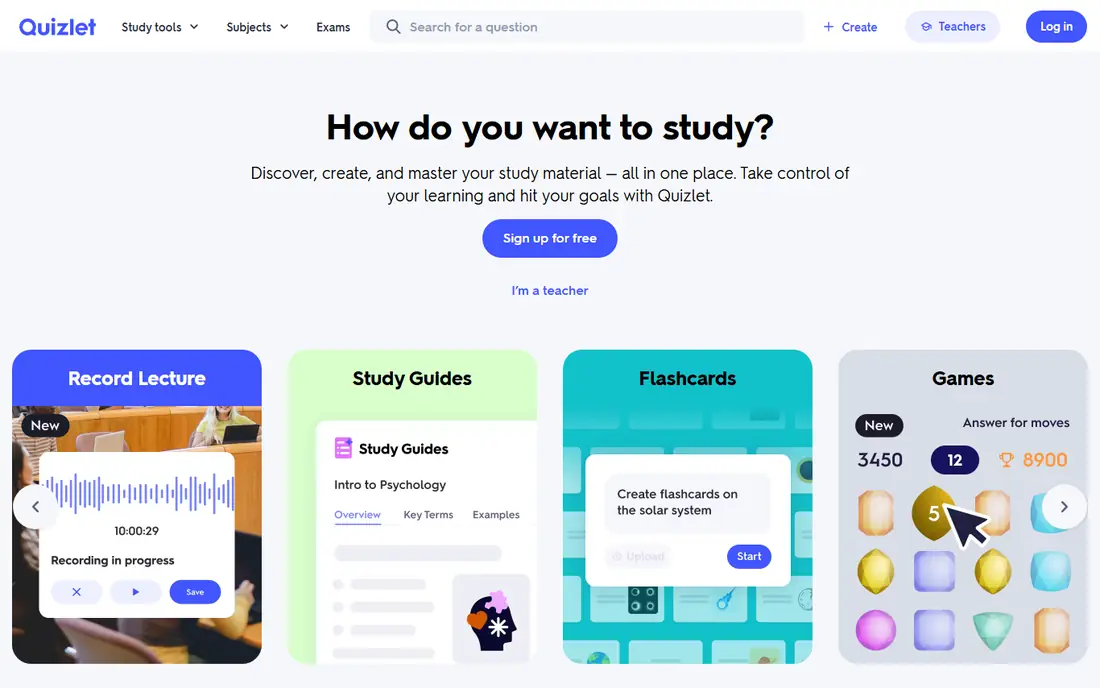
Students who want ready-made flashcard sets and quick review games will start here. Quizlet fits quick flashcards and class sets and gives you a clear place to start without a long setup process. It offers shared sets made by other students and teachers, plus learn modes that test recall in several formats. Where Quizlet stands out is in how it handles shared flashcard sets. A shared set can give a head start on a topic, and learn modes turn the same cards into tests, matching games, and written practice. The honest catch is the free tier carries ads and limits some modes, so heavy users may need the paid plan for the full set of tools. Try the free plan or trial first, test the exact task you care about most, and check pricing on the vendor site before you pay.
- Large shared sets
- Learn modes
- Games for review
- Ads on free tier
- Best features need Plus
Students who pick up the phone every few minutes will like the simple deal this app offers. Forest fits staying off the phone while studying and gives you a clear place to start without a long setup process. It grows a virtual tree while you stay focused, and the tree fails if you leave the app, which gives a small but clear reason to keep studying. Where Forest stands out is in how it handles focus timer. A timed session sets a clear start and end, and the growing tree gives a visible record of focused time across the week. The honest catch is it is a paid app, so budget-minded students should check the current store price before buying. Try the free plan or trial first, test the exact task you care about most, and check pricing on the vendor site before you pay.
- Focus timer with a growing tree
- Friend mode
- Simple habit loop
- Paid app
- No free tier in the usual sense
Students who take handwritten notes or record lectures will find this free notebook a solid base. Microsoft OneNote fits free notebooks with handwriting and gives you a clear place to start without a long setup process. It supports typed notes, handwriting, images, and audio in one notebook, and it syncs across devices through a Microsoft account. Where Microsoft OneNote stands out is in how it handles mixed-media notebooks. A page can hold typed notes, a photo of a whiteboard, and an audio clip, which helps when a lecture needs more than plain text. The honest catch is very large notebooks can feel slow, and a clear section structure is needed to keep a full year of notes findable. Try the free plan or trial first, test the exact task you care about most, and check pricing on the vendor site before you pay.
- Free notebooks
- Handwriting and audio notes
- Microsoft sync
- Large notebooks can feel slow
- Organisation needs care
Students who need to rebuild a weak topic from the basics will find clear lessons here at no cost. Khan Academy fits free concept lessons and gives you a clear place to start without a long setup process. It offers short video lessons and practice exercises across maths, science, and other subjects, with progress tracking that shows what is done. Where Khan Academy stands out is in how it handles guided practice. Lessons lead into practice questions, and the progress view shows which skills are strong and which need more work. The honest catch is coverage varies by subject, and advanced university topics may need a textbook or a course beyond this free library. Try the free plan or trial first, test the exact task you care about most, and check pricing on the vendor site before you pay.
- Free lessons
- Practice exercises
- Progress tracking
- No university-level depth for every subject
- No paid tutor in free tier
Students who work in groups will rely on this for shared docs and files. Google Drive fits group work and file storage and gives you a clear place to start without a long setup process. It holds Docs, Sheets, Slides, and PDFs in one place, and sharing lets several students edit the same document at once. Where Google Drive stands out is in how it handles shared documents. Several students can edit a document at the same time, with comments and version history keeping group work organised. The honest catch is free storage has a limit, and large video or photo projects will need a storage plan or a cleanup routine. Try the free plan or trial first, test the exact task you care about most, and check pricing on the vendor site before you pay.
- Docs, Sheets, and Slides
- Easy sharing
- Generous free storage to start
- Storage limits apply
- Offline setup needs care
Students who write essays, reports, and emails will get a useful second pair of eyes here. Grammarly fits clearer essays and emails and gives you a clear place to start without a long setup process. It checks grammar, spelling, and clarity as you write, and it works in a browser, in Word, and in several other writing apps. Where Grammarly stands out is in how it handles writing checks. Checks appear while you write, so errors can be fixed in the draft rather than in a separate proofreading pass. The honest catch is the free tier covers basics only, and the deeper style and clarity suggestions sit behind the paid plan. Try the free plan or trial first, test the exact task you care about most, and check pricing on the vendor site before you pay.
- Grammar and clarity checks
- Browser and Word links
- Tone hints
- Best suggestions need Pro
- Free tier is basic
Students who juggle deadlines across courses will keep track more easily with this task app. Todoist fits assignment deadlines and gives you a clear place to start without a long setup process. It turns each course into a project, each assignment into a task, and each due date into a clear item on the today view. Where Todoist stands out is in how it handles course projects. A project per course keeps assignments separate, while the today view pulls every due item into one short list. The honest catch is reminders need the paid plan, so free users must check the today view each day rather than relying on alerts. Try the free plan or trial first, test the exact task you care about most, and check pricing on the vendor site before you pay.
- Projects per course
- Due dates
- Repeat tasks
- Reminders are paid
- Free project limits apply
Students who write research papers will save hours with this free reference manager. Zotero fits research and citations and gives you a clear place to start without a long setup process. It captures sources from a browser, stores PDFs and notes, and builds citations in common styles for essays and papers. Where Zotero stands out is in how it handles source capture. A browser button saves a source with its details, and the library keeps notes and PDFs linked to each reference. The honest catch is free sync storage has a limit, so large PDF libraries need local storage or a paid storage plan. Try the free plan or trial first, test the exact task you care about most, and check pricing on the vendor site before you pay.
- Free reference manager
- Browser capture
- Citation styles
- Storage limits on free sync
- Setup takes a short learning curve
How we picked these
We started from official feature pages, pricing pages, and app store listings, and we checked privacy pages and public reviews where they helped explain a limit or a plan change. We left out products where the price or the free tier could not be pinned down, and we marked those cases as See website rather than guessing a figure. We also weighed fit over feature count. A product with fewer features can still be the right pick when it does one job well, costs less, or works on the devices a reader already owns. That is why the list mixes free options, paid specialists, and broad suites instead of ranking on price alone.
How to build a student phone setup that lasts
Pick one app per job and stop there. One notes app, one flashcard app, one task app, and one focus app are enough, and adding more apps usually adds friction rather than help. Put the four apps on the home screen and move social apps into a folder that takes an extra tap to open. Next, set a weekly review. On one evening each week, move new lecture notes into cards, check deadlines, and clear the inbox of each app. That short review turns a set of apps into a study system, and it matters more than any single feature on this list.
Frequently asked questions
What apps should every student have on their phone?
A notes app, a flashcard app, a task app, and a focus app cover most needs. Notion or OneNote, Anki or Quizlet, Todoist, and Forest are a strong starting set.
What is the best free app for students?
Khan Academy and Zotero are fully free for their core jobs, while Notion, OneNote, and Google Drive have strong free tiers. The best free pick depends on whether you need lessons, notes, or research help.
Are student apps free?
Many are free to start, and several offer student discounts on paid plans. Check the vendor site or your university IT page for education pricing before you pay.
Which app is best for exam revision?
Anki suits long-term memorisation, while Quizlet suits quick review from shared sets. Use Anki for facts you must keep for months, and Quizlet for fast class revision.
Do I need paid apps to study well?
No. A free set can cover notes, flashcards, tasks, and research. Paid apps help with focus or advanced writing checks, but they are not required for good study habits.
Sources we checked (10)

Online Jobs is an independent blog about careers, online work, learning new skills and the tools that help people earn. More about us.
Keep reading
All posts
Best Udemy Alternatives
Explore the best Udemy alternatives for 2026, including Coursera, Skillshare, and LinkedIn Learning, with pricing, certificates, and who each platform suits.

Best Tools for Virtual Tutoring
Compare the best tools for virtual tutoring, from one-to-one tutor marketplaces to free self-paced learning, with pricing, subjects and honest limits.
Best Study Apps for Young Children
Compare the best study apps for young children in 2026, from Khan Academy Kids and ABCmouse to Reading Eggs, Starfall, Duolingo ABC and PBS Kids, with prices.