Best Apps for Kids to Learn Science in 2026: 8 Apps Compared


Free early science for ages 2 to 8 · Starting price: Free
How we put this together: we compare official feature and pricing pages, app store listings, privacy policies and public user reviews. Prices change, so check the provider's site before you pay.
Key takeaways
- Free picks such as Khan Academy Kids, PBS KIDS Games and Seek cover a lot of ground without a subscription, and they suit different ages.
- Guided lessons work best for younger children, while simulations and nature identification suit older children who can explore with some independence.
- Check age guidance, ad policies and account settings before handing an app to a child, and keep outdoor or hands-on follow-up in the plan.
- The strongest shortlist mixes video lessons, play-based science, sky watching and real-world nature observation rather than relying on one app alone.
Quick comparison
| Name | Who it suits | Starting price | Free option | |
|---|---|---|---|---|
| Khan Academy Kids | Free early science for ages 2 to 8 | Free | Yes | Visit |
 Tappity Tappity | Guided science lessons for ages 4 to 10 | See website | Free trial | Visit |
 PBS KIDS Games PBS KIDS Games | Free science games for young children | Free | Yes | Visit |
 Tinybop The Human Body Tinybop The Human Body | Play-based anatomy for ages 4 and up | See website | No | Visit |
 PhET Interactive Simulations PhET Interactive Simulations | Hands-on science models for older children | Free | Yes | Visit |
 Seek by iNaturalist Seek by iNaturalist | Nature identification outdoors | Free | Yes | Visit |
 Sky Tonight Sky Tonight | Stargazing and astronomy basics | Free | Yes | Visit |
 Mystery Science Mystery Science | Classroom-style video lessons at home | See website | Free trial | Visit |
The best apps for kids to learn science
We compared official feature pages, pricing pages, app store listings and privacy information to find science apps that fit distinct ages and learning styles. The list below moves from gentle early-years play to more open-ended exploration for older children.
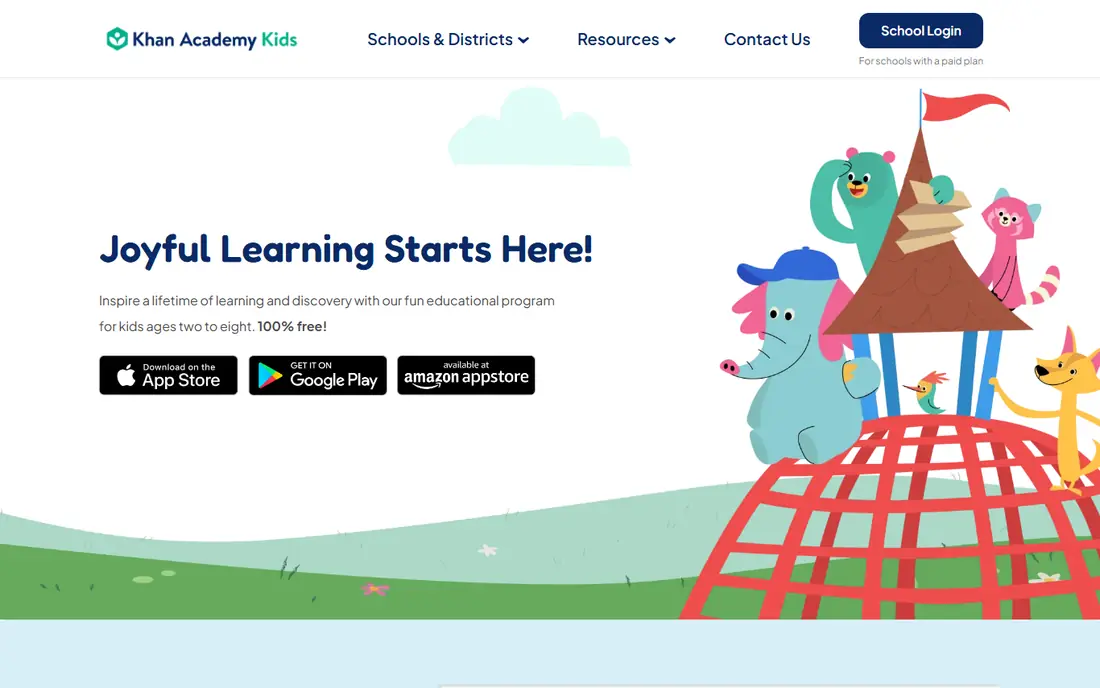
Khan Academy Kids is the easiest place to start, especially when cost is a concern. It presents short activities, stories and games in a calm layout, and it does not push purchases inside the family app. Parents can feel more confident here because the nonprofit model keeps the focus on learning rather than on selling extra content.
Science here means early foundations rather than a full school course. Children meet animals, plants, weather and simple cause-and-effect ideas through play, which suits preschool and early primary ages well. Older children will outgrow it, so treat it as a first step and pair it later with a simulation or nature app. Set up the profile together, check the settings, and keep sessions short so screen time stays balanced with outdoor play.
- Completely free with no ads in the family app
- Covers early science alongside reading and maths
- Simple interface suited to young children
- Science depth is limited for children above about age 8
- Needs a device and an adult to set up a child profile
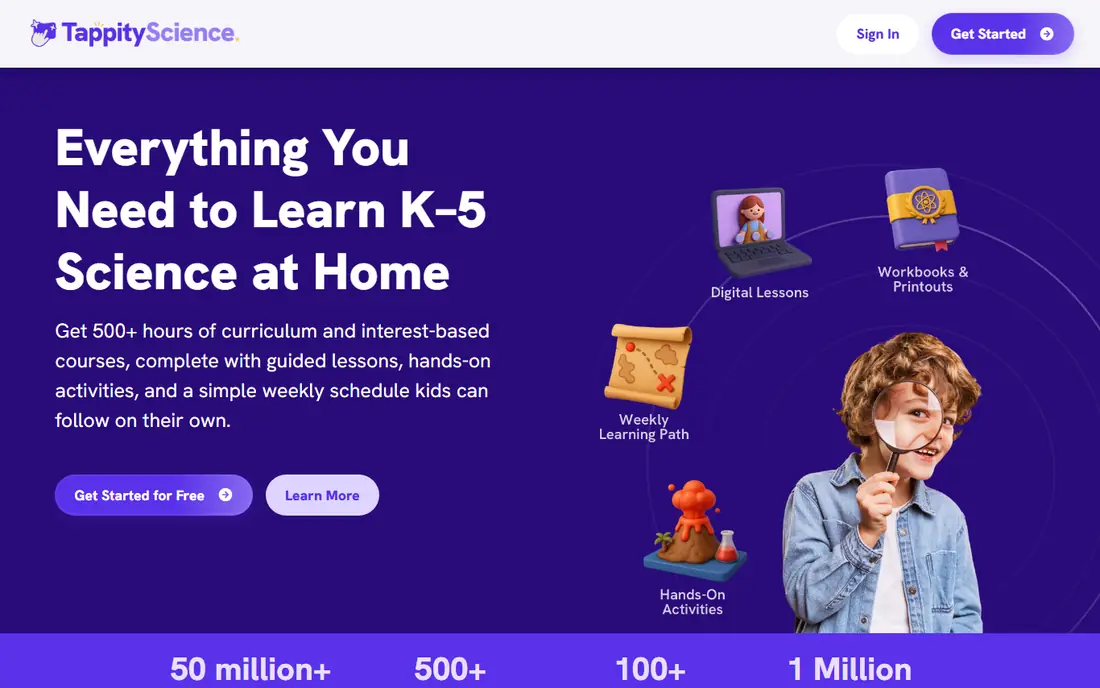
Tappity feels closer to a science class than to a game collection. A teacher guides each lesson, explains the idea in plain language, and then suggests an activity children can try. That structure helps children who enjoy a clear path and parents who want lessons tied to school topics.
The science journal is a useful touch. Children can note what they observed, which turns a watched lesson into a small investigation. The trade-off is cost and device fit, so use the trial to check whether your child likes the teaching style before paying. It works best for ages 4 to 10, with adult help for the youngest users and for any experiment involving household materials.
- Lessons are led by a teacher on screen
- Activities link to hands-on experiments
- Journal feature lets children record findings
- Paid membership after the trial
- IOS and web focus may limit some Android households
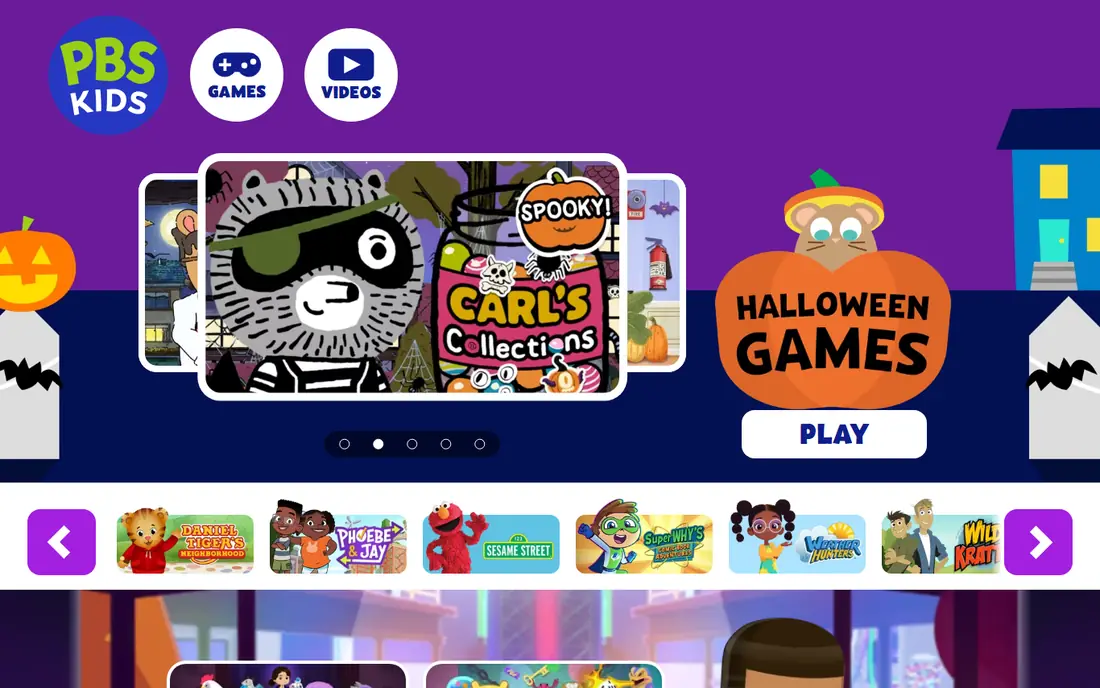
PBS KIDS Games is a good free choice for younger children who already know characters from PBS KIDS programmes. The science content appears inside games about building, sorting, exploring and solving small problems, so learning feels like play. Parents often like the clear age range and the absence of a paywall for core games.
The limit is depth. A seven-year-old may enjoy the games, but a ten-year-old who wants real experiments will need something more demanding. Use this app for short, fun sessions and for building curiosity, then move on to guided lessons or nature apps as interest grows. As with any app for young children, check device settings and sit nearby for the first few sessions.
- Free games based on familiar PBS KIDS shows
- Early science and engineering play for ages 2 to 8
- No subscription needed
- Games are short and simple for older children
- Content varies by show and region
Tinybop The Human Body
Who it suits: Play-based anatomy for ages 4 and up
Tinybop takes a different approach from lesson apps. Children tap, drag and play with a model of the human body, watching how digestion, breathing and circulation connect. That hands-on model helps younger children grasp systems that are hard to explain with words alone. It also works well for children who are still building reading confidence.
Parents should know the scope is narrow by design. This is an anatomy explorer, not a general science course, so it pairs well with a broader app such as Khan Academy Kids or Tappity. Check the current store price before buying, since app pricing can vary by platform. Used together with a simple book about the body, it can prompt plenty of good questions.
- Interactive body systems children can explore by touch
- No reading-heavy lessons required
- Works well as a shared parent and child activity
- Paid app with optional extra content
- Covers anatomy only, not the full science curriculum
PhET Interactive Simulations
Who it suits: Hands-on science models for older children
PhET is our pick for older children who are ready to test ideas rather than just watch them. A child can build a circuit, change the force on an object, or mix solutions and watch what changes. That habit of changing one variable at a time is at the heart of science, and PhET makes it visible and safe to try.
The browser simulations are free, which makes this an easy addition to homework or home learning. The catch is guidance. Without a question to answer, a child may click around without learning much, so suggest a simple challenge first, such as finding what makes a bulb brighter. Adults should also note that a simulation simplifies reality, so follow up with a real-world example where possible.
- Research-based simulations from the University of Colorado Boulder
- Free simulations in a browser
- Lets children change variables and see results
- Some topics suit ages 8 and up better than younger children
- Mobile apps may carry a small charge
Seek turns a walk into a science lesson without turning it into a test. Children point the camera at a plant, insect or bird, and the app suggests what it might be. That instant feedback rewards looking closely, which is a skill many classroom lessons struggle to teach. It also builds a simple record of finds, so children can compare seasons and places.
Accuracy is the honest limit. Seek gives likely matches, not a guaranteed identification, so treat results as a starting point and check anything important in a field guide. Outdoor safety matters too. Go together, agree on boundaries, and remind children not to touch unknown plants or animals. Used that way, Seek is one of the most engaging free science tools on this list.
- Free identification of plants, animals and fungi from photos
- Encourages outdoor observation
- No account needed for basic use in many cases
- Identification is not always exact
- Best for ages 6 and up with adult supervision outdoors
Sky Tonight is best used outside, after dark, with a child who is curious about space. Hold the phone toward the sky and the app labels what is overhead, which turns a vague patch of stars into named constellations and planets. That moment of naming is often what makes astronomy stick for children.
The free version is enough to start, though ads and upgrade prompts mean parents should check settings first. It suits children around age 8 and up, who can follow the sky map and ask follow-up questions. Younger children can still enjoy it with an adult guiding the phone. Pair a session with a simple moon diary and children start to notice change over days and weeks.
- Points at the sky to label stars, planets and constellations
- Free core features
- Good for family evenings outdoors
- Free version includes ads and paid upgrades
- Needs a clear sky and a charged device to shine
Mystery Science starts with a question children actually ask, such as why the moon changes shape, and builds a lesson around answering it. Short videos, discussion prompts and a hands-on activity follow, which suits families who want a planned lesson rather than open play. Teachers use it widely, so the pacing and language feel classroom-ready.
The trade-off is that it is less of a pick-up-and-play app and more of a lesson plan. That is a strength for home-school families and a possible drawback for children who just want a quick game. Check the current pricing on the vendor site before subscribing, and try the free trial with one full lesson. If your child enjoys the question-first format, it can anchor a weekly science slot.
- Question-led video lessons for ages 5 to 11
- Hands-on activities use simple materials
- Clear structure for home learning
- Paid after the trial
- Designed mainly for classroom and home-school use rather than casual play
How we picked these
We compared official feature pages, pricing pages, app store listings and privacy policies, and we looked for apps that are still available and suited to children in October 2026. We favoured apps with clear age guidance, a real science focus rather than general entertainment, and a free entry point or trial where possible. We also weighed the mix across ages, so the list covers early play, guided lessons, simulations and outdoor observation. We did not test every app hands-on for this guide, and prices and age ratings can change, so check the vendor page and store listing before buying.
What to check before you download
Match the app to the age, not just the subject
A science app for a four-year-old and a science app for a ten-year-old should look very different. Younger children need short activities, clear speech and adult help, while older children benefit from simulations and open questions. Read the age guidance on the store listing and try the first lesson together.
Check privacy, ads and accounts
For children, privacy settings matter as much as content. Look for a clear privacy policy, no ads in apps aimed at young children, and simple controls to limit sharing. Prefer apps that work without an account where possible, and set up any account yourself rather than letting a child enter personal details. Talk about consent too: children should know they can stop sharing location or photos at any time, and location features should only be used with family agreement.
Keep a balance with real-world science
Apps work best as a prompt, not a replacement. A nature app should lead to a walk, a simulation should lead to a question about the real world, and a lesson should lead to a simple experiment at the kitchen table. Short, regular sessions tend to work better than long stretches, and a notebook for drawings and questions helps children remember what they found.
Frequently asked questions
What are the best apps for kids to learn science for free?
Khan Academy Kids, PBS KIDS Games, PhET browser simulations and Seek are strong free starting points. They cover different ages and styles, so pick one for early play and one for older exploration rather than downloading all of them at once.
What age should children start using science apps?
Many apps suit ages 2 to 8 for early play, while simulations and sky apps work better from about age 8. Always read the store age guidance, try the app together first, and adjust based on reading level and attention span rather than age alone.
Are science apps safe for children?
Safety depends on the app and the settings. Choose apps with clear privacy policies, limited ads, and no open chat with strangers, set up accounts yourself, and review location and photo permissions before first use. Supervise outdoor apps and agree on rules for sharing findings.
Do kids need a paid science app to learn well?
No. Free apps cover early science, simulations and nature identification well. Paid apps add structure, guided lessons and extra content, so pay only if your child likes the teaching style and will use it regularly.
How can parents make science apps more useful?
Ask a question before the session, let the child explain what they found afterwards, and follow up with a real-world activity. A short walk, a simple experiment or a drawing in a notebook often teaches more than extra screen time.
Which science app is best for a child who loves animals and nature?
Seek by iNaturalist is the best fit, because it rewards outdoor observation and identification. Pair it with a field guide and regular walks, and keep identifications as likely matches to check rather than final answers.
Sources we checked (7)

Online Jobs is an independent blog about careers, online work, learning new skills and the tools that help people earn. More about us.
Keep reading
All posts
Best Tools for Virtual Tutoring
Compare the best tools for virtual tutoring, from one-to-one tutor marketplaces to free self-paced learning, with pricing, subjects and honest limits.
Best Study Apps for Young Children
Compare the best study apps for young children in 2026, from Khan Academy Kids and ABCmouse to Reading Eggs, Starfall, Duolingo ABC and PBS Kids, with prices.
Best Study Apps for Kids
Looking for the best study apps for kids? We compare Khan Academy Kids, ABCmouse, Prodigy, IXL and more on age, safety, price and subjects for home learning.