8 Best Apps for Kids to Learn Math Without Purchase Pressure


Free early learning, ages 2 to 8 · Starting price: Free
How we put this together: we compare official feature and pricing pages, app store listings, privacy policies and public user reviews. Prices change, so check the provider's site before you pay.
Key takeaways
- The best math app for kids depends on age: early learners need number sense, while older children need practice across topics.
- Khan Academy Kids and Zearn stand out for free core content with no ads or purchase pressure in the learning path.
- Prodigy Math offers free curriculum questions, but parents should check membership prompts before handing over a device.
- Adaptive apps help most when a child works in short, regular sessions and a parent reviews progress weekly.
- Child privacy matters: prefer apps with clear privacy policies, limited data collection, and no chat with strangers.
Quick comparison
| Name | Who it suits | Starting price | Free option | |
|---|---|---|---|---|
| Khan Academy Kids | Free early learning, ages 2 to 8 | Free | Yes | Visit |
 Zearn Zearn | Free structured lessons, kindergarten to grade 8 | Free | Yes | Visit |
 Prodigy Math Prodigy Math | Game-based practice, grades 1 to 8 | Free | Yes | Visit |
 IXL IXL | Skill-by-skill practice, pre-K to grade 12 | See website | Free trial | Visit |
 SplashLearn SplashLearn | Game-based practice, pre-K to grade 5 | See website | Free trial | Visit |
 DreamBox Math DreamBox Math | Adaptive lessons, kindergarten to grade 8 | See website | Free trial | Visit |
 Boddle Boddle | Game practice, kindergarten to grade 6 | Free | Yes | Visit |
 Mathletics Mathletics | School-style practice with rewards | See website | Free trial | Visit |
The best apps for kids to learn math
We compared the best apps for kids to learn math on age range, curriculum coverage, adaptivity, price, and child-privacy practice. We gave extra weight to apps where learning content is free or clearly separated from paid extras, and where in-app purchase prompts are limited.
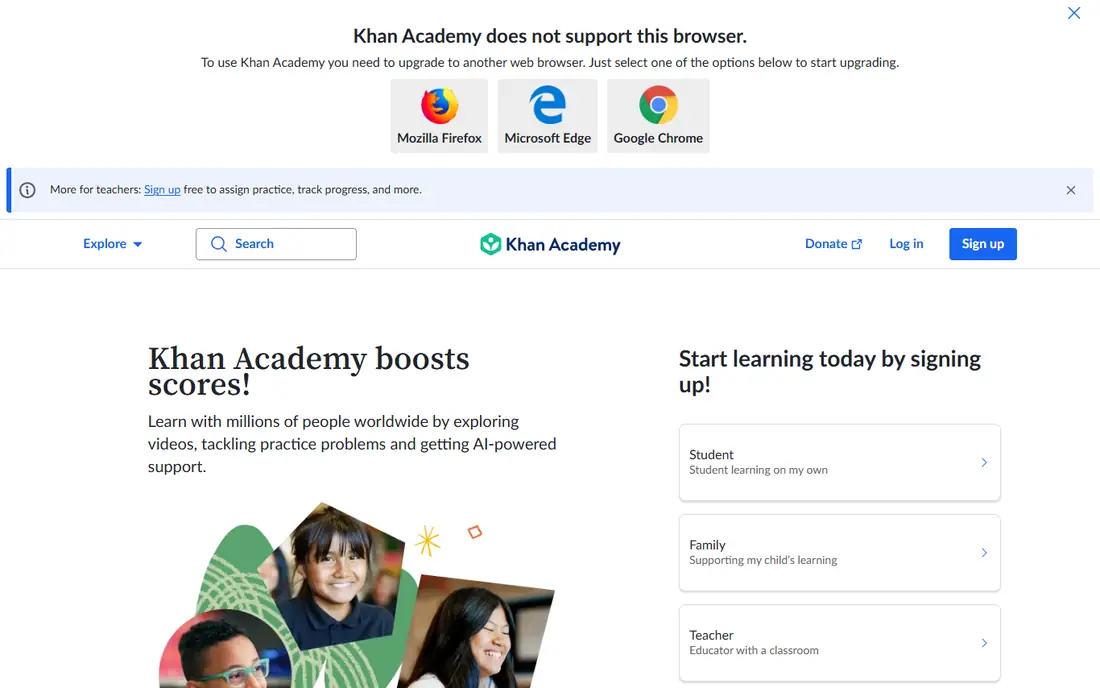
Khan Academy Kids fits families with young children who want a safe first math app. Activities cover counting, shapes, simple addition and subtraction, and early problem solving, with stories and songs woven in. Because the app is free with no ads and no in-app purchases, a parent can hand over a tablet without worrying that a child will tap into a shop. The honest catch is age range. Once a child moves past second grade material, the app runs out of road. That is not a flaw, it is a limit to plan around. Start here for early years, then move to Zearn or Prodigy Math when school math needs more depth.
- Fully free with no ads
- Covers early math plus reading
- Friendly characters and short activities
- Ends around age 8
- No web version for the Kids app
- Less depth for older elementary topics
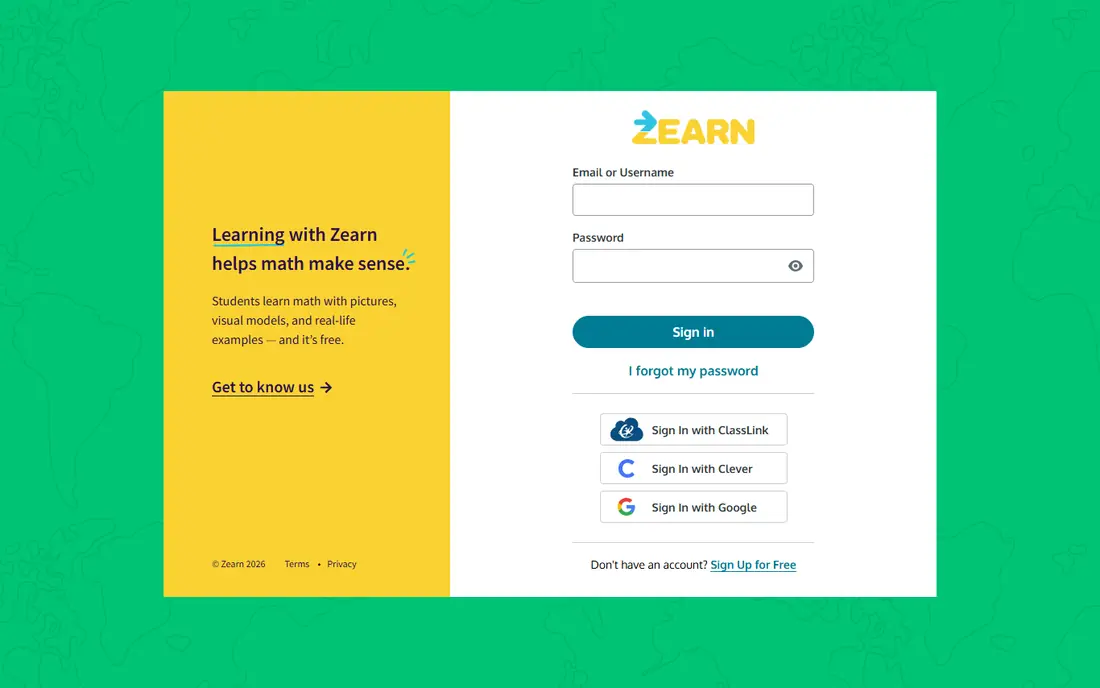
Zearn fits families that want a real curriculum, not just a set of games. Each lesson explains a concept with short videos and guided practice, then checks understanding before moving on. That structure helps a child who struggles, because the app re-teaches rather than simply marking answers wrong. The catch is motivation. Zearn is calmer and less playful than game apps, so some children need a routine, such as a set time after school, to stick with it. For a parent who values teaching over rewards, Zearn is one of the strongest free options in this list, and it covers elementary students well beyond the early years.
- Full core curriculum free for families
- Lessons teach before they drill
- Clear progress for parents
- Less game-like than Prodigy or SplashLearn
- Needs steady internet for lessons
- Younger children may need adult help at first
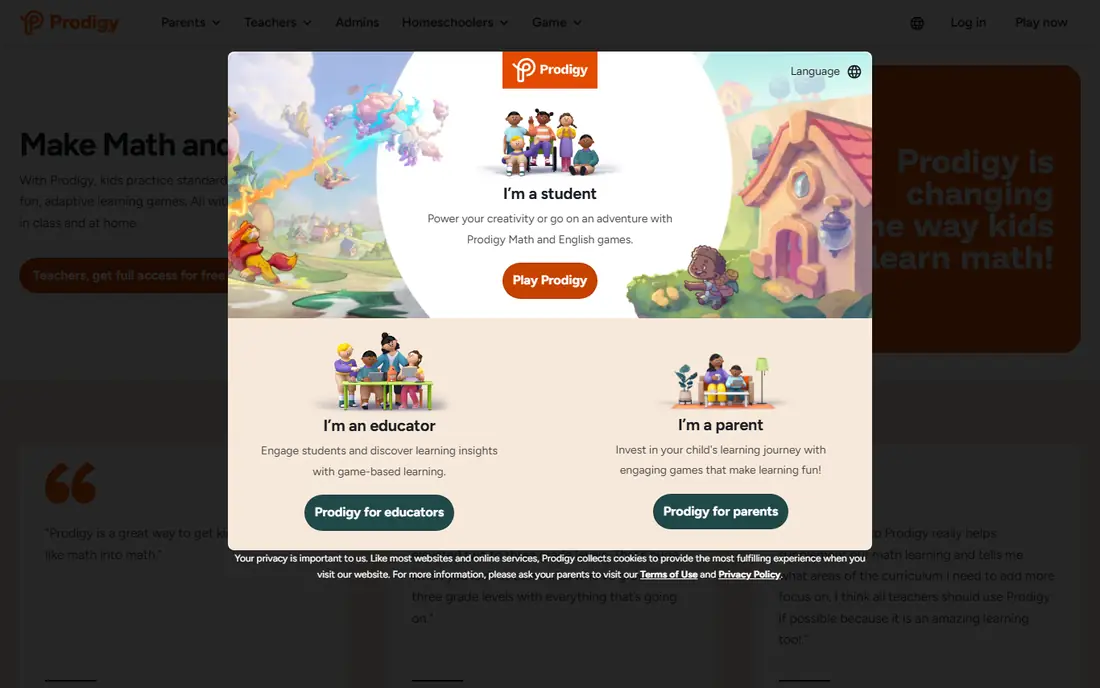
Prodigy Math fits a child who will practise more willingly inside an adventure game. Players answer math questions to cast spells and progress, and the questions adapt to the child's level. For grades 1 to 8, that mix of game and curriculum practice can build fluency without a worksheet feel. Parents should know the trade-off honestly. The math content itself is free, but membership offers for game extras do appear, and that is purchase pressure a young child should not have to navigate alone. Turn off or supervise purchases, set a time limit, and check the parent dashboard. Used that way, Prodigy Math is a strong best math app for kids who need motivation.
- Curriculum questions are free
- Fantasy game keeps many children practising
- Teacher and parent dashboards
- Membership prompts appear in the game
- Premium extras can distract from math
- Game time needs limits
IXL fits a family that wants to target one skill at a time, such as fractions, place value, or multiplication facts. Its skill list is organised by grade and topic, so a parent or teacher can assign exactly what a child needs. Reports show which skills are mastered and which still need work, which helps with homework and revision. The catch is style and cost. IXL is practice, not a game, and some children find long sessions dull. Full access is paid, per child, so a family with several children should check the total before subscribing. Use IXL as a focused tool for gaps, not as the only math app a child opens.
- Very wide skill coverage
- Diagnostic tools find gaps
- Detailed reports for parents
- Paid for full access
- Practice can feel like drill
- Daily free questions are limited
SplashLearn fits elementary students who like colourful games and a clear learning path. It adapts to the child's level and covers topics from counting to fractions, with progress reports for parents. For pre-K to grade 5, that breadth makes it a useful single app for daily practice. The honest weakness is cost clarity. School access and family plans differ, so parents should check what is free for their child before paying. As with Prodigy, set time limits and review progress weekly. SplashLearn works best as a best math app for elementary students who enjoy games but still need structured topic coverage.
- Adaptive games across many elementary topics
- Parent dashboard
- Reading practice also included
- Full family access is paid
- Some school-linked access differs
- Game rewards can distract younger children
DreamBox Math fits a child who needs lessons that adjust as they work, rather than a fixed set of drills. The app watches how a child solves a problem and changes the next step, which can help a child who is behind in one topic but ahead in another. That adaptivity is its main strength, and it suits kindergarten to grade 8. The catch is price and patience. Home access is paid, and the first placement sessions need a calm, unhurried start. A child who wants fast game rewards may find DreamBox slower at first. For families that can fund it and want adaptive teaching, DreamBox is a strong choice for steady, long-term progress.
- Lessons adapt in real time
- Finds and fills gaps
- Designed for independent learning
- Paid home subscription
- Less game-like than rivals
- Setup and placement take time
Boddle fits families that want game practice without paying for the math itself. The learning questions are free, while premium buys game extras such as pets and shop items. That separation is helpful, because a child can practise without a paywall blocking the next math question. Parents should still supervise the shop and rewards, since game extras can become the focus. Set clear rules about purchases and play time, and use the teacher or parent view to check which skills a child has practised. Boddle is a good best math app for kids who like 3D game worlds and need regular, low-pressure practice.
- Learning content is free
- Game rewards are the paid extra
- Teacher tools for assignments
- Game focus can distract some children
- Coverage is narrower than IXL
- Premium prompts need parent checks
Mathletics fits a child who responds to school-style structure and visible rewards. Activities follow a curriculum path, and the live challenge mode lets children answer quick questions against peers in a timed format. Certificates give a simple goal to work toward each week. The weakness is feel and cost. Mathletics looks like school, which suits some children and bores others, and full family access is paid. It works best when a school already uses it, or when a parent wants a structured routine rather than an open game. Check the trial first, and watch whether your child enjoys the challenge mode or finds it stressful.
- Structured curriculum activities
- Live challenge mode
- Certificates and rewards for effort
- Paid for most family access
- Interface feels school-like
- Younger children may need help to start
How we picked these
We compared official feature pages, pricing and app-store listings, privacy policies, and public reviews for each app. We favoured apps with clear child-privacy practices, limited advertising, and learning content that is not locked behind purchases. We also weighed age range and curriculum coverage, so the list serves kindergarten, first grade, and wider elementary needs. We did not claim hands-on testing. Where a price could not be confirmed on the vendor site, we wrote See website.
How to choose a math app for your child
Start with age and school stage, not with popularity. A best math app for 1st grade should build number sense, counting, and simple addition, while a best math app for kindergarten free options should focus on counting, shapes, and play. Older elementary students need fractions, multiplication, and multi-step problems. An app that is too hard will frustrate a child, and one that is too easy will bore them.
Check privacy and purchases before play
Read the privacy policy for data collection, advertising, and account needs. Prefer apps that do not show third-party ads to children, do not allow chat with strangers, and let a parent control purchases. Turn off in-app purchases on the device, or require a password for every purchase, before a child plays a game-based app.
Keep sessions short and regular
Short, regular practice beats long, rare sessions. Fifteen to twenty minutes, three or four times a week, is a workable routine for most elementary children. Sit with a young child for the first sessions, then step back as they learn the routine. Review progress once a week and praise effort and improvement, not just scores.
Pair the app with real talk about math
Ask your child to explain one problem they solved, or to show you how they worked it out. That short conversation reveals gaps faster than a dashboard. If an app only drills answers, add a book, a board game, or cooking measurements at home so math feels useful beyond a screen.
Frequently asked questions
What is the best math app for kids overall?
For free, safe early learning, Khan Academy Kids is hard to beat for ages 2 to 8. For wider elementary coverage, Zearn offers a free structured curriculum, while Prodigy Math suits children who need game motivation. The best math app for kids is the one your child will use regularly without purchase pressure.
What are the best math apps for kindergarten free?
Khan Academy Kids is fully free for ages 2 to 8, with no ads. Zearn also offers free core lessons from kindergarten upward. Both suit kindergarten counting, shapes, and early number work, and both avoid the purchase prompts found in some game apps.
What is the best math app for 1st grade?
Prodigy Math, SplashLearn, and Zearn all cover first grade well. Prodigy suits a child who loves games, SplashLearn suits game-based topic practice, and Zearn suits a child who needs clear teaching first. Try a free option first and watch which style holds your child's attention.
Are math apps safe for children?
Safety depends on the app and on device settings. Prefer apps with no third-party ads, no stranger chat, and clear privacy policies. Turn on purchase controls, check what data the app collects, and review the app with your child during the first weeks.
How much screen time should a math app take?
Most families find 15 to 20 minutes, a few times a week, is enough for practice. Keep total screen time balanced with play, reading, and outdoor time. If a child resists stopping, set a timer and a clear next activity.
Should I pay for a math app?
Not always. Free core content from Khan Academy Kids and Zearn covers a lot of elementary math. Pay only when a paid app fills a clear gap, such as adaptive lessons or detailed gap reports, and after a trial shows your child actually uses it.
Sources we checked (8)

Online Jobs is an independent blog about careers, online work, learning new skills and the tools that help people earn. More about us.
Keep reading
All posts
Zoom Alternatives
Zoom alternatives compared for 2026: Google Meet, Microsoft Teams, Webex, Jitsi and more for free calls, large meetings and webinars for teams and classrooms.

Top Rated Poster Maker Software
Top rated poster maker software compared for 2026: Canva, Adobe Express, VistaCreate, PosterMyWall and more for events, sales and classrooms for US users.

Surfshark Alternatives
Looking for Surfshark alternatives? We compare 8 VPN services on price, privacy, streaming, and device limits to help you find a VPN that fits your needs.