Best Apps for Kids to Learn Coding in 2026: 9 Apps Compared

How we put this together: we compare official feature and pricing pages, app store listings, privacy policies and public user reviews. Prices change, so check the provider's site before you pay.
Key takeaways
- Scratch is the best free starting point for ages 8 to 16, with block-based coding, a huge community and no cost at all.
- Code.org is the best structured curriculum, free for ages 4 to 18, with classroom support and a clear path from blocks to real languages.
- Tynker is the best paid all-rounder for ages 5 to 18, guiding kids from blocks through Python and JavaScript with Minecraft modding along the way.
- CodeCombat is the best choice for game-loving kids ages 9 to 16, teaching real Python and JavaScript through an RPG adventure.
- CodaKid is the best option for kids ready for real languages, with project-based Python, Java and JavaScript courses from 29 dollars a month.
Quick comparison
| Name | Who it suits | Starting price | Free option | |
|---|---|---|---|---|
 Scratch Scratch | Free creative coding, ages 8 to 16 | Free | Yes | Visit |
 Code.org Code.org | Structured curriculum, ages 4 to 18 | Free | Yes | Visit |
 Tynker Tynker | Block to text progression, ages 5 to 18 | $20 per month | Yes | Visit |
 CodeCombat CodeCombat | Game-based Python and JavaScript | $9.99 per month | Yes | Visit |
 Khan Academy Khan Academy | Free academic coding, ages 11 to 18 | Free | Yes | Visit |
 ScratchJr ScratchJr | First coding, ages 5 to 7 | Free | Yes | Visit |
 CodaKid CodaKid | Real languages through games | $29 per month | Free trial | Visit |
 CodeMonkey CodeMonkey | Game challenges, ages 4 to 14 | $9.99 per month | Yes | Visit |
 Blockly Games Blockly Games | Free logic puzzles, ages 8 to 14 | Free | Yes | Visit |
The best apps for kids to learn coding
The best coding app for your child depends on age, reading level and whether they like games, stories or building things. Younger kids need visual blocks and no reading pressure. Older kids benefit from real typed languages and projects they can show off. We compared nine apps on age range, teaching style, price and safety, using vendor and comparison pages checked in October 2026.
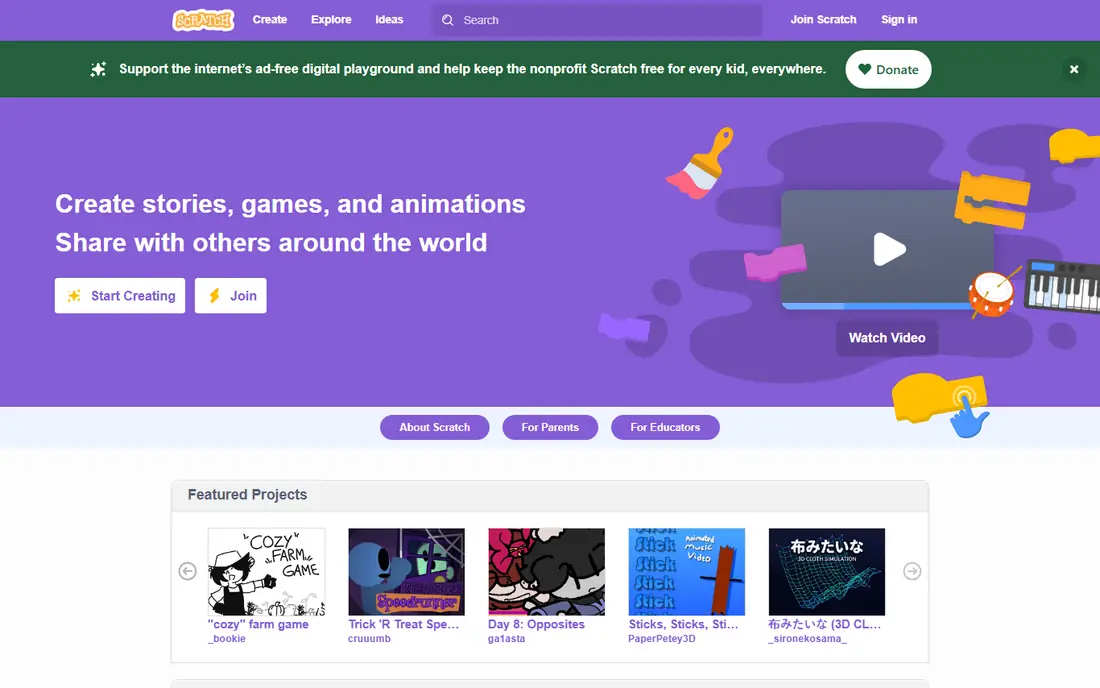
Scratch is the best free starting point for kids learning to code. Developed by the MIT Media Lab, it uses colorful drag-and-drop blocks that snap together like puzzle pieces, so kids build games, animations and interactive stories without worrying about syntax errors. The community lets kids share projects, remix others' work and get feedback.
It is completely free, with no premium tier and no ads. The trade-off is structure: Scratch is a creative sandbox, so parents or teachers need to guide kids toward tutorials and challenges. For a first coding experience that costs nothing and sparks creativity, Scratch is unbeatable.
- Completely free with no paywall
- Huge community for sharing projects
- Developed by the MIT Media Lab
- Teaches logic through games, stories and animations
- Block-based only, so the jump to typed code takes extra work
- Online community needs parental supervision
- No structured curriculum by default
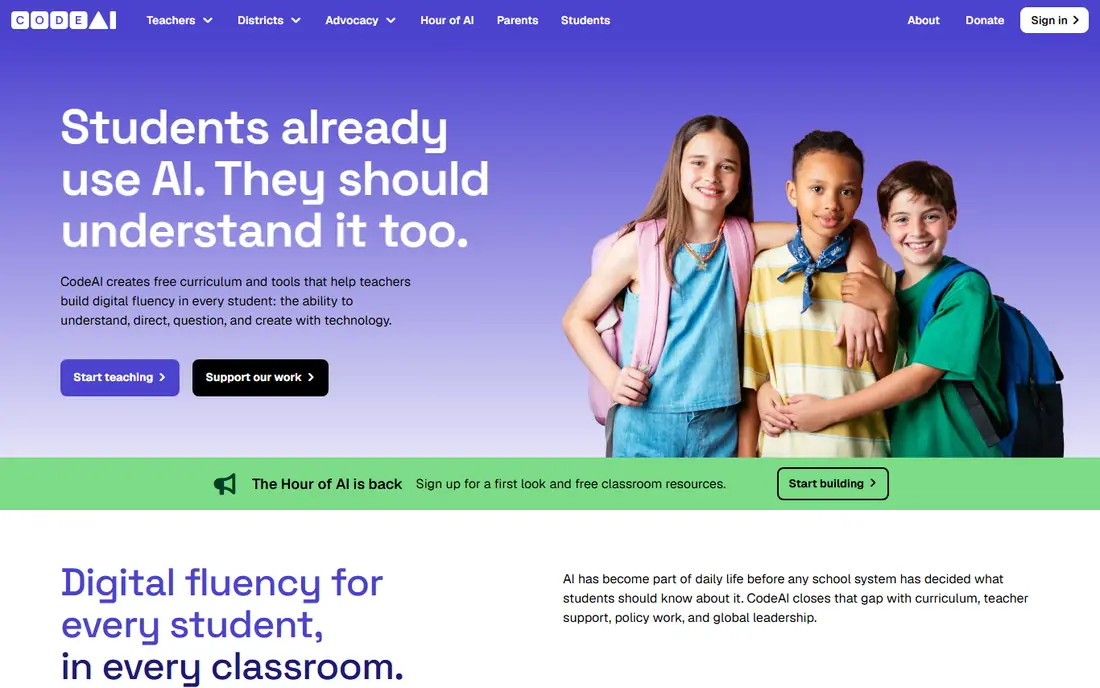
Code.org is the best structured coding curriculum for kids, and it is entirely free. Its courses run from age 4 through 18, starting with block-based puzzles and progressing to JavaScript, Python and HTML and CSS. Hour of Code activities give a one-hour taste, and full courses build real skills over weeks.
Designed to integrate with US school curricula, Code.org offers teacher resources, progress tracking and certificates for Hour of Code. The interface feels more like school than a game, which suits some kids and bores others. For a free, serious, step-by-step path, Code.org is the strongest choice.
- Completely free with a full K-12 curriculum
- Clear path from blocks to JavaScript and Python
- Hour of Code activities
- Teacher resources and classroom support
- School-style interface feels less like a game
- Older teens may outgrow the early courses
- Progress depends on self-motivation outside class
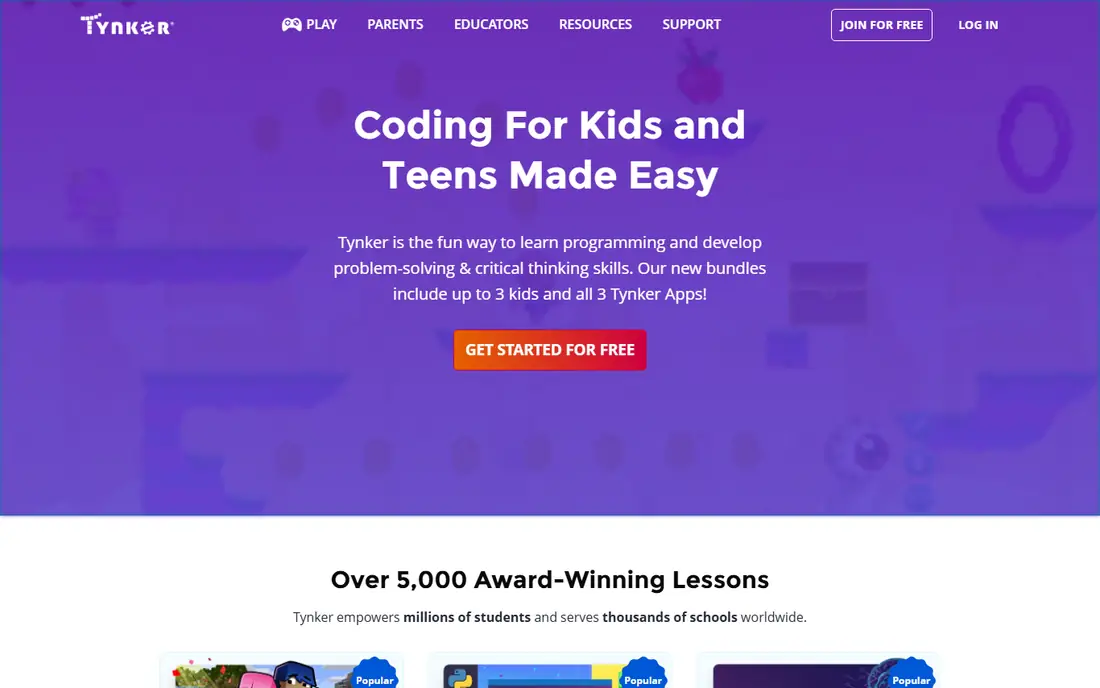
Tynker is the best paid all-rounder for kids learning to code. Its guided lessons take kids from visual blocks through Python, JavaScript and HTML and CSS, with Minecraft modding, drone programming and AI courses along the way. A parent dashboard tracks progress, and digital badges and certificates reward milestones.
Pricing varies by plan, with recent listings from 7.50 to 25 dollars a month and a commonly cited 20 dollars a month for the standard plan. The free tier is small, so most families will pay. For a single app that grows with a child from age 5 to 18, Tynker is the best investment.
- Guided path from blocks to Python and JavaScript
- Minecraft modding and drone programming
- Parent dashboard and digital badges
- Live classes available
- Paid plans start around 20 dollars a month in recent listings
- Free tier is small
- Younger kids may need help with the harder courses
CodeCombat is the best choice for game-loving kids. Instead of abstract exercises, kids type real Python or JavaScript to move their hero through an RPG world, battling enemies and collecting treasure. The game format keeps motivation high, and the code is real: kids learn loops, functions and variables while playing.
The free tier covers the early levels, and premium costs 9.99 dollars a month. It suits ages 9 to 16, and younger kids will struggle with the typing. For a child who loves games and resists homework-style coding, CodeCombat turns learning into play.
- Teaches real Python and JavaScript through an RPG adventure
- Free tier covers early levels
- Achievement badges and progress certificates
- Teacher tools
- Game format may distract from concepts
- Premium costs 9.99 dollars a month
- Best for ages 9 to 16, not younger kids
Khan Academy's computer science courses are the best free academic option for older kids. Video lessons explain concepts clearly, and an interactive editor lets students write JavaScript, HTML and CSS and SQL and see results instantly. Mastery badges and energy points track progress, and community forums offer help.
It is completely free as part of a nonprofit educational initiative. The academic style suits ages 11 to 18 better than younger kids, and there is no game format to hold attention. For a teen who wants structured, serious coding education at no cost, Khan Academy is excellent.
- Completely free with video lessons and an interactive editor
- Teaches JavaScript, HTML and CSS and SQL
- Mastery badges and progress tracking
- Academic style suits older kids best
- No game format
- Best for ages 11 and up, not young children
ScratchJr is the best first coding app for young children. Designed for ages 5 to 7, it uses picture-based blocks that require no reading, so pre-readers can snap together commands to make characters move, jump, dance and sing. It works offline on iPad and Android tablets, and no account is needed.
It is deliberately simple, so kids outgrow it within a year or so, and it runs only on tablets. For a first taste of coding logic before a child can read fluently, ScratchJr is the perfect starting point, and it costs nothing.
- Completely free with no account needed
- Designed for ages 5 to 7 with no reading required
- Works offline on tablets
- Gentle introduction to sequencing
- Very limited compared with Scratch
- Tablet only
- Kids outgrow it quickly, usually within a year
CodaKid is the best option for kids ready for real programming languages. Its project-based courses teach Python, Java, JavaScript, HTML and CSS and Lua through game development, AI projects and web apps, using professional tools rather than simplified toy environments. A live help desk and progress reports support families.
The self-paced plan costs 29 dollars a month, and private one-to-one lessons cost 249 dollars a month. It suits ages 6 to 18, though reading skills help. For a child who has outgrown blocks and wants to build real games, CodaKid is the strongest next step.
- Teaches real Python, Java, JavaScript and Lua through game development
- Professional tools and project-based courses
- Live help desk and progress reports
- Self-paced plan costs 29 dollars a month
- Private lessons cost 249 dollars a month
- Best for ages 6 to 18 with reading skills
CodeMonkey is a fun game-based option for younger and middle-age kids. Monkey-themed challenges teach coding concepts through puzzles of increasing difficulty, starting with simple commands and progressing to CoffeeScript, HTML and CSS. The game format keeps kids engaged, and classroom tools support teachers.
Premium costs 9.99 dollars a month or 78 dollars a year, with a free tier for early levels. It suits ages 4 to 14, though older teens may find the monkey theme young. For a child who needs game motivation to stick with coding, CodeMonkey is a solid choice.
- Monkey-themed game challenges with increasing difficulty
- Teaches CoffeeScript, HTML and CSS
- Free tier for early levels
- Classroom friendly
- Premium costs 9.99 dollars a month or 78 dollars a year
- Game theme may feel young for older kids
- Less depth than CodeCombat for teens
Blockly Games is the best free puzzle-based coding introduction. Created by Google, it offers a series of games that teach logic, loops and conditionals through visual blocks, and each puzzle shows the JavaScript code the blocks generate, bridging the gap to typed code. No account is needed and it runs entirely in a browser.
It is puzzle-only, with no creative projects or community, and it suits ages 8 to 14. For a quick, free, no-signup introduction to coding logic, Blockly Games is an excellent first stop before moving to Scratch or Code.org.
- Completely free with no account
- Puzzle games teach logic and sequencing
- Shows the JavaScript code behind blocks
- Created by Google
- Puzzle format only, no creative projects
- Best for ages 8 to 14
- No progress tracking or certificates
How we picked these
We compared vendor pages and October 2026 comparisons, favoring apps with a genuinely usable free tier or clear pricing, age-appropriate interfaces and real teaching structure rather than a blank sandbox. We included free and paid options across ages 4 to 18, since no single app serves a 5-year-old and a 16-year-old equally well.
Choosing by age
For ages 5 to 7, start with ScratchJr, then move to Code.org's early courses or Tynker. For ages 8 to 12, Scratch is the best free creative option, Code.org is the best structured path, and CodeCombat or CodeMonkey add game motivation. For ages 13 to 18, Khan Academy, CodaKid and Tynker's text courses teach real languages that transfer to school and beyond. Let your child try two free options before paying, since motivation matters more than curriculum.
Frequently asked questions
What is the best free app for kids to learn coding?
Scratch is the best free app for kids ages 8 to 16, with block-based coding and a huge community at no cost. Code.org is the best free structured curriculum for ages 4 to 18, and Khan Academy is the best free academic option for ages 11 and up.
What age should kids start learning to code?
Kids can start as young as 5 with ScratchJr, which needs no reading. Ages 8 to 12 are ideal for Scratch and Code.org, and ages 13 and up benefit from real languages through Khan Academy, CodaKid or Tynker's Python courses. There is no wrong age to start.
Is Scratch or Tynker better for kids?
Scratch is better for free creative coding and community sharing, while Tynker is better for a structured path from blocks to real Python and JavaScript. Scratch costs nothing, while Tynker costs around 20 dollars a month. Many families use Scratch first, then Tynker for progression.
Do kids need to know how to read to learn coding?
No. ScratchJr uses picture blocks for ages 5 to 7 with no reading required, and Code.org's early courses use pictures and guided puzzles. Reading helps for typed languages like Python, which is why CodeCombat and CodaKid suit ages 9 and up.
What coding language should kids learn first?
Block-based coding through Scratch or Code.org is the best first step, since it teaches logic without syntax errors. Python is the best first typed language, taught by CodeCombat, Tynker and CodaKid, because its syntax is simple and it is widely used in real jobs.
Are paid coding apps for kids worth it?
Paid apps like Tynker and CodaKid are worth it if your child has outgrown free options and wants structured progression, live help or real language projects. For beginners, free apps like Scratch and Code.org are enough, and you should only pay once your child shows sustained interest.
Sources we checked (9)

Online Jobs is an independent blog about careers, online work, learning new skills and the tools that help people earn. More about us.
Keep reading
All posts
Best Tools for Virtual Tutoring
Compare the best tools for virtual tutoring, from one-to-one tutor marketplaces to free self-paced learning, with pricing, subjects and honest limits.
Best Study Apps for Young Children
Compare the best study apps for young children in 2026, from Khan Academy Kids and ABCmouse to Reading Eggs, Starfall, Duolingo ABC and PBS Kids, with prices.
Best Study Apps for Kids
Looking for the best study apps for kids? We compare Khan Academy Kids, ABCmouse, Prodigy, IXL and more on age, safety, price and subjects for home learning.